
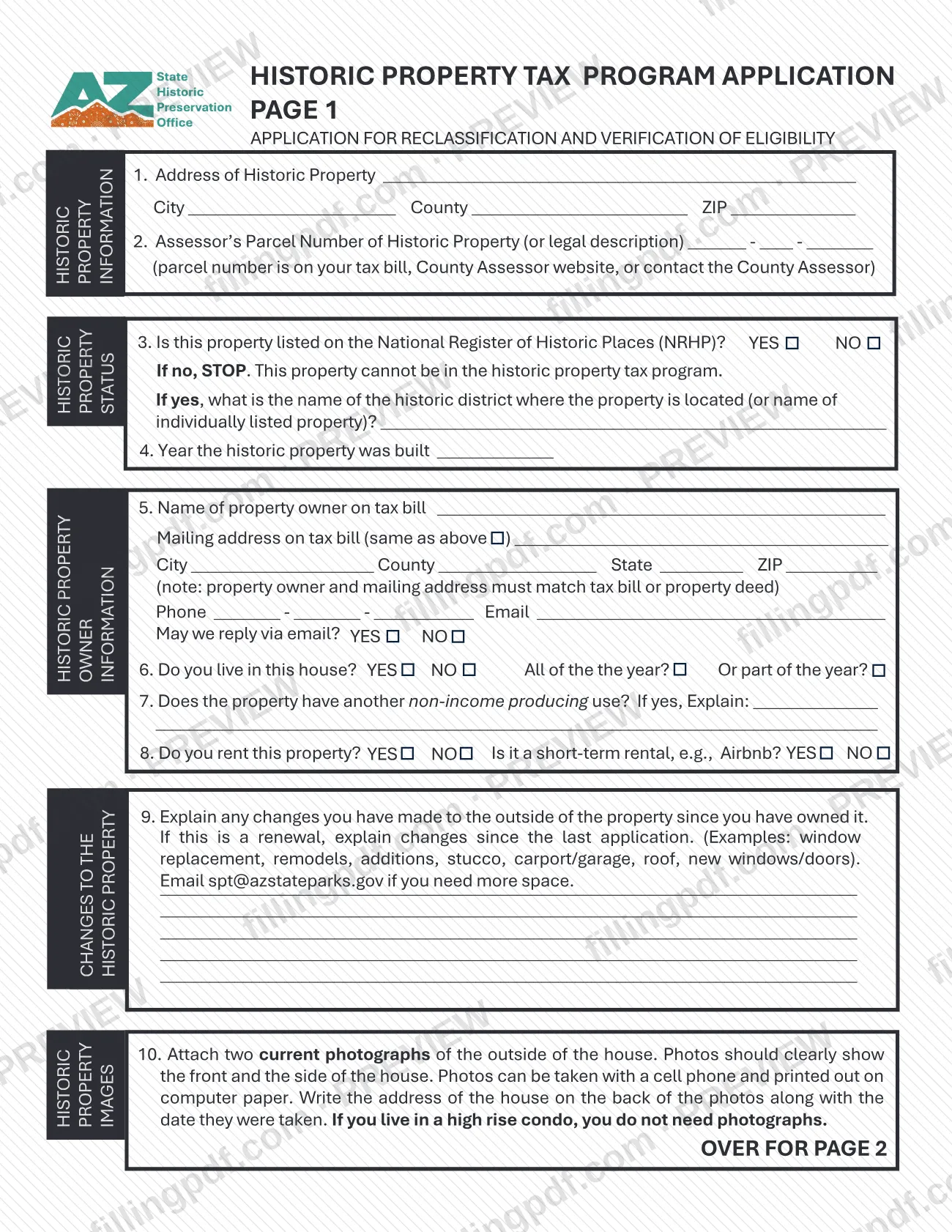
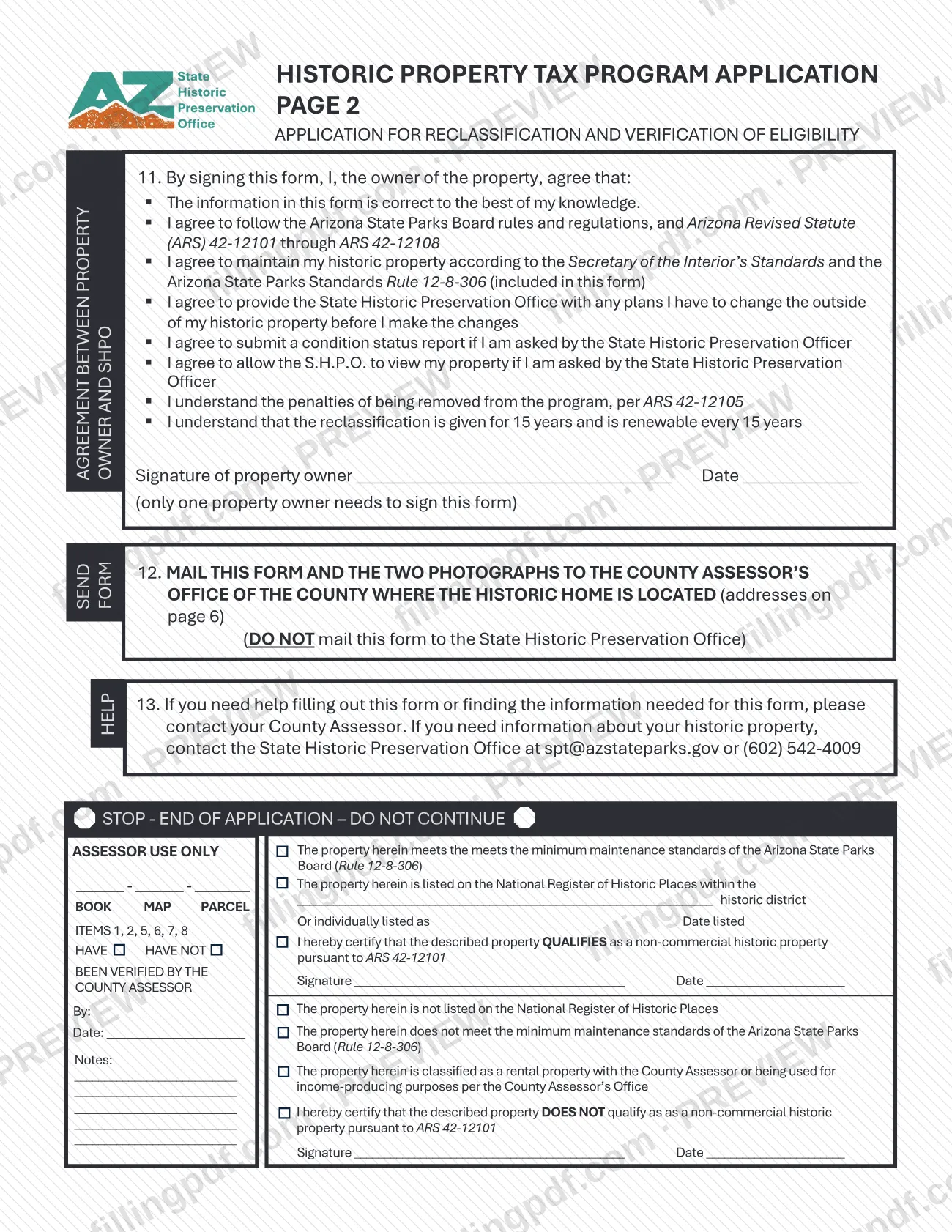
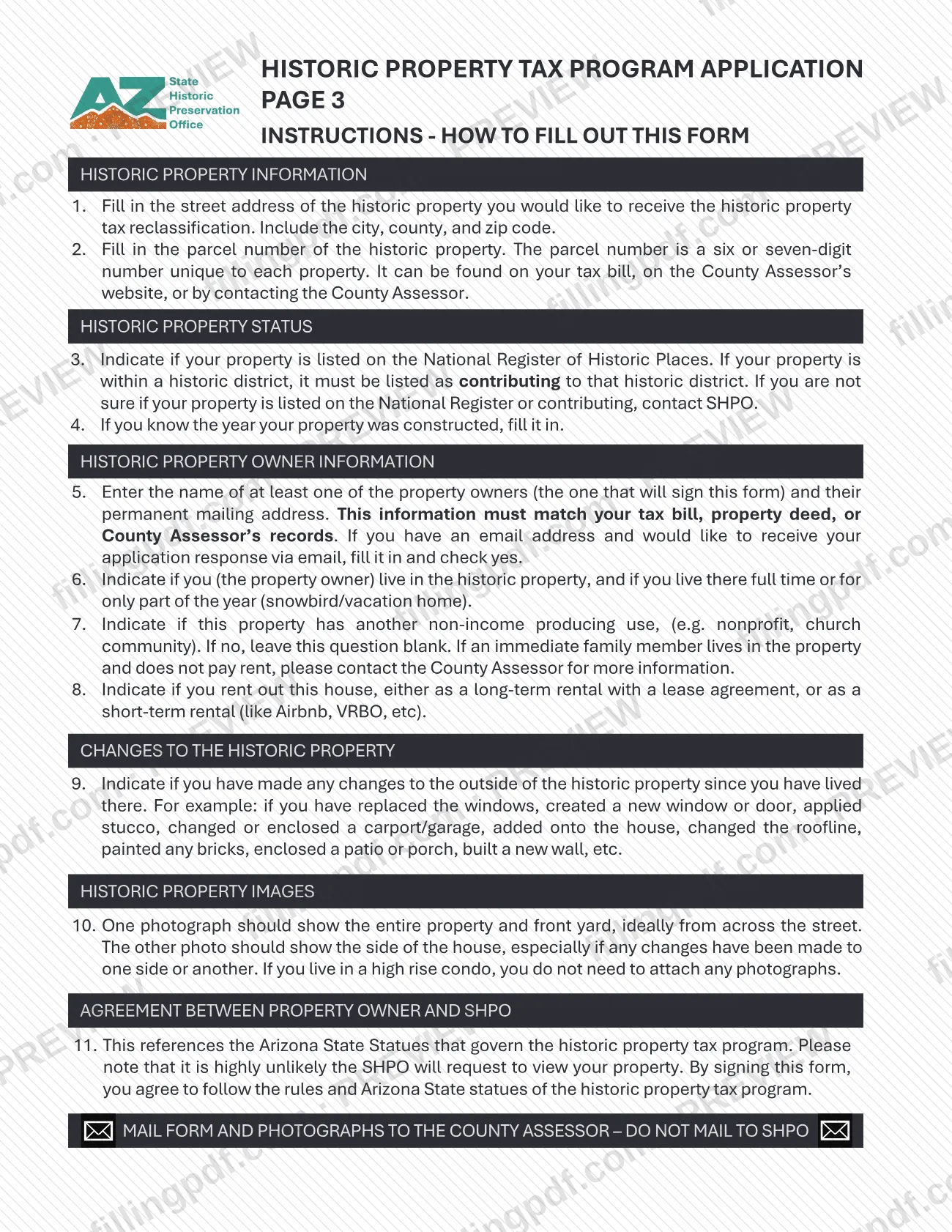
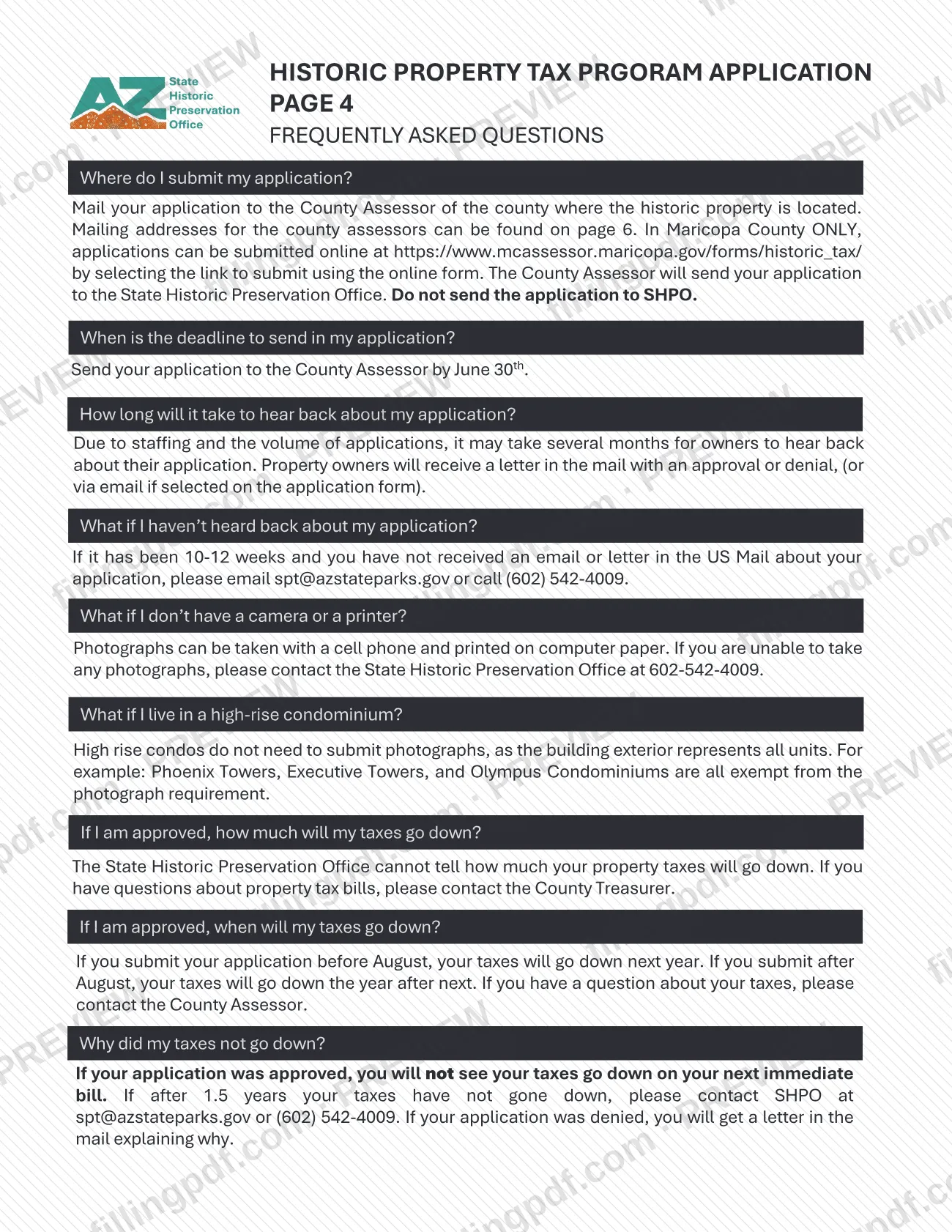
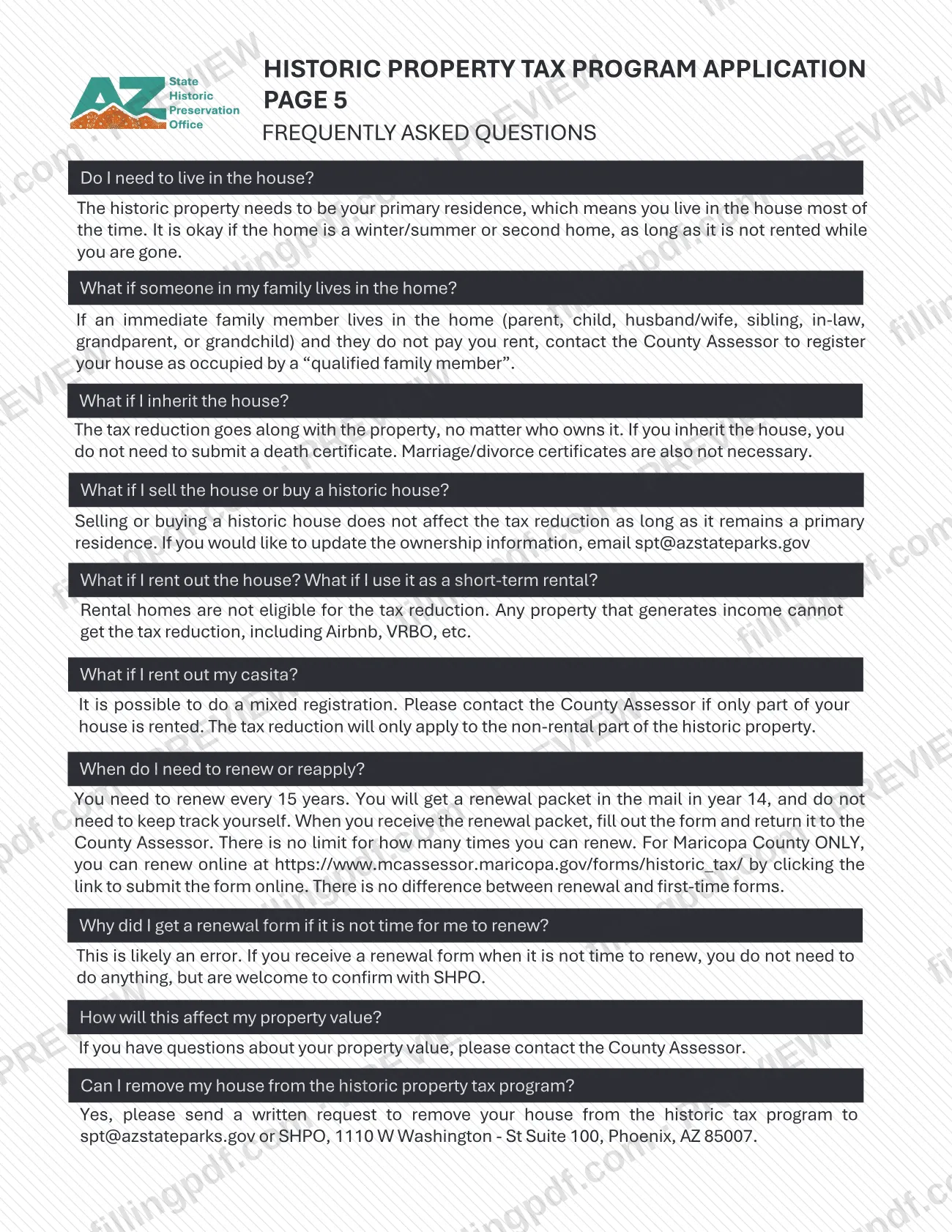
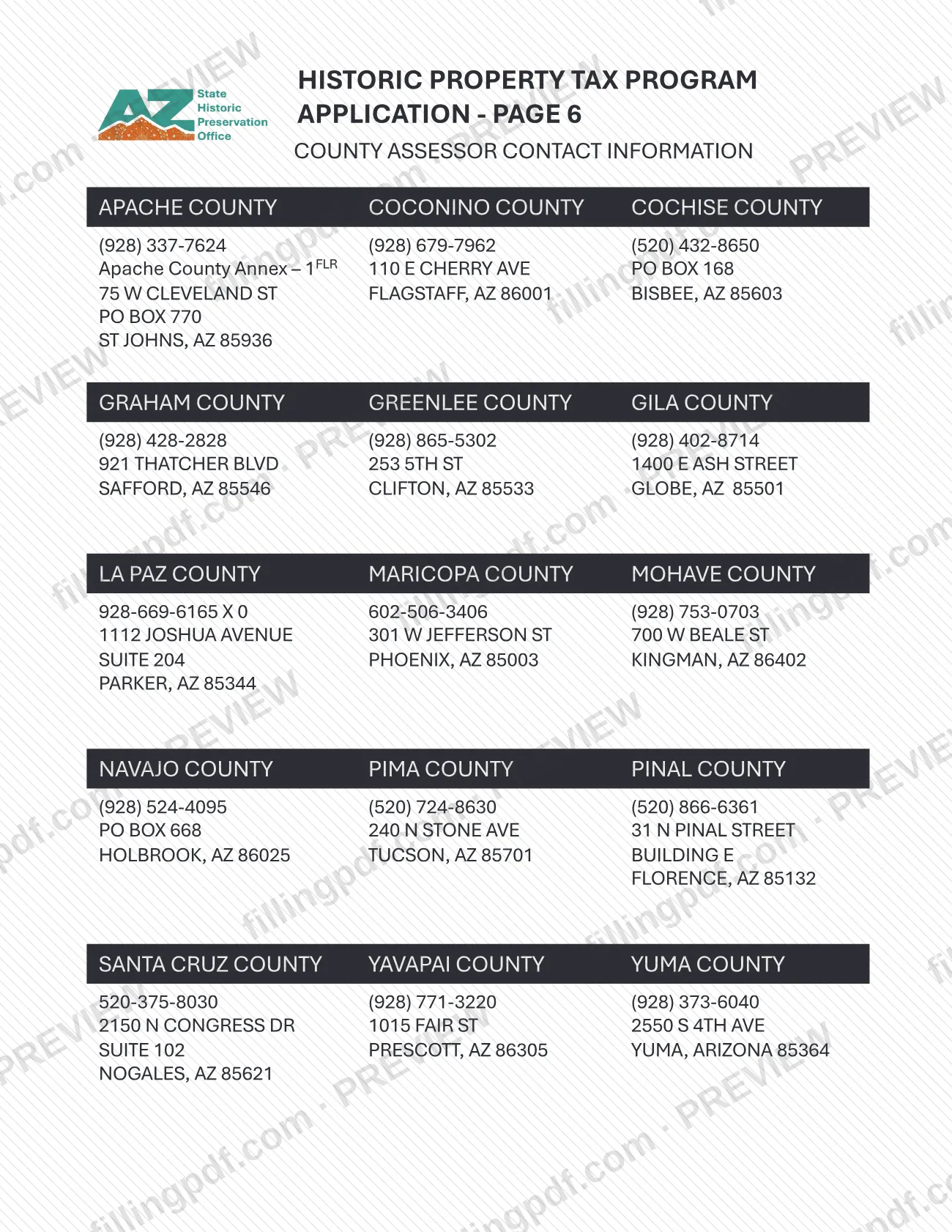
Historic Application, Owner-Occupied Properties is a form published by the Maricopa County Assessor in the Historic tax section of its forms library. It is one of the Maricopa County property tax forms, and it is the owner-occupied version of a pair of historic applications: the Assessor lists a separate Historic Application, Income Producing Properties. On this page you can fill out the form online on FillingPDF and download or print the completed PDF. The form and the Assessor's other historic tax forms are published at mcassessor.maricopa.gov.
Last updated
What is Historic Application, Owner-Occupied Properties – Maricopa County?
Historic Application, Owner-Occupied Properties is the Maricopa County Assessor's application form for historic properties that are occupied by their owners. The Assessor files it in the Historic tax category of its Forms Library.
The Assessor's website groups its historic forms under the heading Historic Property Tax Reclassification, which appears both in the Valuation Relief Programs menu and in the list of form categories. Within that category the Assessor lists two applications:
- Historic Application, Owner-Occupied Properties, the form on this page.
- Historic Application, Income Producing Properties, the companion application for the other property type.
Each application is listed twice: as a PDF and as a DocuSign version. The Assessor's forms page notes that Adobe Reader is required to open its PDF forms.
The forms library page gives the names and categories of these documents. It does not print the form's number, revision date, eligibility rules or filing deadline, so confirm any of those details with the Maricopa County Assessor before relying on them.
Who needs to file Historic Application, Owner-Occupied Properties – Maricopa County?
The form is meant for owners of owner-occupied properties who are dealing with the Maricopa County Assessor's historic property tax program. The Assessor lists it under its Historic tax forms, separately from the application for income producing properties.
Choose the version that matches the property:
- Owner-occupied property: use Historic Application, Owner-Occupied Properties.
- Income producing property: the Assessor lists a different form, Historic Application, Income Producing Properties.
The forms library page does not state the eligibility conditions for the historic program or say who may sign for an owner. Ask the Assessor, through its Contact Us page or by scheduling a virtual appointment, whether your property and your situation fit this application.
How to fill out Historic Application, Owner-Occupied Properties – Maricopa County
Confirm this is the right application
The Maricopa County Assessor lists one application for owner-occupied properties and a separate one for income producing properties. Use this form only for an owner-occupied property.
Open the form on FillingPDF
Open the fillable PDF on this page. The Assessor notes that Adobe Reader is required to open its own PDF forms.
Complete each field the form requests
Work through the form from top to bottom and enter the information each field asks for, exactly as it applies to your property. This page does not list individual fields, so follow the labels printed on the form.
Ask the Assessor about unclear items
If a question on the form is unclear, use the Contact Us page or schedule a virtual appointment with the Maricopa County Assessor.
Review the completed form
Check that every entry is accurate and that nothing the form requests has been left out before you finalize it.
Download or print the completed PDF
Download or print the completed PDF from FillingPDF, then return it through the channel the Assessor confirms for this application.
How to submit Historic Application, Owner-Occupied Properties – Maricopa County
The Maricopa County Assessor's forms page names no mailing address, portal or office for returning this application. It lists the form in two versions, a PDF and a DocuSign version, and offers Contact Us and Schedule a Virtual Appointment options for questions.
- Get the form: the PDF is published by the Assessor at mcassessor.maricopa.gov, in the Historic tax category of the Forms Library.
- Ask about filing: contact the Maricopa County Assessor through its Contact Us page or schedule a virtual appointment to confirm where and how to return the completed application.
FillingPDF lets you fill out and download the PDF; submission follows the Assessor's channels.
Common mistakes to avoid
- Using Historic Application, Income Producing Properties for an owner-occupied property; the Assessor lists a separate application for each property type.
- Trying to open the PDF without Adobe Reader, which the Assessor's forms page says is required to open its PDF forms.
- Assuming a mailing address or deadline that the Assessor's forms page does not print; confirm filing details with the Assessor before sending anything.
- Treating the DocuSign version and the PDF as two different applications; the Assessor lists both versions under the same form name.
- Relying on this page for eligibility rules for the historic program, which the forms library does not state; ask the Maricopa County Assessor.
Frequently asked questions
What is the Historic Application, Owner-Occupied Properties?
It is a form the Maricopa County Assessor publishes in the Historic tax category of its forms library, for owner-occupied properties. The Assessor lists it with its Historic Property Tax Reclassification forms.
What is the difference between the owner-occupied and income producing historic applications?
The Maricopa County Assessor lists two separate applications: Historic Application, Owner-Occupied Properties and Historic Application, Income Producing Properties. Pick the one that matches how the property is used; the forms page does not describe other differences.
Is there a DocuSign version of this application?
Yes. The Assessor's forms library lists a DocuSign Version of Historic Application, Owner-Occupied Properties next to the PDF. This page covers the PDF, which you can fill out online and download.
Can I fill out the Historic Application, Owner-Occupied Properties online?
You can fill out the PDF online on FillingPDF and download or print it. FillingPDF is an independent service and does not file the form with the Maricopa County Assessor; the Assessor decides how the form is returned.
Where do I send the completed historic application?
The Assessor's forms page does not print a submission address or portal. Use the Contact Us page or schedule a virtual appointment with the Maricopa County Assessor to confirm where to return it.
Where can I find the official PDF?
The Maricopa County Assessor publishes it at mcassessor.maricopa.gov, under Historic tax in the Forms Library. The PDF opens with Adobe Reader, which the Assessor says is required for its PDF forms.
Ready to fill out Historic Application, Owner-Occupied Properties – Maricopa County?
Fill out Historic Application, Owner-Occupied Properties – Maricopa County now