
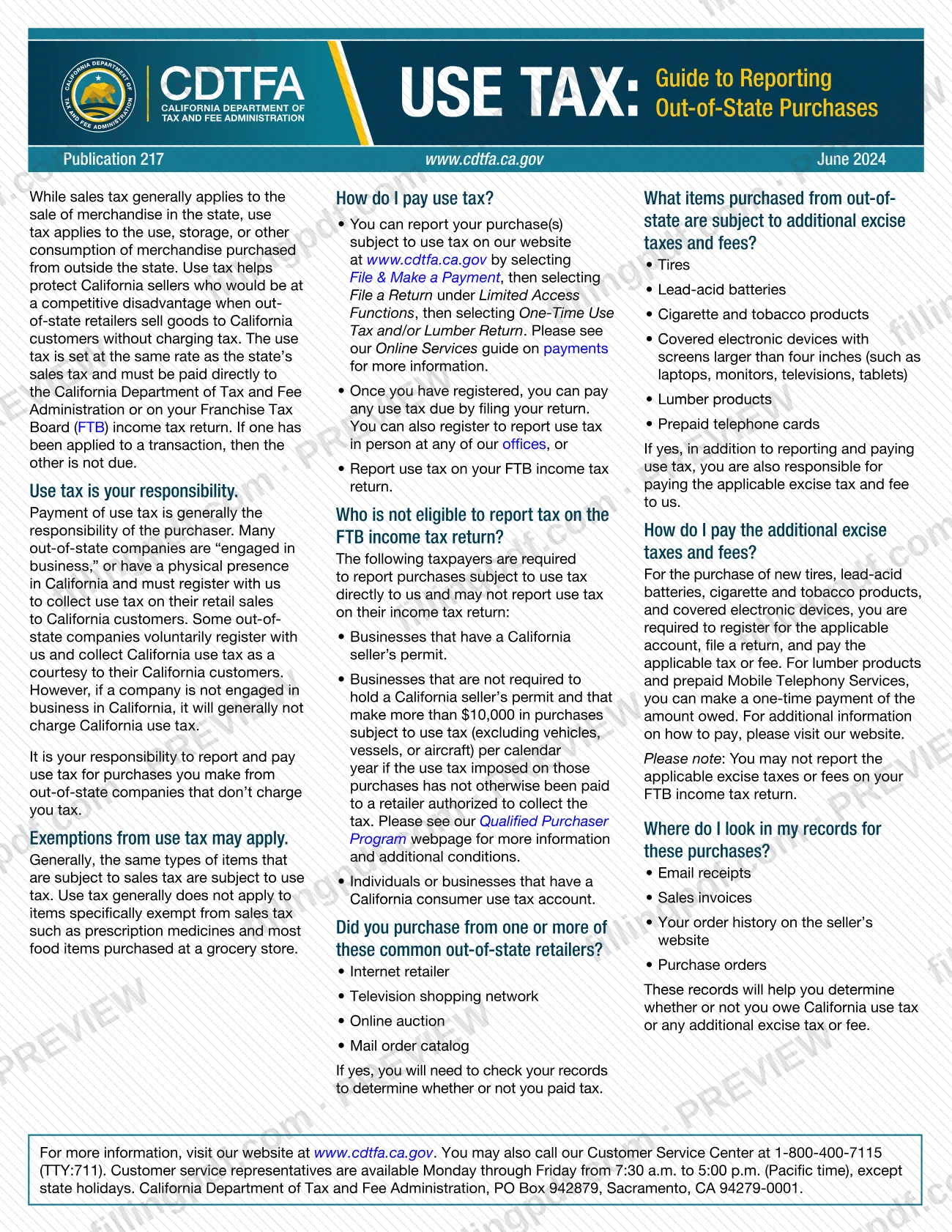
Pub 217, Use Tax: Guide to Reporting Out-of-State Purchases, is the California Department of Tax and Fee Administration (CDTFA) publication that explains how to report and pay use tax on goods bought from out-of-state sellers that did not charge California tax. It is written for individuals and businesses that buy from internet retailers, television shopping networks, online auctions or mail order catalogs. On this page you can fill out the form online on FillingPDF and download or print the completed PDF; the publication itself and the reporting channels belong to the CDTFA.
Last updated
What is Pub 217?
Publication 217, Use Tax: Guide to Reporting Out-of-State Purchases, is the CDTFA guide explaining that California use tax applies to the use, storage or other consumption of merchandise bought from outside the state, and showing how purchasers report and pay it.
The guide explains that sales tax generally applies to merchandise sold in California, while use tax applies when the purchase comes from outside the state. The use tax rate is set at the same rate as the state's sales tax. It is paid directly to the CDTFA or on a Franchise Tax Board (FTB) income tax return. If one has been applied to a transaction, the other is not due.
Pub 217 also covers:
- Which taxpayers may not report use tax on the FTB return.
- Which common out-of-state retailers to check your records for.
- Which purchases carry additional excise taxes and fees: tires, lead-acid batteries, cigarette and tobacco products, covered electronic devices with screens larger than four inches, lumber products and prepaid telephone cards.
- Where to look in your records.
It is a guide, not a return. It has no lines to complete, and the tax is reported through the CDTFA website or the FTB income tax return. Generally, the same items subject to sales tax are subject to use tax, and items specifically exempt from sales tax, such as prescription medicines and most grocery food items, are generally not.
Who needs to file Pub 217?
Purchasers who bought merchandise from out-of-state companies that did not charge them California tax should use this guide. Payment of use tax is generally the purchaser's responsibility, and the guide says it is your responsibility to report and pay use tax on purchases from out-of-state companies that don't charge you tax.
Where you report depends on who you are:
- Individuals may report use tax on their FTB income tax return, or report it to the CDTFA on its website.
- Businesses with a California seller's permit must report purchases subject to use tax directly to the CDTFA and may not report on their income tax return.
- Businesses not required to hold a seller's permit that make more than $10,000 in purchases subject to use tax (excluding vehicles, vessels or aircraft) per calendar year, where the tax has not otherwise been paid to a retailer authorized to collect it, also report directly to the CDTFA. The Qualified Purchaser Program webpage gives more information and additional conditions.
- Individuals or businesses that have a California consumer use tax account also report directly to the CDTFA.
Anyone who buys new tires, lead-acid batteries, cigarette and tobacco products, covered electronic devices or lumber products, or prepaid telephone cards, should also check the excise taxes and fees the guide describes.
When to file Pub 217
The trigger is a purchase from an out-of-state company that did not charge California tax. Pub 217 sets no separate due date of its own, so check the CDTFA website or call the Customer Service Center at 1-800-400-7115 (TTY:711) for the reporting period that applies to you.
Review your records after purchases to see whether tax was paid. If you report through the CDTFA, the guide says that once you have registered, you can pay any use tax due by filing your return. If you report on your FTB income tax return, the use tax goes with that return. For new tires, lead-acid batteries, cigarette and tobacco products and covered electronic devices, you must register for the applicable account, file a return and pay. For lumber products and prepaid Mobile Telephony Services, you can make a one-time payment of the amount owed.
Documents you need
- Email receipts for out-of-state purchases, to determine whether you owe California use tax or an additional excise tax or fee.
- Sales invoices for purchases from out-of-state sellers, to check whether tax was charged and paid.
- Your order history on the seller's website, to identify purchases made from internet retailers or online auctions.
- Purchase orders, which the guide lists among the records that help determine whether use tax is due.
How to fill out Pub 217
Identify purchases from out-of-state sellers
List purchases from internet retailers, television shopping networks, online auctions and mail order catalogs, the common out-of-state retailers named in the guide.
Check your purchase records
Review email receipts, sales invoices, your order history on the seller's website and purchase orders to see whether you paid tax.
Confirm the items are taxable
Generally, items subject to sales tax are subject to use tax. Items specifically exempt from sales tax, such as prescription medicines and most grocery food, are generally not.
Check for excise taxes and fees
Look for tires, lead-acid batteries, cigarette and tobacco products, covered electronic devices with screens larger than four inches, lumber products and prepaid telephone cards. If you bought any, you also owe the applicable excise tax or fee to the CDTFA.
Decide where to report
Check the guide's list of taxpayers who may not use the FTB income tax return, such as businesses with a California seller's permit. Eligible taxpayers can report on that return; otherwise report to the CDTFA.
Report and pay through the right channel
To report to the CDTFA online, use File & Make a Payment, then File a Return under Limited Access Functions, then One-Time Use Tax and/or Lumber Return. Submission follows the channels described under How to submit.
Review and download the PDF
Check your notes against the guide, then download or print the completed PDF from FillingPDF and keep it with your purchase records.
How to submit Pub 217
Pub 217 is not submitted; use tax is reported through one of three channels: the CDTFA website, a CDTFA office, or your FTB income tax return.
- Online with the CDTFA: go to www.cdtfa.ca.gov, select File & Make a Payment, then File a Return under Limited Access Functions, then One-Time Use Tax and/or Lumber Return. The CDTFA's Online Services guide has more on payments.
- In person: you can register to report use tax at any CDTFA office.
- FTB income tax return: eligible taxpayers can report use tax there. Excise taxes and fees may not be reported on the FTB return.
For tires, lead-acid batteries, cigarette and tobacco products and covered electronic devices, register for the applicable account, file a return and pay. For lumber products and prepaid Mobile Telephony Services you can make a one-time payment; see the CDTFA website for how to pay.
Questions go to the Customer Service Center at 1-800-400-7115 (TTY:711), Monday through Friday, 7:30 a.m. to 5:00 p.m. Pacific time, except state holidays. The CDTFA's address on the guide is PO Box 942879, Sacramento, CA 94279-0001. FillingPDF lets you fill out and download the PDF; submission follows the channels above.
Common mistakes to avoid
- Assuming no tax is due because the out-of-state seller did not charge it; the guide says it is your responsibility to report and pay use tax on those purchases.
- Reporting excise taxes or fees on your FTB income tax return; the guide says you may not report them there.
- Reporting use tax on an income tax return when you hold a California seller's permit; those businesses must report directly to the CDTFA.
- Paying use tax to the CDTFA and also reporting it on the FTB return for the same transaction; if one has been applied, the other is not due.
- Overlooking additional excise taxes and fees on tires, lead-acid batteries, cigarette and tobacco products, covered electronic devices or lumber products.
- Not checking your records to see whether a retailer already charged tax before reporting use tax.
Frequently asked questions
What is Pub 217?
Pub 217 is the CDTFA publication titled Use Tax: Guide to Reporting Out-of-State Purchases (June 2024). It explains when California use tax applies to goods bought from outside the state and how to report and pay it, either to the CDTFA or on an FTB income tax return.
Do I have to pay use tax on online purchases?
Yes, when an out-of-state seller did not charge you California tax. The guide says it is your responsibility to report and pay use tax on those purchases. Use tax generally does not apply to items exempt from sales tax, such as prescription medicines and most grocery food.
Can I report use tax on my California income tax return?
Yes, if you are eligible. Businesses with a California seller's permit, certain businesses with over $10,000 in annual purchases subject to use tax, and holders of a California consumer use tax account must report directly to the CDTFA instead. Excise taxes and fees may not go on the FTB return.
How do I pay use tax to the CDTFA online?
Go to www.cdtfa.ca.gov, select File & Make a Payment, then File a Return under Limited Access Functions, then One-Time Use Tax and/or Lumber Return. The CDTFA also offers in-person registration at its offices; the Online Services guide has more on payments.
What is the use tax rate?
Use tax is set at the same rate as the state's sales tax, according to Pub 217. The guide gives no figure, so check the CDTFA website or call 1-800-400-7115 (TTY:711) for the rate that applies to your purchase.
Which purchases have extra excise taxes or fees?
Pub 217 lists tires, lead-acid batteries, cigarette and tobacco products, covered electronic devices with screens larger than four inches, lumber products and prepaid telephone cards. You must pay the applicable excise tax or fee to the CDTFA, not on your FTB return.
Is there anything to fill out in Pub 217?
No. Pub 217 is an informational guide with no lines to complete; use tax is reported through the CDTFA website or the FTB return. FillingPDF is an independent service and does not file or pay use tax for you.
Where can I get help with use tax questions?
Call the CDTFA Customer Service Center at 1-800-400-7115 (TTY:711), Monday through Friday, 7:30 a.m. to 5:00 p.m. Pacific time, except state holidays, or visit www.cdtfa.ca.gov.
Ready to fill out Pub 217?
Fill out Pub 217 now