
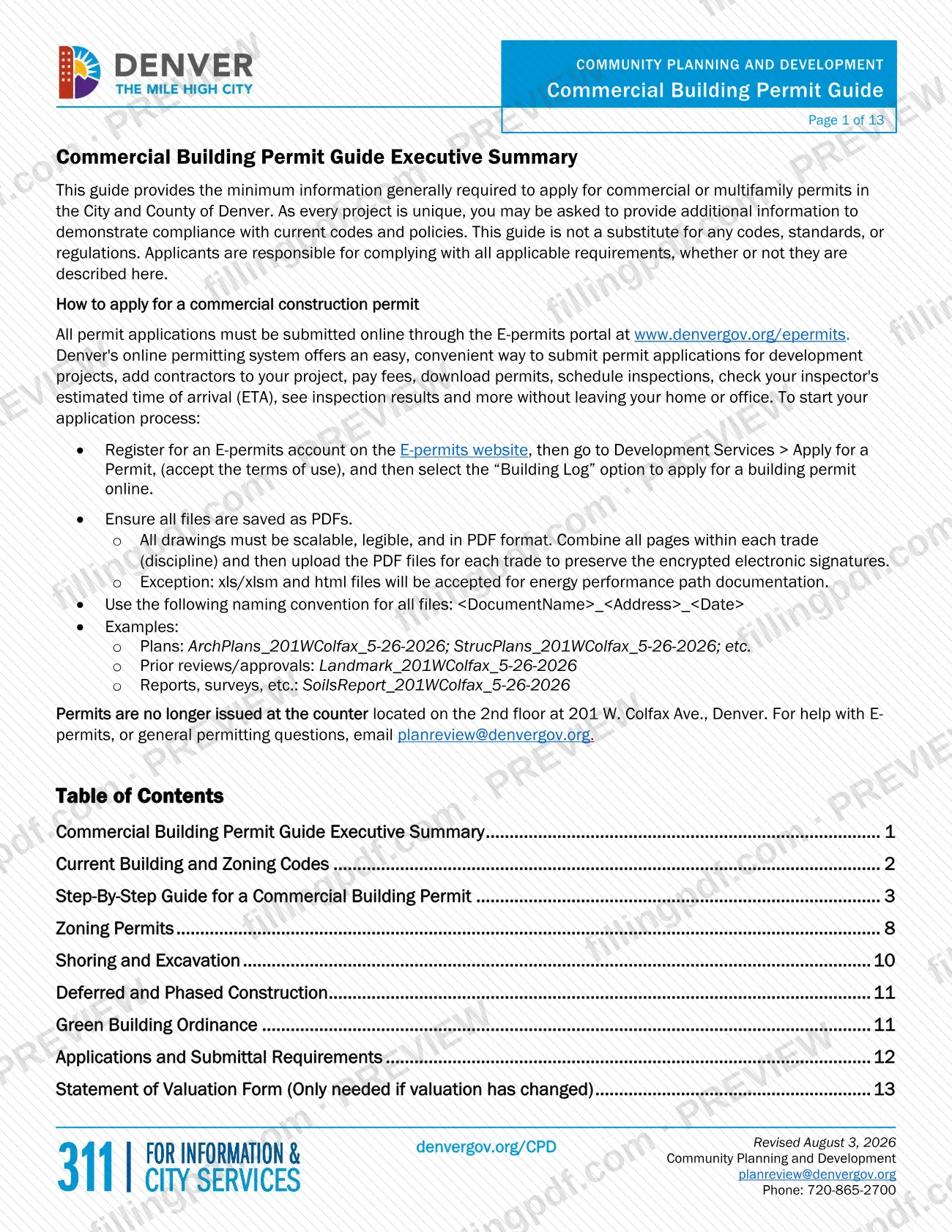
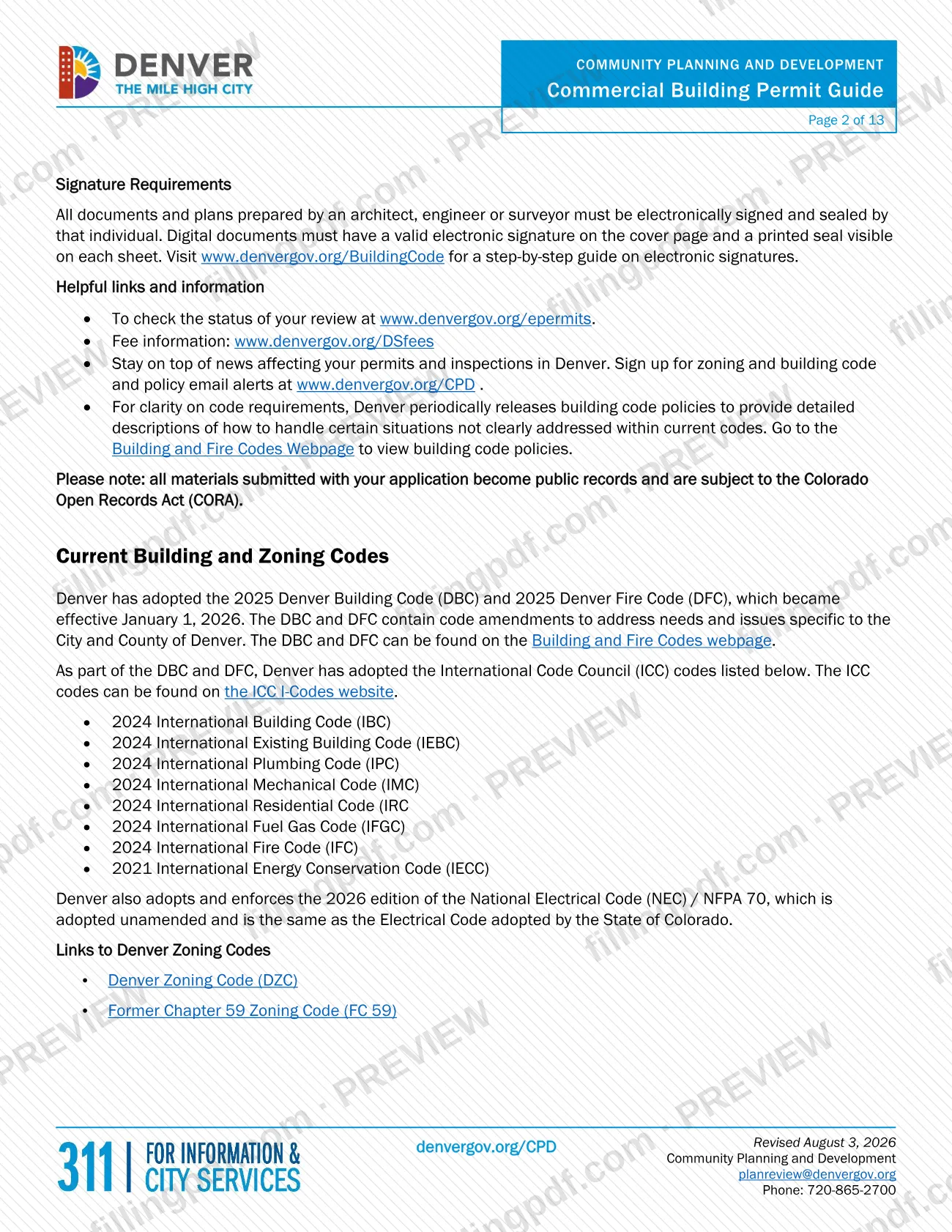
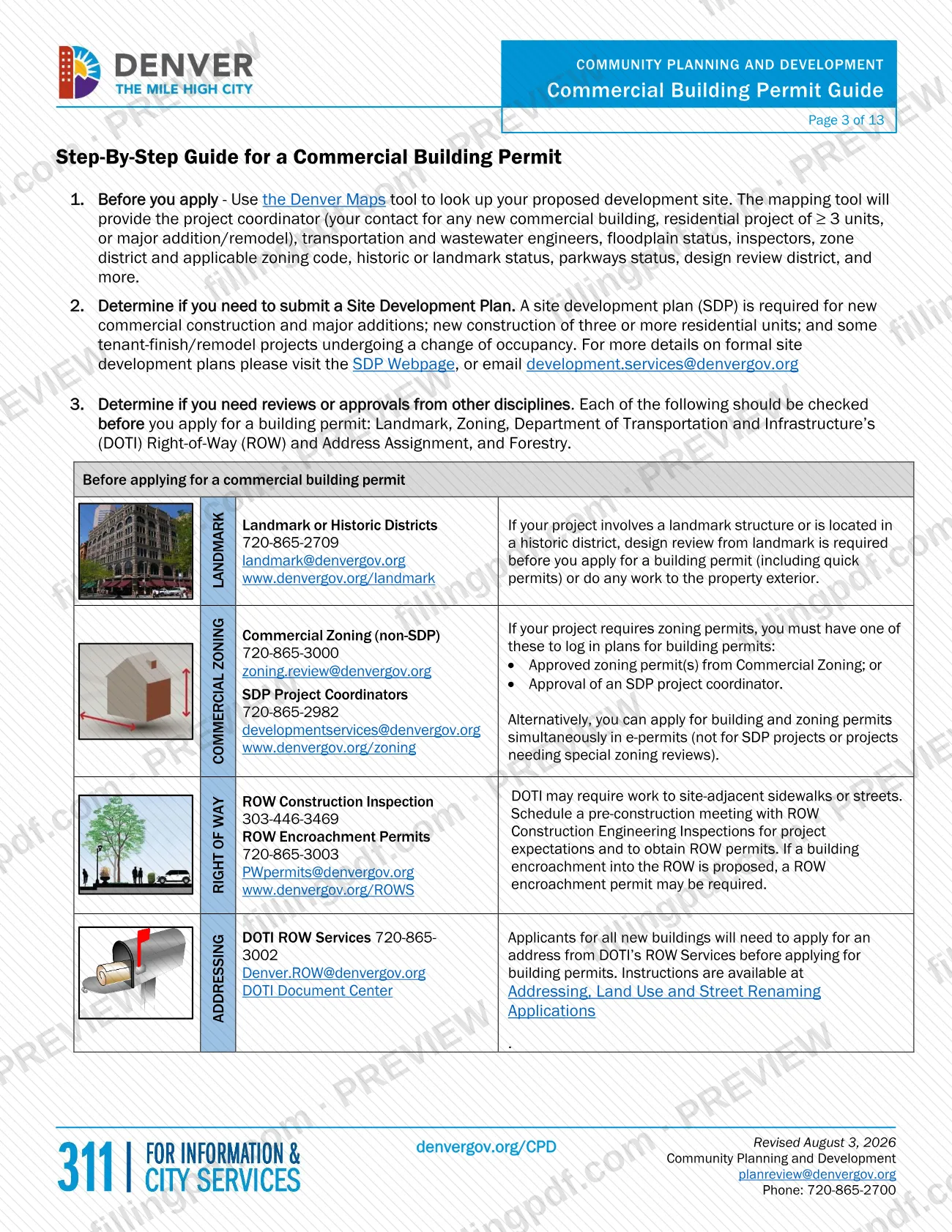
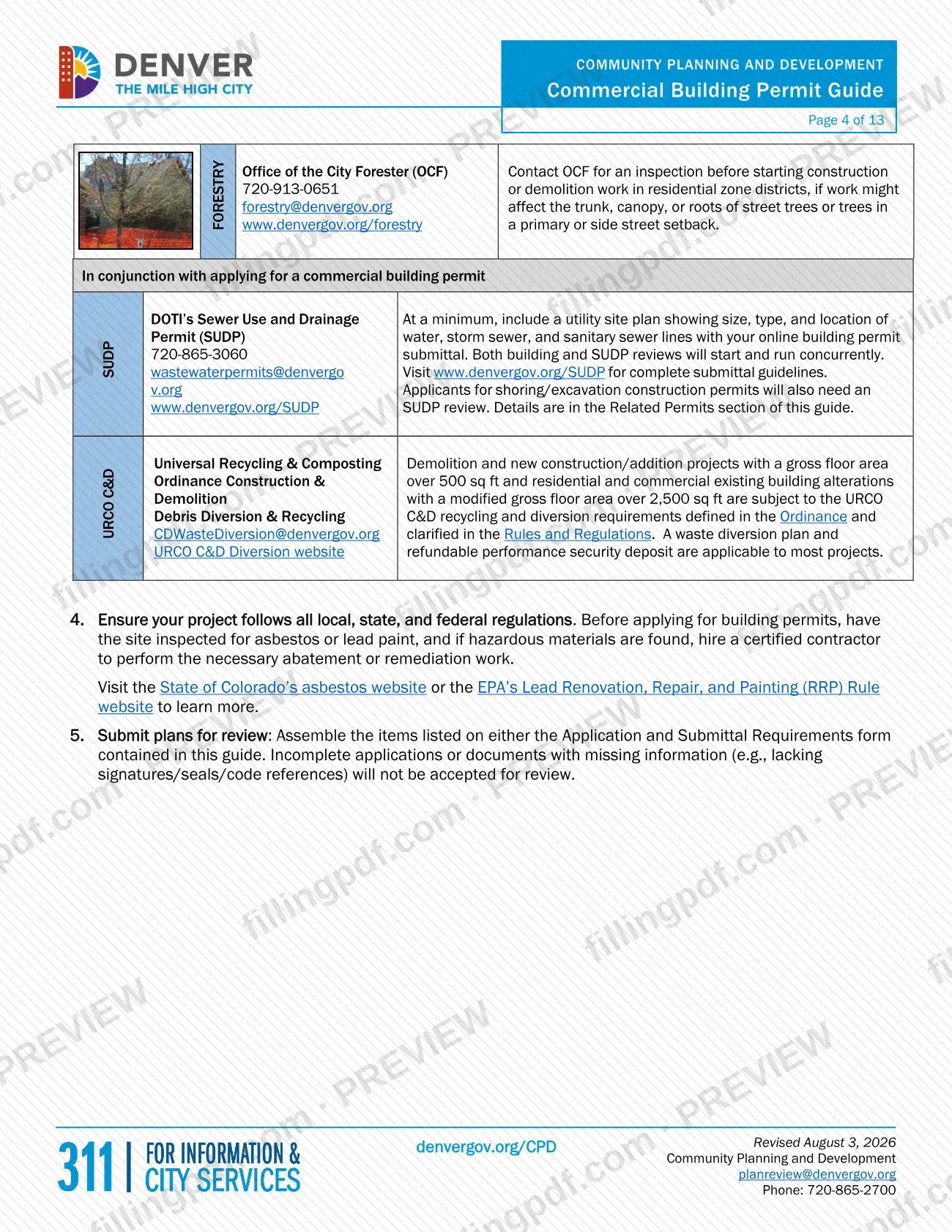
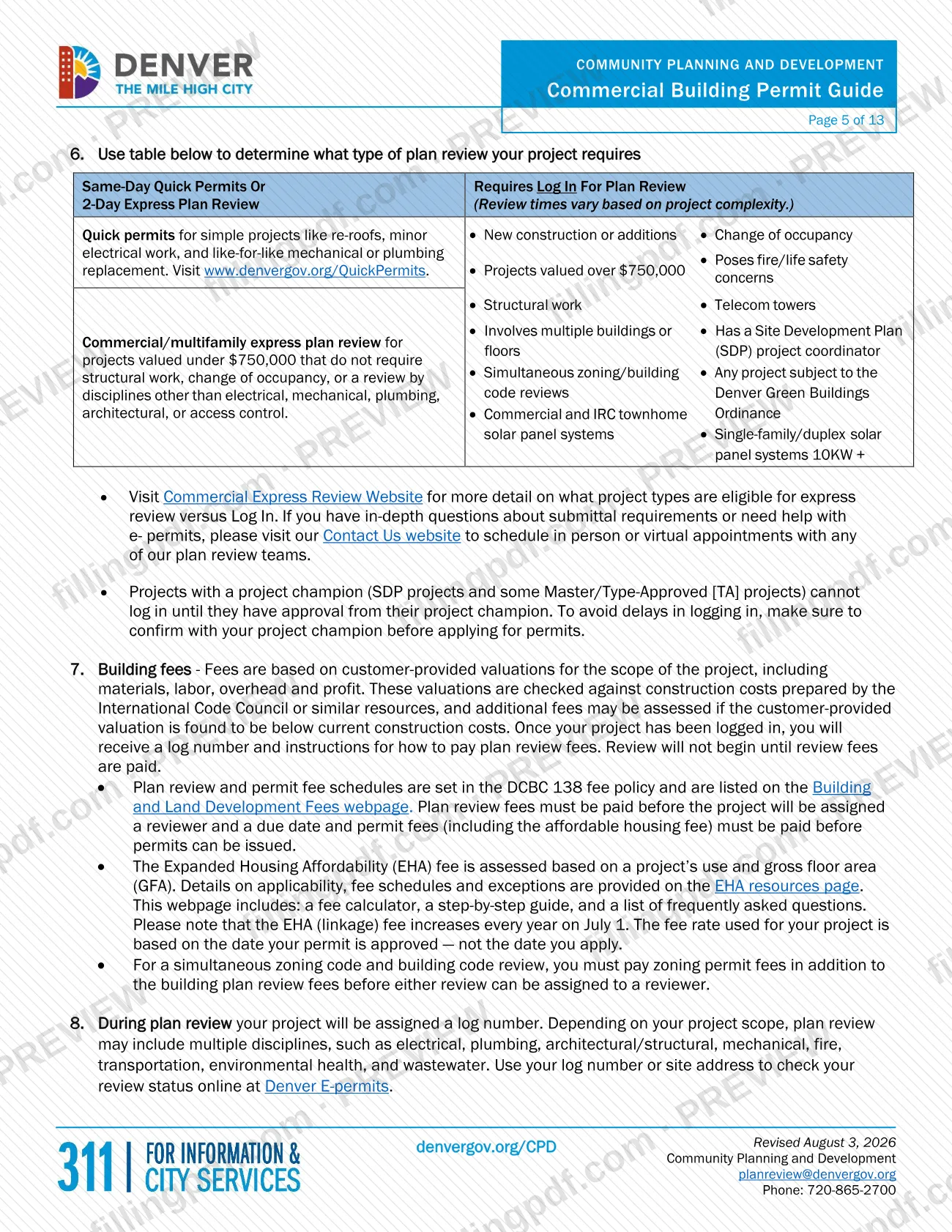
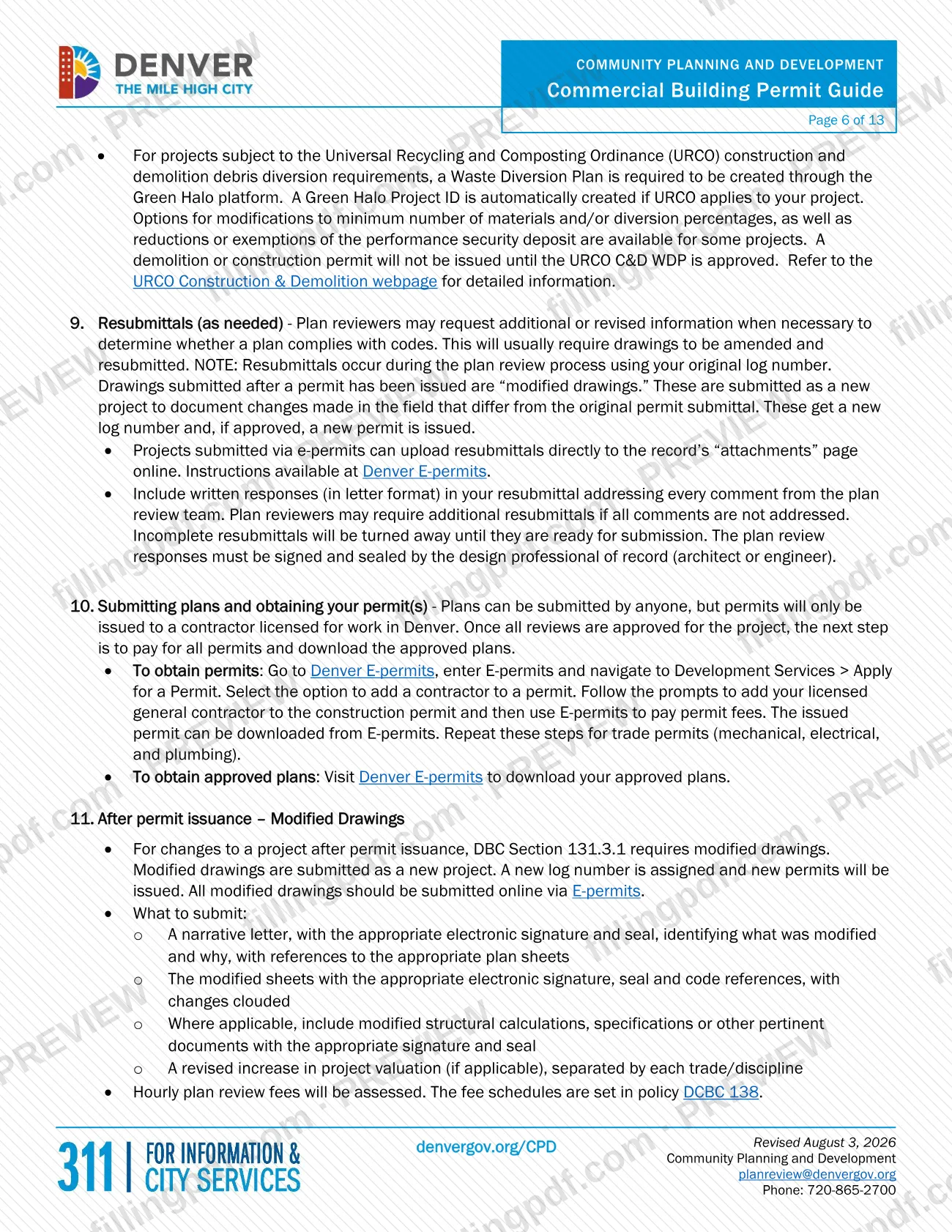
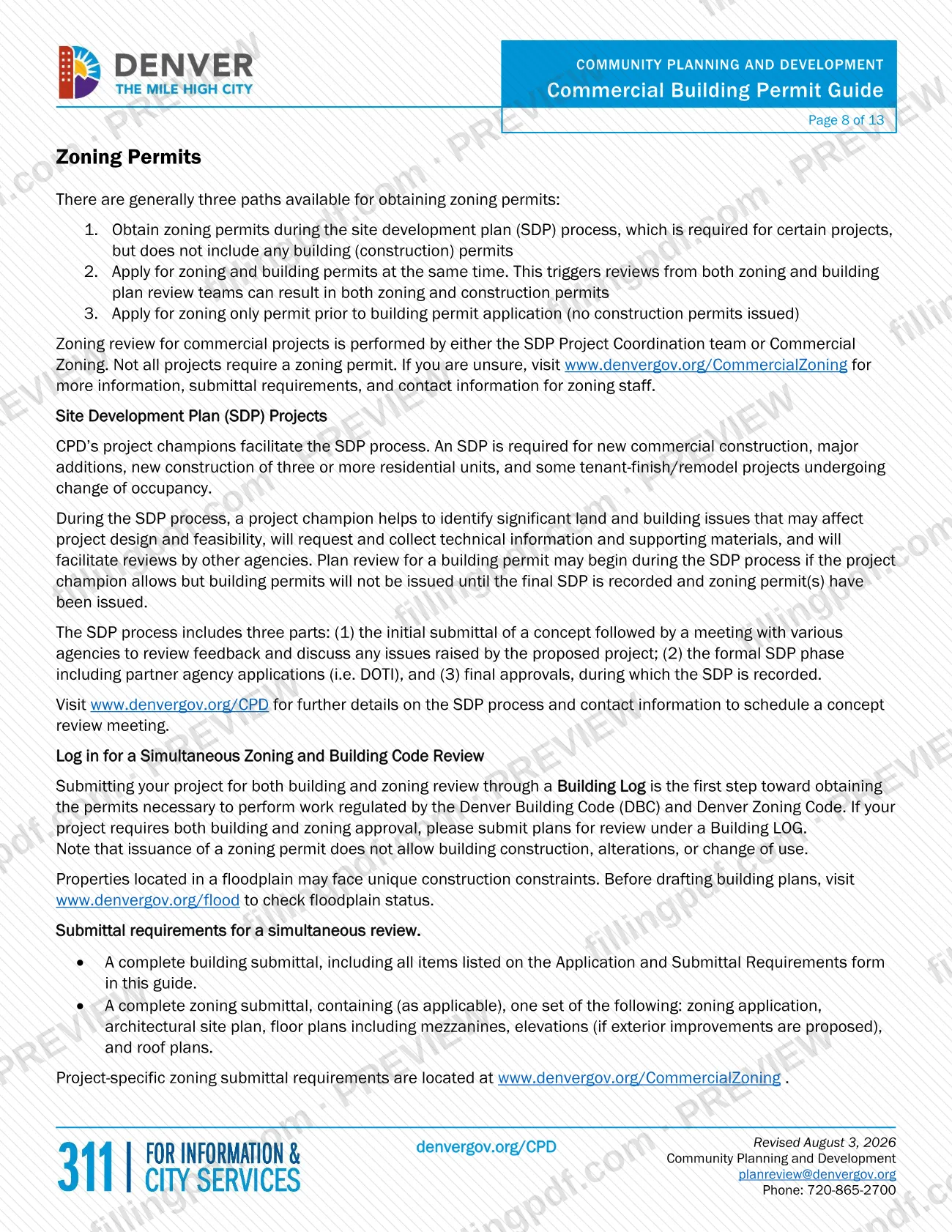
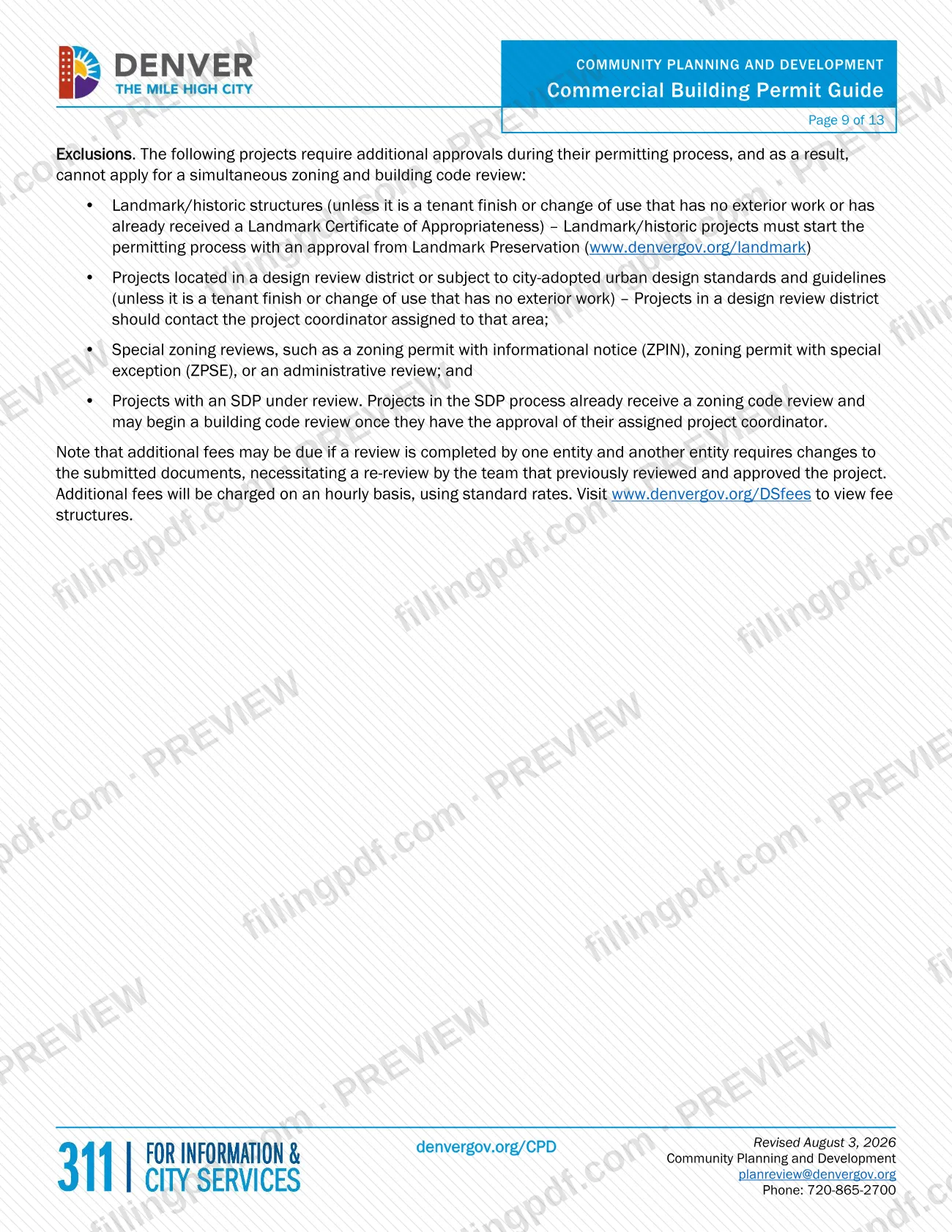
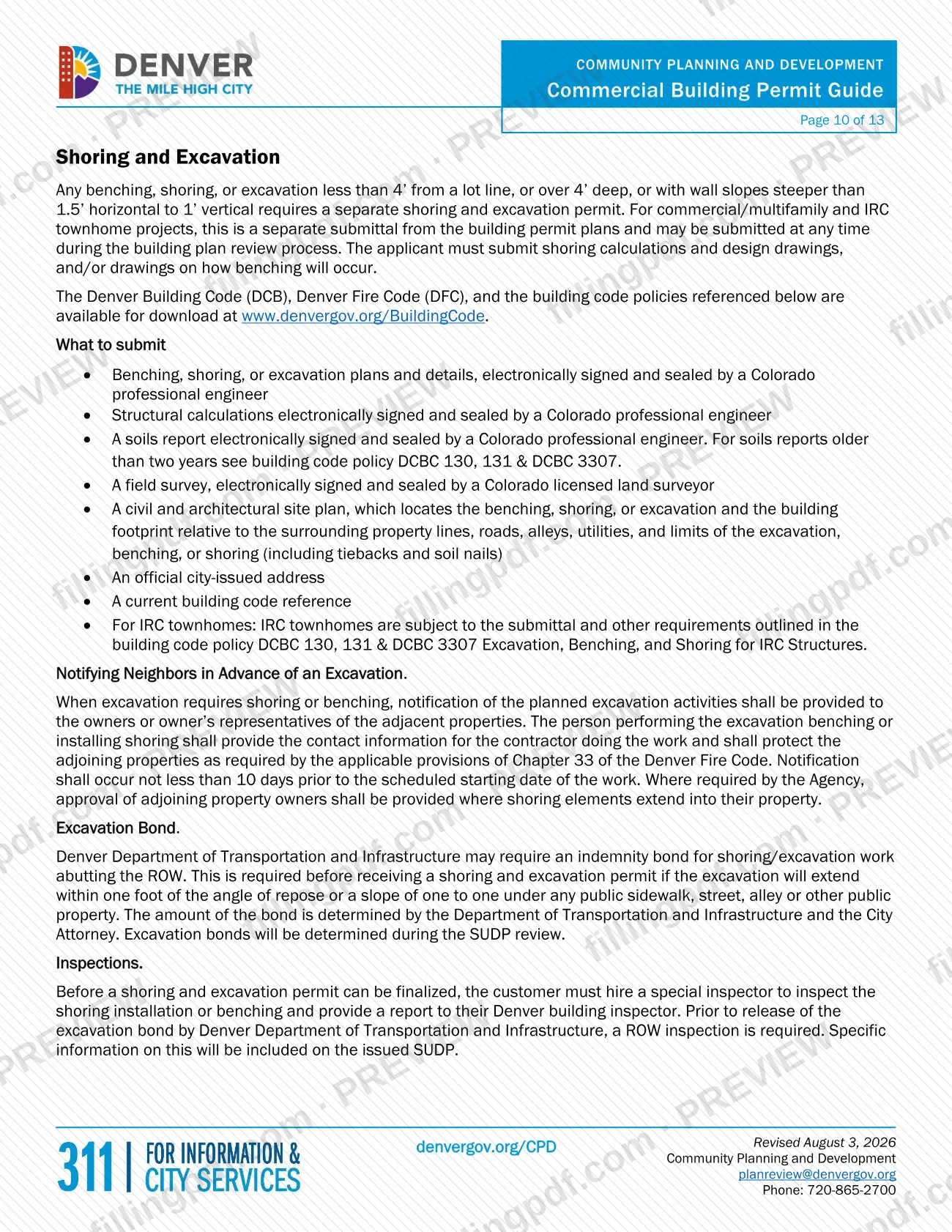
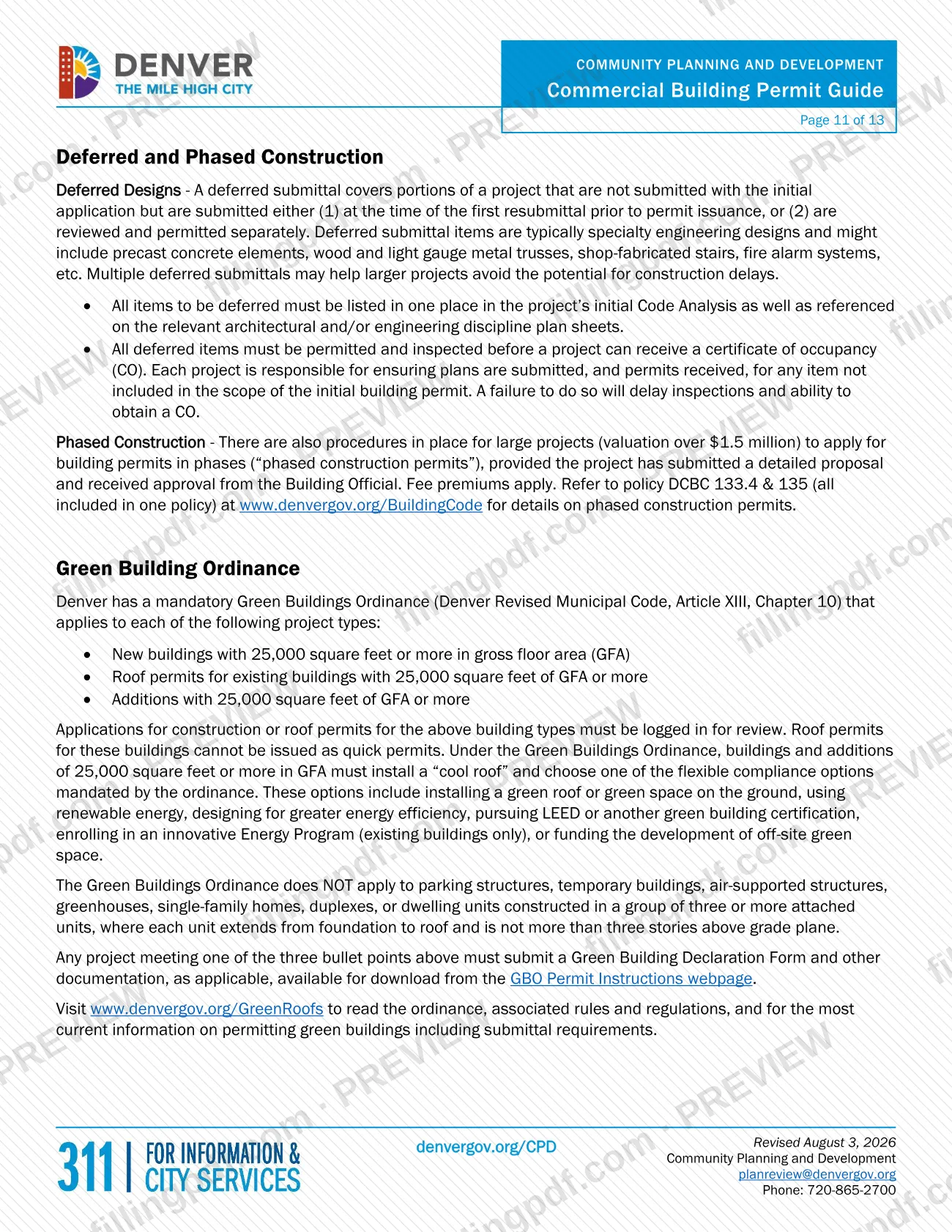
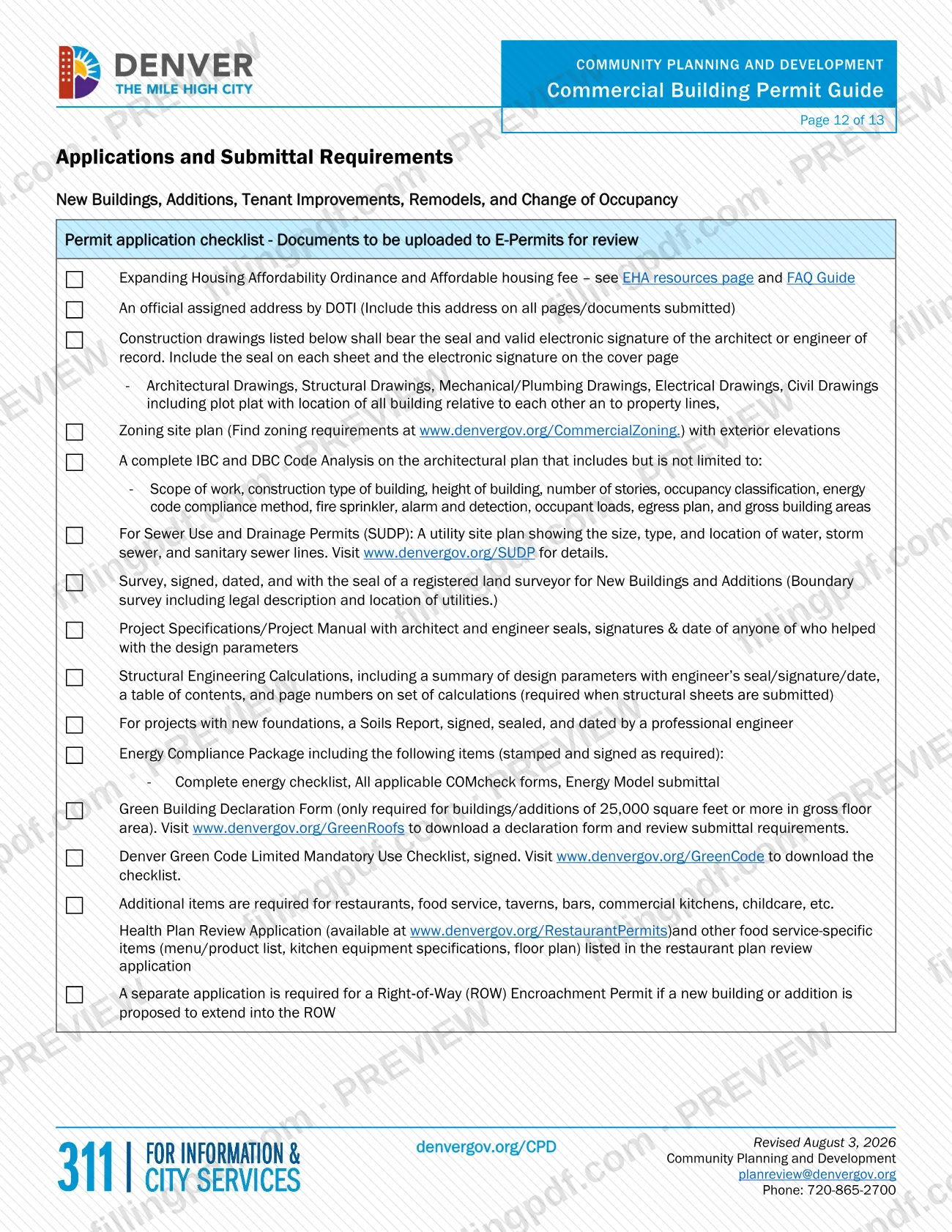
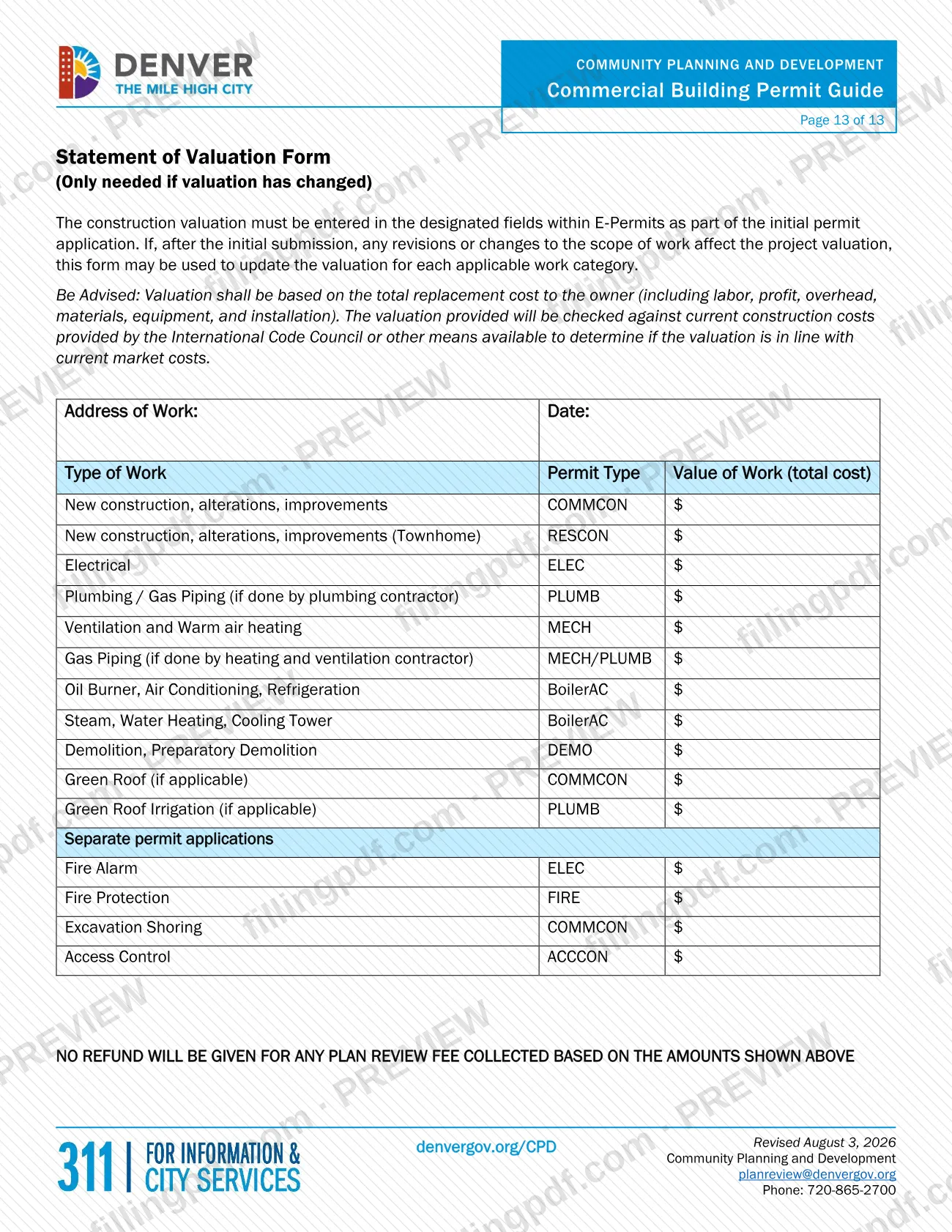
The Commercial Building Permit Guide is a PDF from the City and County of Denver Planning and Development. The city's Quick Permits page refers readers to it for projects in new buildings and for projects that add new equipment to an existing building. It helps you decide which permit route fits a Denver building permit project before you apply in the city's e-permits system. On this page you can fill out the form online on FillingPDF and download or print the completed PDF; the guide and the permit applications themselves are published and handled by the city.
Last updated
What is Commercial Building Permit Guide – Denver, CO?
The Commercial Building Permit Guide is a PDF guide published by City and County of Denver Planning and Development that the city's Quick Permits page points to for commercial and multifamily projects with new buildings or new equipment added to existing ones.
It is a guide, not a permit application. It sits among the other forms and guides of the Denver permitting office, and it is named on the Quick Permits page as the document to use in two cases: projects that add new equipment to an existing building, and projects in new buildings.
It differs from the Commercial Building Equipment Replacement Guide, a separate PDF that the same page describes as intended for projects replacing existing heating, air conditioning or water heating equipment in commercial or multifamily buildings.
The Quick Permits page also gives the surrounding context. Quick permits are trade-specific permits issued without a plan review, and the page states that most projects cannot be permitted as a quick permit, including structural work. A quick permit may be issued only for specific work, and one issued on false statements or misrepresentations may be revoked. Permits themselves are applied for in the city's e-permits portal.
Who needs to file Commercial Building Permit Guide – Denver, CO?
Owners, contractors and design professionals with a commercial or multifamily project in Denver use this guide when the project is in a new building or adds new equipment to an existing building. That is the split the Quick Permits page makes between this guide and the equipment replacement guide.
- Use the Commercial Building Equipment Replacement Guide instead if the project only replaces existing heating, air conditioning or water heating equipment in a commercial or multifamily building.
- Landmark properties: Landmark Preservation must review all roof permit applications and any other quick permits involving exterior work on an individual landmark or a building in a historic district.
- Single-family, duplex and IRC townhome projects follow different rules on the Quick Permits page: trade quick permits for new buildings and additions require an issued Residential Construction Permit.
The guide does not say who may sign or apply on someone else's behalf. For questions about your project, the Quick Permits page lists [email protected] and 720-865-2720.
When to file Commercial Building Permit Guide – Denver, CO
Consult the guide before you apply, at the start of a commercial or multifamily project in a new building or one that adds new equipment to an existing building. The guide is not itself filed, and no separate due date is printed for it. The permit applications it leads to are made in e-permits.
Timing points the Quick Permits page states:
- Quick permits are issued without a plan review.
- Starting on March 1, 2023, new or replacement gas-fired water heaters for commercial and multifamily structures cannot get a quick permit. Several other gas-fired and compressor, condenser or direct expansion units serving heated space in these buildings are also excluded from quick permits for mechanical work.
- A roof permit is always applied for separately from the general construction permit, even for new construction.
- Once a permit is issued, the project must be built to the approved plans. If changes are needed during construction, submit modified drawings as a new permit application in e-permits and choose "Building Log" as the permit type.
How to fill out Commercial Building Permit Guide – Denver, CO
Identify your project type
Decide whether the project is a new commercial or multifamily building, or adds new equipment to an existing building. If it only replaces existing heating, air conditioning or water heating equipment, use the Commercial Building Equipment Replacement Guide instead.
Check quick permit eligibility
Review the Quick Permits page: most projects cannot be permitted as a quick permit, and structural work never can. Quick permits are issued without plan review for specific work only.
Match the work to its trade
Look up the allowed and not-allowed lists for your trade: Boiler and A/C, Electrical, Mechanical, Plumbing, or Roofing & Siding. Items on the not-allowed lists need plans reviewed through a Building Log application.
Check landmark and historic rules
If the building is an individual landmark or in a historic district, Landmark Preservation must review roof permits and other quick permits involving exterior work before they are issued.
Look for other required permits
Depending on your scope, a permit from Wastewater, Zoning or the Fire Department may be needed. Right-of-way and street closure permits come from the Department of Transportation & Infrastructure.
Check whether your work is exempt
Some projects do not need a building permit. The city points to the Denver Building and Fire Code, Section 130.3 Exempted Work, for the details.
Prepare plans where required
For work that cannot be a quick permit, the Quick Permits page requires plans signed and stamped by a licensed design professional or professional engineer; electrical plans need a professional electrical engineer's stamp.
Review and download the completed PDF
Check your entries, then download or print the completed PDF from FillingPDF. Apply for the permit itself in e-permits as described under How to submit.
How to submit Commercial Building Permit Guide – Denver, CO
The guide itself is not submitted. Permits are applied for online in the city's e-permits portal, and help is available by email, phone and in person.
- Online (E-permits): sign in to the e-permits portal, go to Apply for a Permit under the Development Services section and follow the prompts. The portal also hosts tutorial videos and FAQs. For work that cannot be issued as a quick permit, the Quick Permits page tells applicants to select the Building Log application and upload plans signed and stamped by a licensed design professional or professional engineer.
- Email: [email protected] for e-permits help or general permitting questions.
- Phone: 720-865-2720.
- In person: make an appointment with the office; the city's Quick Permits page links to scheduling.
Depending on the scope of work, permits from Wastewater, Zoning or the Fire Department may also be needed, and permits to use the right-of-way or close streets are issued by the Department of Transportation & Infrastructure. FillingPDF lets you fill out and download the PDF; submission follows the agency's channels above.
Common mistakes to avoid
- Assuming a commercial project can be permitted as a quick permit: the city states that most projects cannot, including structural work, and quick permits cover only specific work.
- Using the Commercial Building Equipment Replacement Guide for new equipment or a new building; that guide is for replacing existing heating, air conditioning or water heating equipment.
- Making statements on a quick permit application that are false or misleading; a quick permit issued on that basis may be revoked.
- Applying for a roof permit as part of the general construction permit; a roof permit is always applied for separately, even for new construction.
- Skipping Landmark Preservation review for a roof permit or exterior quick permit on an individual landmark or in a historic district.
- Changing the work during construction without submitting modified drawings; the project must be built to the approved plans, and changes need a new application as a Building Log.
- Assuming one permit covers everything when Wastewater, Zoning or Fire Department permits, or Department of Transportation & Infrastructure right-of-way permits, may also be required.
Frequently asked questions
What is the Denver Commercial Building Permit Guide?
It is a PDF guide from City and County of Denver Planning and Development. The city's Quick Permits page refers to it for projects in new buildings and projects that add new equipment to an existing building. It is a guide, not a permit application.
Do I need this guide or the Equipment Replacement Guide?
Use the Commercial Building Permit Guide for new buildings or for adding new equipment to an existing building. Use the Commercial Building Equipment Replacement Guide when you are only replacing existing heating, air conditioning or water heating equipment in a commercial or multifamily building.
Can I get a quick permit for a commercial project in Denver?
Usually not. The city says most projects cannot be permitted as quick permits, including structural work, and a quick permit may be issued only for specific work. Items on the trade not-allowed lists go through a Building Log application with stamped plans.
Where do I apply for a Denver permit for a commercial building?
Apply in the city's e-permits portal. After signing in, go to Apply for a Permit under the Development Services section and follow the prompts. The portal also has tutorial videos and FAQs.
Do I need permits besides a building permit in Denver?
Possibly. Depending on your scope of work, a permit from Wastewater, Zoning or the Fire Department may be required. Permits to use the right-of-way or close streets are issued by the Department of Transportation & Infrastructure.
Is a roof permit part of the general construction permit?
No. The Quick Permits page says a roof permit is always applied for separately from the general construction permit, even for new construction. On landmarks or in historic districts, Landmark Preservation must approve roofing work first.
Who do I contact with questions about Denver permits?
The Quick Permits page lists [email protected] and 720-865-2720 for e-permits help or general permitting questions. You can also make an appointment to visit the office in person.
Can I fill out the Commercial Building Permit Guide online on FillingPDF?
You can fill out the PDF online on FillingPDF and download or print it. FillingPDF is an independent service and does not apply for or issue permits; applications go through the city's e-permits portal.
Ready to fill out Commercial Building Permit Guide – Denver, CO?
Fill out Commercial Building Permit Guide – Denver, CO now