
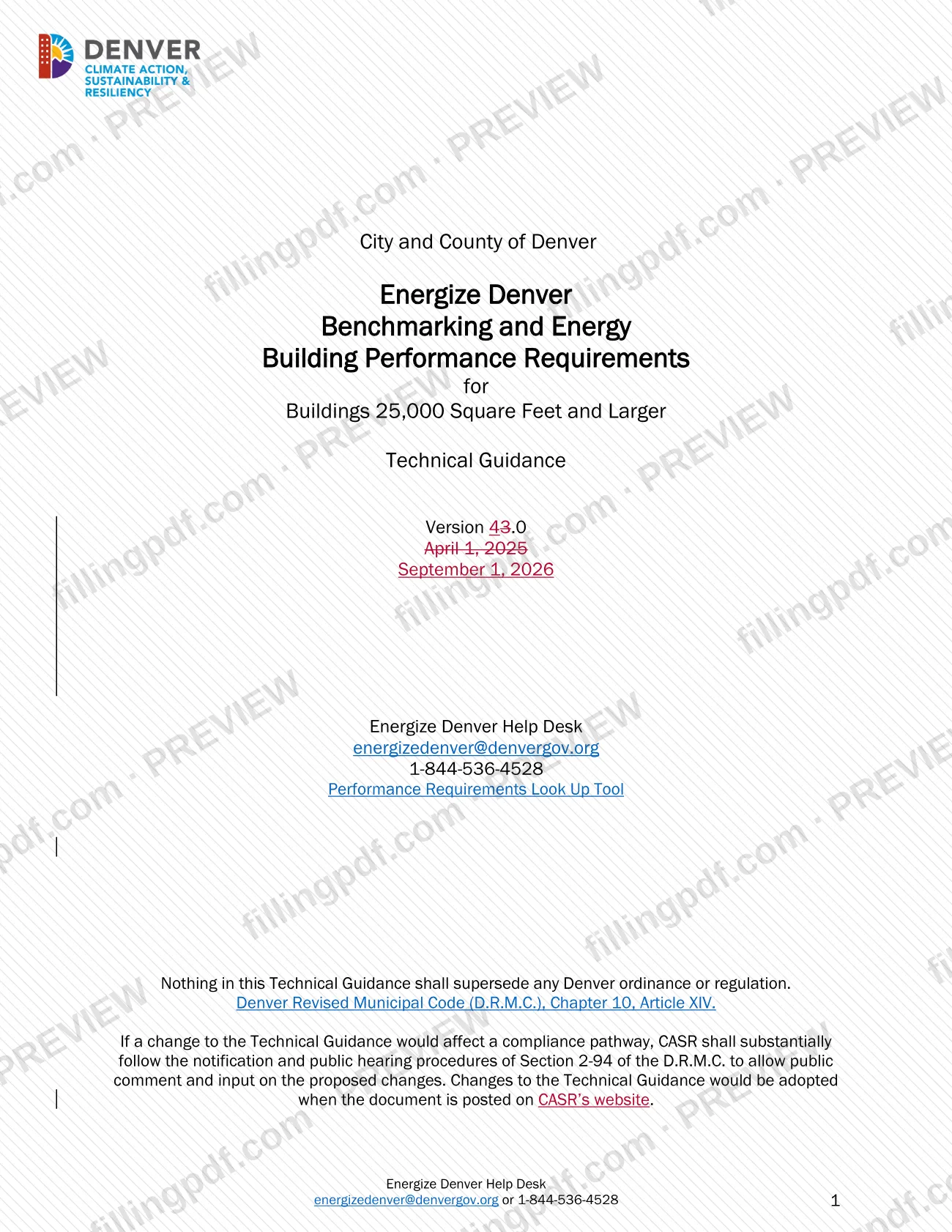
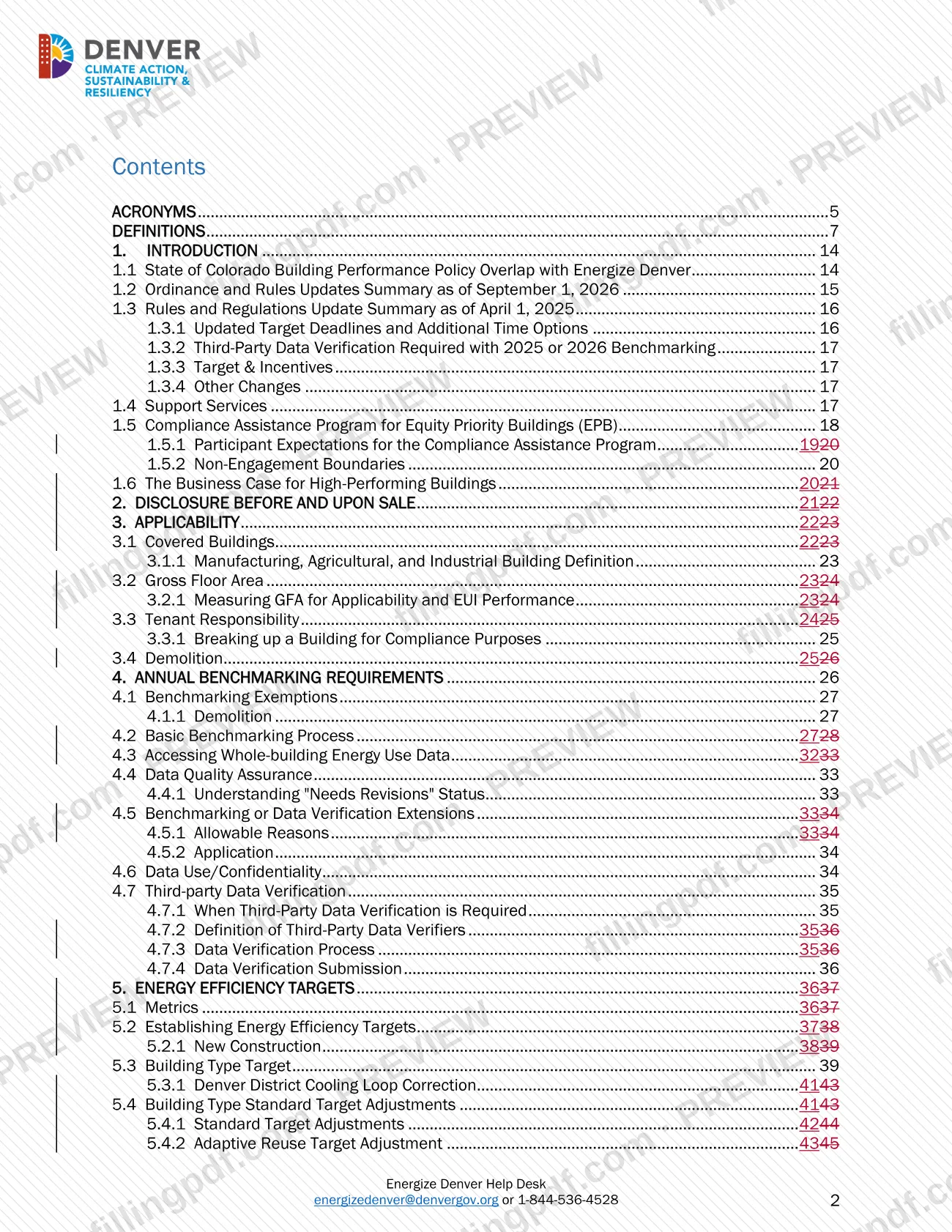
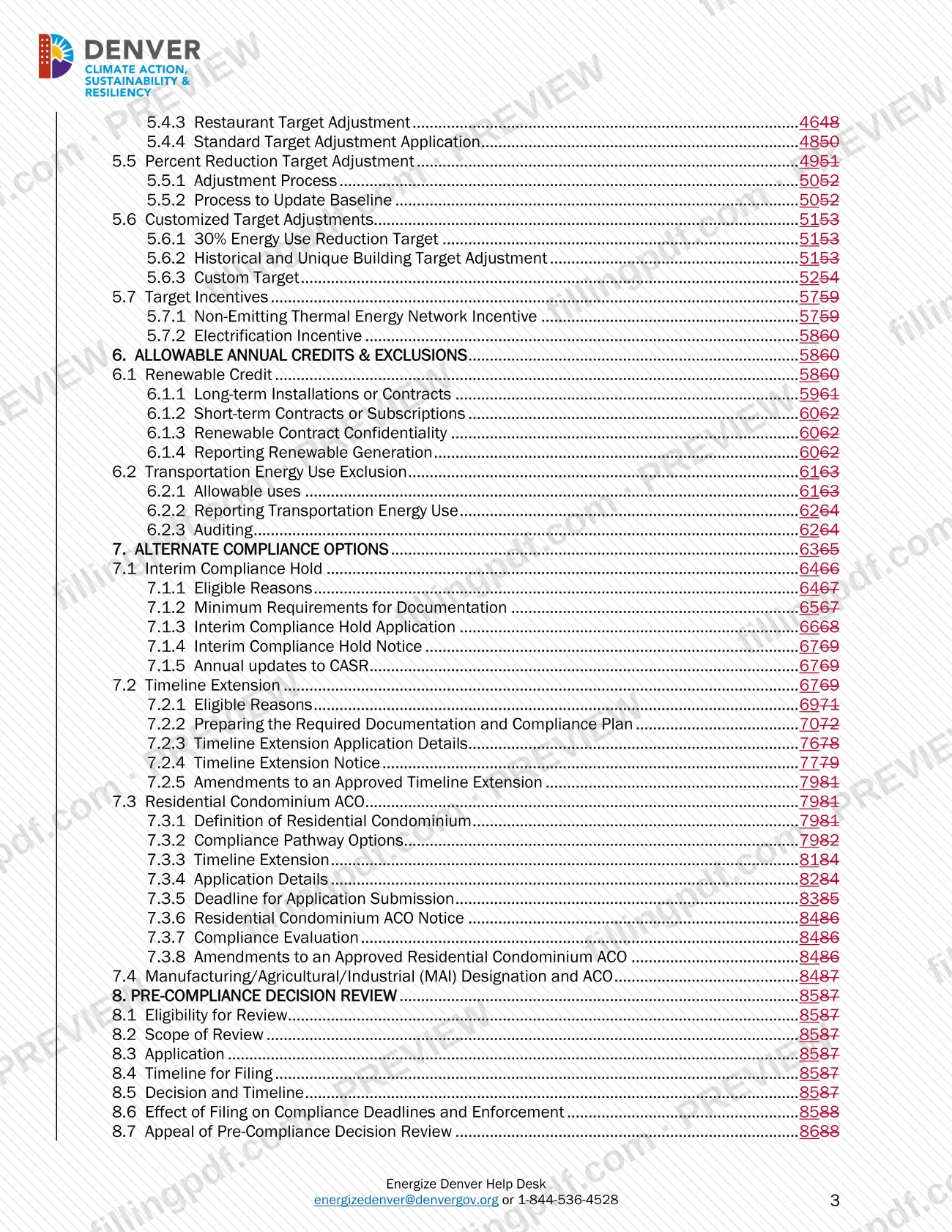
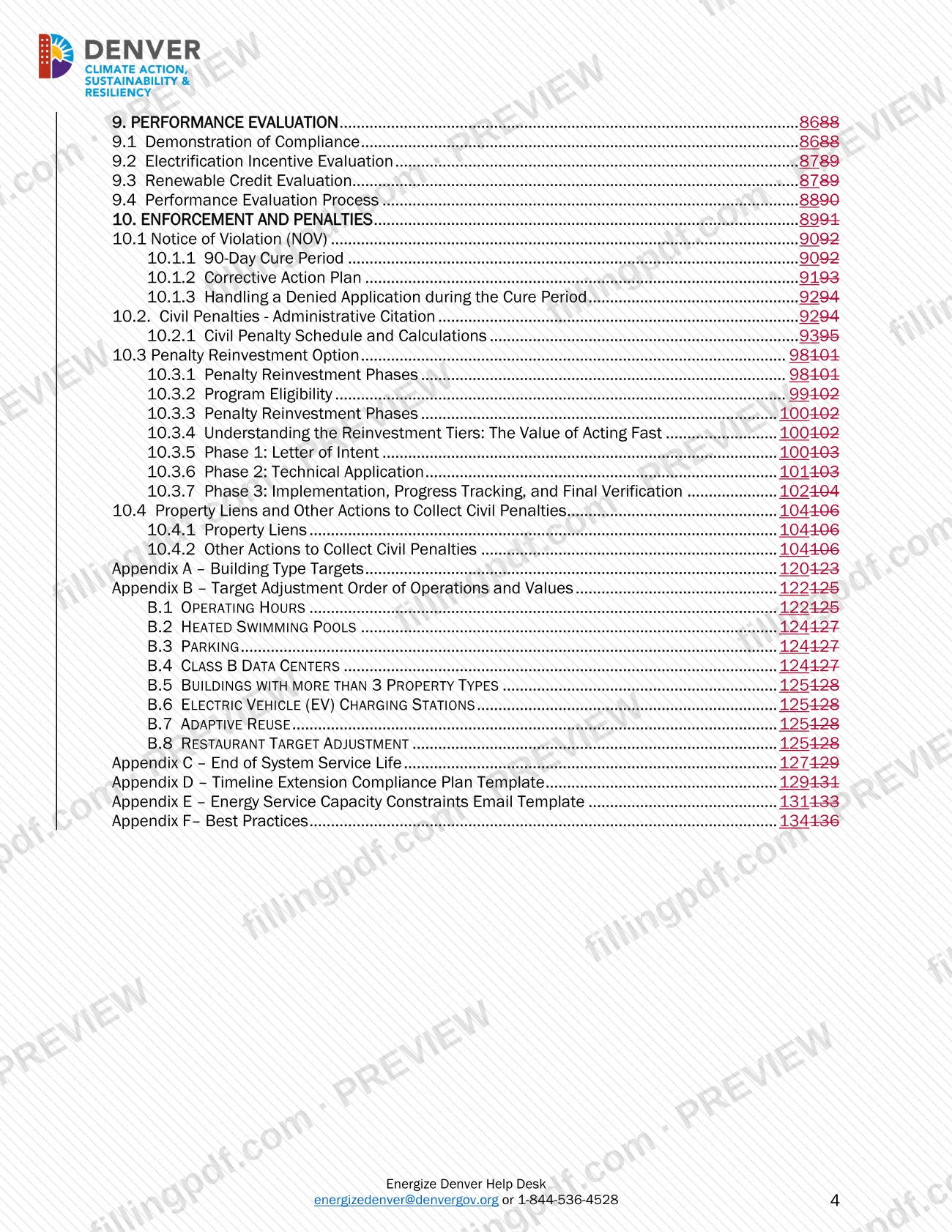
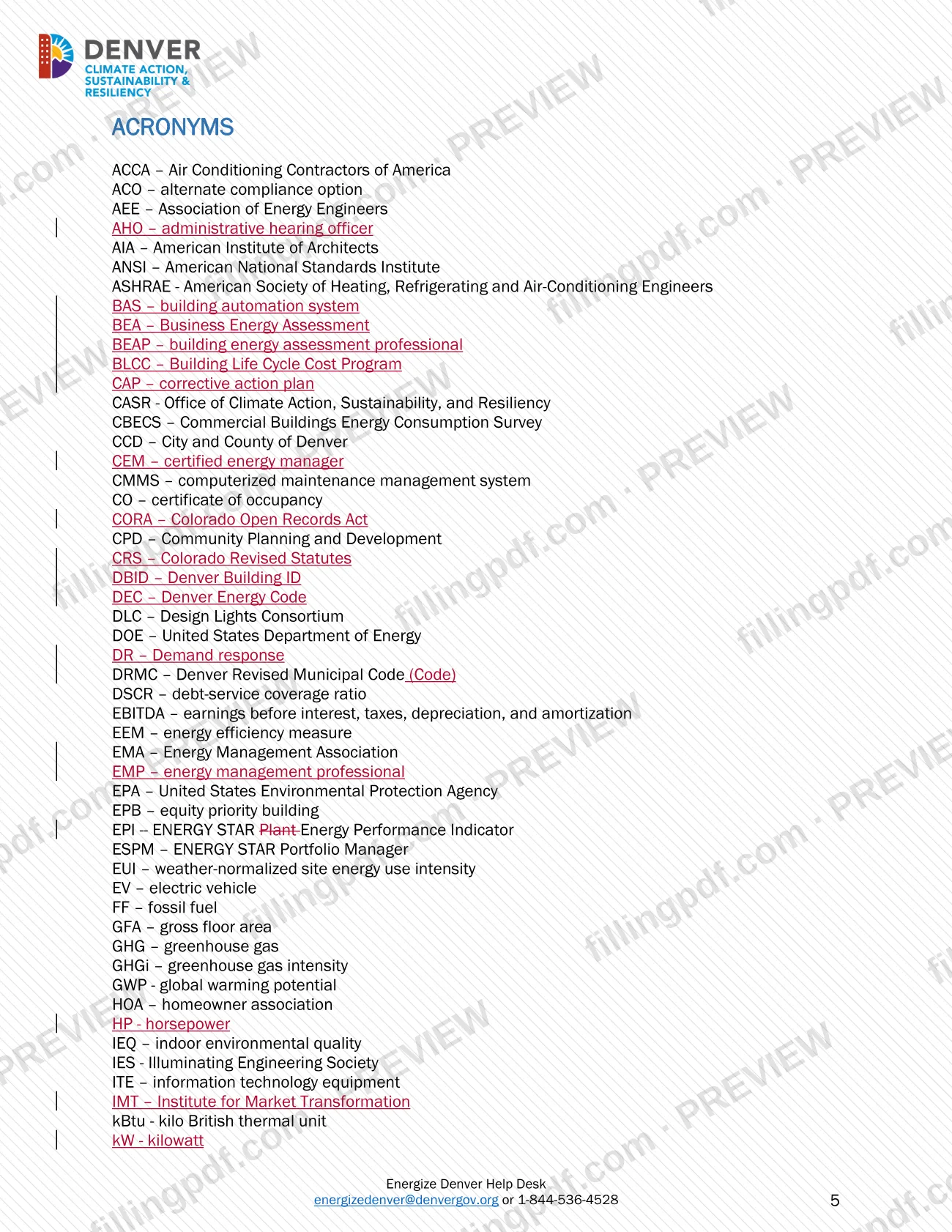

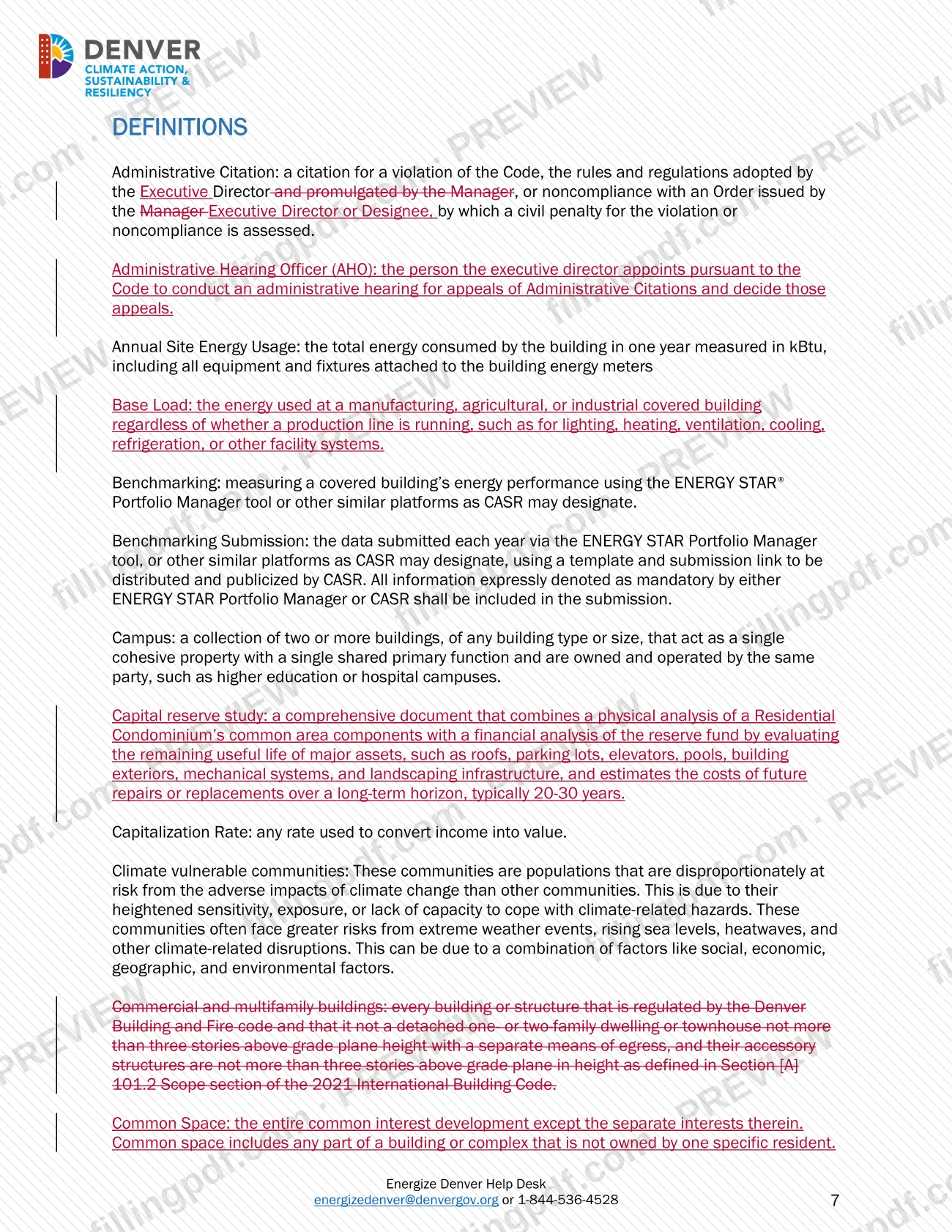
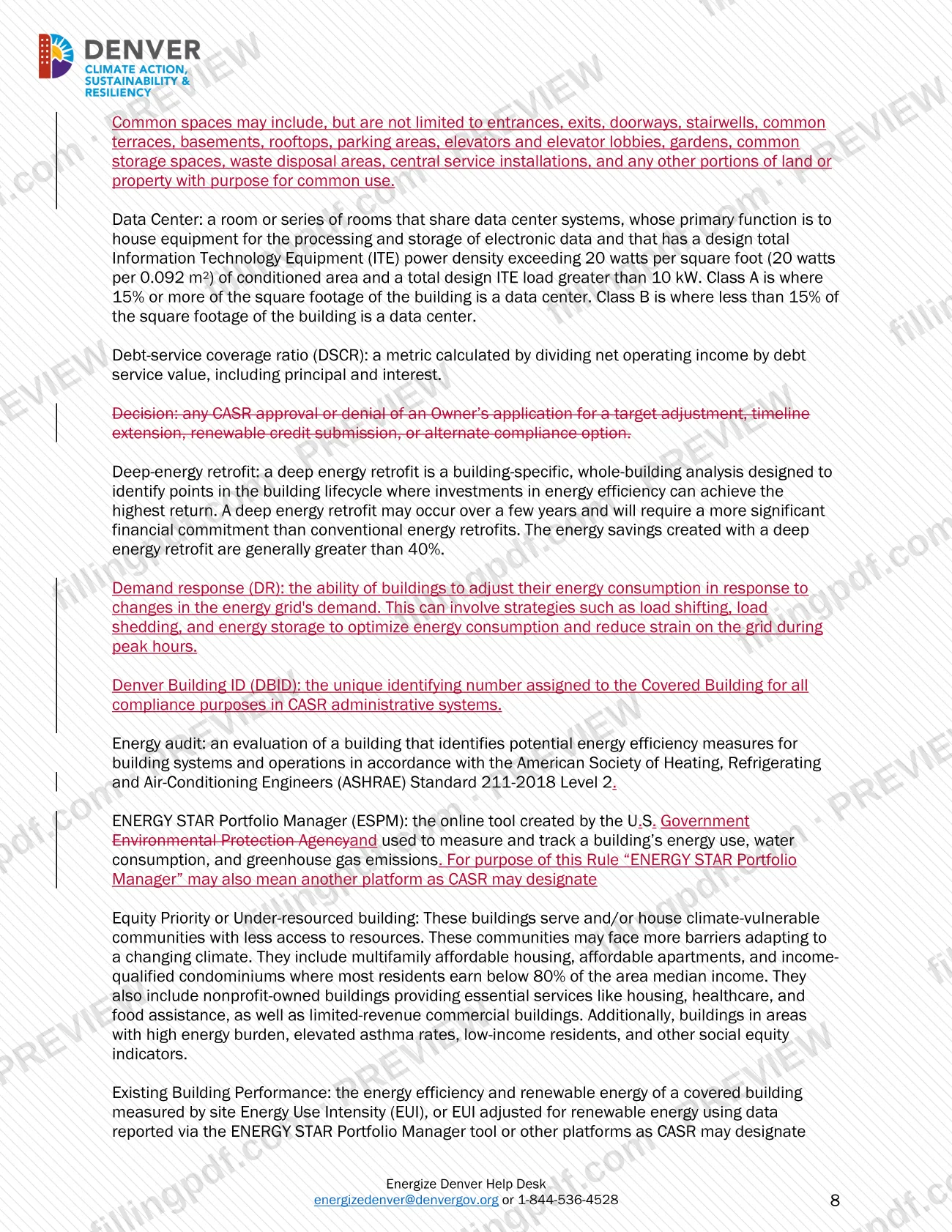
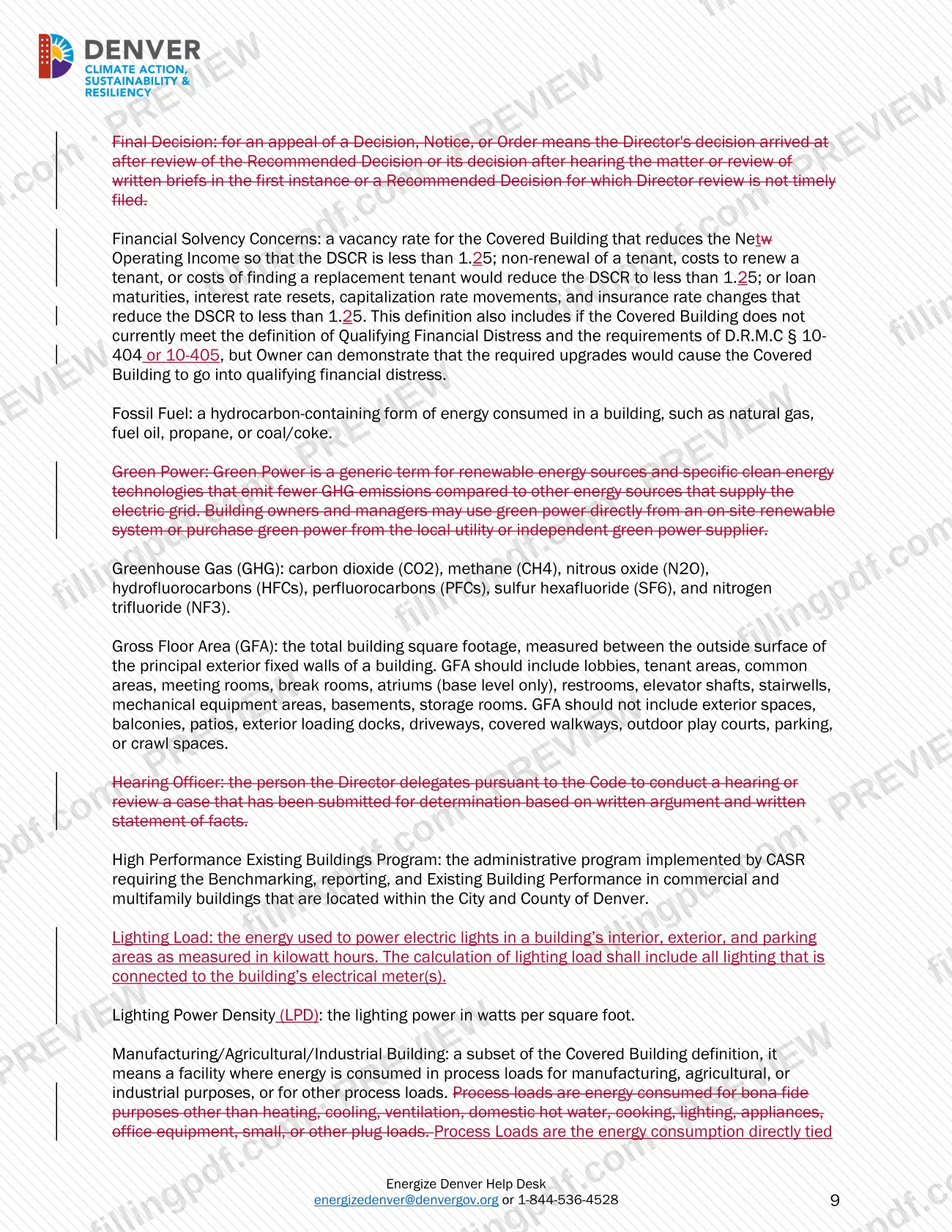

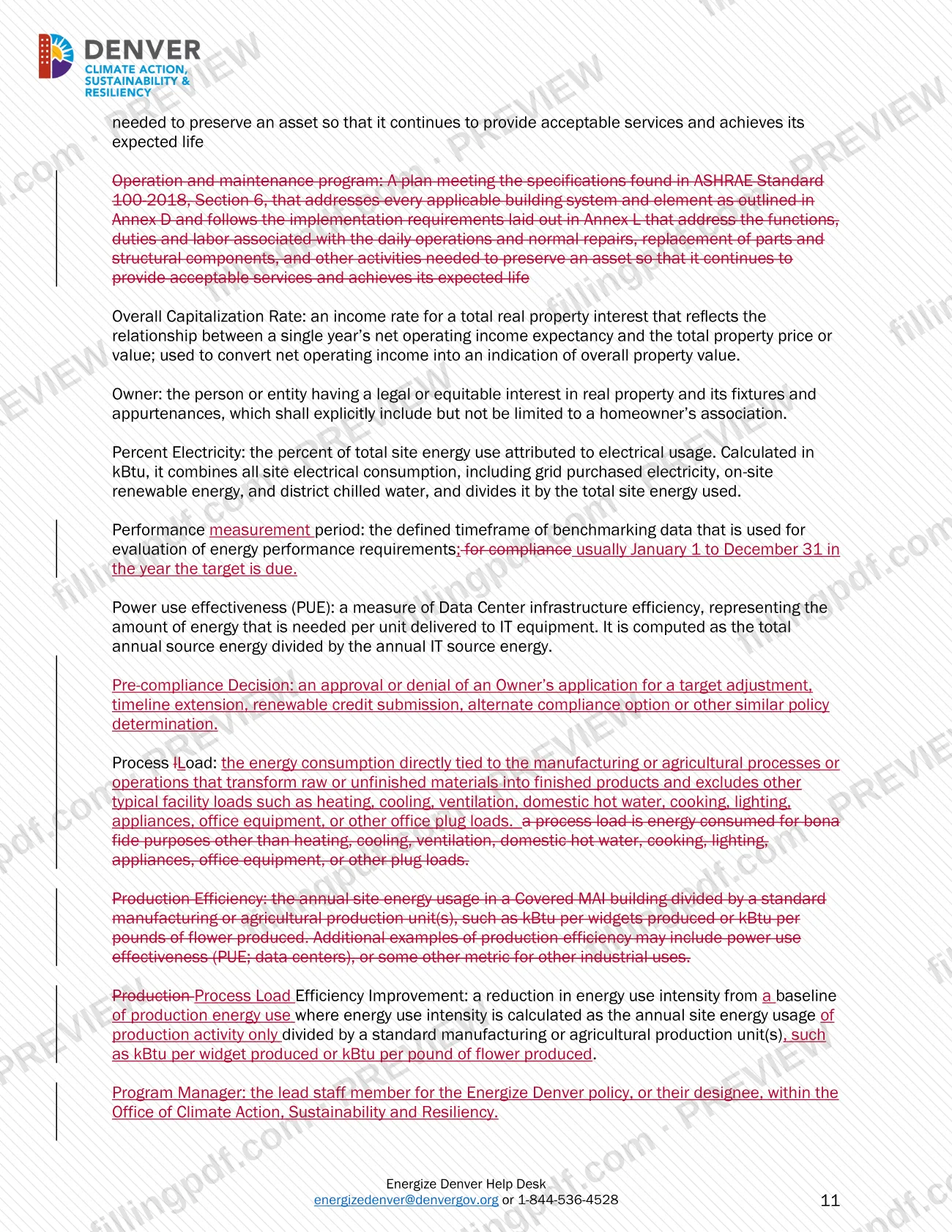
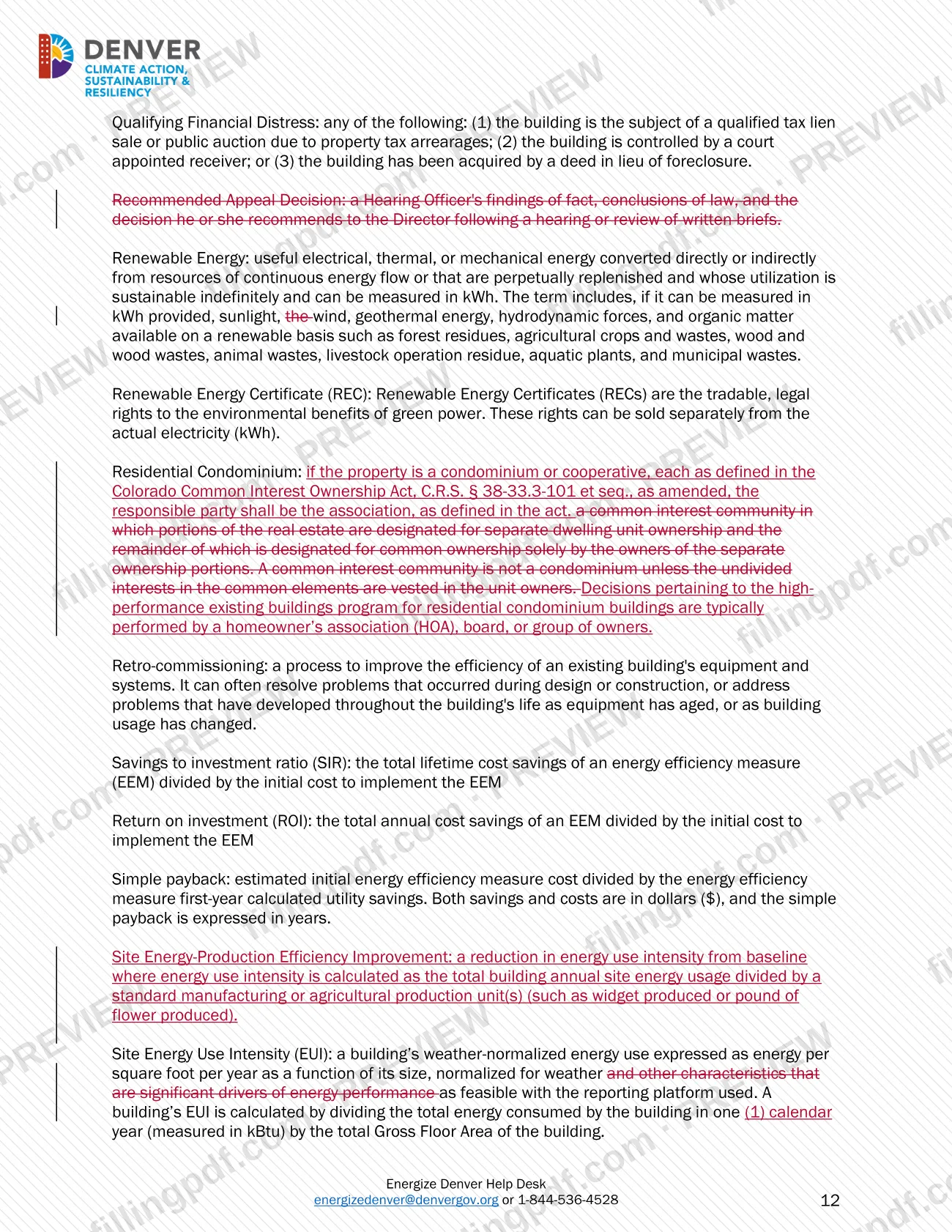

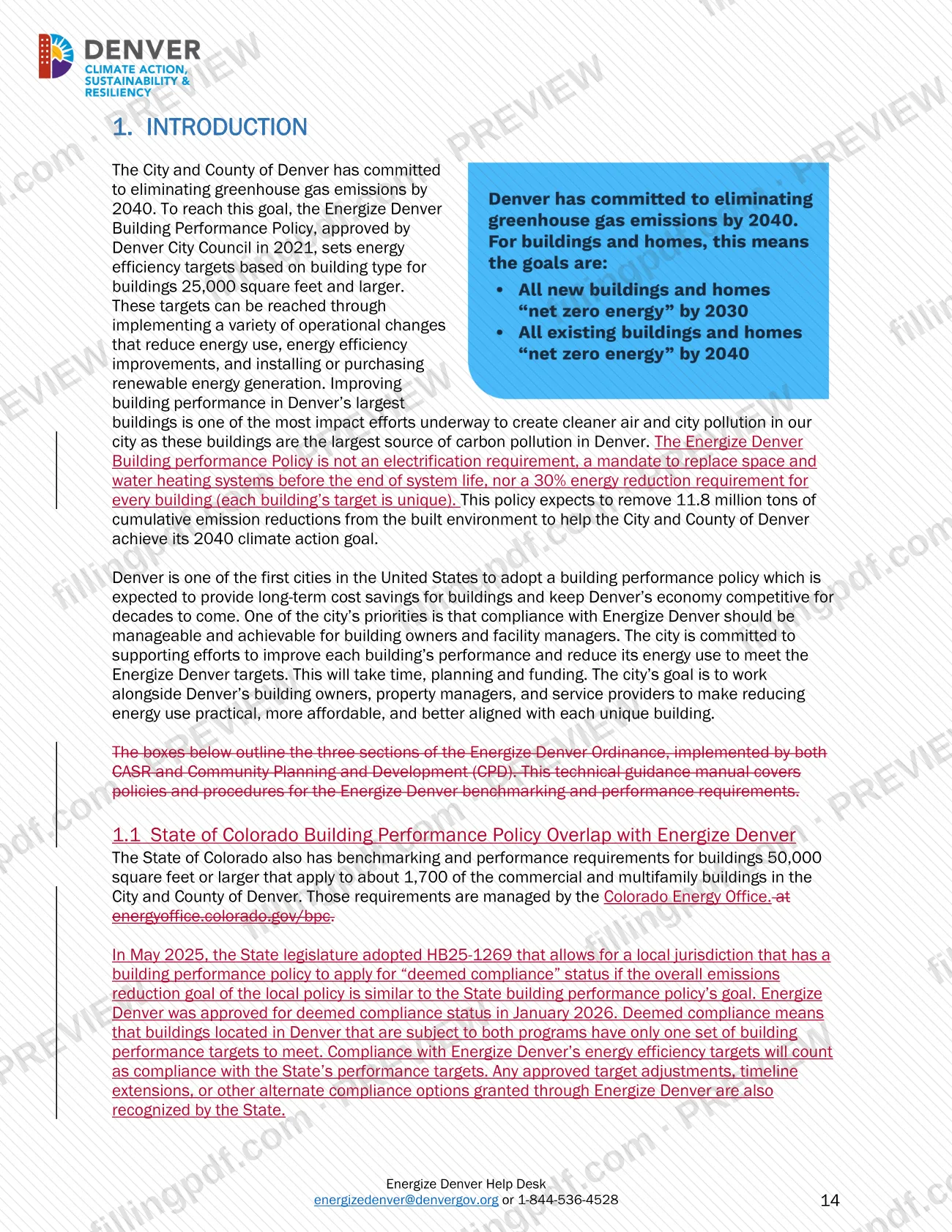
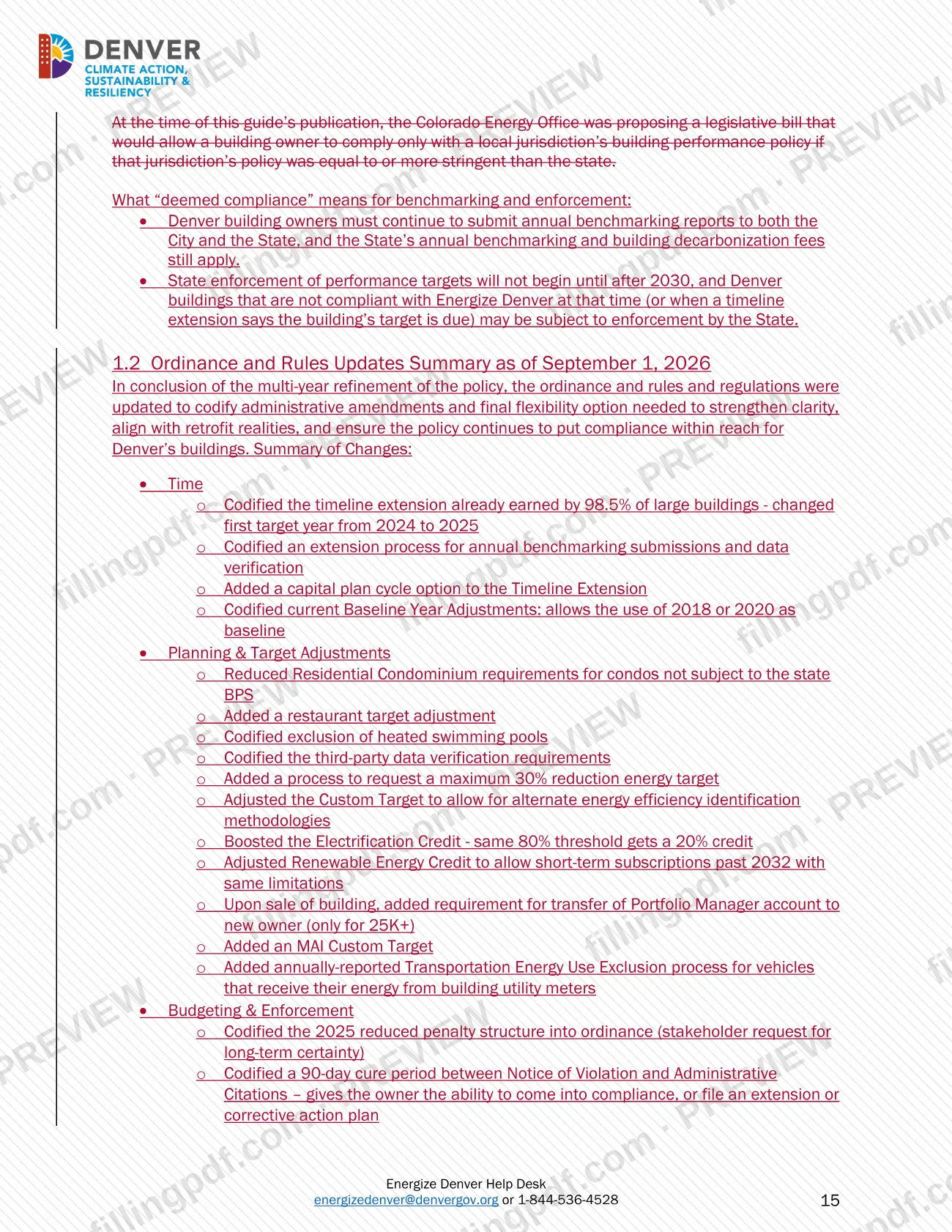
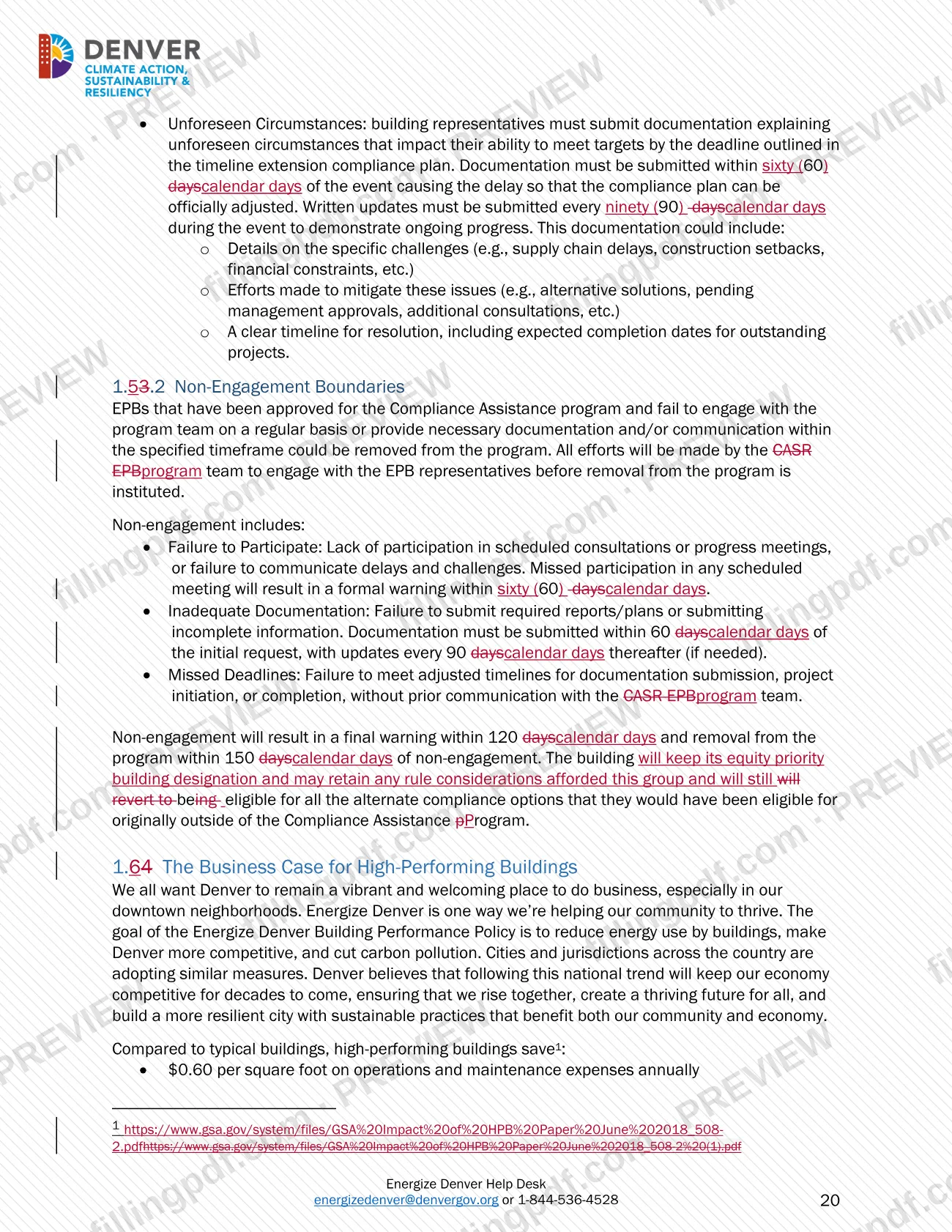
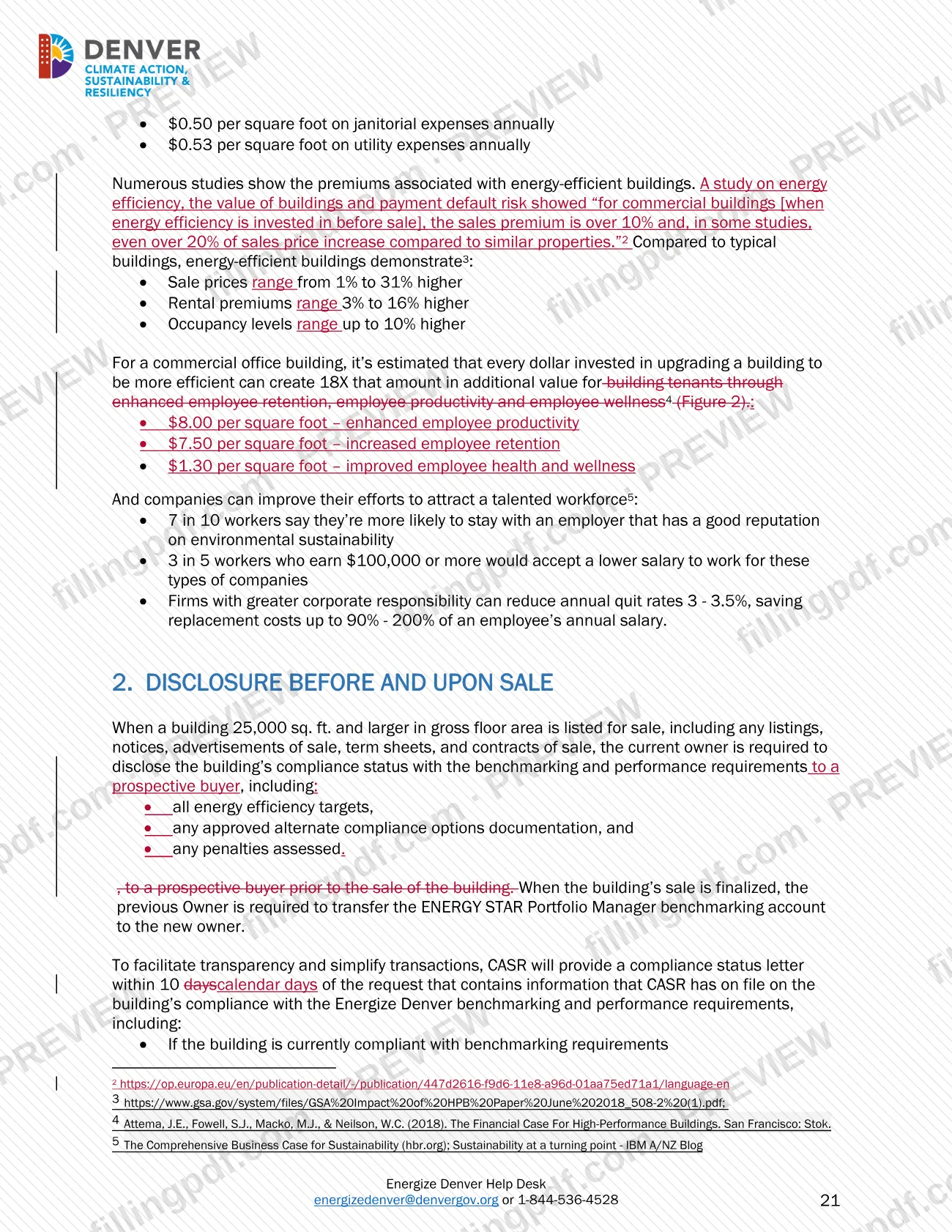
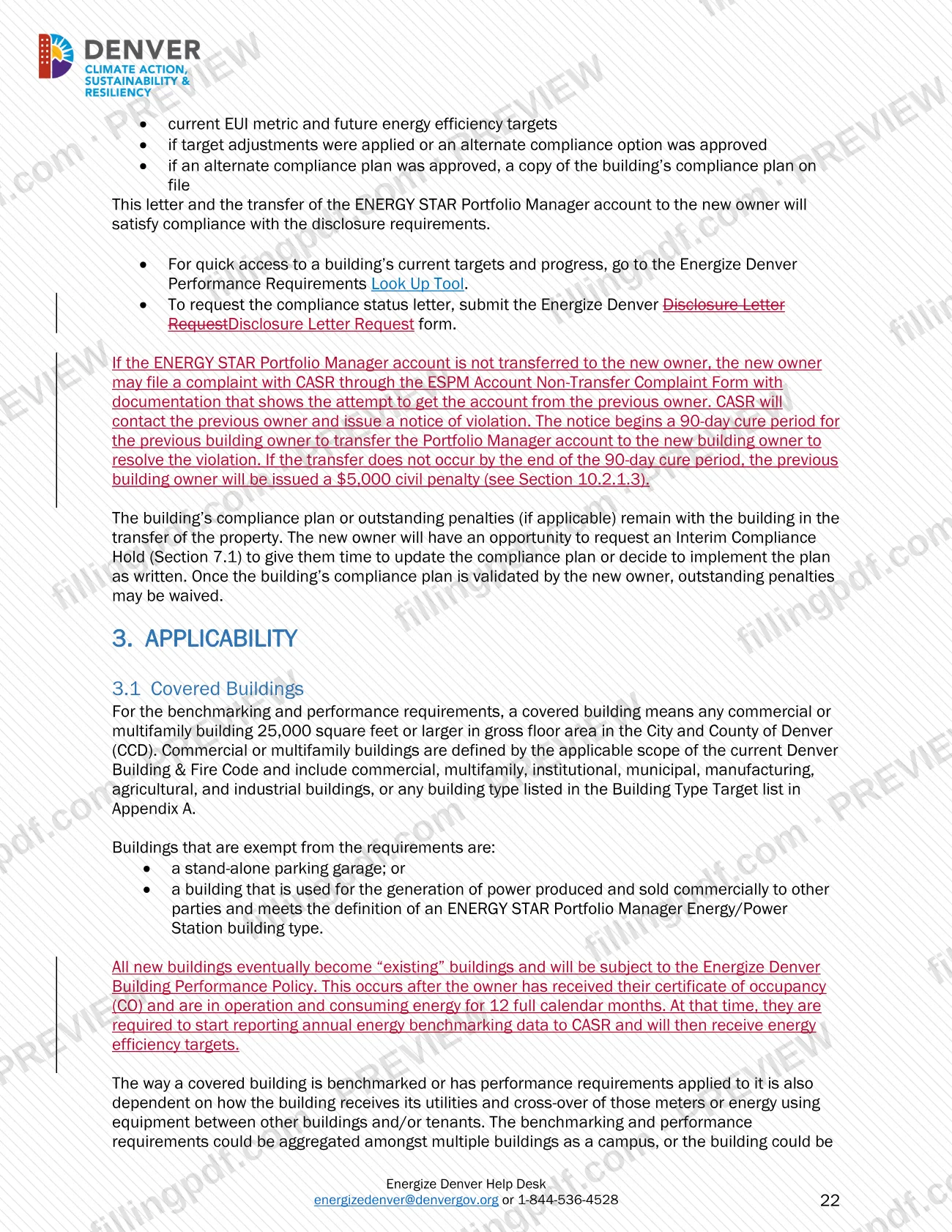
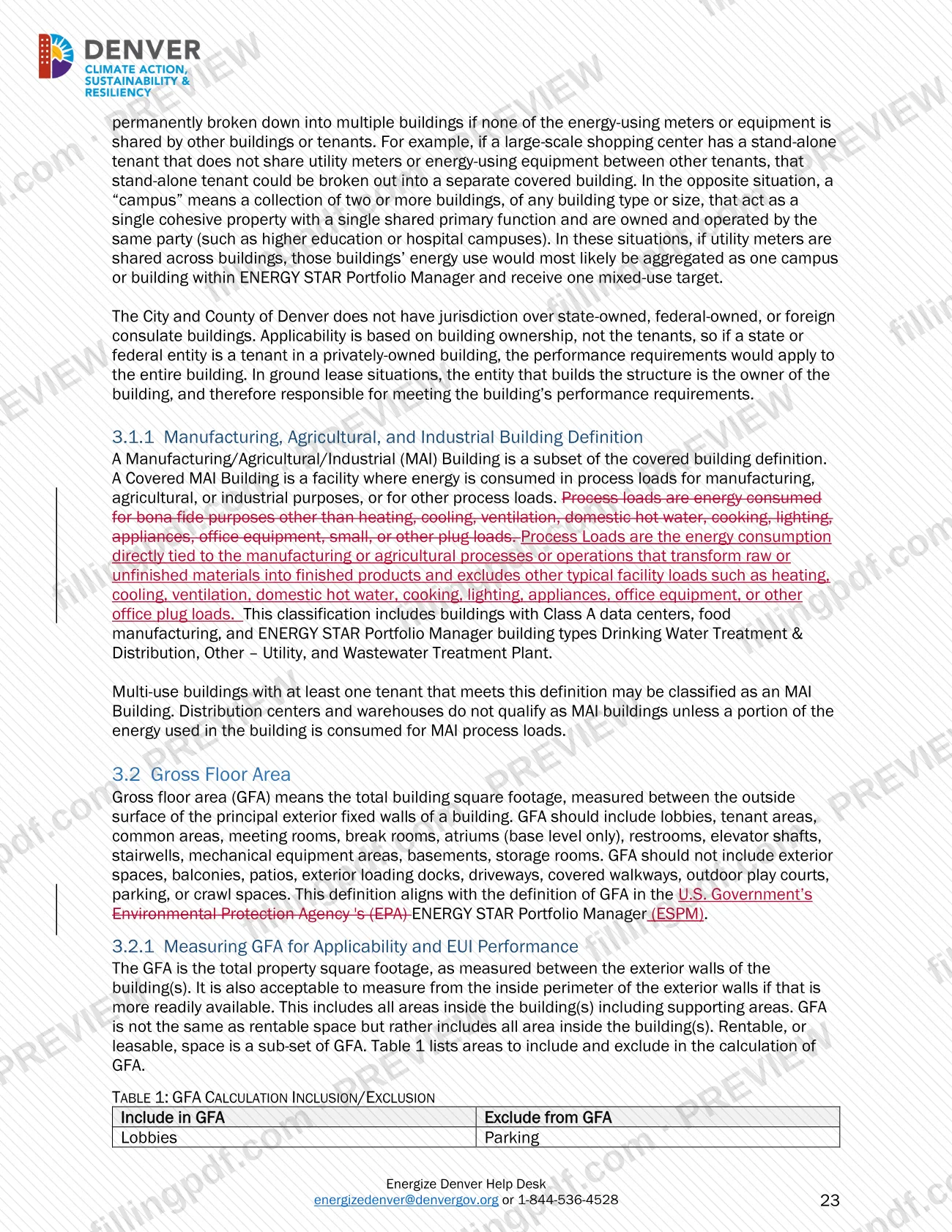
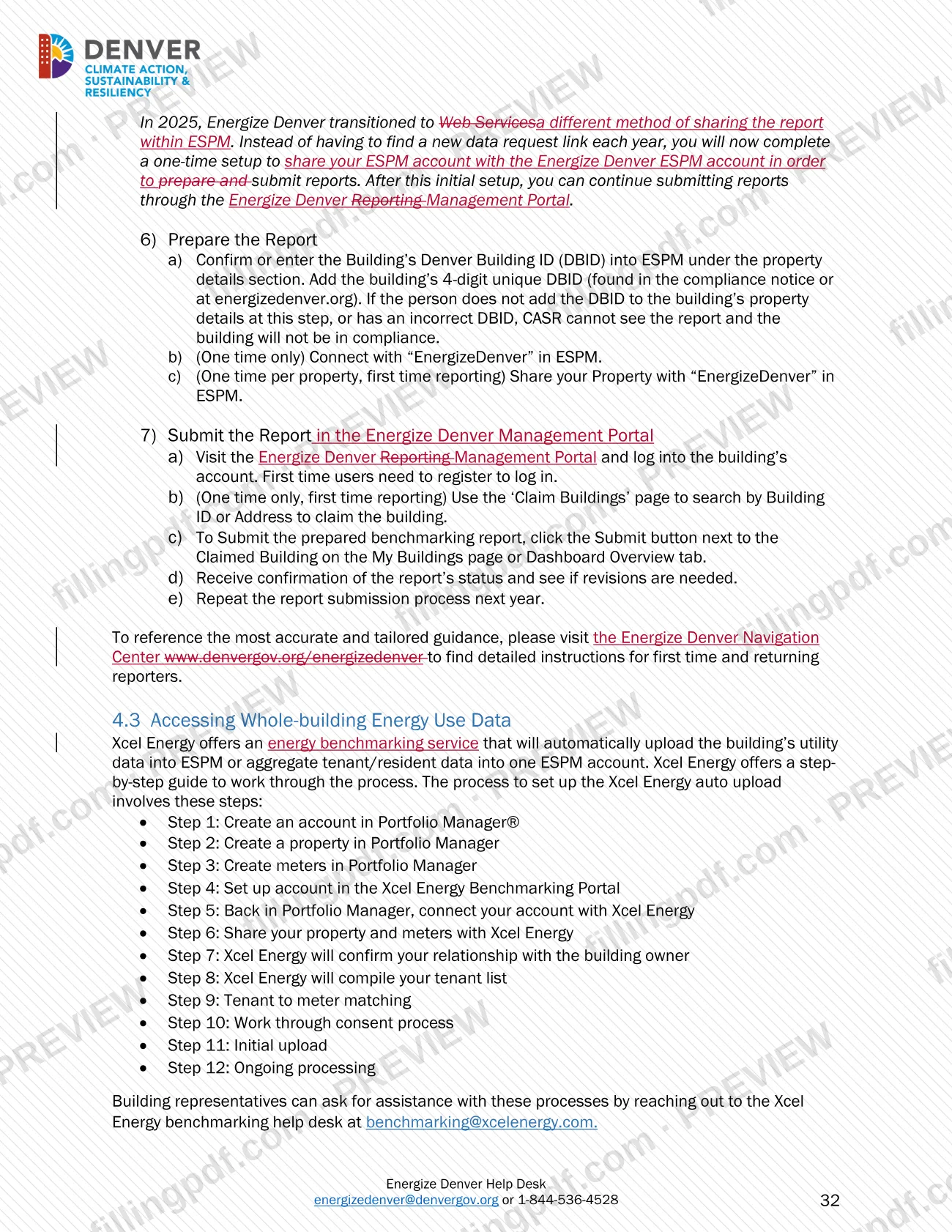
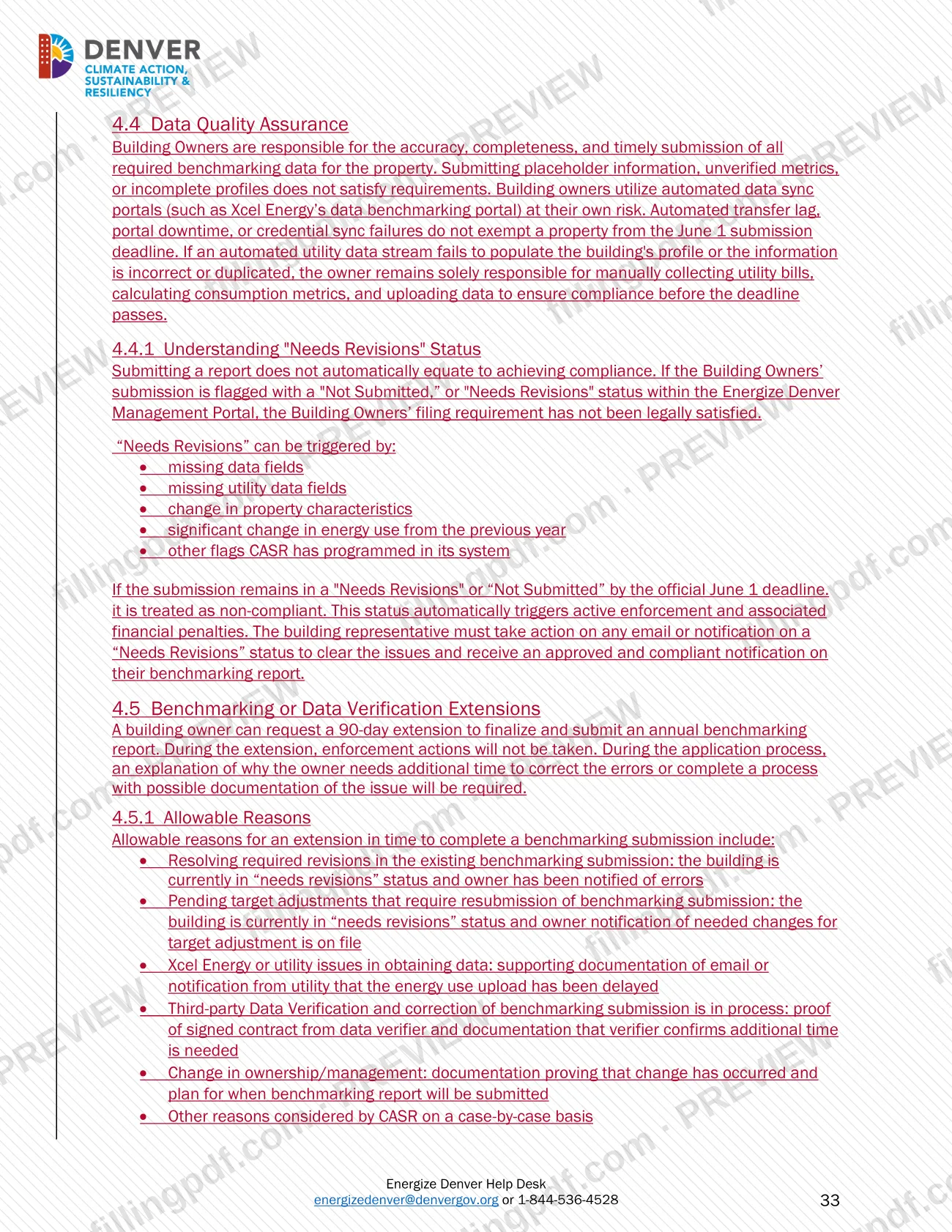
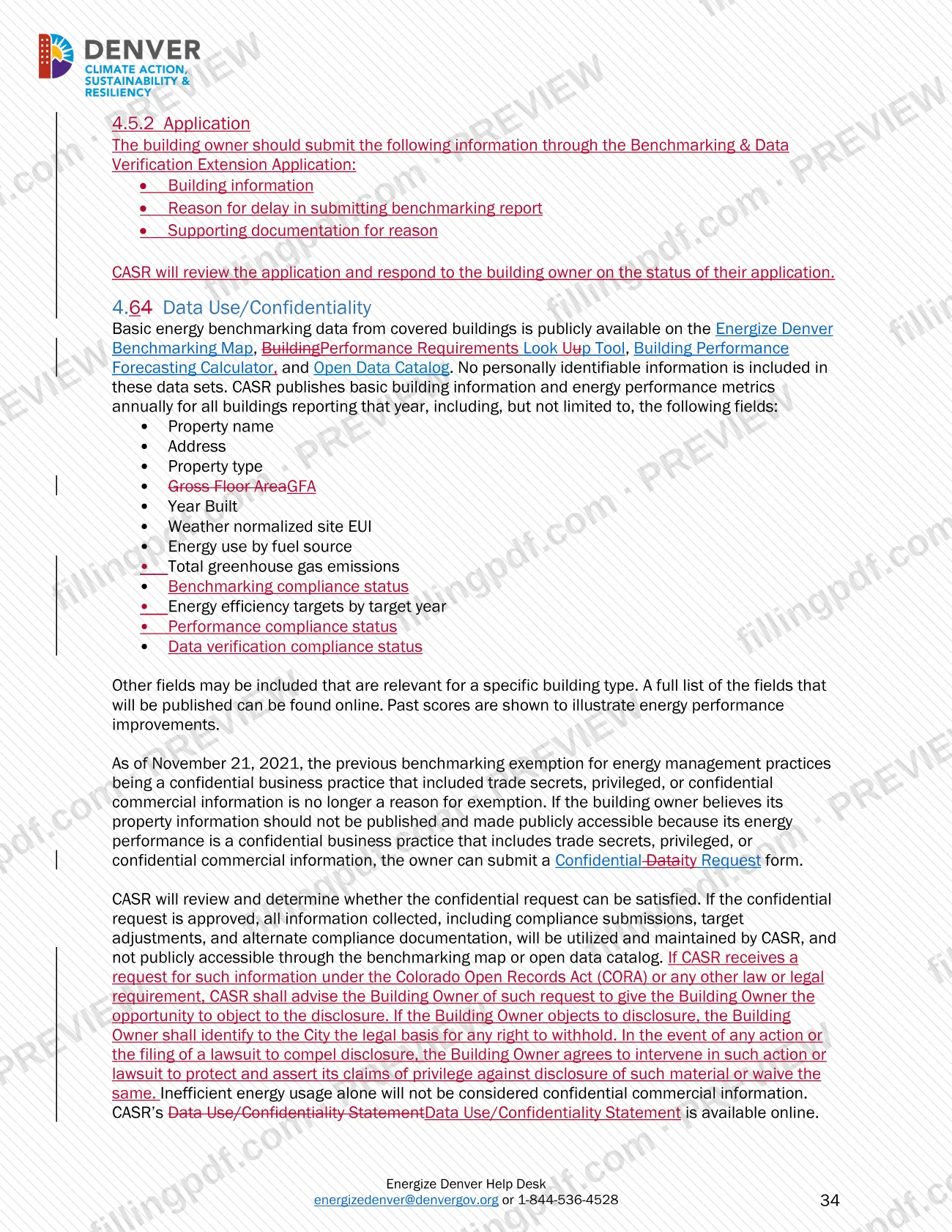
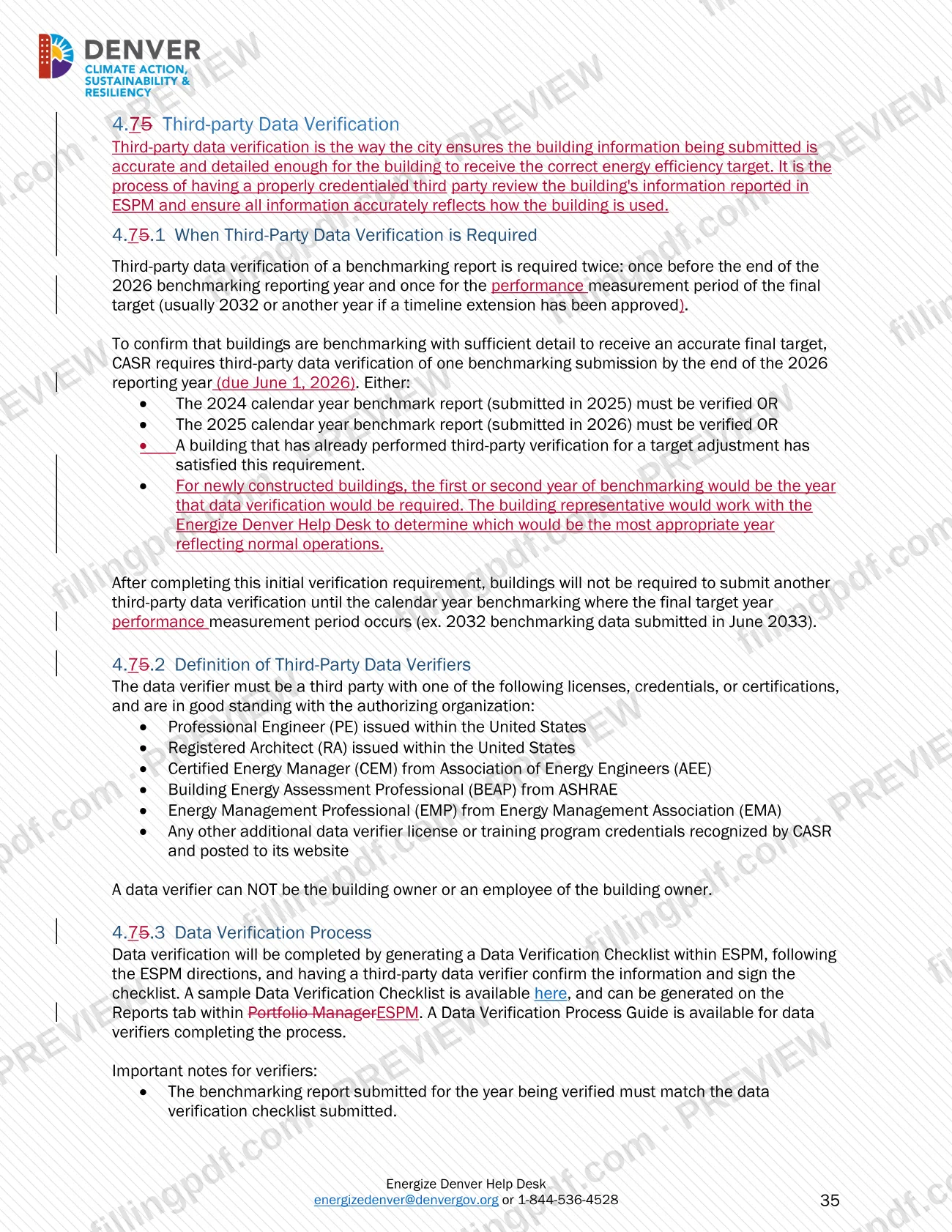
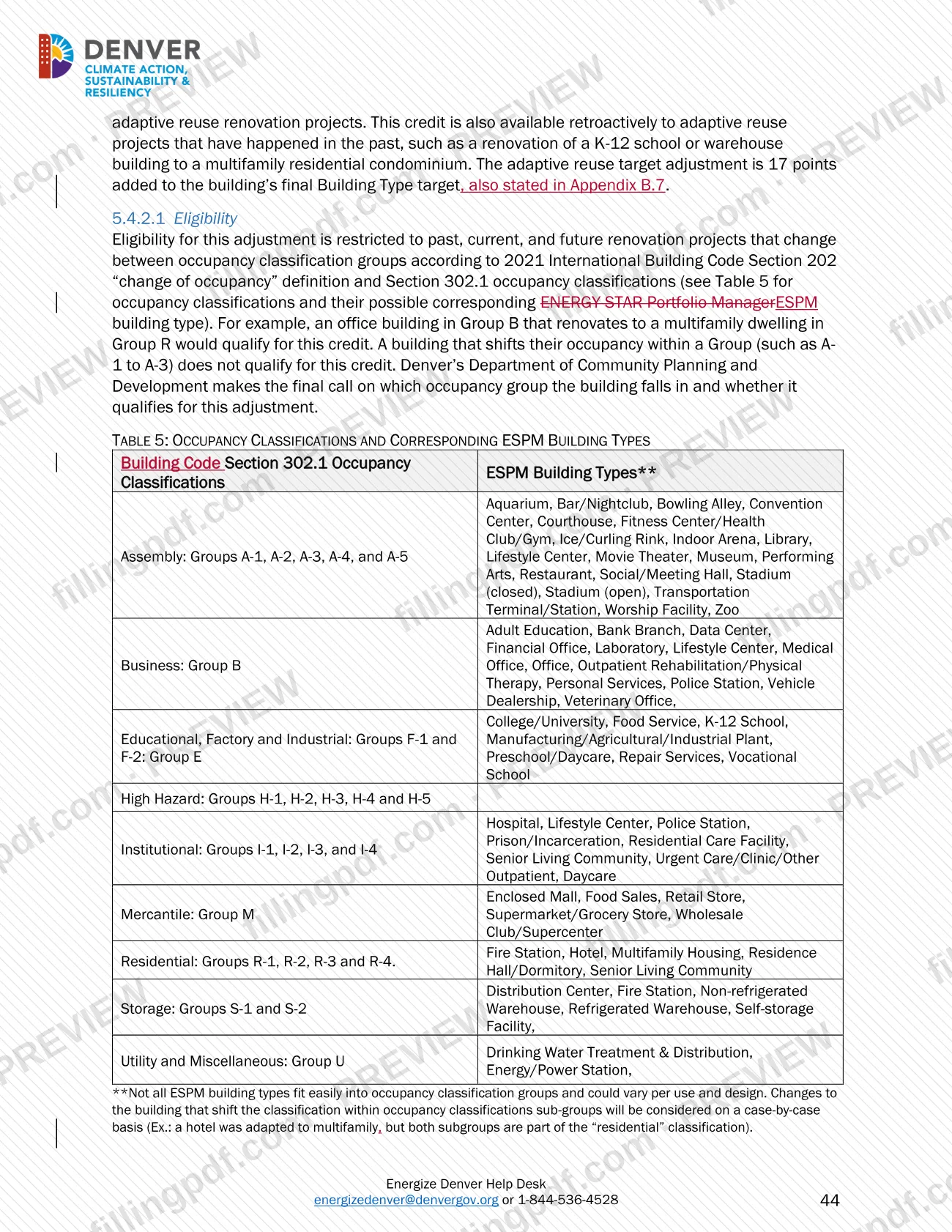
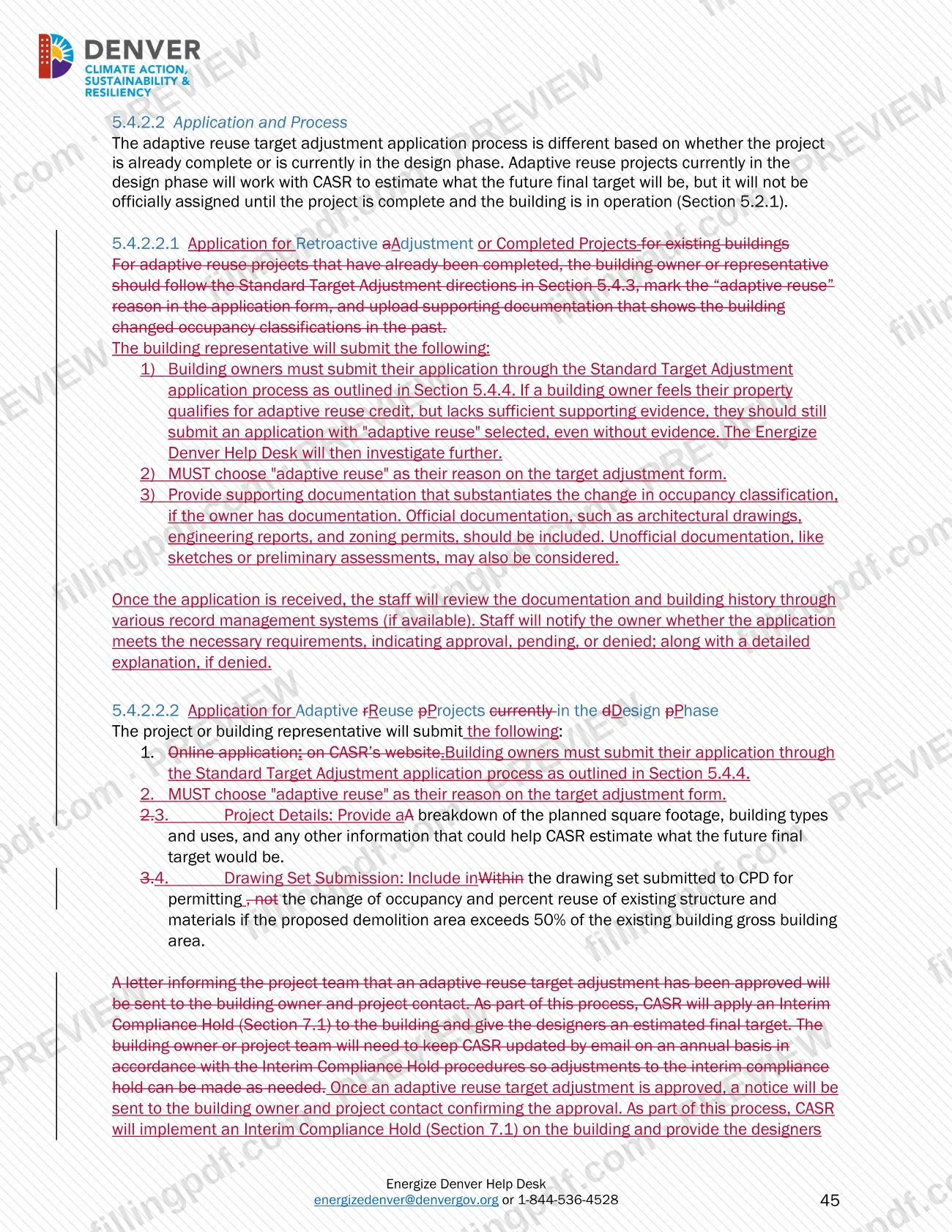
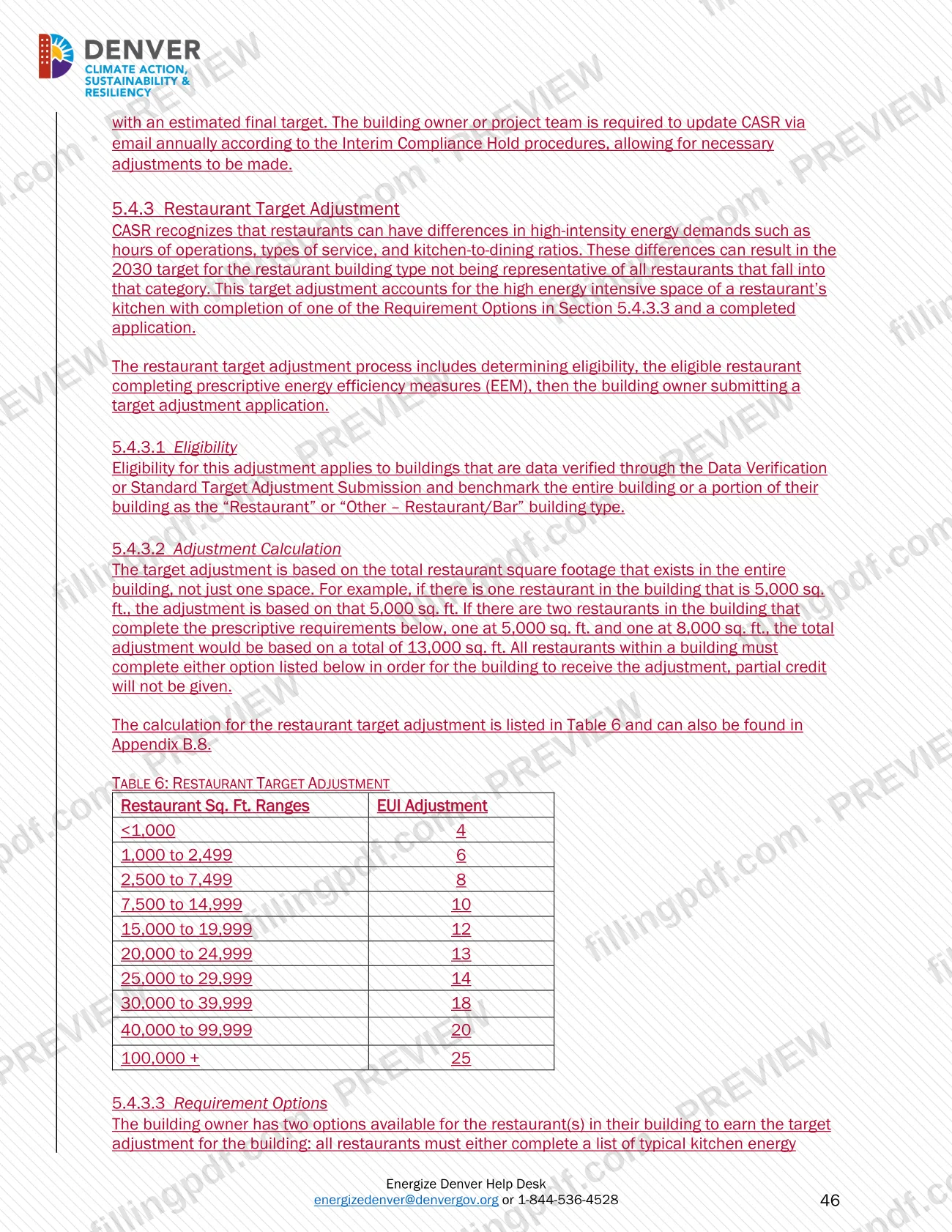
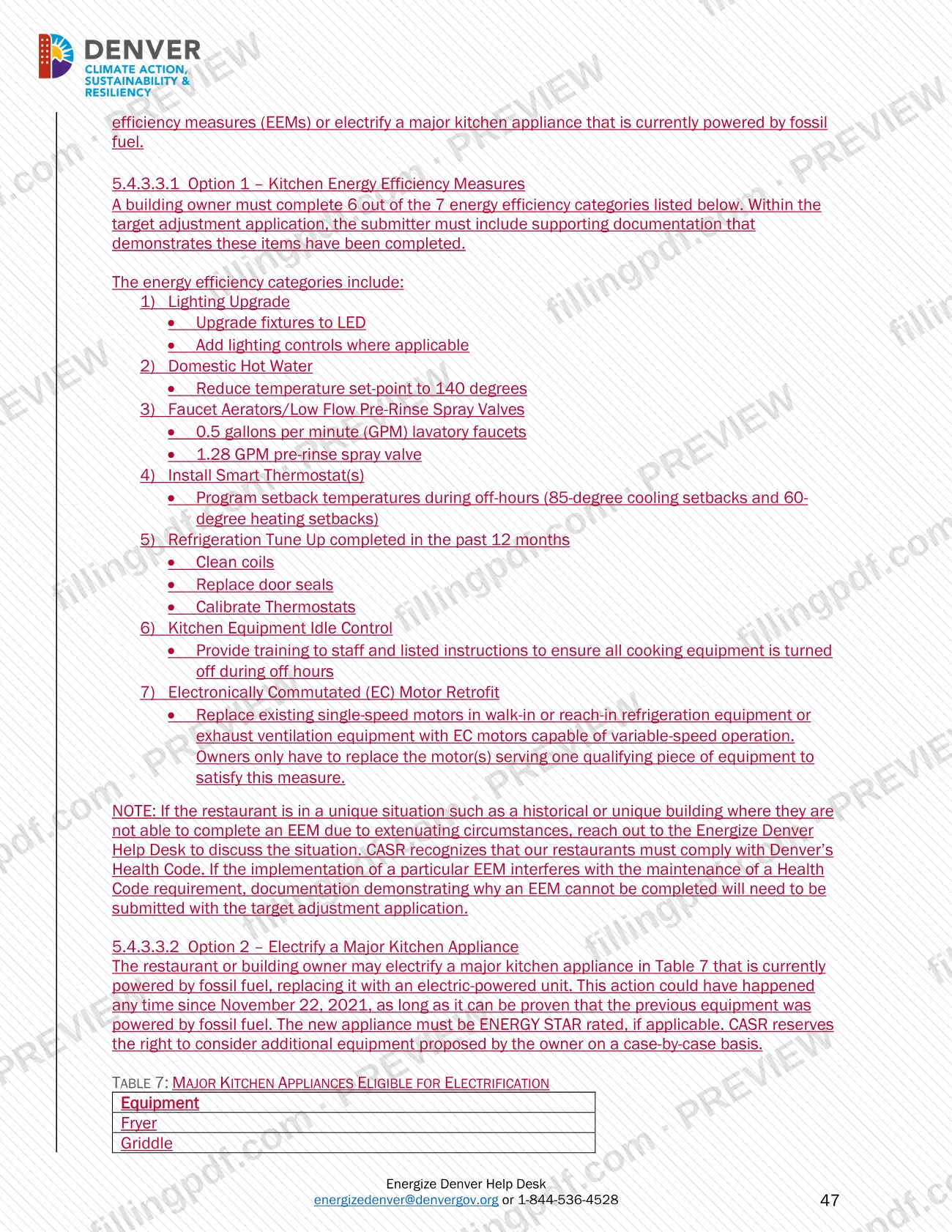
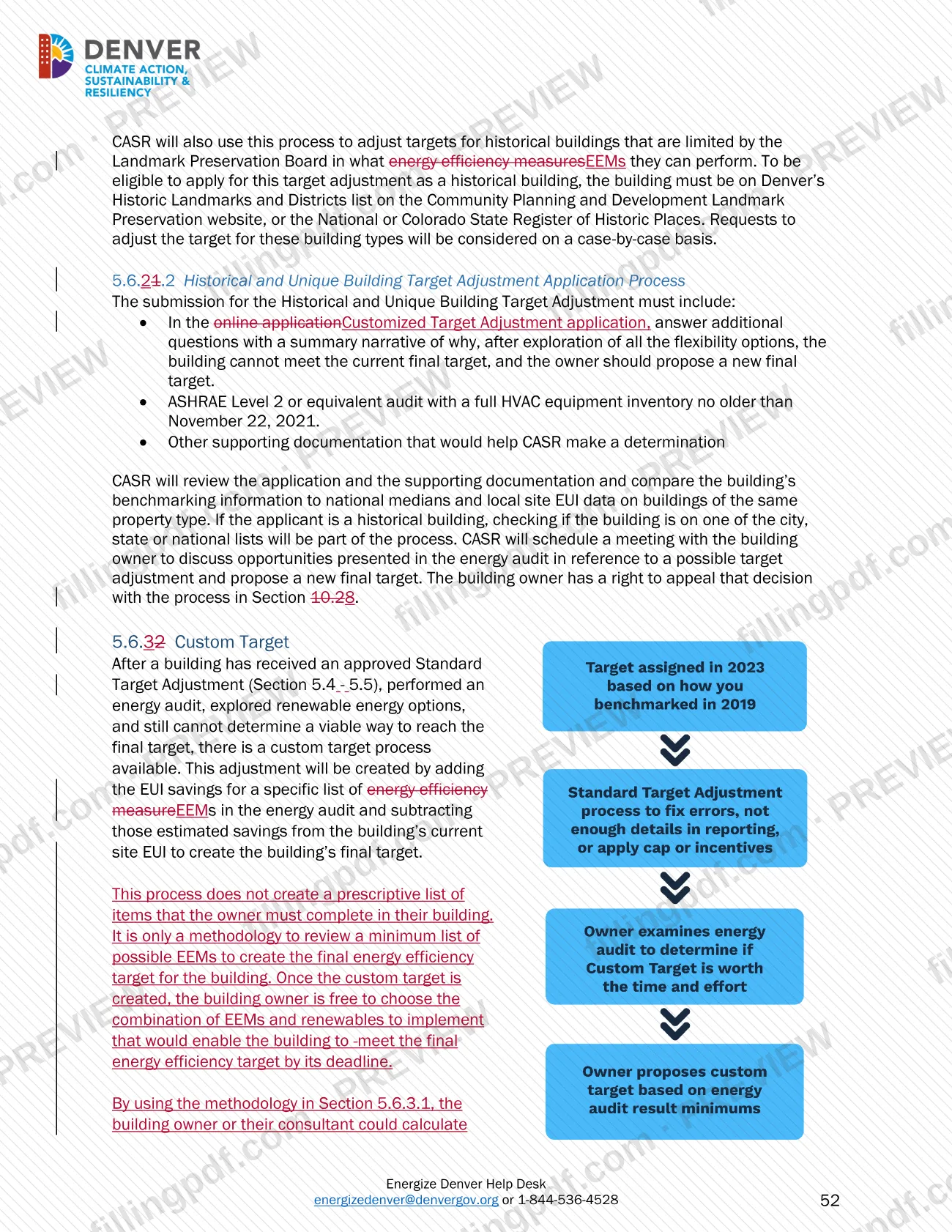
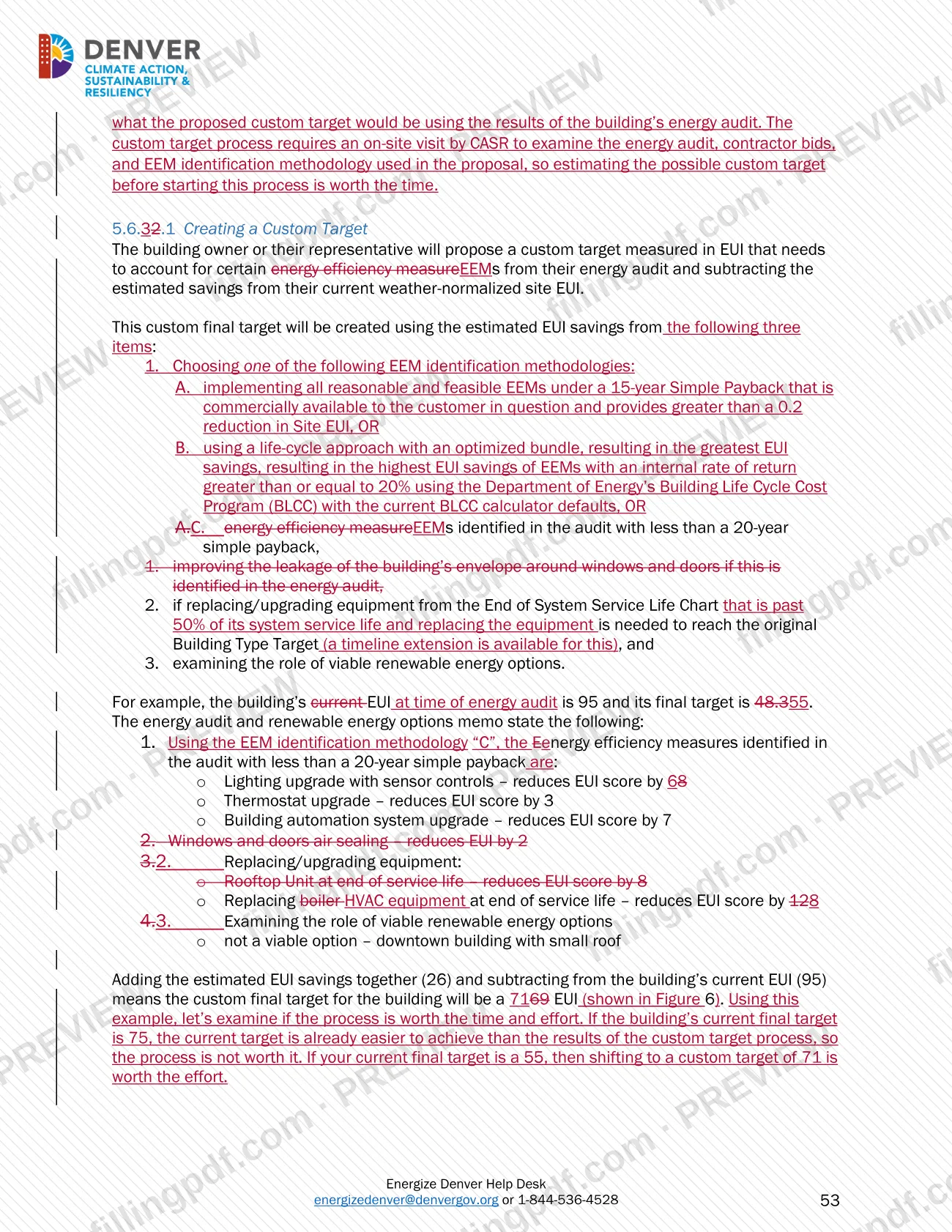
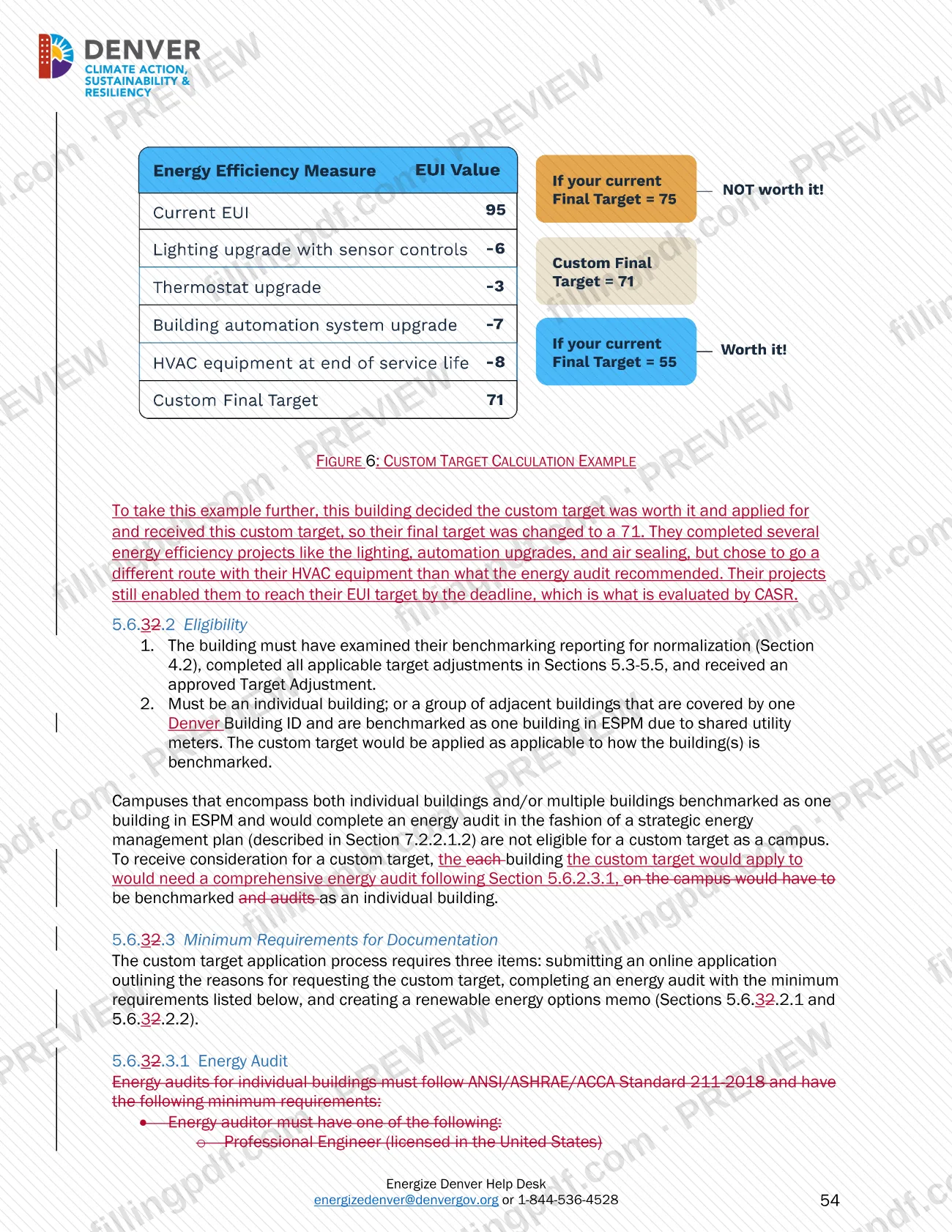
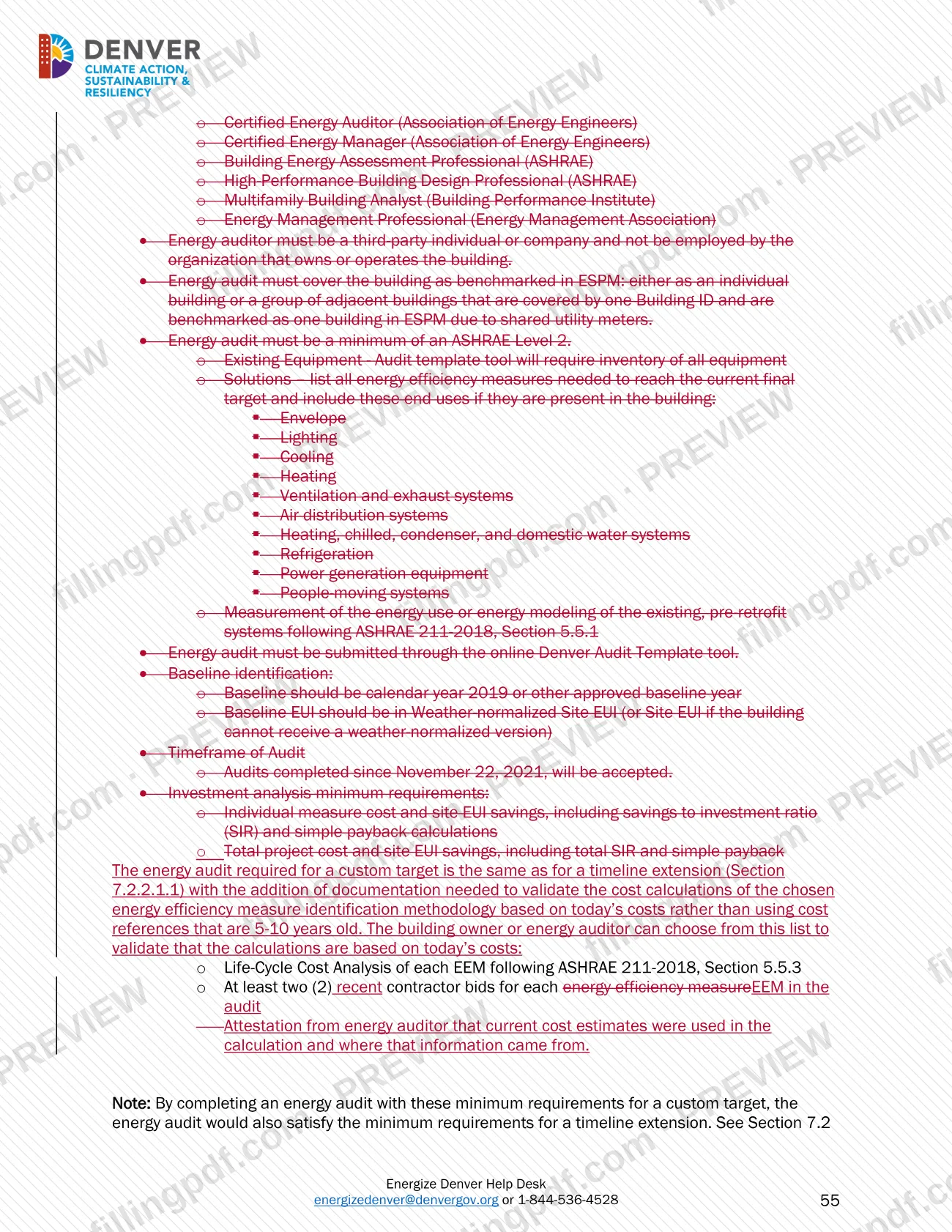
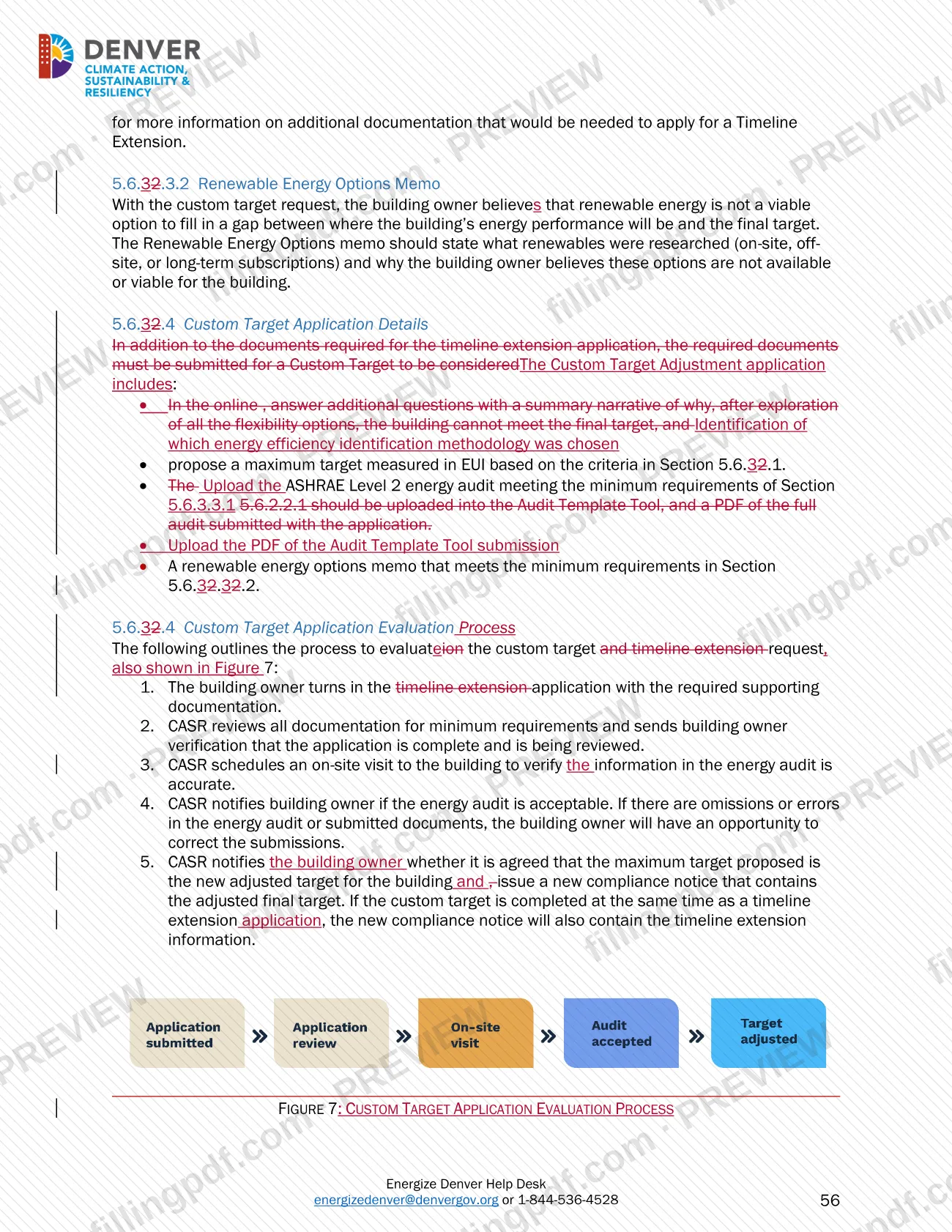
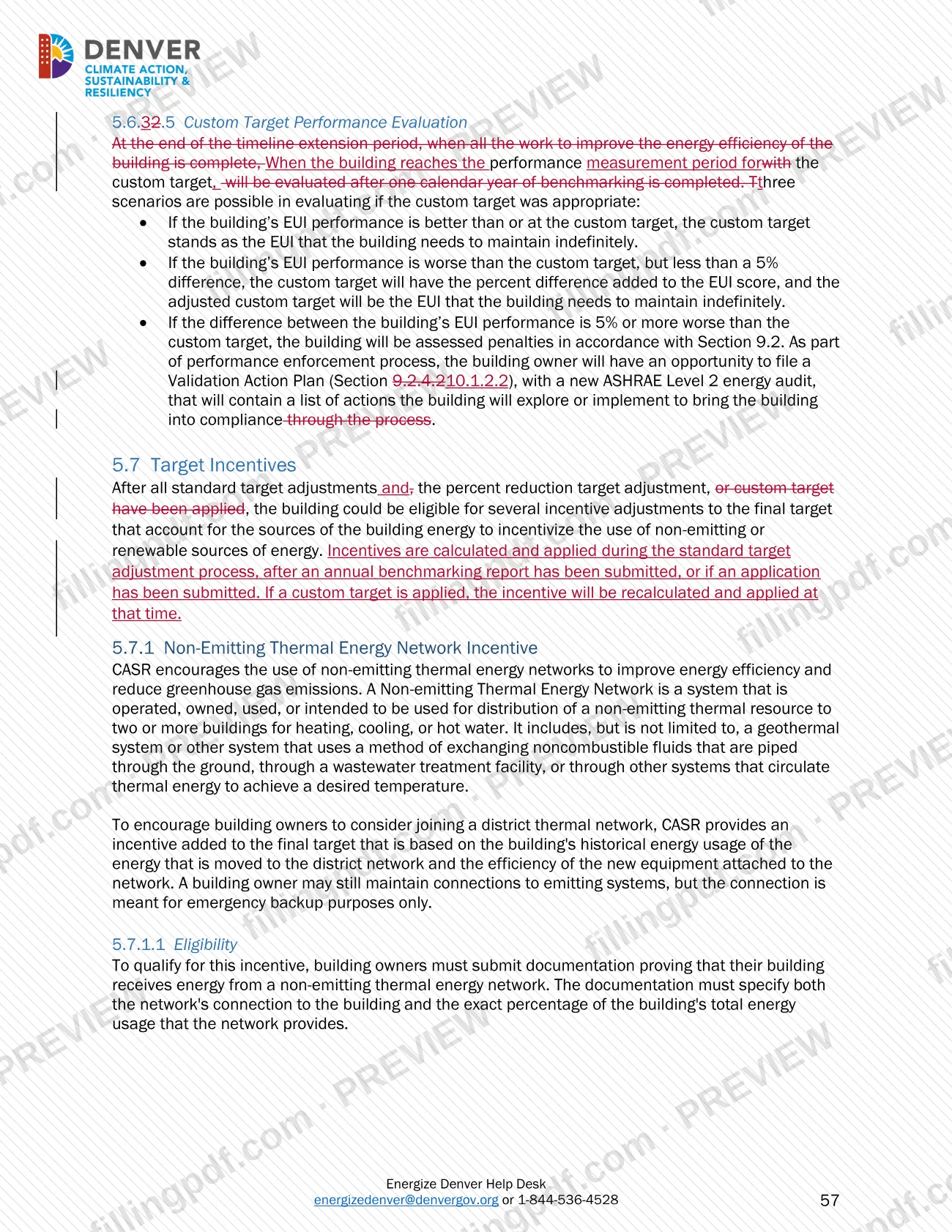
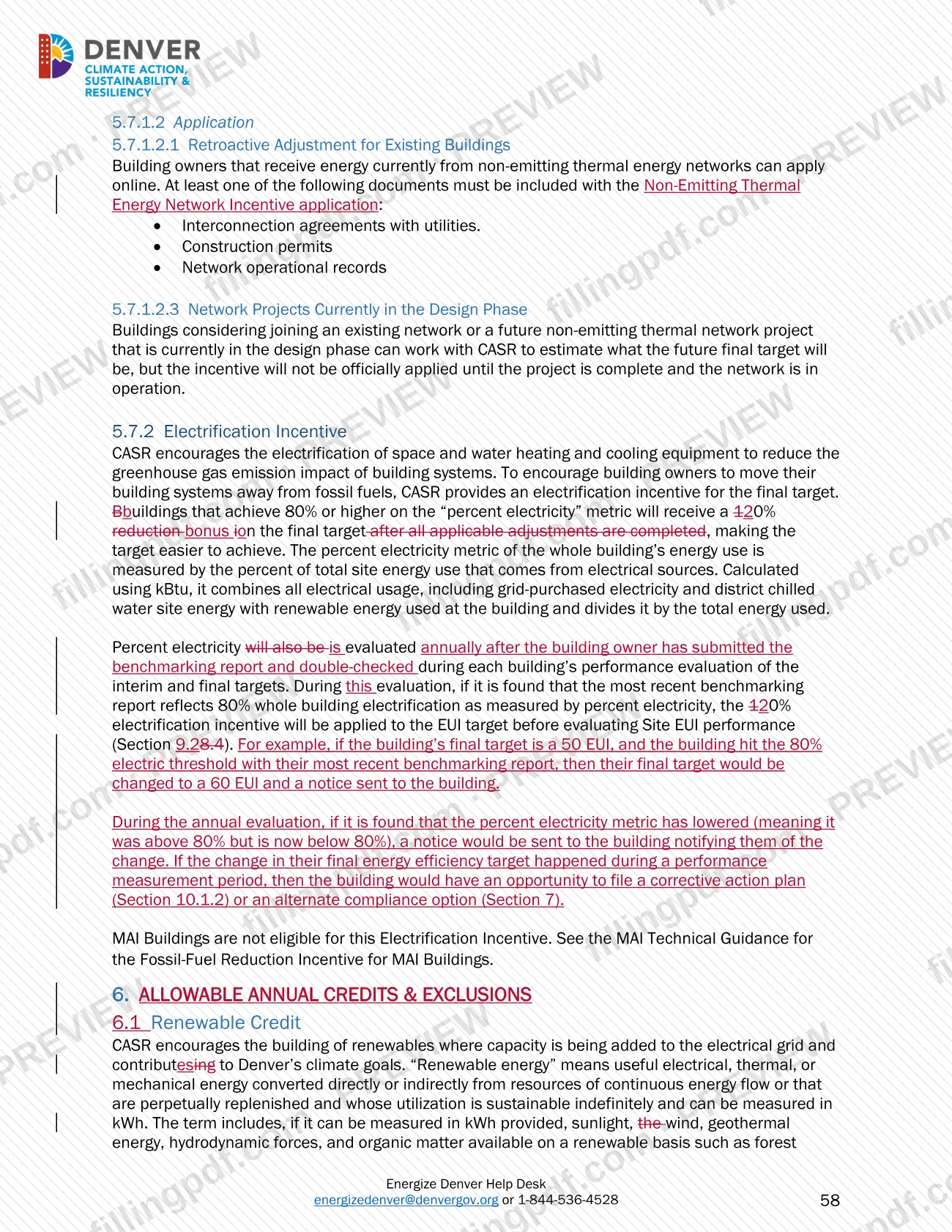
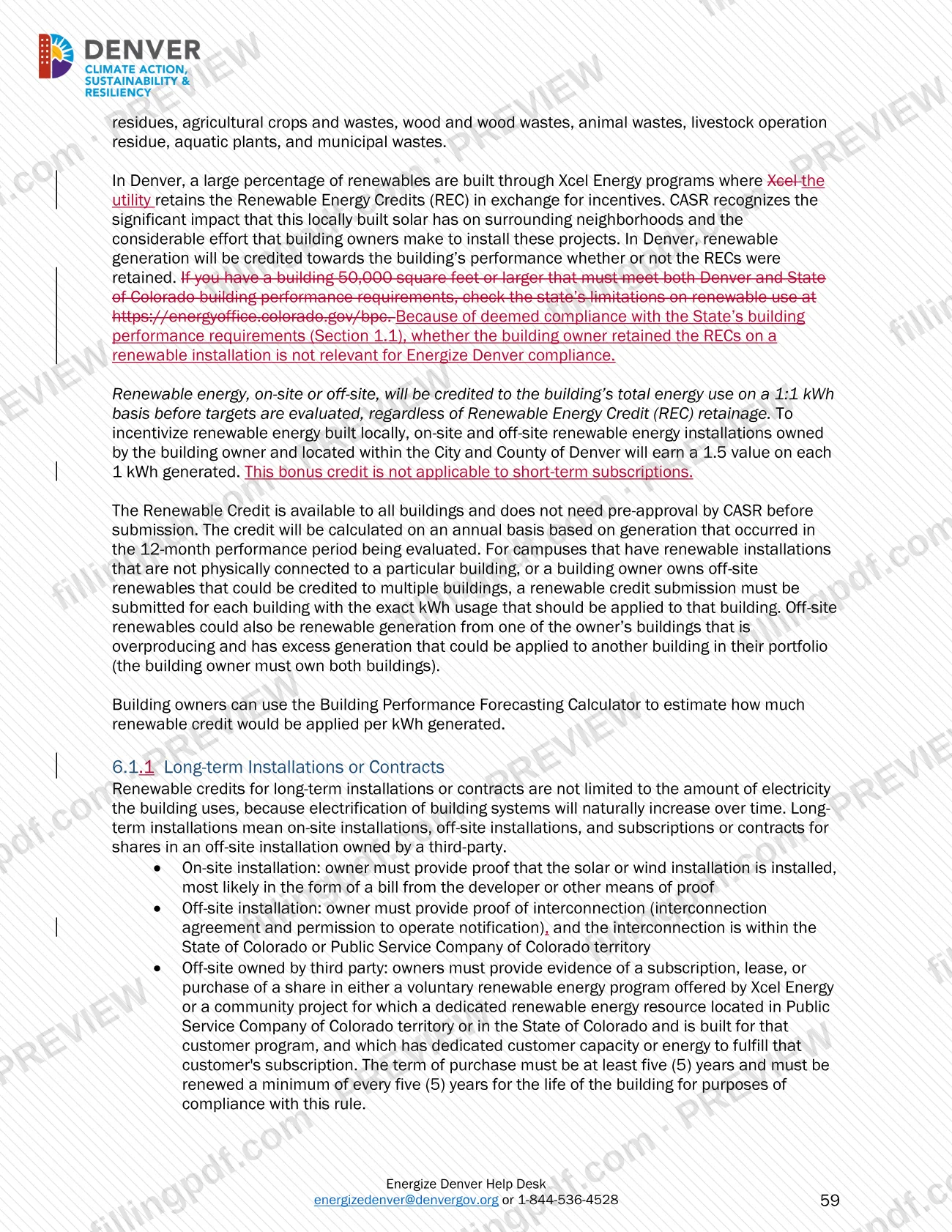
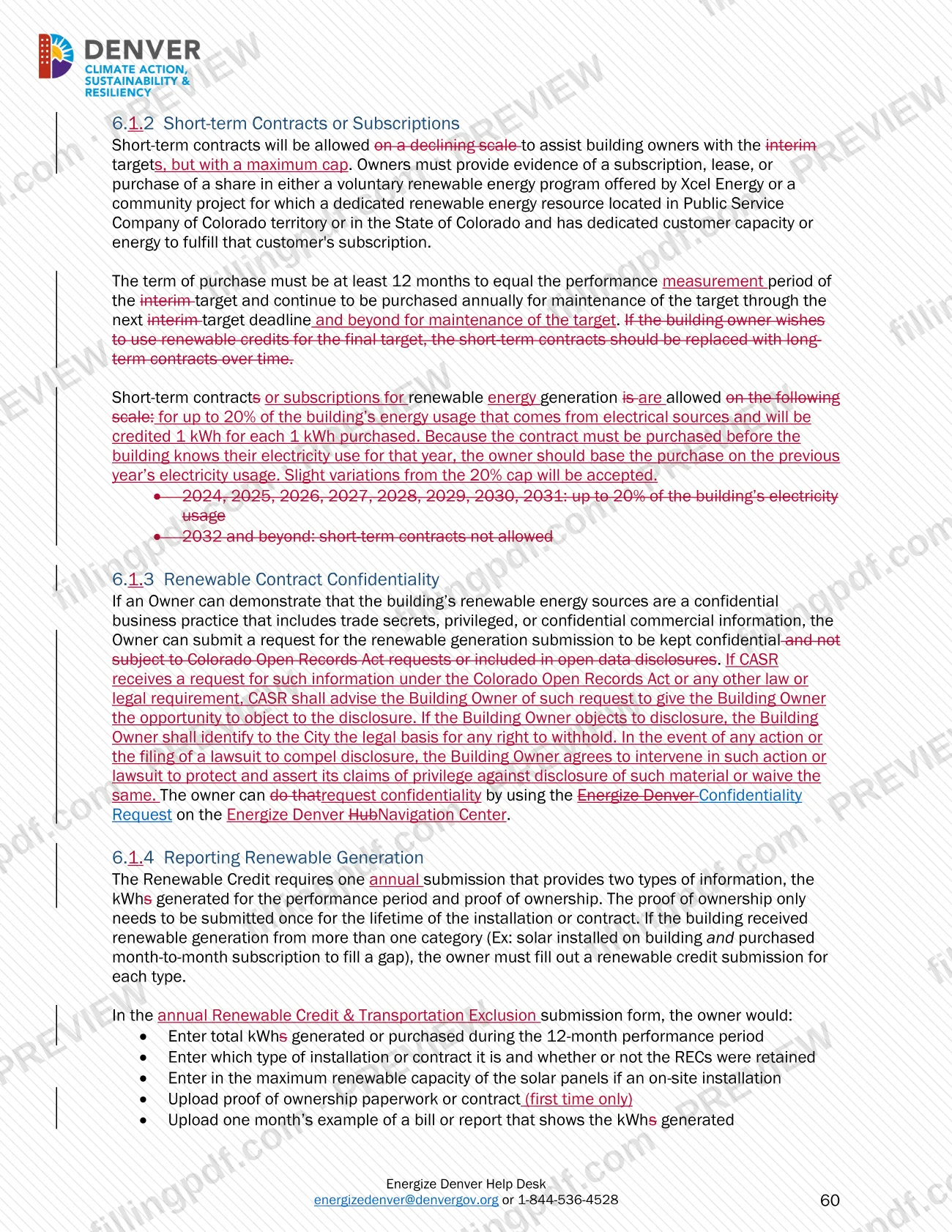
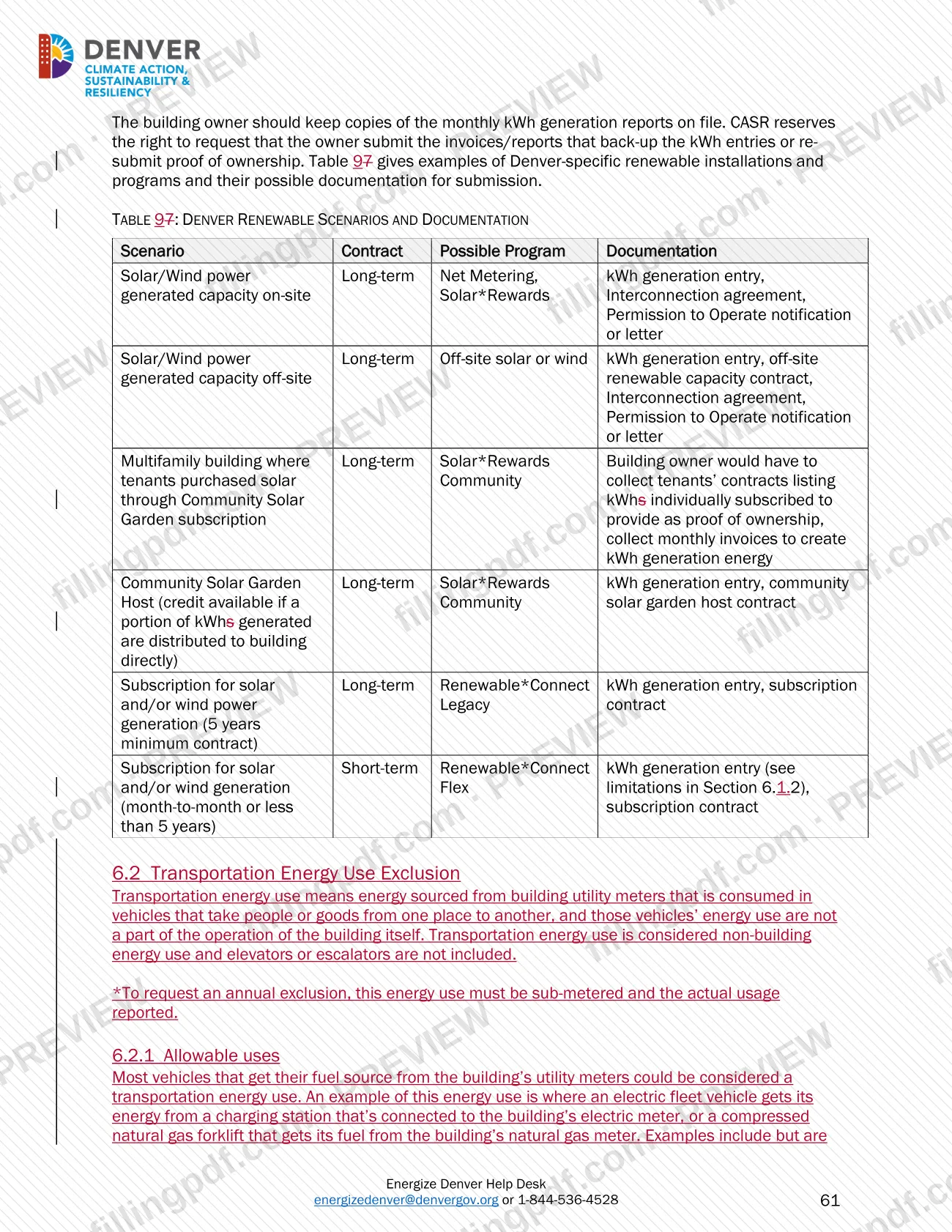
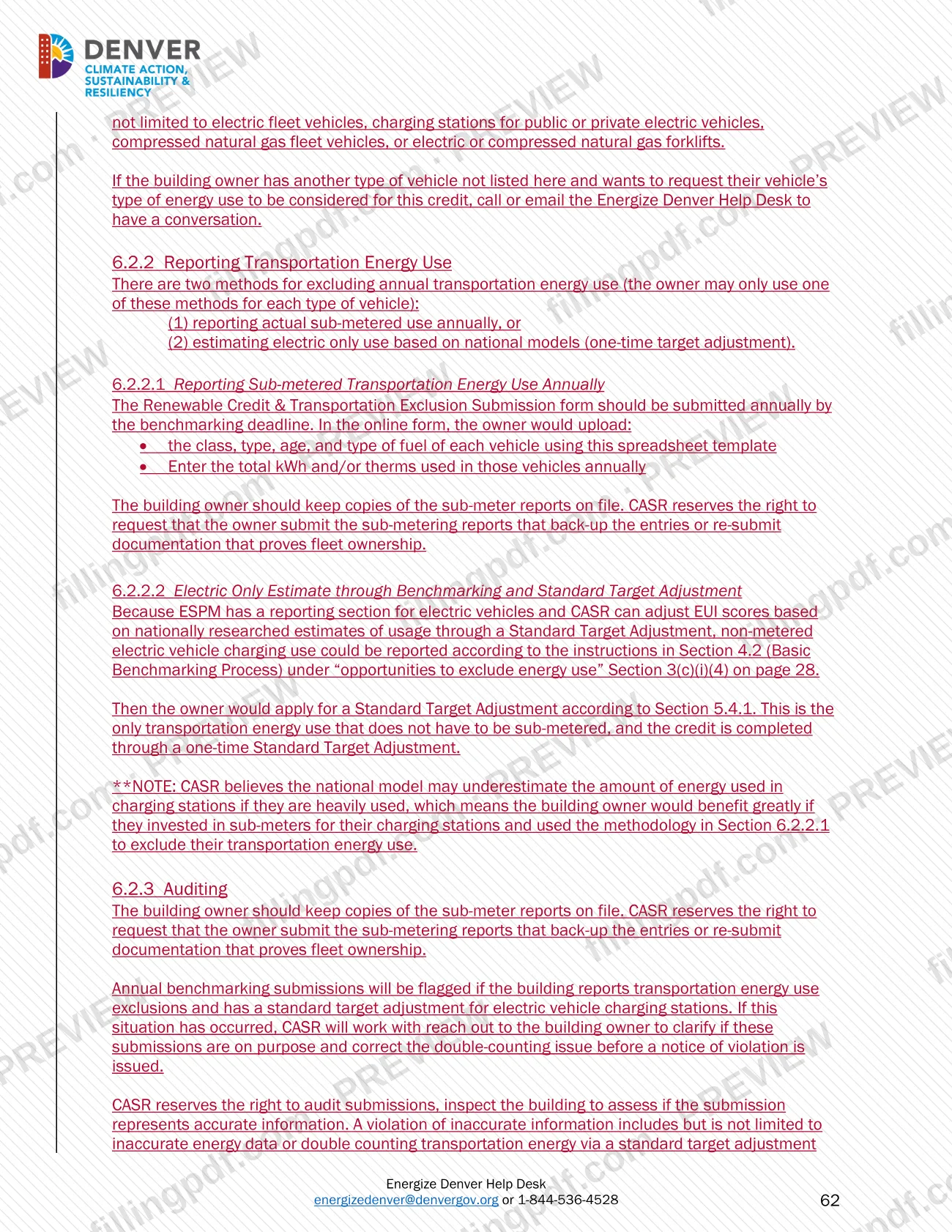
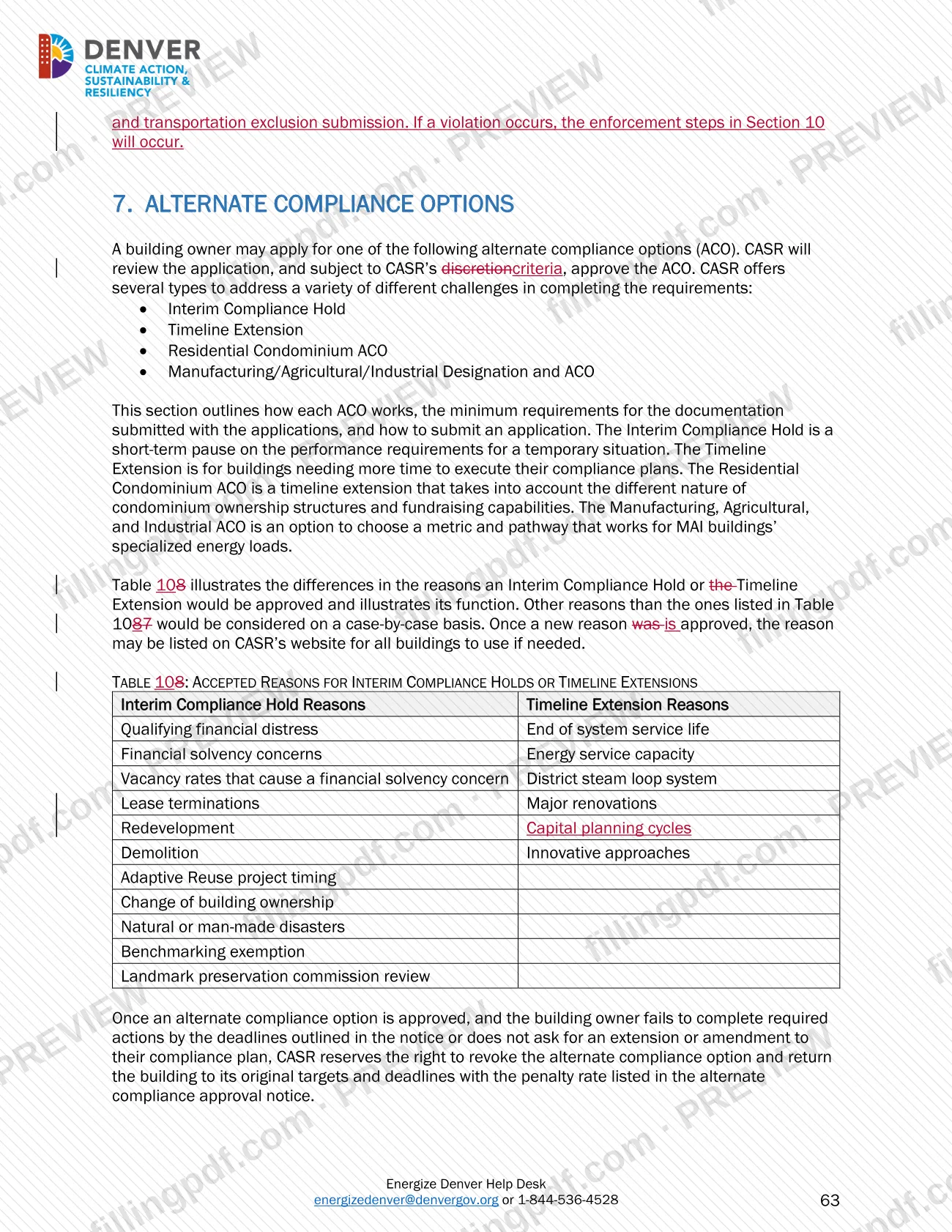


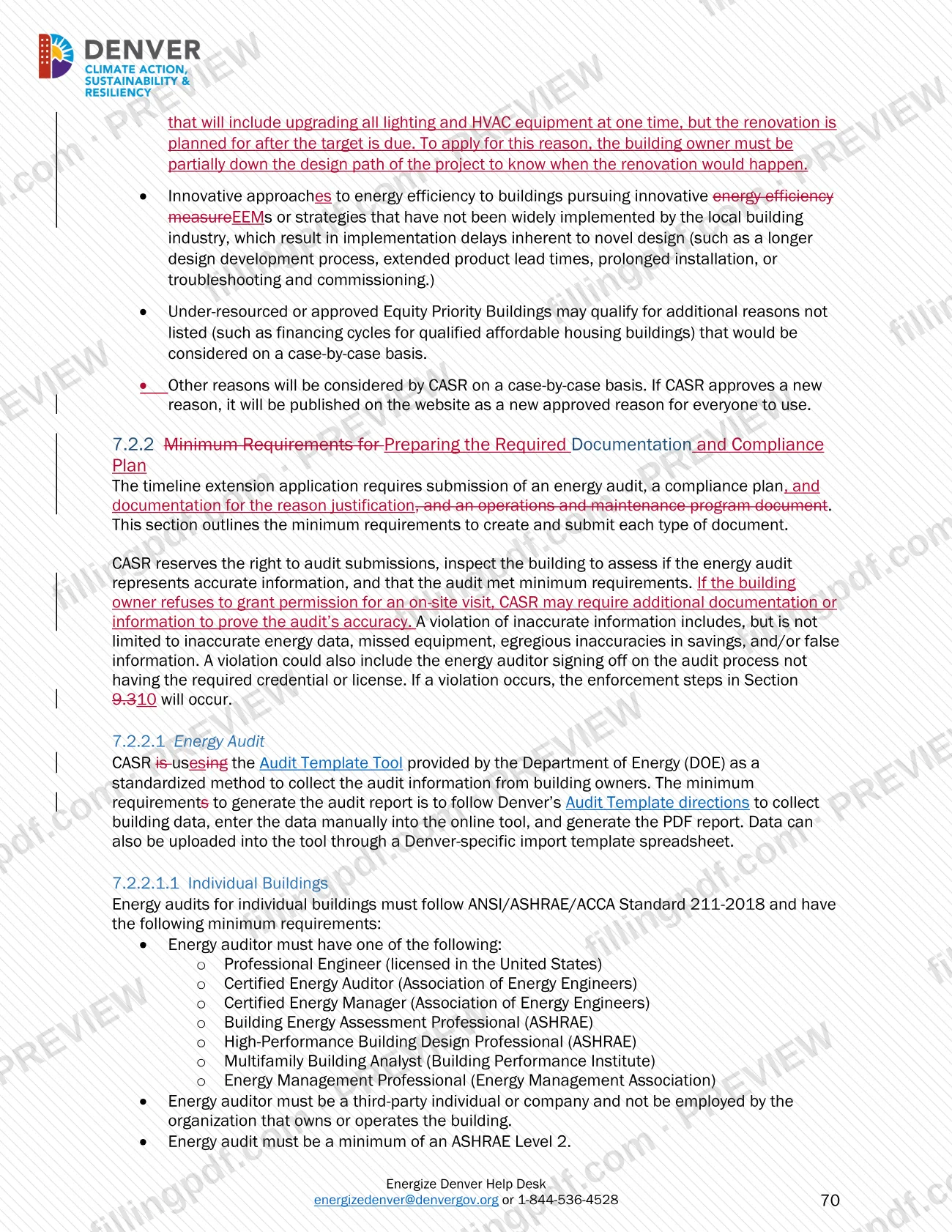
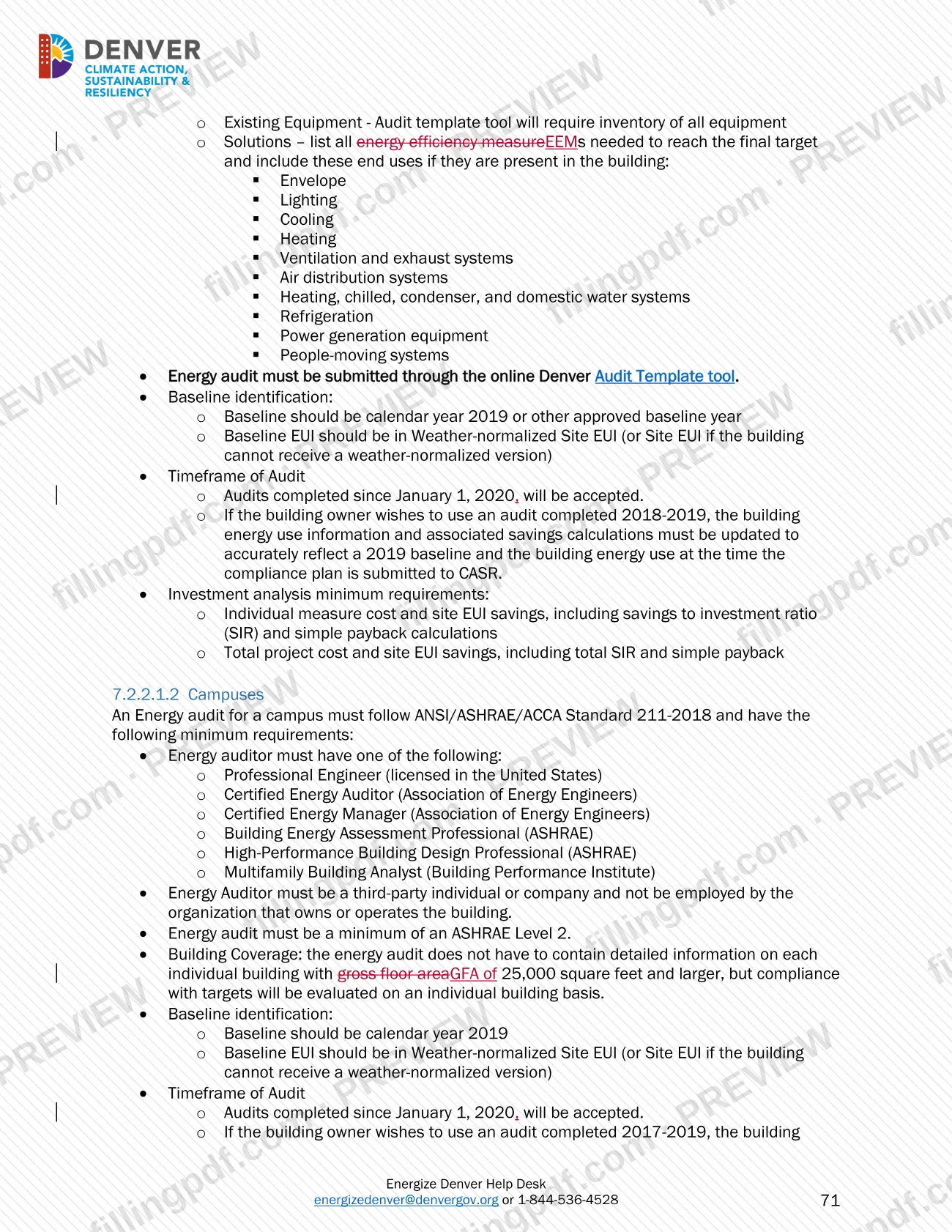
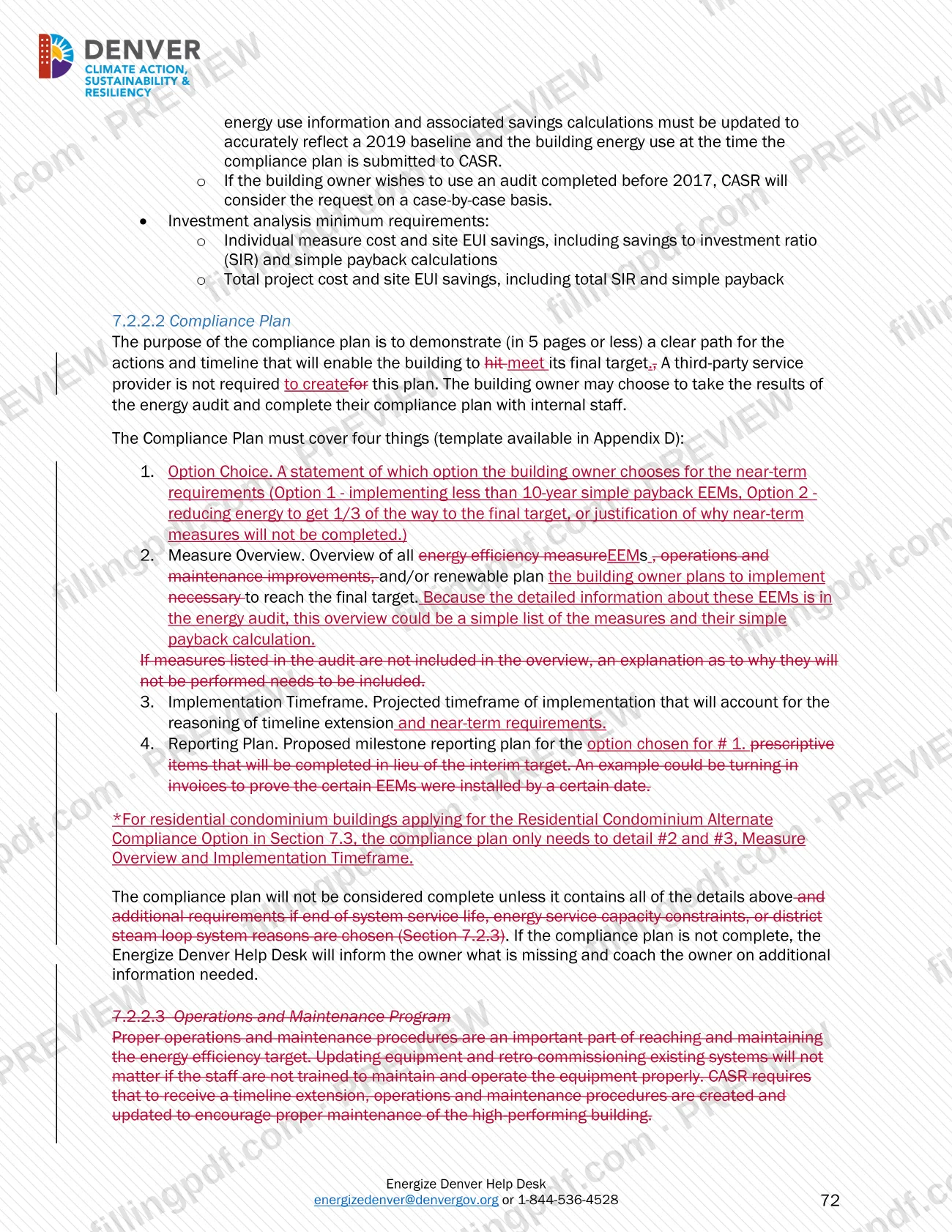
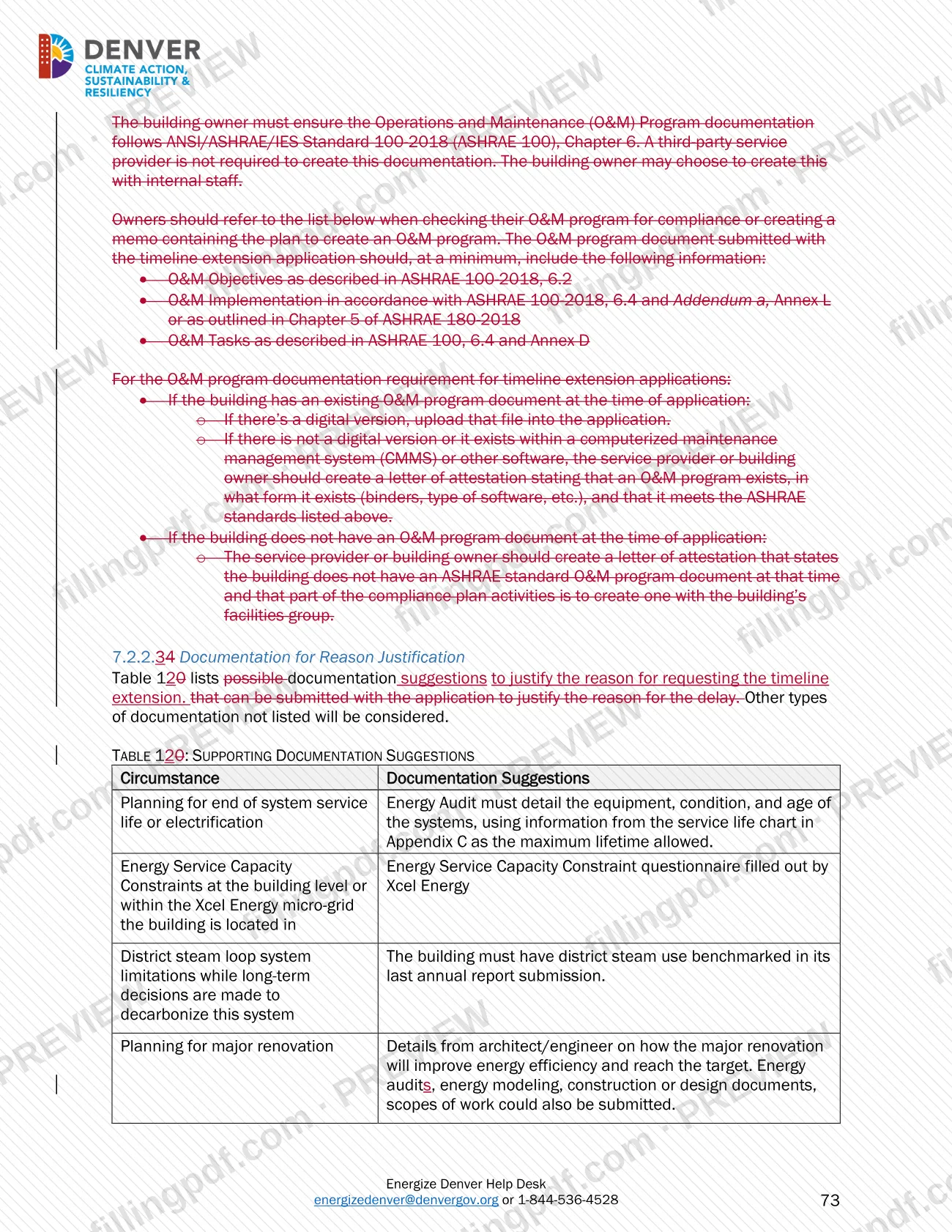
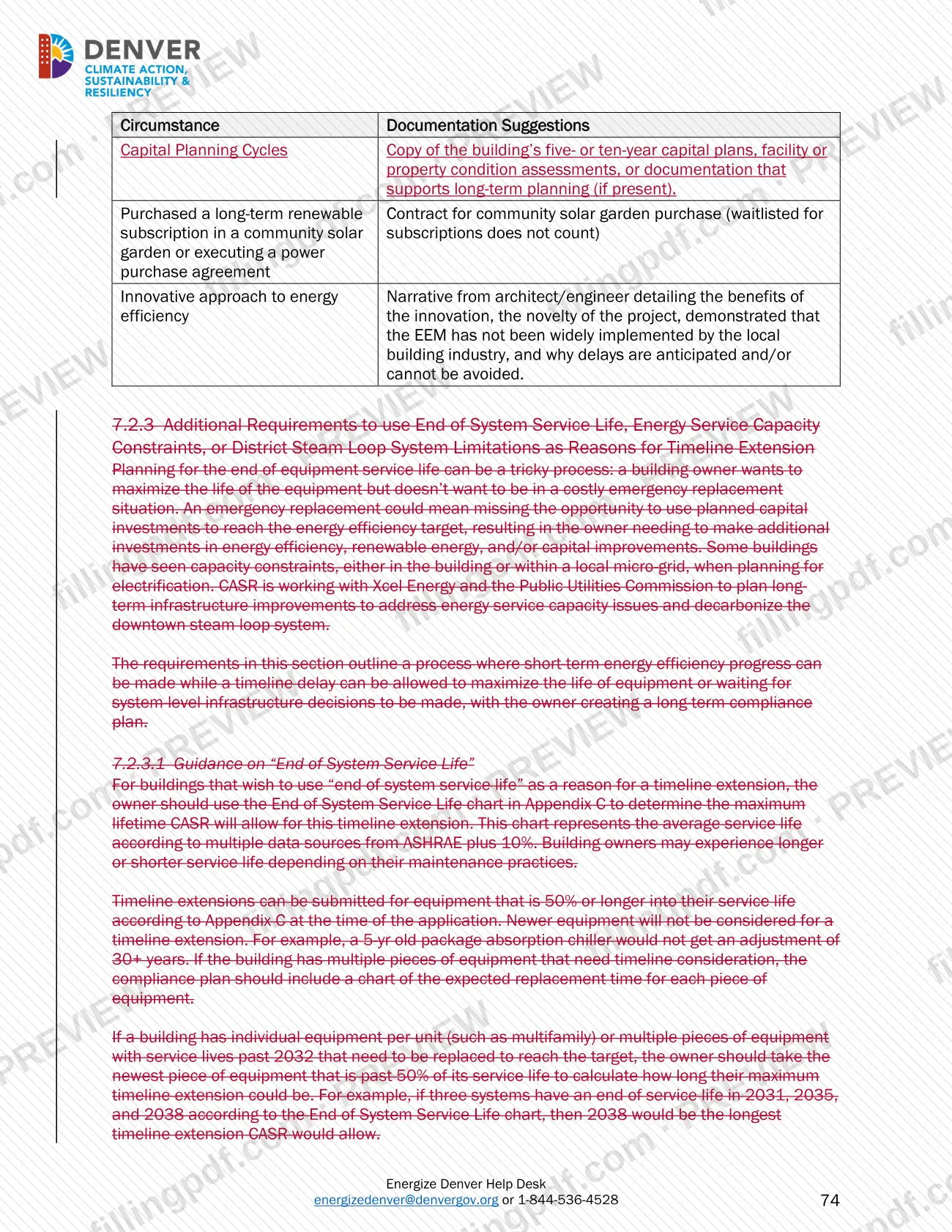
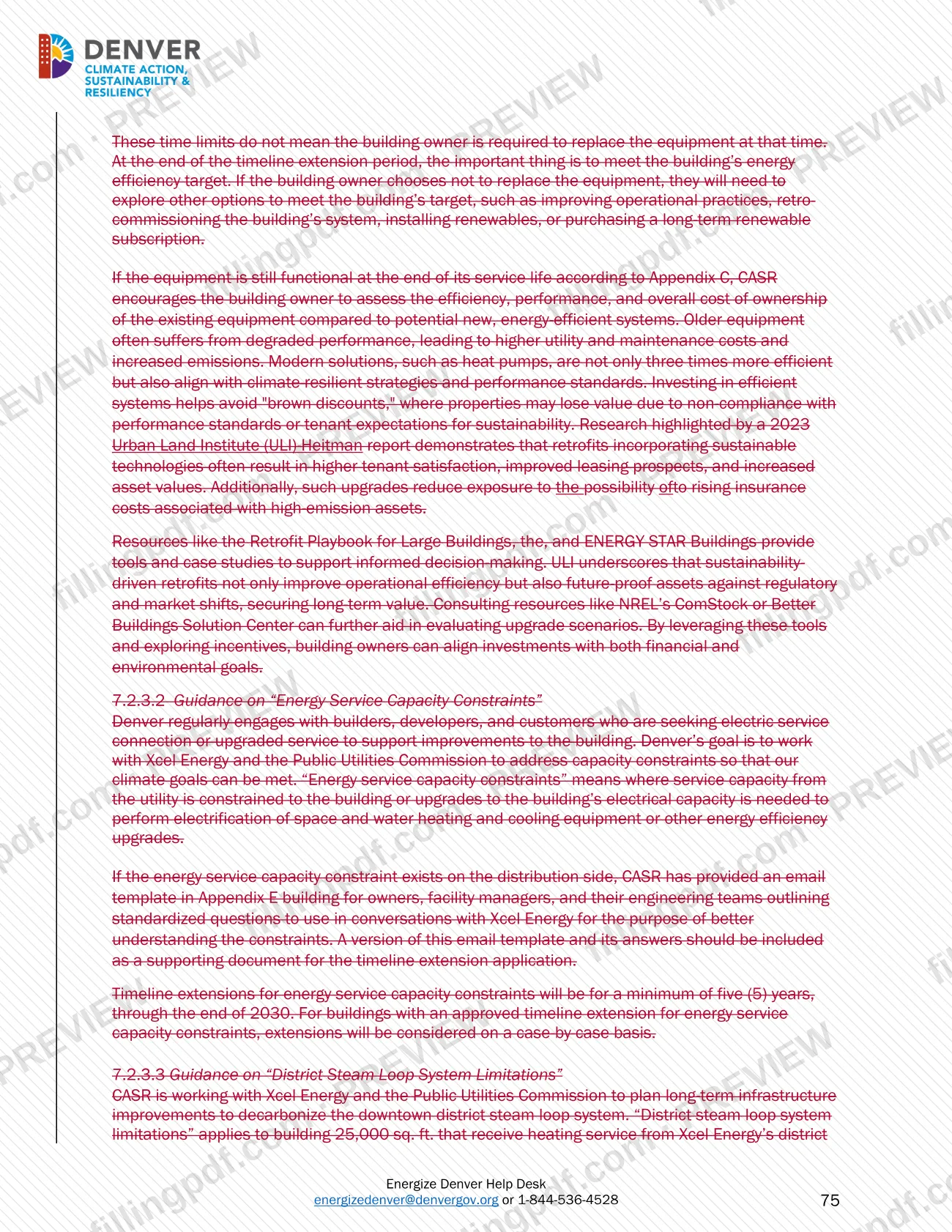
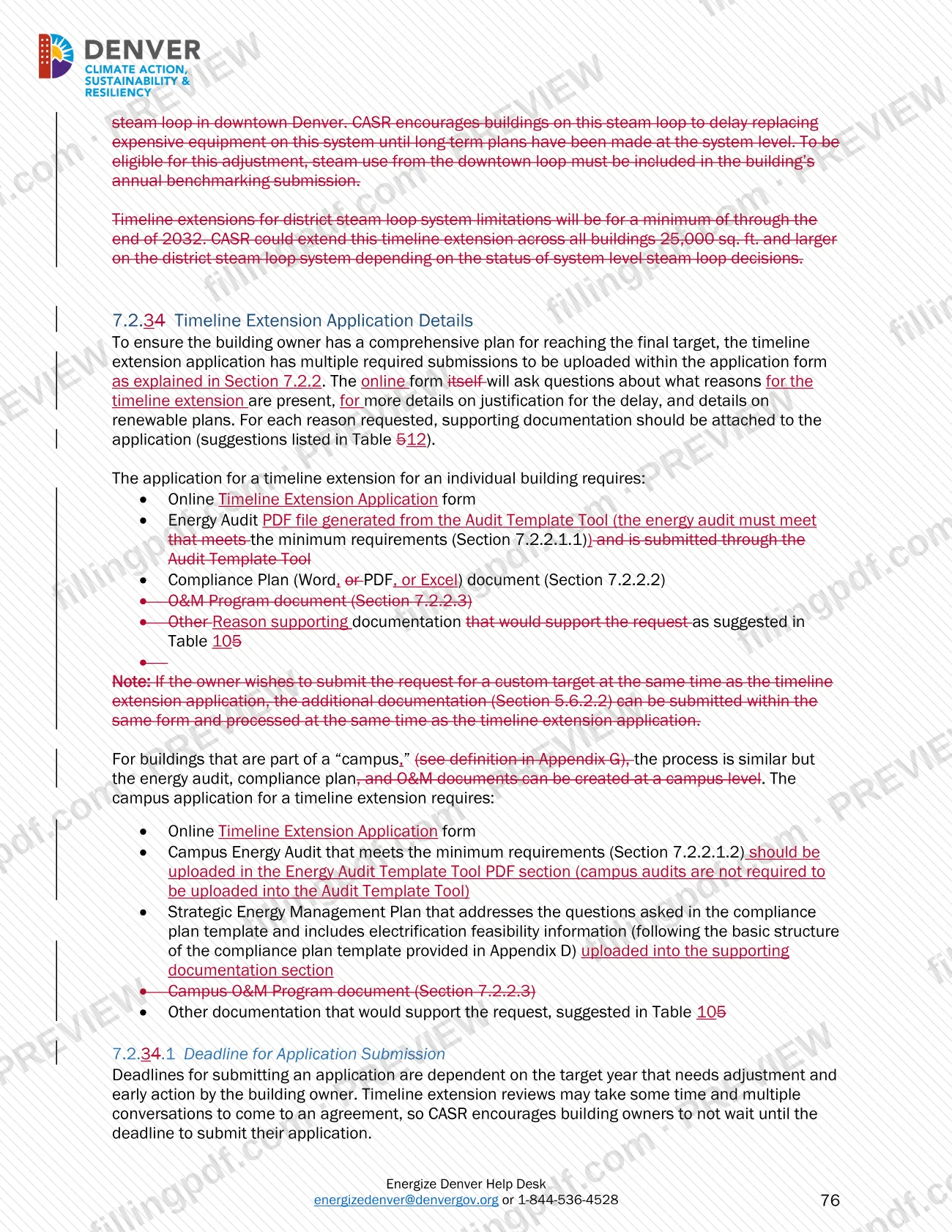
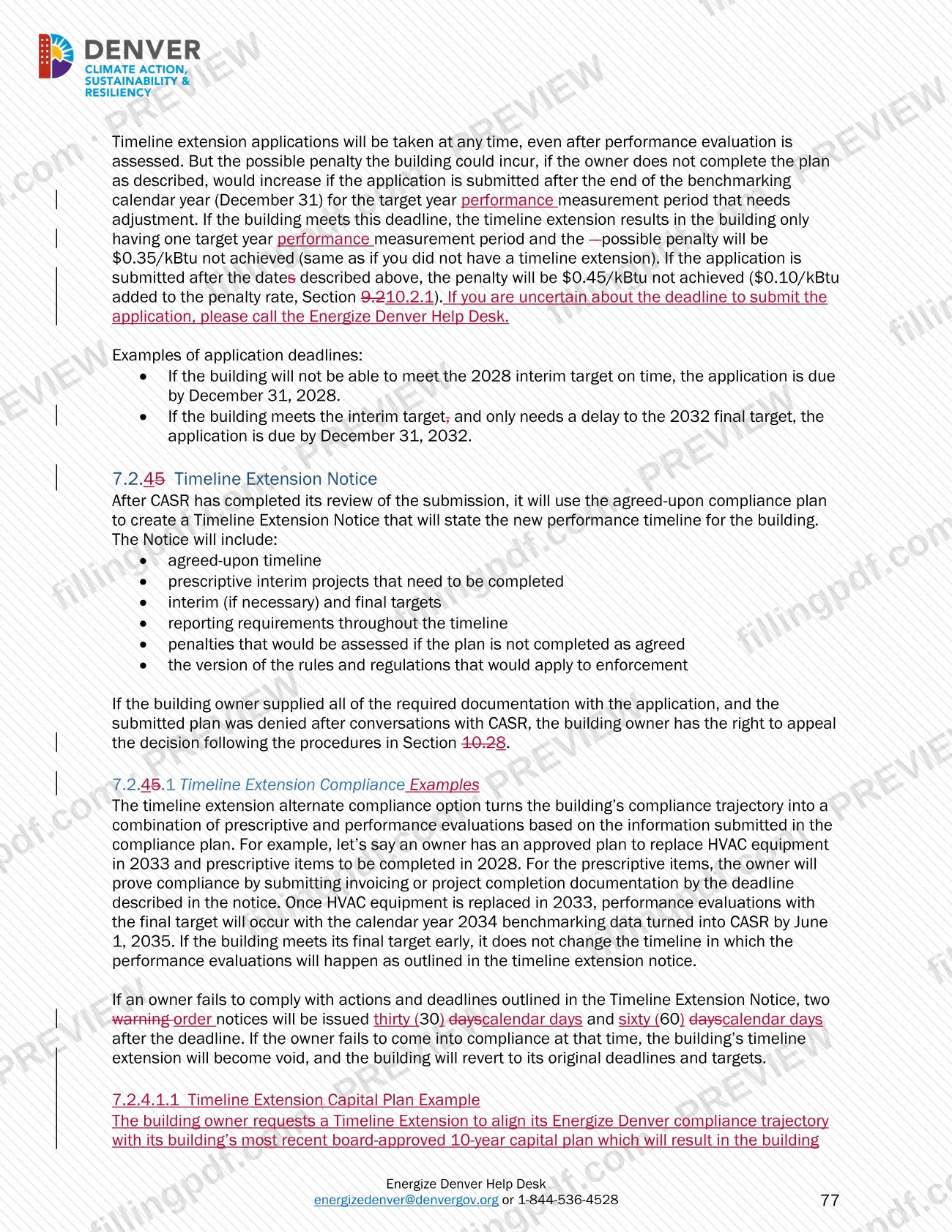

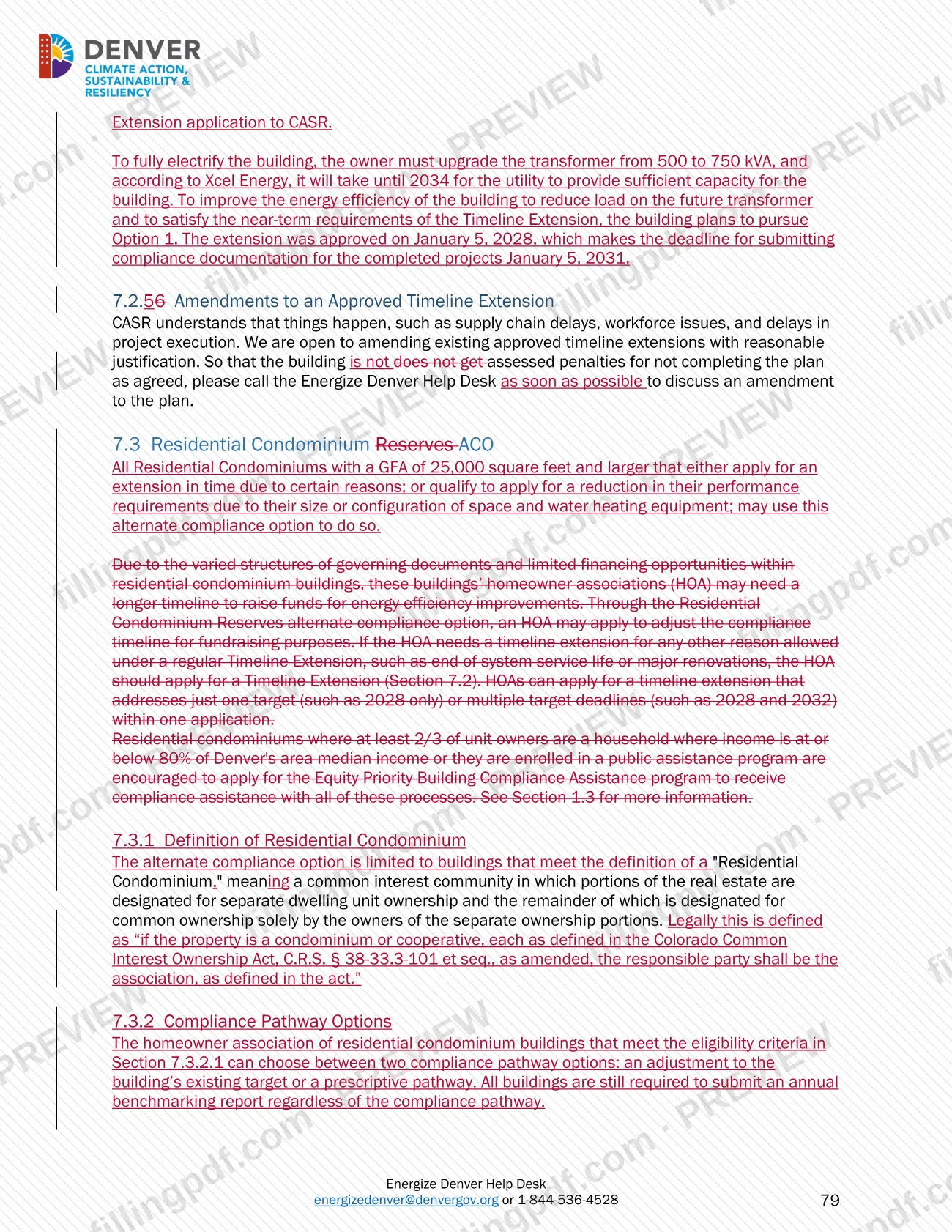
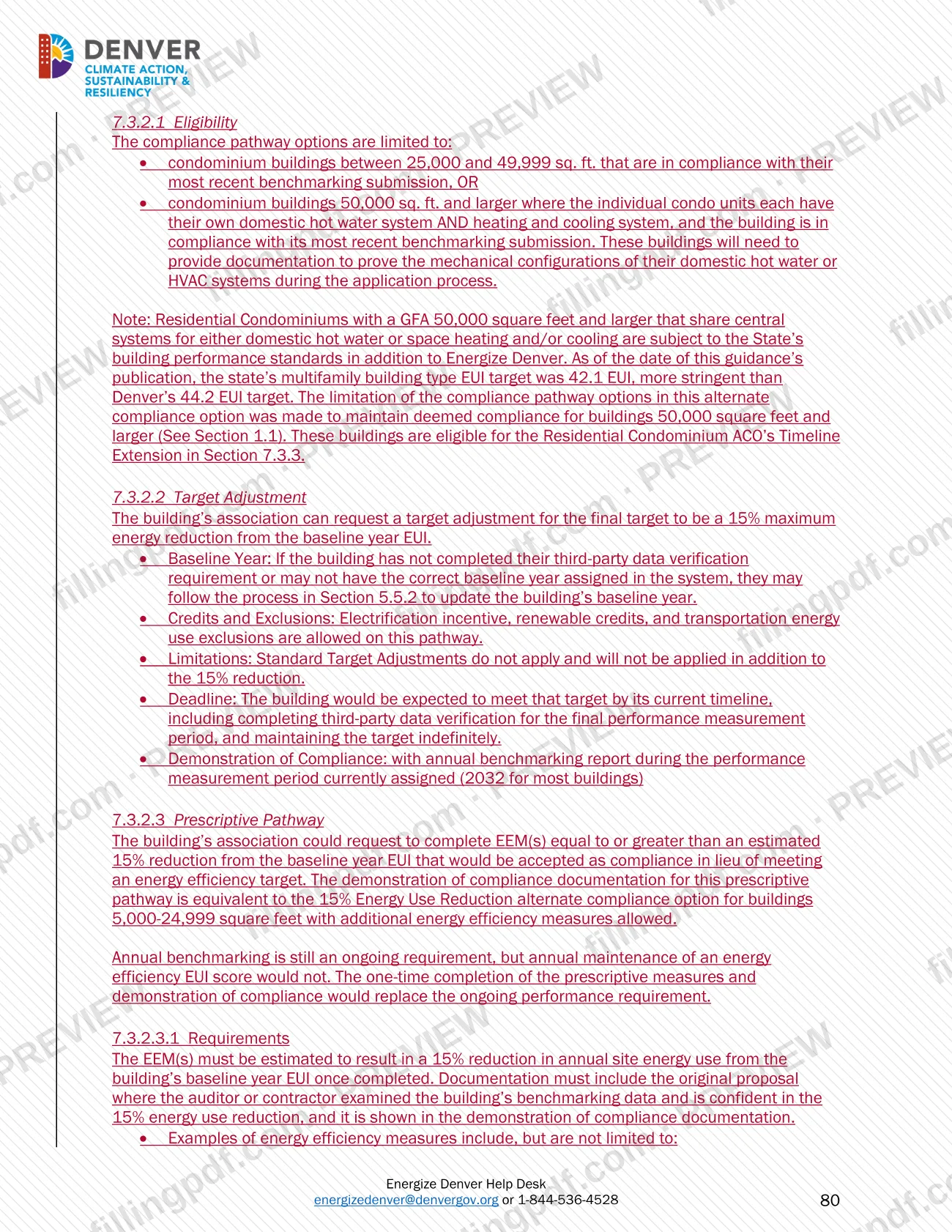
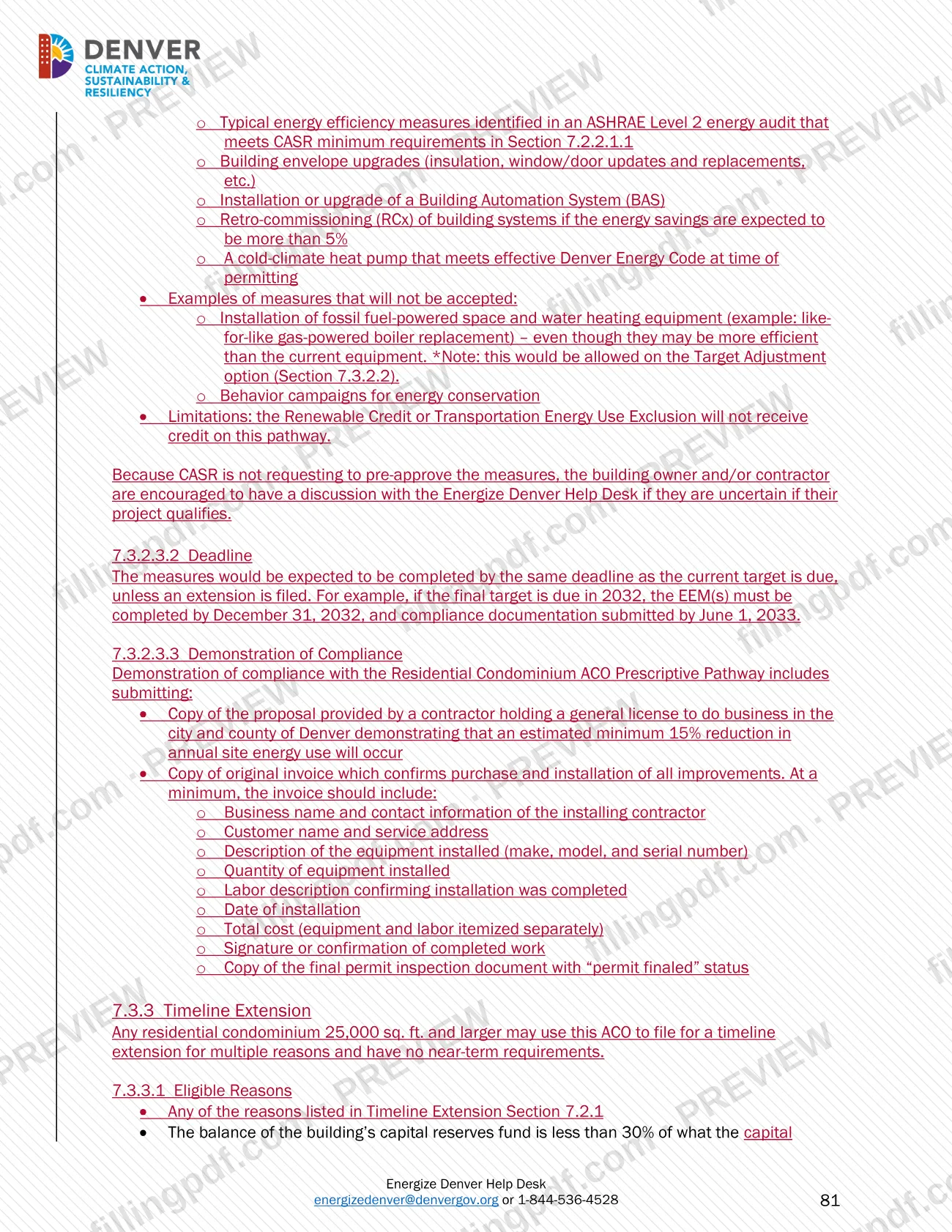
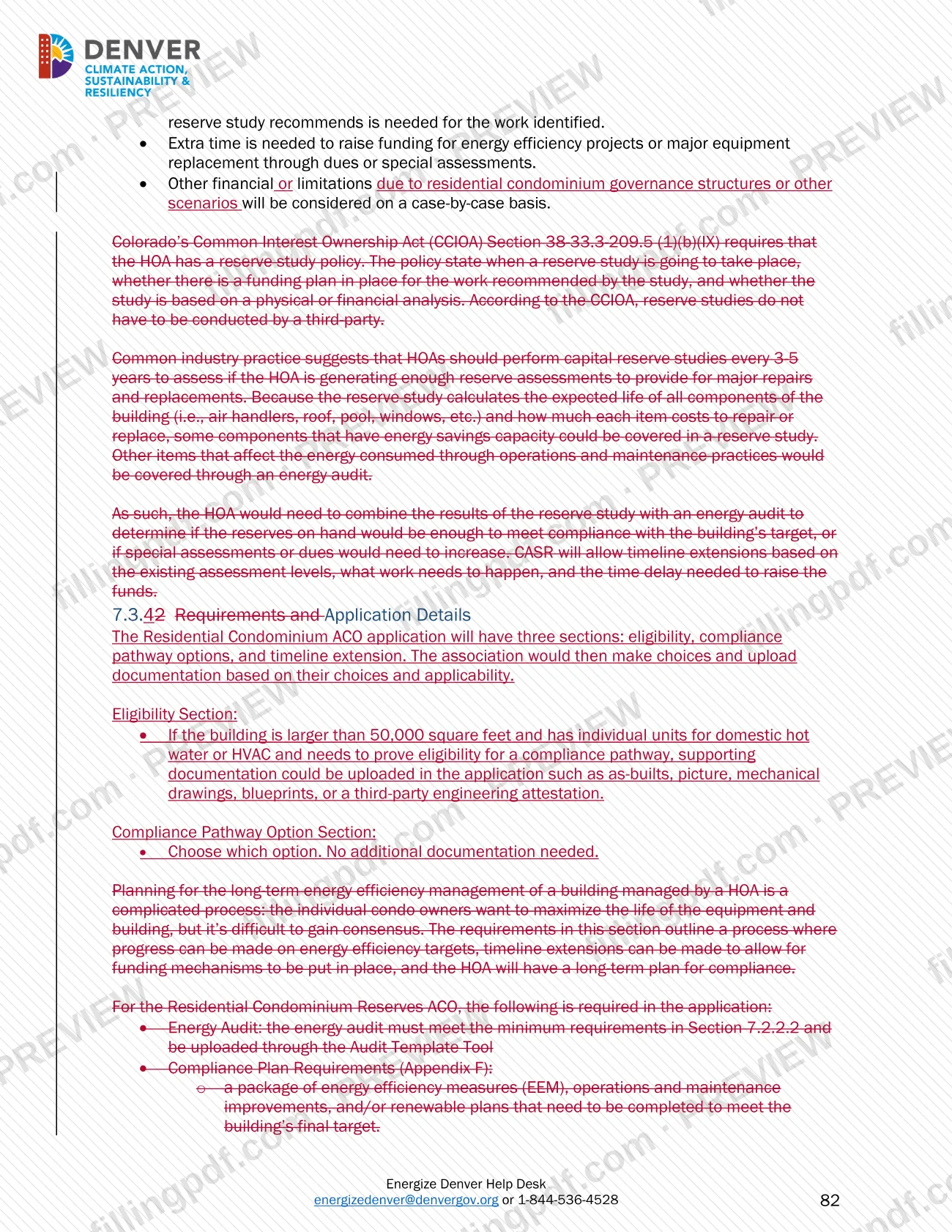
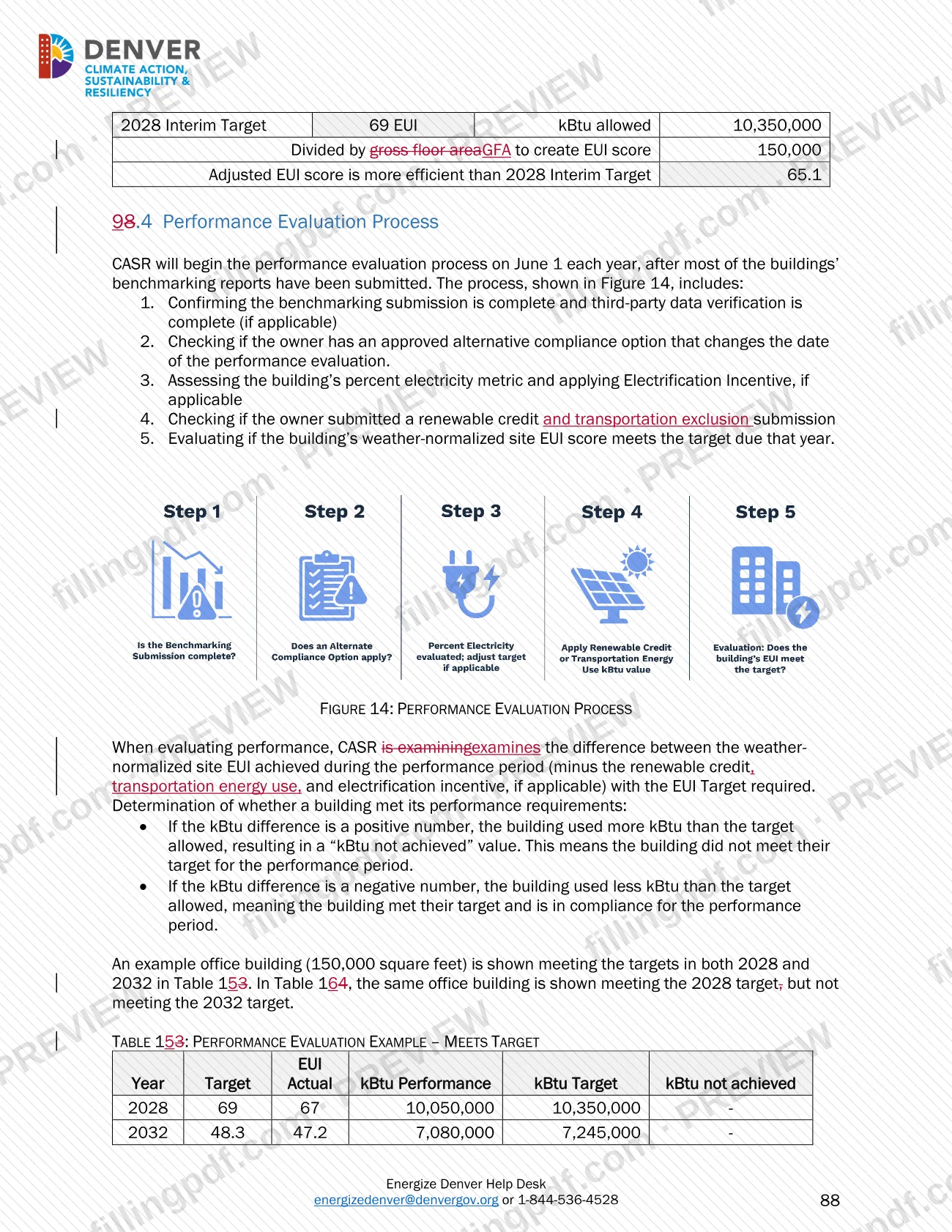
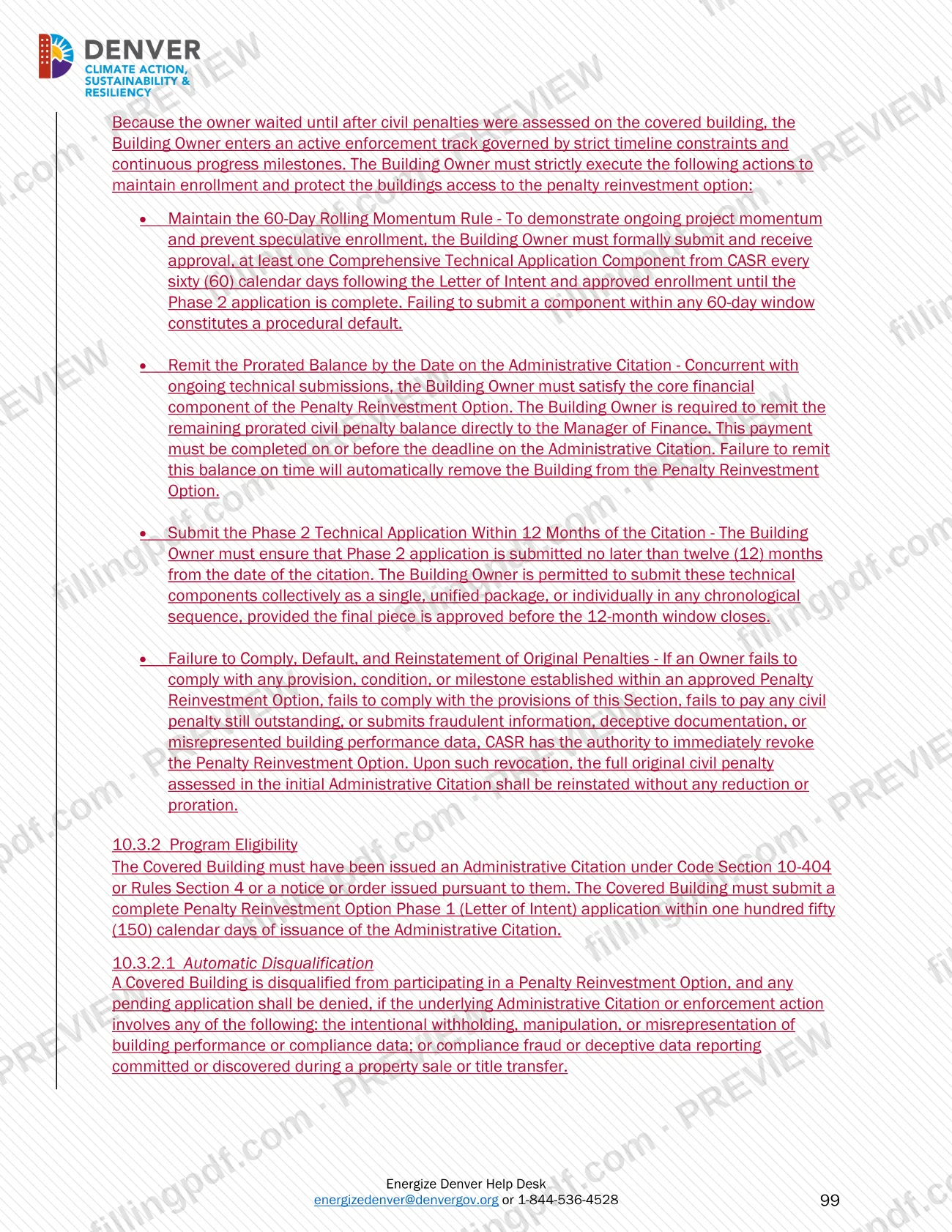
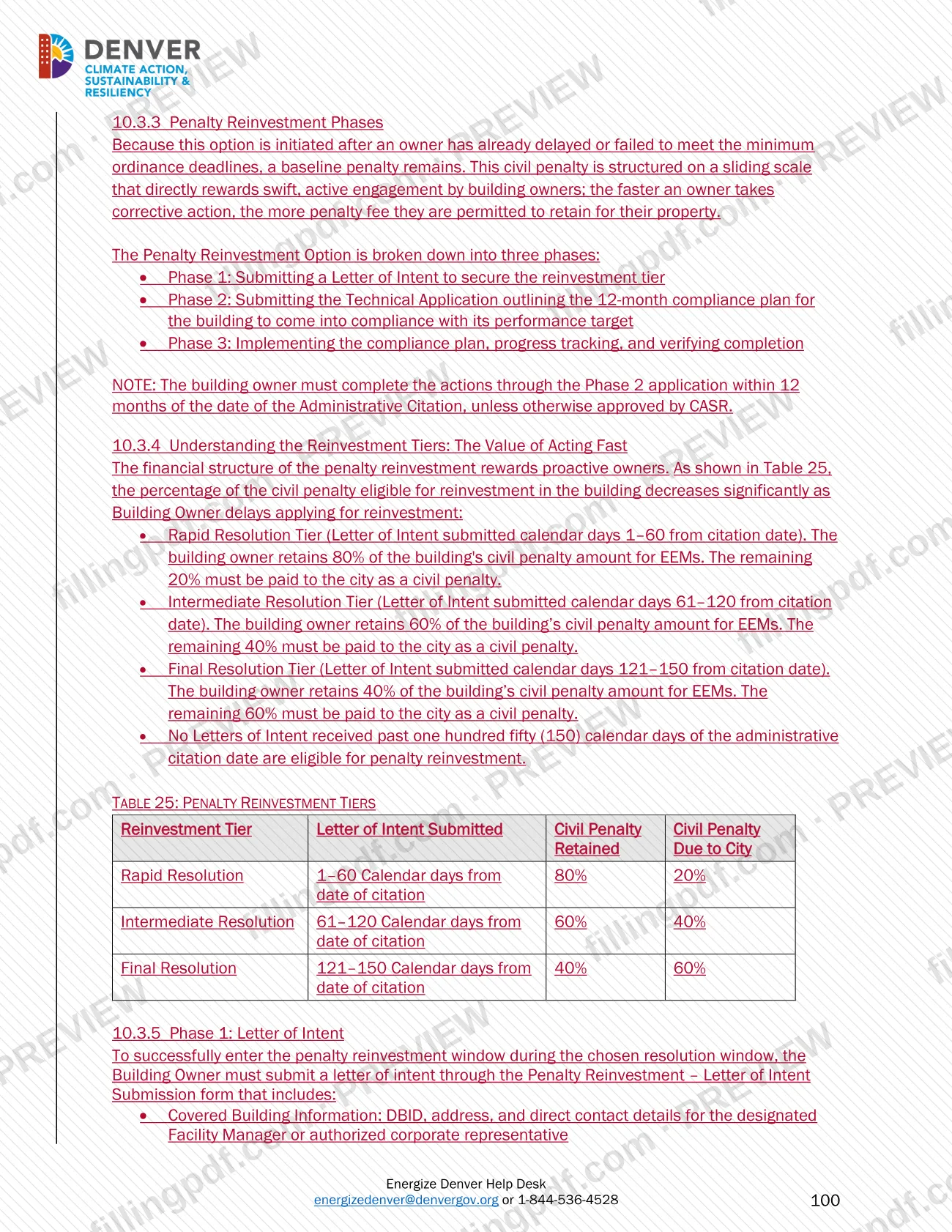
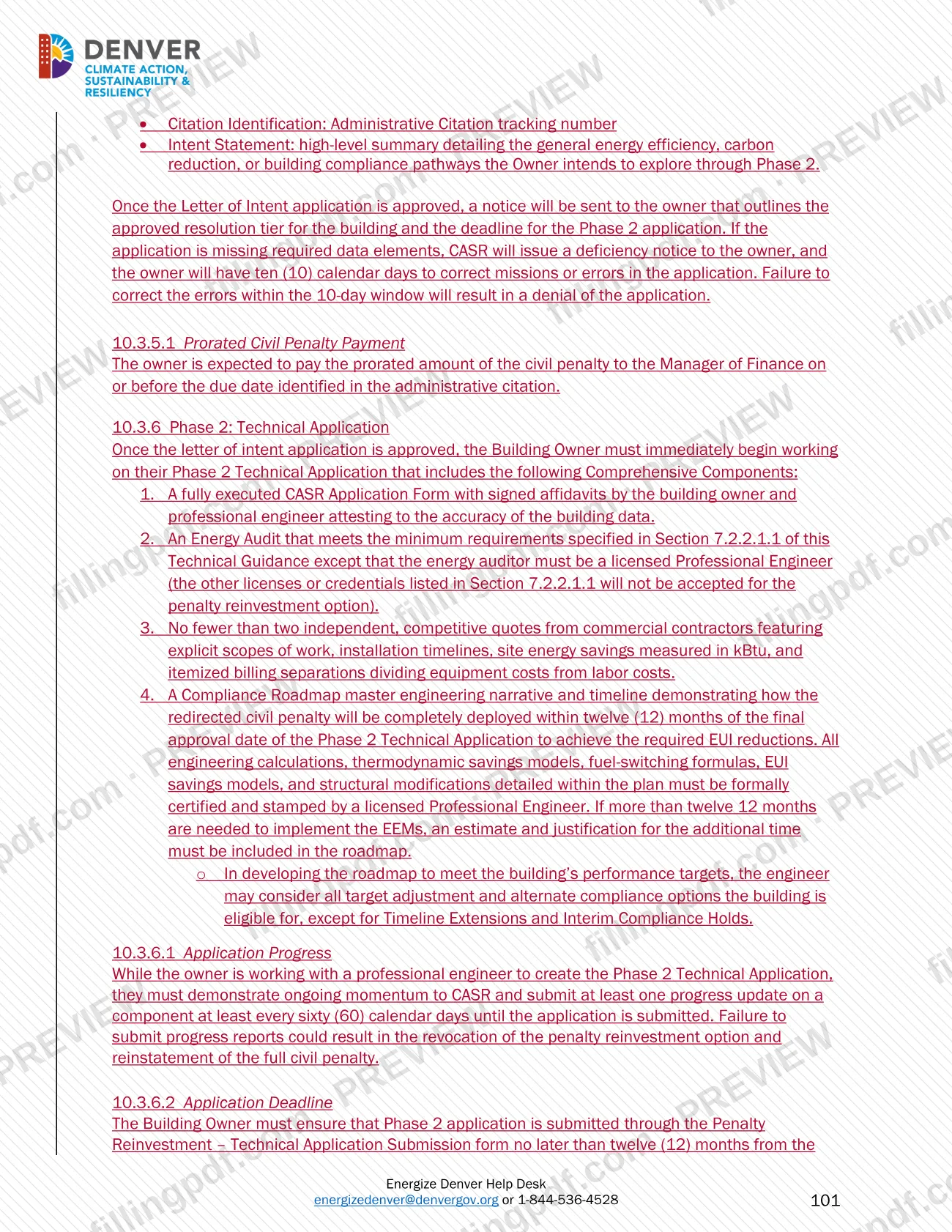
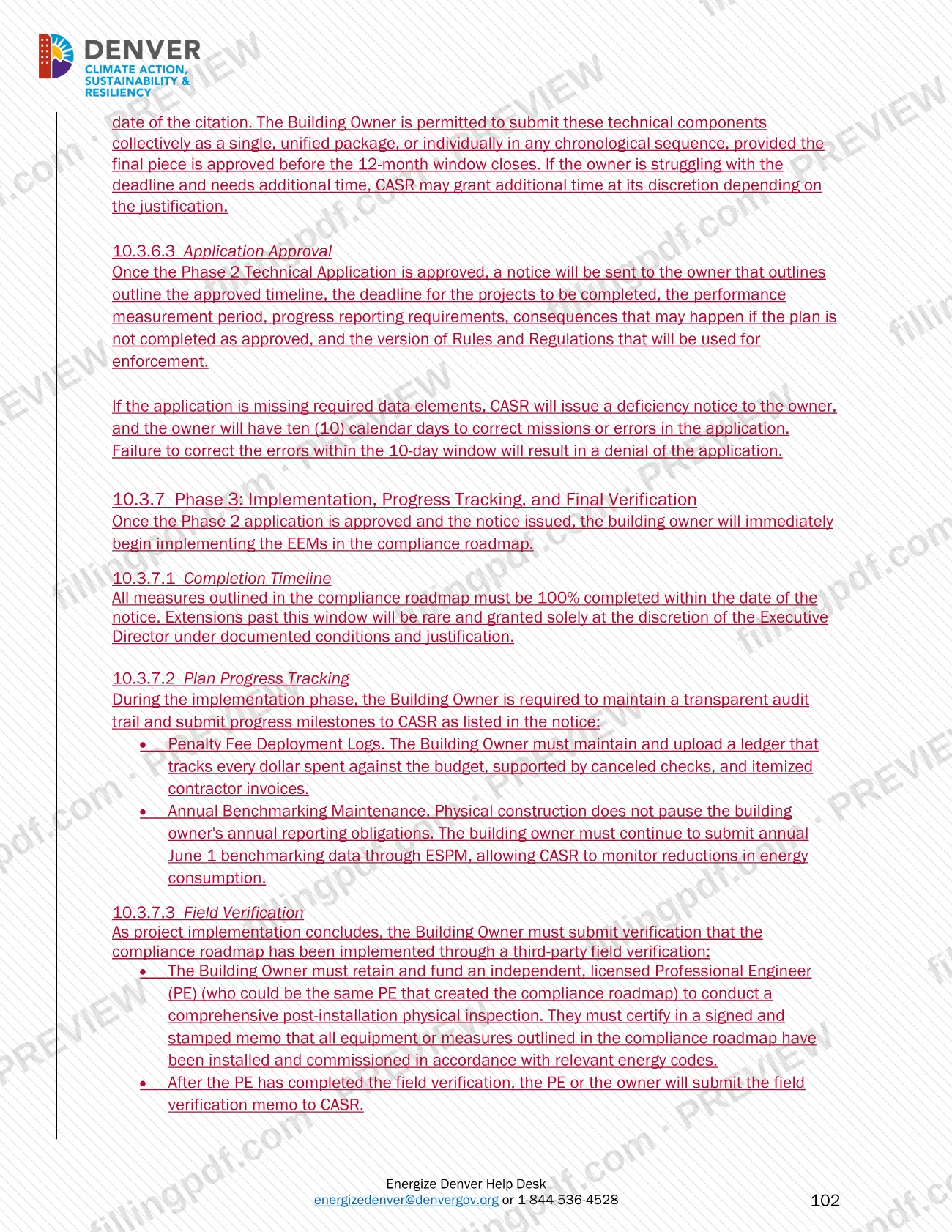
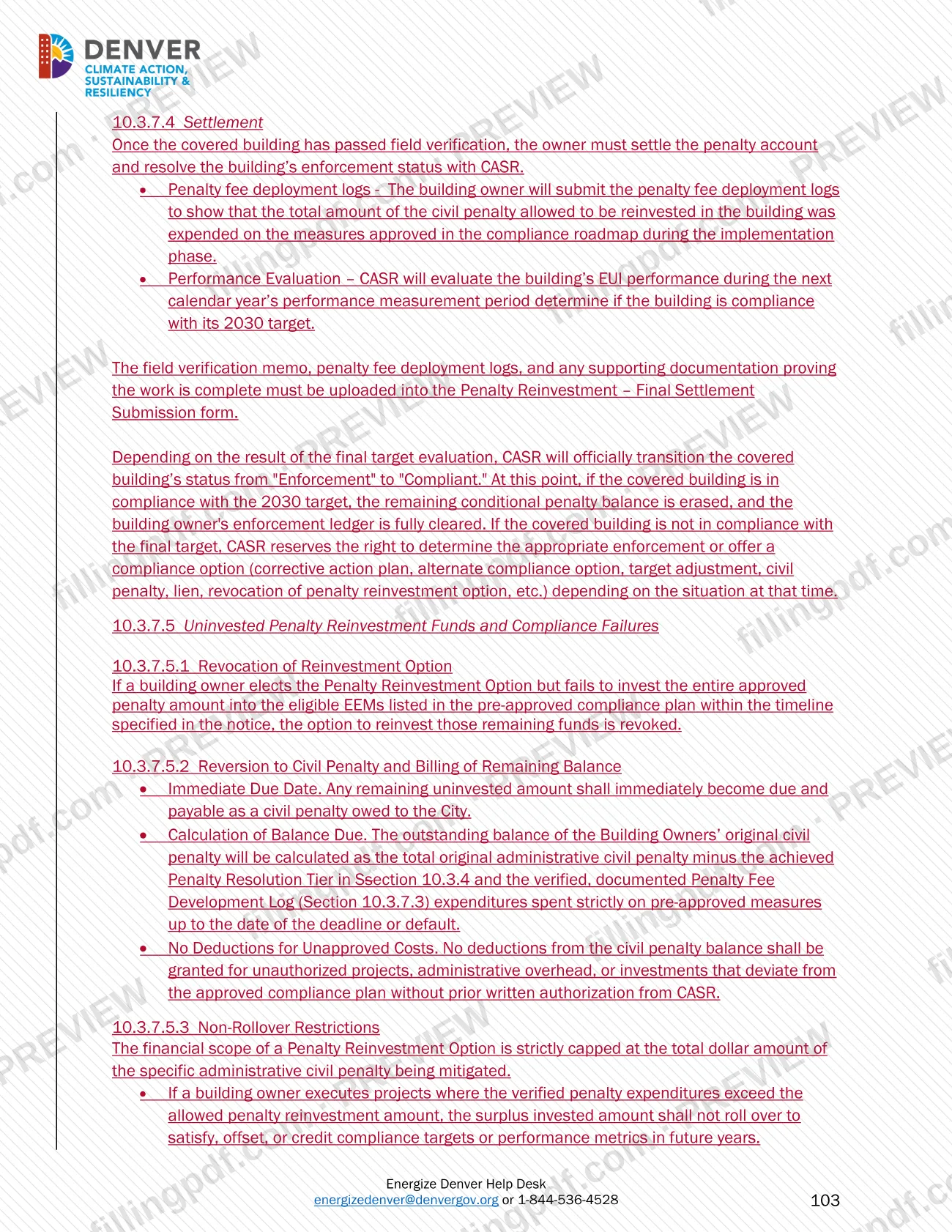
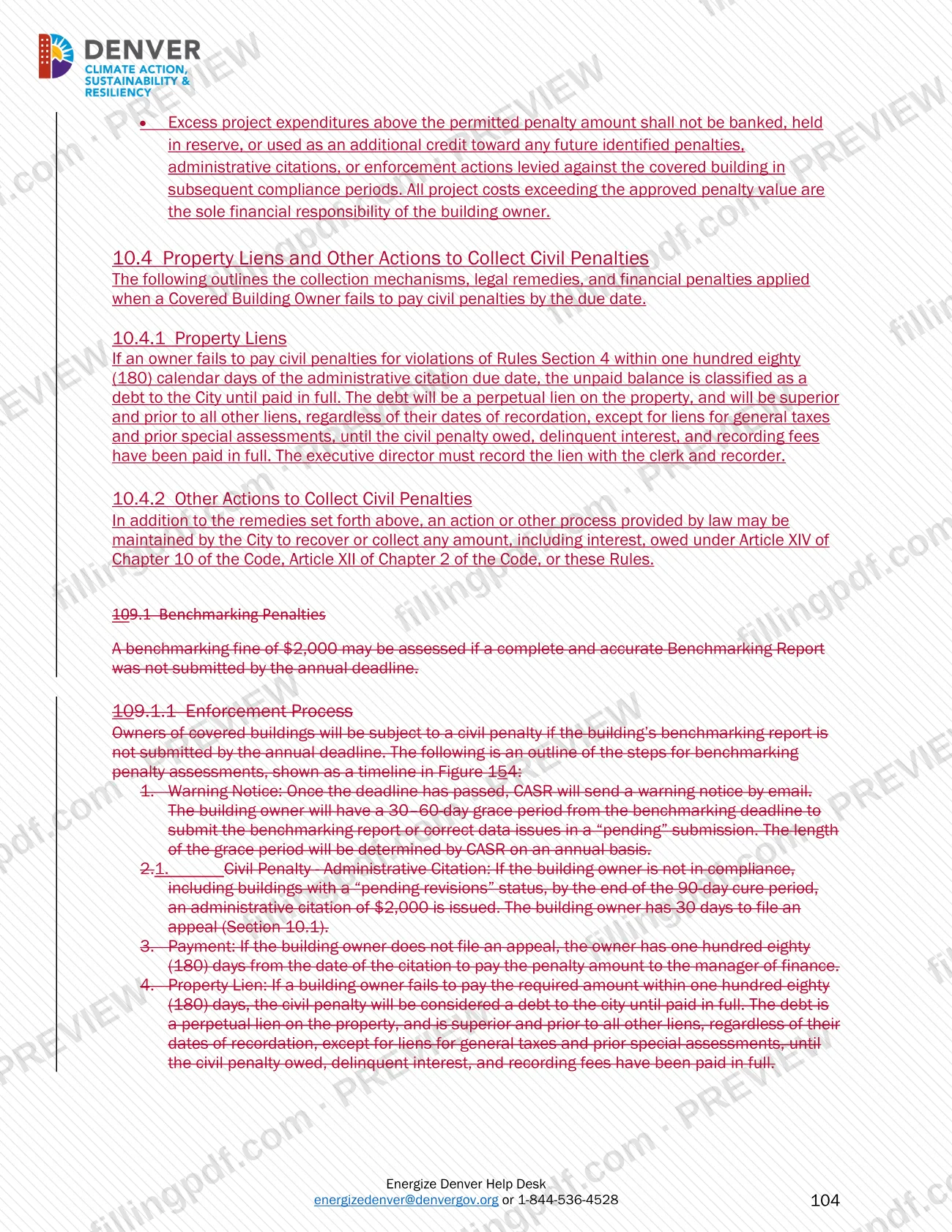
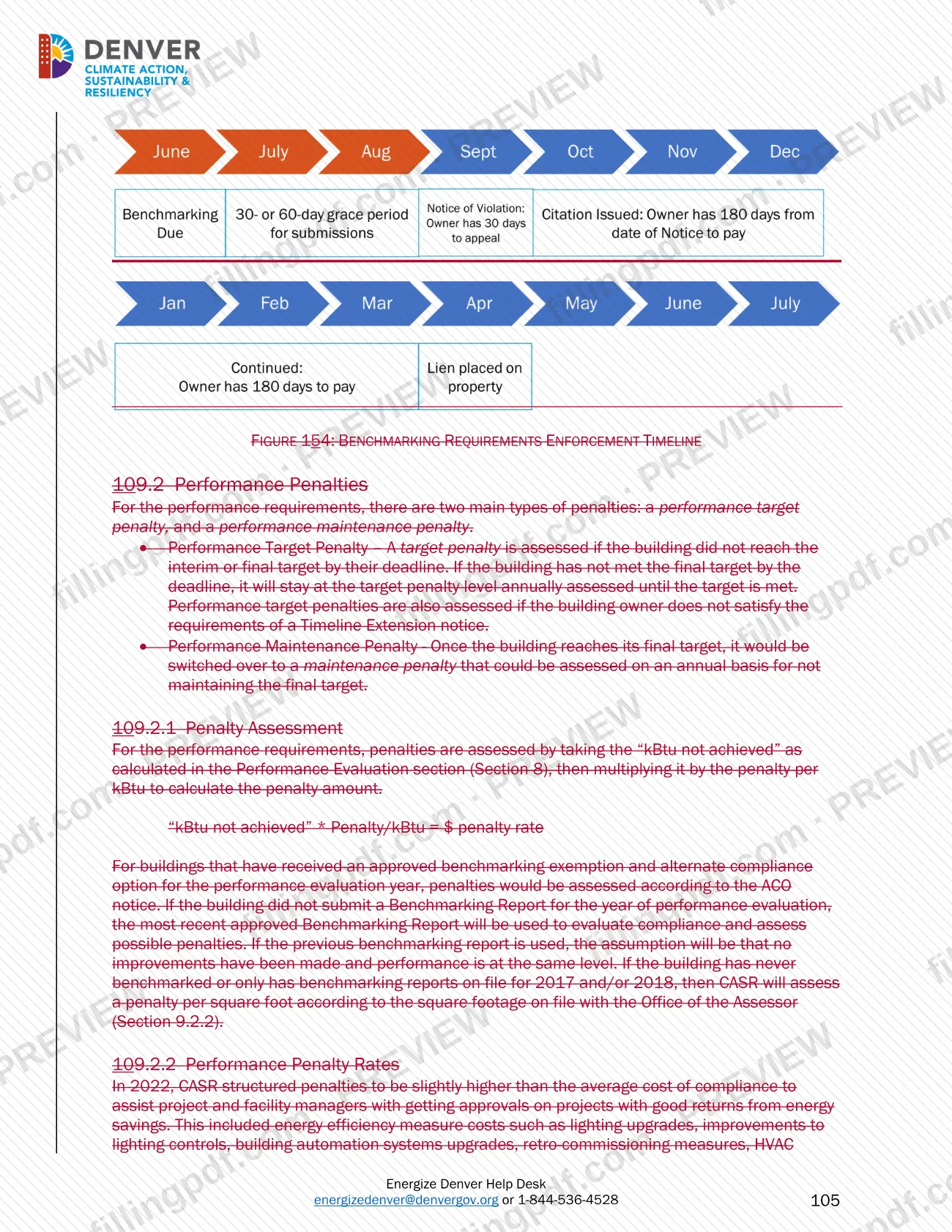
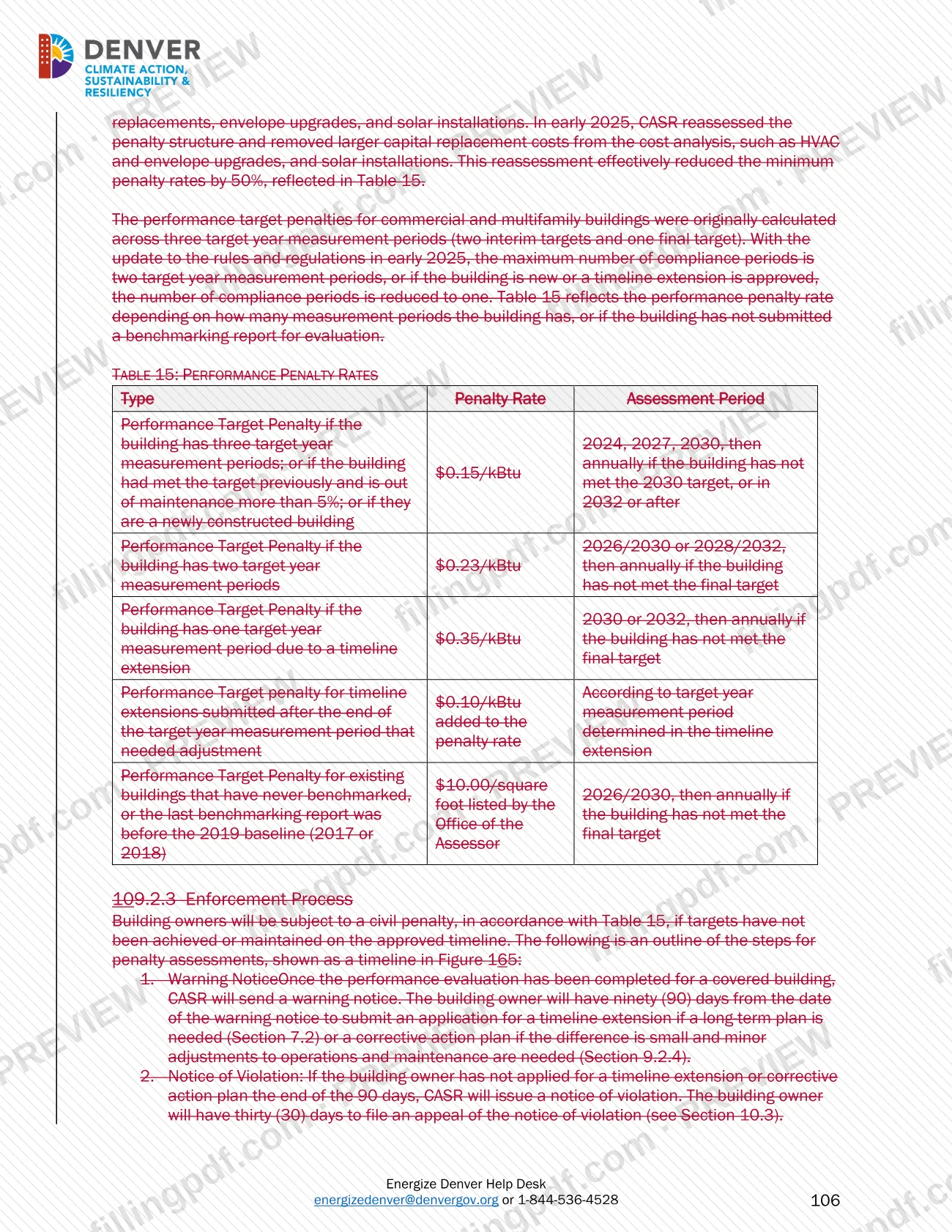
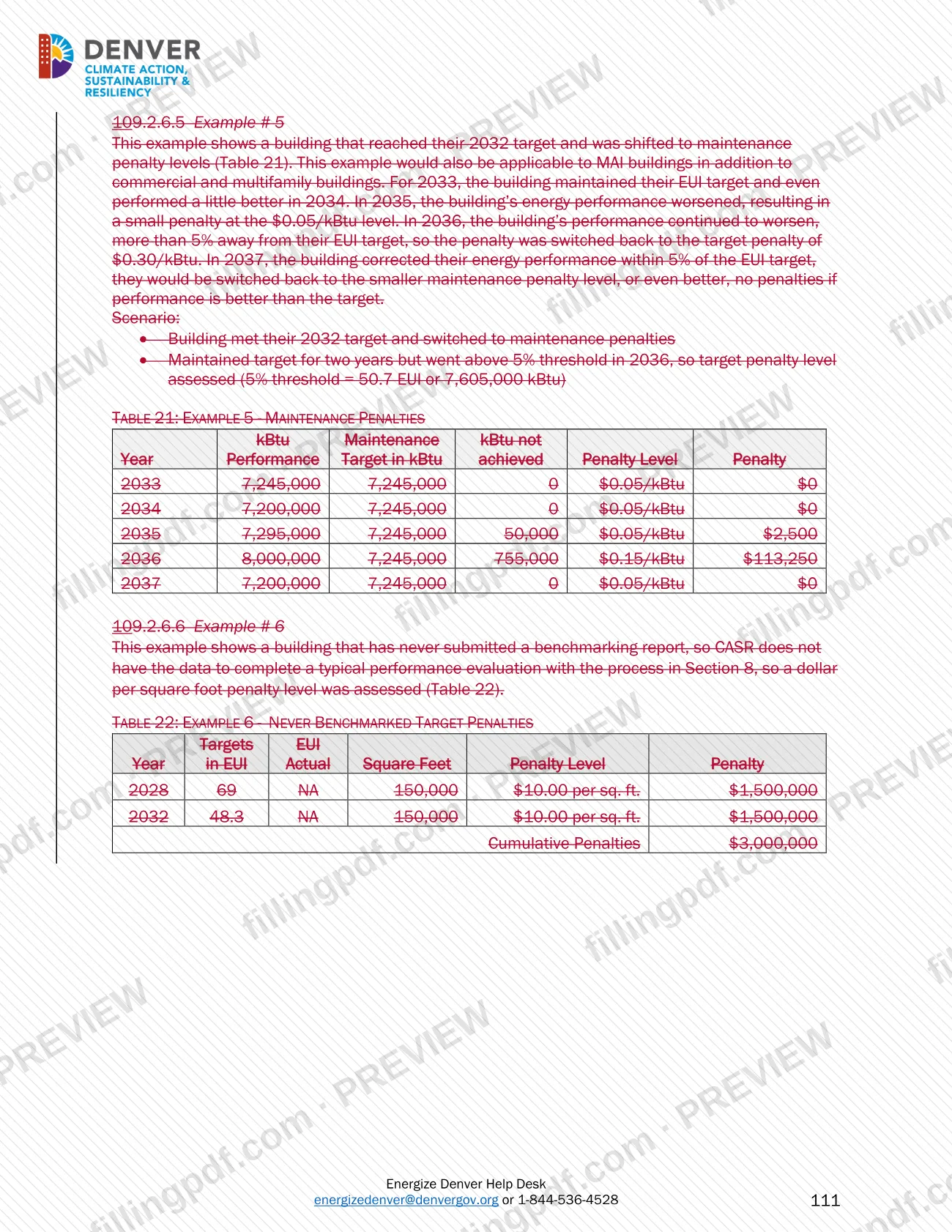
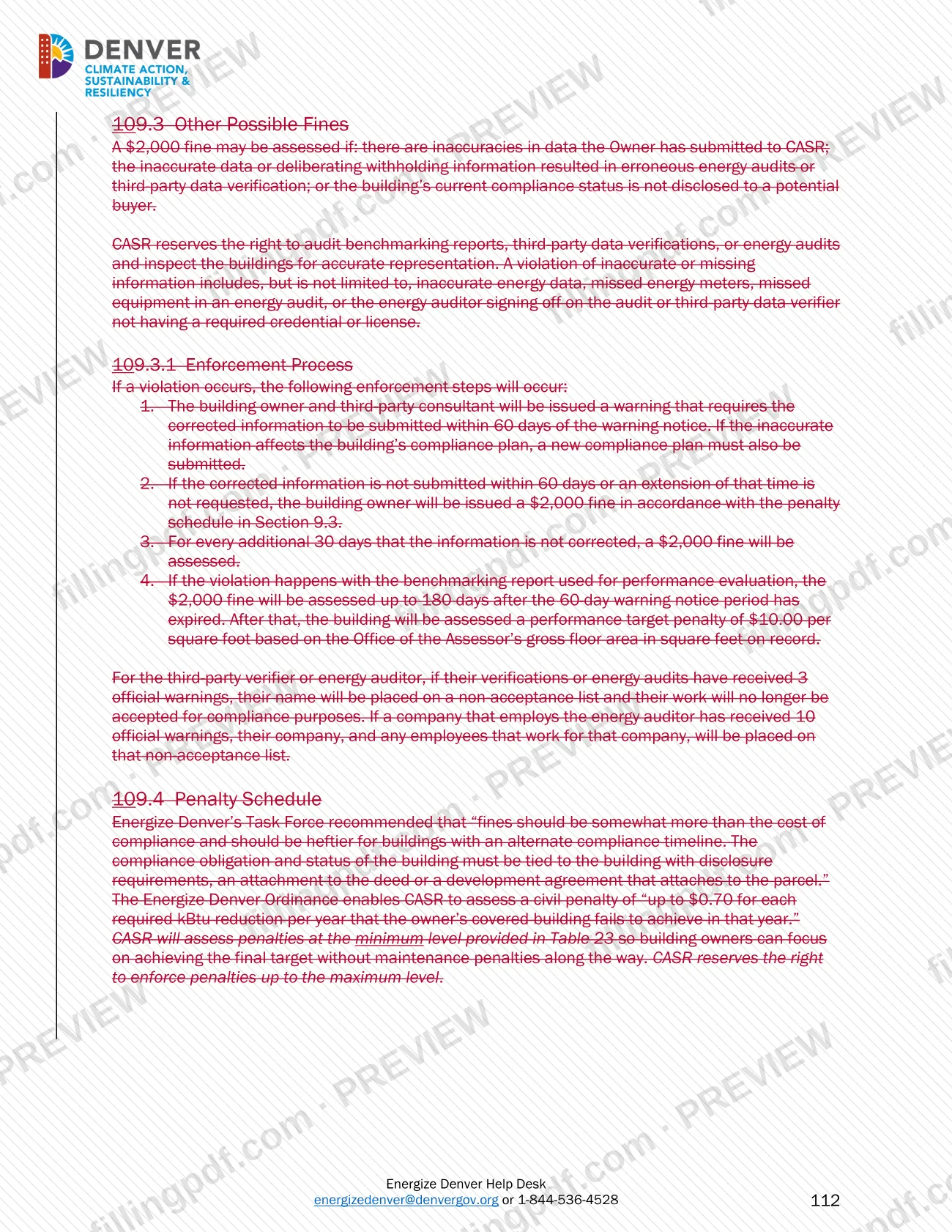
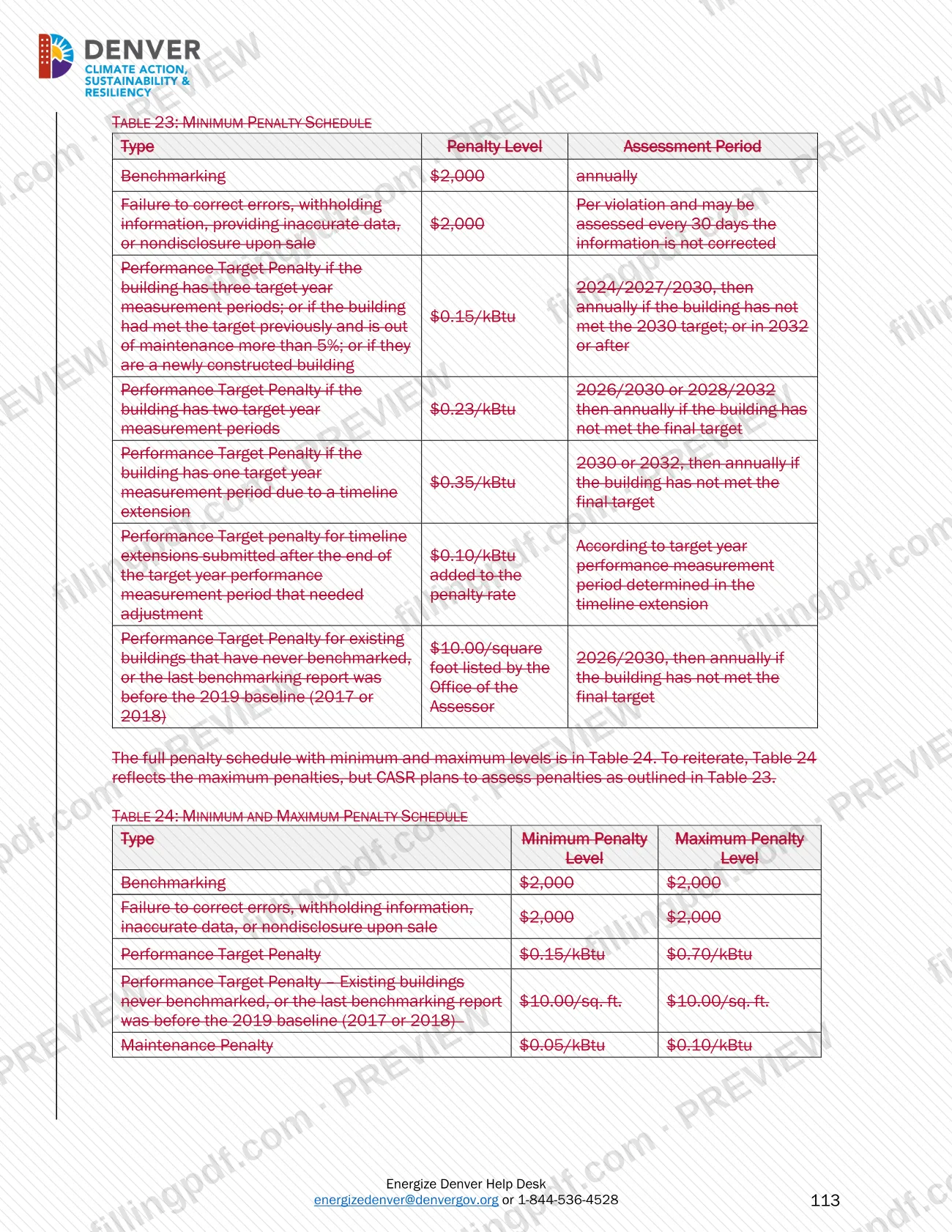
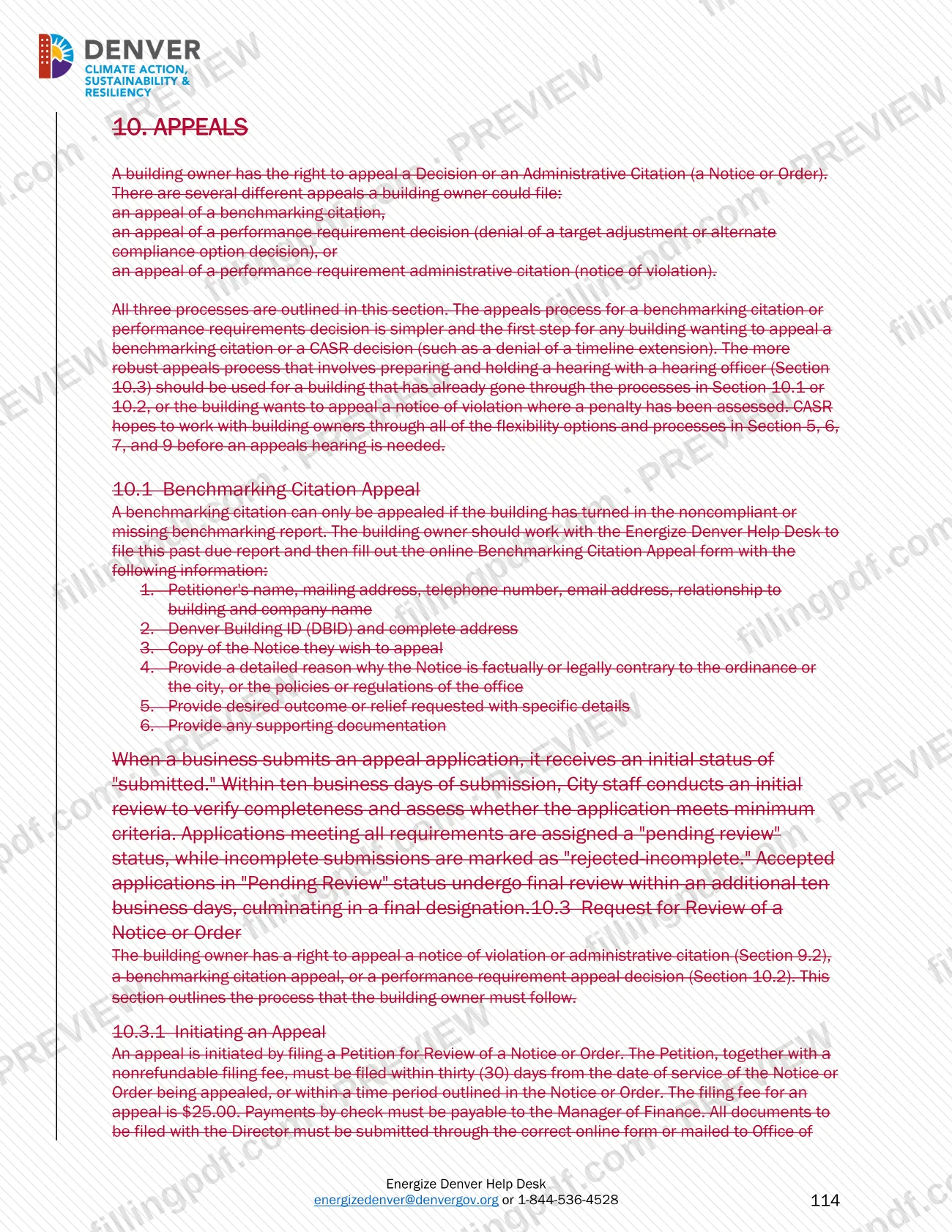
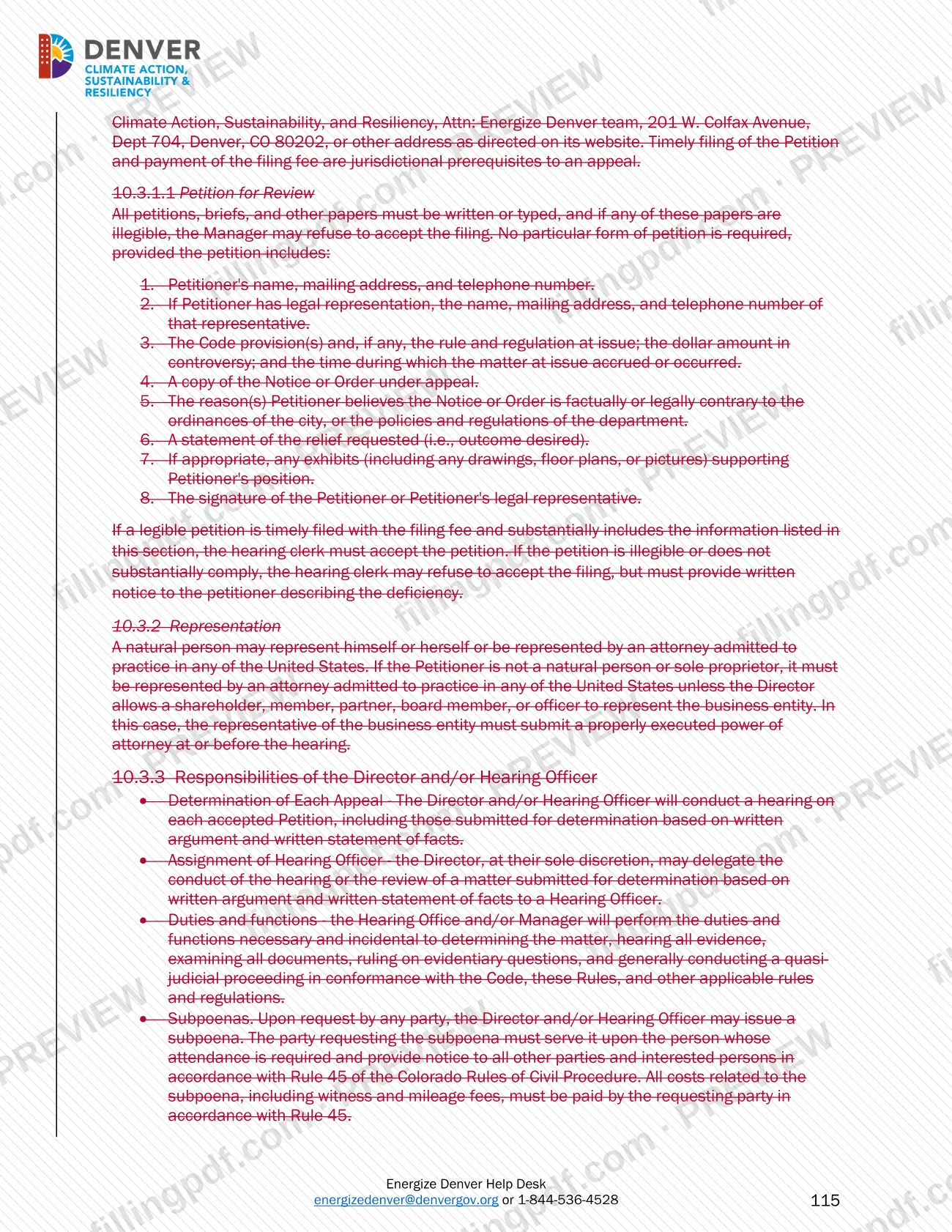
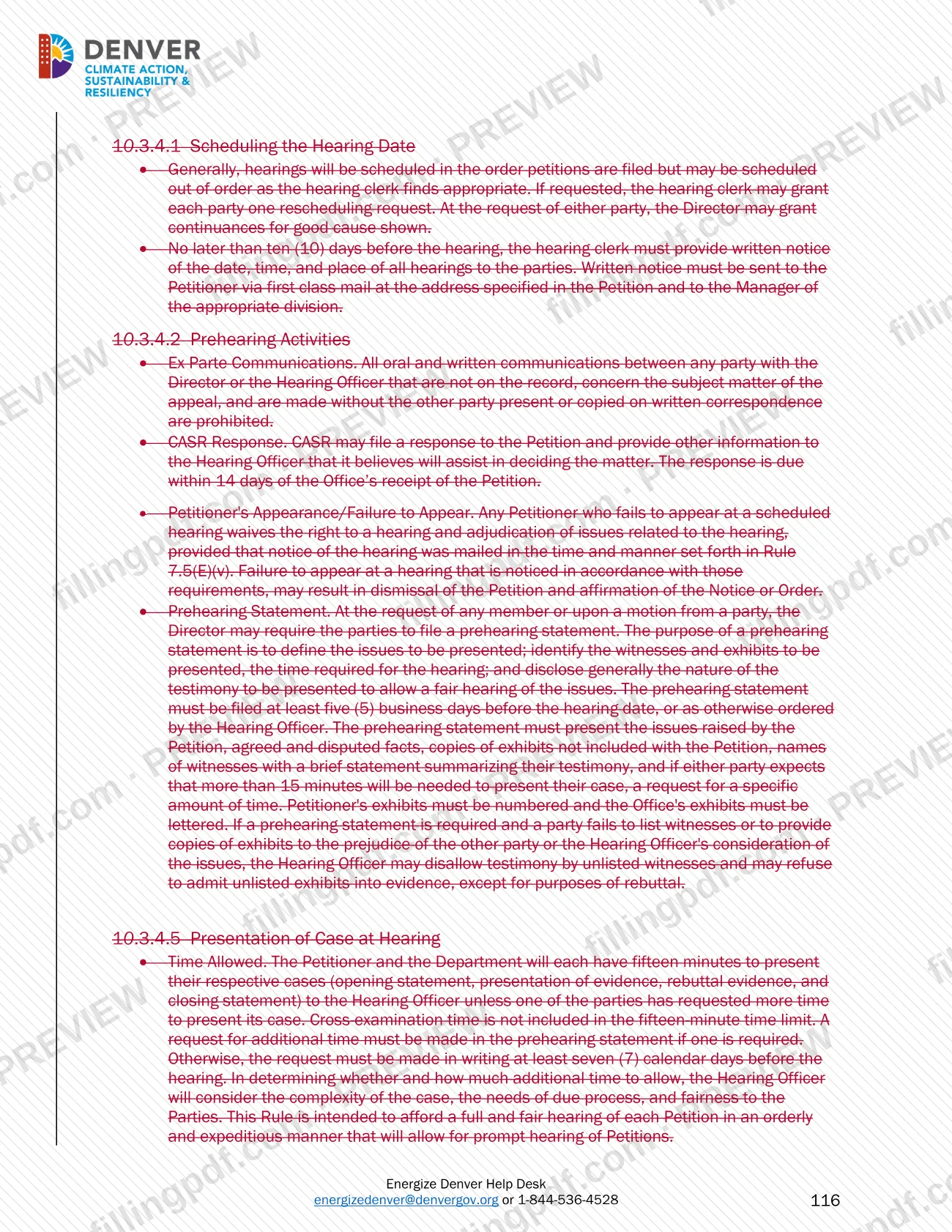
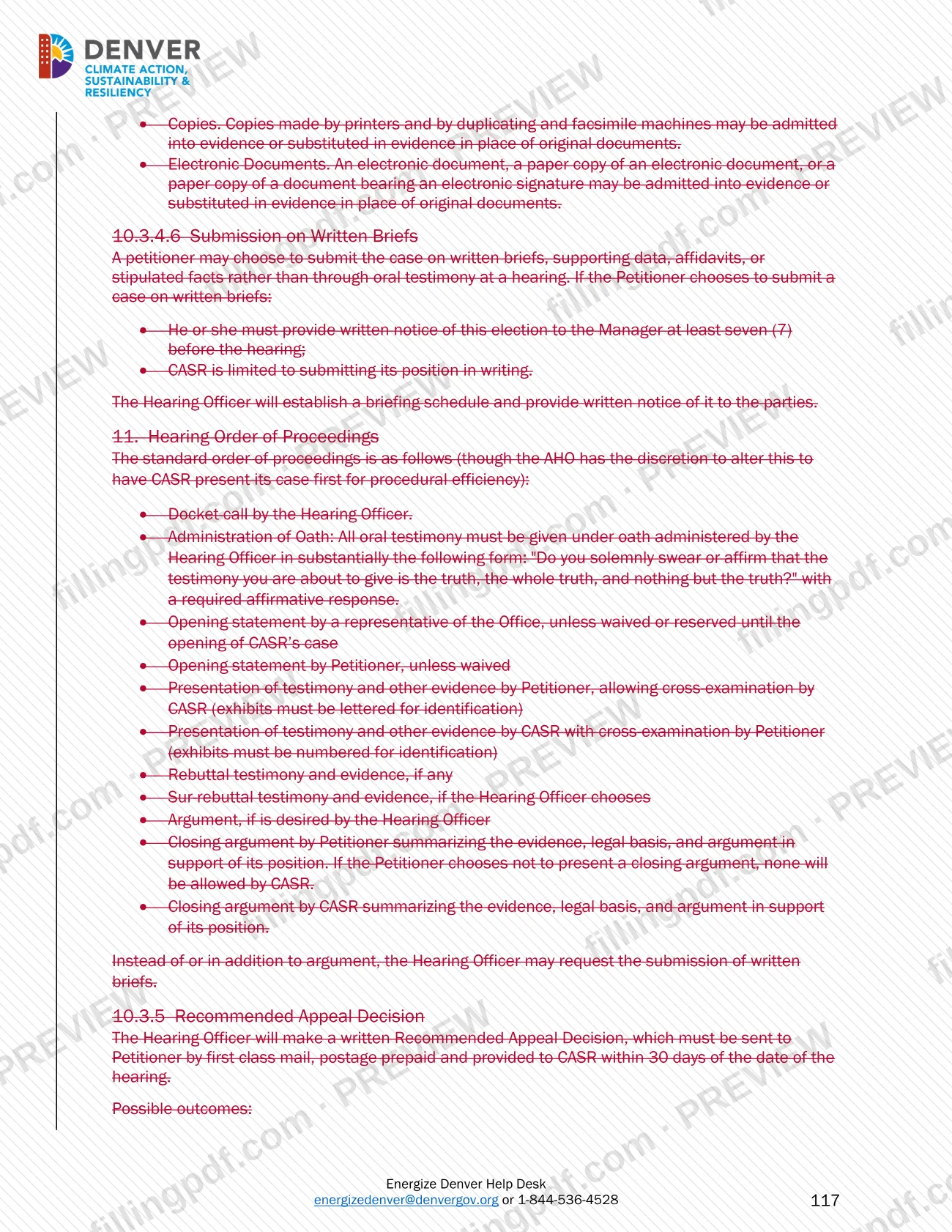
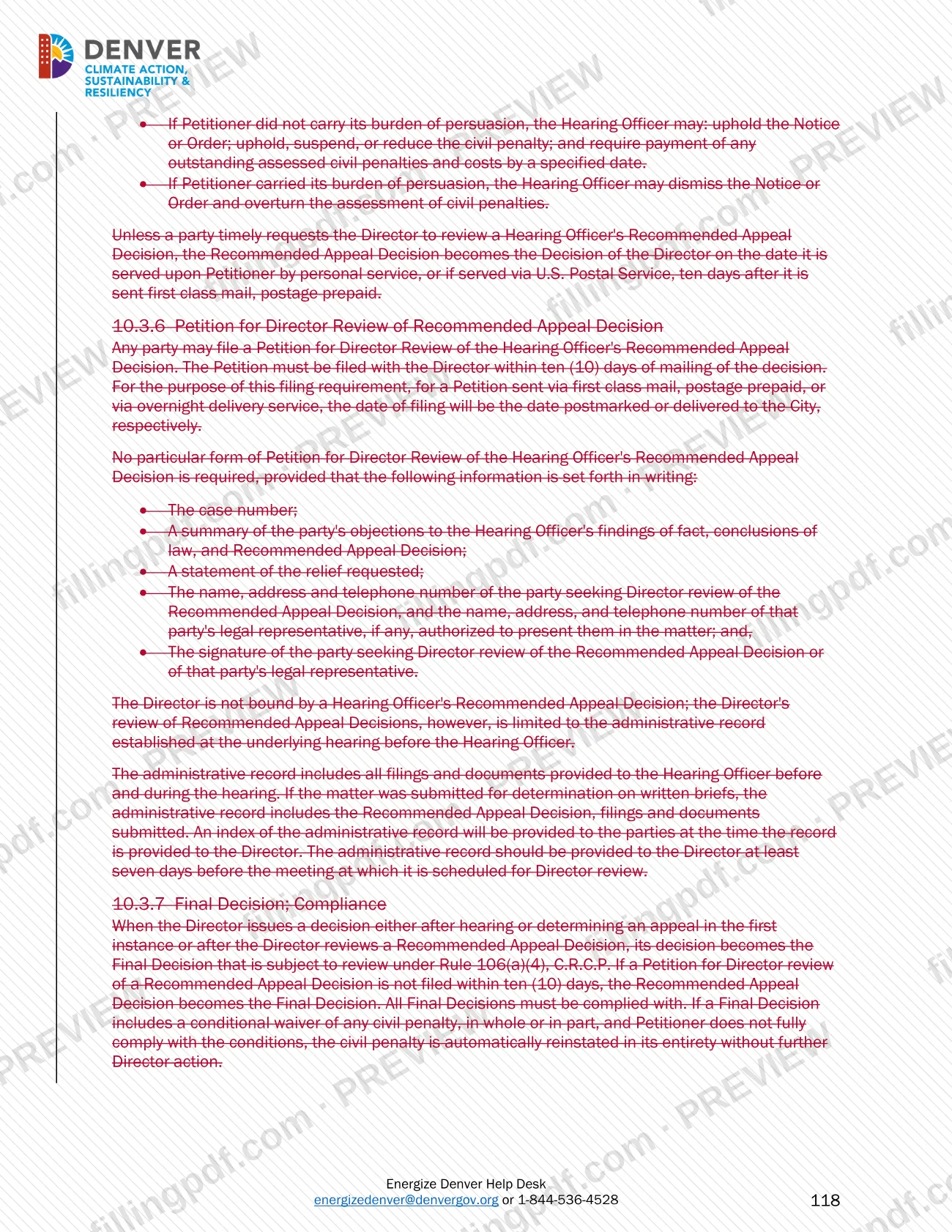

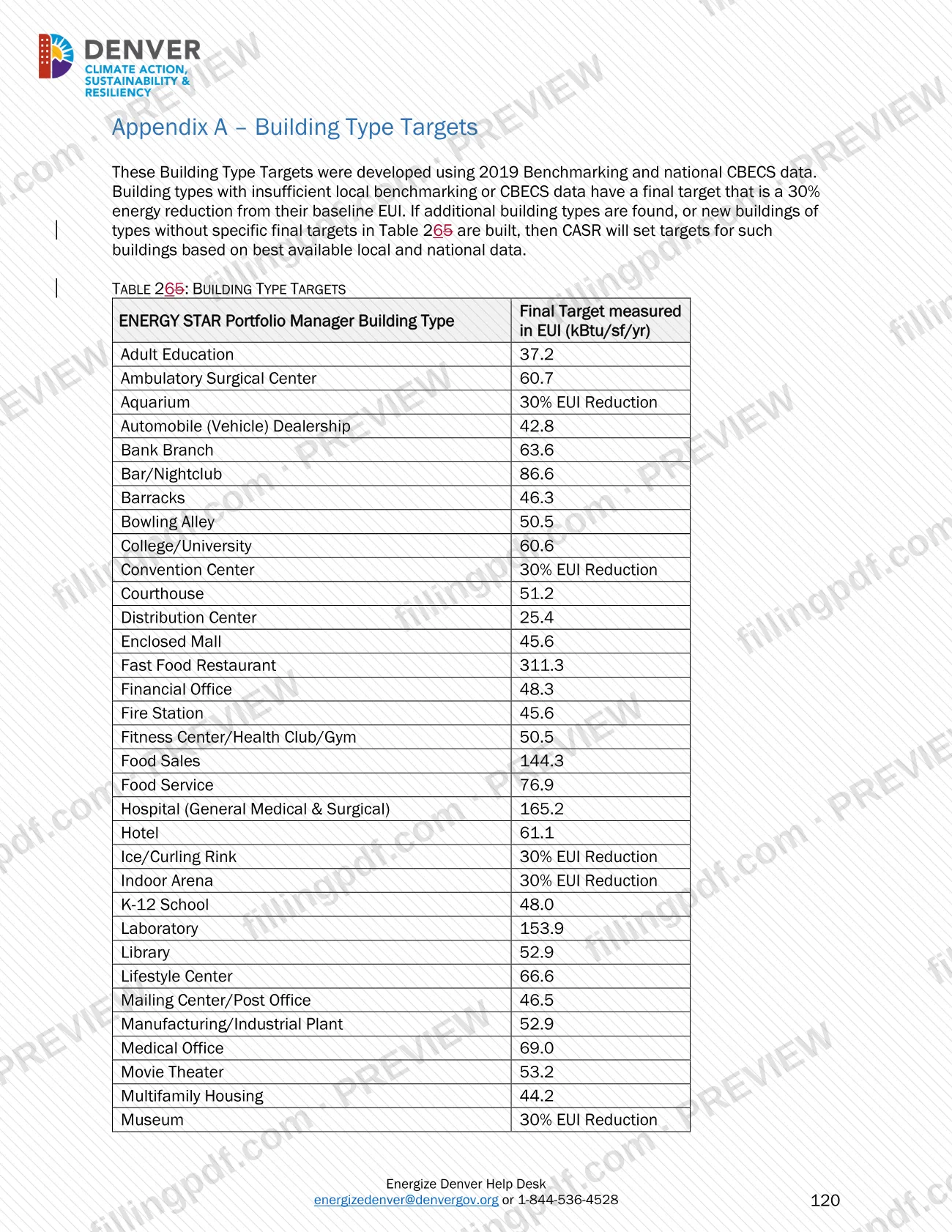
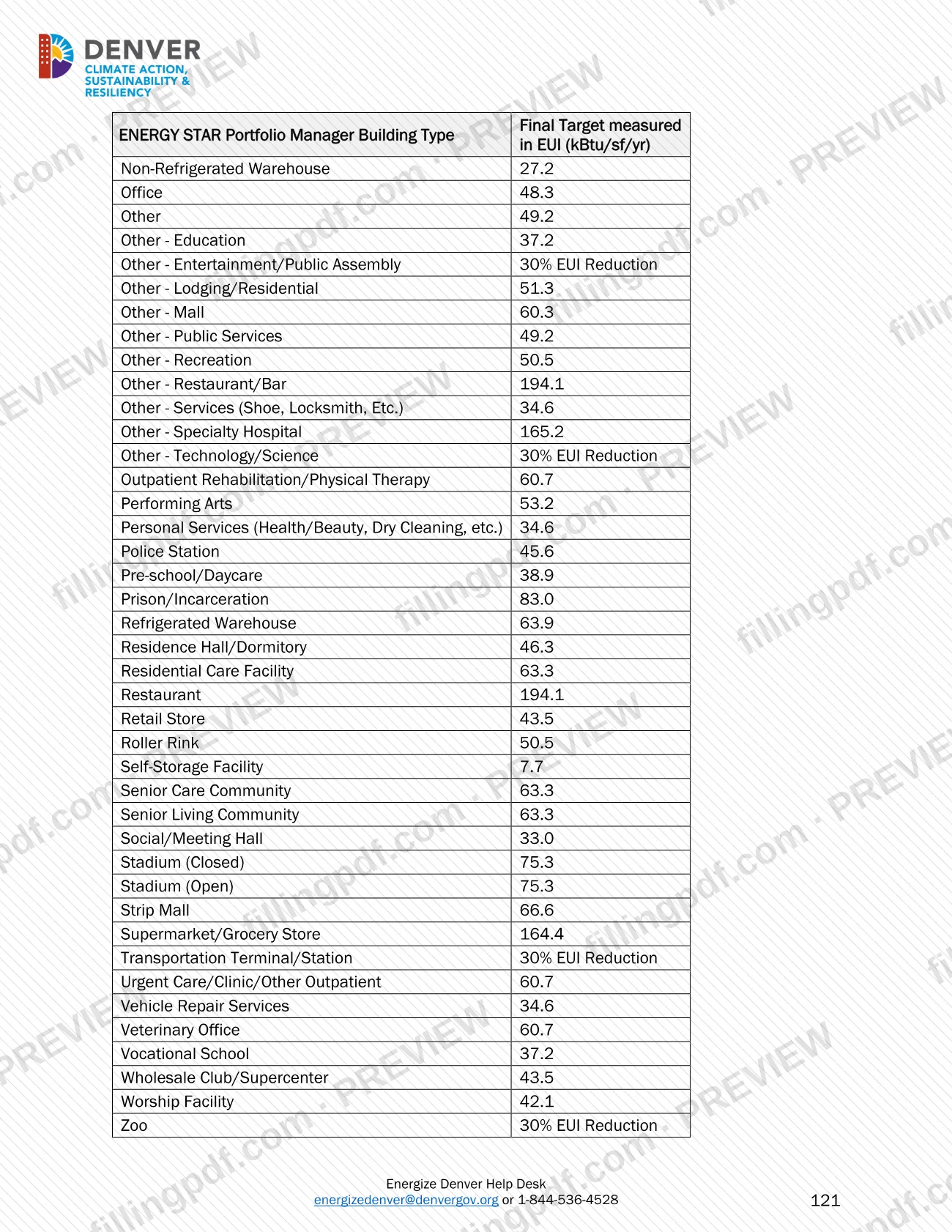

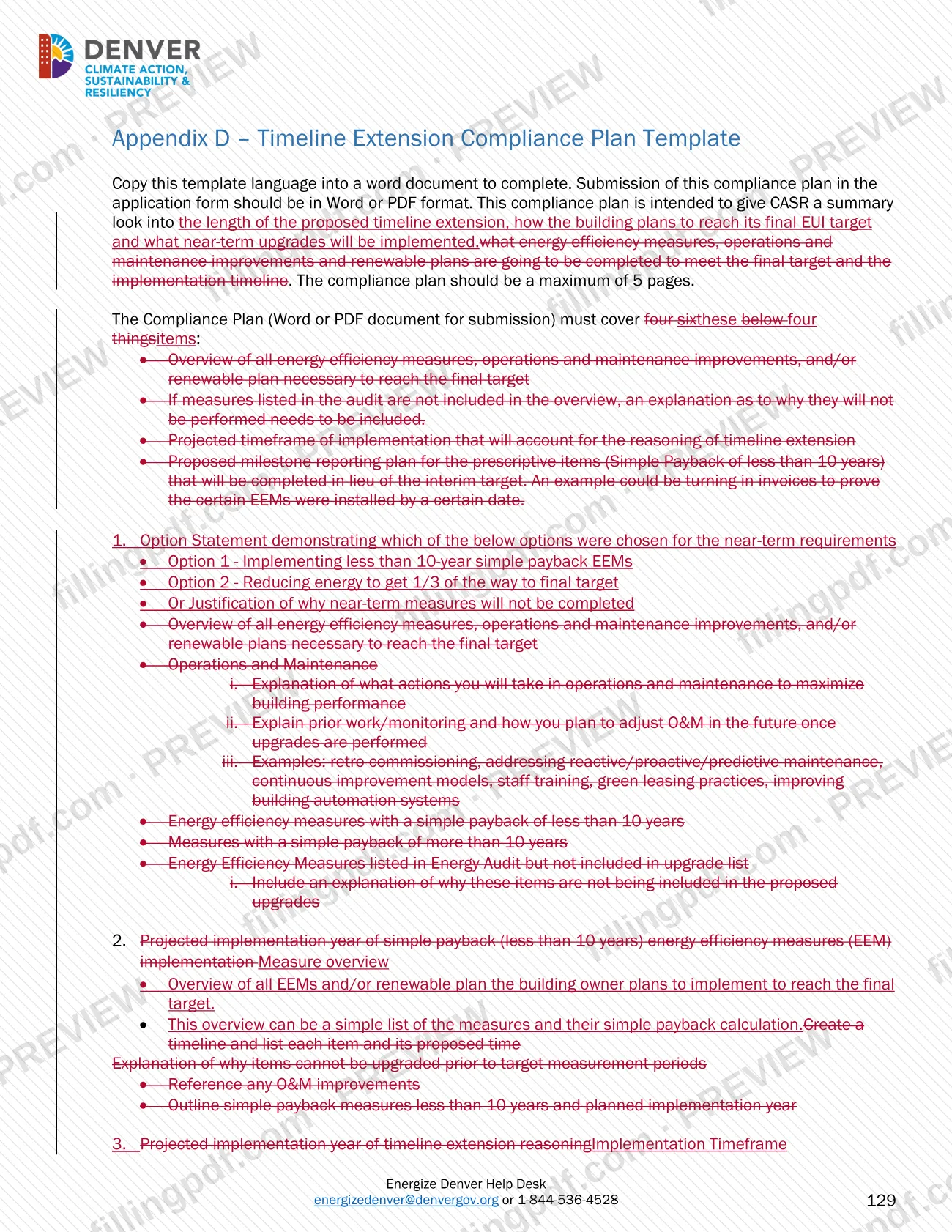
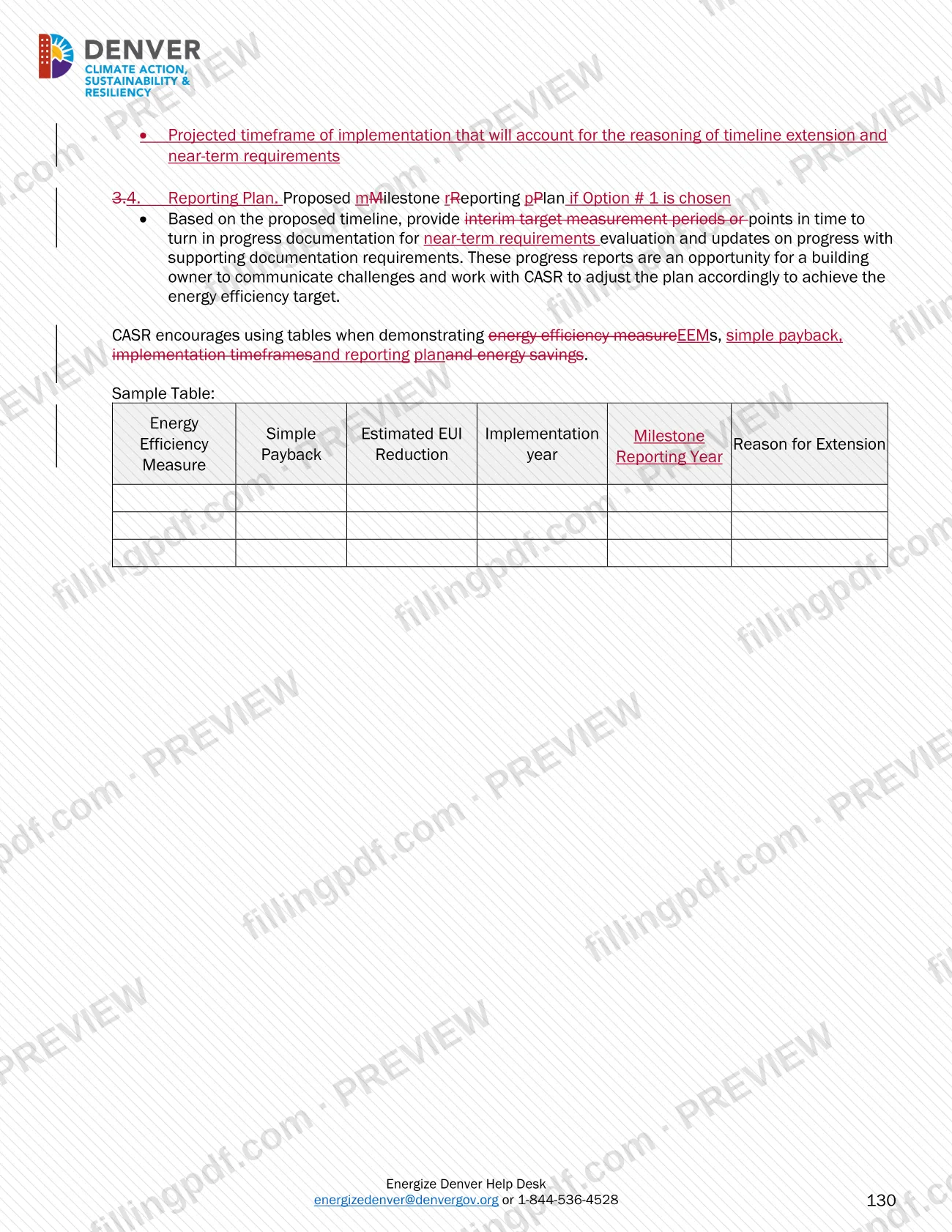
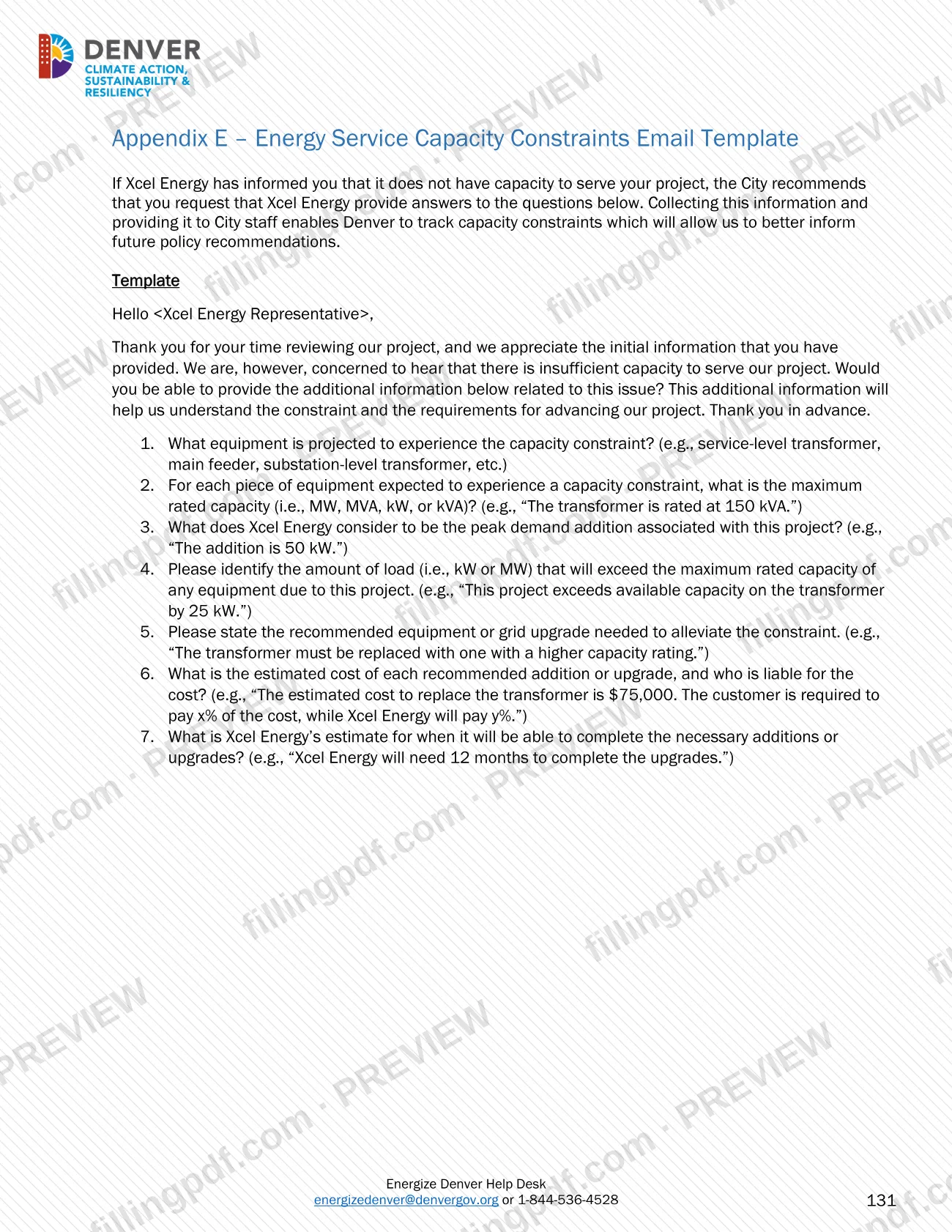
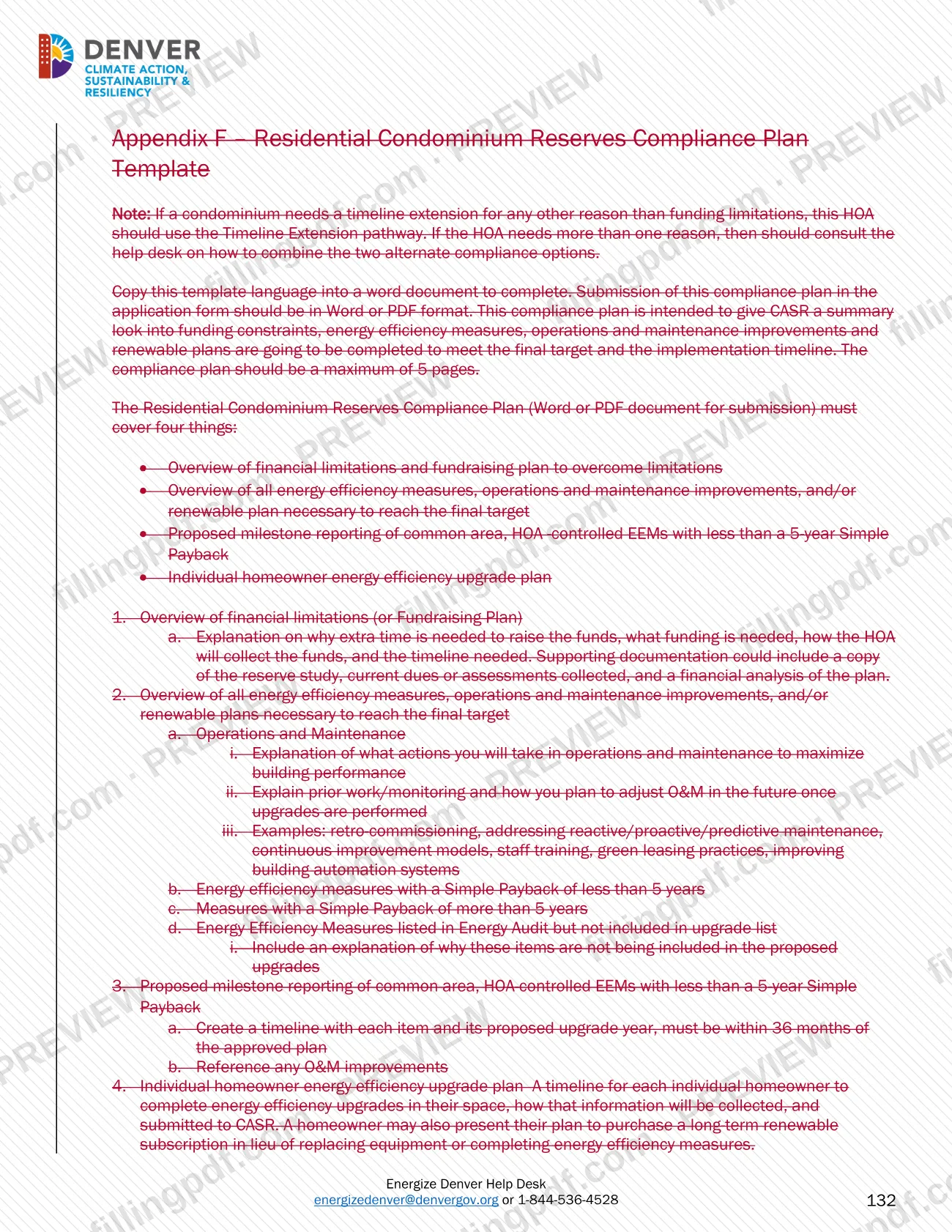

Large Building Redlines is the Energize Denver Technical Guidance, Version 43.0, that the City and County of Denver publishes for the benchmarking and building performance requirements that apply to buildings 25,000 square feet and larger. Building owners, property managers and service providers use it to learn which buildings are covered, how annual benchmarking is reported, how energy efficiency targets and alternate compliance options work, and how enforcement proceeds. On this page you can fill out the PDF online on FillingPDF and download or print it; the original document is published by the City and County of Denver at the official source link.
Last updated
What is Large Building Redlines – Denver, CO?
Large Building Redlines is the Energize Denver Technical Guidance for Benchmarking and Energy Building Performance Requirements for Buildings 25,000 Square Feet and Larger, issued by the City and County of Denver to explain how covered buildings report energy use and meet energy efficiency targets.
The cover of this edition reads Version 43.0 and carries two dates, April 1, 2025 and September 1, 2026. Section 1.2 summarizes the ordinance and rules updates as of September 1, 2026, and Section 1.3 summarizes the updates as of April 1, 2025. The guidance states that nothing in it supersedes any Denver ordinance or regulation; the legal basis is Denver Revised Municipal Code (D.R.M.C.), Chapter 10, Article XIV. The Office of Climate Action, Sustainability, and Resiliency (CASR) administers the program, with Community Planning and Development (CPD) also implementing parts of the ordinance.
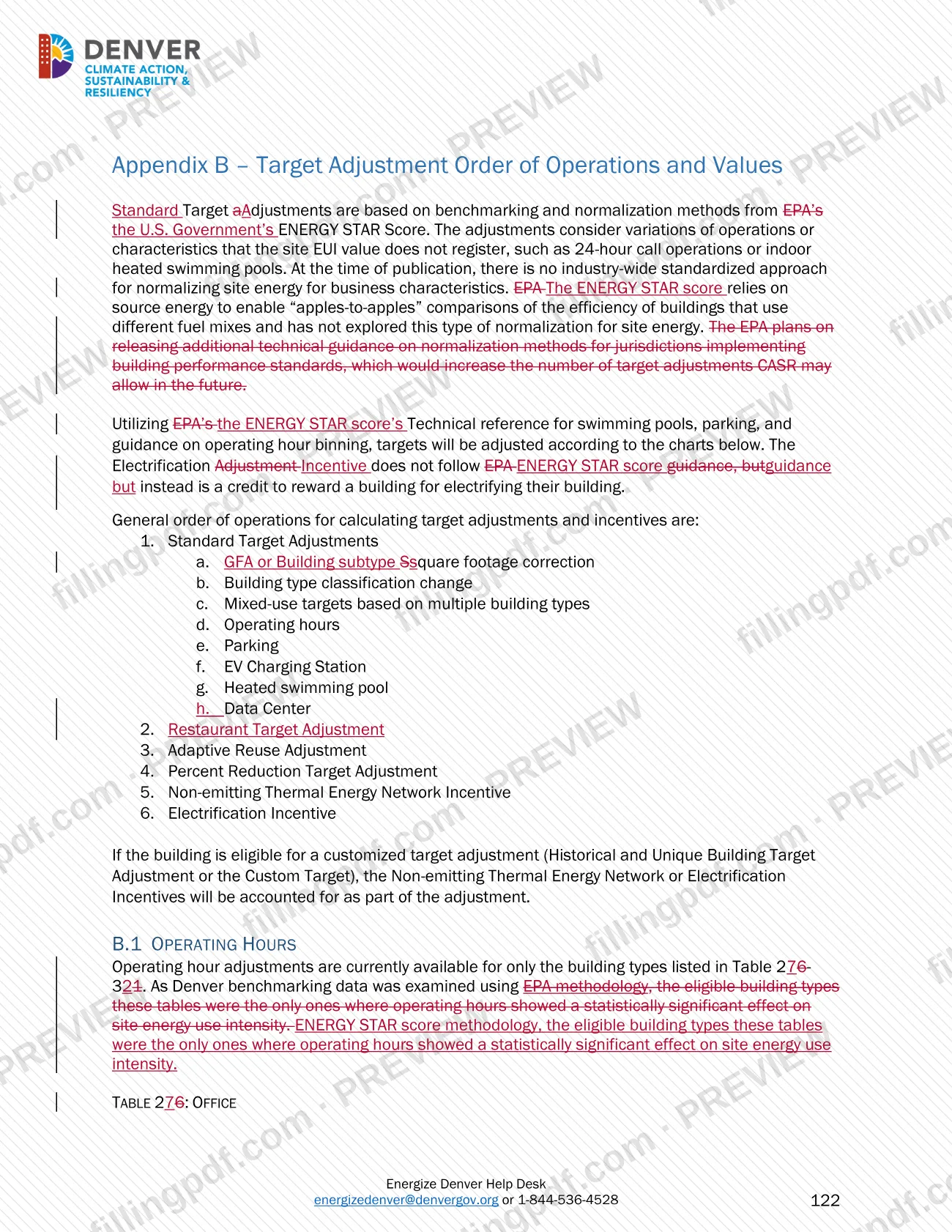
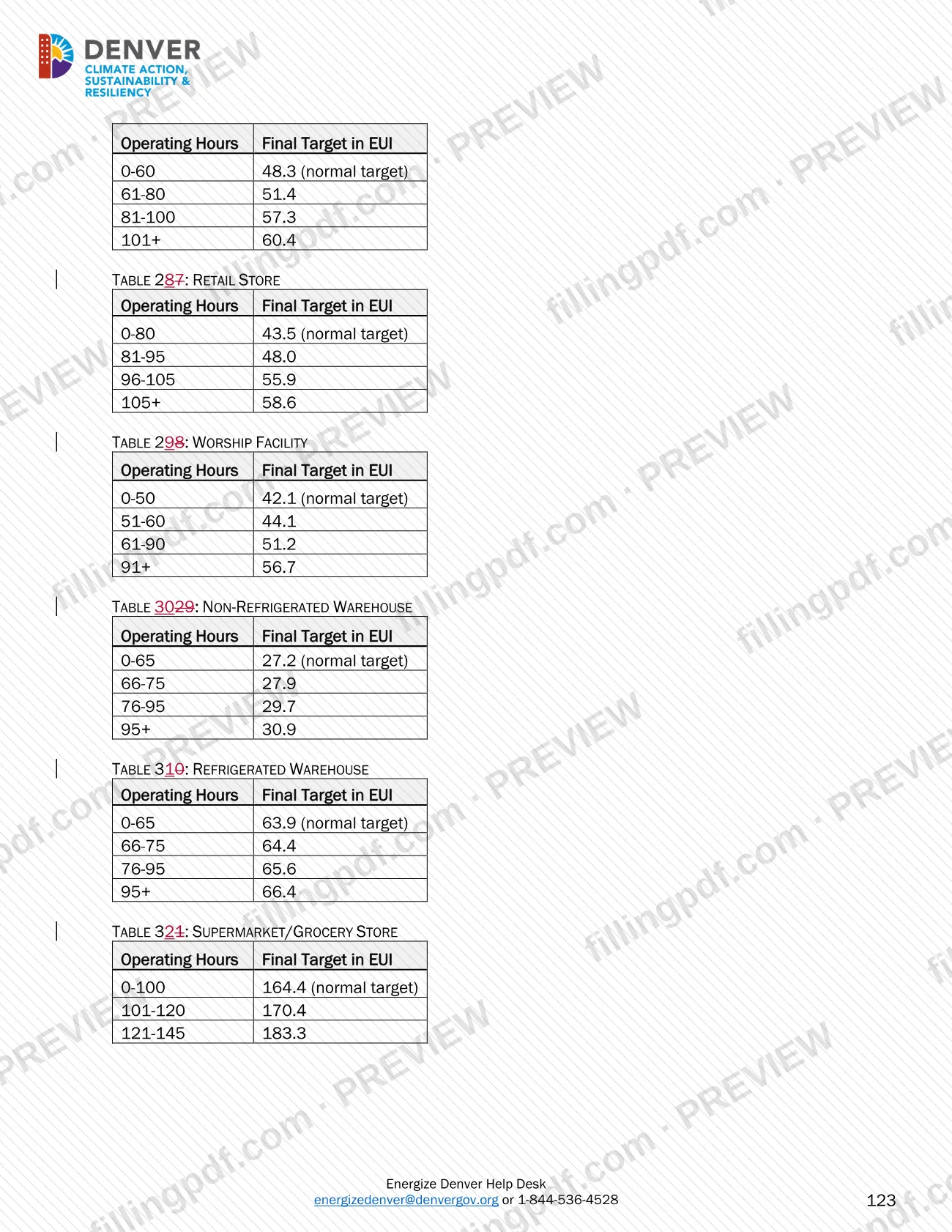
The document covers applicability, annual benchmarking in ENERGY STAR Portfolio Manager (ESPM), energy efficiency targets and adjustments, renewable credits, alternate compliance options such as timeline extensions and interim compliance holds, pre-compliance decision review, performance evaluation, and enforcement and penalties. Appendices list building type targets and adjustment values.
It is a guidance manual, not an application. It does not grant a permit, license or registration, and it is not a Denver building permit form; benchmarking reports and applications are filed through the channels it describes.
Who needs to file Large Building Redlines – Denver, CO?
Owners of covered buildings are the main audience. A covered building is any commercial or multifamily building 25,000 square feet or larger in gross floor area (GFA) in the City and County of Denver, including institutional, municipal, manufacturing, agricultural and industrial buildings.
Others the guidance addresses:
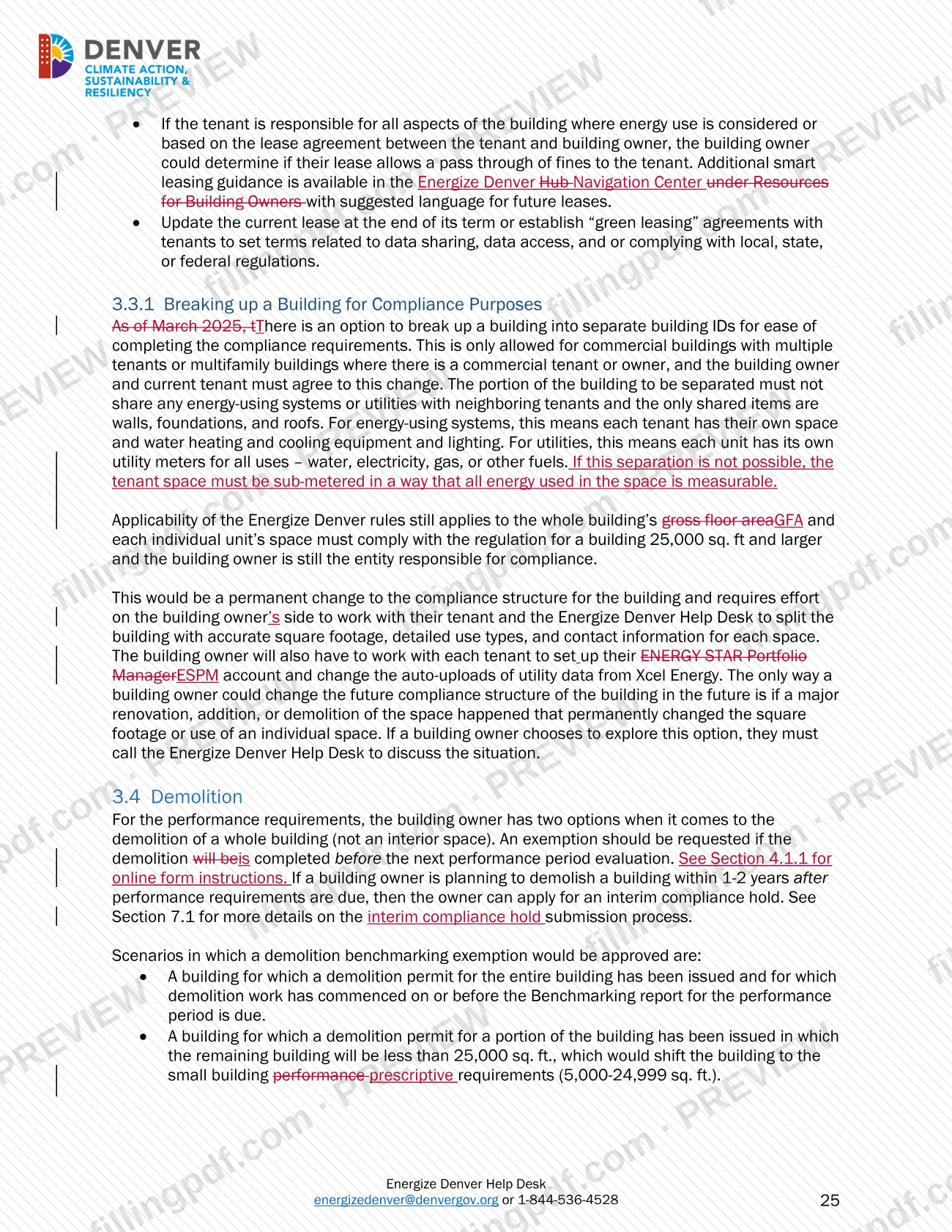
- Tenants, who must provide energy data to the building owner for benchmarking.
- Owners of residential condominiums, whose association is the responsible party.
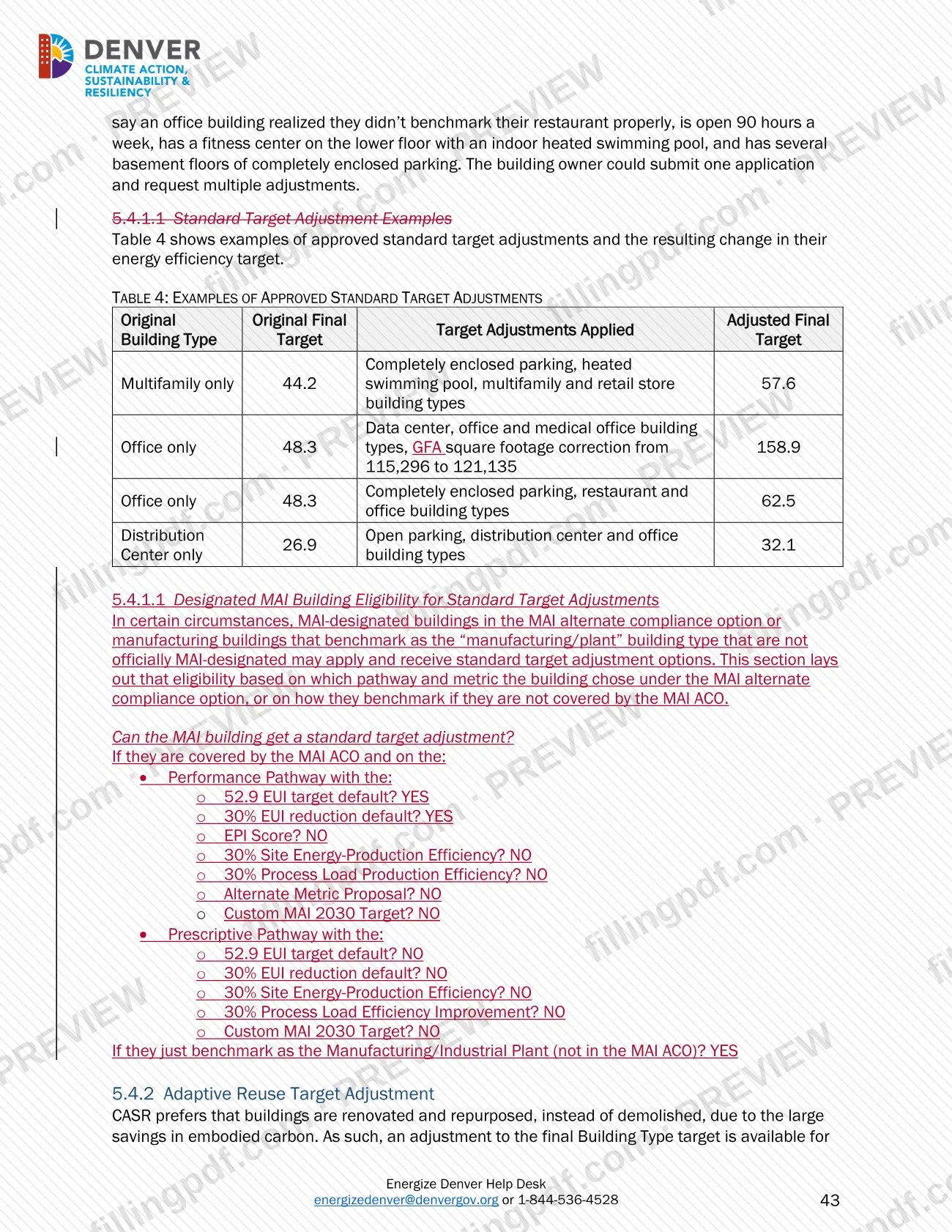
- Owners of Manufacturing/Agricultural/Industrial (MAI) buildings, which have their own alternate compliance option.
- Sellers of covered buildings, who must disclose compliance status and transfer the ESPM account.
- Third-party data verifiers, who must hold one of the listed credentials and cannot be the building owner or an employee of the owner.
Exclusions: a stand-alone parking garage and a building used to generate power sold commercially to other parties are exempt. The city has no jurisdiction over state-owned, federal-owned or foreign consulate buildings. Applicability follows ownership, not tenants, so a privately owned building with a government tenant is still covered.
When to file Large Building Redlines – Denver, CO
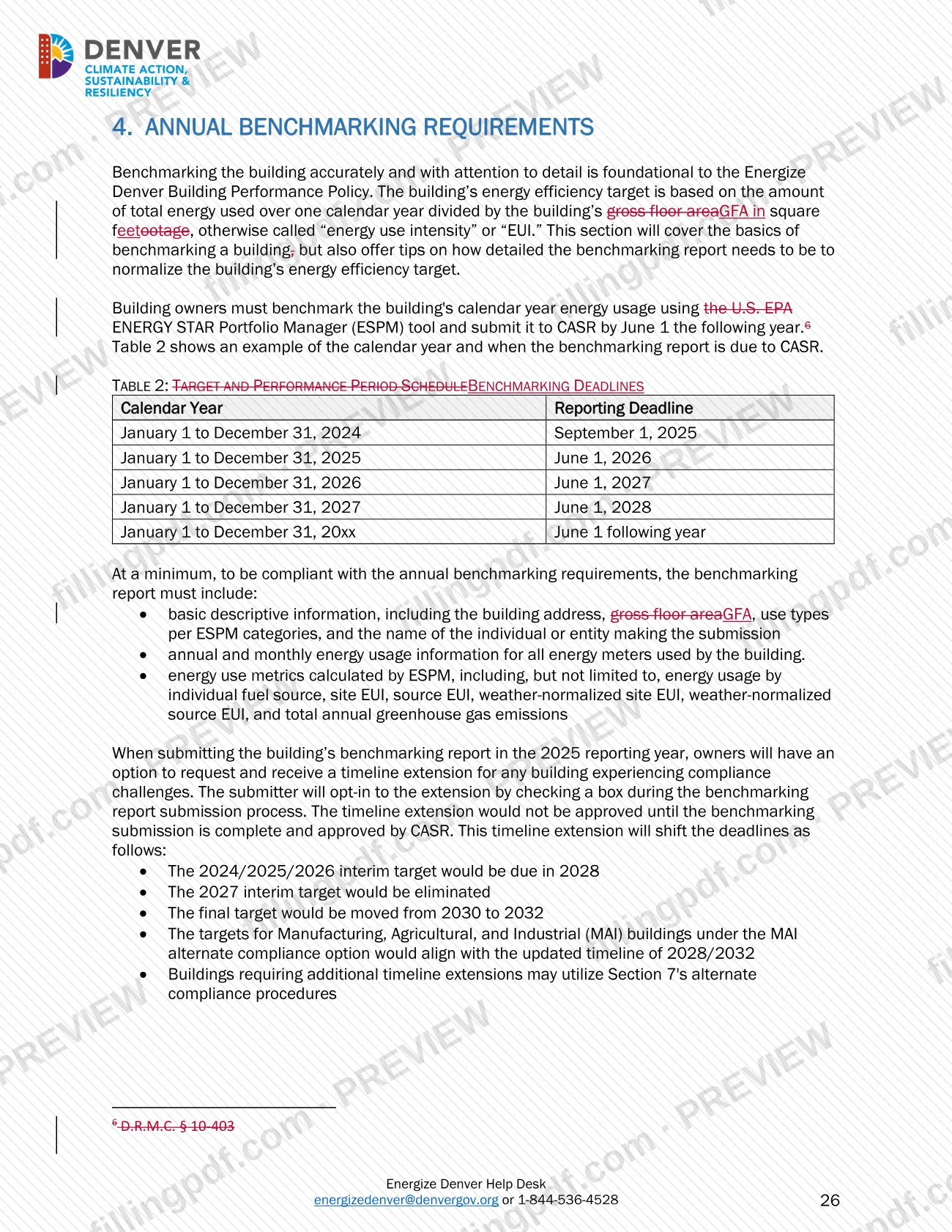
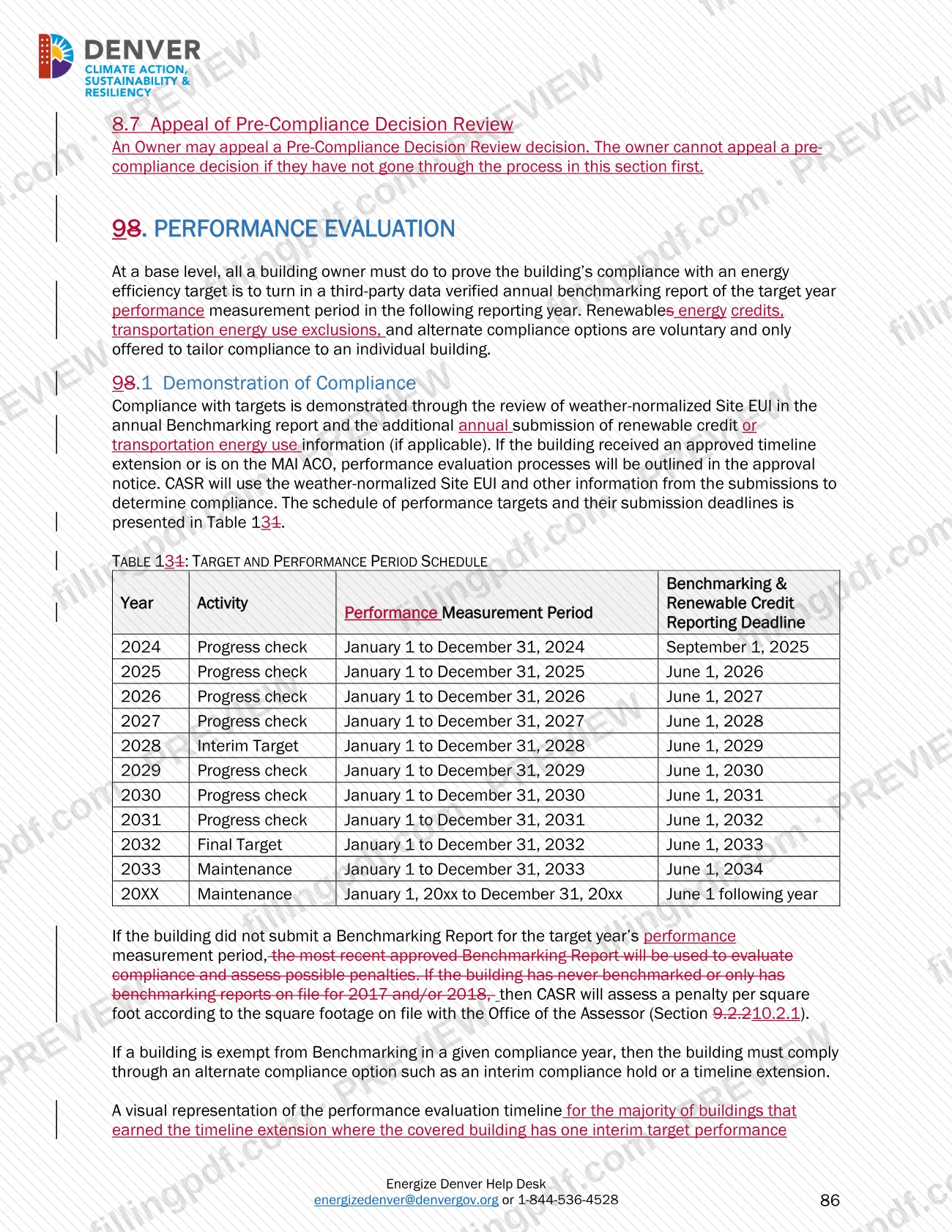
Annual benchmarking reports are due to CASR by June 1 of the year after the calendar year measured. The guidance's schedule lists the calendar year 2024 report as due September 1, 2025, the 2025 report as due June 1, 2026 and the 2026 report as due June 1, 2027.
Other timing rules in the guidance:
- A new building starts reporting after it has its certificate of occupancy and has operated 12 full calendar months.
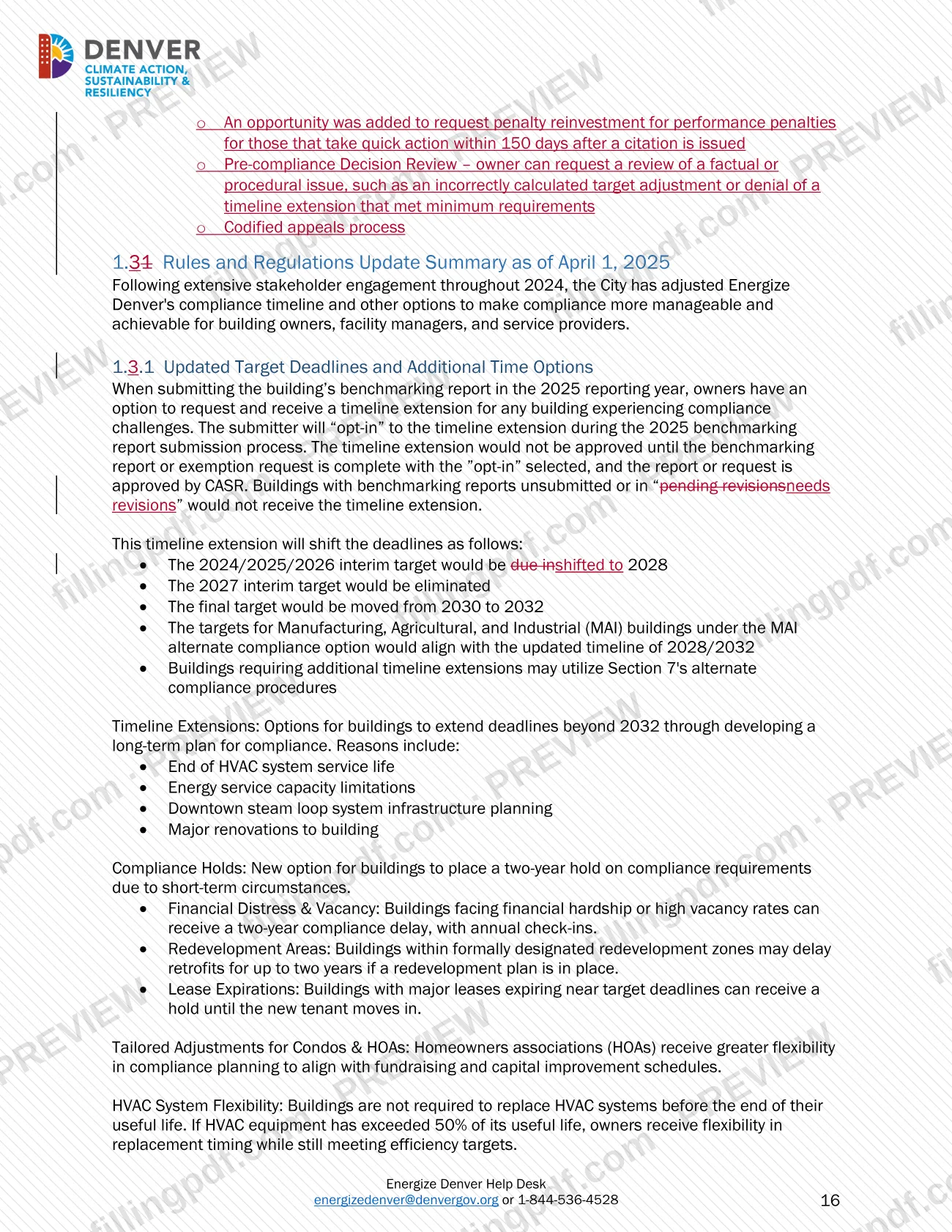
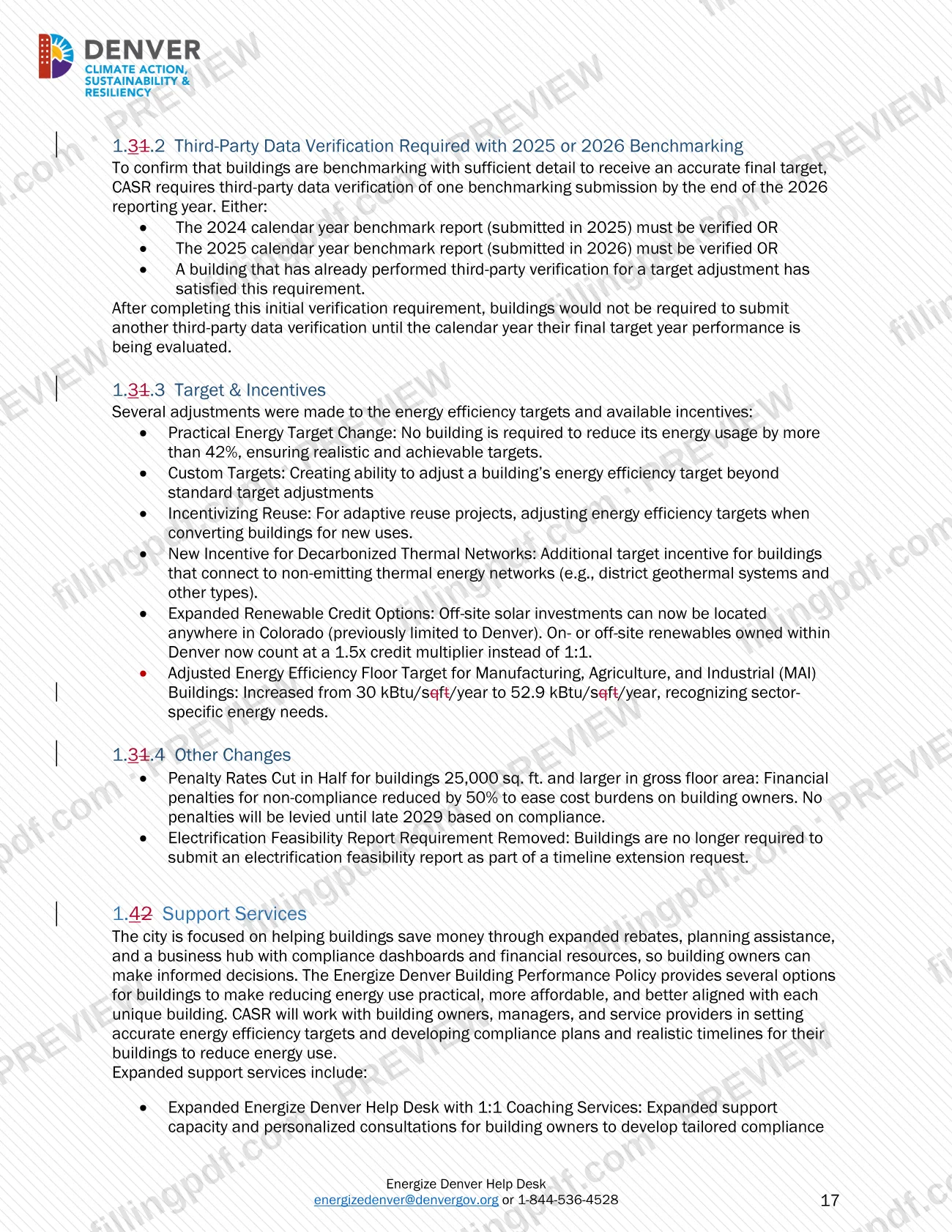
- Third-party data verification of one benchmarking submission is required by the end of the 2026 reporting year (due June 1, 2026), and again for the final target year.
- An owner can request a 90-day extension to finalize an annual benchmarking report; enforcement is paused during it.
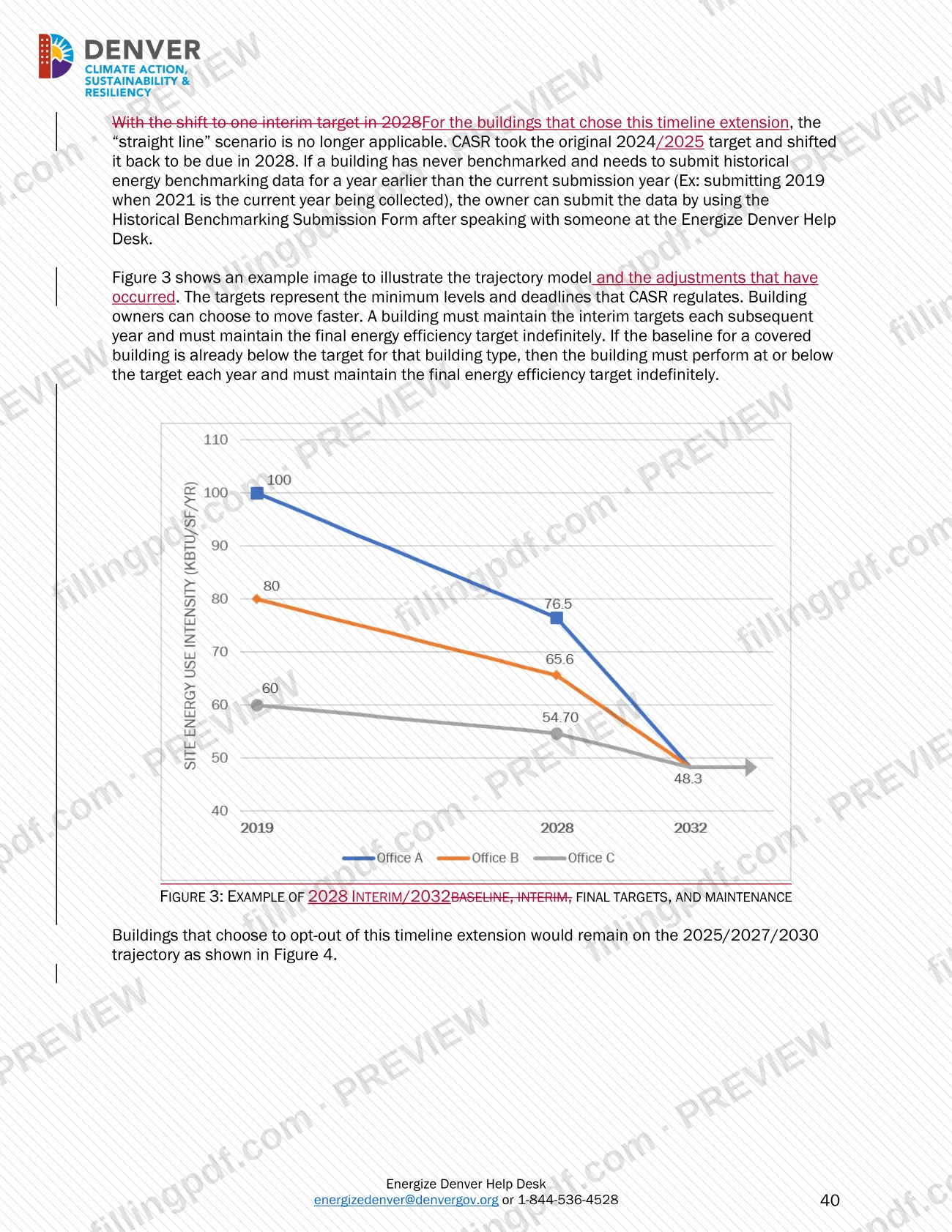
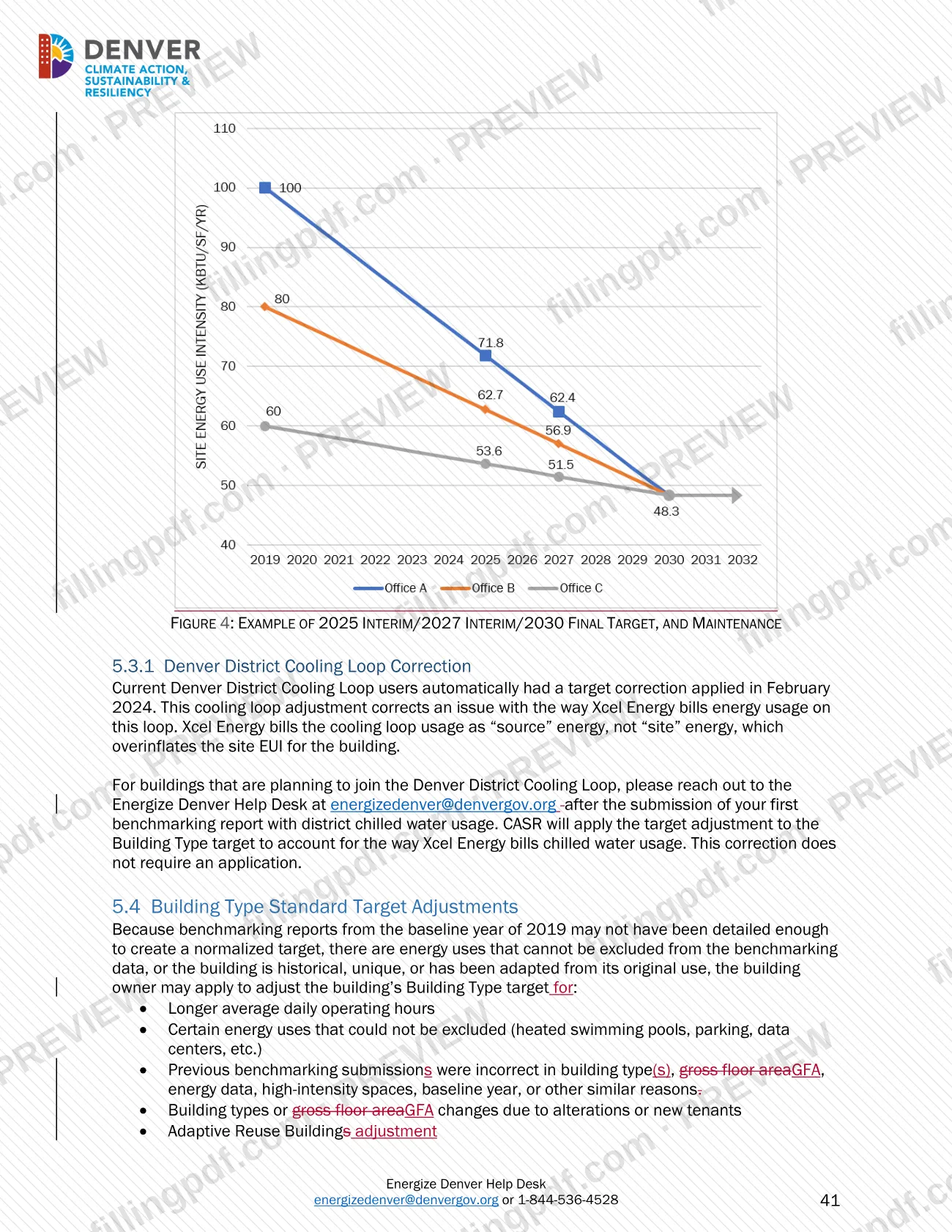
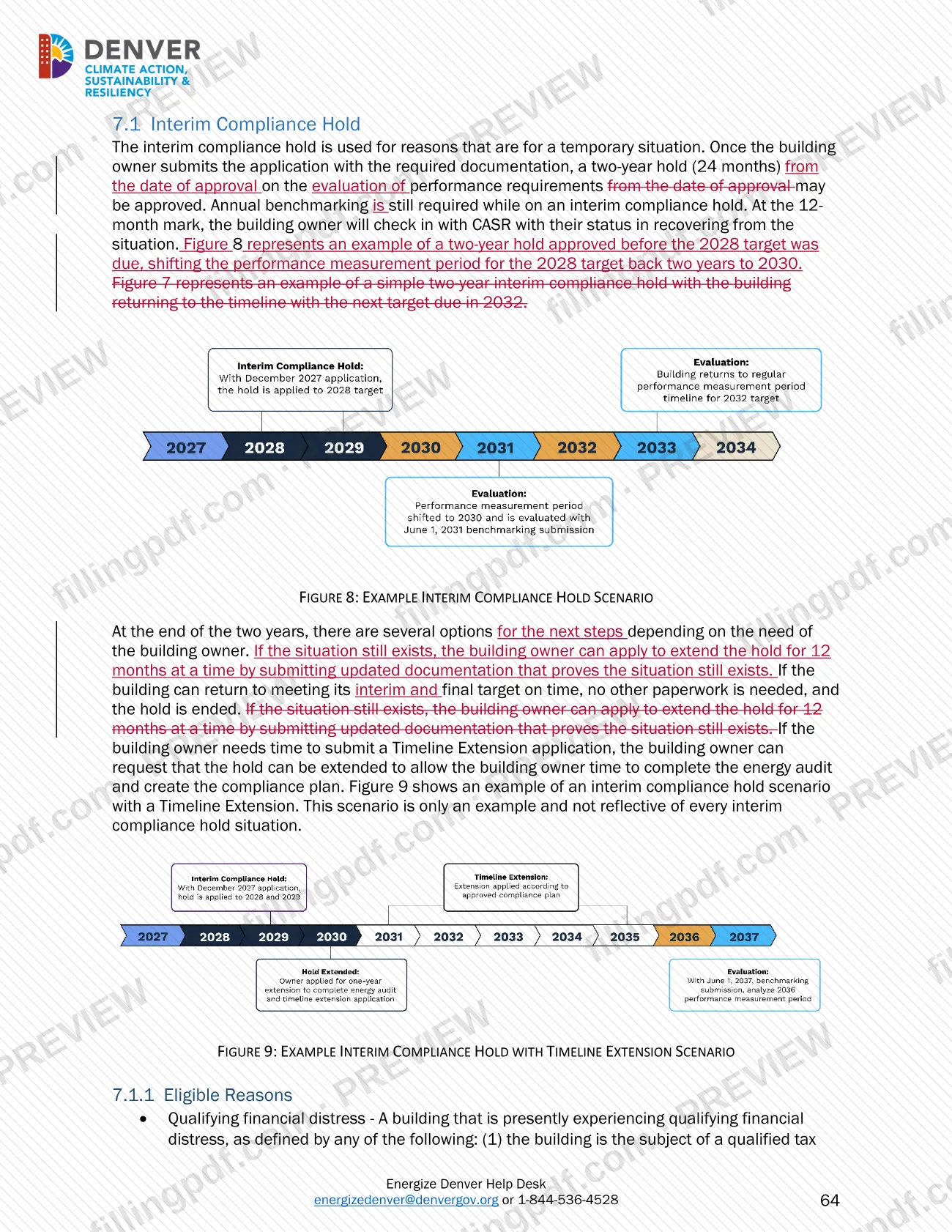
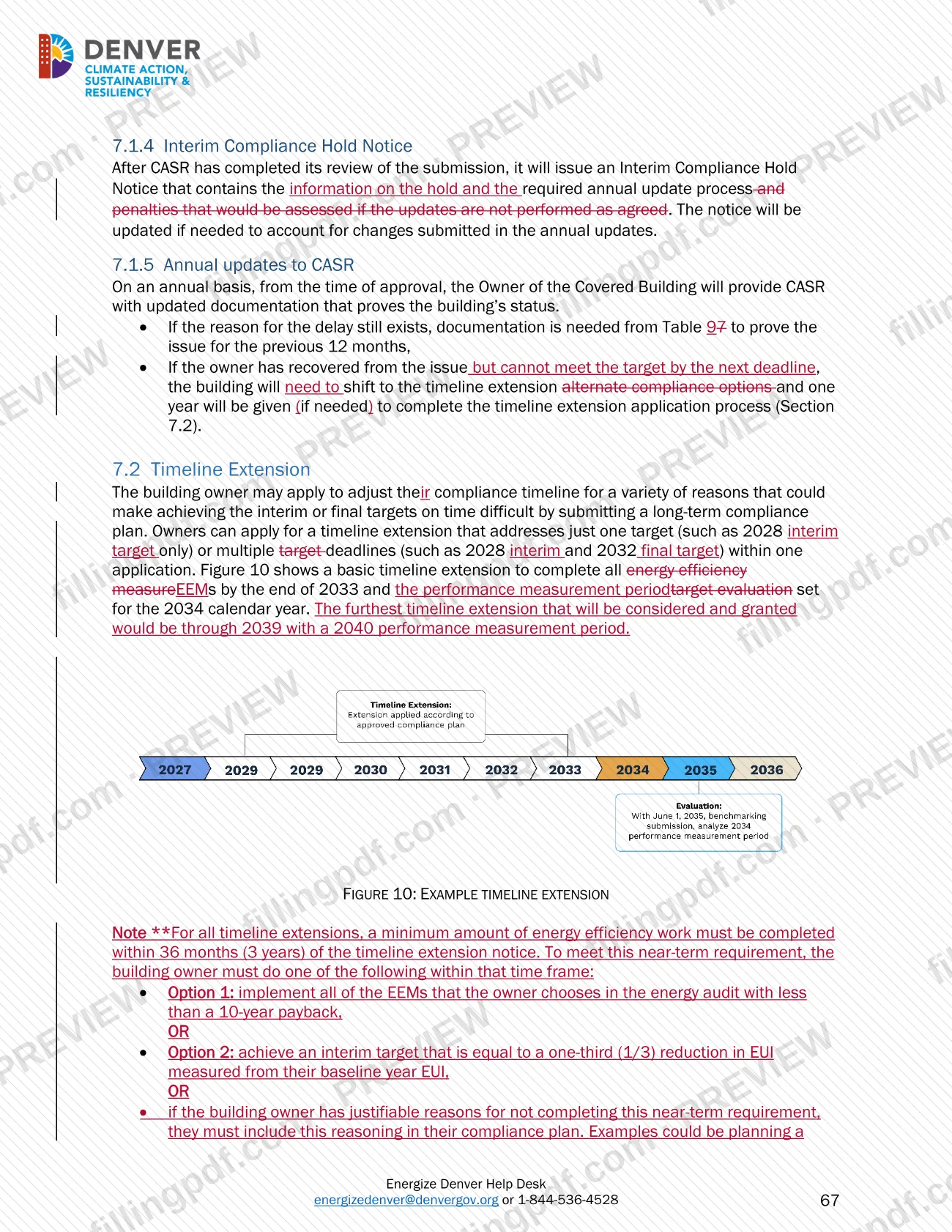
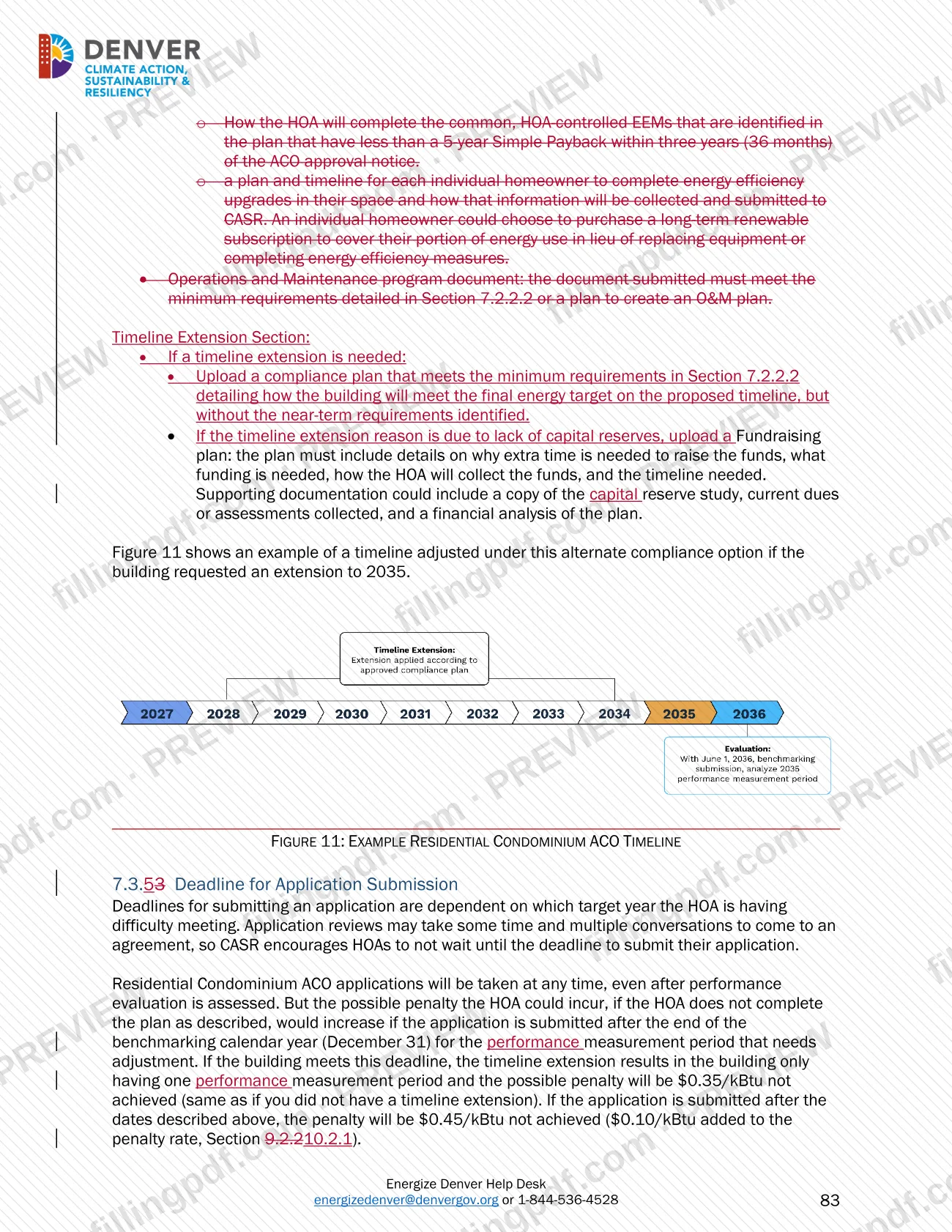
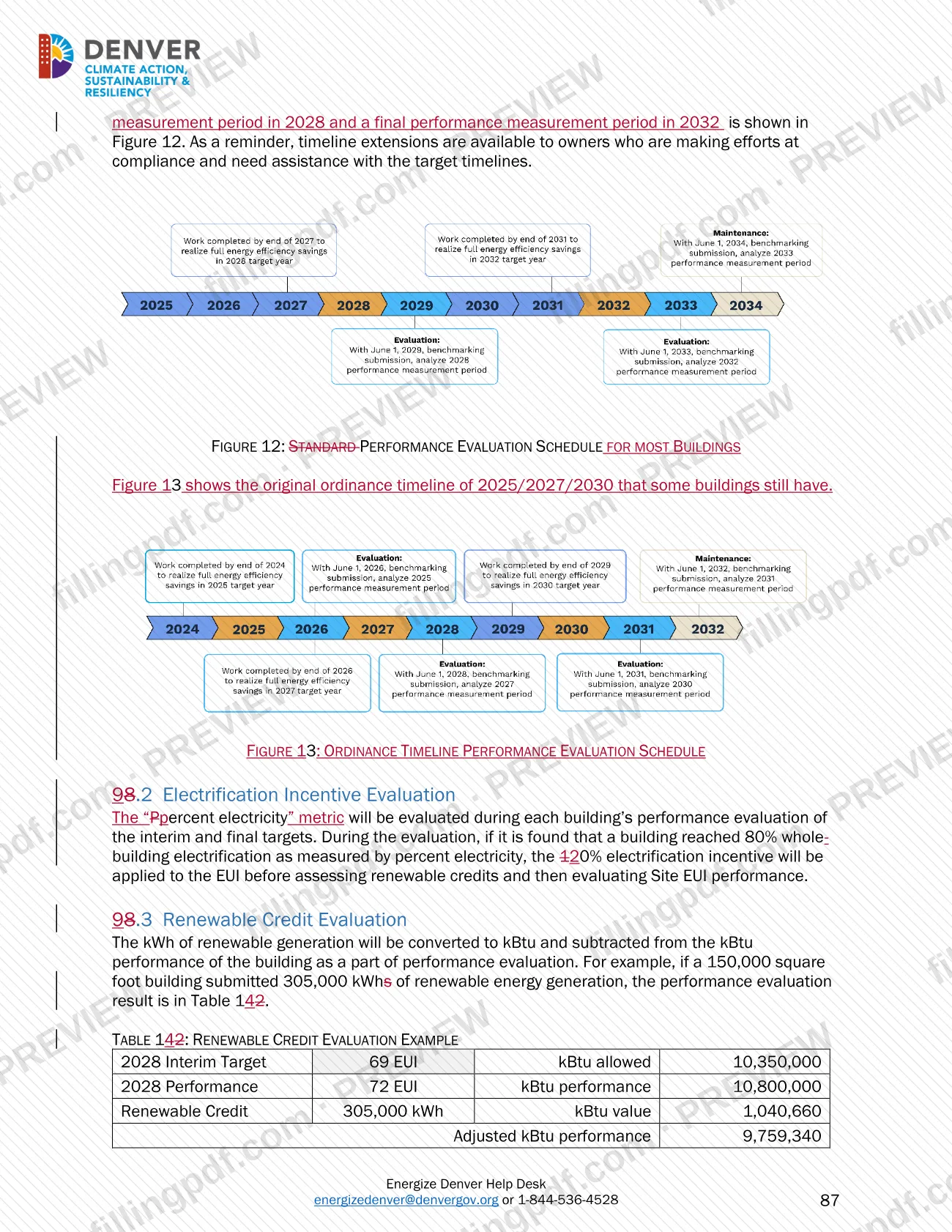
- Owners who opted in to the timeline extension have the interim target shifted to 2028 and the final target moved from 2030 to 2032.
- CASR provides a compliance status letter within 10 calendar days of a request.
Documents you need
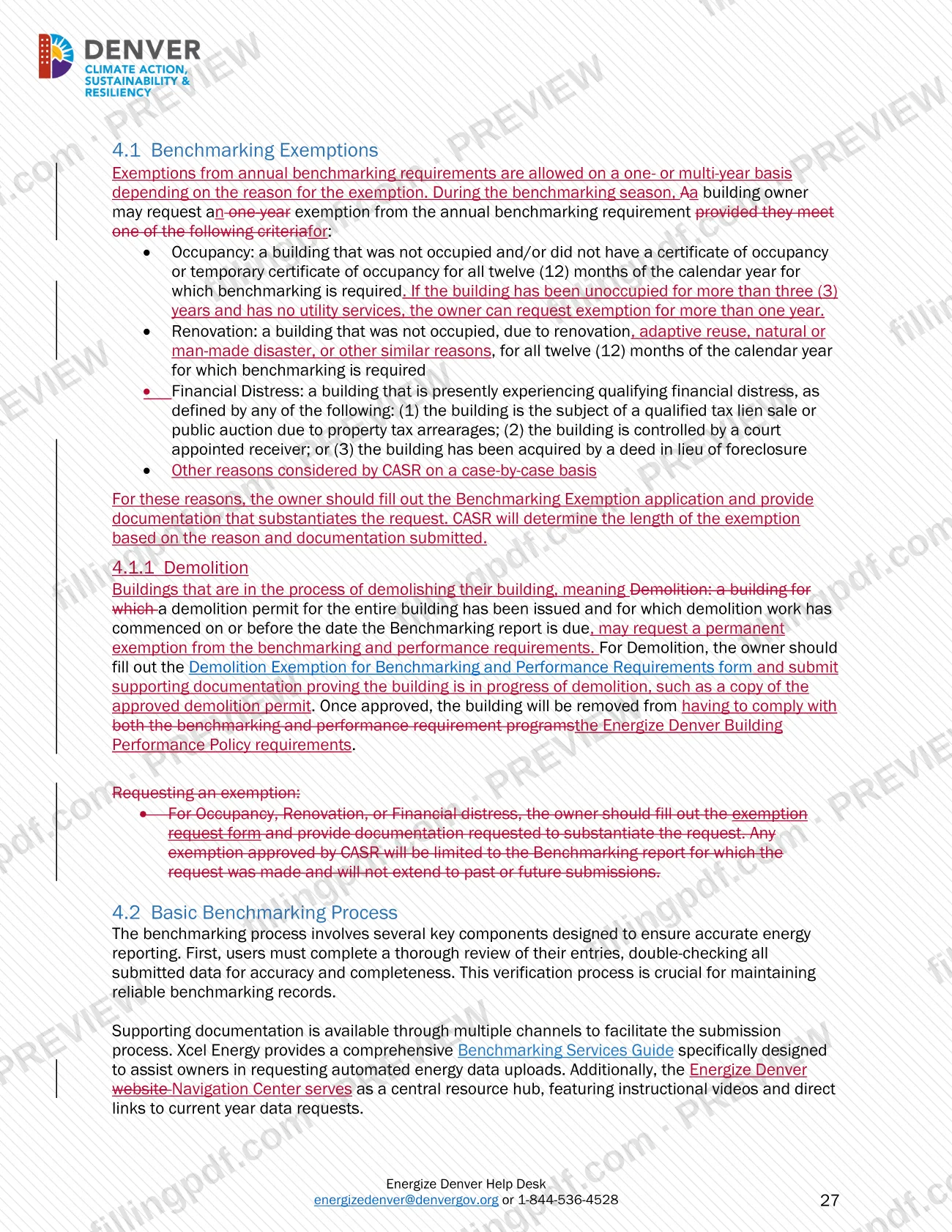
- Copy of the approved demolition permit, or other proof that demolition is in progress, for a Demolition Exemption for Benchmarking and Performance Requirements.
- Documentation substantiating the request, for a one-year benchmarking exemption based on occupancy, renovation or financial distress.
- Building information, the reason for the delay and supporting documentation, for a Benchmarking & Data Verification Extension Application.
- Proof of a signed contract with the data verifier and the verifier's confirmation that more time is needed, when the extension reason is third-party data verification in process.
- Documentation of the change and a plan for submitting the report, when the extension reason is a change in ownership or management.
- Data Verification Checklist generated in ESPM and signed by a qualified third-party data verifier, for third-party data verification.
- Documentation showing attempts to obtain the ESPM account from the previous owner, when a new owner files an ESPM Account Non-Transfer Complaint.
How to fill out Large Building Redlines – Denver, CO
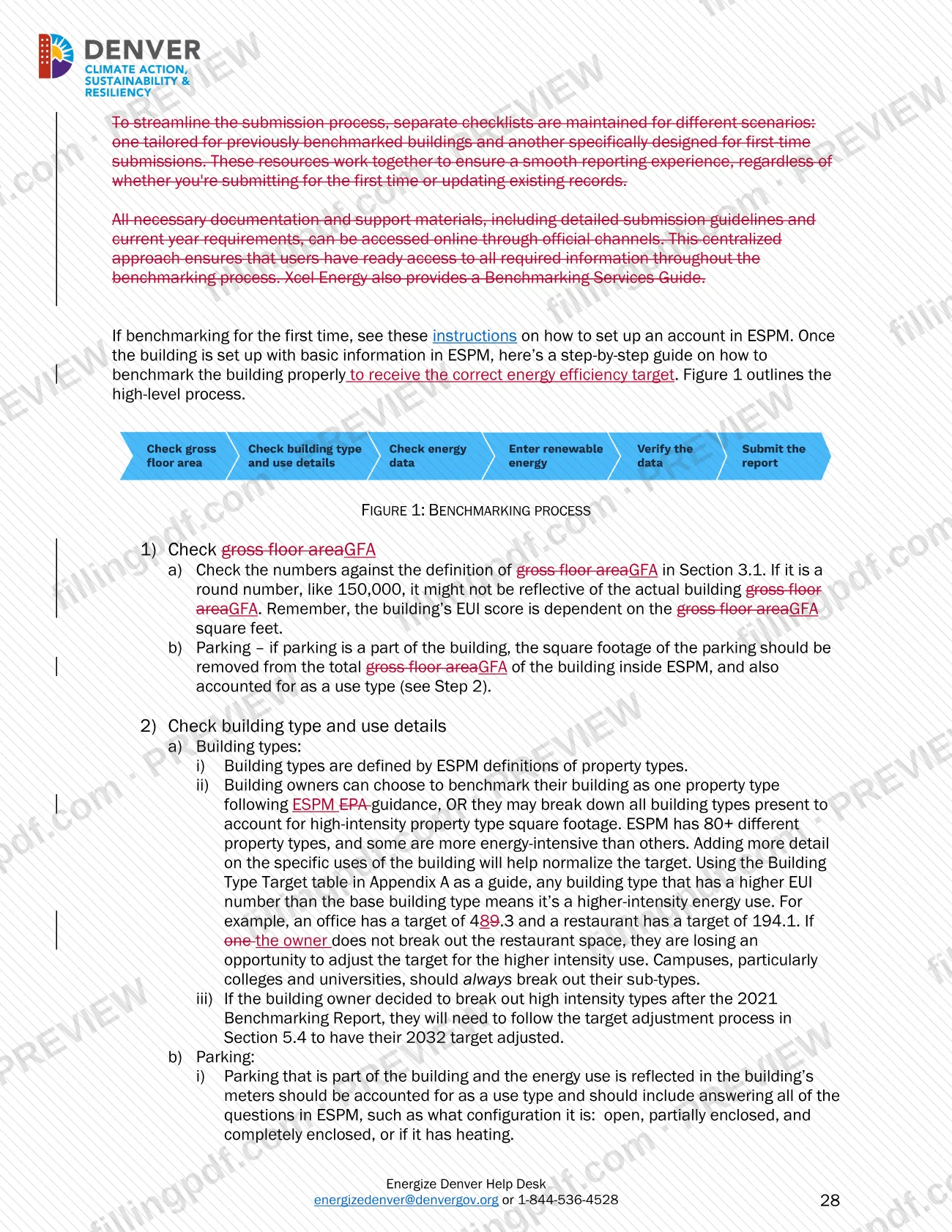
Check gross floor area
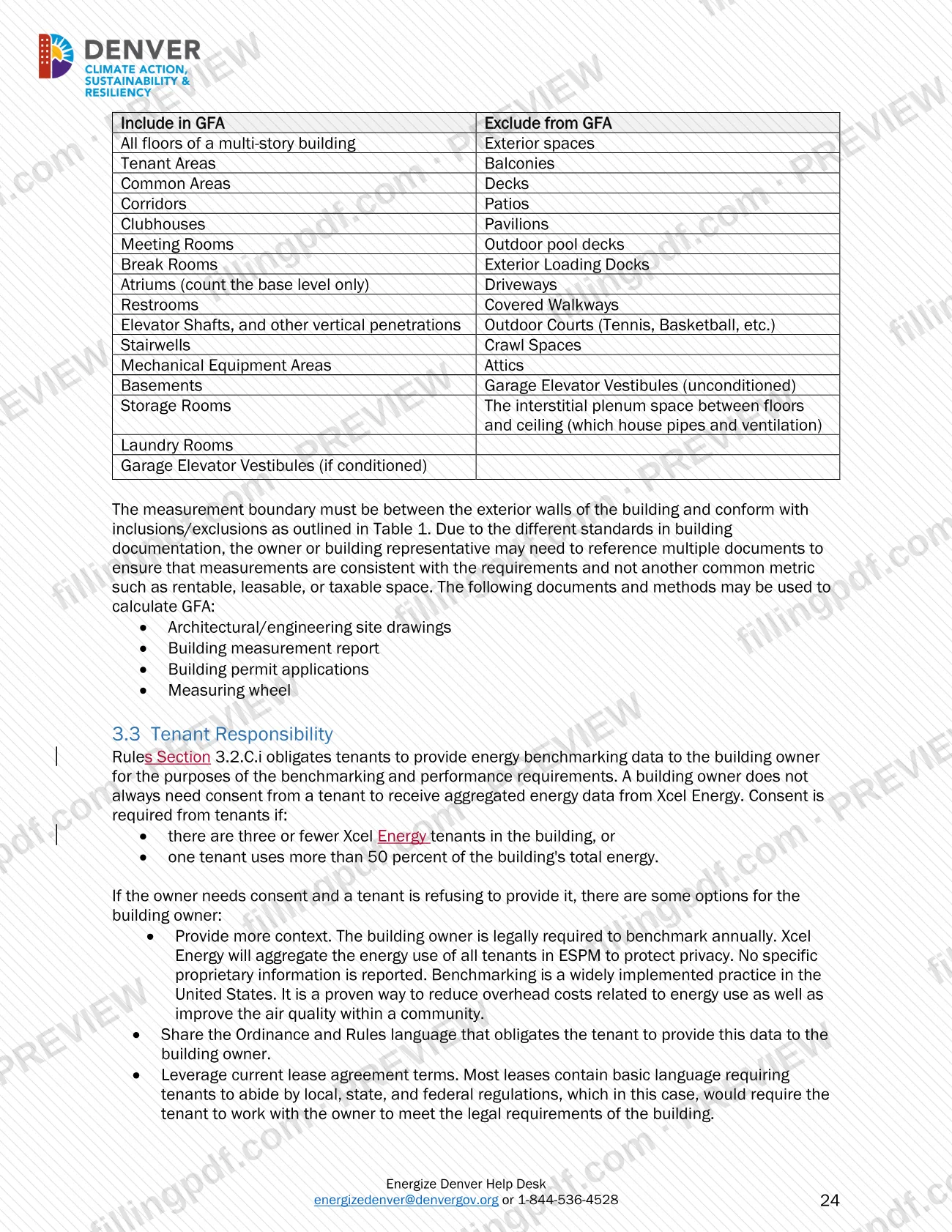
Compare the GFA in ESPM with the guidance definition in Section 3.2 and remove parking square footage from the total. A round number such as 150,000 may not reflect the actual building.
Check building type and use details
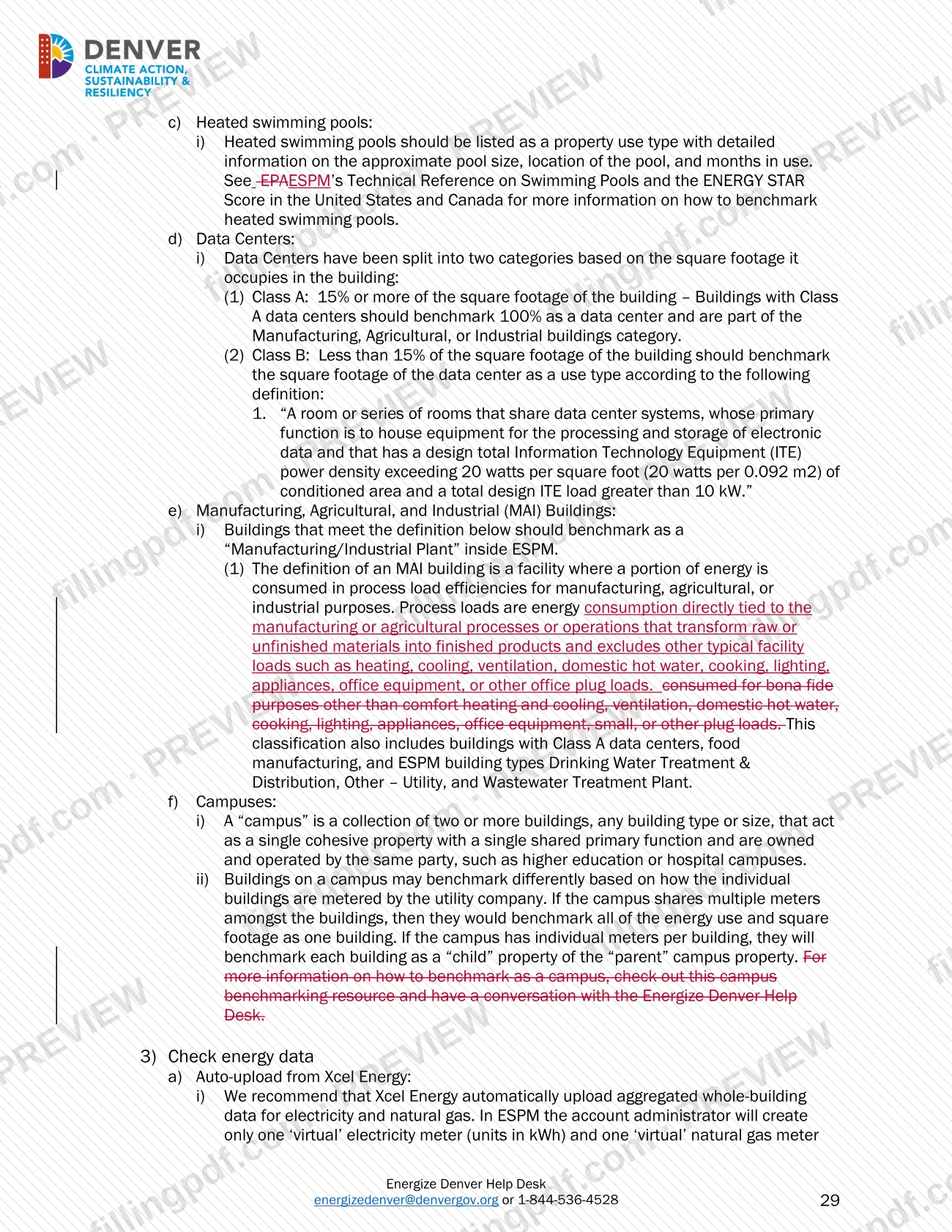
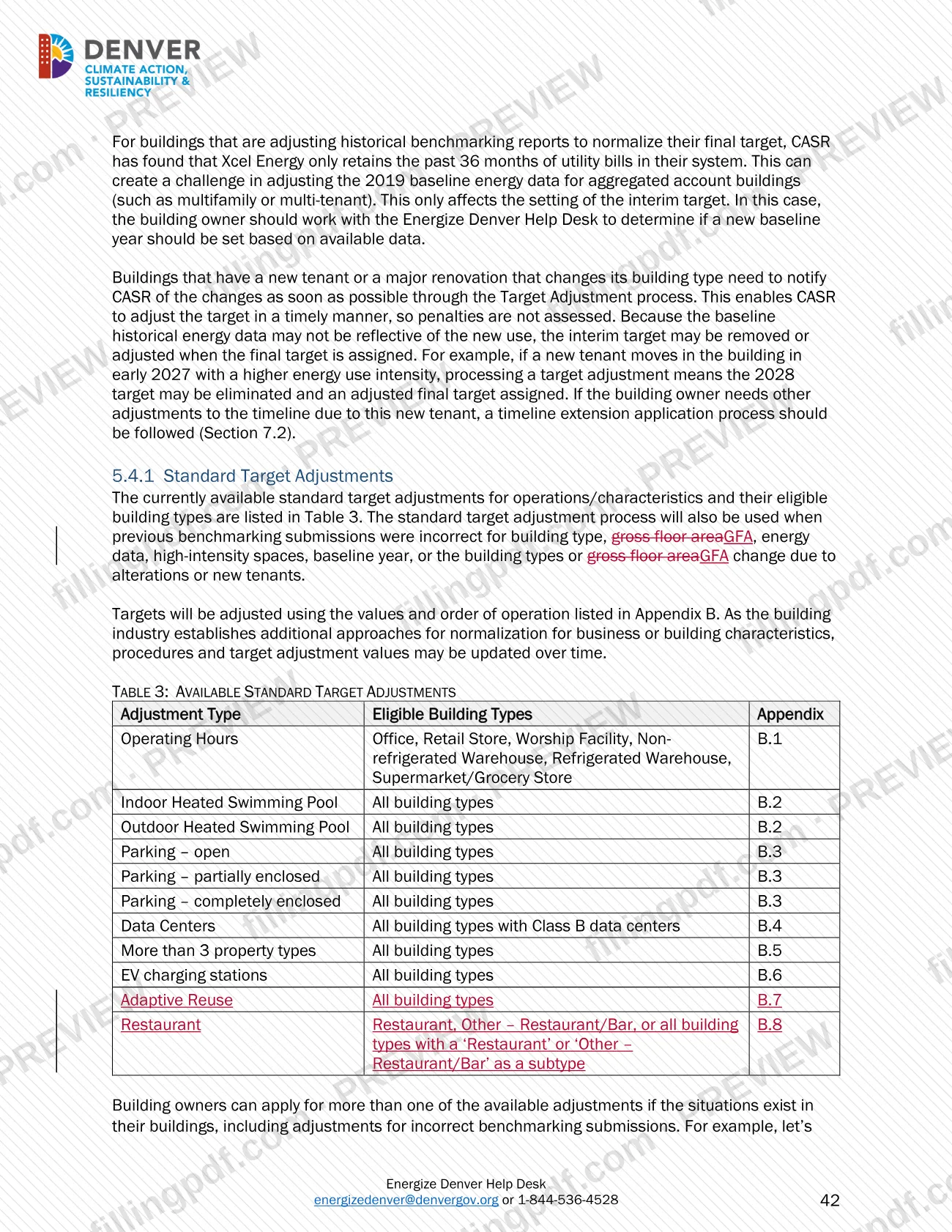
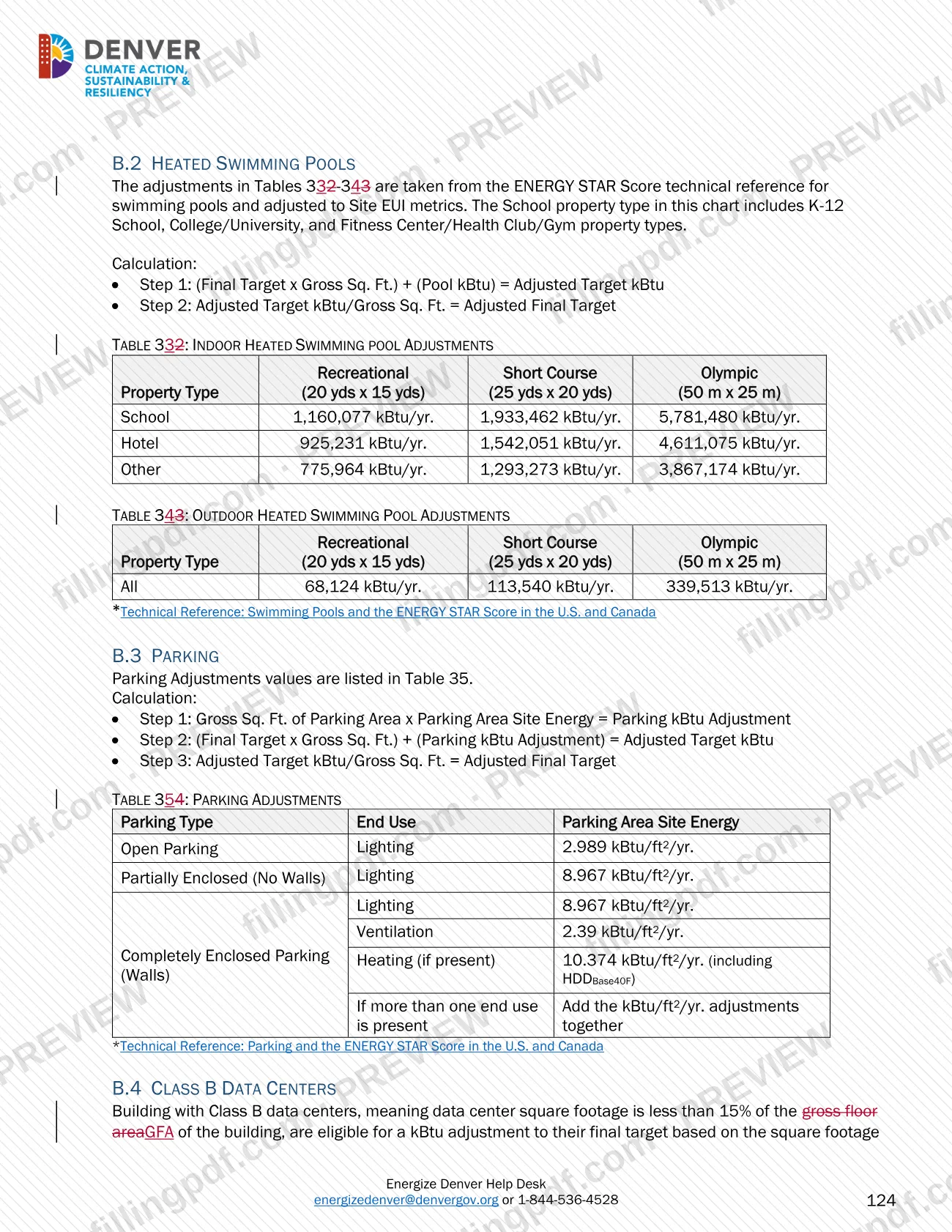
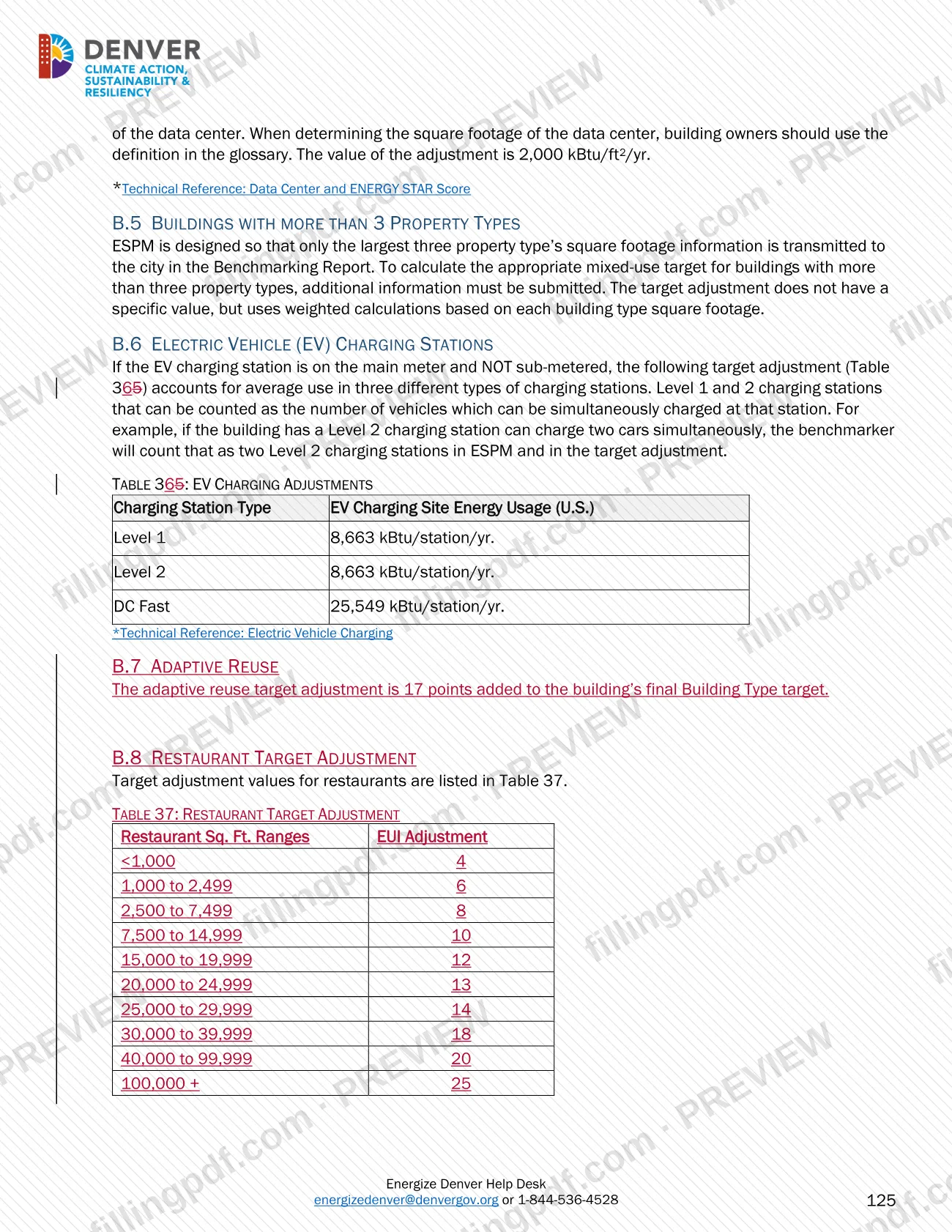
Choose ESPM property types and break out higher-intensity uses such as restaurants, parking, heated swimming pools or Class B data centers. Campuses, especially colleges and universities, should always break out sub-types.
Check your energy data
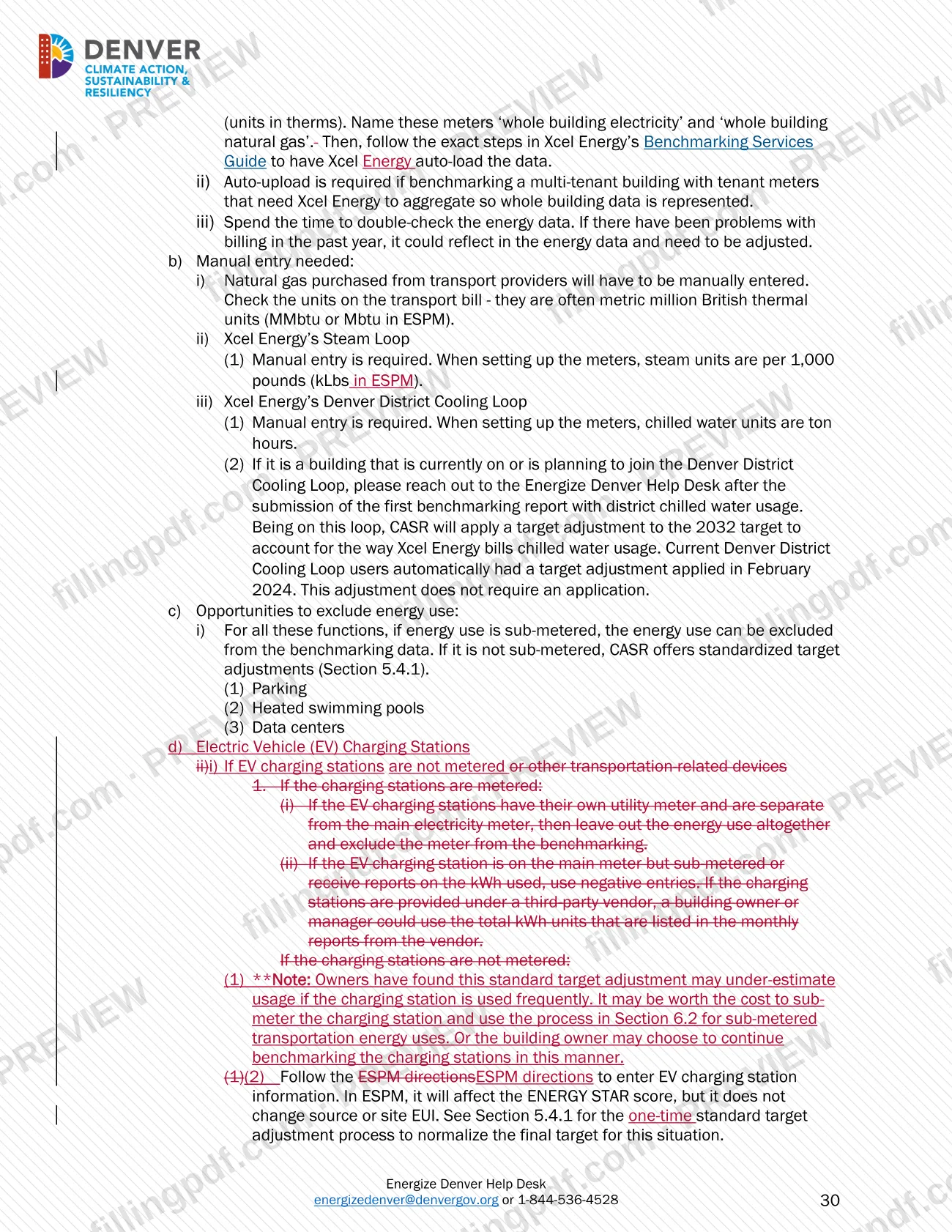
Use Xcel Energy auto-upload for aggregated electricity and natural gas where possible, and enter transport-provider gas, steam and district cooling manually. Sub-metered parking, pools and data centers can be excluded.
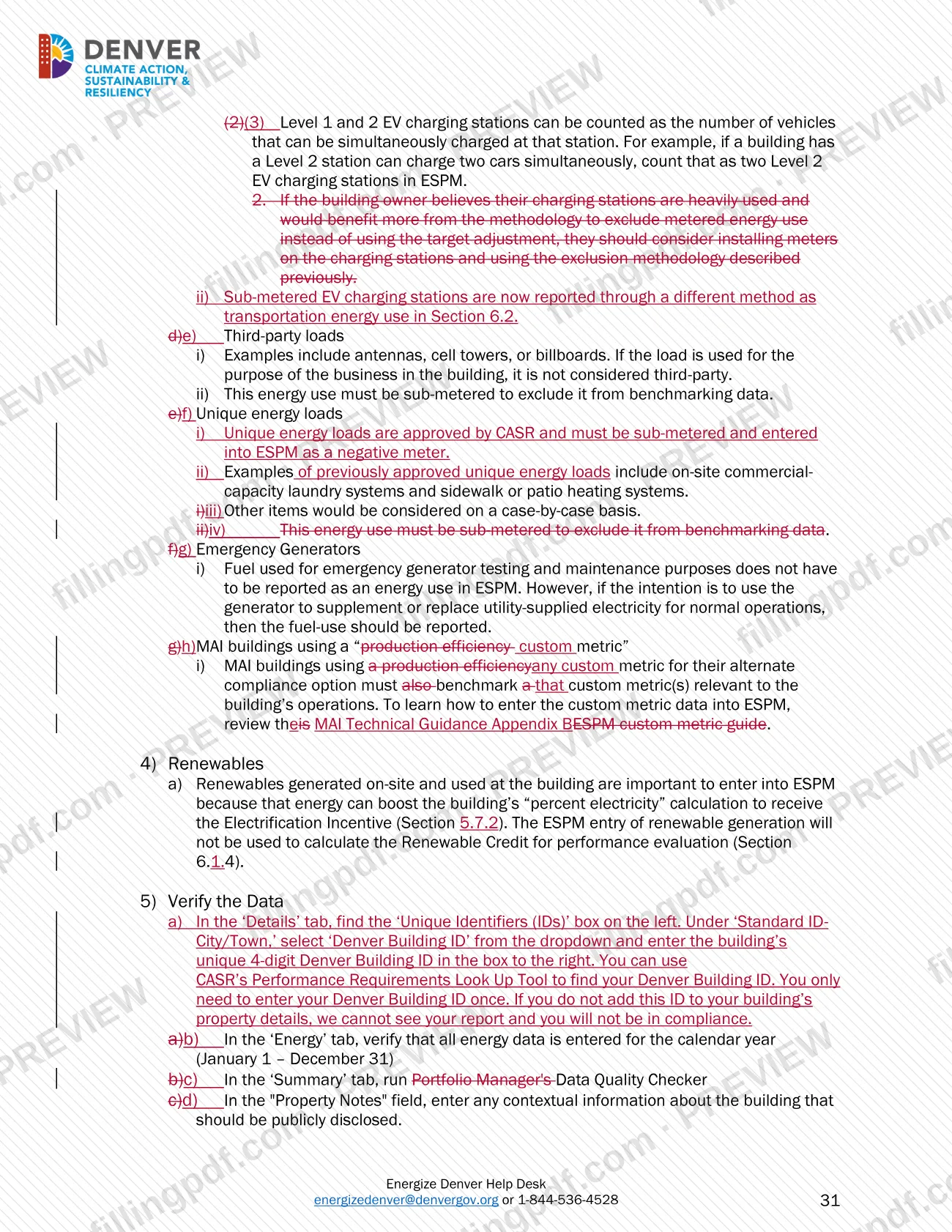
Enter on-site renewables
Record on-site renewable generation in ESPM; it can raise the building's percent electricity for the Electrification Incentive.
Verify the data in ESPM
Enter the Denver Building ID under Standard ID-City/Town, confirm the Energy tab covers January 1 to December 31, and run the Data Quality Checker. Add any public context in Property Notes.
Connect and share with EnergizeDenver
Connect with "EnergizeDenver" in ESPM once, and share each property with it the first time you report.
Submit in the Reporting Portal
Log in to the Energize Denver Reporting Management Portal, claim the building by Building ID or address the first time, and click Submit next to the building.
Clear any Needs Revisions status
Check the confirmation of the report's status and act on any email or notification so the report reaches approved and compliant status.
Arrange third-party data verification
If required, generate the Data Verification Checklist in ESPM and have a qualified verifier confirm the information and sign it.
Review and download the PDF
Review the guidance sections that apply to your building, then download or print the PDF from FillingPDF. Submit reports and applications through the channels described under How to submit.
How to submit Large Building Redlines – Denver, CO
This guidance document is not submitted to the city. The reports and applications it describes go through these channels:
- ESPM and the Energize Denver Reporting Management Portal: Prepare the report in ENERGY STAR Portfolio Manager, share the property with "EnergizeDenver," then log in to the portal, claim the building and click Submit. First-time users register to log in.
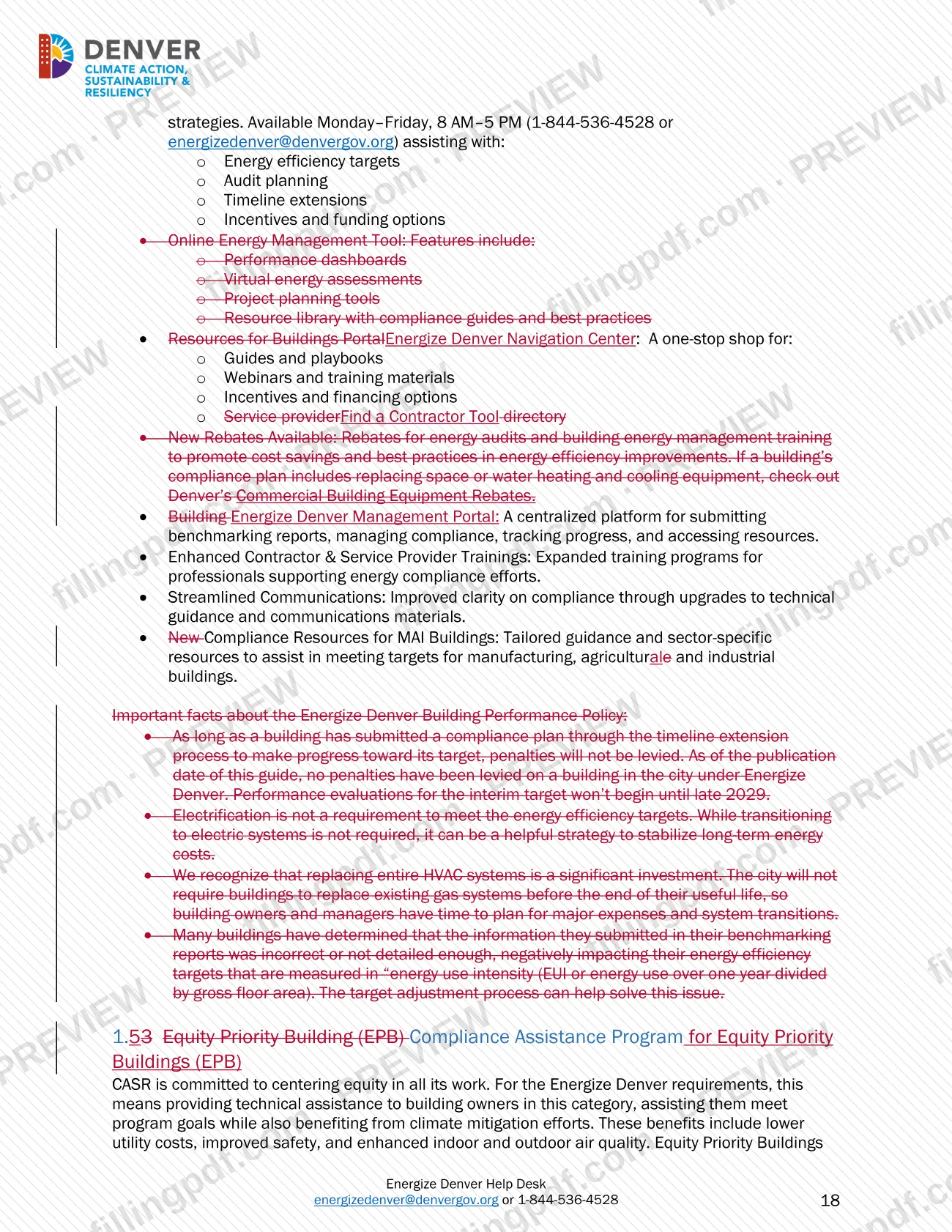
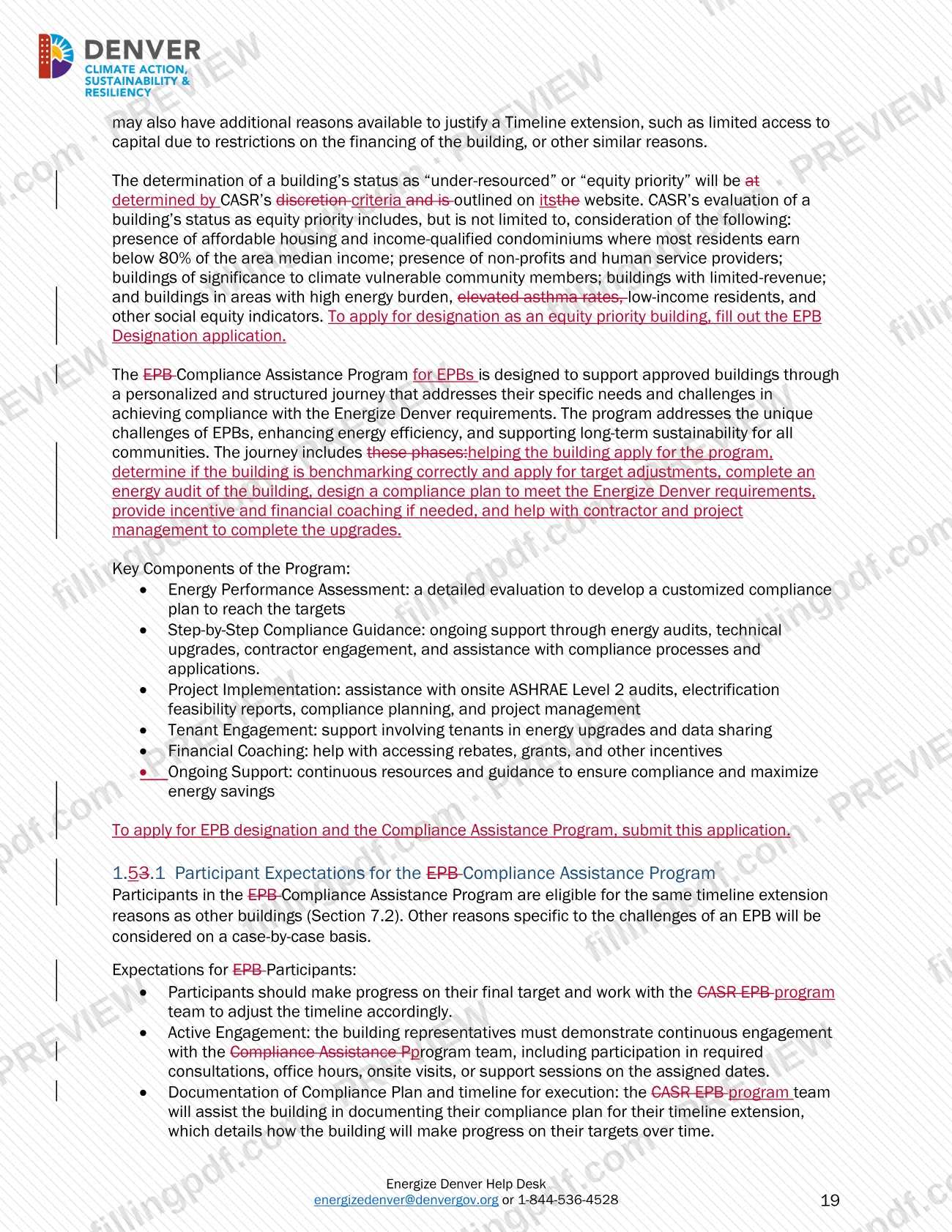
- Online applications: The guidance names forms for benchmarking exemptions, the Benchmarking & Data Verification Extension Application, demolition exemptions, disclosure letter requests and equity priority building designation. Find them through the Energize Denver Navigation Center at www.denvergov.org/energizedenver.
- Energize Denver Help Desk: [email protected] or 1-844-536-4528, Monday to Friday, 8 AM to 5 PM.
- Xcel Energy benchmarking help desk: [email protected], for utility data uploads.
The guidance mentions no mailing address. FillingPDF lets you fill out and download the PDF; submission follows the channels above.
Common mistakes to avoid
- Leaving the 4-digit Denver Building ID (DBID) out of the ESPM property details; CASR cannot see the report and the building will not be in compliance.
- Letting a report sit in "Not Submitted" or "Needs Revisions" status past June 1; the guidance treats it as non-compliant and enforcement can follow.
- Relying on an Xcel Energy auto-upload that fails or lags; the owner remains responsible for collecting utility data and uploading it before the deadline.
- Measuring gross floor area as rentable, leasable or taxable space, or leaving parking inside the GFA entered in ESPM.
- Using the building owner or an employee of the owner as the third-party data verifier.
- Expecting the timeline extension without opting in during the 2025 benchmarking submission; it is not approved until the report is complete and approved by CASR.
- Selling a covered building without transferring the ESPM benchmarking account to the new owner.
- Entering Xcel Energy steam or district cooling data in the wrong units; the guidance specifies kLbs for steam and ton hours for chilled water.
Frequently asked questions
What is the Large Building Redlines document?
It is the Energize Denver Technical Guidance, Version 43.0, for buildings 25,000 square feet and larger in Denver. It explains benchmarking, energy efficiency targets, alternate compliance options, performance evaluation and enforcement. It does not supersede any Denver ordinance or regulation.
Is this a Denver permit or building permit application?
No. It is not a Denver permit or Denver building permit form. It is guidance on Energize Denver benchmarking and performance requirements. Permits appear only in passing: a demolition permit copy supports a demolition exemption, and building permit applications can help document gross floor area.
Which buildings must follow the Energize Denver requirements?
Any commercial or multifamily building 25,000 square feet or larger in gross floor area in the City and County of Denver. Stand-alone parking garages and commercial power-generation buildings are exempt, and state, federal and foreign consulate buildings are outside city jurisdiction.
When is the annual benchmarking report due in Denver?
By June 1 of the year after the calendar year being reported. For example, the 2025 calendar year report is due June 1, 2026. A report left in Needs Revisions or Not Submitted status at the deadline is treated as non-compliant.
Do I need third-party data verification?
Yes, twice: one benchmarking submission by the end of the 2026 reporting year (due June 1, 2026), and again for the final target year. A building that already verified data for a target adjustment has met the first requirement. The verifier cannot be the owner or an employee.
Can I get more time to submit my benchmarking report?
Yes. An owner can request a 90-day extension through the Benchmarking & Data Verification Extension Application, with a reason and supporting documentation. No enforcement action is taken during it. Longer relief is available through timeline extensions and interim compliance holds.
Who do I contact with questions about Energize Denver?
The Energize Denver Help Desk at [email protected] or 1-844-536-4528, Monday to Friday, 8 AM to 5 PM. It helps with targets, audit planning, timeline extensions, and incentives and funding options.
What happens if a building does not comply?
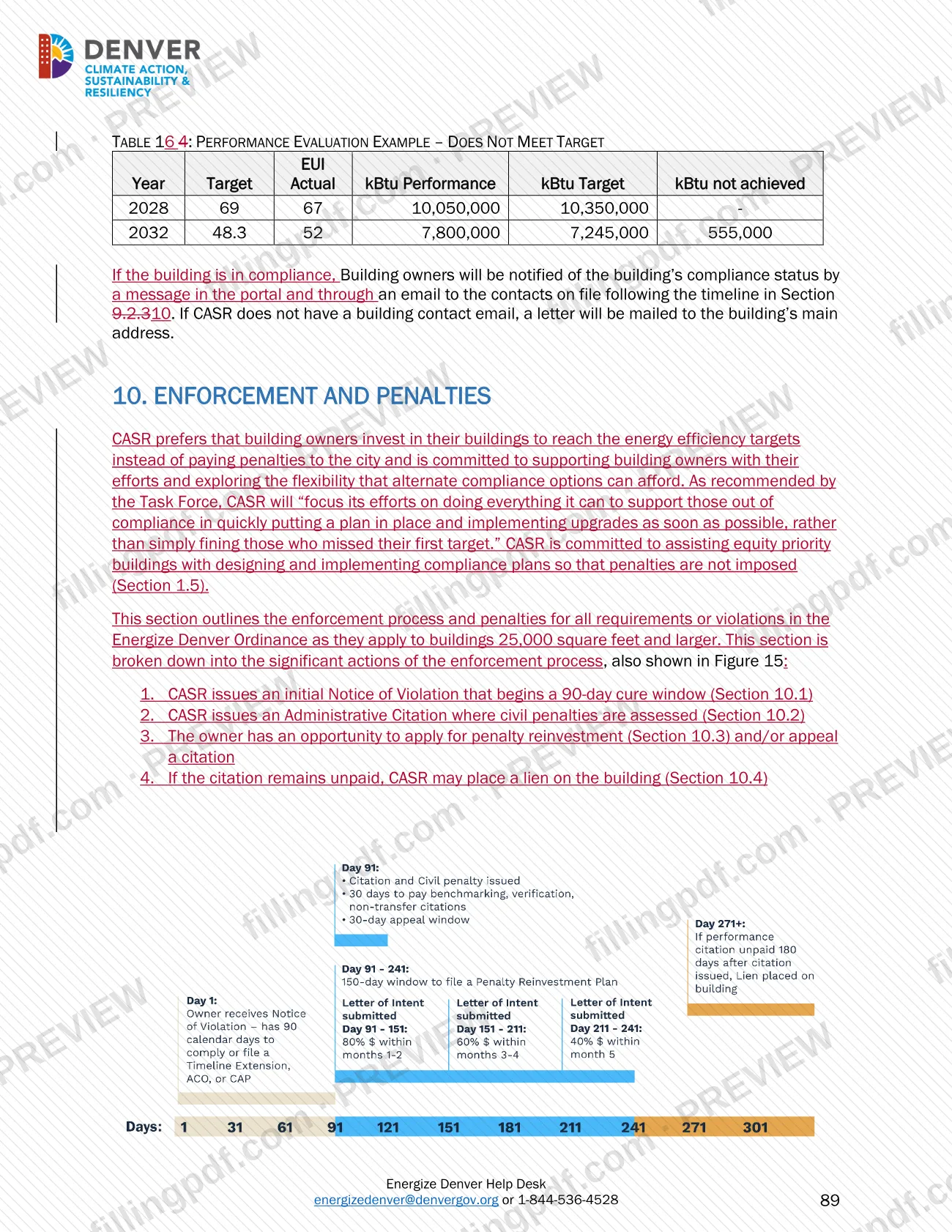
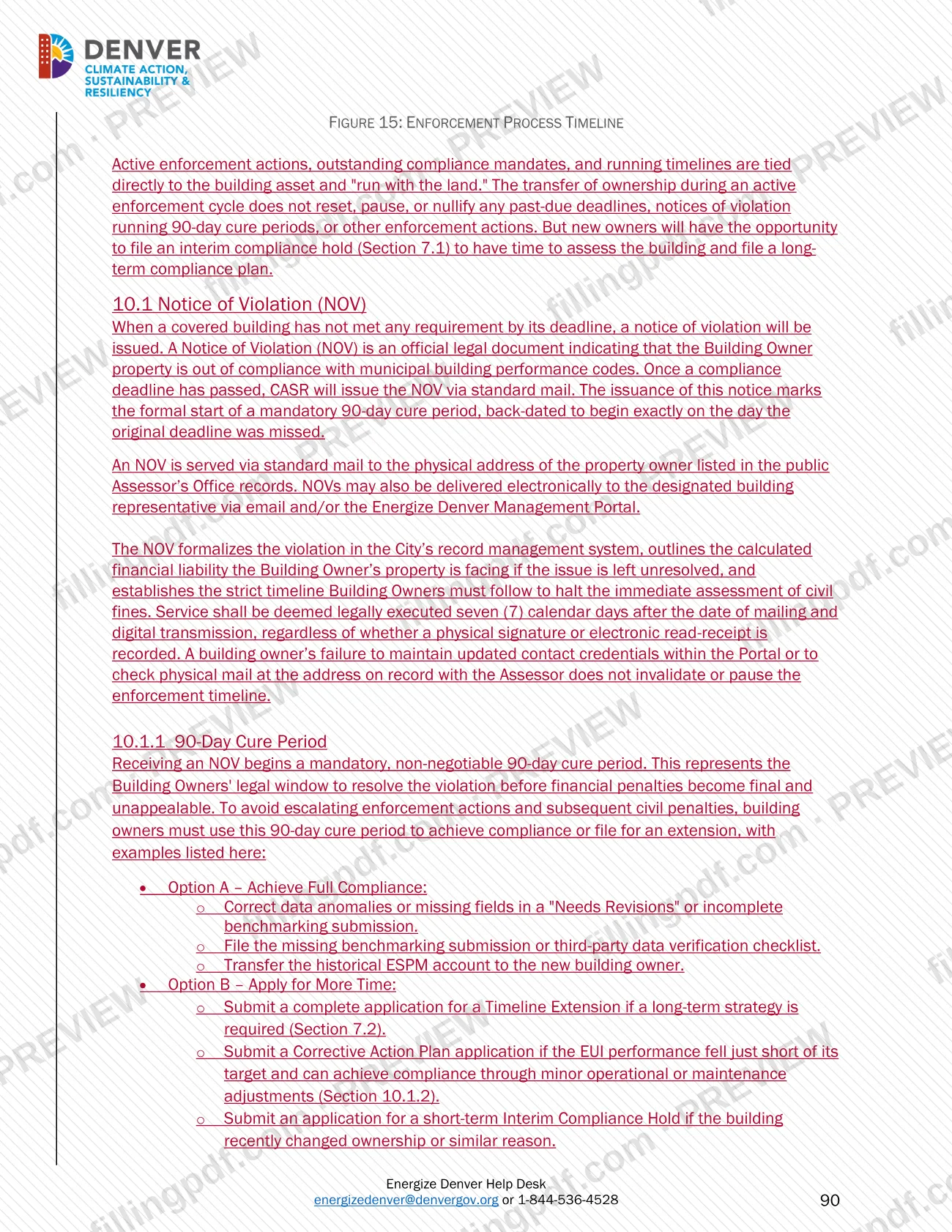
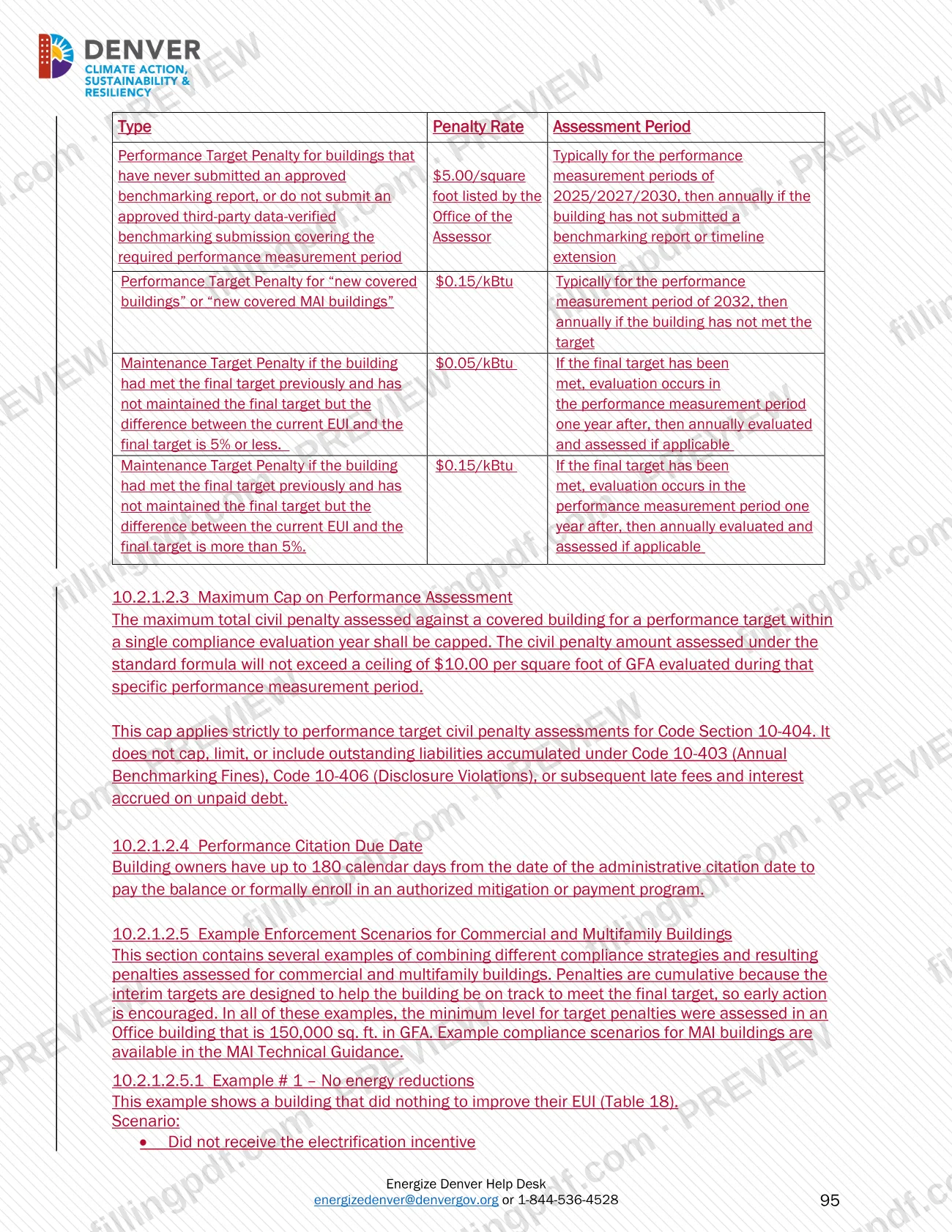
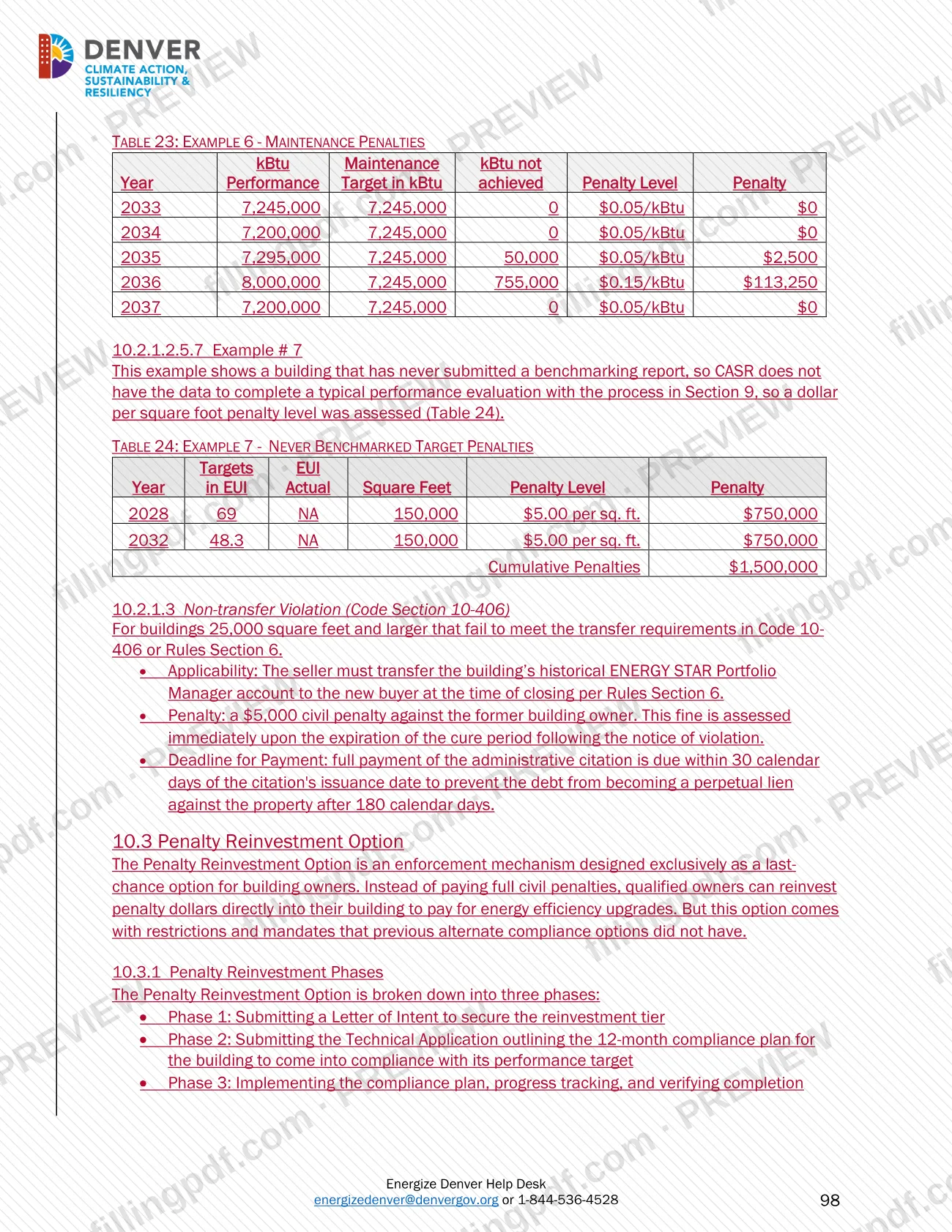
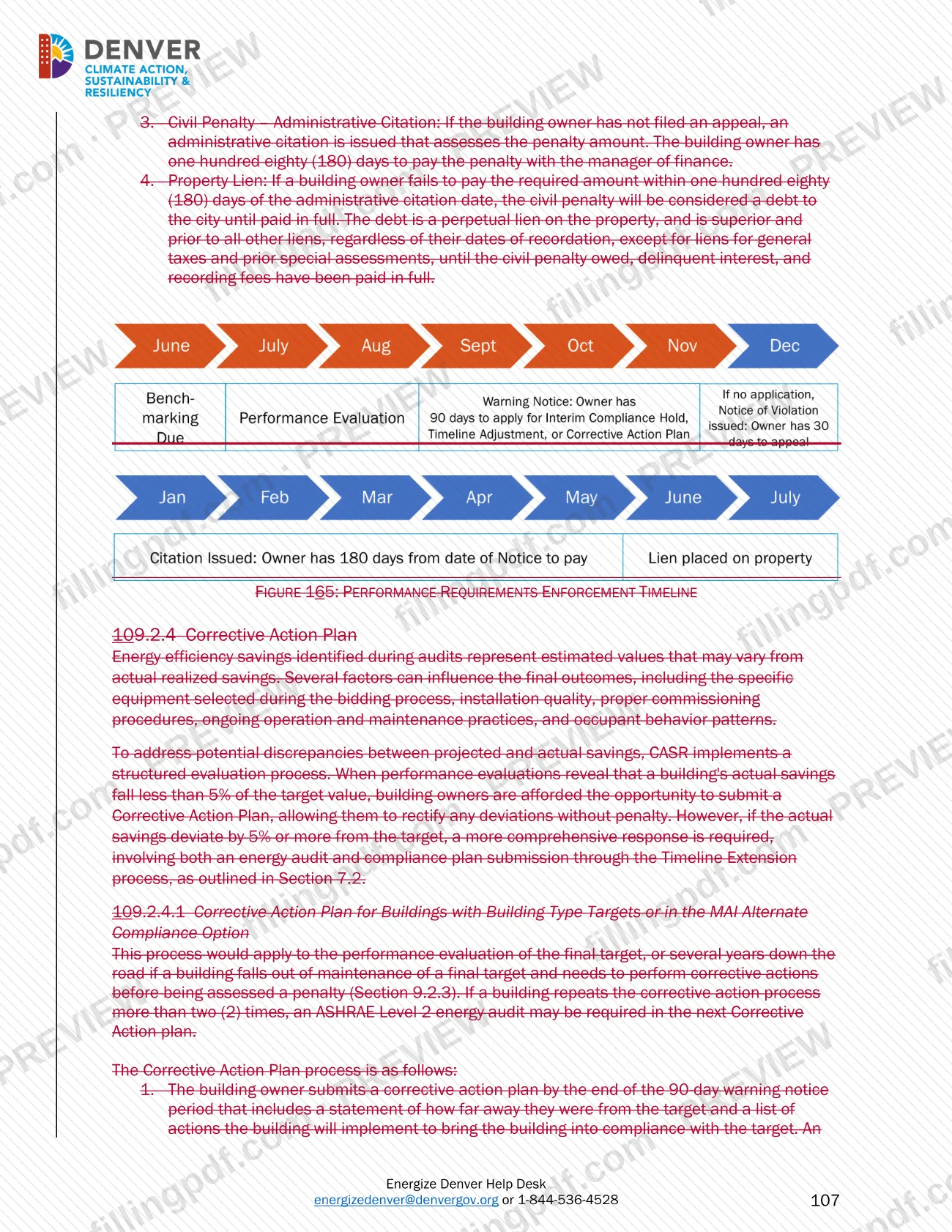
CASR can issue a Notice of Violation, which starts a 90-day cure period. Owners can use it to come into compliance, file an extension or submit a corrective action plan. After that, administrative citations and civil penalties can follow.
Can I fill out Large Building Redlines online on FillingPDF?
You can fill out the PDF online on FillingPDF and download or print it. FillingPDF is an independent service, not connected to the City and County of Denver, and it does not file reports. Benchmarking goes through ESPM and the Energize Denver Reporting Management Portal.
Ready to fill out Large Building Redlines – Denver, CO?
Fill out Large Building Redlines – Denver, CO now