
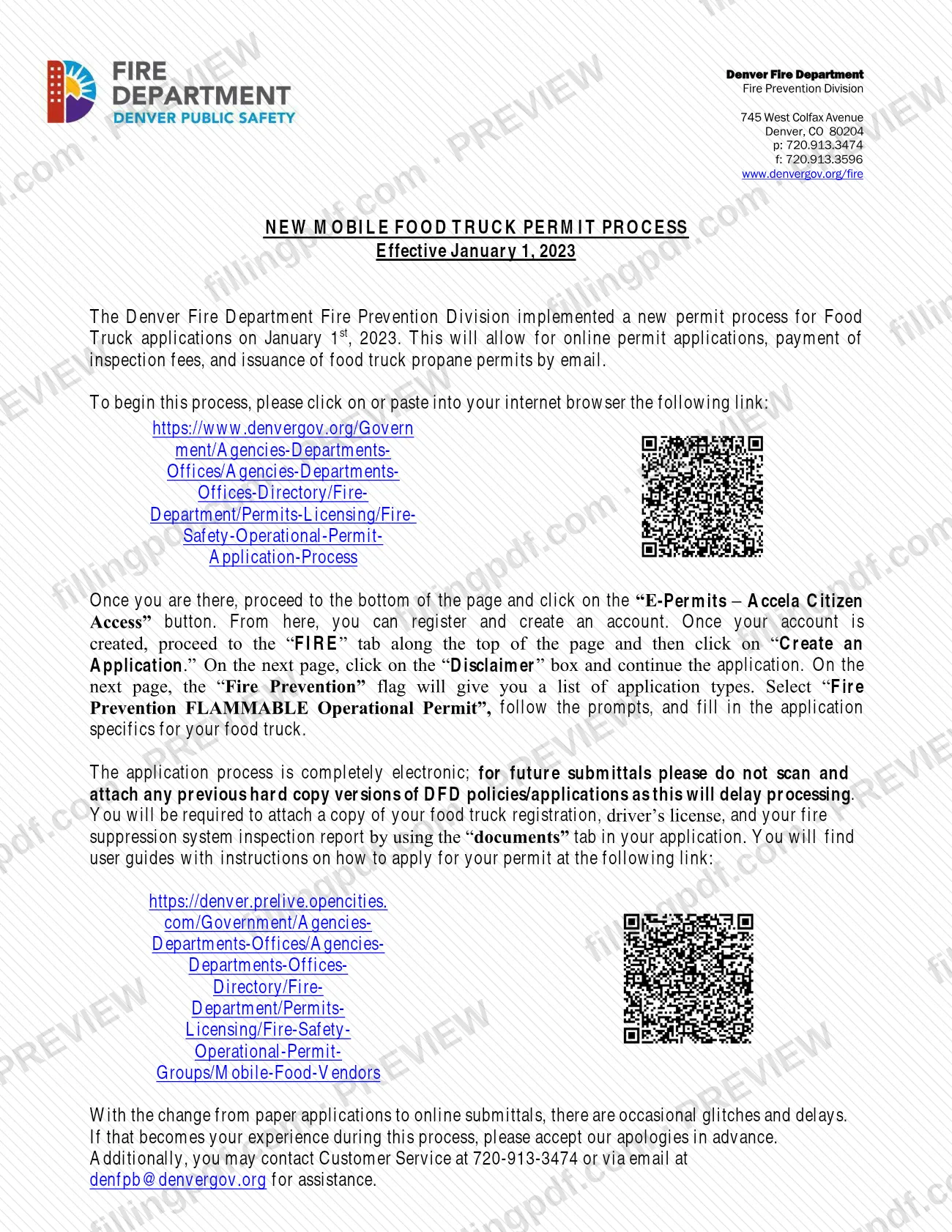
New Process for propane permits is the Denver Fire Department Fire Prevention Division notice, titled New Mobile Food Truck Permit Process, that explains how food truck applications and propane permits are handled online starting January 1, 2023. It is one of the Denver permit documents a mobile food vendor meets when the truck uses propane. On this page you can fill out the form online on FillingPDF and download or print the completed PDF; the application itself is made in the city's Accela Citizen Access portal, as described below, and the original PDF is published by the City and County of Denver.
Last updated
What is New Process for propane permits – Denver, CO?
New Process for propane permits, printed as New Mobile Food Truck Permit Process, is the Denver Fire Department Fire Prevention Division notice, effective January 1, 2023, that explains how food truck applications and propane permits are now submitted, paid for and issued electronically instead of on paper.
The notice says the Fire Prevention Division introduced the process on January 1, 2023. It allows online permit applications, online payment of inspection fees and issuance of food truck propane permits by email. The application type to choose in the portal is Fire Prevention FLAMMABLE Operational Permit.
The document is a procedure notice, not a form with lines to complete. It sends applicants to the Fire Safety Operational Permit Application Process page on denvergov.org, where the E-Permits – Accela Citizen Access button starts the application. It also lists the three documents to attach and the division's support contacts.
The City and County of Denver's food truck licensing page lists the same propane permit among the documents for a mobile retail food license: if the business uses propane, a propane permit from the Denver Fire Department is submitted with the license application. That page also links the guide How to apply for a propane permit, in English and Spanish, which walks through the online process.
Who needs to file New Process for propane permits – Denver, CO?
The main group is food truck operators in Denver who need a propane permit from the Denver Fire Department Fire Prevention Division and apply through the online process the notice describes.
- Operators applying for a food truck propane permit use the Accela Citizen Access application. The notice says the process is completely electronic.
- Operators applying for or renewing a Denver retail food mobile license (food truck or food cart) provide a propane permit with that application only if the business uses propane, according to the city's licensing page.
- Operators whose trucks do not use propane are not asked for a propane permit on the license application.
Paper applications are not part of this process. The notice tells applicants not to scan and attach previous hard copy versions of Denver Fire Department policies or applications for future submittals, because that delays processing. The notice names no representative or agent who may apply for someone else; the application requires the applicant's driver's license.
When to file New Process for propane permits – Denver, CO
The triggering event is the need for a propane permit for a food truck. The process described has applied since January 1, 2023. The city's licensing page says not to apply for the propane permit until you are ready to have the mobile unit inspected.
After you submit the application, the permit invoice may take 5 to 7 business days to arrive by email. Do not pay until the invoice arrives. Once the payment has posted to your account, you can print or screenshot the permit. You need a copy with you while you are open for business and again on inspection day. The city's page describes the fee as annual. The notice sets no separate deadline of its own; because the permit is also a license document, apply early enough to have it ready when you submit your food truck license application.
Documents you need
- A copy of your food truck registration, attached through the documents tab of the online application.
- A copy of your driver's license, attached through the documents tab of the online application.
- Your fire suppression system inspection report, attached through the documents tab; the city's licensing page asks for the current report.
How to fill out New Process for propane permits – Denver, CO
Open the Fire Safety permit page
Go to the Fire Safety Operational Permit Application Process page on denvergov.org, the link given in the notice. Scroll to the bottom of the page.
Register in Accela Citizen Access
Click the E-Permits – Accela Citizen Access button, then register and create an account.
Start a new FIRE application
After your account is created, choose the FIRE tab along the top of the page and click Create an Application.
Accept the disclaimer
On the next page, click the Disclaimer box and continue the application.
Select the operational permit type
Under the Fire Prevention flag, select Fire Prevention FLAMMABLE Operational Permit, follow the prompts and fill in the application specifics for your food truck.
Attach your three documents
In the documents tab, attach a copy of your food truck registration, your driver's license and your fire suppression system inspection report. Do not attach old hard copy versions of Denver Fire Department applications.
Pay the invoice when it arrives
Wait for the invoice emailed to you, then pay online. Once payment posts, print or screenshot the permit and keep it with you.
Review and download the PDF
Check the steps and contacts in the notice, then download or print the PDF from FillingPDF for your records. The application itself is completed in the Accela portal.
How to submit New Process for propane permits – Denver, CO
The application is submitted online through Accela Citizen Access; the notice states that the process is completely electronic.
- Online portal: open the Fire Safety Operational Permit Application Process page on denvergov.org, go to the bottom and click E-Permits – Accela Citizen Access, then register and create an account. Choose the FIRE tab, then Create an Application, accept the Disclaimer and select Fire Prevention FLAMMABLE Operational Permit.
- Attachments: upload your food truck registration, driver's license and fire suppression system inspection report through the documents tab of the application.
- Payment: the city's licensing page says an invoice for the annual fee is emailed from [email protected] and paid online; the amount is not printed in the notice, so ask the division for the current fee.
- Permit delivery: the propane permit is issued by email.
- Help: Denver Fire Department Fire Prevention Division, 745 West Colfax Avenue, Denver, CO 80204; customer service 720-913-3474; email [email protected].
FillingPDF lets you fill out and download the PDF; submission follows the agency's channels above.
Common mistakes to avoid
- Scanning and attaching previous hard copy versions of Denver Fire Department policies or applications to a future submittal; the notice says this delays processing.
- Leaving out the food truck registration, driver's license or fire suppression system inspection report, all three of which must be attached in the documents tab.
- Selecting a different application type instead of Fire Prevention FLAMMABLE Operational Permit under the Fire Prevention flag.
- Paying before the invoice arrives; the city's page says not to pay until you receive the invoice emailed from [email protected].
- Applying for the propane permit before the mobile unit is ready for inspection.
- Not carrying a printed or screenshot copy of the permit while open for business, or not bringing a copy on inspection day.
- Sending a paper application instead of using the Accela Citizen Access account, since the notice describes a completely electronic process.
Frequently asked questions
What is the new Denver mobile food truck permit process?
It is the process the Denver Fire Department Fire Prevention Division started on January 1, 2023. Food truck applications are made online, inspection fees are paid online, and food truck propane permits are issued by email. The notice replaces paper applications.
How do I apply for a propane permit for my food truck in Denver?
Create an account in E-Permits – Accela Citizen Access, open the FIRE tab, click Create an Application, accept the Disclaimer and select Fire Prevention FLAMMABLE Operational Permit. Then fill in your food truck details and attach your documents.
What documents do I attach to the Denver propane permit application?
Attach a copy of your food truck registration, your driver's license and your fire suppression system inspection report in the documents tab of the application. The notice lists these three and says not to attach old hard copy versions of Denver Fire Department applications.
Is there a fee for the Denver food truck propane permit?
Yes. The city's page describes an annual fee, billed by an invoice emailed from [email protected] and paid online after you apply. Do not pay before the invoice arrives. For the current amount, call Customer Service at 720-913-3474.
How long does it take to get the propane permit invoice?
The city's licensing page says the invoice may take 5 to 7 business days. After the payment posts, you can print or screenshot the permit. Apply only when your mobile unit is ready for inspection.
Who do I contact if the online application has problems?
Contact Fire Prevention Division Customer Service at 720-913-3474 or [email protected]. The notice acknowledges occasional glitches and delays during the switch from paper to online submittals.
Can I fill out the Denver propane permit form on FillingPDF?
You can fill out the PDF online on FillingPDF and download or print it. FillingPDF is an independent service and does not submit the application or issue the permit; the application is made in the Accela Citizen Access portal.
Ready to fill out New Process for propane permits – Denver, CO?
Fill out New Process for propane permits – Denver, CO now