
The 2025 FR-400M (Instructions) is the Motor Fuel Tax Instructions and Technical Guide that the District of Columbia Office of Tax and Revenue (OTR) publishes for Form FR-400M, the monthly Motor Fuel Tax Return. It is aimed at importers and other persons who sell, dispose of or use motor vehicle fuel in the District, and it walks through the inventory, distribution and tax lines. It is not a property tax document, although it sits among the DC tax forms and publications that searches for "dc property tax" often surface. On this page you can fill out the form online on FillingPDF and download or print the completed PDF; the return itself is filed and paid electronically through MyTax.DC.gov.
Last updated
What is FR-400M?
The 2025 FR-400M (Instructions) is the Motor Fuel Tax Instructions and Technical Guide of the DC Office of Tax and Revenue (OTR), explaining how to complete Form FR-400M, Motor Fuel Tax Return, the monthly return on which motor vehicle fuel tax and the related surcharge are reported.
The document is for instructions only. The return must be filed and paid electronically, and you must be registered and logged on through MyTax.DC.gov to do so. The District levies the tax on motor vehicle fuel, and the tax rate may change, so OTR notifies filers before any change and the filer is responsible for using the correct rate. Rates and amounts are not repeated here; check the instructions and OTR for the current figures.
The return is organized in three blocks:
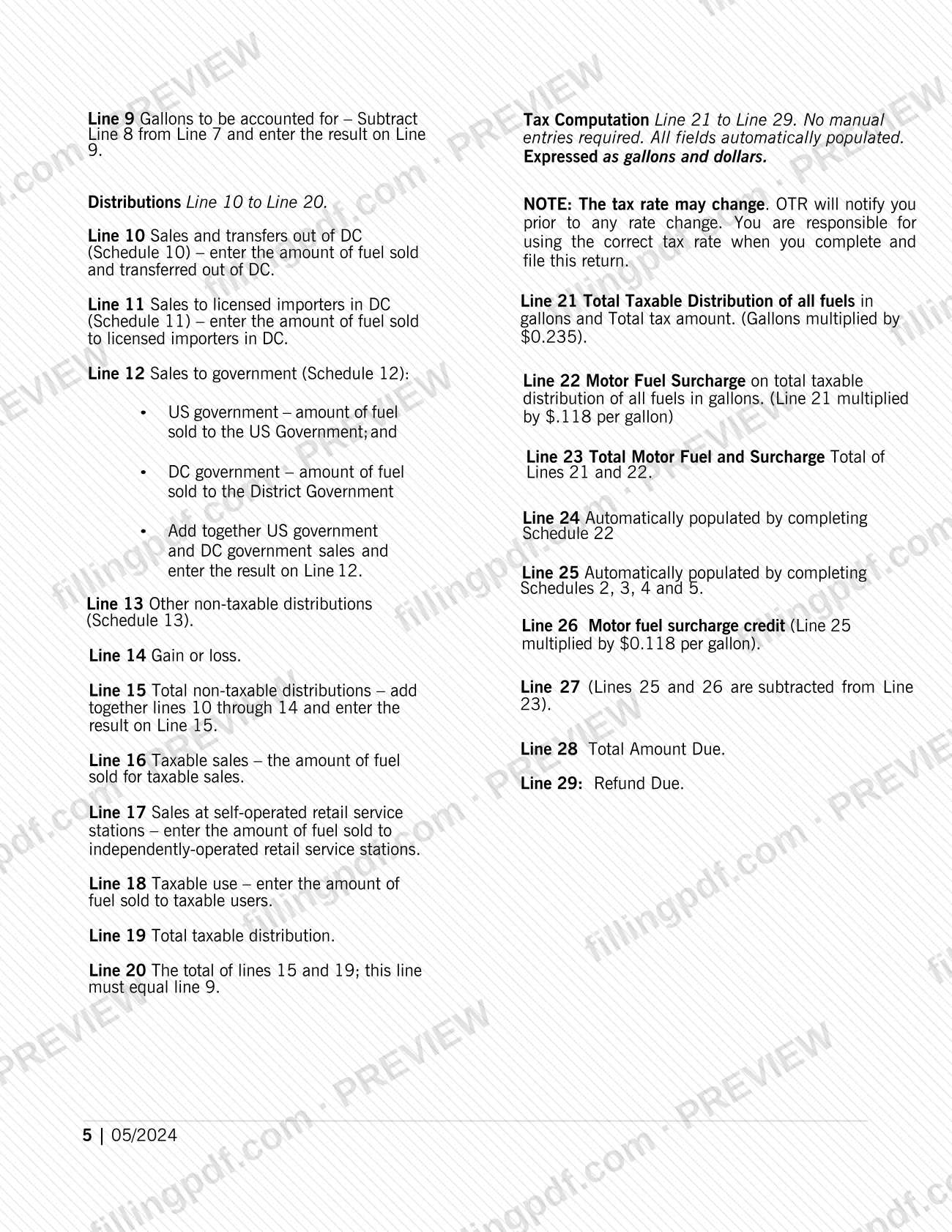
- Inventories, lines 1 to 9: opening inventory, the receipts reported on schedules, closing inventory and the gallons to be accounted for.
- Distributions, lines 10 to 20: non-taxable distributions, taxable sales and taxable use. Line 20 must equal line 9.
- Tax computation, lines 21 to 29: populated automatically, ending in the total amount due or the refund due.
The instructions also cover the schedules that feed the return (including Schedule 10 for diversions), payment options, penalties and interest, amended returns and final returns. Two related forms are named: Form FR-400A, Final Motor Fuel Tax Report, used when a business cancels and ceases operations in DC, and Form FR-500, the business registration form completed online where applicable.
Who needs to file FR-400M?
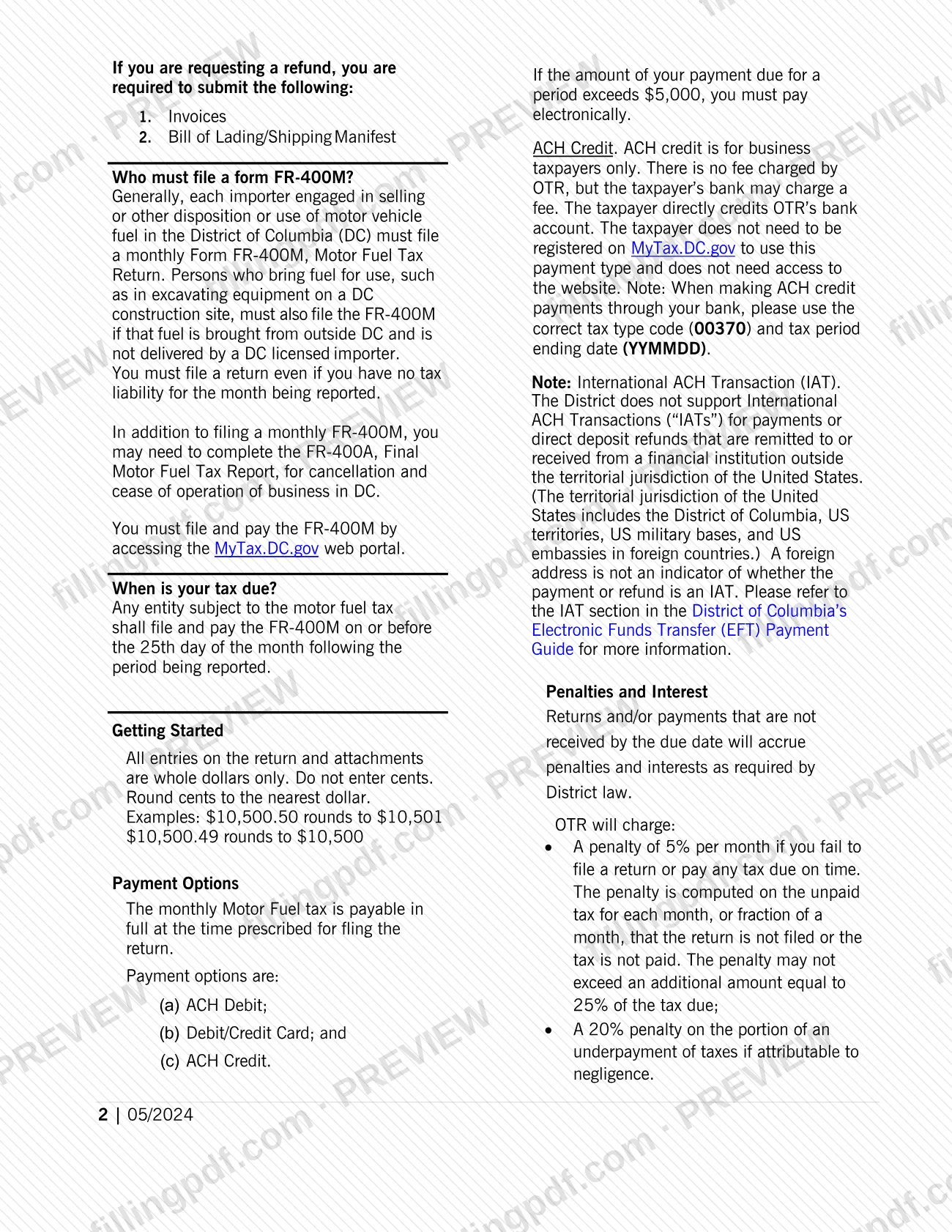
Generally, each importer engaged in selling or otherwise disposing of or using motor vehicle fuel in the District of Columbia must file a monthly Form FR-400M.
- Importers: every importer selling, disposing of or using motor vehicle fuel in DC files each month.
- Persons bringing in fuel for their own use: for example, fuel used in excavating equipment on a DC construction site, when the fuel is brought from outside DC and is not delivered by a DC licensed importer.
- Filers with no activity: you must file a return even if you had no receipts, or no tax liability, for the month.
- Businesses closing down: in addition to the monthly return, you may need to complete Form FR-400A, Final Motor Fuel Tax Report, to cancel your filing requirement and cease operations in DC.
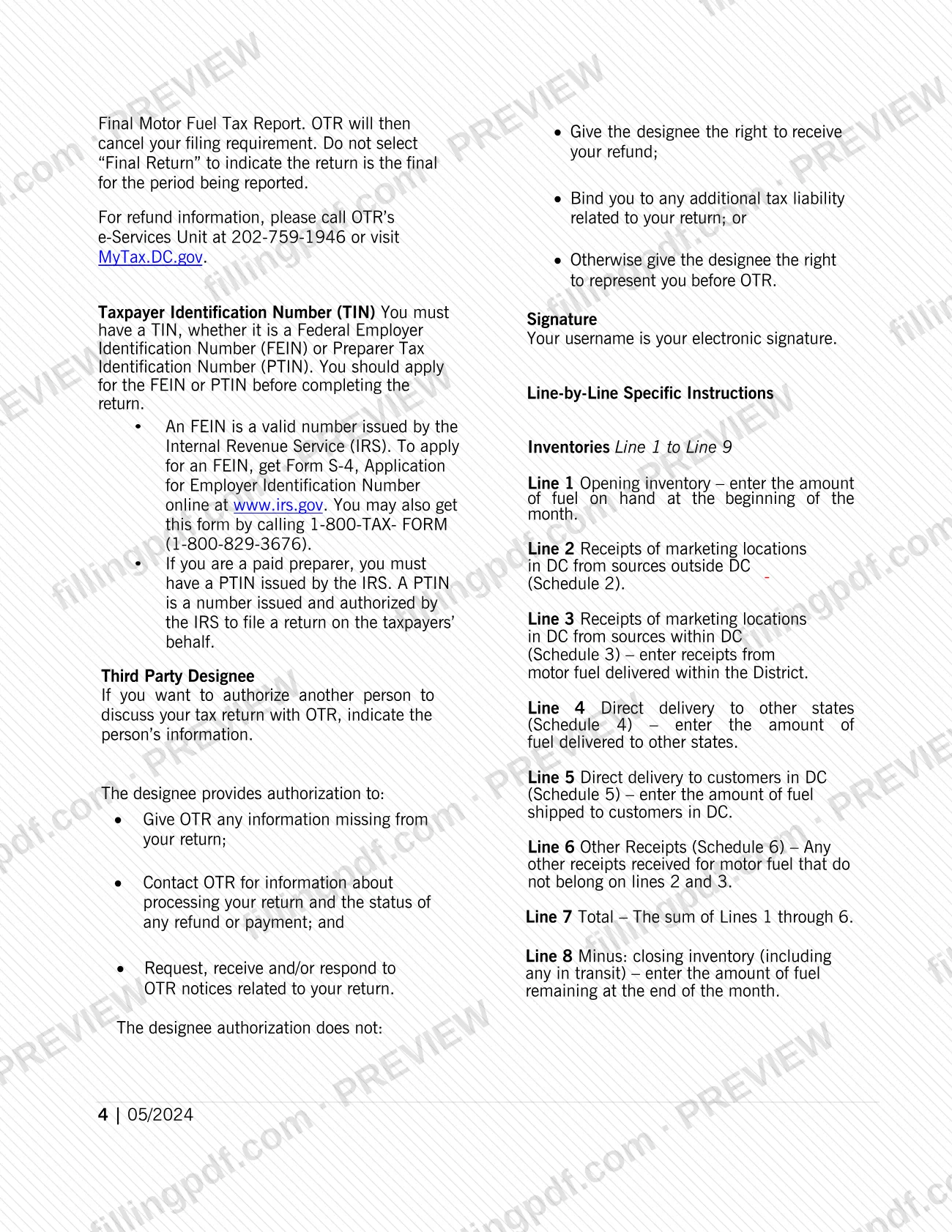
Filers must be registered with OTR and logged on through MyTax.DC.gov. OTR no longer registers a business automatically from a business tax return, so complete Form FR-500 online if it applies to you. A paid preparer needs a Preparer Tax Identification Number (PTIN) from the IRS. If you want someone to discuss the return with OTR, you can name a third party designee on the return.
When to file FR-400M
File and pay the FR-400M on or before the 25th day of the month following the period being reported. If the due date falls on a Saturday, Sunday or legal holiday, the return and payment are due the next business day.
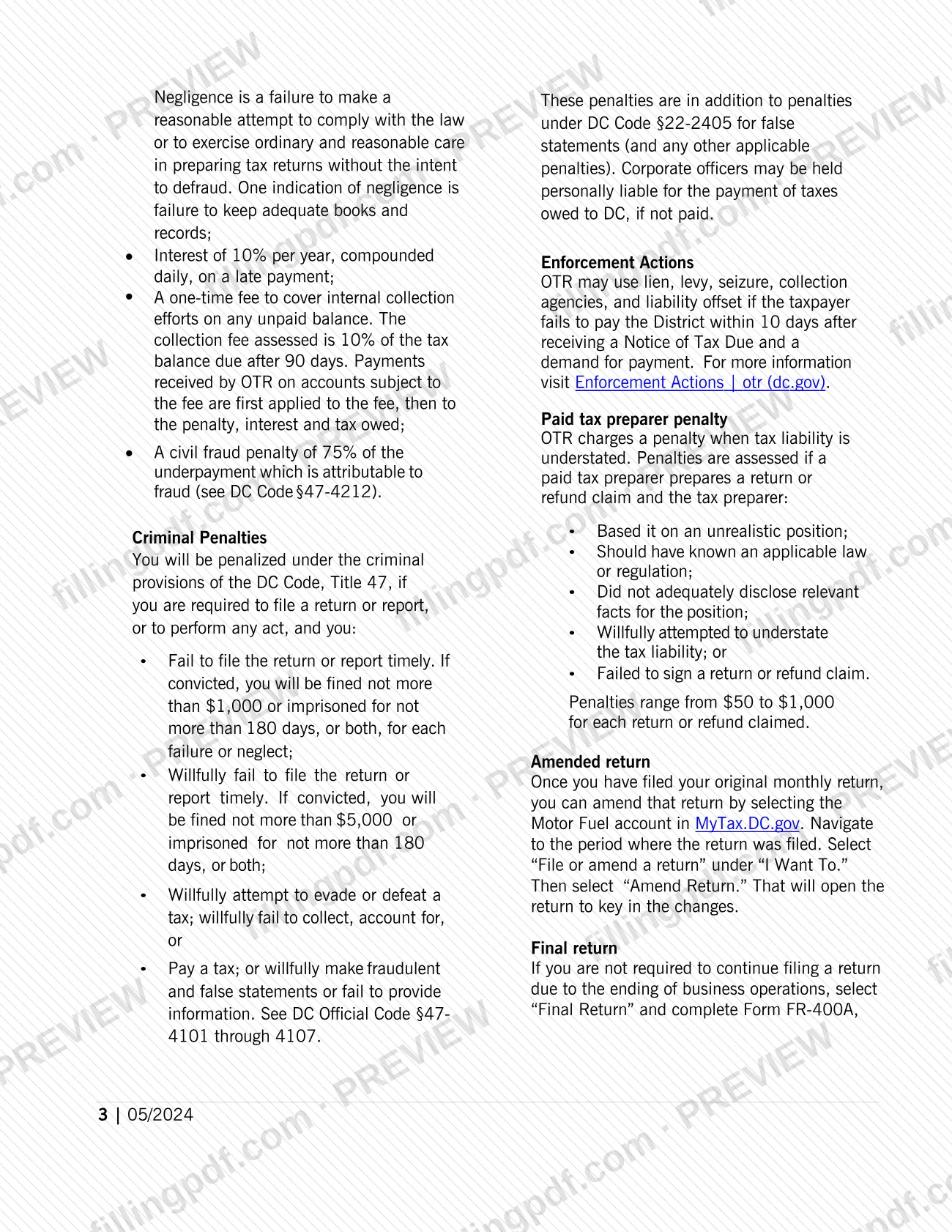
The return is monthly, and a return is required even for a month with no receipts. Returns or payments not received by the due date accrue penalties and interest as required by District law; the instructions list them, including collection and enforcement actions, so check them for the current terms.
When a business ends operations and no longer has to file, select Final Return on MyTax.DC.gov and complete Form FR-400A; OTR then cancels the filing requirement. Do not select Final Return merely to mark a return as the last one for a period. The instructions say the average wholesale price used for the tax is published by February 1 and August 1 each year.
Documents you need
- Invoices, when you request a refund on the motor fuel return.
- Bill of Lading/Shipping Manifest, when you request a refund on the motor fuel return.
- Form FR-400A, Final Motor Fuel Tax Report, only if you are ending business operations in DC and selecting Final Return.
- Form FR-500 registration, completed online where applicable, since OTR no longer registers a business automatically from a business tax return.
- A Taxpayer Identification Number: a Federal Employer Identification Number (FEIN) issued by the IRS, or a Preparer Tax Identification Number (PTIN) for a paid preparer.
How to fill out FR-400M
Register and log on to MyTax.DC.gov
You must be registered with OTR and logged on via MyTax.DC.gov to file and pay. Complete Form FR-500 online first if it applies, since OTR no longer registers a business automatically.
Confirm your TIN and business name
Have your FEIN (or PTIN, if you are a paid preparer) ready, and use the business or trade name you used when registering with OTR.
Prepare the schedules
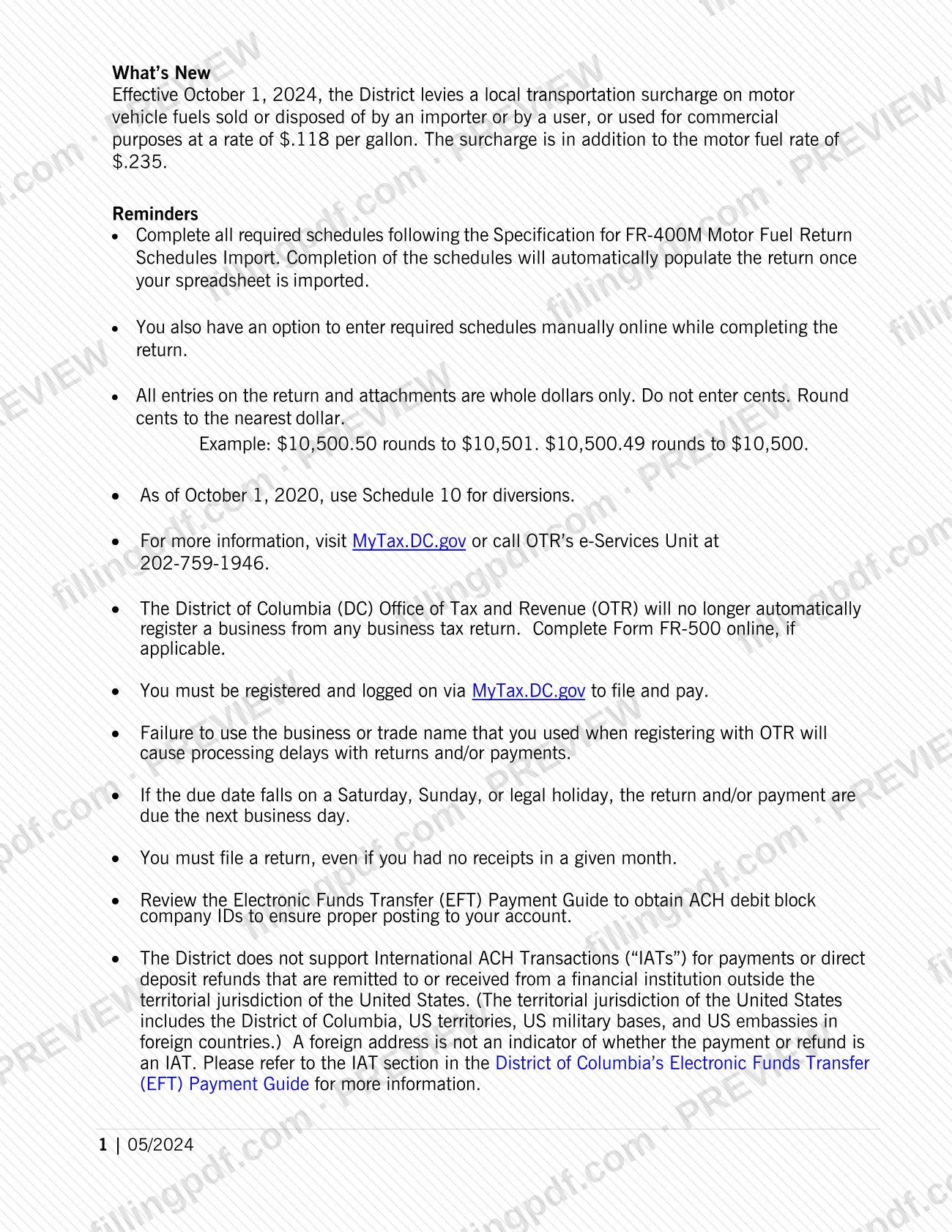
Import the schedules from a spreadsheet following the Specification for FR-400M Motor Fuel Return Schedules Import, or enter them manually online. Use Schedule 10 for diversions.
Complete the inventory lines 1 to 9
Enter opening inventory (line 1), receipts on lines 2 to 6 from Schedules 2 to 6, and the total on line 7. Subtract closing inventory, including fuel in transit (line 8), to get gallons to be accounted for on line 9.
Complete the distribution lines 10 to 20
Report sales and transfers out of DC, sales to licensed importers, sales to government, other non-taxable distributions and gain or loss on lines 10 to 14, and total them on line 15. Enter taxable sales, retail station sales and taxable use on lines 16 to 18; lines 15 and 19 must total line 9 on line 20.
Review the tax computation lines 21 to 29
Lines 21 to 29 populate automatically, including the surcharge, the credit and the total amount due (line 28) or refund due (line 29). Confirm the tax rate in use is current.
Add a third party designee if needed
To let another person discuss the return with OTR, enter that person's information. The designation does not give the right to receive your refund or bind you to additional tax liability.
Sign, review and download the PDF
Your MyTax.DC.gov username is your electronic signature. Check that all entries are whole dollars, then download or print the completed PDF from FillingPDF and file and pay through the channels described under How to submit.
How to submit FR-400M
Form FR-400M is filed and paid electronically only, through the MyTax.DC.gov web portal; the instructions give no paper filing channel.
- Filing: register and log on at MyTax.DC.gov. Your username is your electronic signature. You can import the required schedules from a spreadsheet prepared to the Specification for FR-400M Motor Fuel Return Schedules Import, which populates the return, or enter the schedules manually online.
- Paying: the options are ACH Debit, Debit/Credit Card and ACH Credit. ACH credit is for business taxpayers only, OTR charges no fee for it (your bank may), and you do not need to be registered on MyTax.DC.gov to use it. When paying by ACH credit through your bank, use tax type code 00370 and the tax period ending date in YYMMDD format.
- Amending: open the Motor Fuel account in MyTax.DC.gov, go to the period, select File or amend a return under I Want To, then Amend Return.
- Refunds: requests must include invoices and a Bill of Lading/Shipping Manifest. For refund information, call OTR's e-Services Unit at 202-759-1946.
Use the business or trade name you registered with OTR, or processing may be delayed. FillingPDF lets you fill out and download the PDF; submission follows the channels above.
Common mistakes to avoid
- Entering cents. All entries on the return and attachments are whole dollars only; round cents to the nearest dollar.
- Skipping the return for a month with no receipts or no tax liability; a return is required every month.
- Filing under a business or trade name different from the one used to register with OTR, which causes processing delays.
- Selecting Final Return to show the return is the last one for the period, instead of only when ending operations and completing Form FR-400A.
- Leaving line 20 different from line 9; the instructions say line 20, the total of lines 15 and 19, must equal line 9.
- Using an outdated tax rate; OTR notifies filers of changes, but you are responsible for using the correct rate.
- Paying by ACH credit through your bank without tax type code 00370 and the period ending date in YYMMDD format.
- Reporting diversions on an old schedule; since October 1, 2020 diversions go on Schedule 10.
- Requesting a refund without the invoices and the Bill of Lading/Shipping Manifest.
Frequently asked questions
What is the FR-400M motor fuel tax return?
Form FR-400M is the monthly Motor Fuel Tax Return of the DC Office of Tax and Revenue (OTR). It reports a filer's fuel inventories and distributions and computes the motor fuel tax and surcharge due. These instructions and technical guide explain each section and line.
Who has to file Form FR-400M in DC?
Generally each importer engaged in selling or otherwise disposing of or using motor vehicle fuel in DC. Persons who bring fuel into DC for their own use, such as for excavating equipment on a construction site, must also file when a DC licensed importer did not deliver the fuel.
When is the FR-400M due each month?
On or before the 25th day of the month following the period being reported. If that day is a Saturday, Sunday or legal holiday, the return and payment are due the next business day. Late returns or payments accrue penalties and interest under District law.
Can I file the FR-400M on paper?
No. The instructions say the return must be filed and paid electronically through MyTax.DC.gov. You must be registered and logged on to file, and your username serves as your electronic signature.
Do I file the FR-400M if I had no fuel sales this month?
Yes. You must file a return even if you had no receipts or no tax liability for the month being reported. The only way to stop the filing requirement is to end the account with a final return and Form FR-400A.
How do I amend a filed FR-400M?
In MyTax.DC.gov, open the Motor Fuel account and go to the period you filed. Select File or amend a return under I Want To, then Amend Return. The return opens so you can key in the changes.
What do I need to request a refund on the FR-400M?
You must submit invoices and a Bill of Lading/Shipping Manifest. For refund information, call OTR's e-Services Unit at 202-759-1946 or visit MyTax.DC.gov.
How do I close my motor fuel tax account in DC?
If you are no longer required to file because business operations ended, select Final Return on MyTax.DC.gov and complete Form FR-400A, Final Motor Fuel Tax Report. OTR will then cancel your filing requirement.
Can I fill out the FR-400M online on FillingPDF?
You can fill out the PDF online on FillingPDF and download or print it. FillingPDF is independent of OTR and does not file or pay anything; the return is filed and paid only through MyTax.DC.gov.
Ready to fill out FR-400M?
Fill out FR-400M now