
The 2026 FR-800SM is the Sales and Use Tax Specialized Sales Return Booklet of the District of Columbia Office of Tax and Revenue (OTR), covering October 1, 2025 through September 30, 2026. It is used by vendors that owe the Specialized Sales Tax: legitimate theaters and large entertainment venues, Nationals Park, Capital One Arena and medical marijuana sellers. On this page you can fill out the form online on FillingPDF and download or print the completed PDF. The booklet states that it provides instructions only and that the return itself must be filed and paid electronically on MyTax.DC.gov.
Last updated
What is FR-800SM?
Form FR-800SM, the Sales and Use Tax Specialized Sales Return Booklet, is the District of Columbia Office of Tax and Revenue (OTR) monthly return on which vendors subject to the Specialized Sales Tax report gross sales, exempt and resale sales, marketplace sales, refund credits, use tax and related fees.
The 2026 booklet covers October 1, 2025 – September 30, 2026 and is marked REV 09/2025. OTR states that it provides instructions only: the return is an electronic-only filing and payment form reached through the MyTax.DC.gov web portal.
The return is organized in blocks of lines:
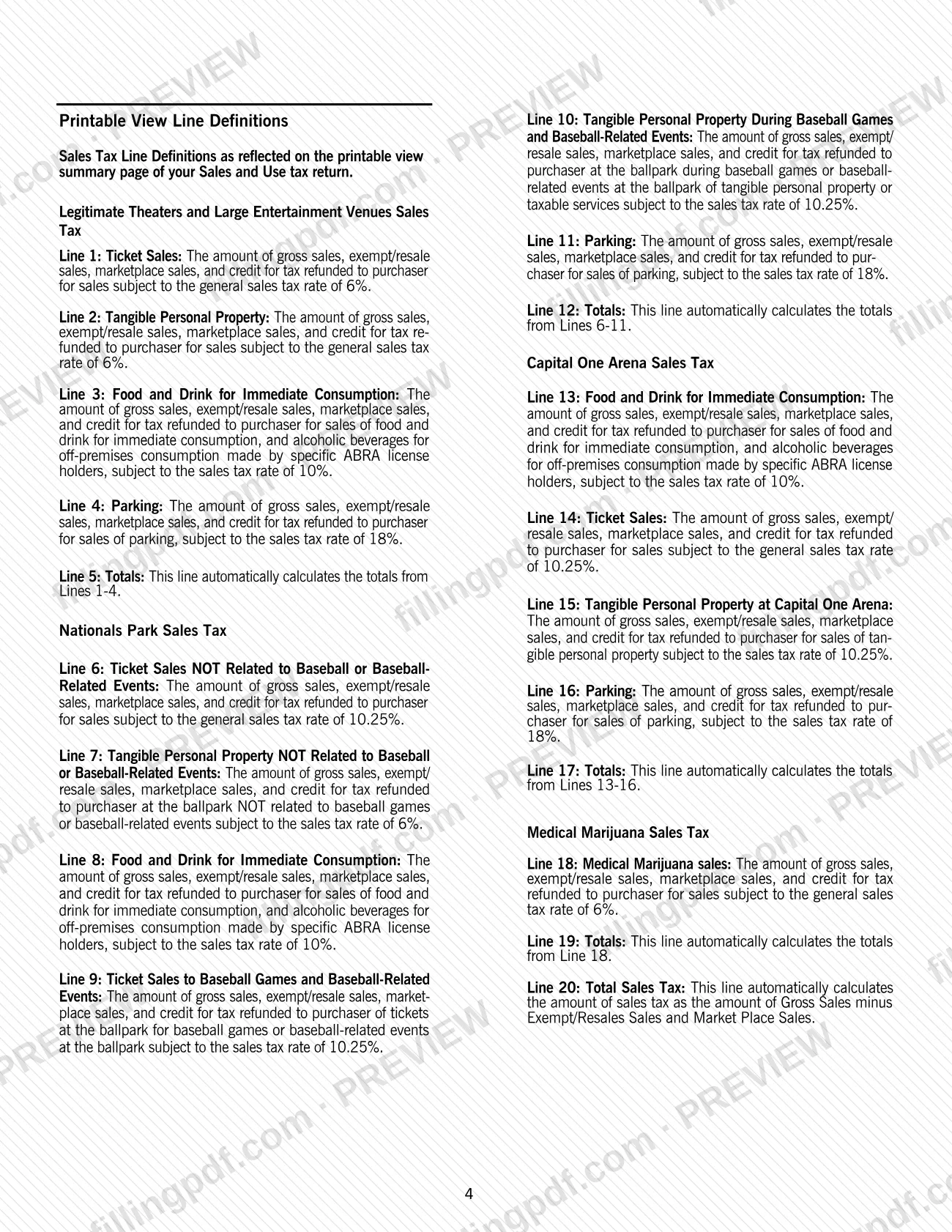
- Lines 1–5: Legitimate Theaters and Large Entertainment Venues Sales Tax.
- Lines 6–12: Nationals Park Sales Tax.
- Lines 13–17: Capital One Arena Sales Tax.
- Lines 18–19: Medical Marijuana Sales Tax.
- Line 20: Total Sales Tax.
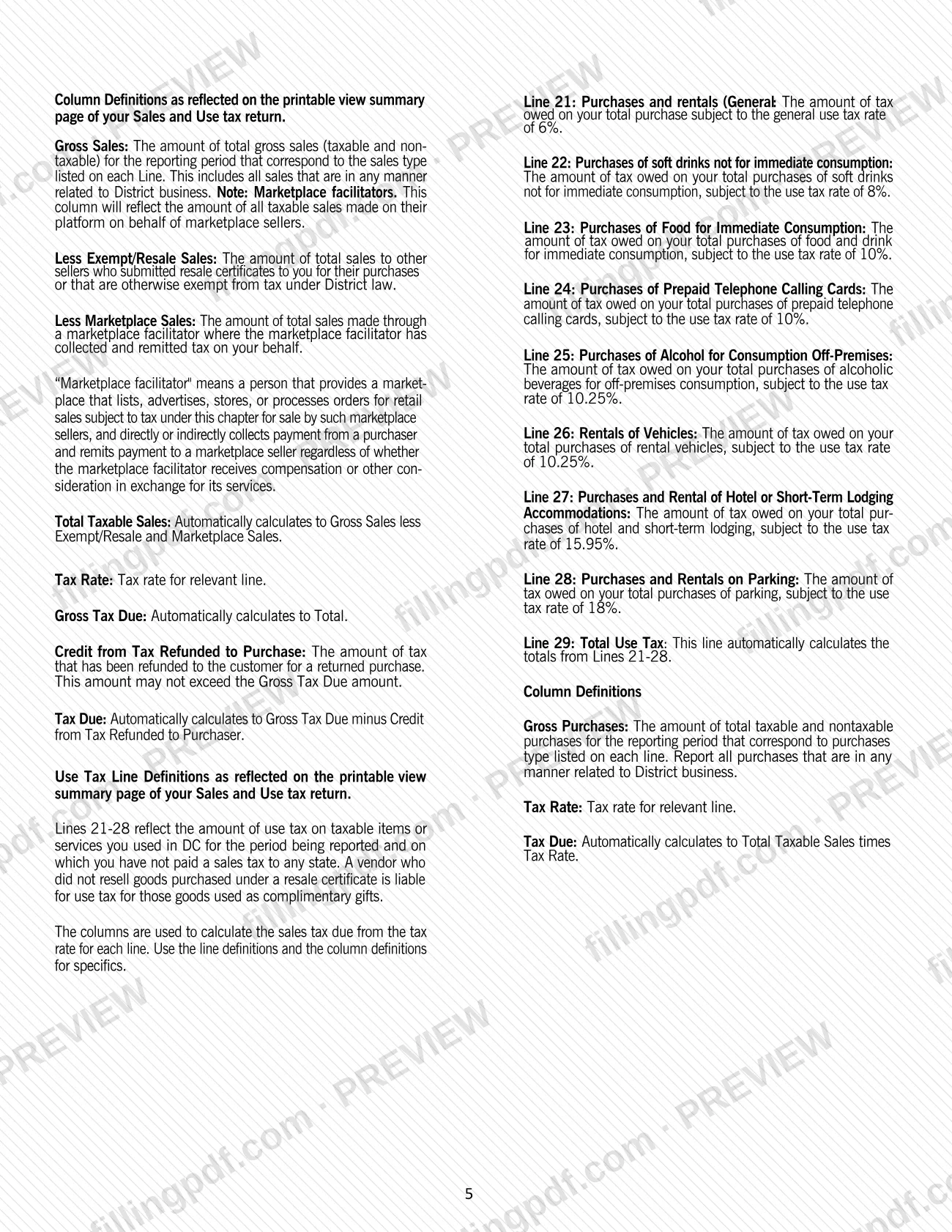
- Lines 21–29: Use tax on purchases and rentals.
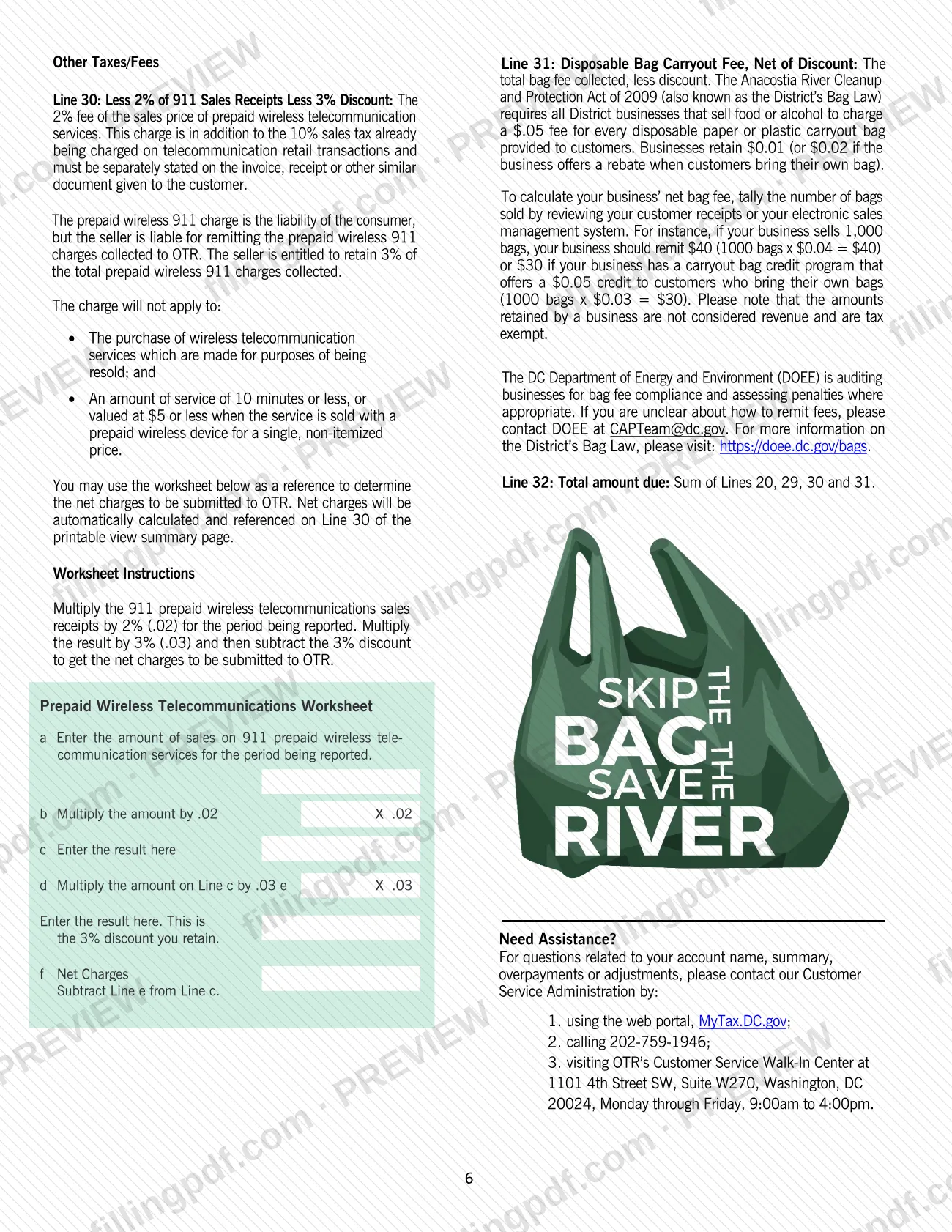
- Lines 30–32: Prepaid wireless 911 charge, Disposable Bag Carryout Fee and Total amount due.
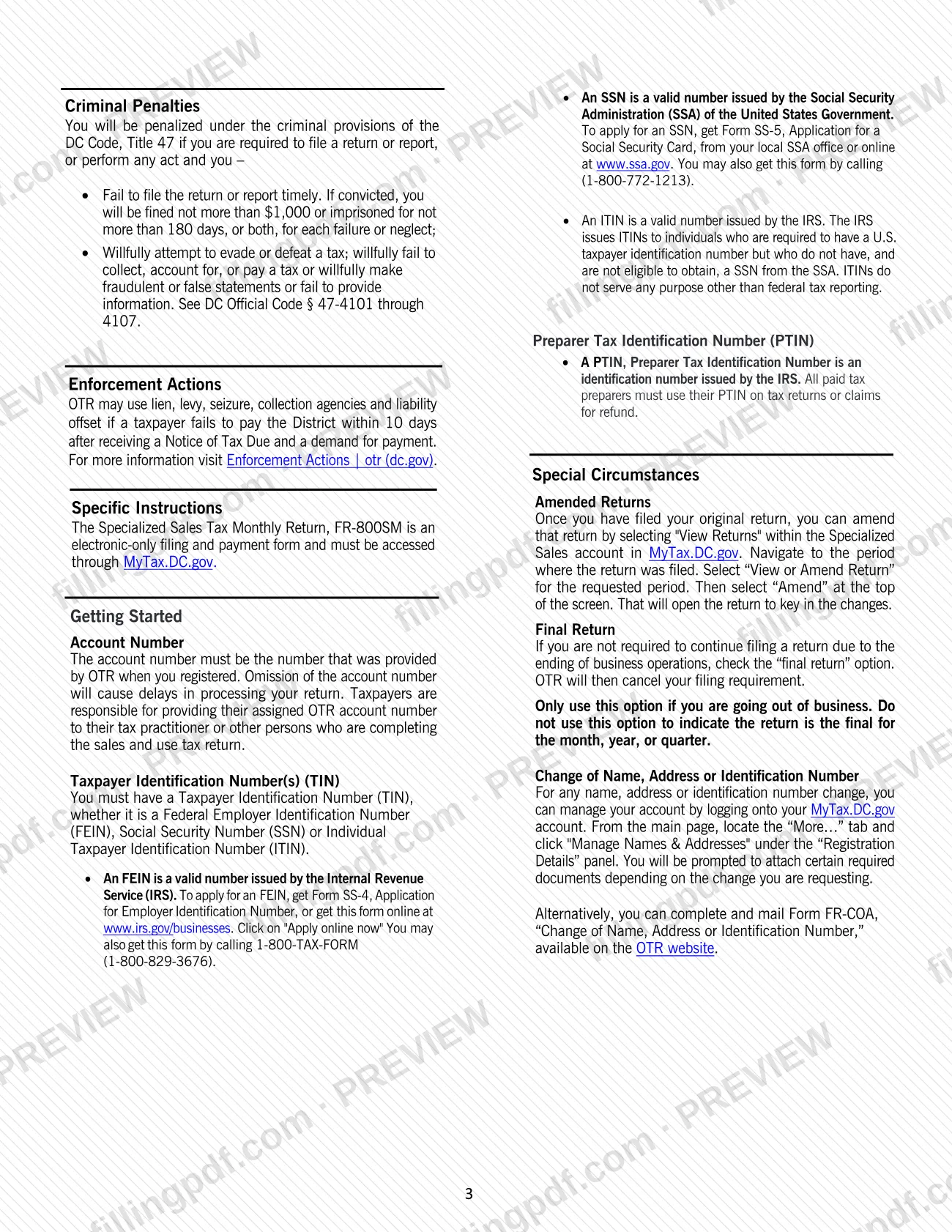
The FR-800SM is not the general sales and use tax return and it is not a property tax form. New entities register through the new business registration process on MyTax.DC.gov (the booklet refers to Form FR-500), and name, address or identification number changes can also be made on Form FR-COA, Change of Name, Address or Identification Number.
Who needs to file FR-800SM?
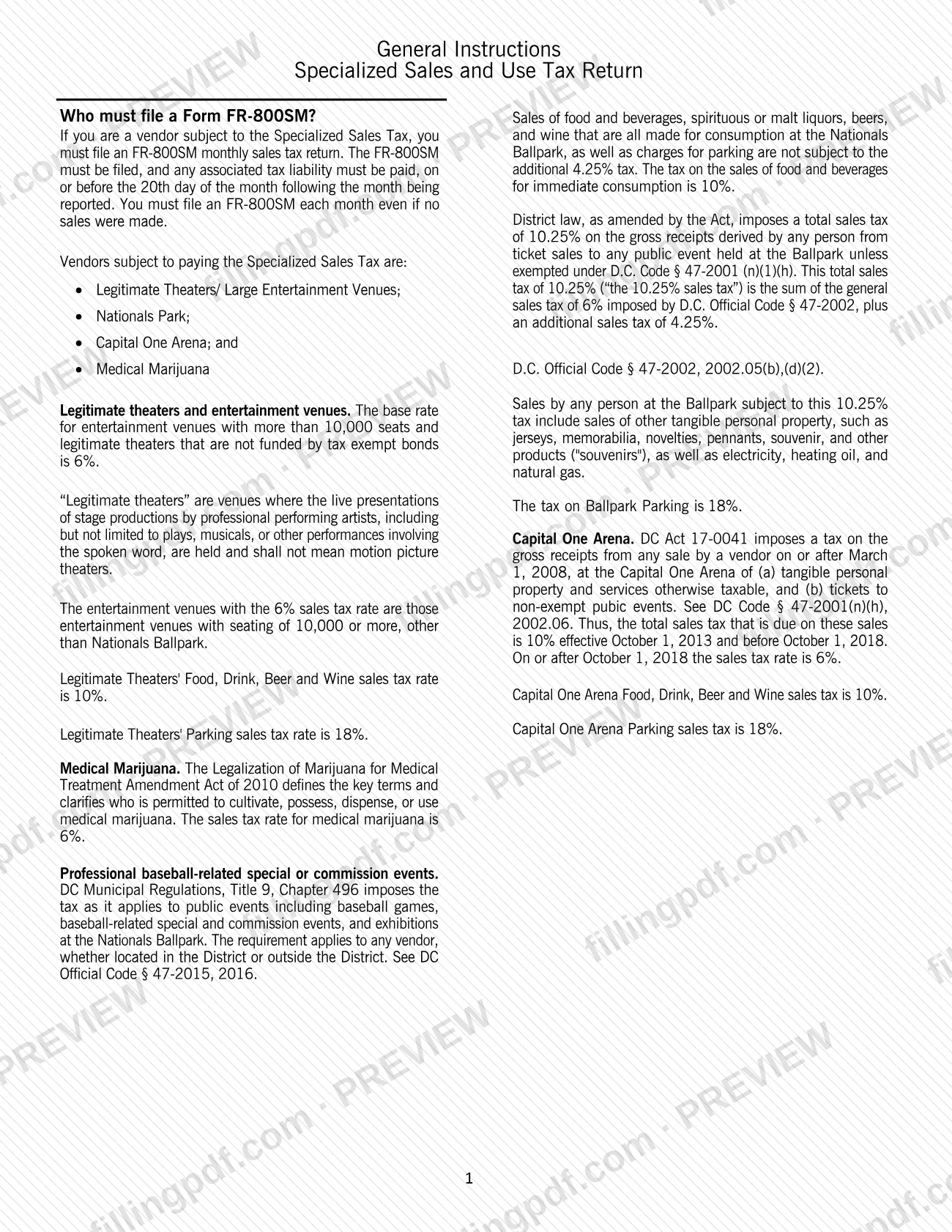
You must file Form FR-800SM if you are a vendor subject to the Specialized Sales Tax. The booklet names these vendor groups:
- Legitimate theaters and large entertainment venues. Legitimate theaters are venues for live stage productions by professional performing artists, such as plays and musicals; motion picture theaters are not included.
- Nationals Park, including sales tied to baseball games and baseball-related events. For baseball-related events the requirement applies to any vendor, whether located in the District or outside it.
- Capital One Arena.
- Medical marijuana sellers.
You must file every month even if you made no sales.
New entities starting business operations, or promoting or vending at a special event in DC, must first register on MyTax.DC.gov. A tax practitioner or another person may complete the return for you, but you remain responsible for giving them your assigned OTR account number. You need a Taxpayer Identification Number (TIN): an FEIN, an SSN or an ITIN.
If you are ending business operations, you check the final return option rather than stopping without notice.
When to file FR-800SM
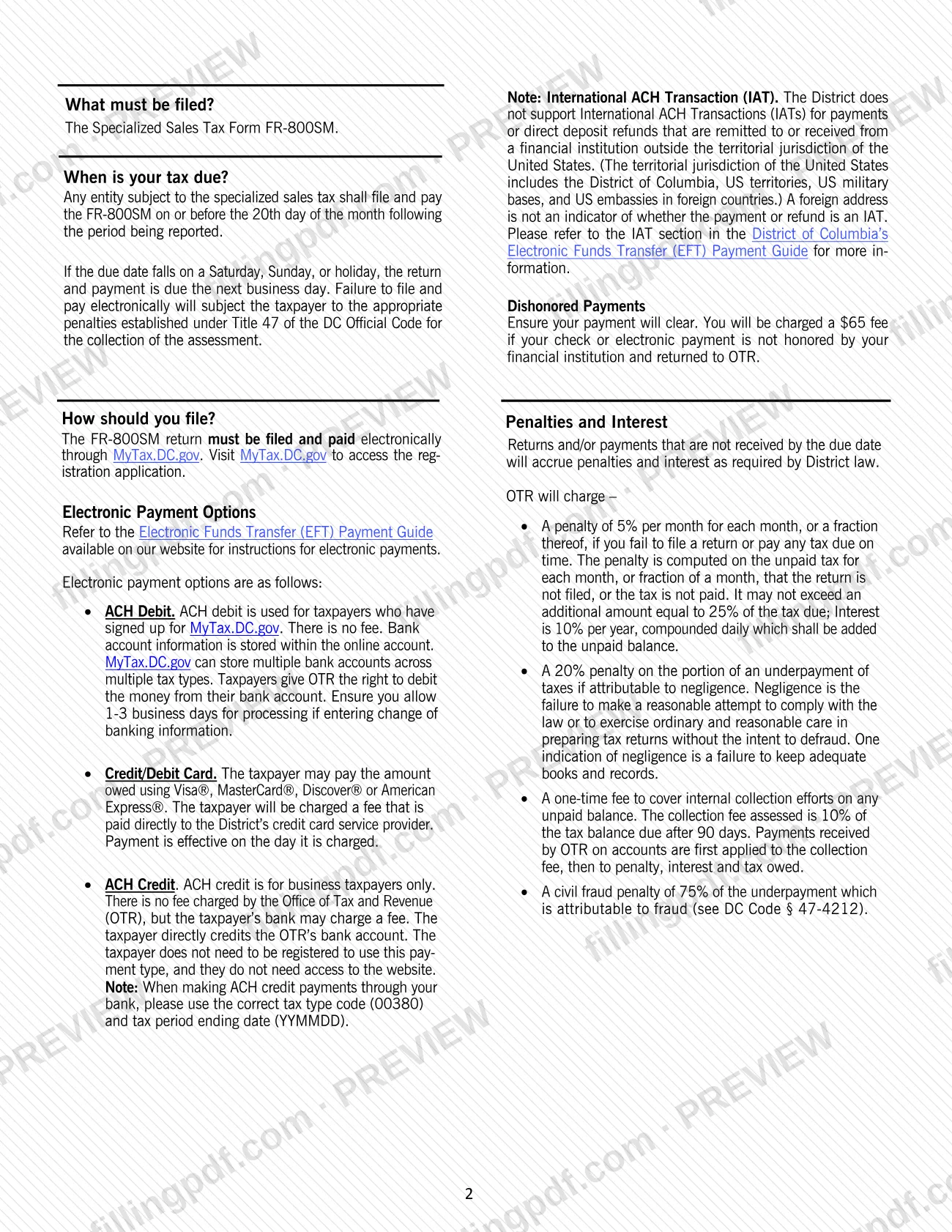
File and pay the FR-800SM on or before the 20th day of the month following the month being reported. If the 20th falls on a Saturday, Sunday or holiday, the return and payment are due the next business day.
The return is monthly, and you must file it every month even if no sales were made. The 2026 booklet covers October 1, 2025 – September 30, 2026.
Returns or payments not received by the due date accrue penalties and interest as District law requires. The booklet adds that failing to file and pay electronically subjects the taxpayer to the penalties set under Title 47 of the DC Official Code. Amended and final returns are also filed on MyTax.DC.gov.
How to fill out FR-800SM
Confirm you are a specialized vendor
Check that you are a legitimate theater or large entertainment venue, a Nationals Park vendor, a Capital One Arena vendor or a medical marijuana seller. Register on MyTax.DC.gov first if you are a new entity.
Log on and enter account details
Log on to MyTax.DC.gov and enter the account number OTR assigned at registration; leaving it out delays processing. Have your TIN (FEIN, SSN or ITIN) ready.
Complete theater and venue lines 1–5
Report ticket sales (line 1), tangible personal property (line 2), food and drink for immediate consumption (line 3) and parking (line 4). Line 5 totals lines 1–4 automatically.
Complete Nationals Park lines 6–12
Enter sales for lines 6 through 11: non-baseball tickets, non-baseball tangible personal property, food and drink, baseball ticket sales, baseball-related tangible personal property and parking. Line 12 totals lines 6–11.
Complete Capital One Arena lines 13–17
Report food and drink (line 13), ticket sales (line 14), tangible personal property (line 15) and parking (line 16). Line 17 totals lines 13–16.
Fill in the money columns
For each line, enter Gross Sales, Less Exempt/Resale Sales, Less Marketplace Sales and Credit from Tax Refunded to Purchaser. Total Taxable Sales, Gross Tax Due and Tax Due calculate automatically.
Report medical marijuana on lines 18–20
Enter medical marijuana sales on line 18; line 19 totals it. Line 20, Total Sales Tax, calculates automatically.
Report use tax on lines 21–29
Enter gross purchases on lines 21–28 for items used in DC on which you paid no sales tax to any state, including rentals of vehicles and hotel lodging. Line 29 totals lines 21–28.
Complete the 911 charge, line 30
Use the Prepaid Wireless Telecommunications Worksheet: enter sales (a), multiply by .02 (b, c), multiply c by .03 (d, e) and subtract e from c for net charges (f).
Enter the bag fee and total, lines 31–32
Line 31 is the Disposable Bag Carryout Fee net of discount, if your business sells food or alcohol. Line 32, Total amount due, is the sum of lines 20, 29, 30 and 31.
Mark amended or final returns correctly
To amend, open the period under View Returns and select Amend. Check the final return option only if your business operations have ended.
Review, pay and download the PDF
Check every line and the OTR account number, then download or print the completed PDF from FillingPDF for your records. File and pay on MyTax.DC.gov by the 20th day of the following month.
How to submit FR-800SM
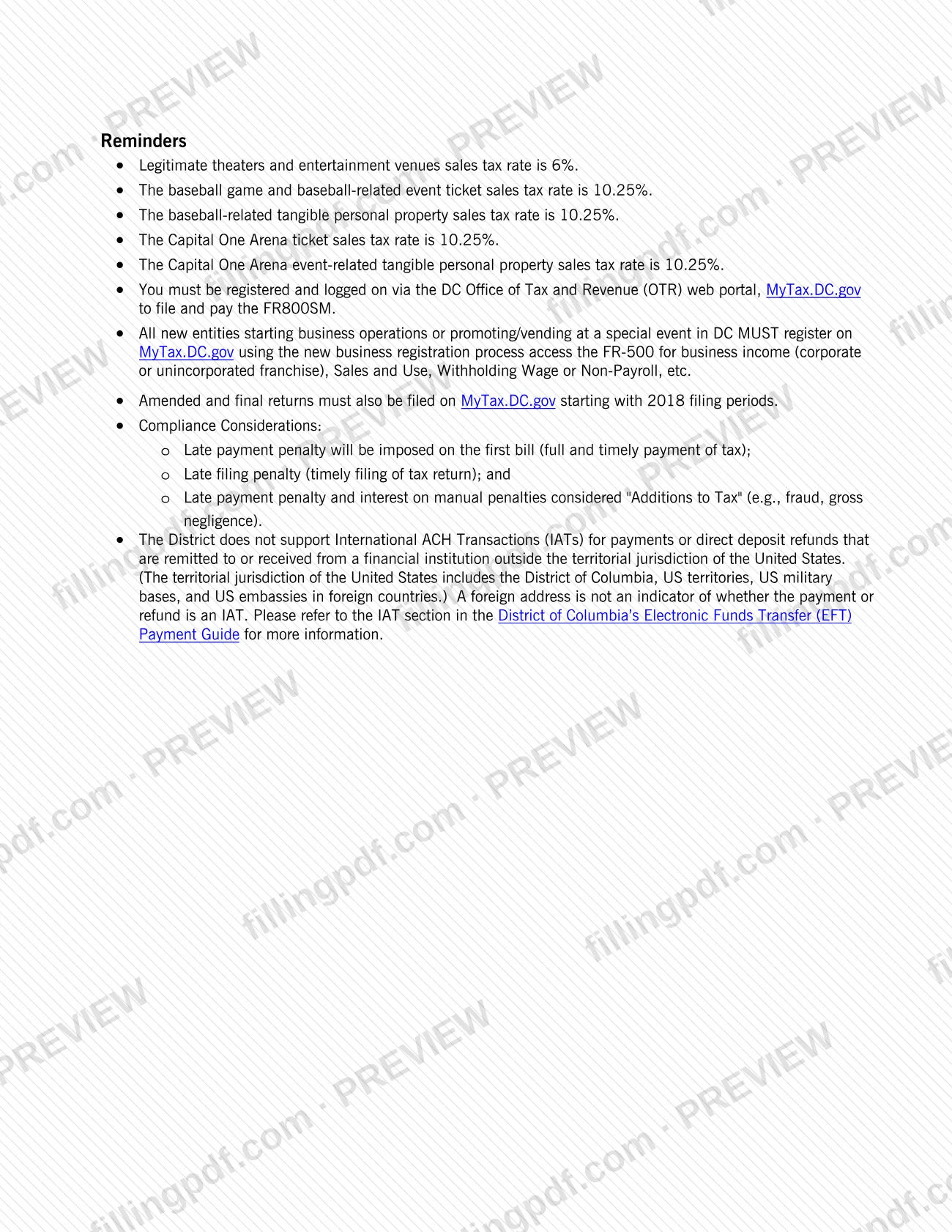
The FR-800SM can only be filed and paid electronically through MyTax.DC.gov; there is no paper filing channel in the booklet. You must be registered and logged on to the OTR web portal.
- MyTax.DC.gov: Log on, open the Specialized Sales account and complete the return. Amend a filed return through "View Returns", then "View or Amend Return", then "Amend" for the period.
- Payment by ACH Debit: for taxpayers signed up on MyTax.DC.gov; OTR charges no fee, and bank account details are stored in the online account. Allow 1-3 business days for processing if you change banking information.
- Payment by credit or debit card: Visa, MasterCard, Discover or American Express; a fee is paid directly to the District's card service provider.
- Payment by ACH Credit: business taxpayers only. Use tax type code 00380 and the tax period ending date in YYMMDD format. Registration on the portal is not needed for this payment type, but your bank may charge a fee.
The District does not support International ACH Transactions. A fee applies if a check or electronic payment is not honored.
For account questions, call 202-759-1946 or visit the OTR Customer Service Walk-In Center at 1101 4th Street SW, Suite W270, Washington, DC 20024, Monday through Friday, 9:00am to 4:00pm. FillingPDF lets you fill out and download the PDF; submission follows the OTR channels above.
Common mistakes to avoid
- Trying to file the FR-800SM on paper; the return must be filed and paid electronically through MyTax.DC.gov.
- Skipping a month because no sales were made; the booklet requires a return every month even with no sales.
- Leaving out the OTR account number, which causes delays in processing; use the number OTR gave you at registration.
- Checking the final return option to mark the last return of a month, quarter or year; use it only when you are going out of business.
- Entering a credit from tax refunded to purchasers larger than the Gross Tax Due; the credit may not exceed that amount.
- Paying by ACH credit without tax type code 00380 and the tax period ending date in YYMMDD format.
- Assuming the due date moves for any reason other than a Saturday, Sunday or holiday; only then is the next business day the deadline.
- Sending an international ACH payment; the District does not support International ACH Transactions.
- Reporting only taxable sales in Gross Sales; the column includes all gross sales, taxable and non-taxable, tied to District business.
Frequently asked questions
What is Form FR-800SM?
Form FR-800SM is the District of Columbia Office of Tax and Revenue's Specialized Sales and Use Tax monthly return. Vendors at legitimate theaters and large entertainment venues, Nationals Park, Capital One Arena and medical marijuana sellers use it. The 2026 booklet covers October 1, 2025 – September 30, 2026.
Who has to file the FR-800SM?
Any vendor subject to the Specialized Sales Tax must file it monthly: legitimate theaters and large entertainment venues, Nationals Park, Capital One Arena and medical marijuana sellers. Motion picture theaters are not legitimate theaters under the booklet's definition.
When is the FR-800SM due each month?
On or before the 20th day of the month following the month being reported. If that day is a Saturday, Sunday or holiday, the return and payment are due the next business day. You file every month, even with no sales.
Can I file the FR-800SM by mail?
No. OTR says the return must be filed and paid electronically through MyTax.DC.gov, and that failing to file and pay electronically subjects the taxpayer to penalties under Title 47 of the DC Official Code. You must be registered and logged on to the portal.
How do I pay the tax on the FR-800SM?
Pay electronically: ACH debit (no fee), credit or debit card (a fee goes to the card provider) or ACH credit (business taxpayers only, using tax type code 00380 and the period ending date in YYMMDD). See OTR's Electronic Funds Transfer (EFT) Payment Guide for instructions.
How do I amend or close out an FR-800SM account?
To amend, select View Returns in your Specialized Sales account on MyTax.DC.gov, open the period, choose View or Amend Return, then Amend. To end your filing requirement, check the final return option, and only when you are going out of business.
What happens if I file or pay the FR-800SM late?
Returns or payments not received by the due date accrue penalties and interest under District law. The booklet also lists a late filing penalty, a late payment penalty, a collection fee after 90 days and criminal penalties under Title 47 of the DC Code for failure to file.
Can I fill out the FR-800SM online on FillingPDF?
You can fill out the PDF online on FillingPDF and download or print it. FillingPDF is independent of OTR and does not file or pay the return; you must complete the return and payment on MyTax.DC.gov.
Who do I contact with questions about my FR-800SM account?
Contact OTR Customer Service Administration through MyTax.DC.gov, by phone at 202-759-1946, or at the Walk-In Center, 1101 4th Street SW, Suite W270, Washington, DC 20024, Monday through Friday, 9:00am to 4:00pm.
Ready to fill out FR-800SM?
Fill out FR-800SM now