
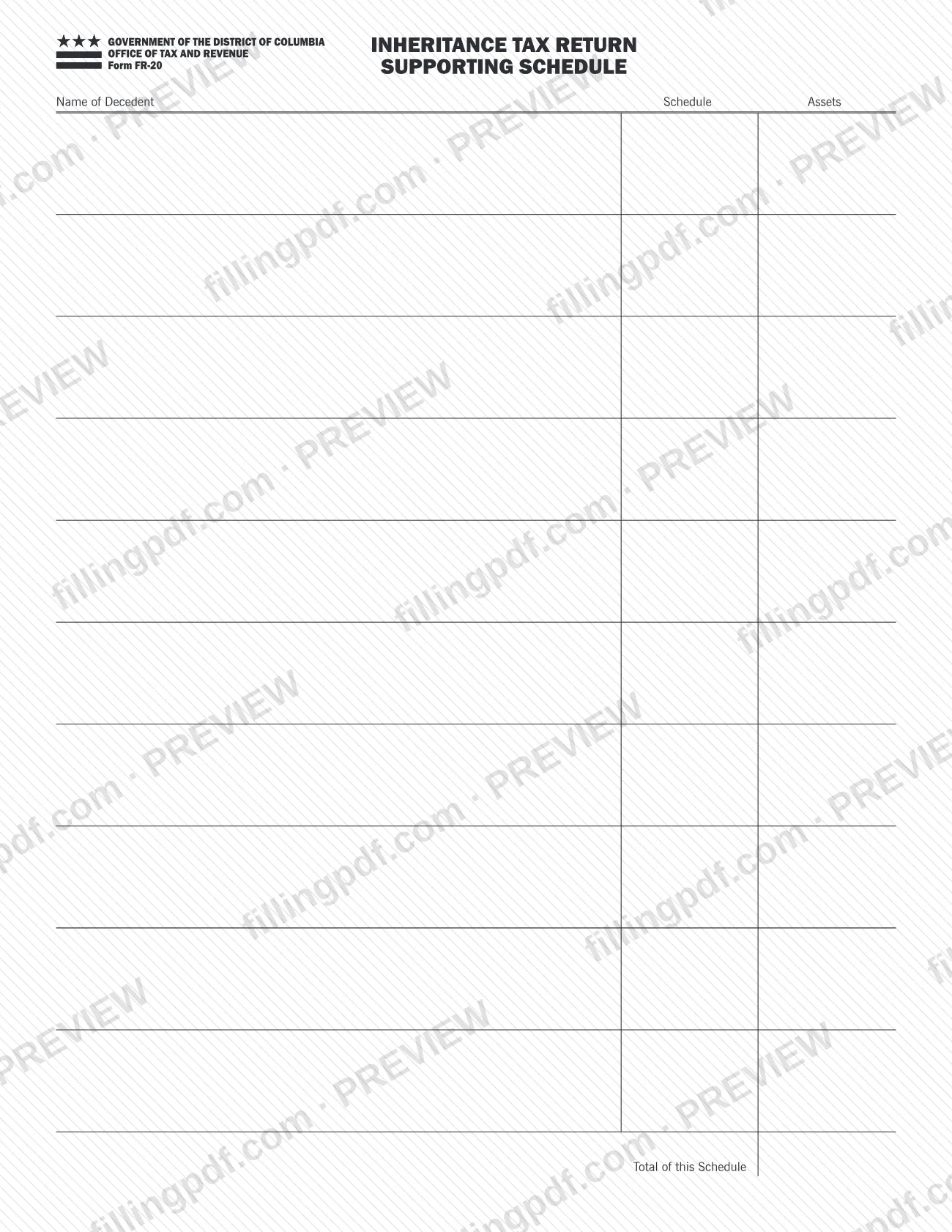
The FR-20 Inheritance Tax Return Supporting Schedule is a form of the Government of the District of Columbia, issued by the Office of Tax and Revenue (OTR), that supports the District's Inheritance Tax Return. The printed schedule asks for the name of the decedent, the schedule, the assets and the total of the schedule. On FillingPDF you can fill out the FR-20 online and download or print the completed PDF; the original PDF and the OTR page for the form are published by OTR at otr.cfo.dc.gov.
Last updated
What is FR-20?
The FR-20 Inheritance Tax Return Supporting Schedule, printed as Form FR-20 Supporting Schedule, is a District of Columbia Office of Tax and Revenue (OTR) attachment to the Inheritance Tax Return on which assets are listed and totaled for the decedent.
The form is headed "Government of the District of Columbia, Office of Tax and Revenue, Inheritance Tax Return," so it belongs to the inheritance tax return process and is not a return in itself. It is a schedule: a page of supporting detail that accompanies the return.
The printed page is short. It carries four labeled entries:
- Name of Decedent
- Schedule
- Assets
- Total of this Schedule
OTR publishes the form on its page titled "FR-20 Inheritance Tax Return Supporting Schedule." The form prints no revision date, form instructions or line numbers of its own, so the entries above are the whole of what the page itself asks for.
Who needs to file FR-20?
The form is placed with the District of Columbia Inheritance Tax Return, so it is for people who are completing that return for a decedent and need to list assets on a supporting schedule. The page names the decedent at the top, which means one schedule relates to one decedent's return.
The form itself does not say who must file, who may sign for someone else, or which estates are excluded. For questions about who must file the Inheritance Tax Return, contact OTR through the agency page for the form.
When to file FR-20
The FR-20 has no due date of its own printed on it. It is a supporting schedule of the Inheritance Tax Return, so you complete it when you prepare that return and submit it with the return. Check the Inheritance Tax Return and the OTR page for the form for any deadline that applies to the return.
How to fill out FR-20
Open the FR-20 PDF
Open the fillable FR-20 Inheritance Tax Return Supporting Schedule on FillingPDF. The header shows the Government of the District of Columbia, Office of Tax and Revenue.
Enter the name of the decedent
In Name of Decedent, write the name of the decedent whose Inheritance Tax Return this schedule supports.
Identify the schedule
In the Schedule entry, record which schedule this page is, so it can be matched to the Inheritance Tax Return.
List the assets
Under Assets, enter each asset that belongs on this schedule, one entry at a time.
Enter the total of the schedule
In Total of this Schedule, enter the total of the assets you listed on this page.
Review and download the PDF
Check that the decedent's name, the schedule entry, the assets and the total are complete and consistent. Download or print the completed PDF from FillingPDF and keep it with the Inheritance Tax Return, as described under How to submit.
How to submit FR-20
The FR-20 is a supporting schedule, so it is submitted together with the District of Columbia Inheritance Tax Return it supports. The form prints no mailing address, portal, or appointment rule of its own.
- Get the form: OTR publishes the PDF at the official FR-20 PDF, and its page for the form is at otr.cfo.dc.gov.
- Send it with the return: use the filing instructions and channels that OTR gives for the Inheritance Tax Return.
FillingPDF lets you fill out and download the PDF; submission follows the OTR channels described above.
Common mistakes to avoid
- Leaving the Name of Decedent blank, so the schedule cannot be matched to the decedent's Inheritance Tax Return.
- Treating the FR-20 as the Inheritance Tax Return itself; it is headed as a supporting schedule and goes with the return.
- Leaving Total of this Schedule empty after listing assets under Assets.
- Listing assets without filling in the Schedule entry that identifies which schedule the page is.
- Submitting the FR-20 on its own, apart from the Inheritance Tax Return it supports.
- Looking for property tax information on this form; its printed entries concern a decedent, the schedule, assets and a total.
Frequently asked questions
What is Form FR-20?
Form FR-20 is the Supporting Schedule of the District of Columbia Inheritance Tax Return, issued by the Office of Tax and Revenue (OTR). The printed page has entries for the name of the decedent, the schedule, the assets and the total of the schedule.
Is Form FR-20 a DC property tax form?
No. The form is the supporting schedule of an Inheritance Tax Return from the DC Office of Tax and Revenue. Its printed entries are the name of the decedent, the schedule, the assets and the total of the schedule. Look for property tax forms separately on the OTR website.
Can I fill out Form FR-20 online?
Yes. You can fill out the FR-20 PDF online on FillingPDF and download or print it. FillingPDF is an independent service and does not file the schedule with OTR; you submit it with the Inheritance Tax Return through the channels OTR gives.
Do I file the FR-20 by itself?
No. The form is headed as a supporting schedule of the Inheritance Tax Return, so it goes with that return. The FR-20 prints no address or filing channel of its own, so use the ones OTR gives for the return.
What is the deadline for the FR-20?
The FR-20 prints no deadline of its own. Because it supports the Inheritance Tax Return, it is prepared and submitted with that return. Check the return and the OTR page for the form for any date that applies.
What do I enter in Total of this Schedule?
Enter the total of the assets you listed on this schedule page. The form prints the entry as Total of this Schedule, so it covers the assets on that page and is placed with the name of the decedent at the top of the form.
Where can I get the official FR-20 PDF?
The Office of Tax and Revenue publishes it at otr.cfo.dc.gov, on its page titled FR-20 Inheritance Tax Return Supporting Schedule. The same PDF can be completed online here and downloaded or printed.
Ready to fill out FR-20?
Fill out FR-20 now