
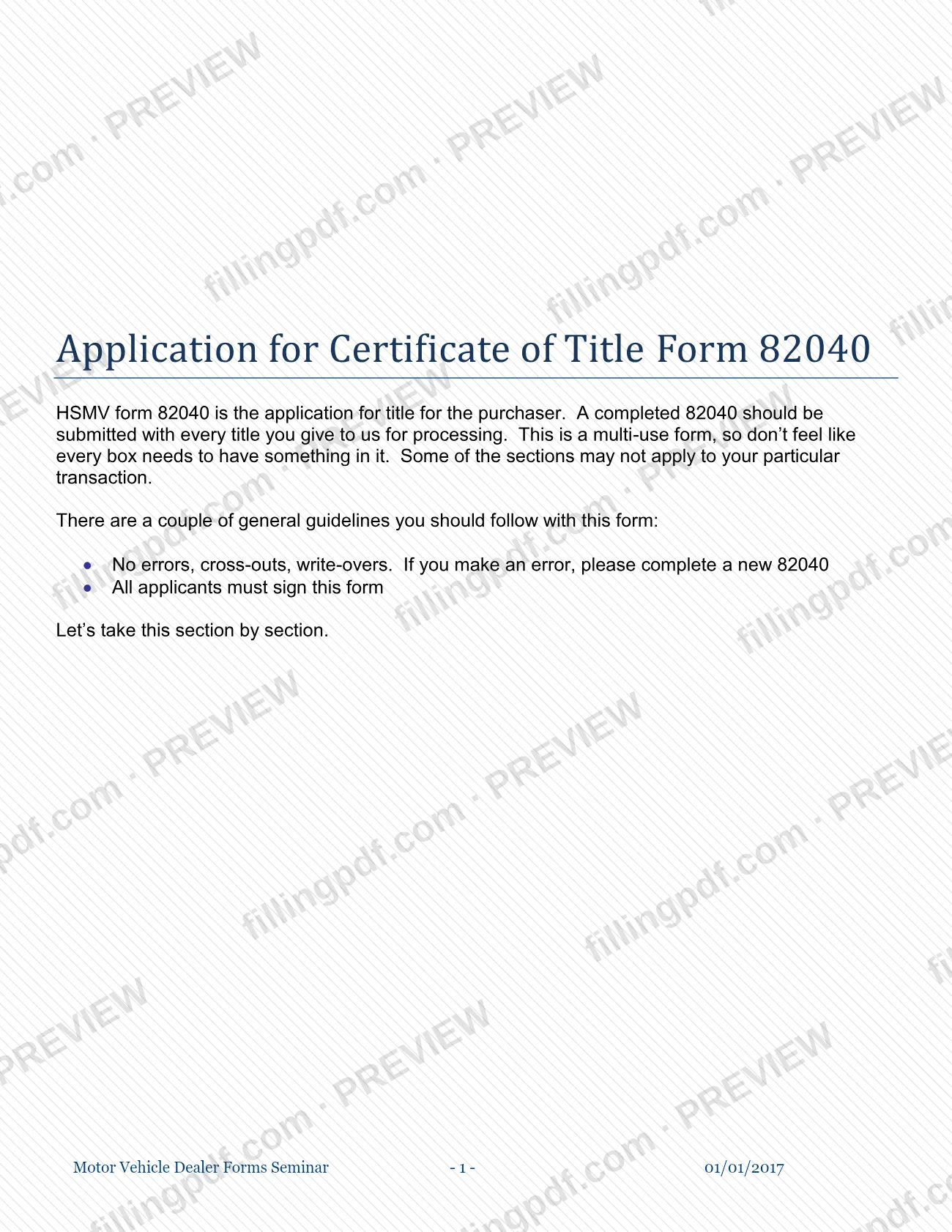


Form 82040 is the application for certificate of title for the purchaser of a motor vehicle, mobile home, off-highway vehicle or vessel, and this Chapter 6 guide from the Escambia County Tax Collector explains it box by box. A completed 82040 goes in with every title submitted for processing, and it is a multi-use form, so some sections will not apply to your transaction. On this page you can fill out the form online on FillingPDF and download or print the completed PDF; the original PDF is published at the Escambia County Tax Collector's website.
Last updated
What is 82040?
Chapter 6 – Application for Certificate of Title Form 82040 is the Escambia County Tax Collector's guide to HSMV form 82040, the application for title for the purchaser, which records the owner, the vehicle, vessel or mobile home, any lien, how ownership changed and the sales tax treatment.
The form is multi-use. Its numbered boxes are grouped into sections:
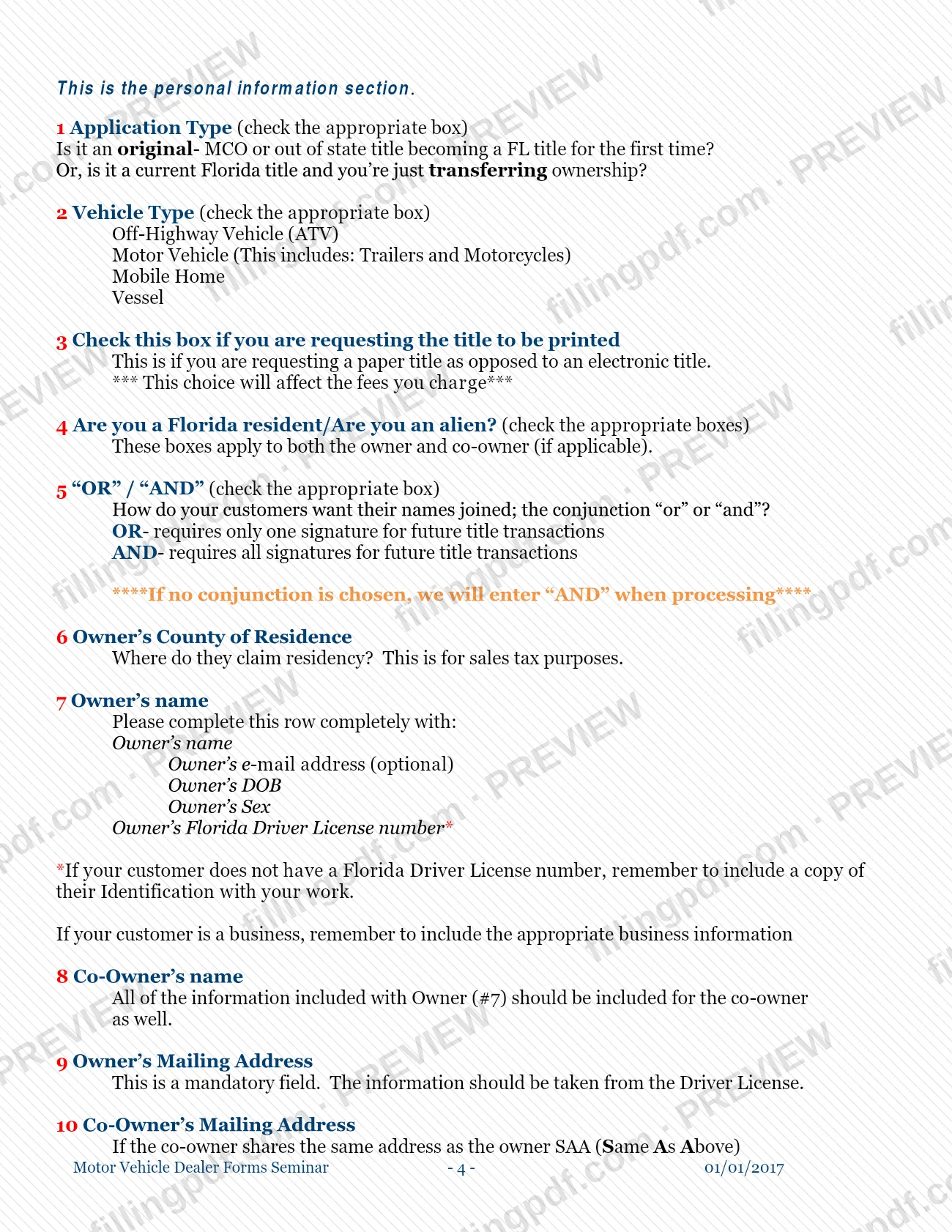
- Section 1: owner and applicant information, including application type, vehicle type, paper or electronic title, residency and addresses.
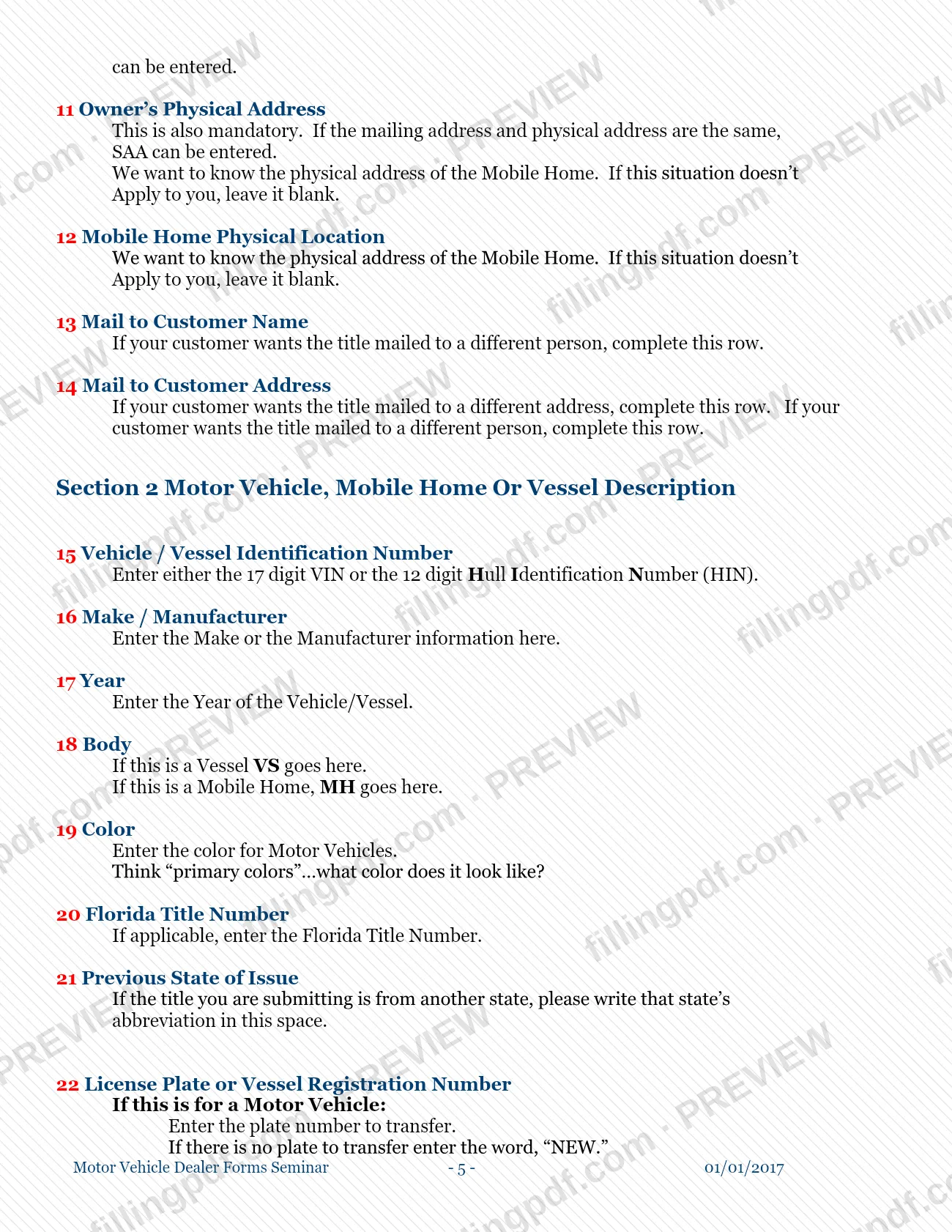
- Section 2: description of the motor vehicle, mobile home or vessel, with boxes 28 to 35 reserved for vessels.
- Sections 3 and 4: brands, usage and lienholder information.
- Sections 5 and 6: how ownership changed and the odometer disclosure.
- Section 7: sales tax report and trade-in information.
- Section 8: VIN verification for vehicles currently titled in another state.
- Section 9: sales tax exemption certification.
- Sections 10 and 11: repossession declaration, and non-use and other certifications.
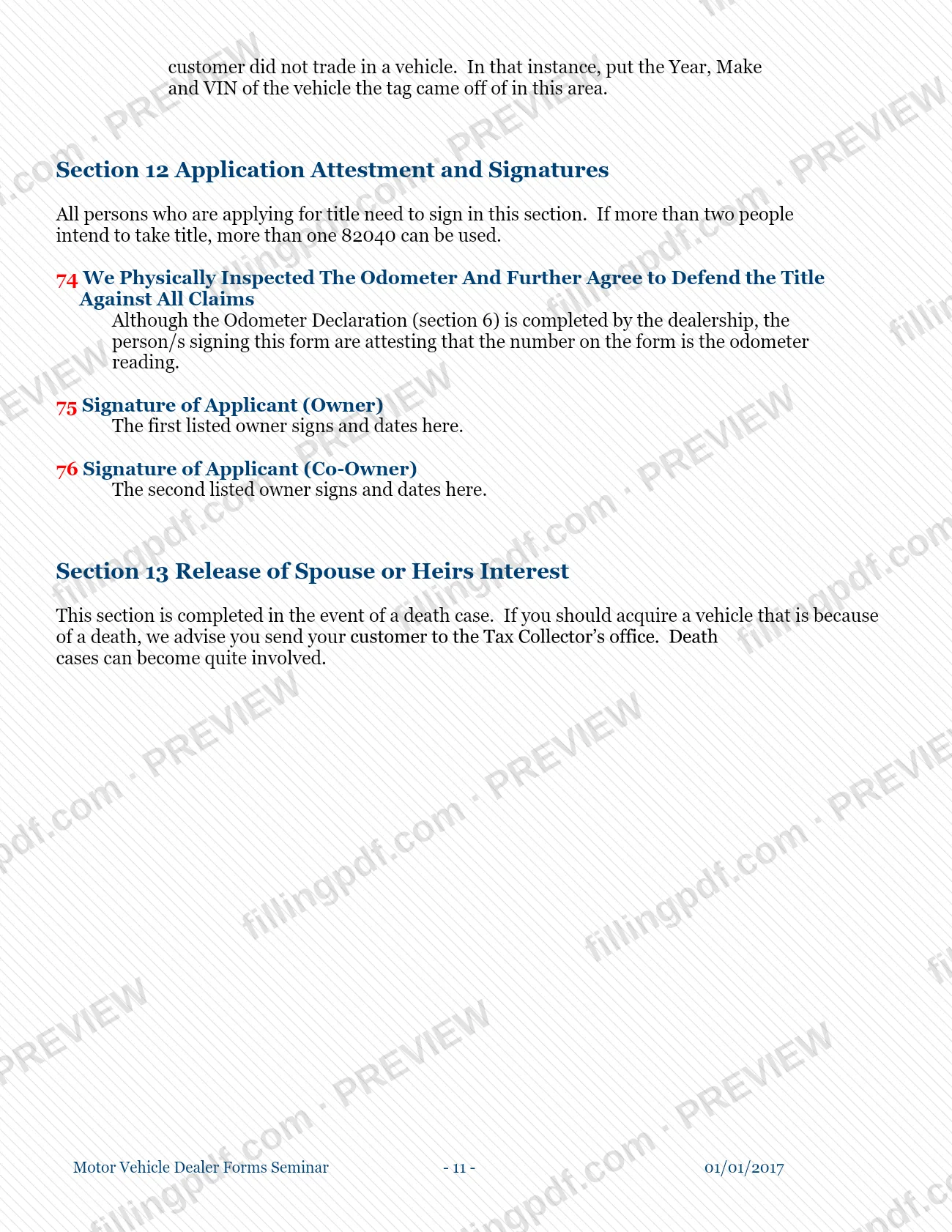
- Section 12: application attestment and signatures.
- Section 13: release of spouse or heirs interest, used in death cases.
The guide covers motor vehicles (which it says include trailers and motorcycles), off-highway vehicles (ATVs), mobile homes and vessels. It tells you not to try to fill every box: sections that do not apply to the transaction stay empty. The guide is written for dealership staff, with notes on what a customer's paperwork must include.
Who needs to file 82040?
The main group is the purchaser who is applying for a Florida title, and the dealers or agents who prepare that application for customers. The guide says a completed 82040 should be submitted with every title given to the Tax Collector for processing.
- Owners and co-owners: all applicants must sign. If more than two people will take title, more than one 82040 can be used.
- Dealers and agents: an authorized dealership representative signs the sales tax report, and a dealership employee completes the VIN verification for vehicles titled in another state.
- Lienholders: the lienholder section is completed only when the customer has a lien on the vehicle.
- Businesses: if the customer is a business, the guide says to include the appropriate business information.
Some sections apply only in certain cases. Boxes 28 to 35 are for vessels only. Box 24 applies to vessels and mobile homes. Box 25 applies to motorcycles and mopeds. Section 8 applies to vehicles currently titled in another state.
Death cases are an exclusion from routine dealer handling: if a vehicle is acquired because of a death, the guide advises sending the customer to the Tax Collector's office, because these cases can become quite involved.
When to file 82040
The form is submitted whenever a title is given to the Escambia County Tax Collector for processing: the guide says a completed 82040 should accompany every one. It sets no separate deadline of its own. The application type in box 1 tells you which situation you are in: an original title (a manufacturer's certificate of origin, or an out-of-state title becoming a Florida title for the first time) or a current Florida title being transferred to a new owner.
Timing also matters inside the form. The date of sale goes in boxes 45 and 51, the odometer date in box 48, the lien date in box 39 and the VIN verification date in box 60. If you make an error, complete a new 82040 rather than correcting the one you have.
Documents you need
- The certificate of title you are submitting: the guide says a completed 82040 goes with every title given to the Tax Collector for processing.
- A copy of the customer's identification, when the customer does not have a Florida driver license number to enter in box 7.
- Appropriate business information, when the customer is a business.
- A copy of the exemption certificate, when the purchaser holds a valid exemption certificate and you enter its number in box 65.
- Supporting paperwork for a vessel that was previously federally documented and is coming out of documentation (box 35).
- The weight of the vehicle for an out-of-state title: the guide says the title cannot be processed without it (box 23).
How to fill out 82040
Choose application and vehicle type
In box 1, check whether this is an original title (MCO or an out-of-state title becoming a Florida title for the first time) or a transfer of a current Florida title. In box 2, check Off-Highway Vehicle (ATV), Motor Vehicle (which includes trailers and motorcycles), Mobile Home or Vessel.
Set title format and ownership options
Check box 3 if you are requesting a paper title instead of an electronic one. Check the Florida resident and alien boxes in box 4, then choose OR or AND in box 5; OR needs one signature for future transactions and AND needs all of them.
Enter owner and co-owner details
Enter the owner's county of residence in box 6, then complete the owner row in box 7: name, optional e-mail, date of birth, sex and Florida driver license number. Repeat the same information for a co-owner in box 8.
Complete the addresses
Box 9 (owner's mailing address) and box 11 (physical address) are mandatory; write SAA (Same As Above) where addresses match, including box 10 for a co-owner. Use box 12 only for a mobile home's physical location, and boxes 13 and 14 if the title should go to a different person or address.
Describe the vehicle, vessel or mobile home
Box 15: the 17-digit VIN or 12-digit HIN. Then enter make (16), year (17), body (18: VS for a vessel, MH for a mobile home), color (19), Florida title number if any (20), previous state of issue (21) and plate or vessel registration (22: enter NEW if no plate transfers, plus a 1- or 2-year renewal choice).
Enter weight, length and special fields
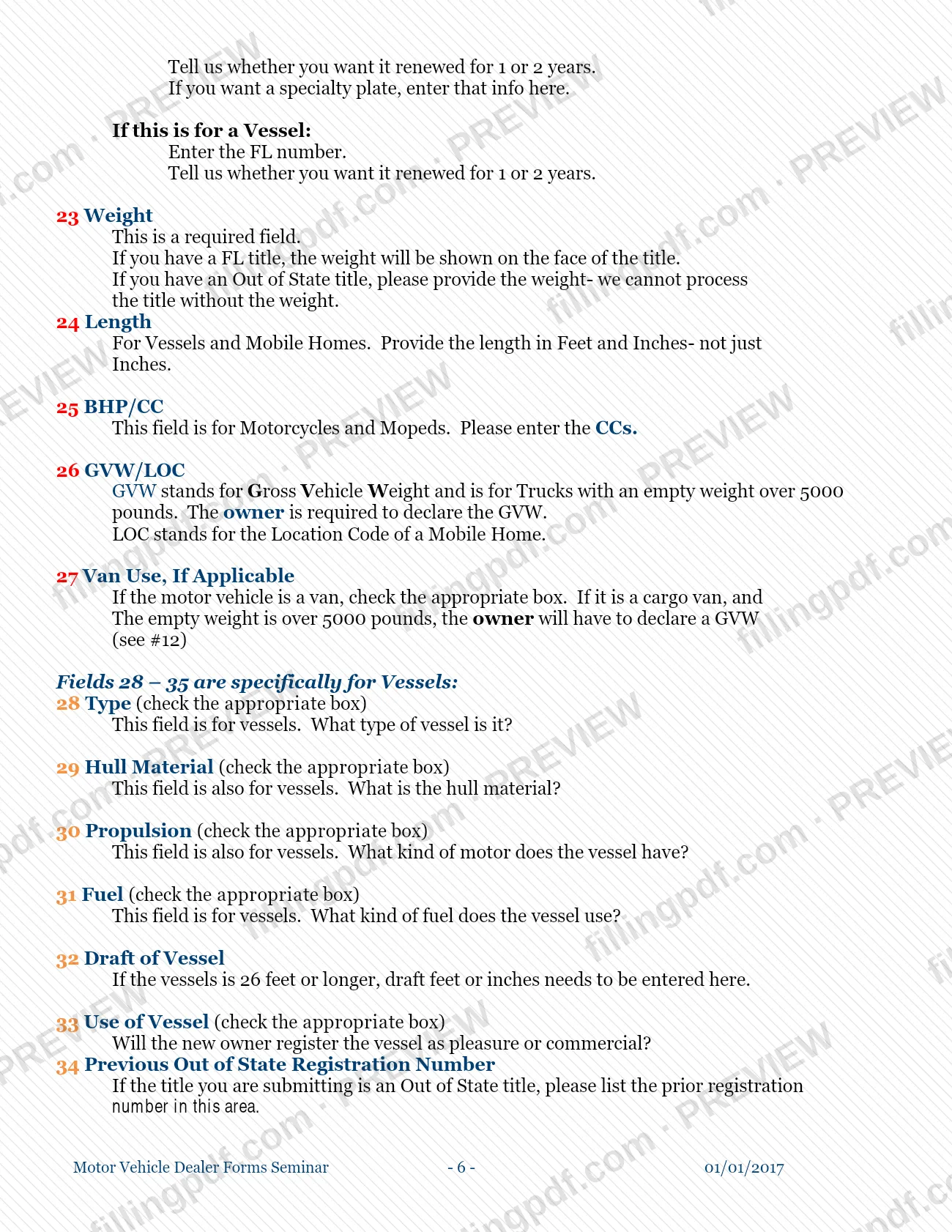
Box 23 weight is required. Enter length in feet and inches for vessels and mobile homes (24), CCs for motorcycles and mopeds (25), and GVW or the mobile home location code in 26. Check the van use box in 27 if it applies.
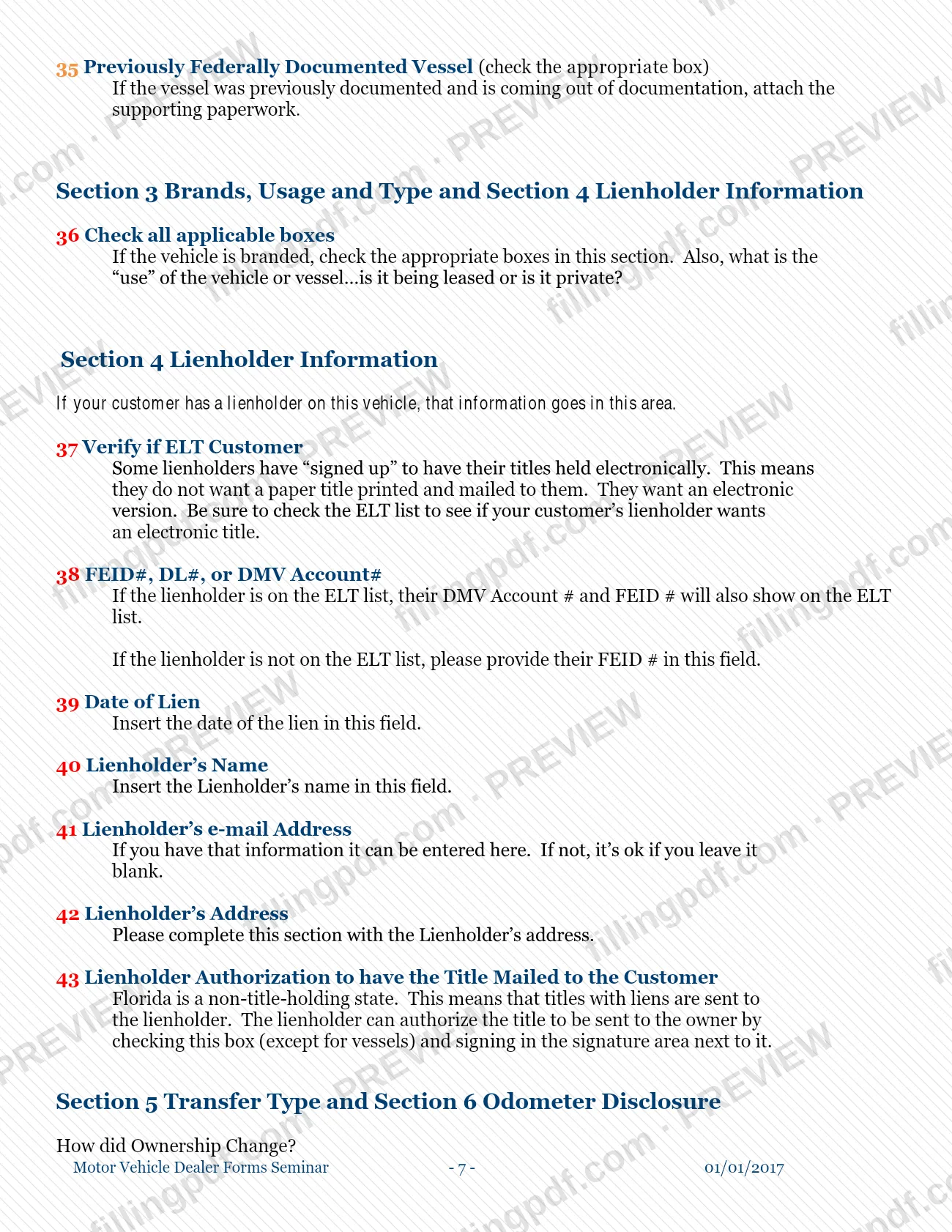
Complete the vessel boxes
For a vessel, check type, hull material, propulsion and fuel (28 to 31). Enter draft in box 32 for vessels 26 feet or longer, check pleasure or commercial use in 33, list a prior out-of-state registration in 34 and check box 35 for a previously federally documented vessel.
Check brands, usage and lienholder
In box 36 check all applicable brand and use boxes. If there is a lien, check the ELT list in box 37, enter the FEID, DL or DMV account number (38), lien date (39), lienholder name (40), optional e-mail (41) and address (42); box 43 is the lienholder's authorization to mail the title to the customer.
Record the transfer and odometer
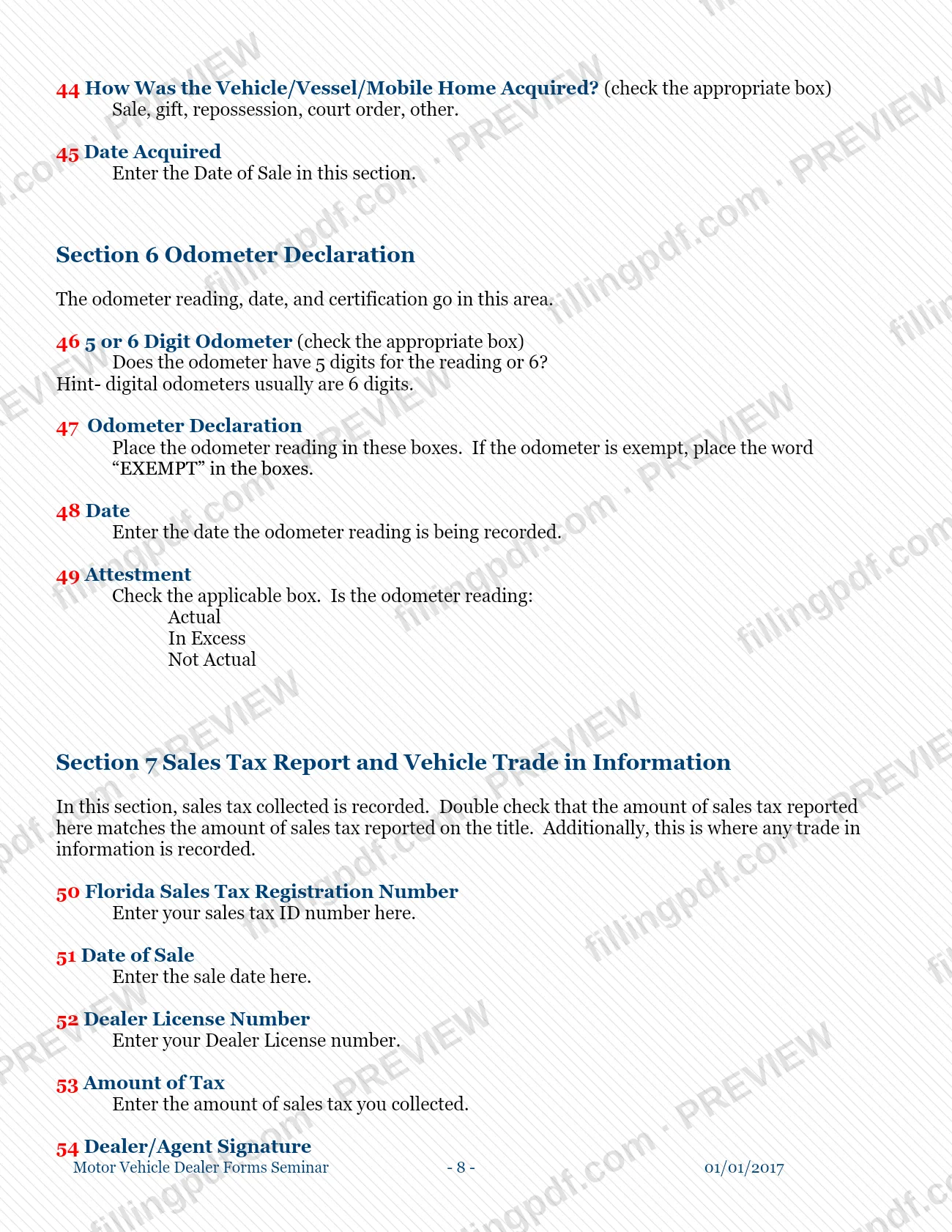
In box 44 check how the item was acquired (sale, gift, repossession, court order or other) and enter the date in box 45. For the odometer, check 5 or 6 digits (46), enter the reading or EXEMPT (47), the date (48) and Actual, In Excess or Not Actual (49).
Report sales tax and trade-in
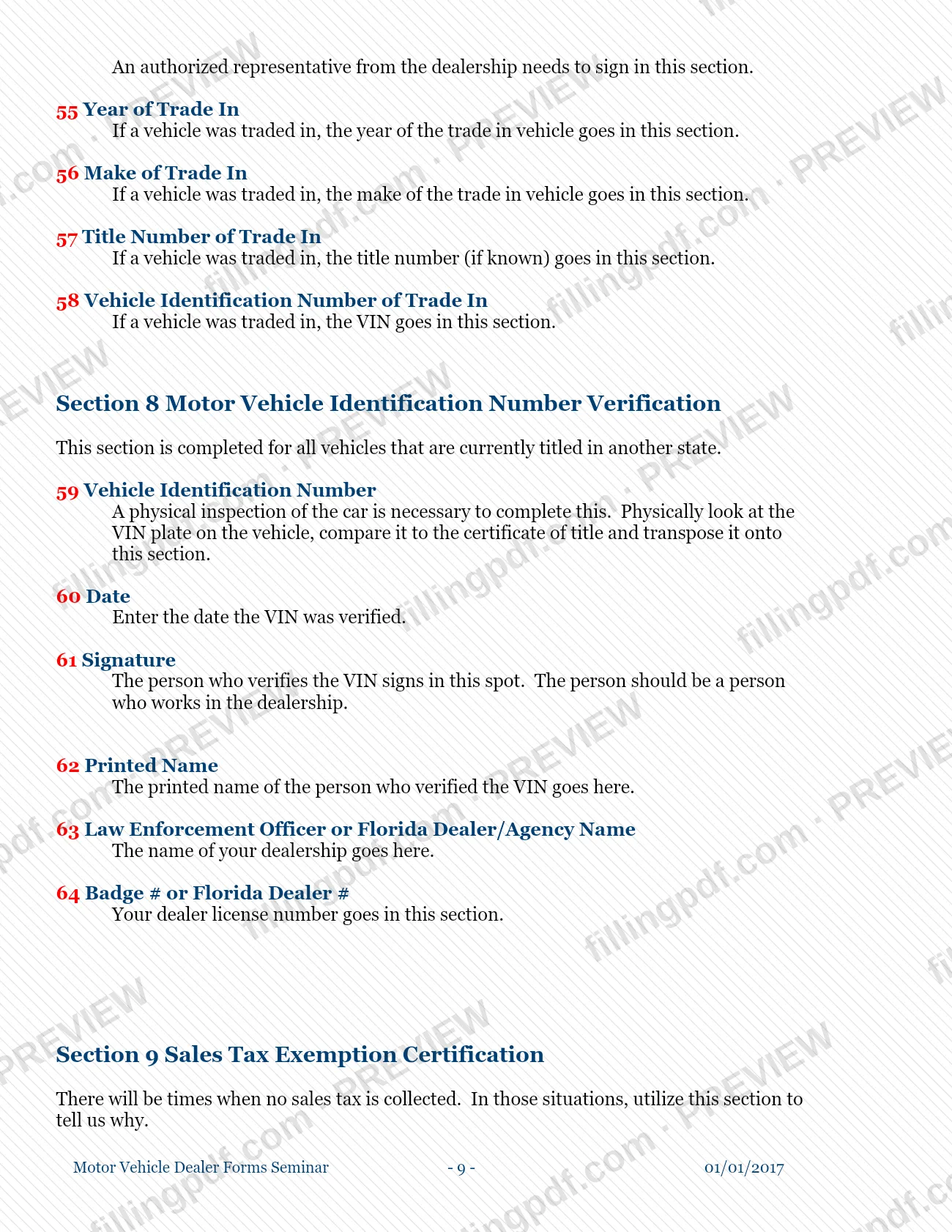
Section 7 holds the sales tax registration number (50), date of sale (51), dealer license number (52), amount of tax (53) and the dealer or agent signature (54). Boxes 55 to 58 record a trade-in's year, make, title number and VIN.
Complete VIN verification and exemptions
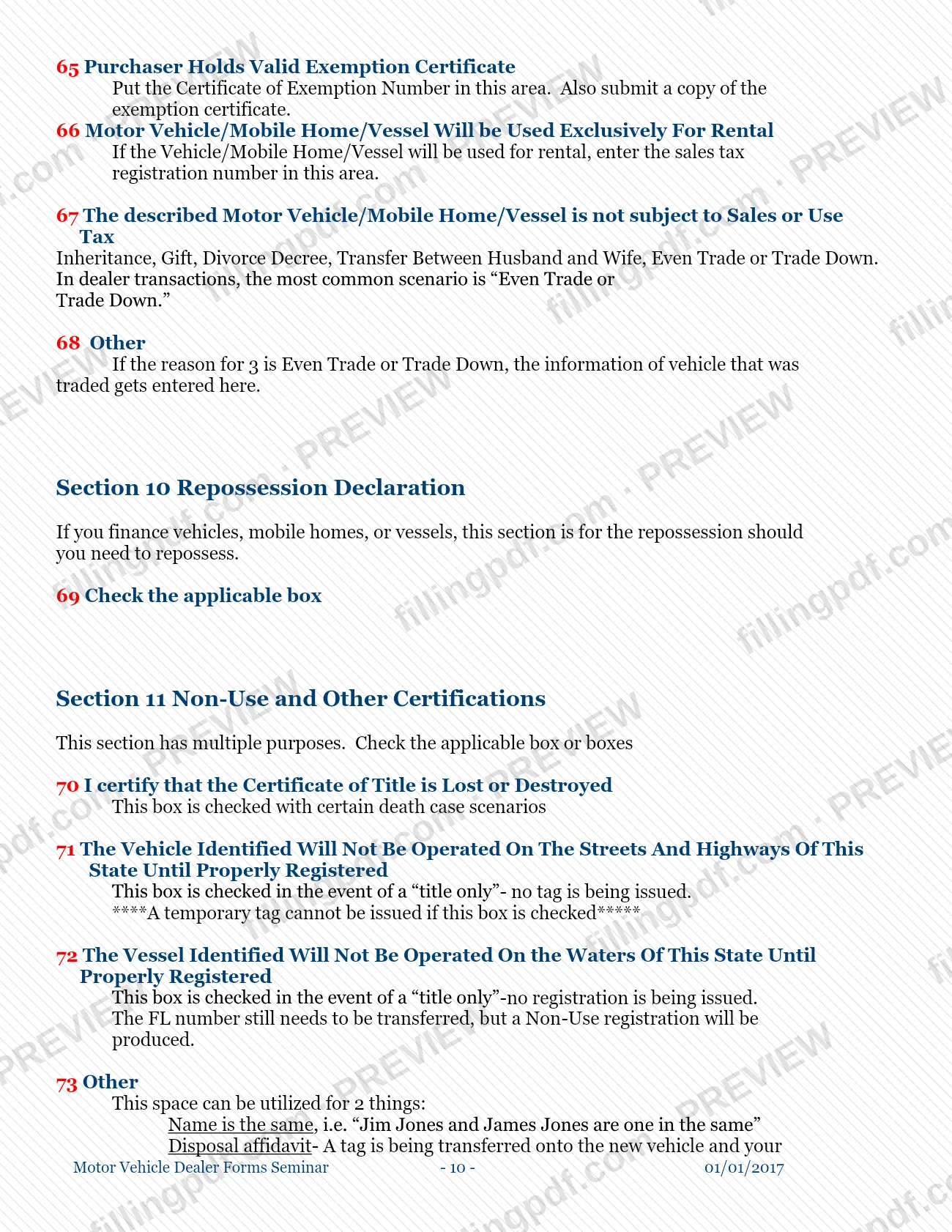
For a vehicle titled in another state, Section 8 needs the VIN transposed from the vehicle (59), date (60), signature (61), printed name (62), dealership name (63) and dealer number (64). In Section 9, give the exemption certificate number (65), rental registration number (66) or the not-subject reason (67), and the traded vehicle details in 68 if it applies.
Complete repossession and non-use boxes
Check the applicable box in Section 10 (69) if it applies. In Section 11, check lost or destroyed title (70), the non-use boxes for a title-only transaction (71 for vehicles, 72 for vessels) or use box 73 for a same-name note or a disposal affidavit with year, make and VIN.
Review, sign and download the PDF
Every applicant signs and dates in Section 12: the first owner in box 75 and the co-owner in box 76. Check that there are no errors, then download or print the completed PDF from FillingPDF and submit it with the title as described under How to submit.
How to submit 82040
The guide names one channel: you give the completed 82040 to the Escambia County Tax Collector together with the title you are submitting for processing.
- With the title: include the 82040 with every title you bring in. Add a copy of the customer's identification if the customer has no Florida driver license number, and the other attachments listed under the required documents.
- At the Tax Collector's office: for death cases, the guide advises sending your customer to the office rather than handling the transaction yourself.
The guide prints no mailing address, portal or appointment rule. Fees apply to a title transaction, and the guide notes that your choice in box 3 (paper or electronic title) affects the fees you charge; ask the Tax Collector for current amounts. Do not use cross-outs or write-overs, since the Tax Collector expects a new form instead. FillingPDF lets you fill out and download the PDF; submission follows the Tax Collector's channels above.
Common mistakes to avoid
- Correcting an error with a cross-out or write-over; the guide says to complete a new 82040 instead.
- Submitting the form without every applicant's signature; all applicants must sign.
- Leaving the weight blank on an out-of-state title. The guide says the title cannot be processed without it.
- Choosing neither OR nor AND in box 5; the Tax Collector will enter AND, which requires all signatures for future title transactions.
- Checking the non-use box 71 and expecting a temporary tag; one cannot be issued when that box is checked.
- Giving a vessel or mobile home length in inches only; box 24 requires feet and inches.
- Leaving the draft blank for a vessel 26 feet or longer; box 32 needs it.
- Reporting a sales tax amount in box 53 that differs from the amount shown on the title.
- Using the lienholder authorization in box 43 to release a vessel title to the owner; the authorization excludes vessels.
- Entering the mailing address from something other than the driver license; box 9 is mandatory and should come from it.
Frequently asked questions
What is Form 82040?
Form 82040 (HSMV form 82040) is the application for certificate of title for the purchaser. It covers motor vehicles, off-highway vehicles, mobile homes and vessels, and records the owner, the item, any lienholder, the transfer and the sales tax treatment.
Is this an Escambia County property tax form?
No. Form 82040 is a title application, not a property tax form. It is published on the Escambia County Tax Collector's website as Chapter 6 of its dealer forms guide, and it is used when a title is submitted for processing.
Do I need to fill in every box on Form 82040?
No. The guide calls it a multi-use form and says not every box needs an entry, because some sections will not apply to your transaction. Mandatory items include the owner's mailing and physical addresses (boxes 9 and 11) and the weight (box 23).
Who has to sign Form 82040?
All applicants must sign in Section 12: the first owner in box 75 and the co-owner in box 76. An authorized dealership representative also signs the sales tax report in box 54. If more than two people will take title, use more than one 82040.
What does the OR or AND choice mean on Form 82040?
OR requires only one signature for future title transactions; AND requires all signatures. If you choose neither in box 5, the Tax Collector enters AND when processing the application.
What if I make a mistake on Form 82040?
Complete a new 82040. The guide says the form must have no errors, cross-outs or write-overs, so a corrected copy is not accepted in place of a clean form.
Can I get a temporary tag if I check the non-use box?
No. Box 71 is for a title-only transaction where no tag is being issued, and the guide says a temporary tag cannot be issued if it is checked. For vessels, box 72 produces a non-use registration.
Can I fill out Form 82040 online on FillingPDF?
Yes, you can fill out the PDF online on FillingPDF and download or print it. FillingPDF is an independent service and does not submit the application or title to the Escambia County Tax Collector; you submit it through the Tax Collector's channels.
Ready to fill out 82040?
Fill out 82040 now