
The Private Provider Registration Form is the City of Cape Coral document that registers a Private Provider with the city before the provider starts work. It is one of the Cape Coral permit forms issued through the Development Services Department and the Building Division, and it travels with a registration checklist of supporting documents. You can fill out the form online on FillingPDF and download or print the completed PDF. The city publishes the original PDF at capecoral.gov, and the whole packet is submitted to the city as described below.
Last updated
What is Private Provider Registration Form – Cape Coral, FL?
The Private Provider Registration Form is the City of Cape Coral form on which a Private Provider registers with the city. The city requires a one-time registration for all Private Providers before they commence work, and providers are responsible for keeping their registration records current.
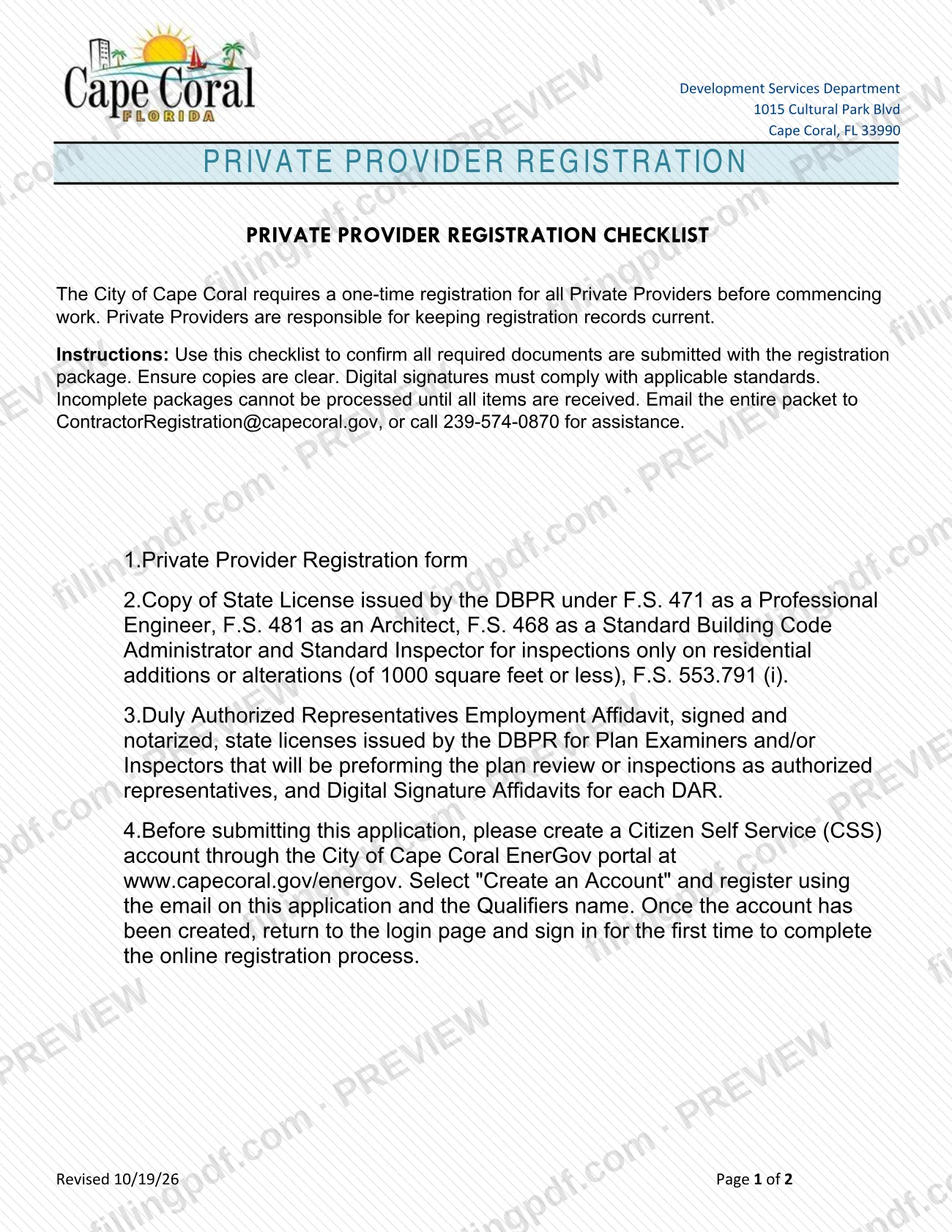
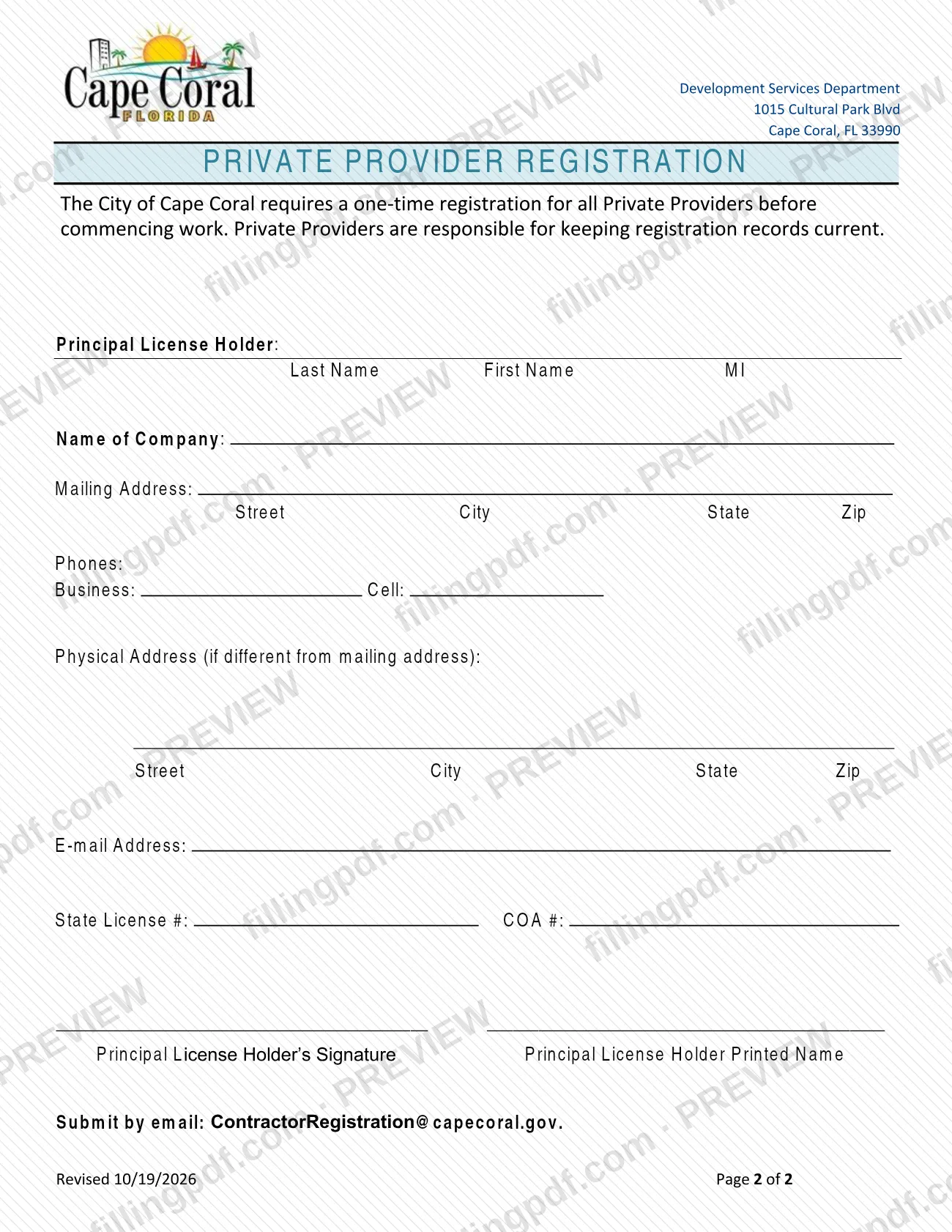
The PDF has two pages. Page 1 is the Private Provider Registration Checklist, which lists the documents that must be submitted with the registration package. Page 2 is the registration form itself. It asks for the Principal License Holder's name, the name of the company, mailing and physical addresses, phone numbers, e-mail address, State License # and COA #, and the Principal License Holder's signature and printed name.
Both pages carry a note about the Building Official: if the notice applies to either private plan review or private inspection services, the Building Official may require, at his or her discretion, that the private provider be used for both services, pursuant to Section 553.791(2) Florida Statute.
The form is issued by the Development Services Department and appears among the permit documents the city keeps in its Permit Document Center. It registers the provider; it is not a permit application and it does not replace the Applications and Guidelines listed for specific permit types.
Who needs to file Private Provider Registration Form – Cape Coral, FL?
All Private Providers who will work in the City of Cape Coral file this registration, and they do so before commencing work. The Principal License Holder completes and signs the form for the provider.
Other people appear in the package rather than on the form itself:
- Duly Authorized Representatives of the provider: their resumes and notarized employment affidavits are part of the checklist.
- Standard Plan Examiners and Standard Inspectors who perform plan review or inspections as authorized: copies of their Florida DBPR licenses are part of the checklist.
The checklist also describes the license categories it accepts for the Private Provider: Professional Engineer under S. 471, Architect under F.S. 481, or Standard Building Code Administrator and Standard Inspector under F.S. 468, the last for inspections only on residential additions or alterations of 1000 square feet or less.
The city's documents do not set out exemptions from the registration.
When to file Private Provider Registration Form – Cape Coral, FL
Register before you commence work as a Private Provider in Cape Coral. The city describes the registration as a one-time requirement, so you do not file it again for each project.
Registration records must be kept current afterward: the city makes the Private Provider responsible for that. The form prints no separate filing window or renewal date.
Incomplete packages cannot be processed until all checklist items are received, so send the form and every supporting document together.
Documents you need
- Private Provider Resume and copies of all Florida DBPR licenses: S. 471 Professional Engineer, F.S. 481 Architect, or F.S. 468 Standard Building Code Administrator and Standard Inspector (inspections only on residential additions or alterations of 1000 square feet or less).
- Resumes of all Duly Authorized Representatives, with Employment Affidavits signed and notarized.
- Copies of the Florida DBPR licenses of Standard Plan Examiners and Standard Inspectors who perform inspections or plan review as authorized.
- Private Provider's Certificate of Insurance for general liability and professional insurance meeting State of Florida requirements, listing the city as certificate holder, including 5 years of tail coverage for claims-made policies, per S. 553.791(16).
- Workers Compensation Insurance and/or a copy of the Workers Compensation Exemption filed with the State. Qualifier(s)/License Holder(s) must be listed on the policy as "Included" or "Excluded".
- Digital Signature affidavit (checklist item 6).
How to fill out Private Provider Registration Form – Cape Coral, FL
Review the registration checklist
Read page 1, the Private Provider Registration Checklist, and gather the six items it lists before you start the form.
Enter the Principal License Holder
Under Principal License Holder, enter the Last Name, First Name and middle initial (MI).
Enter the company name
Write the company name on the Name of Company line.
Enter the mailing address
Under Mailing Address, enter the Street, City, State and Zip.
Enter phone numbers
Under Phones, enter the Business, Cell and Fax numbers.
Add a physical address if different
Complete Physical Address (Street, City, State, Zip) only if it differs from the mailing address.
Enter e-mail and license numbers
Write your E-mail Address, your State License # and your COA #.
Sign and print your name
The Principal License Holder signs on the signature line and prints the name beside it. Digital signatures must comply with applicable standards.
Review and download the completed PDF
Check every entry against your license documents, then download or print the completed PDF from FillingPDF. Assemble it with the checklist documents and submit the packet as described under How to submit.
How to submit Private Provider Registration Form – Cape Coral, FL
The city accepts the registration in person or by email.
- Email: send the whole packet, meaning the registration form and every checklist document, to [email protected].
- In person: the form states that you can submit it in person. It prints the Development Services Department, 1015 Cultural Park Blvd, Cape Coral, FL 33990, in its header, but gives no counter hours or appointment rules.
Make sure copies are clear. Digital signatures must comply with applicable standards, and a Digital Signature affidavit is item 6 of the checklist. Incomplete packages cannot be processed until all items are received.
The form names no mailing address, portal or fee. FillingPDF lets you fill out and download the PDF; submission follows the channels above.
Common mistakes to avoid
- Emailing the registration form alone; the checklist requires the whole packet, and incomplete packages cannot be processed until all items are received.
- Submitting Employment Affidavits for Duly Authorized Representatives that are not signed and notarized.
- Leaving out DBPR license copies for the Standard Plan Examiners and Standard Inspectors who will perform plan review or inspections.
- Providing a Certificate of Insurance that does not list the city as certificate holder or lacks 5 years of tail coverage on claims-made policies.
- Sending a workers compensation policy that does not show the qualifier(s) or license holder(s) as "Included" or "Excluded".
- Sending unclear copies or digital signatures that do not meet applicable standards, and omitting the Digital Signature affidavit.
- Leaving the Principal License Holder's signature and printed name blank on page 2.
- Treating the registration as finished for good; the Private Provider must keep the registration records current.
Frequently asked questions
What is the Cape Coral Private Provider Registration Form?
It is the City of Cape Coral form that registers a Private Provider with the city. The city requires a one-time registration for all Private Providers before they commence work, and the form is submitted with the documents listed on its checklist.
Do I have to register every year as a Private Provider in Cape Coral?
The city calls the registration one-time, so the form sets no annual renewal. It does make the Private Provider responsible for keeping registration records current, so update the city when your licenses, insurance or representatives change.
Where do I send the Private Provider Registration Form?
Email the whole packet to [email protected], or submit it in person; the form says either is allowed. Incomplete packages cannot be processed until all checklist items are received, so send everything together.
What documents go with the Private Provider Registration Form?
The checklist lists the form, your resume and Florida DBPR licenses, resumes and notarized Employment Affidavits of Duly Authorized Representatives, a Certificate of Insurance, workers compensation proof or exemption, and a Digital Signature affidavit.
What insurance does the city require for a Private Provider?
A Certificate of Insurance for general liability and professional insurance meeting State of Florida requirements, with the city as certificate holder and 5 years of tail coverage for claims-made policies, per S. 553.791(16). Workers compensation or an exemption is also required.
Can the Building Official require me to provide both plan review and inspections?
Yes, possibly. The form states that if the notice applies to either private plan review or private inspection services, the Building Official may require, at his or her discretion, that the provider be used for both, under Section 553.791(2) Florida Statute.
Can I fill out the Private Provider Registration Form online?
Yes. You can fill out the PDF online on FillingPDF and download or print it. FillingPDF is an independent service and does not submit the registration to the city; you send the packet through the city's channels.
Ready to fill out Private Provider Registration Form – Cape Coral, FL?
Fill out Private Provider Registration Form – Cape Coral, FL now