


OSHA 300 is the Log of Work-Related Injuries and Illnesses, the form the U.S. Department of Labor's Occupational Safety and Health Administration (OSHA) provides so employers can classify and record each work-related injury or illness at an establishment. Employers that are not exempt by size or industry keep one Log per establishment and add an entry whenever a recordable case occurs; the year's totals then move to the Form 300A Summary. On this page you can fill out the Log online on FillingPDF and download or print the completed PDF. OSHA publishes the original in its recordkeeping forms package.
Last updated
What is 300?
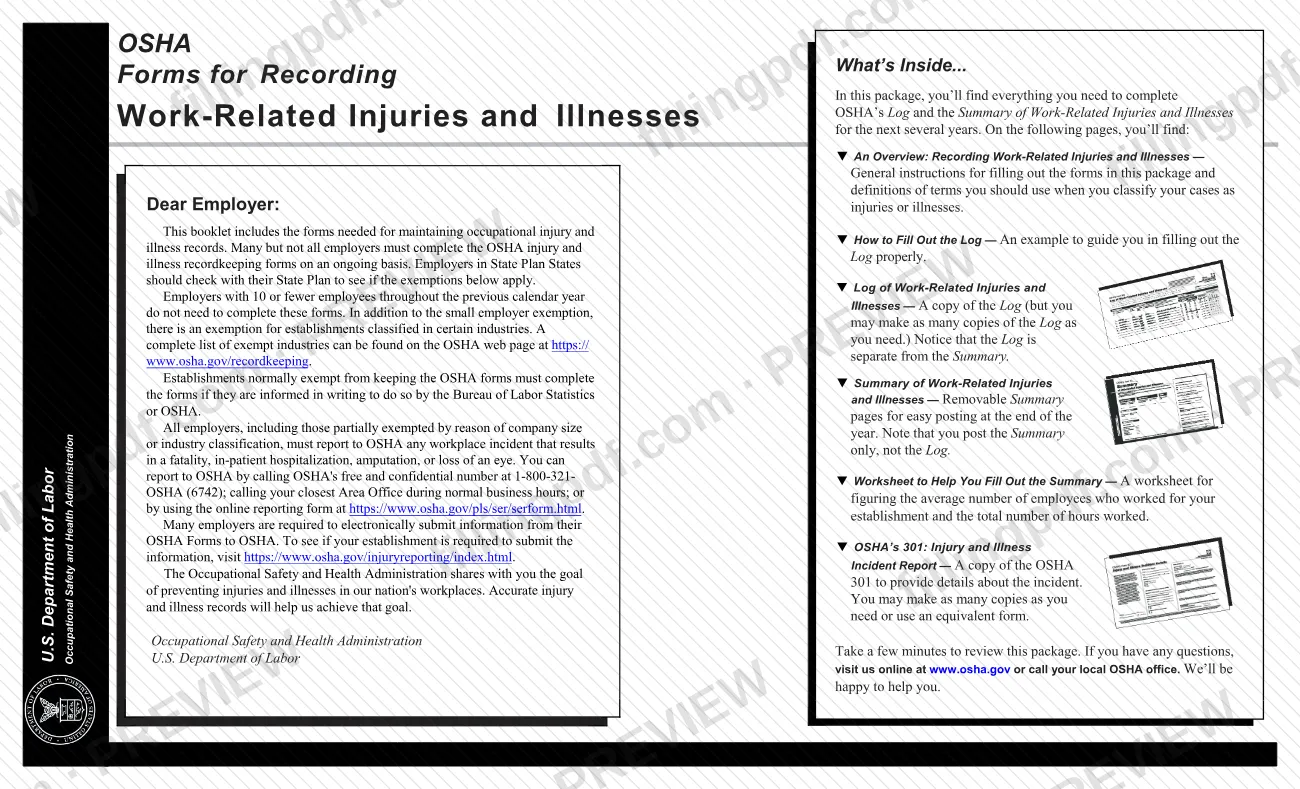
The Log of Work-Related Injuries and Illnesses (OSHA Form 300) is the OSHA recordkeeping form on which an employer classifies each recordable work-related injury or illness and notes its extent and severity, with details of what happened and how.
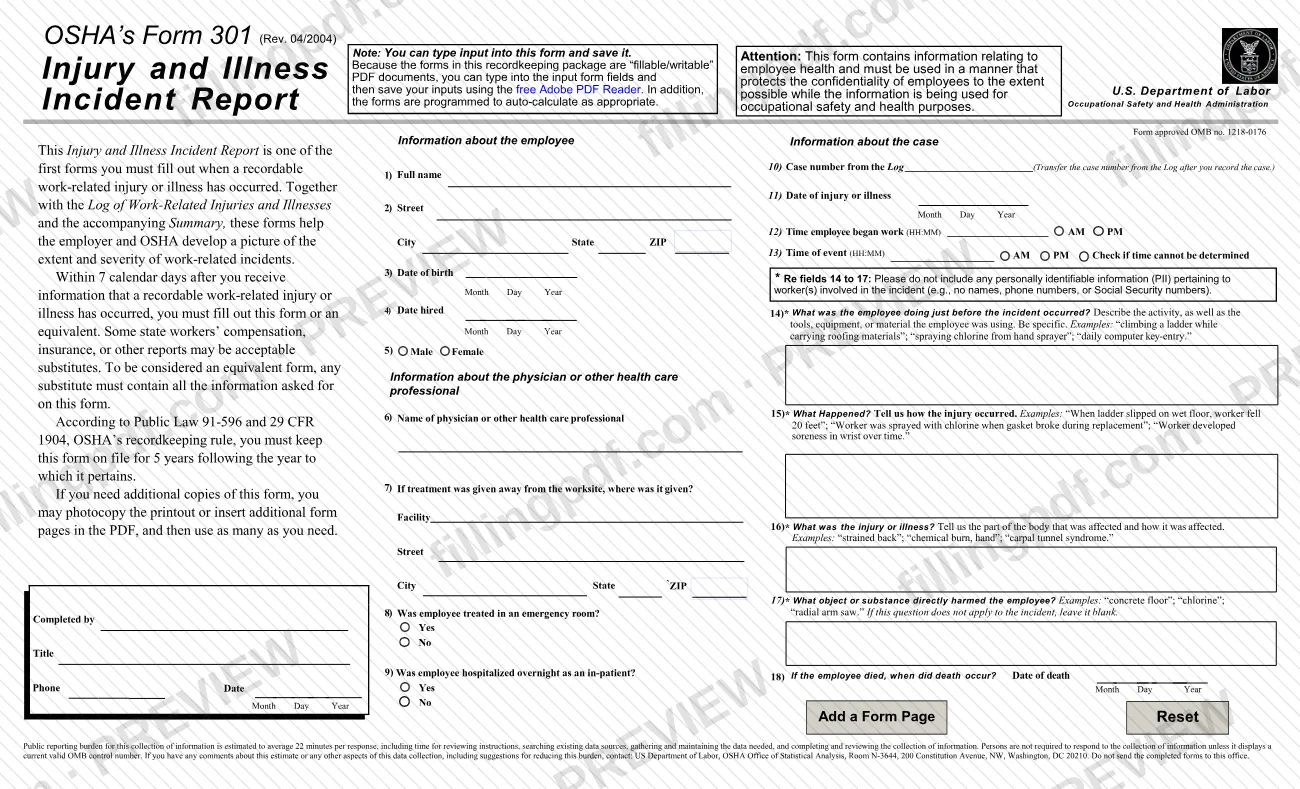
The Occupational Safety and Health (OSH) Act of 1970 requires certain employers to prepare and maintain these records. OSHA's recordkeeping regulation is 29 CFR Part 1904. The Log is printed with three companion forms in OSHA's recordkeeping package: the Form 300A Summary of Work-Related Injuries and Illnesses, the optional worksheet for the Summary, and the Form 301 Injury and Illness Incident Report.
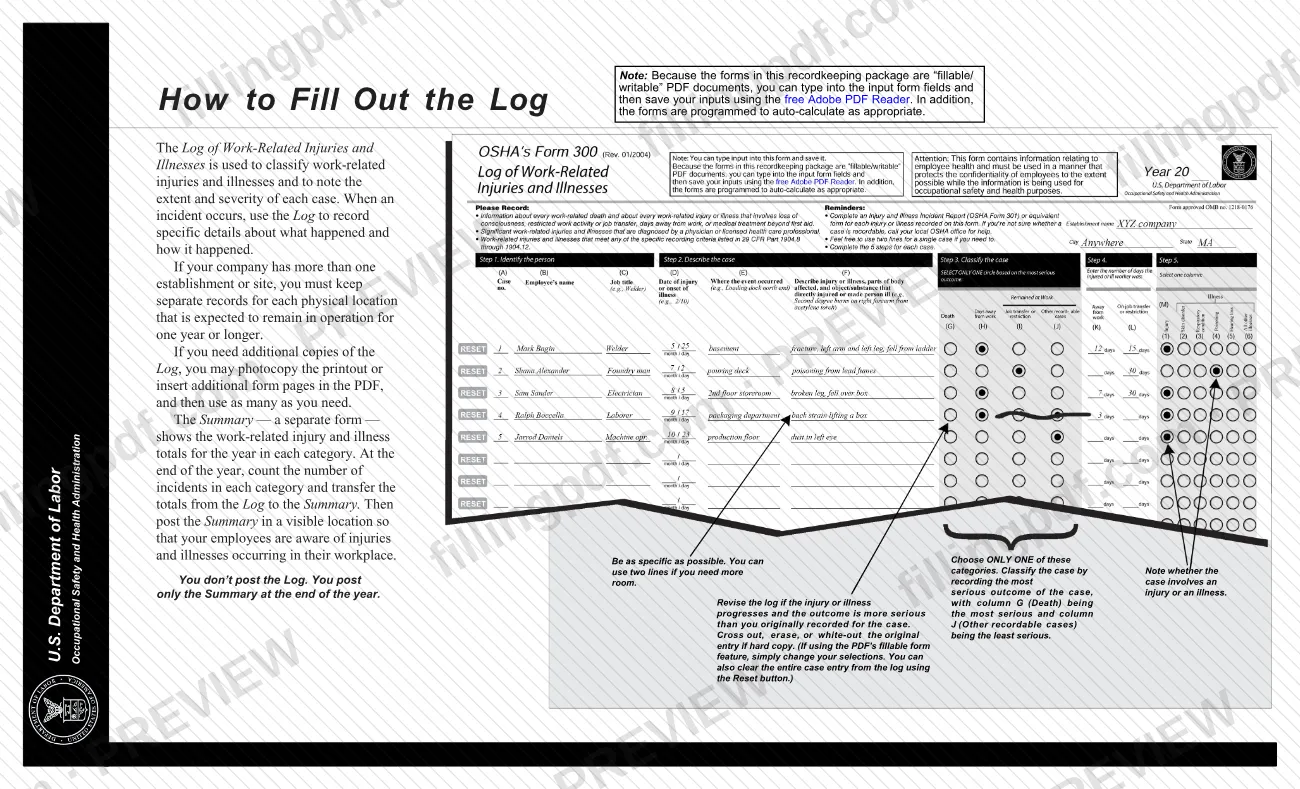
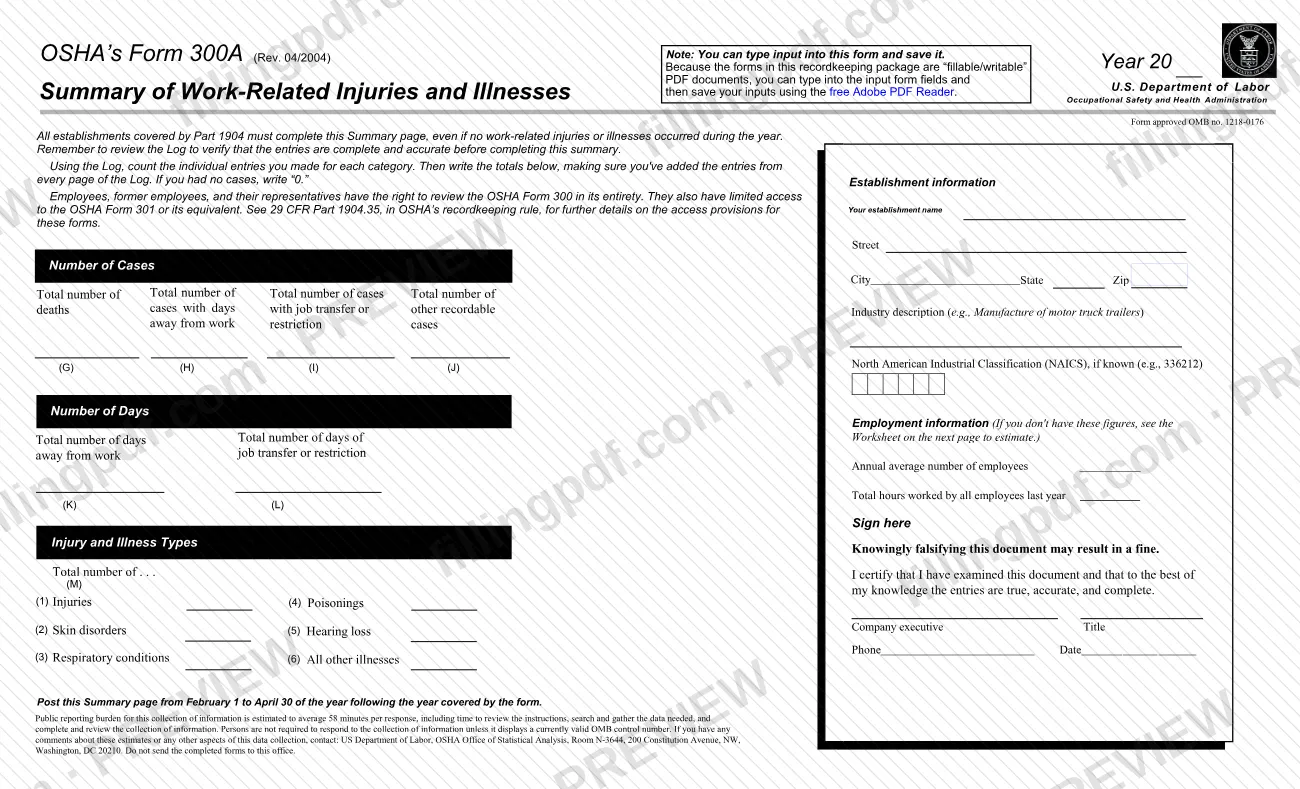
The Log differs from the Summary. The Log holds one entry per case, with the employee, the date, where it happened, what happened and how serious it was. The Summary shows the year's totals for each category. You post only the Summary, never the Log.
OSHA states that listing a case on the Log does not mean the employer or worker was at fault or that an OSHA standard was violated, and that logged cases are not necessarily eligible for workers' compensation or other insurance benefits. The form contains employee health information and must be handled so that employee confidentiality is protected as far as possible. Employees have the right to review the Log (29 CFR 1904.35).
Who needs to file 300?
Many, but not all, employers must keep the Log. Each employer with a covered establishment keeps a separate Log for every physical location expected to be in operation for one year or longer.
Exemptions, as OSHA's package explains them:
- Employers with 10 or fewer employees throughout the previous calendar year do not need to complete the forms.
- Establishments classified in certain industries are also exempt; OSHA lists them at https://www.osha.gov/recordkeeping.
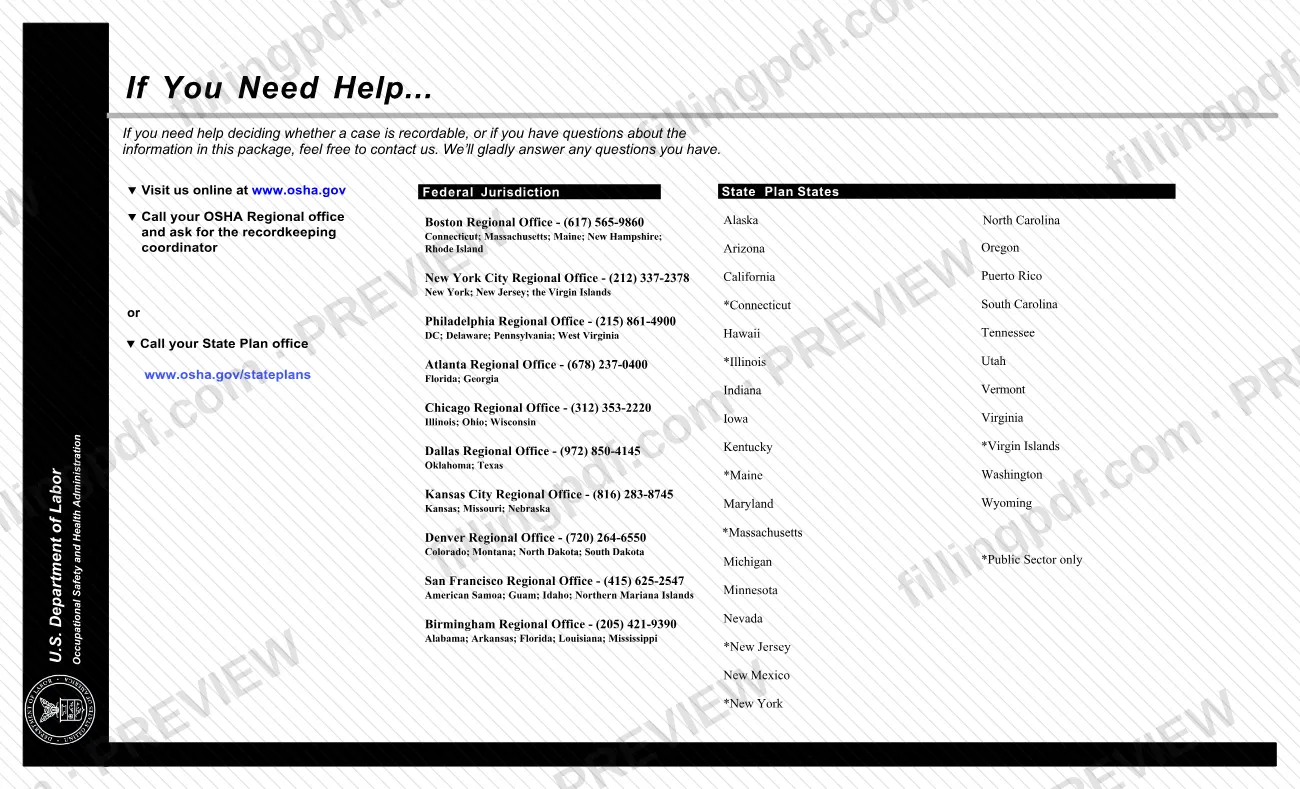
- Employers in State Plan States should check with their State Plan to see whether these exemptions apply.
An establishment that is normally exempt must still complete the forms if the Bureau of Labor Statistics (BLS) or OSHA informs it in writing to do so.
Exemption from the Log does not remove the duty to report to OSHA any workplace incident that results in a fatality, in-patient hospitalization, amputation, or loss of an eye. All employers have that duty, including partially exempt ones.
Employees, former employees and their representatives may review the Log in its entirety.
When to file 300
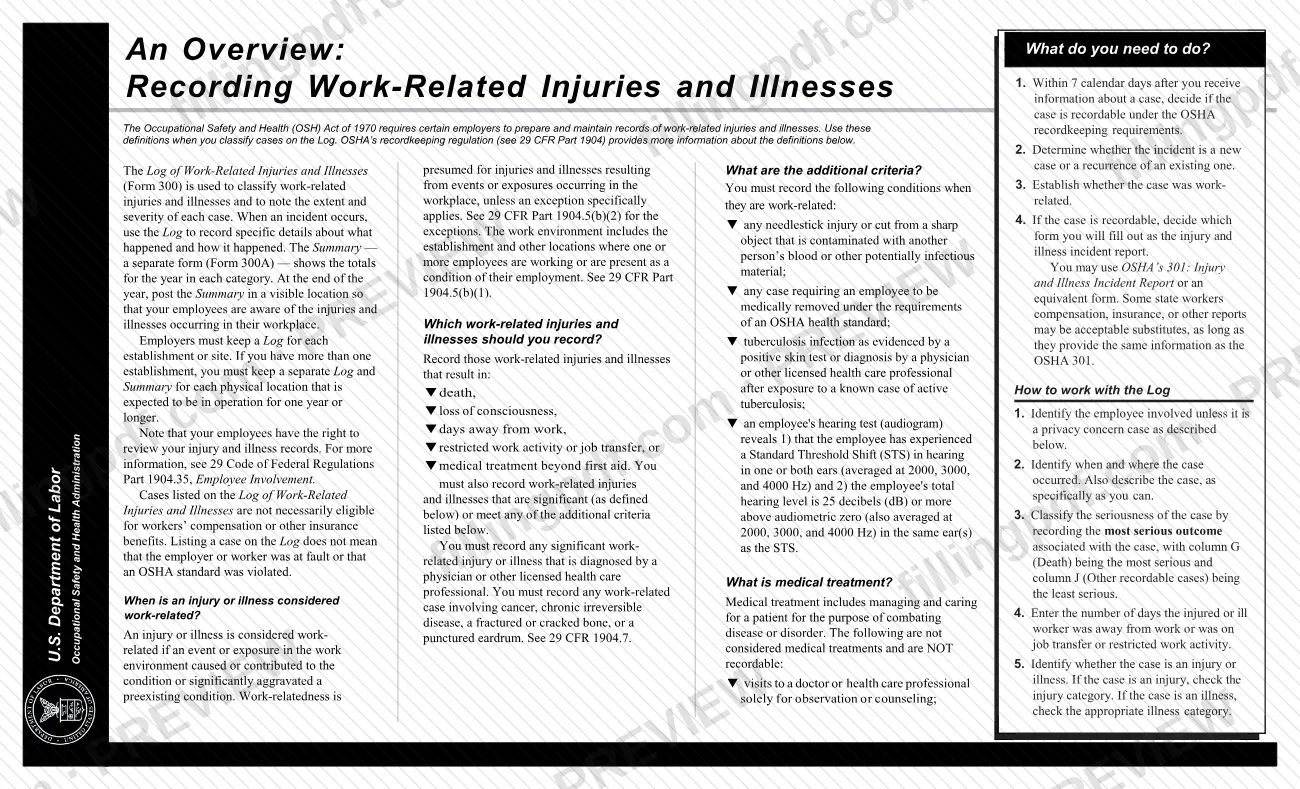
Record a case on the Log after you decide it is recordable, which you must do within 7 calendar days after you receive information about the case. The Log is therefore kept on an ongoing basis, with entries added as incidents occur, and you complete a Form 301 or equivalent for each case you record.
At the end of the year, count the entries in each category, transfer the totals to the Form 300A Summary and post the Summary, not the Log, by February 1 of the following year. Keep it posted until April 30 of that year.
Keep the Log and Summary for 5 years following the year to which they pertain. If a case's outcome gets worse after you record it, revise the entry to show the most serious outcome.
Documents you need
- OSHA Form 301, Injury and Illness Incident Report, or an equivalent form, completed for each injury or illness recorded on the Log.
- A separate, confidential list of case numbers and employee names for the establishment's privacy concern cases, kept so you can update those cases and give information to the government if asked.
How to fill out 300
Save the PDF and set up the Log
Download the OSHA PDF to your computer before entering data, as OSHA advises. At the top enter the Year (20__), the establishment name, the city and the state.
Enter the case number and employee
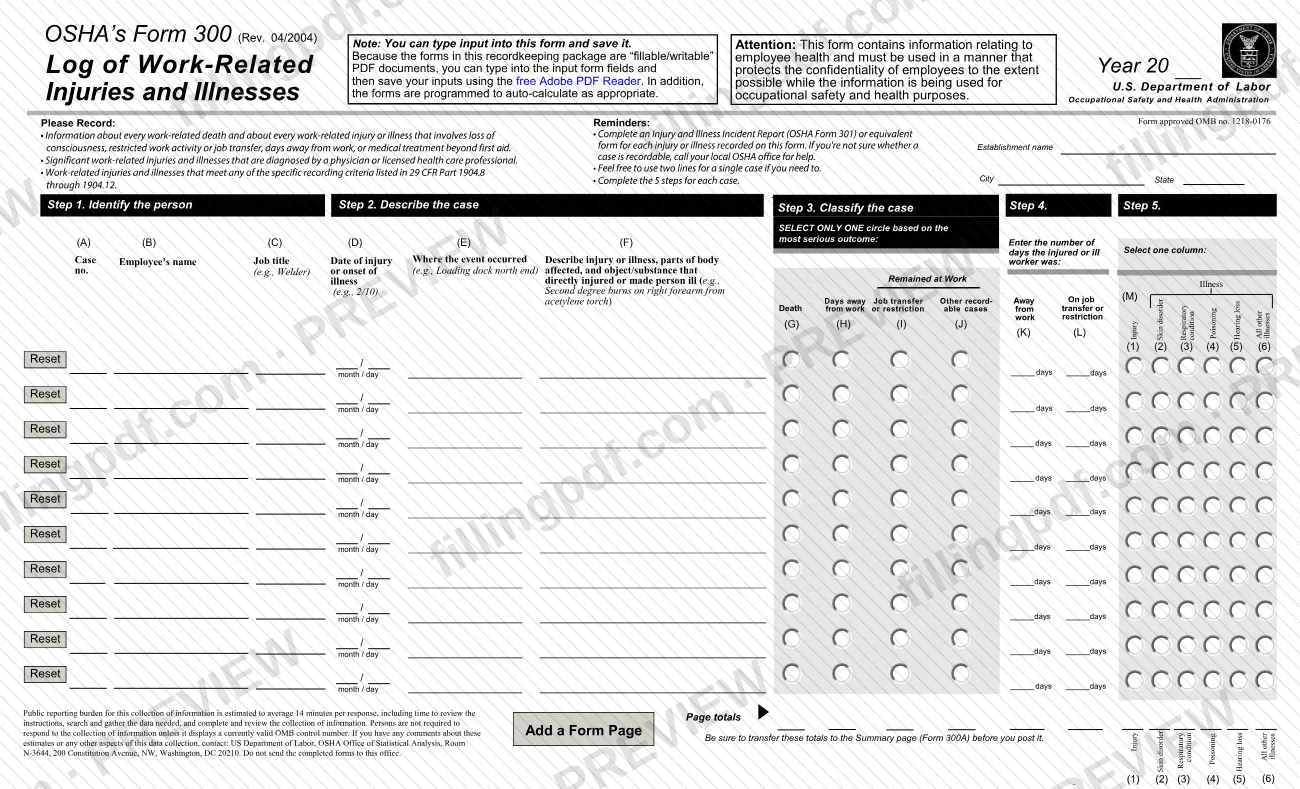
Column (A) is the case number and column (B) is the employee's name. For a privacy concern case, write "privacy case" instead of the name and keep a separate confidential list of case numbers and names.
Add job title and date
Column (C) is the employee's job title (for example, Welder). Column (D) is the date of injury or onset of illness, entered as month and day, such as 2/10.
Say where the event occurred
In column (E) give the place, such as the north end of the loading dock. Be as specific as possible; you can use two lines for one case if you need more room.
Describe the injury or illness
In column (F) describe the injury or illness, the parts of the body affected and the object or substance that directly injured or made the person ill. For example: second degree burns on right forearm from acetylene torch.
Classify the case in one column
Select only one of columns (G) Death, (H) Days away from work, (I) Job transfer or restriction, or (J) Other recordable cases. Choose the most serious outcome, with G the most serious and J the least.
Enter the number of days
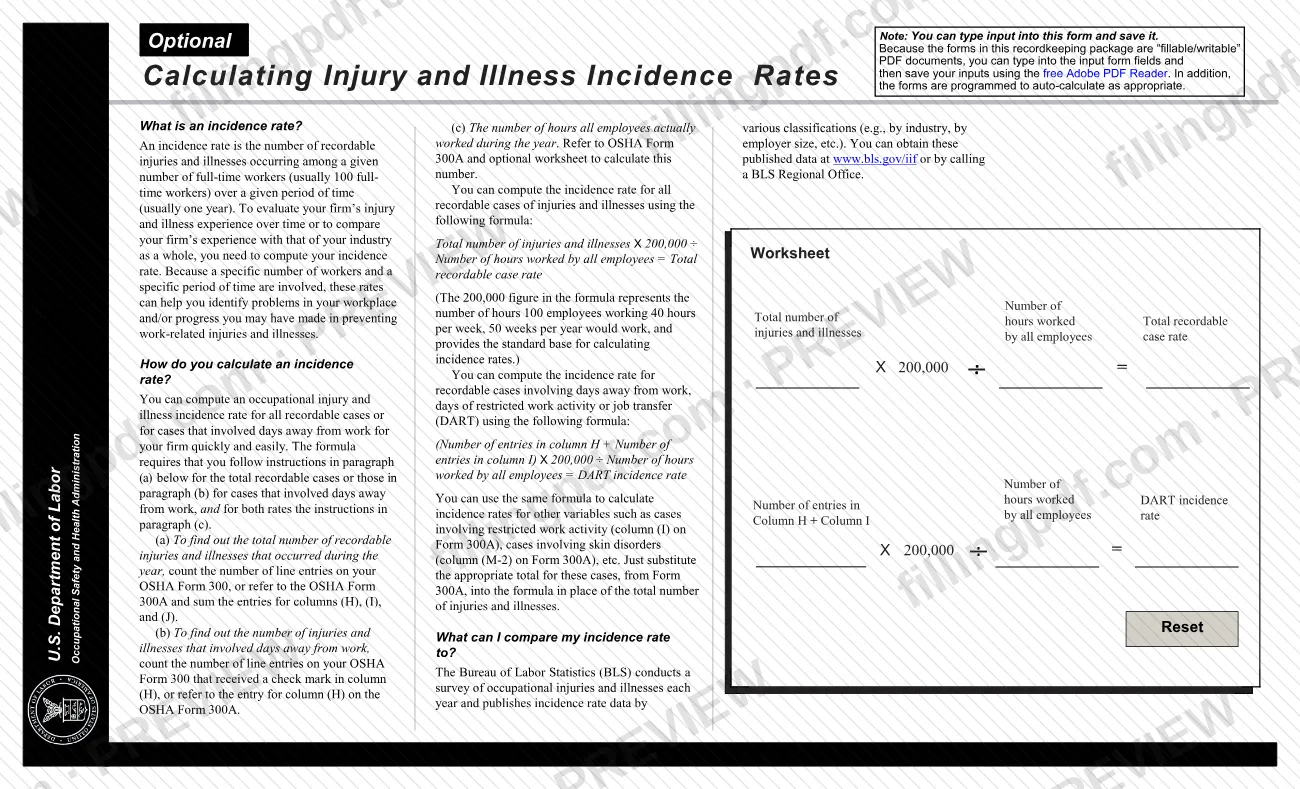
Column (K) is days away from work and column (L) is days on job transfer or restriction. Start counting the day after the incident, and you may stop counting once the total reaches 180 days.
Mark injury or illness type
In column (M) select one: (1) Injury, (2) Skin disorder, (3) Respiratory condition, (4) Poisoning, (5) Hearing loss or (6) All other illnesses.
Add pages and check page totals
Use Add a Form Page if you need more rows. The page totals row adds each column automatically; the Reset button clears a case entry.
Review, save and download the PDF
Check that every case has a Form 301 or equivalent and that the totals are right before moving them to the Form 300A Summary. Then download or print the completed PDF from FillingPDF; OSHA notes the forms are not designed for 8.5 x 11 paper, so use Shrink to Fit if needed.
How to submit 300
OSHA does not take the Log through any mailing or email channel. The Log is kept at the establishment, and covered establishments send their data electronically.
- Injury Tracking Application (ITA): covered establishments submit their annual 300A, 300 and 301 data through the ITA. OSHA's page states that it does not accept completed paper forms by mail or electronic forms by email. To see whether your establishment must submit, visit https://www.osha.gov/injuryreporting/index.html.
- On file at the establishment: keep the Log for 5 years after the year it covers. Do not post it; post only the Form 300A Summary. Employees may review the Log.
- Do not send completed forms to the OSHA Office of Statistical Analysis in Washington, DC; the form itself says not to.
Separately, a fatality, in-patient hospitalization, amputation or loss of an eye is reported to OSHA by calling 1-800-321-OSHA (6742), by calling your closest Area Office during normal business hours, or online at https://www.osha.gov/pls/ser/serform.html.
FillingPDF lets you fill out and download the PDF; submission follows the channels above.
Common mistakes to avoid
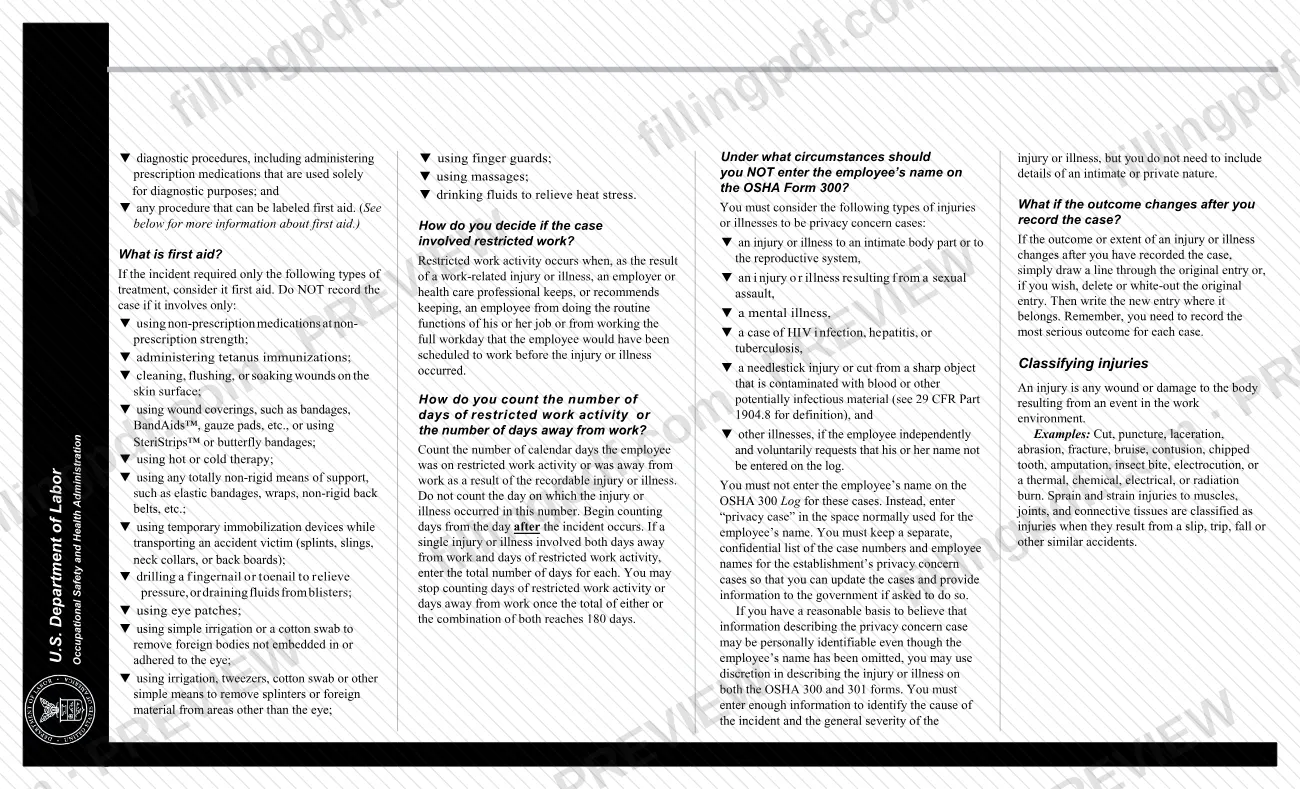
- Entering an employee's name on the Log for a privacy concern case instead of writing "privacy case" in the name space.
- Checking more than one of columns G, H, I and J for a case; the form says to select only one, based on the most serious outcome.
- Counting the day of the injury or illness in the days away or restricted days; counting begins the day after the incident.
- Posting the Log instead of the Form 300A Summary; only the Summary is posted, between February 1 and April 30.
- Keeping one Log for several locations; each physical location expected to operate for one year or longer needs its own Log and Summary.
- Forgetting to update an entry when the outcome becomes more serious than first recorded; record the most serious outcome.
- Transferring totals to the Summary without adding the entries from every page of the Log.
- Printing the PDF from a web browser or editing it in a browser plug-in viewer; OSHA says to save the file and open it in Acrobat.
Frequently asked questions
What is the OSHA 300 form used for?
The OSHA 300 Log of Work-Related Injuries and Illnesses is where an employer records each recordable work-related injury or illness and classifies its severity. Its yearly totals go onto the Form 300A Summary, which is the document posted for employees.
Does my business have to keep an OSHA 300 log?
Not always. Employers with 10 or fewer employees throughout the previous calendar year are exempt, as are establishments in certain industries, unless BLS or OSHA informs them in writing to keep the forms. State Plan States should check their State Plan for these exemptions.
Do I post the OSHA 300 log?
No. You post only the Form 300A Summary, not the Log, by February 1 of the year after the one covered, and keep it posted until April 30. The Log stays on file, and employees have the right to review it.
How long do I keep the OSHA 300 log?
Keep the Log and the Summary for 5 years following the year to which they pertain. Form 301 incident reports are kept on file for the same 5 years.
Can I fill out the OSHA 300 log online?
Yes. You can fill out the OSHA 300 PDF online on FillingPDF and download or print it. FillingPDF is independent of OSHA and does not submit anything; the data OSHA collects goes through its Injury Tracking Application.
Do I send the OSHA 300 form to OSHA?
Not by mail or email. OSHA does not accept completed paper forms by mail or electronic forms by email. Establishments required to report submit their annual 300A, 300 and 301 data through OSHA's Injury Tracking Application.
What do I write for the employee name in a privacy case?
Write "privacy case" in the name space instead of the employee's name. Cases that count include injuries to an intimate body part, sexual assault, mental illness, and HIV, hepatitis or tuberculosis cases. Keep a separate confidential list of case numbers and names.
What is the difference between OSHA 300, 300A and 301?
Form 300 is the Log with one line per case. Form 300A is the yearly Summary of totals that you post. Form 301 is the Injury and Illness Incident Report with details of each case; you may use an equivalent form instead.
Ready to fill out 300?
Fill out 300 now