
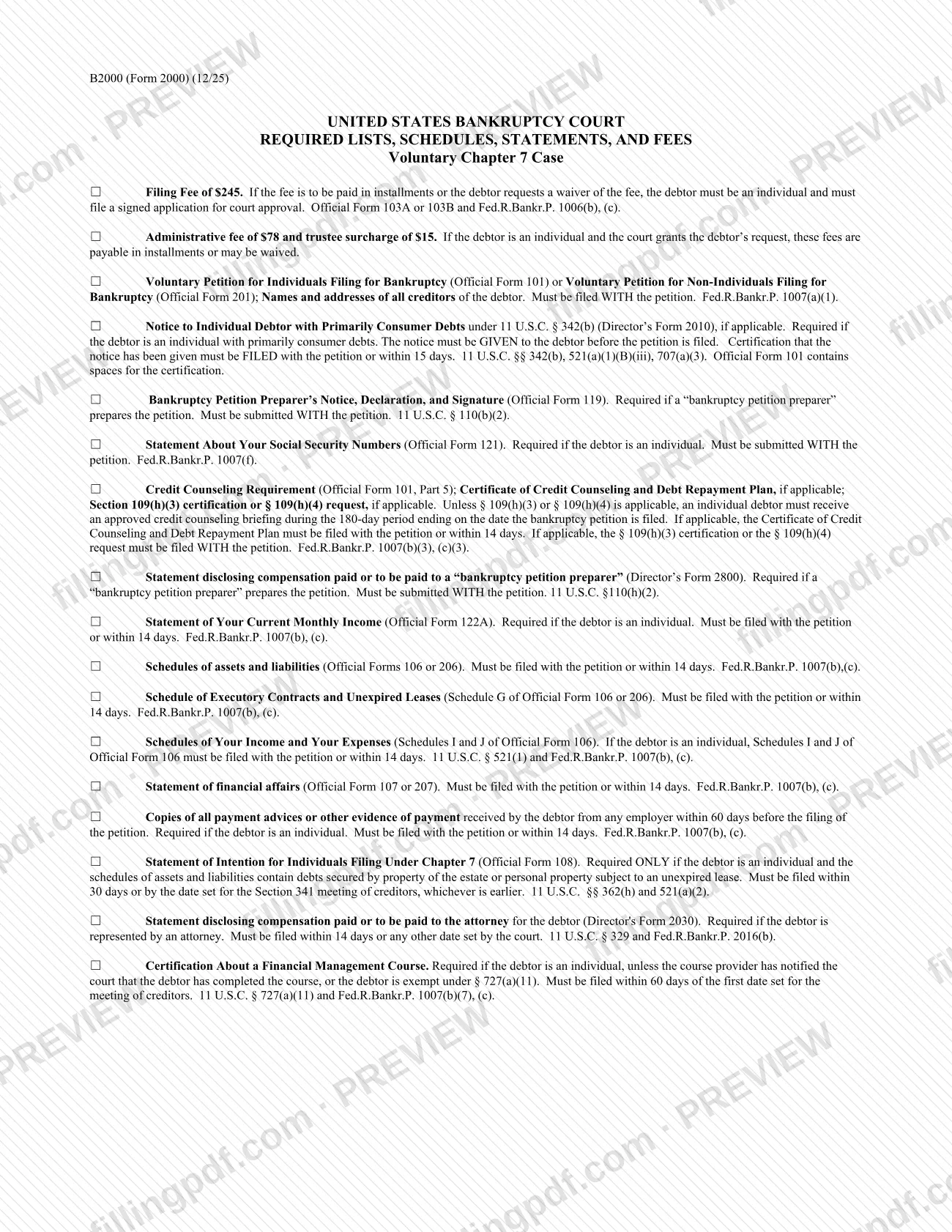
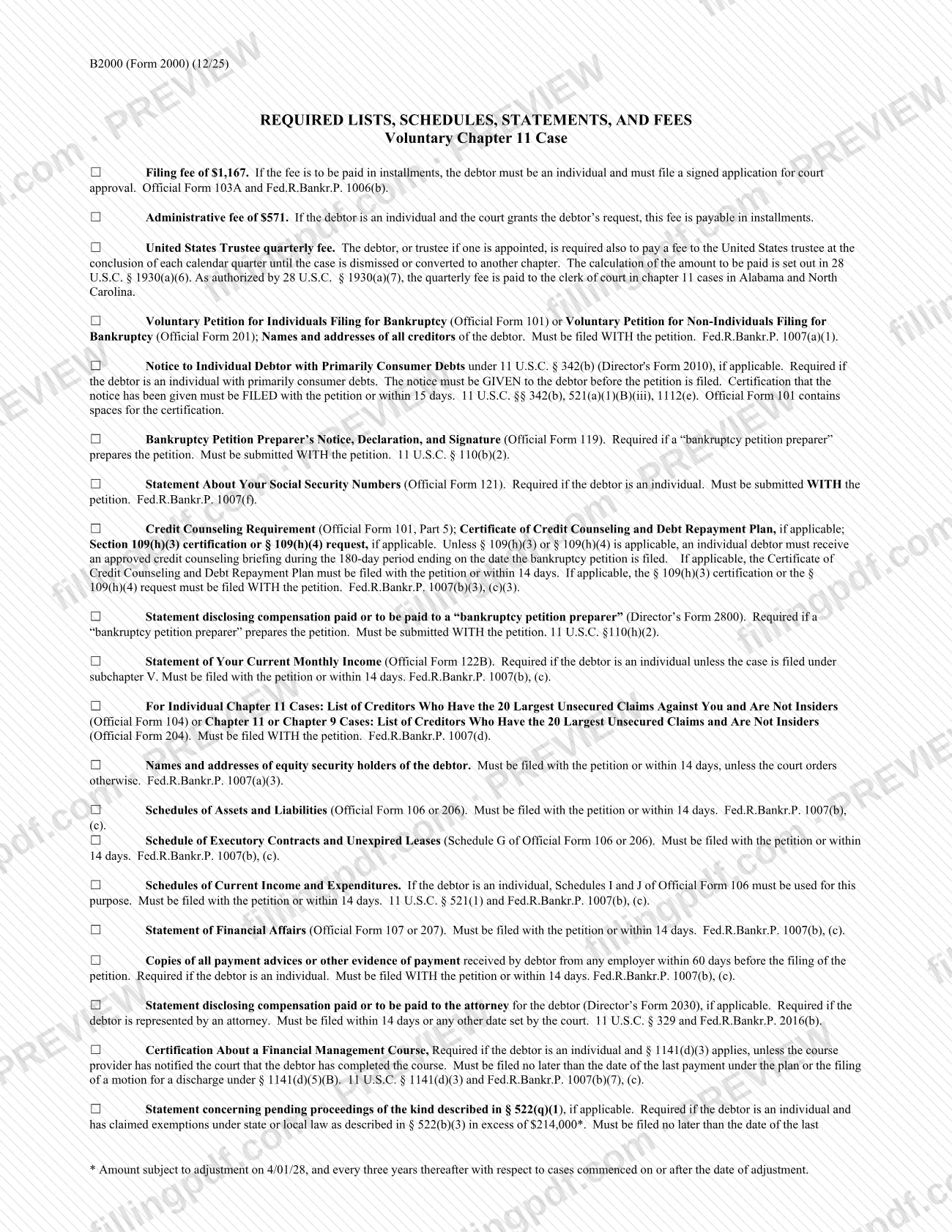
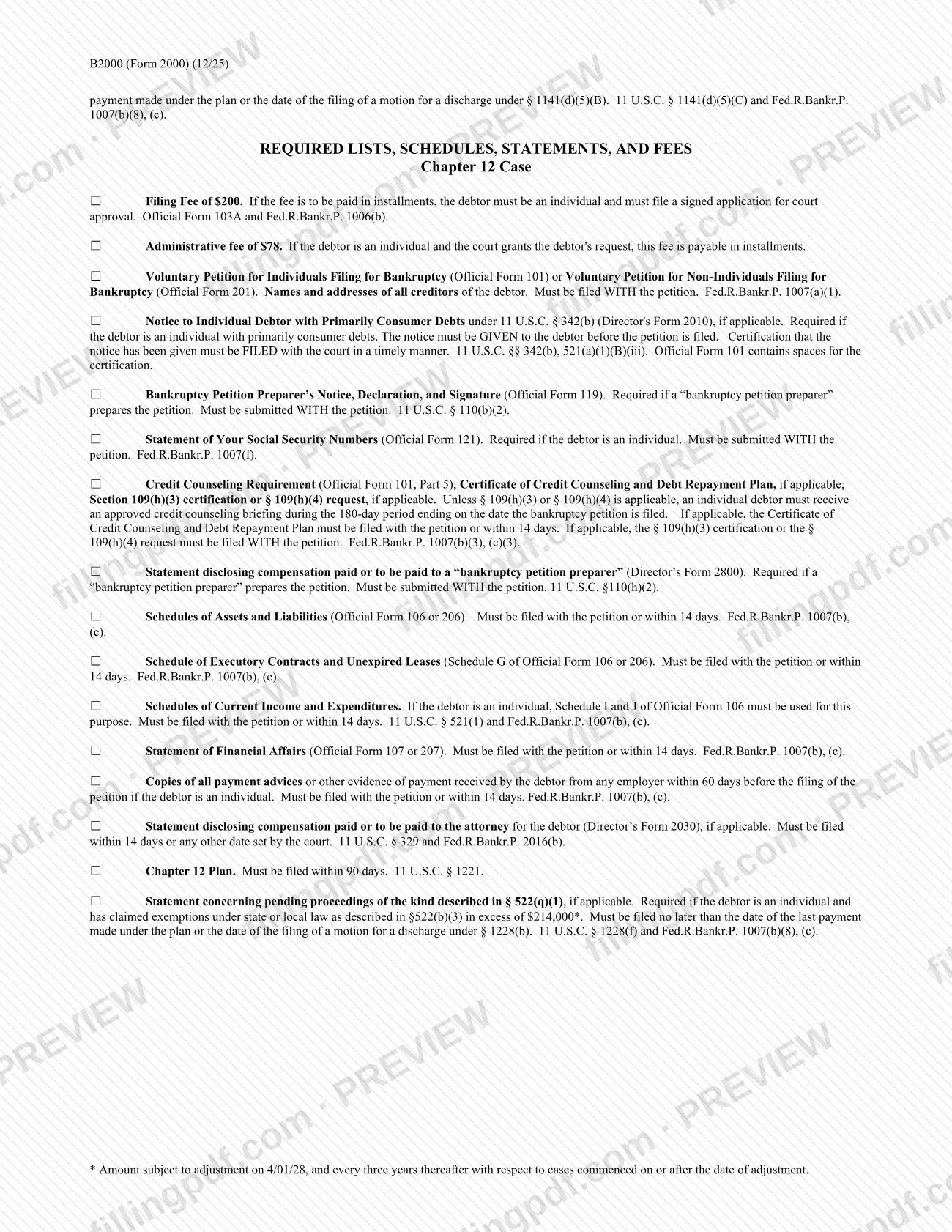
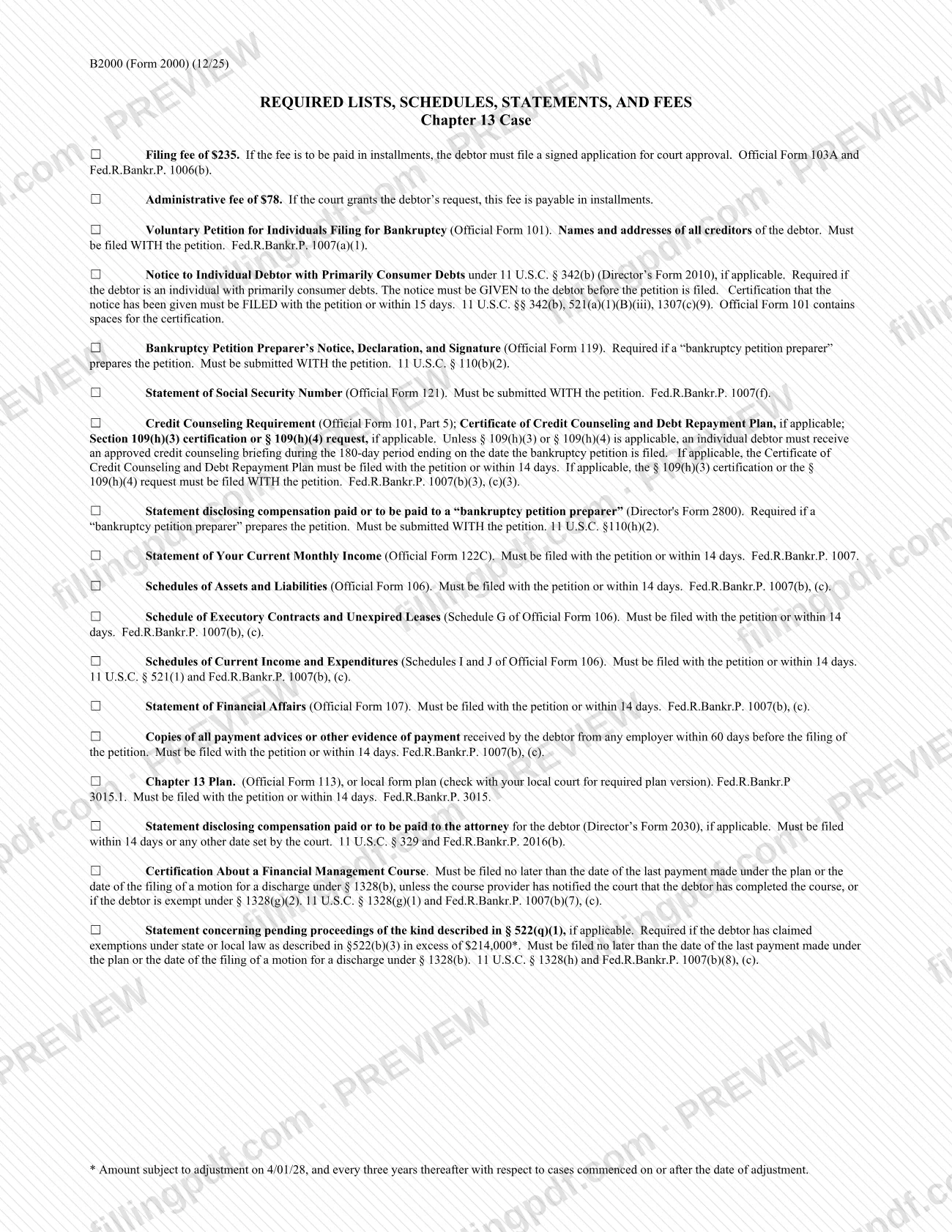
Fill out Form B2000, Required Lists, Schedules, Statements, and Fees right in your browser: type your answers into the form fields, review them and download a completed PDF ready to print, sign or submit. Below you will find what the form is for, who needs it and how to complete it step by step.
Last updated
What is Form B2000, Required Lists, Schedules, Statements, and Fees?
Form B2000, Required Lists, Schedules, Statements, and Fees is an official form. This page explains what it is used for, who has to file it and how to complete it correctly.
How to fill out Form B2000, Required Lists, Schedules, Statements, and Fees
Open the form
Scroll to the top of this page to open Form B2000, Required Lists, Schedules, Statements, and Fees in the online editor. There is nothing to install.
Fill in the fields
Click each highlighted field and type your answer. Required fields are marked with an asterisk.
Review your answers
Check names, dates and identification numbers against your documents before you finish.
Download the completed PDF
Click Generate PDF to download the completed form, then print, sign and submit it as the official instructions require.
Frequently asked questions
Can I fill out Form B2000, Required Lists, Schedules, Statements, and Fees online?
Yes. Open the form at the top of this page, fill in the fields in your browser and download the completed PDF.
Do I need to sign Form B2000, Required Lists, Schedules, Statements, and Fees?
Check the official instructions for the form. If a handwritten signature is required, print the completed PDF and sign it before you submit it.
Is my data stored?
Your answers are only used to generate your PDF. Without a subscription they are deleted 7 days after you create them. With a subscription they are kept while it lasts and for 30 days after it ends.
Ready to fill out Form B2000, Required Lists, Schedules, Statements, and Fees?
Fill out Form B2000, Required Lists, Schedules, Statements, and Fees now