
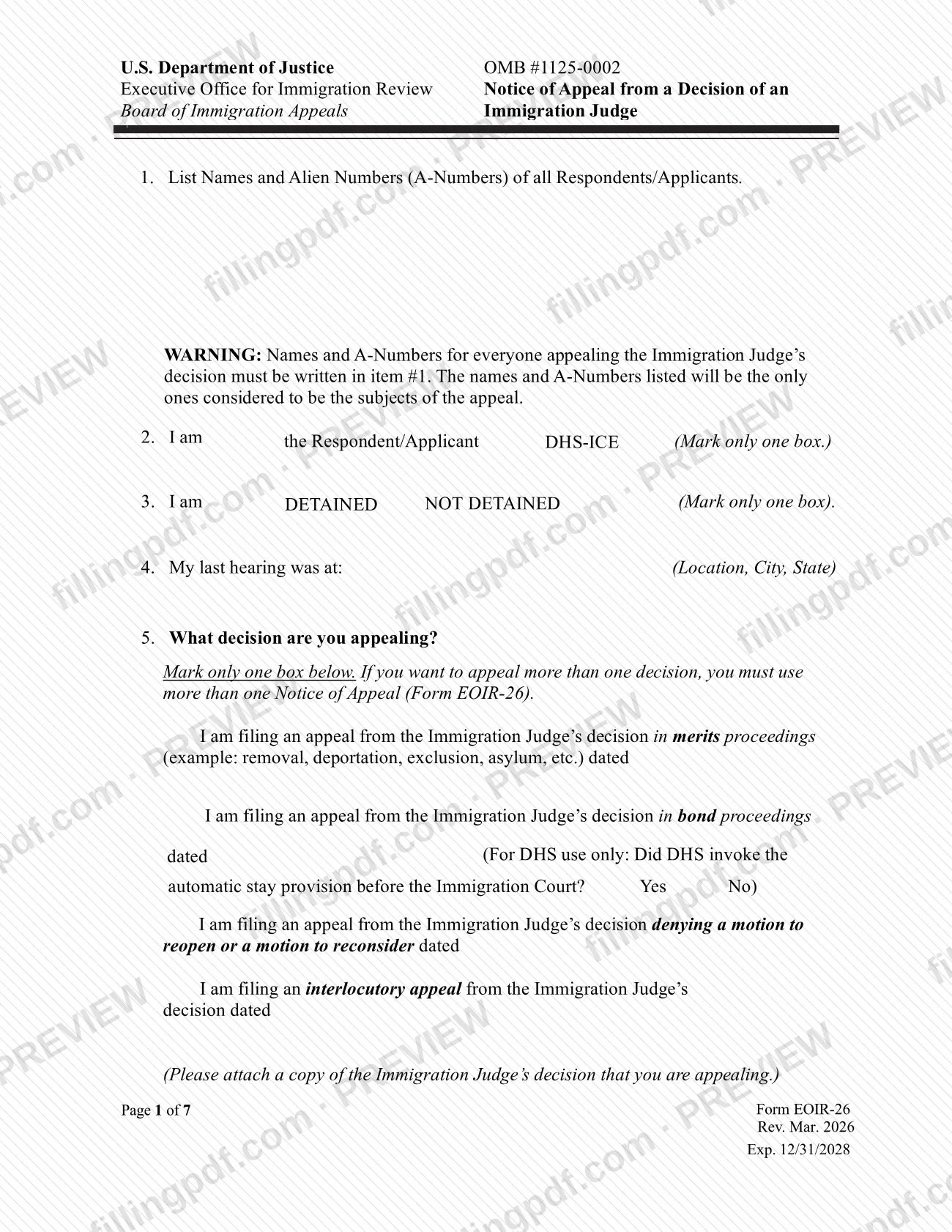

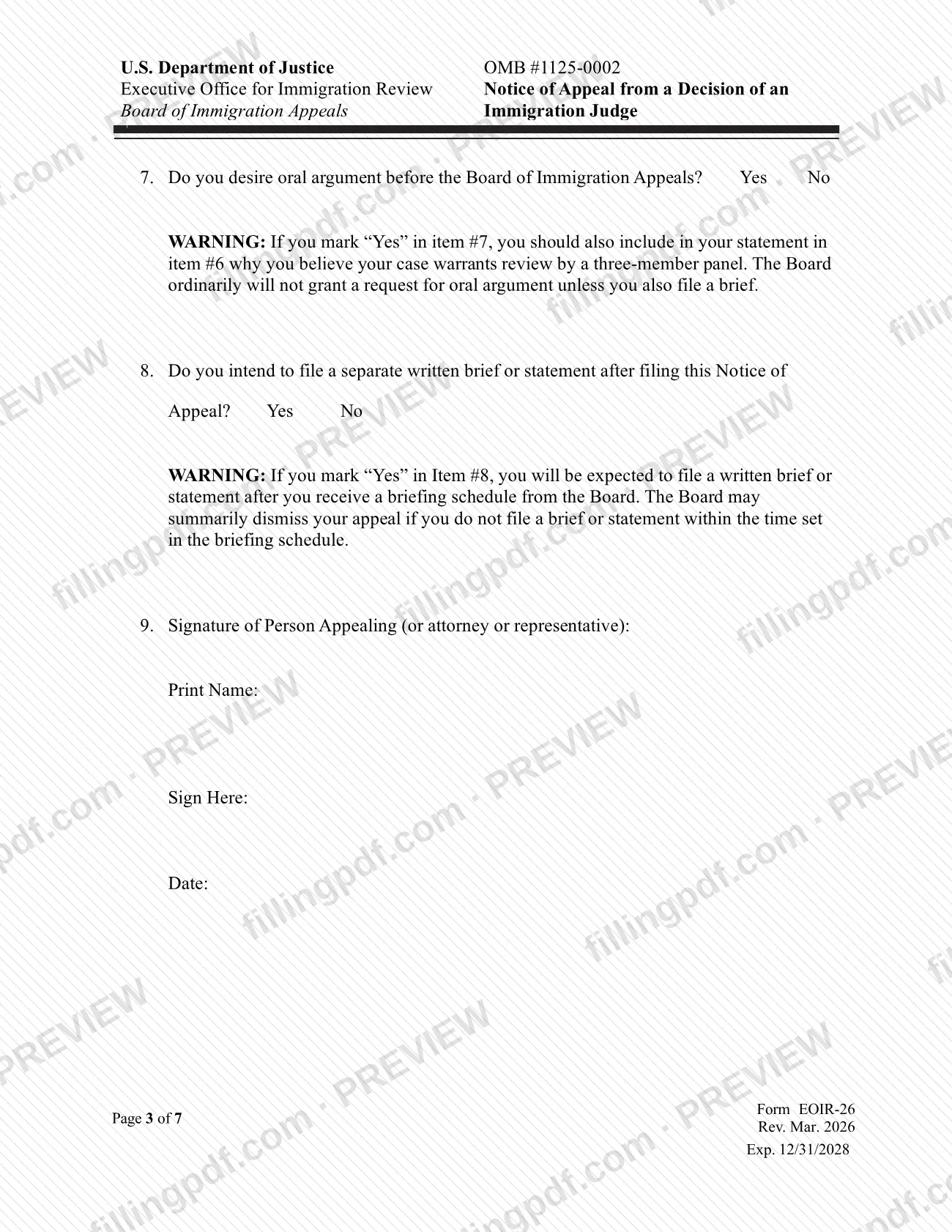


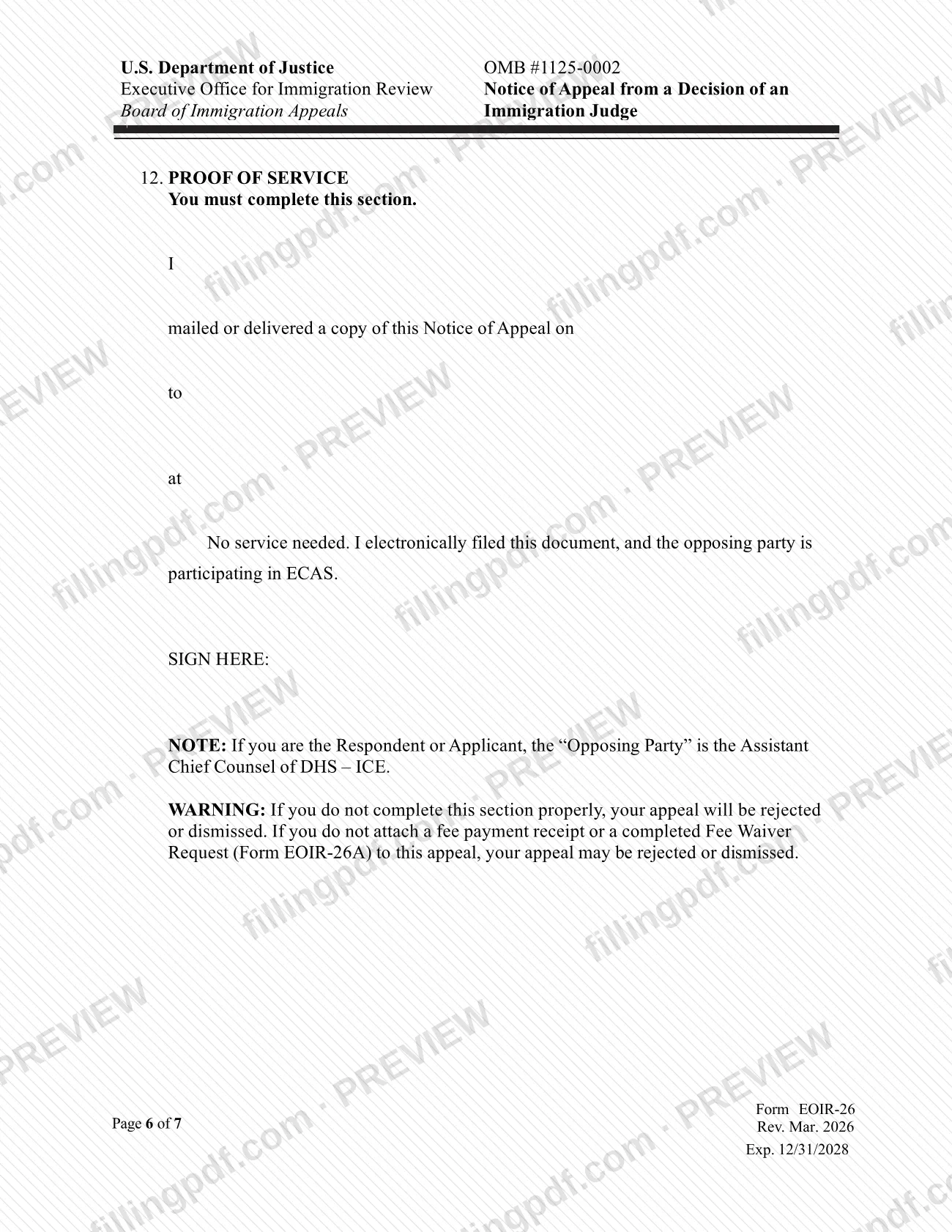

EOIR-26 is the Notice of Appeal from a Decision of an Immigration Judge, a form of the Executive Office for Immigration Review (EOIR) at the Department of Justice (DOJ). It is the form used to give notice that a decision of an immigration judge is being appealed. On this page you can fill out the form online on FillingPDF and download or print the completed PDF; the official PDF is published by EOIR, and the form is filed through EOIR's own channels, not through this site.
Last updated
What is EOIR-26?
EOIR-26, Notice of Appeal from a Decision of an Immigration Judge, is a form of the Executive Office for Immigration Review (EOIR), a component of the Department of Justice (DOJ), used to give notice of an appeal from an immigration judge's decision.
The title identifies the subject of the form: an appeal taken from a decision made by an immigration judge. EOIR publishes the PDF at https://www.justice.gov/eoir/media/1344261/dl?inline, and that is the version to rely on for the current wording of the form.
EOIR also operates an online portal at https://portal.eoir.justice.gov/. Its access notice says the portal is limited to authorized users and covers registration to practice before EOIR, creating and managing an account profile with the required DOJ account, downloading case materials, and electronically filing designated forms, including sending and receiving service of electronically filed materials.
Deadlines, fees and detailed filing rules for an appeal are set by EOIR, so read EOIR's published instructions for this form before you prepare it.
Who needs to file EOIR-26?
The form is for a person who is appealing a decision of an immigration judge, as the title of the form states. Someone acting for the appealing person should confirm in EOIR's published instructions who may sign and file for another person.
If you plan to file electronically, note that the EOIR portal is limited to authorized users. Its access notice describes that use as registration to practice before EOIR with the required DOJ account, so the portal is not open to anyone without that account.
When to file EOIR-26
The triggering event is a decision of an immigration judge that you wish to appeal; the form's title ties it to that decision. The deadline and any extension rules are set by EOIR in its published instructions for the form, so check them before you prepare the notice and file it in time through EOIR's channels.
How to fill out EOIR-26
Open the form on this page
Open the EOIR-26 PDF and check that the title reads Notice of Appeal from a Decision of an Immigration Judge.
Read EOIR's instructions first
Review EOIR's published instructions for the form so you know what each entry requires and which deadline applies.
Complete the identifying information
Enter the names and details of the appealing person exactly as the form's labeled fields request, matching your case documents.
Describe the decision being appealed
Fill in the fields that identify the immigration judge's decision you are appealing, using the information from the decision itself.
Review entries and signature requirements
Check every field against your records and follow EOIR's instructions on who must sign the notice.
Download the PDF and file it
Download or print the completed PDF from FillingPDF, then file it through the EOIR channels described under How to submit.
How to submit EOIR-26
EOIR-26 is filed with EOIR, not through FillingPDF. The channel EOIR describes for electronic filing is its portal at https://portal.eoir.justice.gov/.
- EOIR portal: use is limited to authorized users with the required DOJ account. The portal's access notice says it is used for registration to practice before EOIR, account profile changes, downloading case materials and electronically filing designated forms, including the sending and receipt of service for electronically filed materials. Confirm with EOIR that this form is among the designated forms before relying on the portal.
- Other channels: for filing in any other way, such as by mail or in person, follow EOIR's published instructions for this form and the addresses they give.
Misuse of the portal or of an account is prohibited and may lead to criminal, civil or administrative penalties, according to the portal notice. FillingPDF lets you fill out and download the PDF; submission follows the channels above.
Common mistakes to avoid
- Trying to use the EOIR portal without the required DOJ account; the portal notice limits use to authorized users.
- Using the portal for anything beyond the purposes its notice lists: registration to practice before EOIR, account profile changes, downloading case materials and electronically filing designated forms.
- Assuming every form can be filed through the portal; the notice refers only to designated forms, so confirm that this form is designated.
- Treating a completed PDF as filed; the form reaches EOIR only when it is filed through an EOIR channel.
- Relying on an old copy of the form instead of the PDF EOIR publishes at its official link.
Frequently asked questions
What is the EOIR-26 form?
EOIR-26 is the Notice of Appeal from a Decision of an Immigration Judge, a form of the Executive Office for Immigration Review (EOIR) at the Department of Justice. It is used to give notice that an immigration judge's decision is being appealed.
Can I fill out EOIR-26 online?
Yes. You can fill out the EOIR-26 PDF online on FillingPDF and download or print it. FillingPDF is an independent service and does not file the form: you still file it with EOIR through its own channels.
Can I file EOIR-26 through the EOIR portal?
The EOIR portal at https://portal.eoir.justice.gov/ allows authorized users with the required DOJ account to electronically file designated forms. Confirm with EOIR that this form is among the designated ones before relying on the portal.
Who can use the EOIR portal?
Only authorized users. The portal's access notice limits use to registering to practice before EOIR, using the required DOJ account to manage a profile, downloading case materials and electronically filing designated forms.
Where do I get the official EOIR-26 PDF?
EOIR publishes the form at https://www.justice.gov/eoir/media/1344261/dl?inline. Use that file to make sure you have the current wording, and read EOIR's instructions for the deadline and filing rules.
Does completing EOIR-26 on FillingPDF count as filing my appeal?
No. FillingPDF only lets you fill out the form and download the PDF; it does not submit, file or track anything. The appeal is filed only when you file the form with EOIR through one of its channels.
Ready to fill out EOIR-26?
Fill out EOIR-26 now