
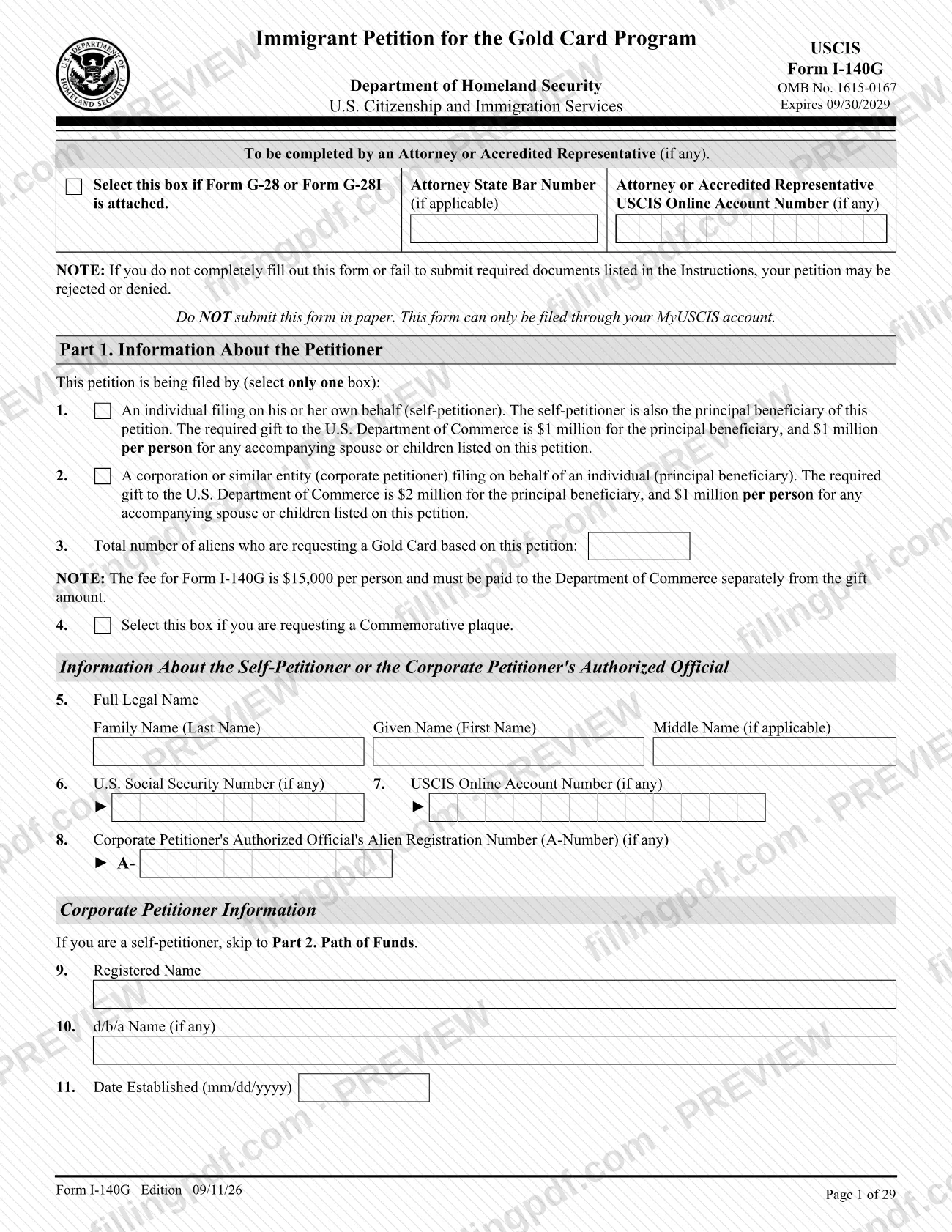
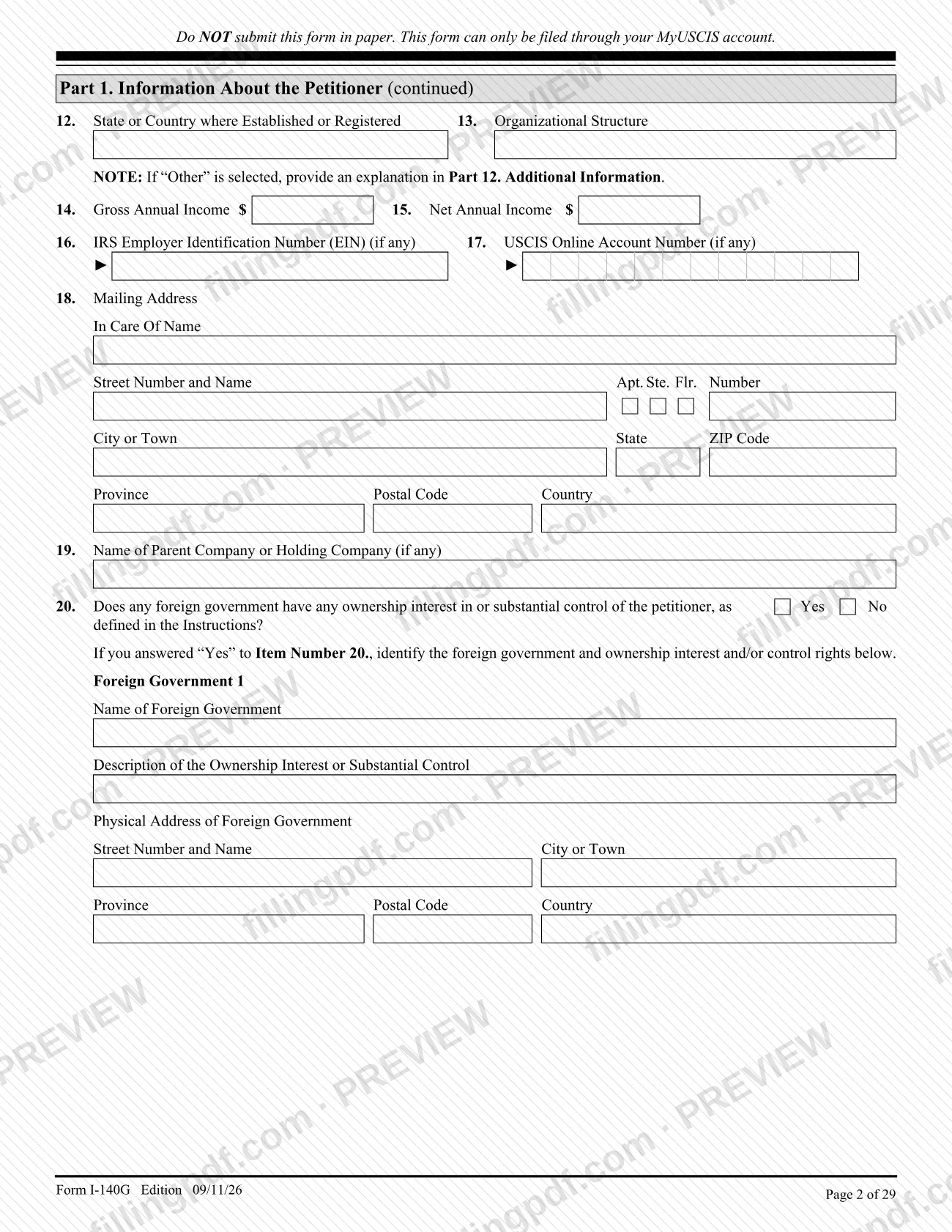
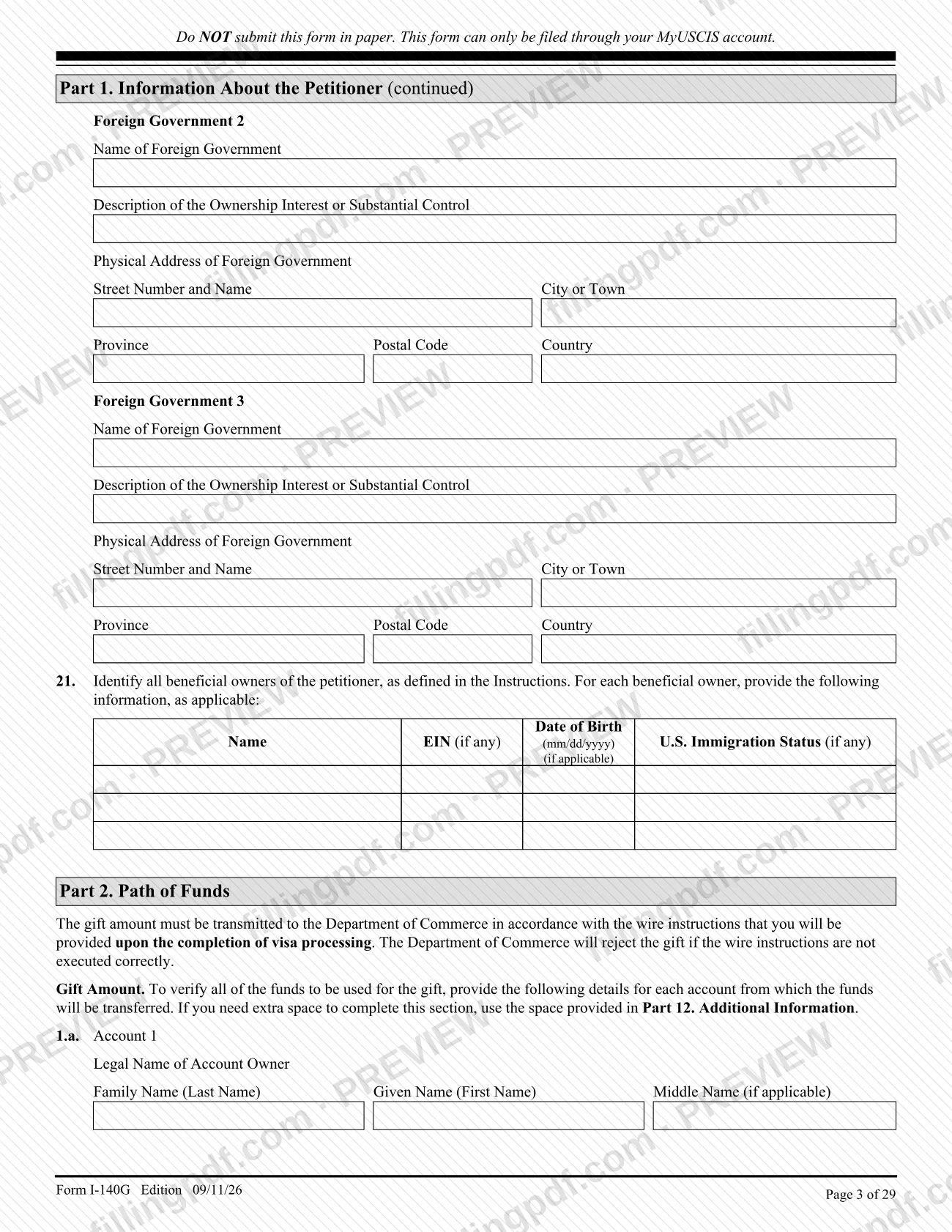
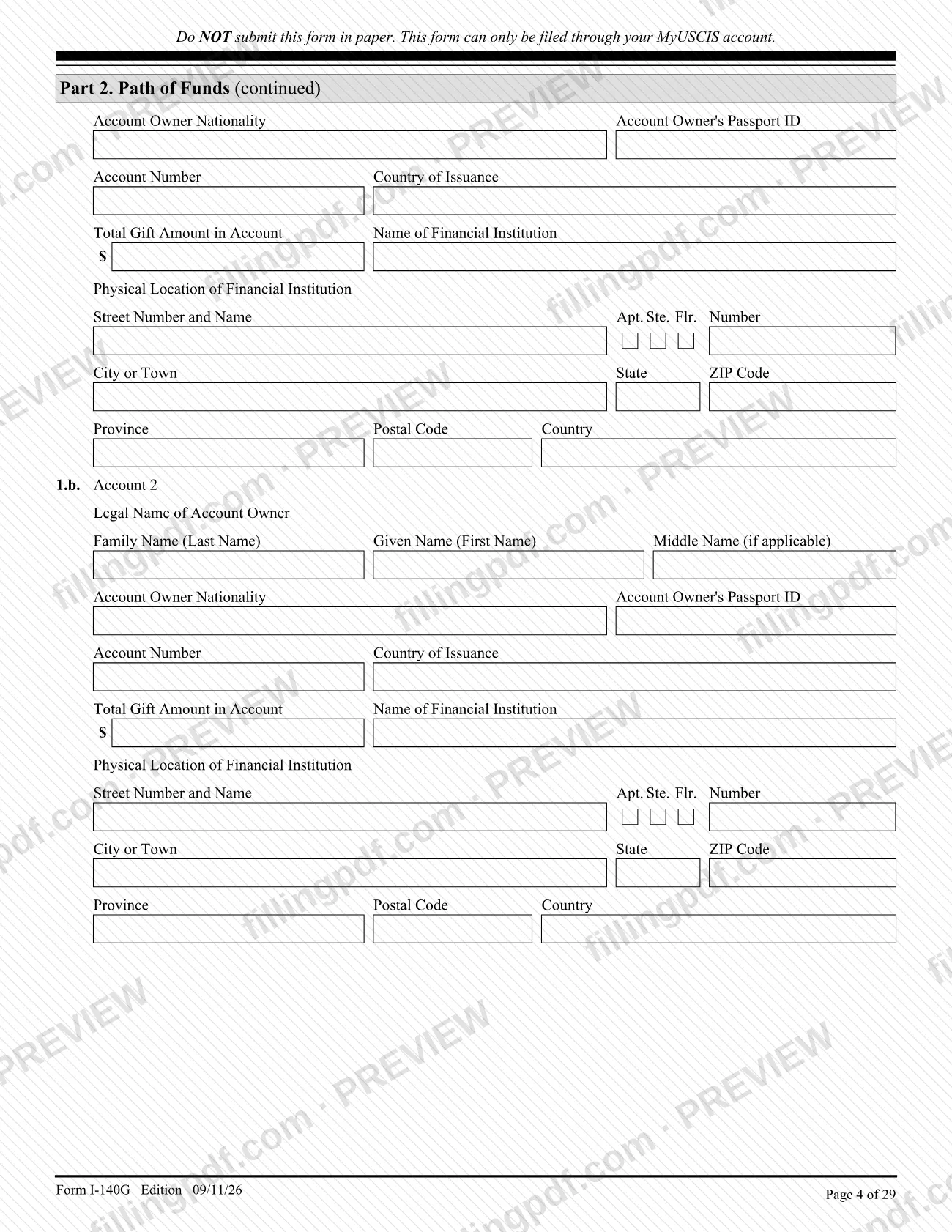
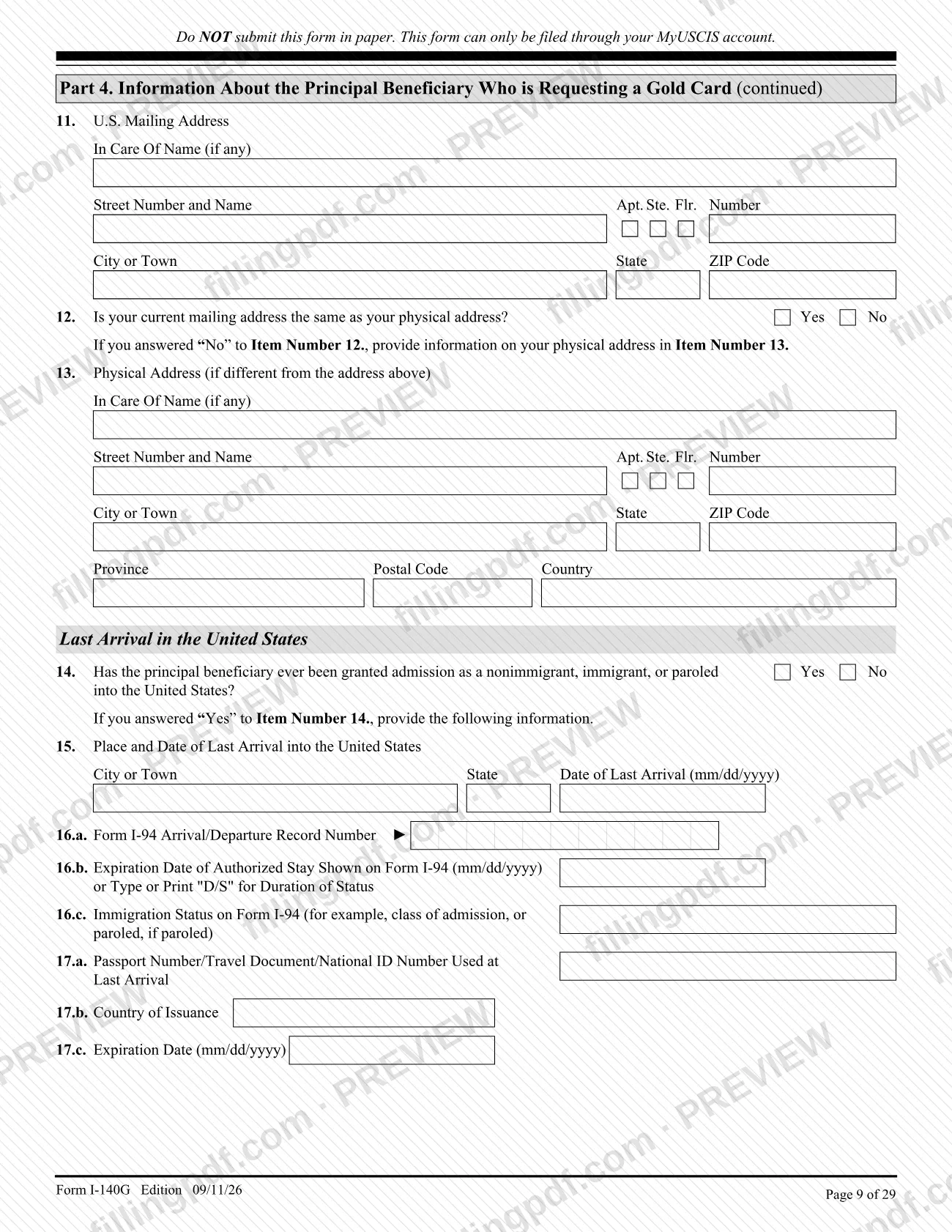
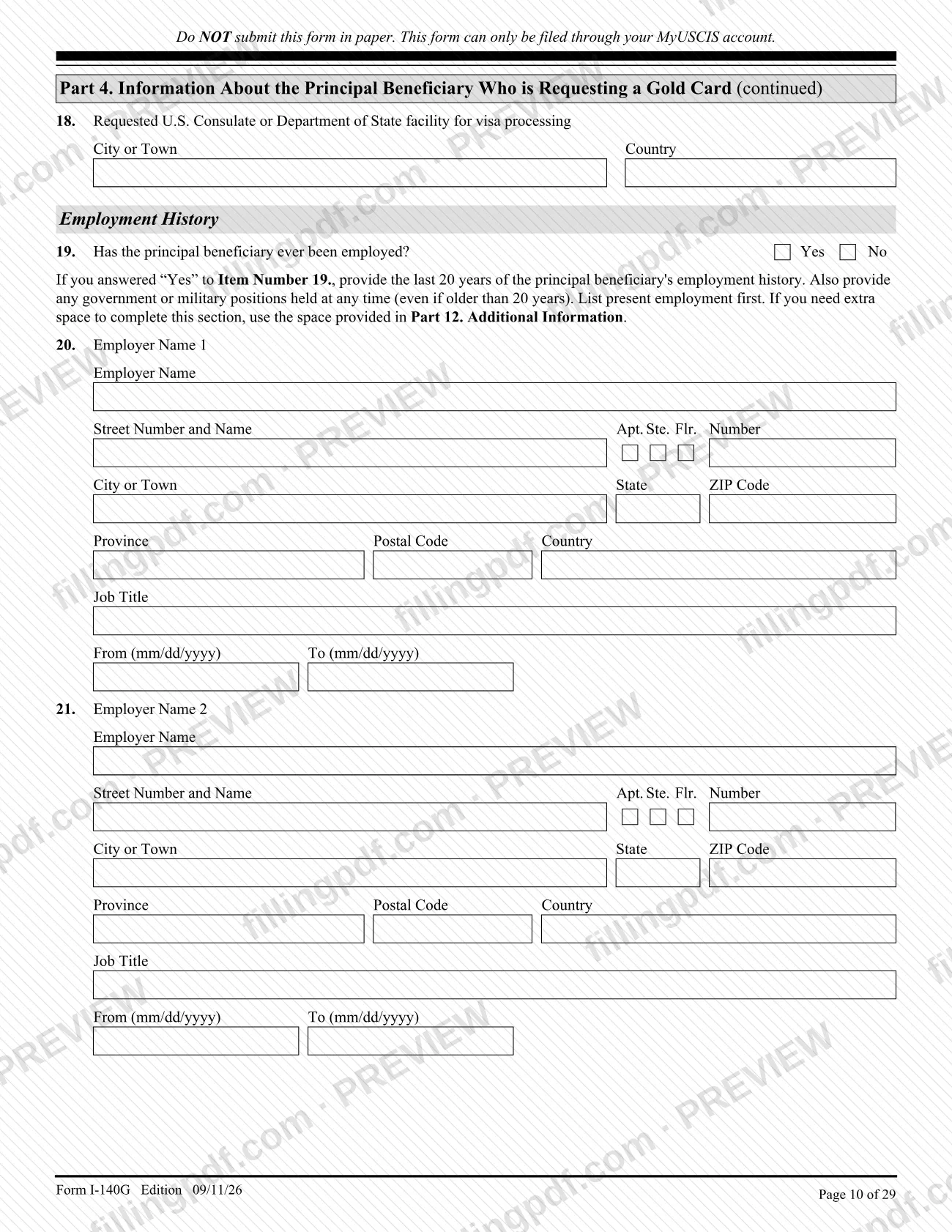
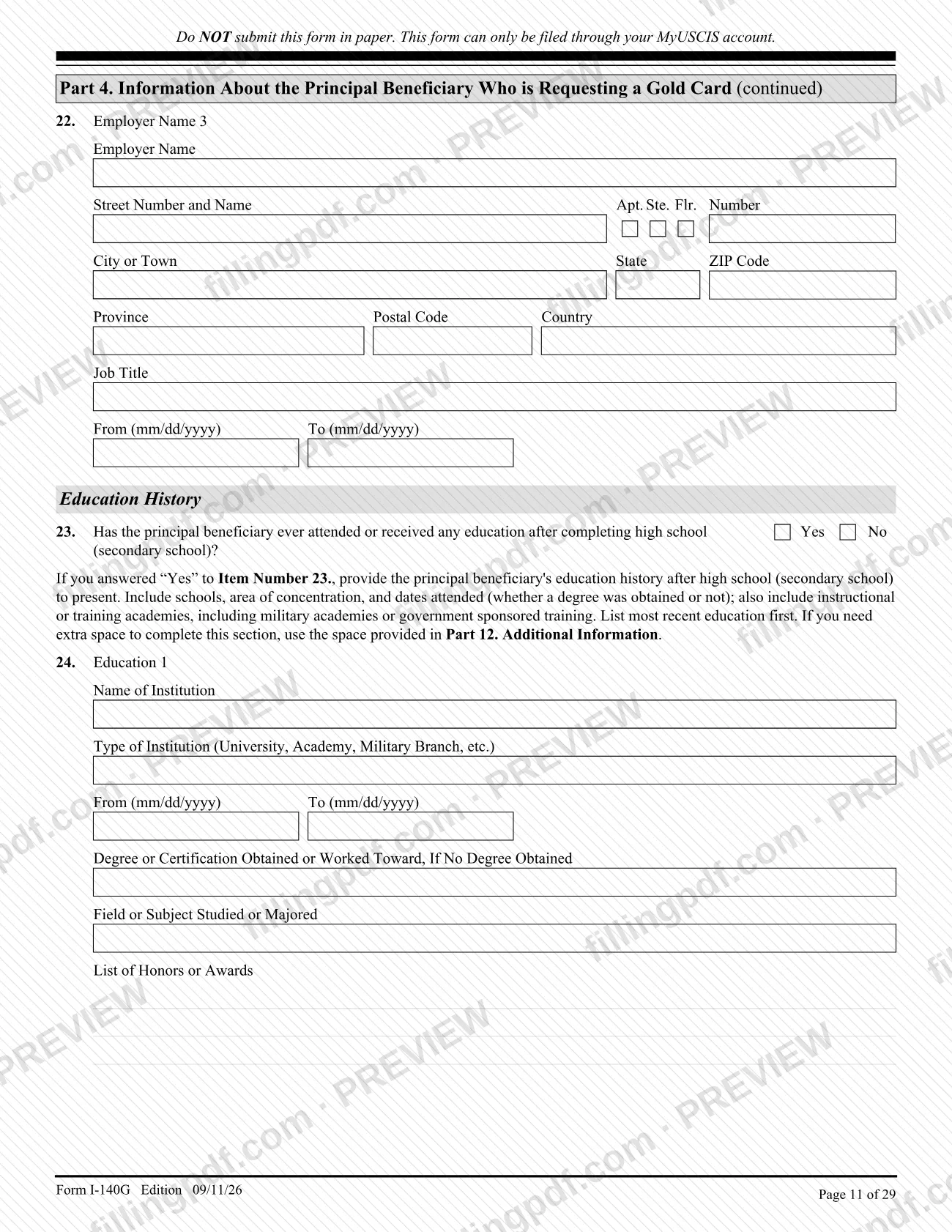
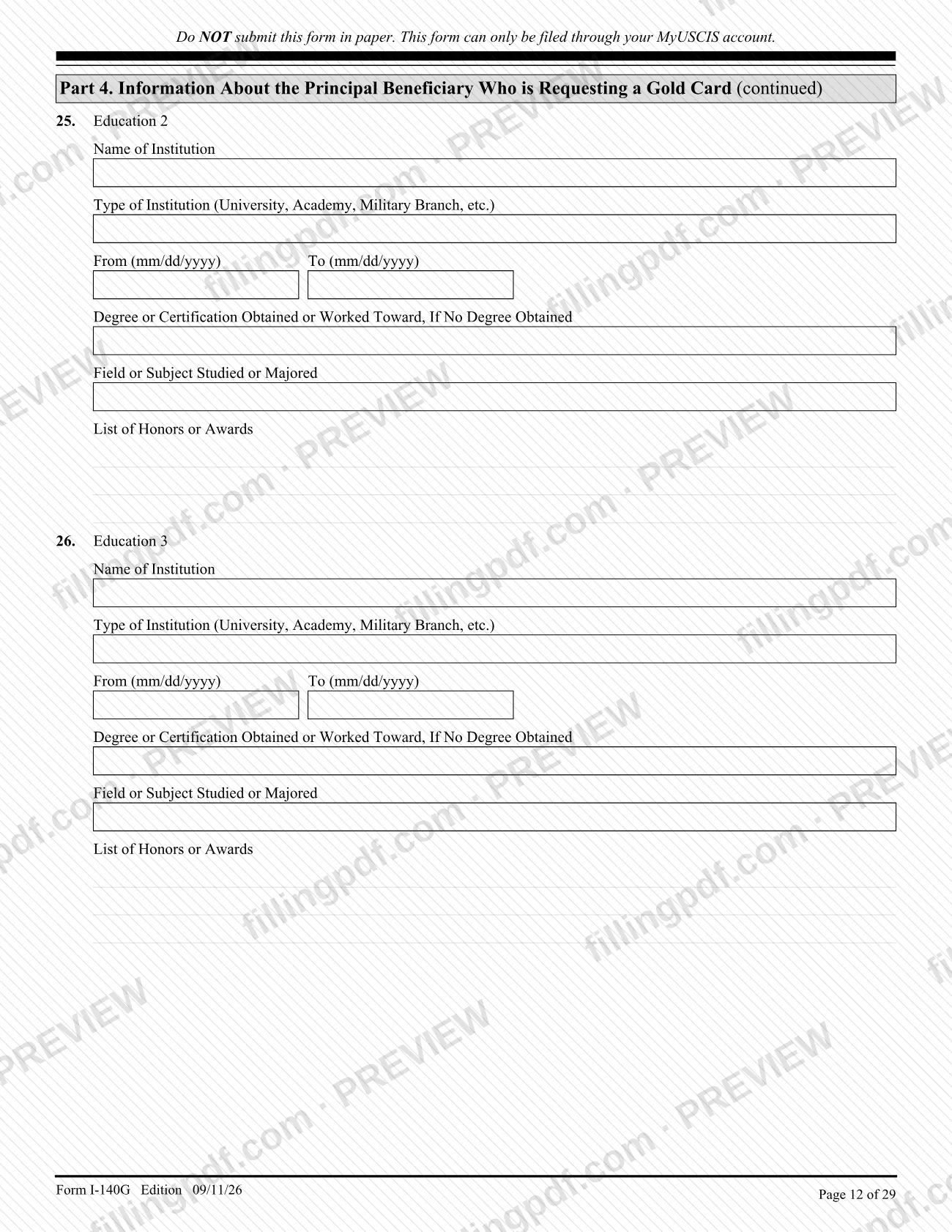
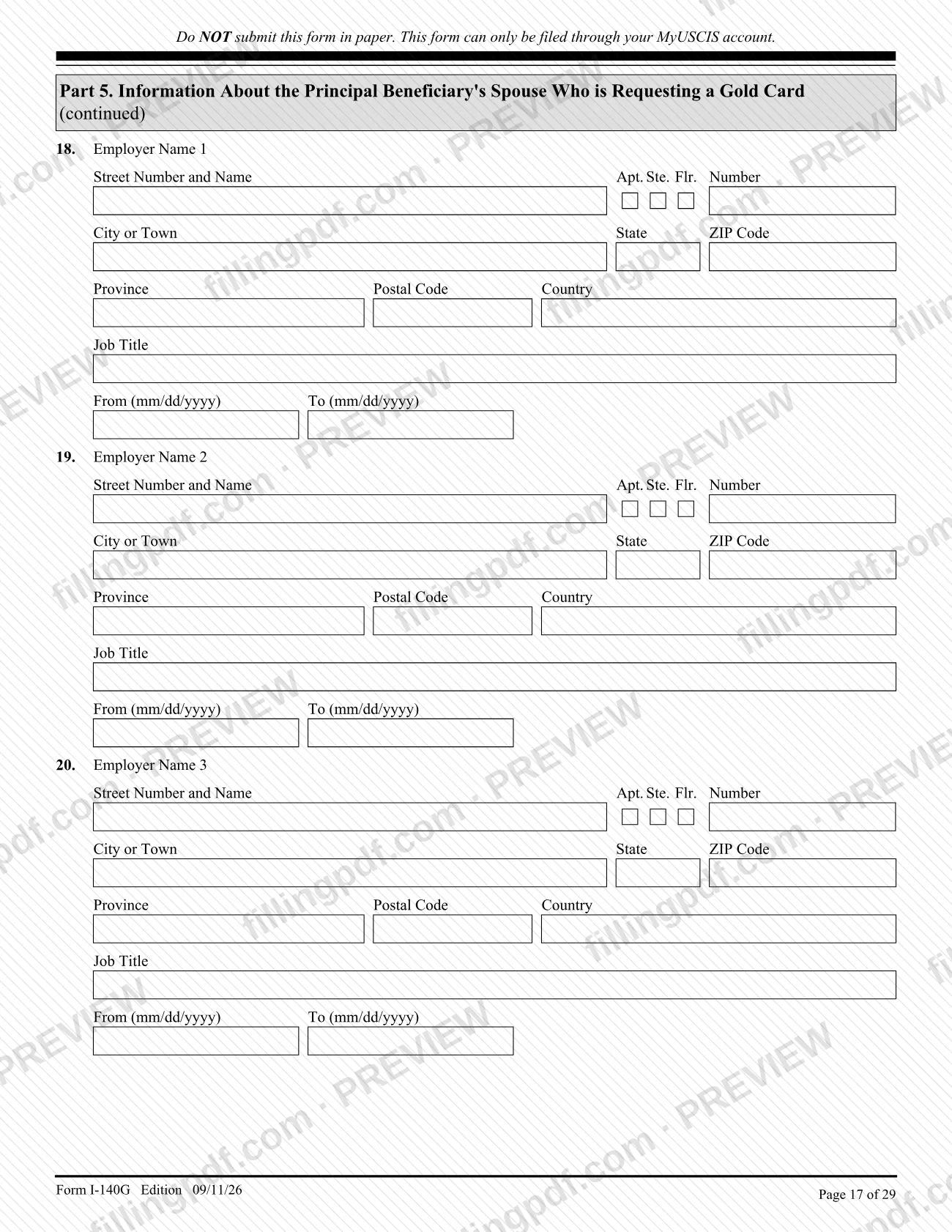
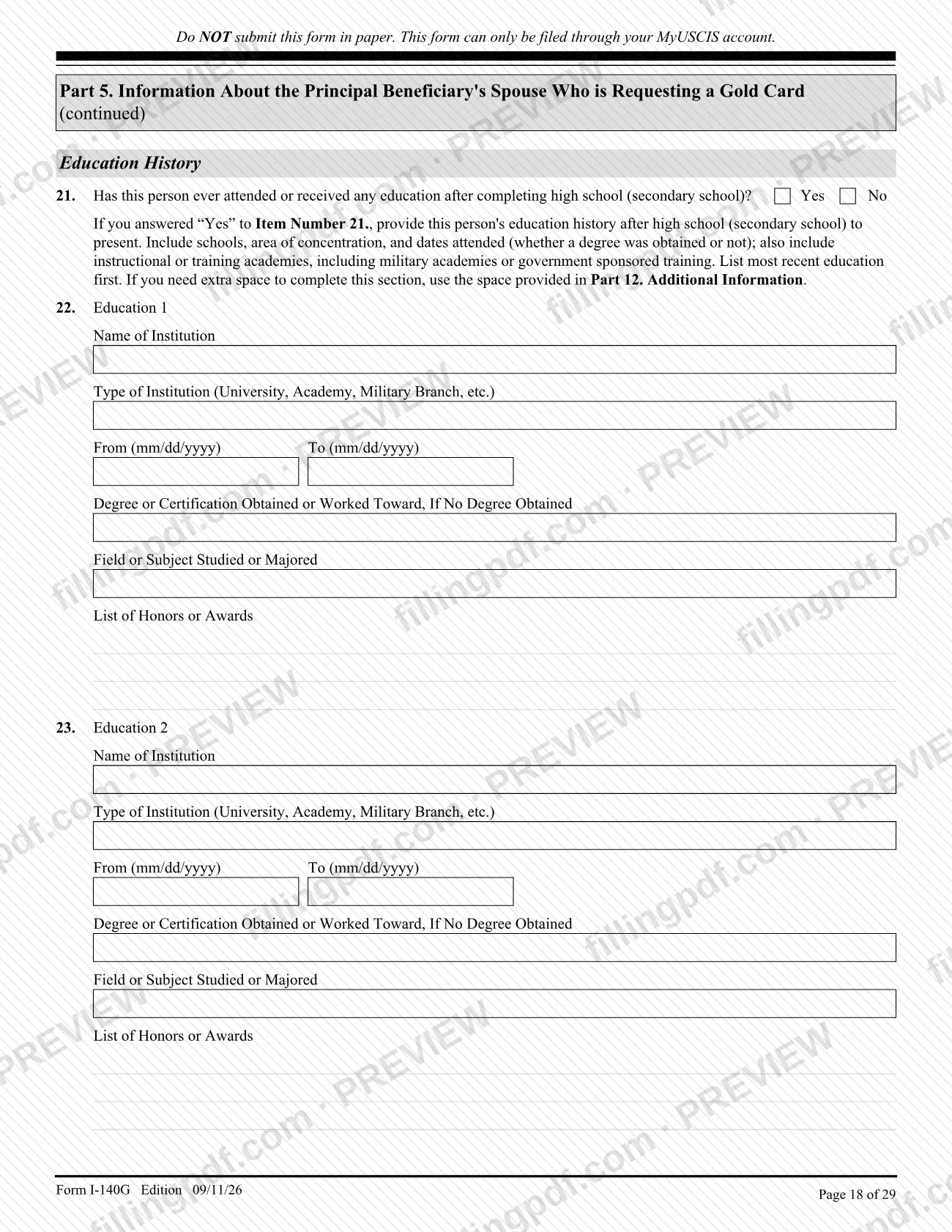
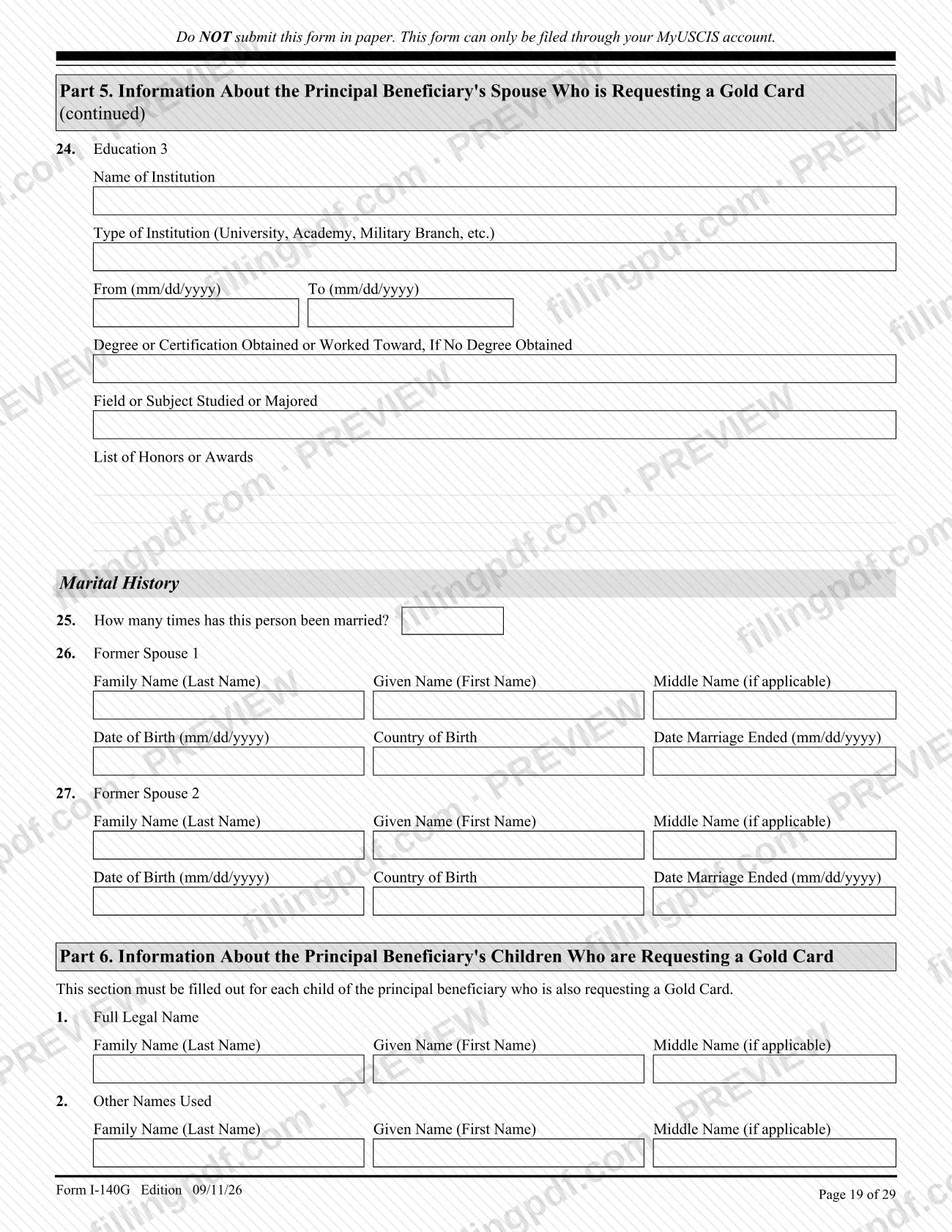
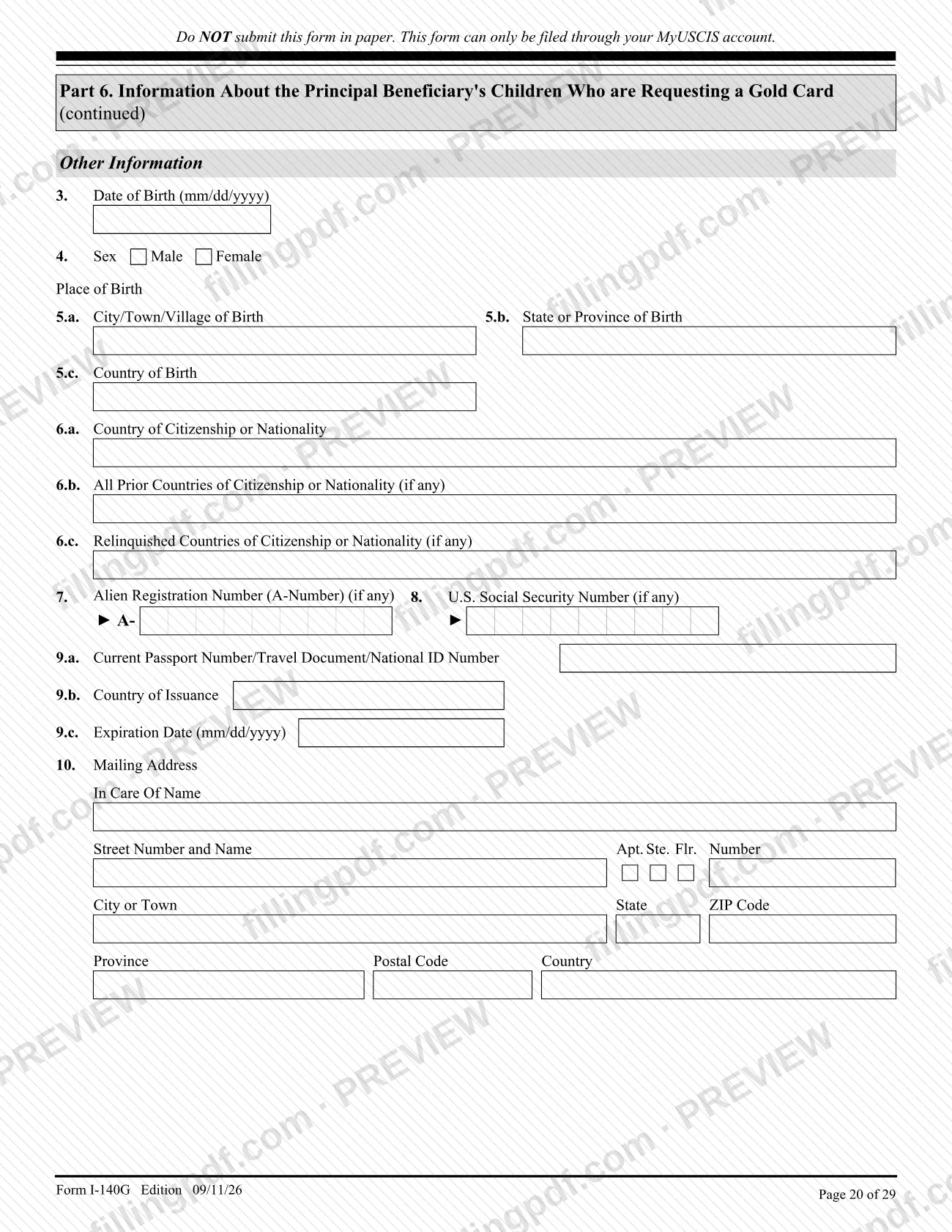
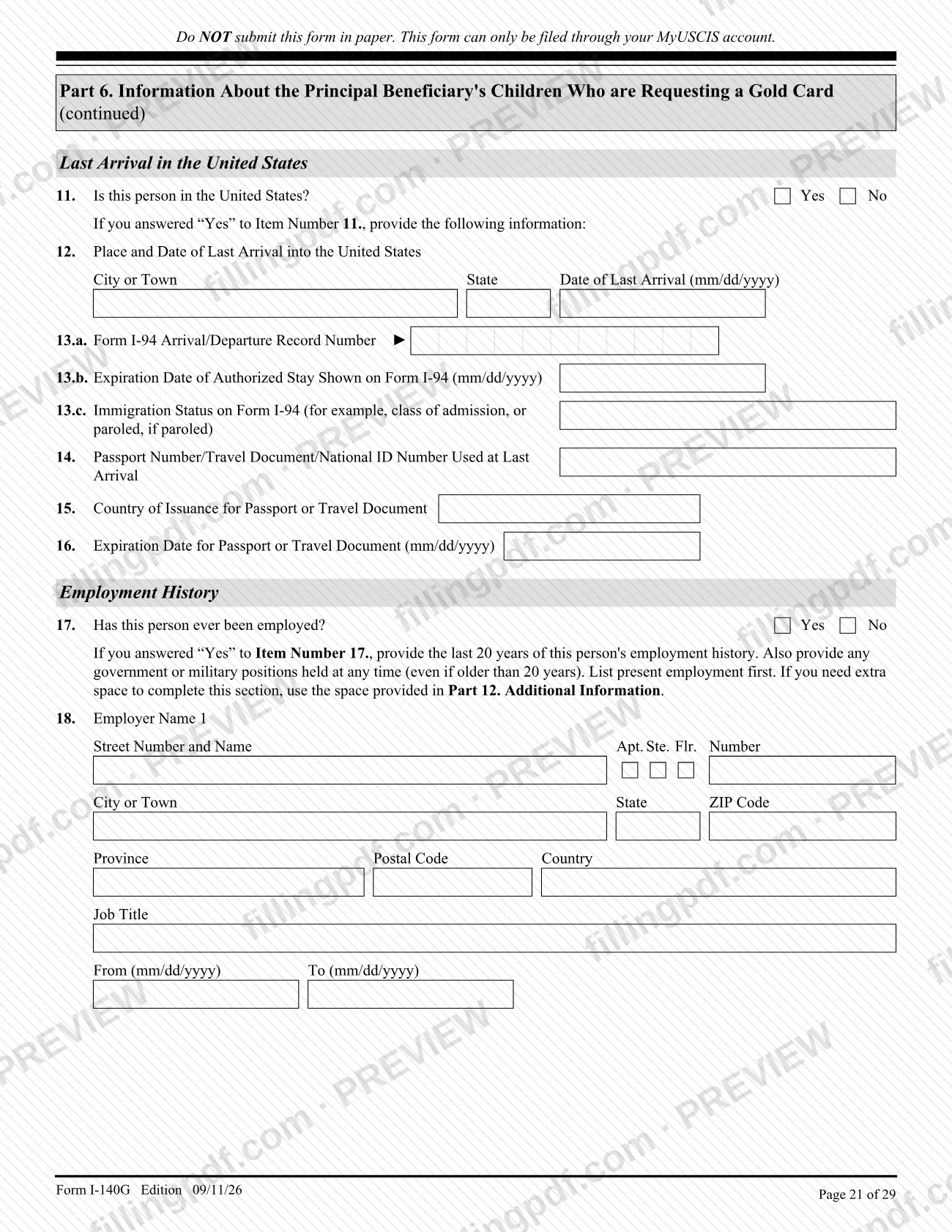
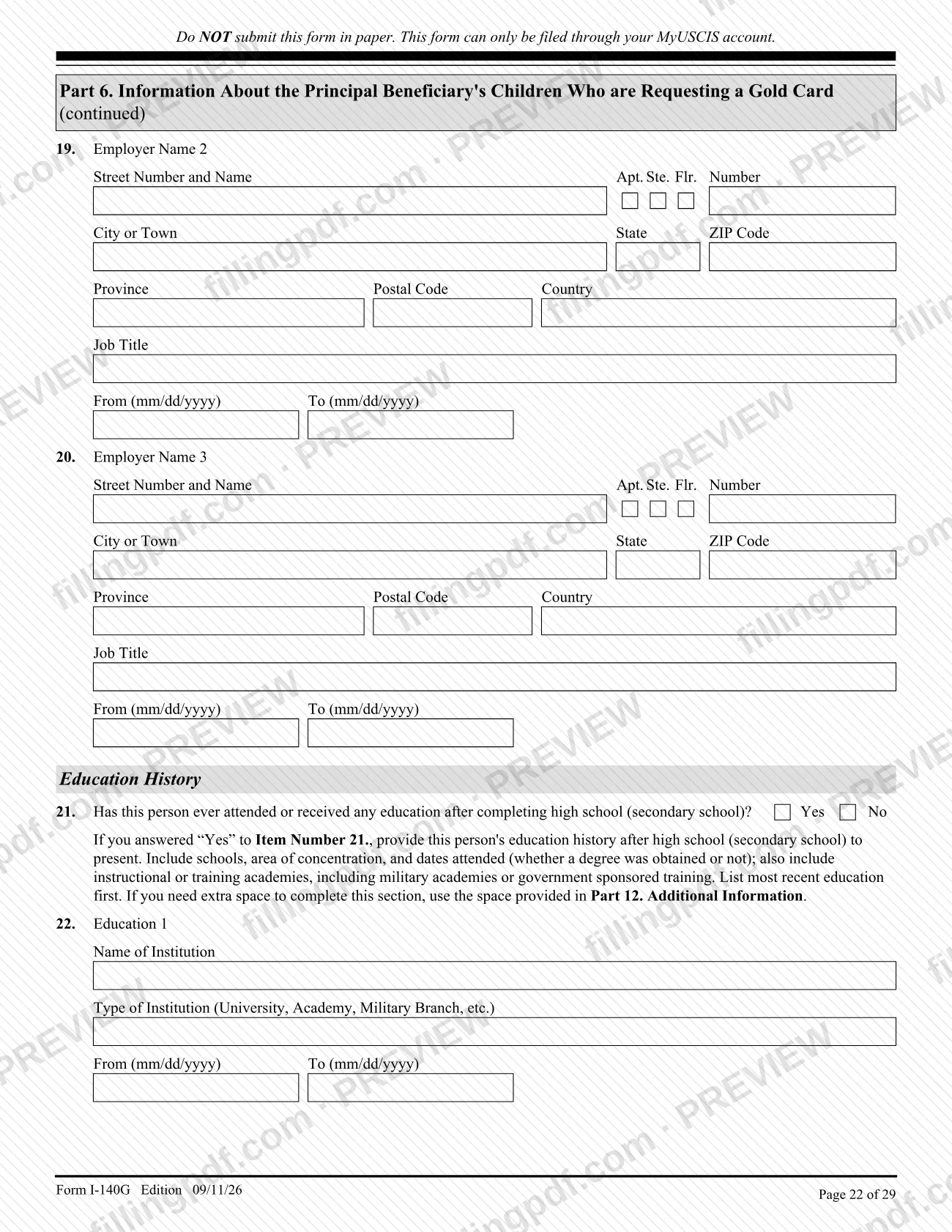
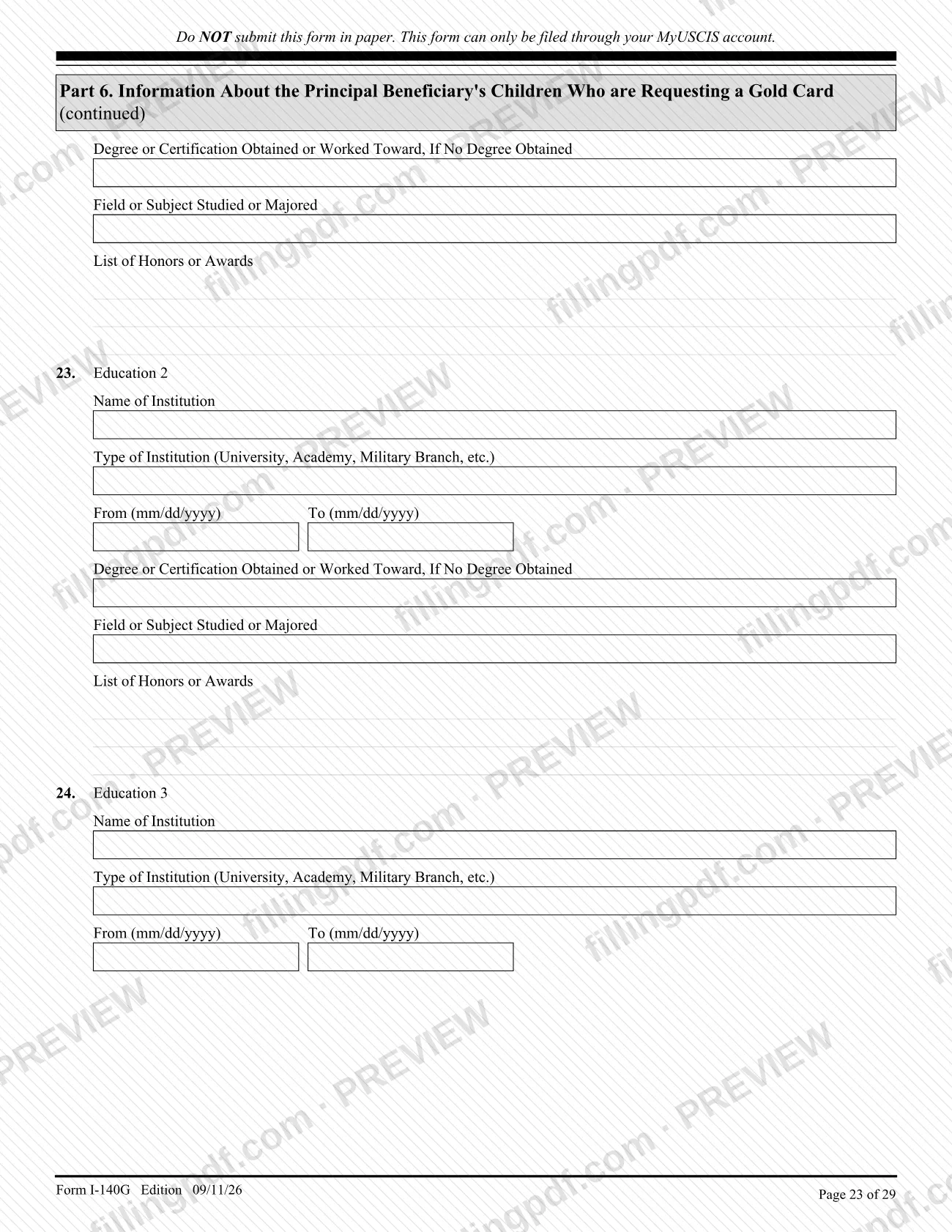
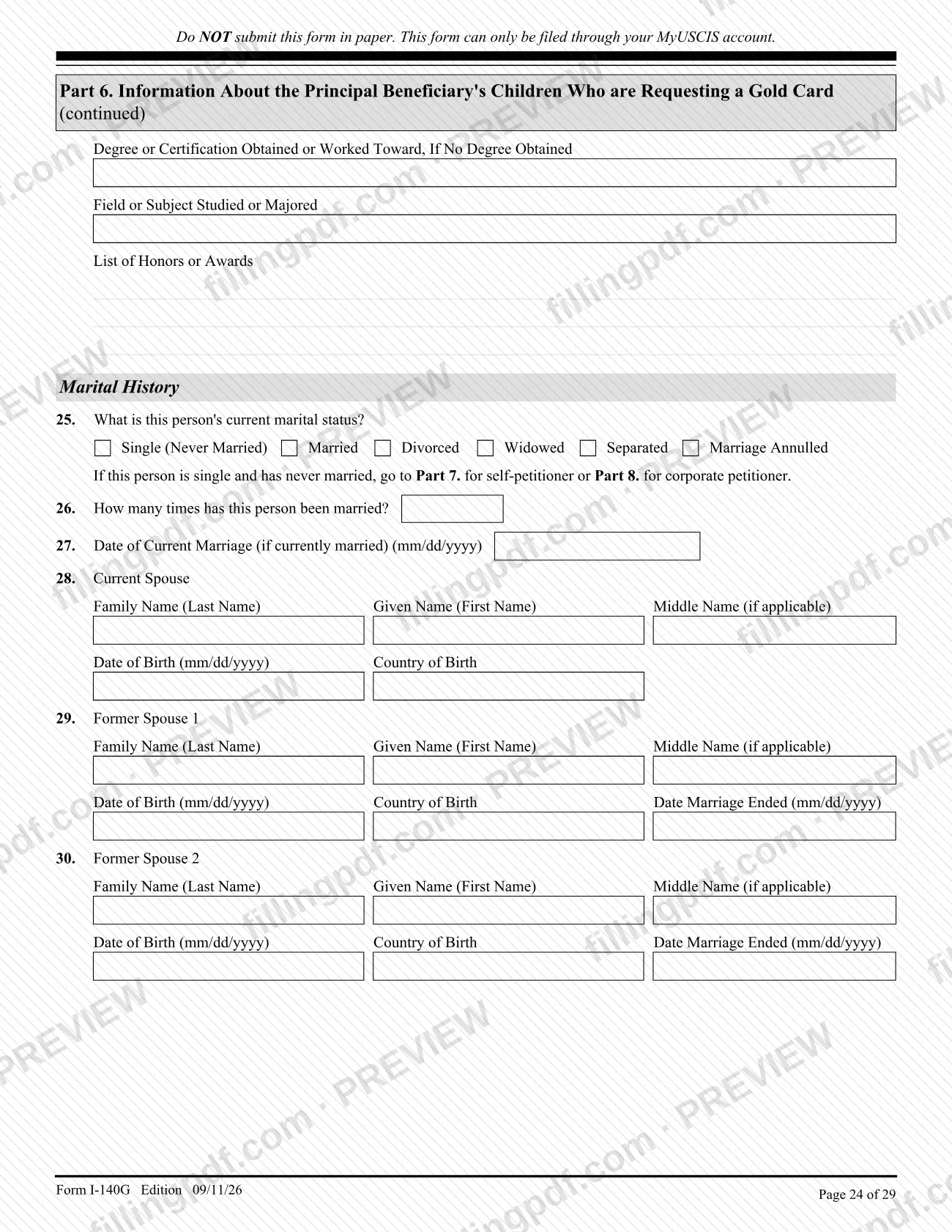
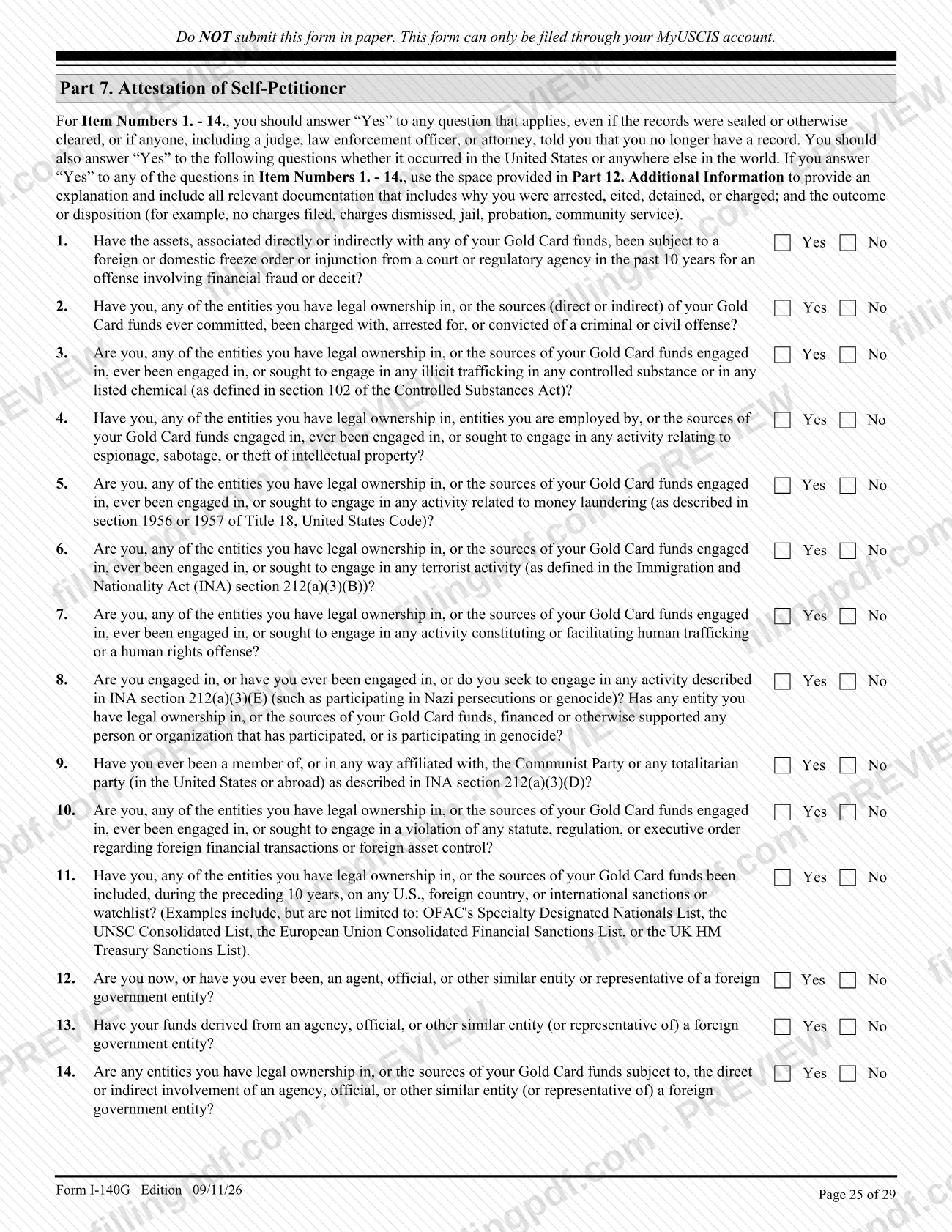
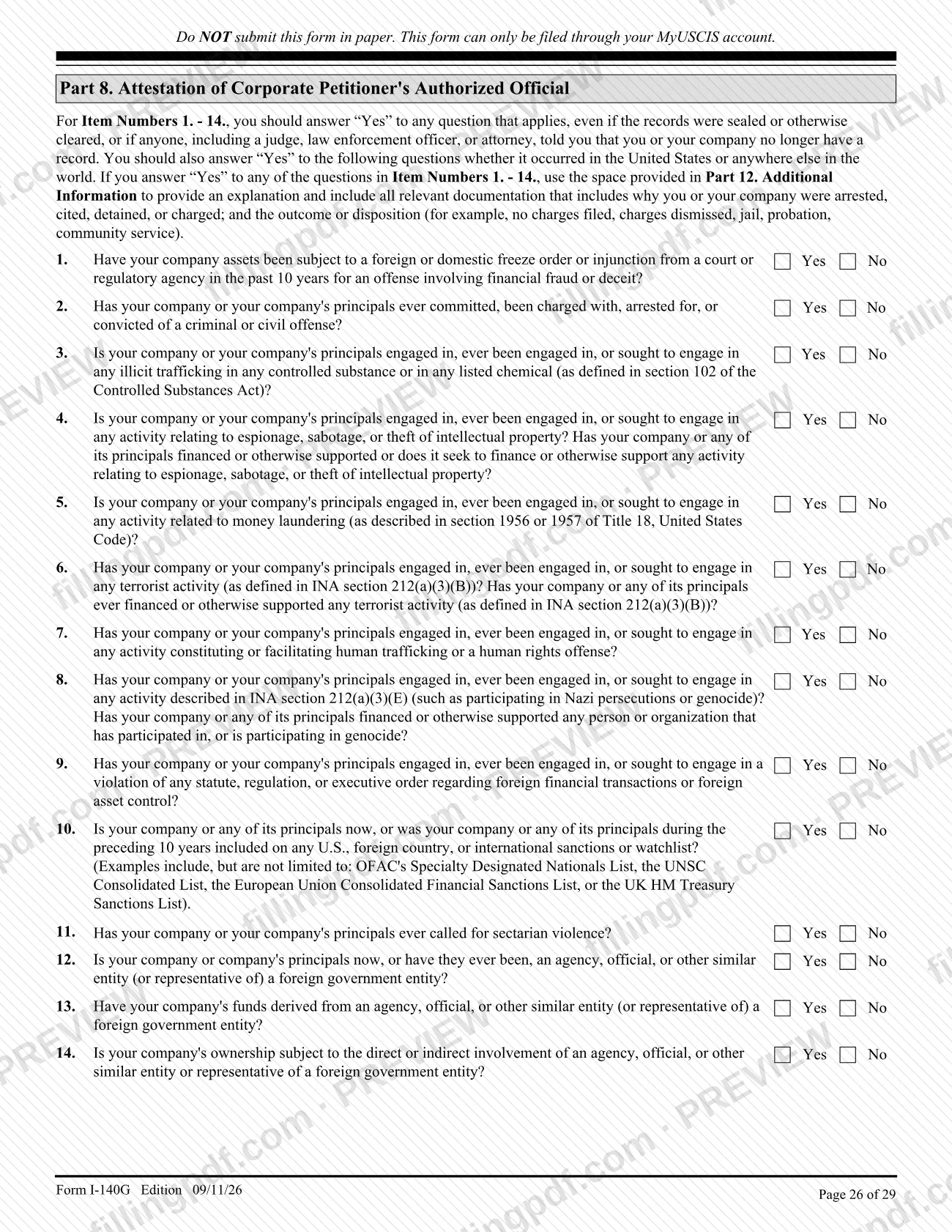
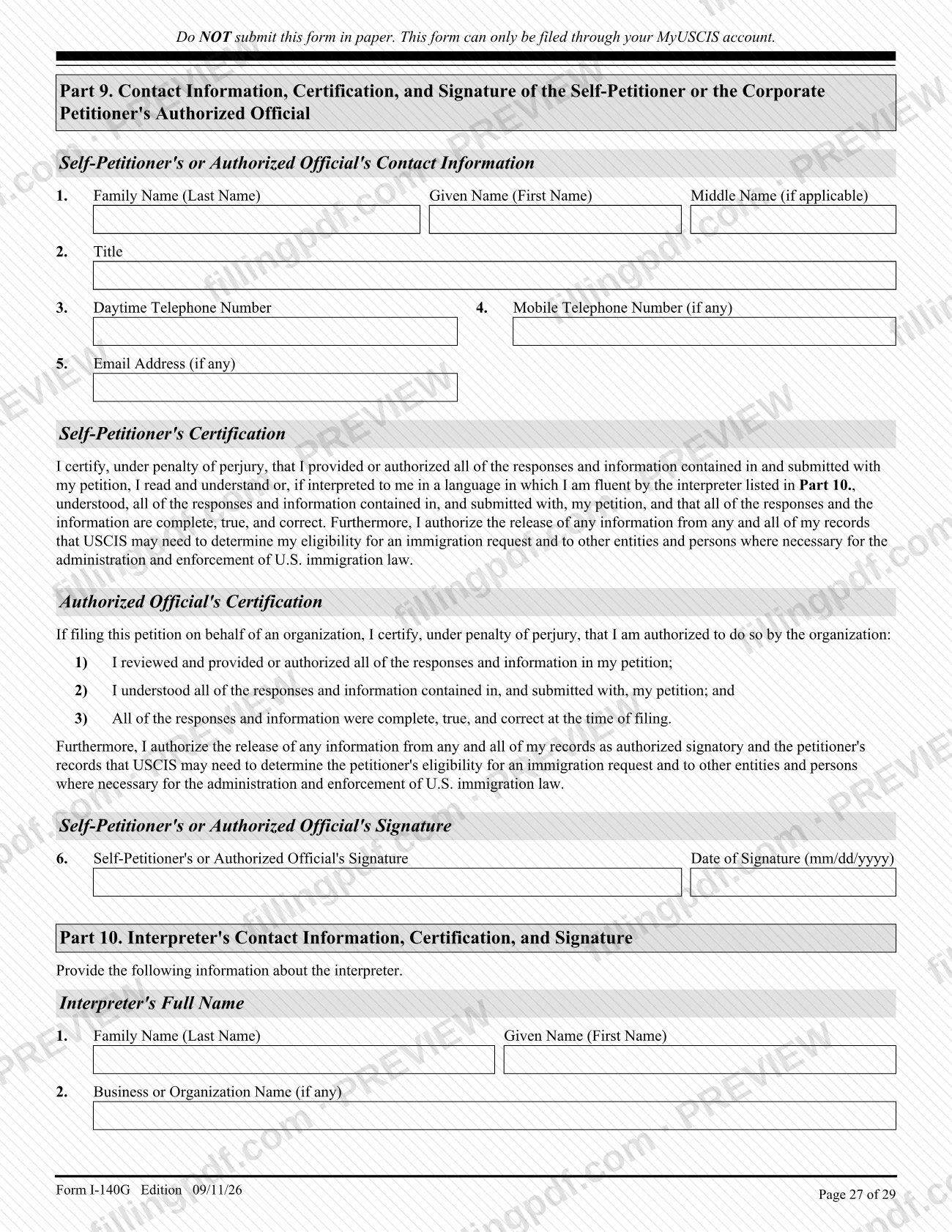
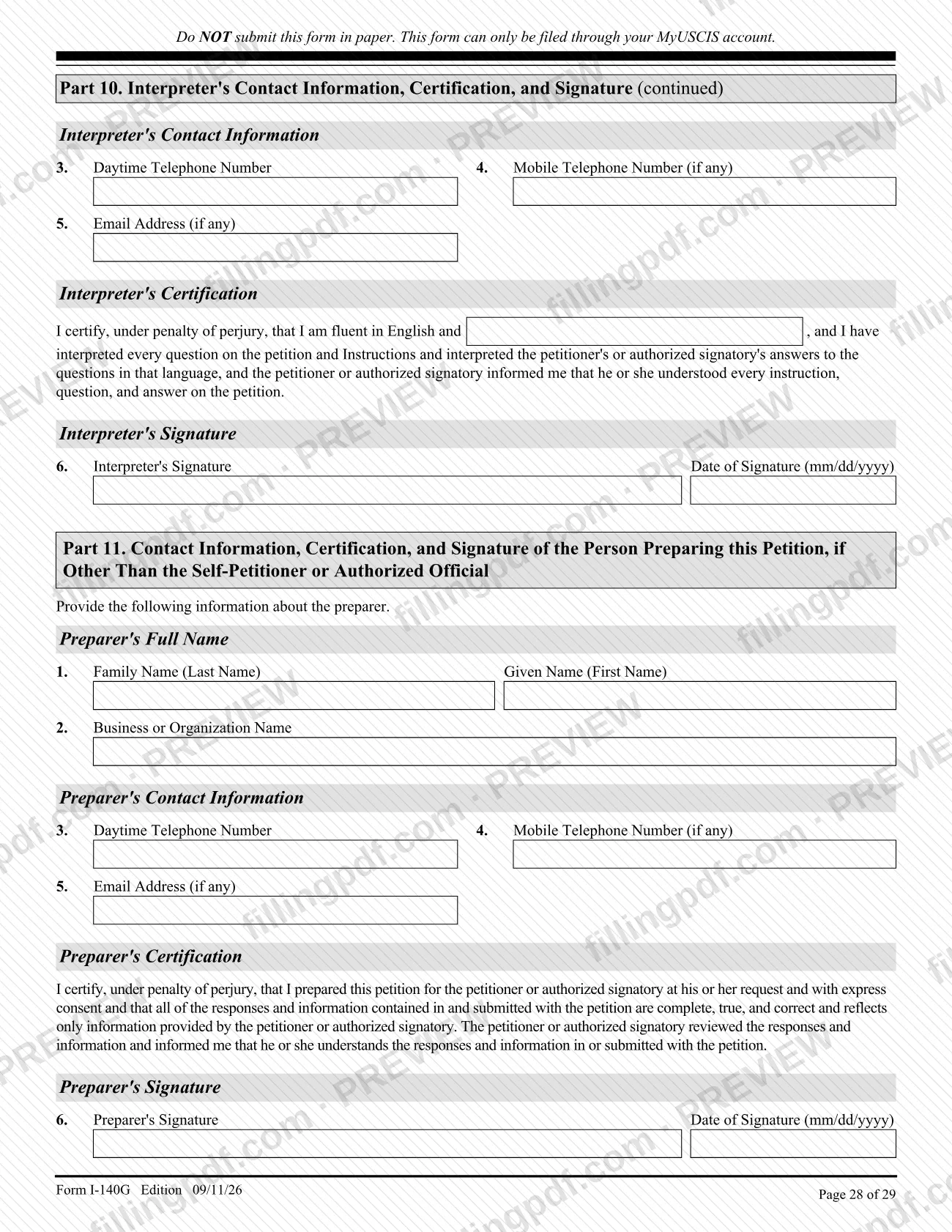
Form I-140G, Immigrant Petition for the Gold Card Program, is the U.S. Citizenship and Immigration Services (USCIS) petition for an employment-based immigrant visa under the Gold Card program. An individual files it on his or her own behalf, or a corporation or similar entity files it on behalf of an individual; a spouse and children who also want a Gold Card are listed on the same petition. On FillingPDF you can fill out the form online and download or print the completed PDF, but USCIS accepts the petition only through a MyUSCIS account, not on paper.
Last updated
What is Form I-140G?
Form I-140G, Immigrant Petition for the Gold Card Program, is the U.S. Citizenship and Immigration Services (USCIS) petition used to request an employment-based immigrant visa under the Gold Card program established by Executive Order 14351, The Gold Card (Sep. 19, 2025).
According to the USCIS instructions, Form I-140G is the first step in the Gold Card process. Once the petition is approved and an immigrant visa number is available in the requested employment-based classification, the beneficiary must complete consular processing with the U.S. Department of State at an embassy or consulate to get an immigrant visa, then travel to the United States to be admitted as a lawful permanent resident.
The program covers two classifications: first preference, an alien of extraordinary ability under INA 203(b)(1)(A), and second preference, an alien of exceptional ability under INA 203(b)(2)(B) who seeks a National Interest Waiver (NIW). The petition must establish that you have sufficient funds for the required unrestricted gift to the Department of Commerce and that the funds were obtained lawfully.
The form has 12 parts: the petitioner (Part 1), path of funds (Part 2), source of funds (Part 3), the principal beneficiary (Part 4), a spouse and children who are also requesting a Gold Card (Parts 5 and 6), attestations for a self-petitioner (Part 7) or a corporate petitioner's authorized official (Part 8), signature (Part 9), interpreter and preparer sections (Parts 10 and 11) and additional information (Part 12).
Who needs to file Form I-140G?
An individual may file Form I-140G on his or her own behalf as a self-petitioner, who is also the principal beneficiary. A corporation or similar entity may file it on behalf of an individual, who is then the principal beneficiary. The required gift to the Department of Commerce differs between the two petitioner types; Part 1, Items 1 and 2, state the amounts.
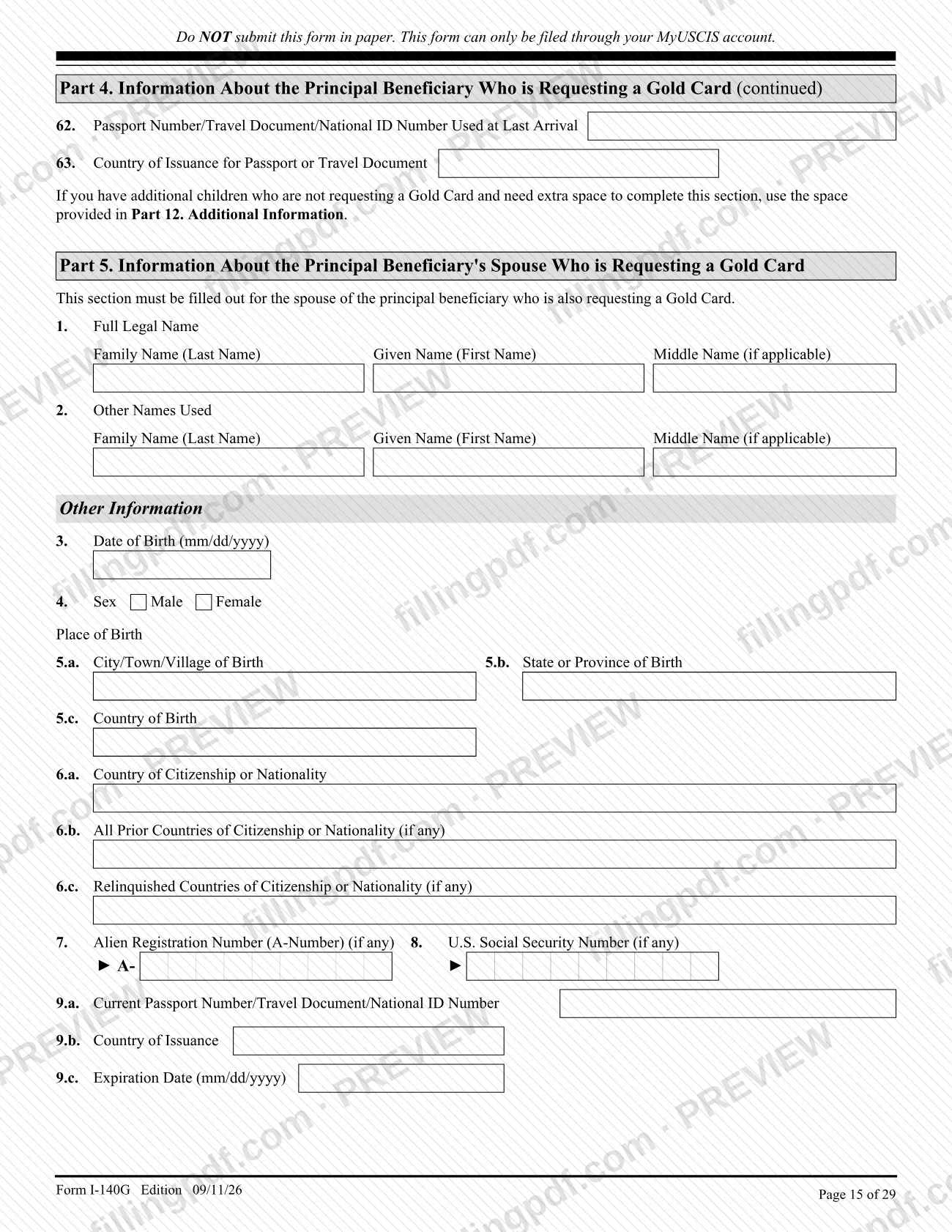
The petition is available for two classifications only: an alien of extraordinary ability under INA 203(b)(1)(A), or an alien of exceptional ability under INA 203(b)(2)(B) seeking a National Interest Waiver. A spouse and children of the principal beneficiary who also request a Gold Card are listed on the same petition in Parts 5 and 6 rather than on separate petitions.
When the petitioner is a corporation or other legal entity, only an officer or employee who knows the facts alleged in the petition and has authority to sign for the entity may sign it. Anyone who helps with the form can also appear: an attorney or accredited representative (Form G-28 or G-28I box at the top), an interpreter (Part 10) and a preparer other than the petitioner (Part 11).
The form cannot be filed by anyone who has not first registered on trumpcard.gov and received confirmation that the submission was accepted.
When to file Form I-140G
File Form I-140G only after you register on trumpcard.gov and receive confirmation that your submission was accepted. USCIS says it will contact you when it is time to create or log in to your USCIS online account to file. No other filing deadline is printed on the form or in its instructions.
After USCIS accepts the petition, it checks it for completeness and may ask for more information, originals of copies you sent, an interview or biometrics. If you are a petitioner who is not a U.S. citizen, notify USCIS of a new address within 10 days of moving. Once the petition is approved, the next step is consular processing, which can begin when an immigrant visa number is available in the requested classification; the Department of State's Visa Bulletin shows availability. The instructions give no processing time for the petition.
Documents you need
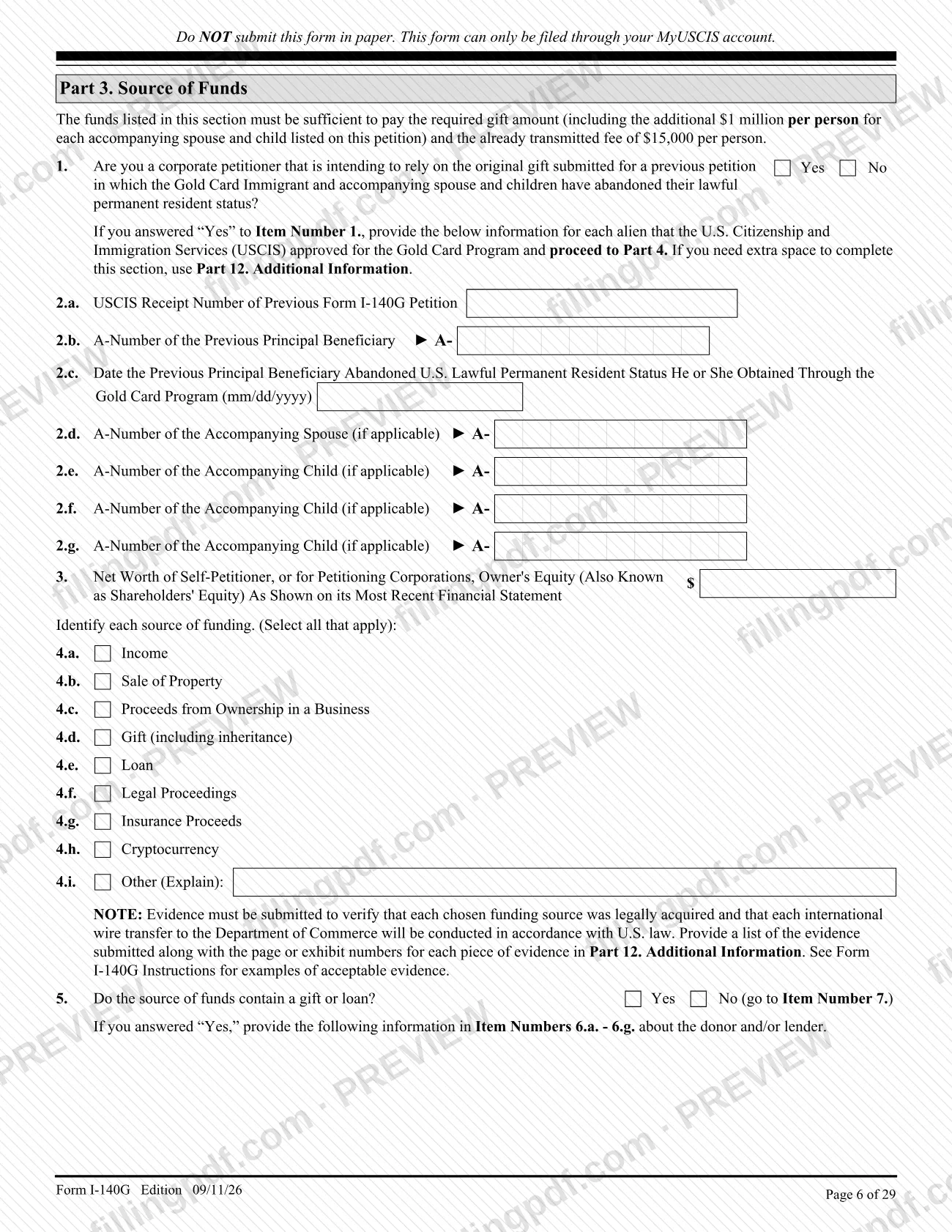
- Evidence that each chosen source of funds (Part 3, Item 4) was legally acquired and that each international wire transfer to the Department of Commerce will follow U.S. law.
- A list of the evidence submitted, with page or exhibit numbers for each item, written in Part 12. Additional Information.
- For a second preference NIW request: an uncertified Form ETA-9089, Application for Permanent Employment Certification, with your supporting evidence.
- Form G-28 or Form G-28I, only if an attorney or accredited representative represents you; select the box at the top of the form.
- For a corporate petitioner: evidence from the last 3 years, with at least one of U.S. Federal Tax Returns, Annual Reports or Audited Financial Statements (Part 3, Item 7).
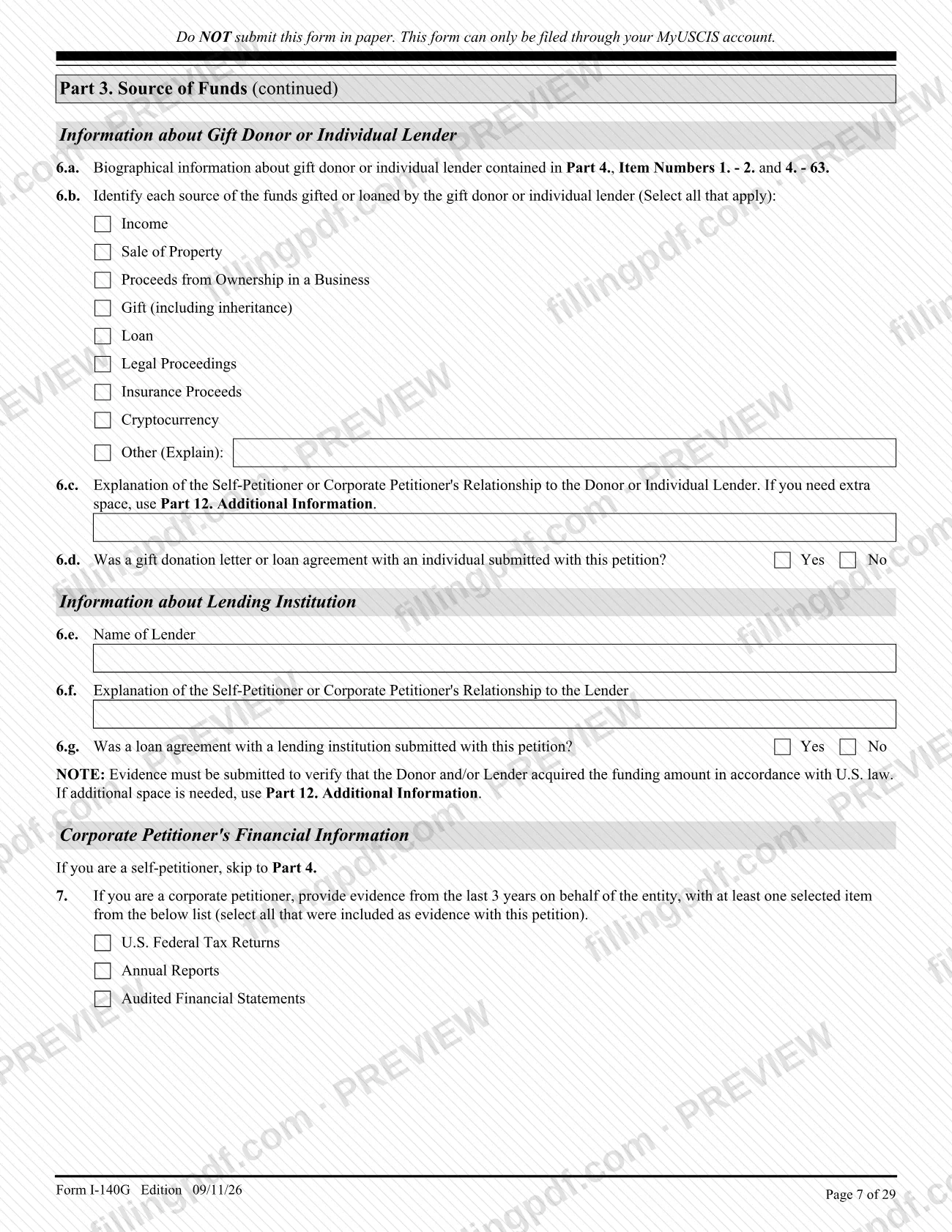
- If funds include a gift or loan: evidence that the donor or lender acquired the amount lawfully, plus the gift donation letter or loan agreement, which Part 3, Items 6.d and 6.g ask about.
- Explanation and relevant documentation, written in Part 12, for any "Yes" answer in the attestation questions (Part 7 or Part 8, Items 1-14), including the outcome of any arrest, charge or citation.
- For any document in a foreign language: a full English translation with the translator's certification, signature, printed name, date and contact information.
How to fill out Form I-140G
Select the petitioner type
In Part 1, Items 1 and 2, select only one box: self-petitioner or corporate petitioner. Enter the total number of people requesting a Gold Card on Item 3, and select Item 4 if you want a Commemorative plaque.
Enter petitioner identity details
Items 5-8 ask for the full legal name of the self-petitioner or the corporate petitioner's authorized official, Social Security Number, USCIS Online Account Number and A-Number, each only if you have one. Self-petitioners then skip to Part 2.
Complete corporate petitioner information
Corporate petitioners answer Items 9-21: registered name, date established, organizational structure, EIN, mailing address, parent company, any foreign government ownership or control (Item 20) and beneficial owners (Item 21).
Describe the path of funds
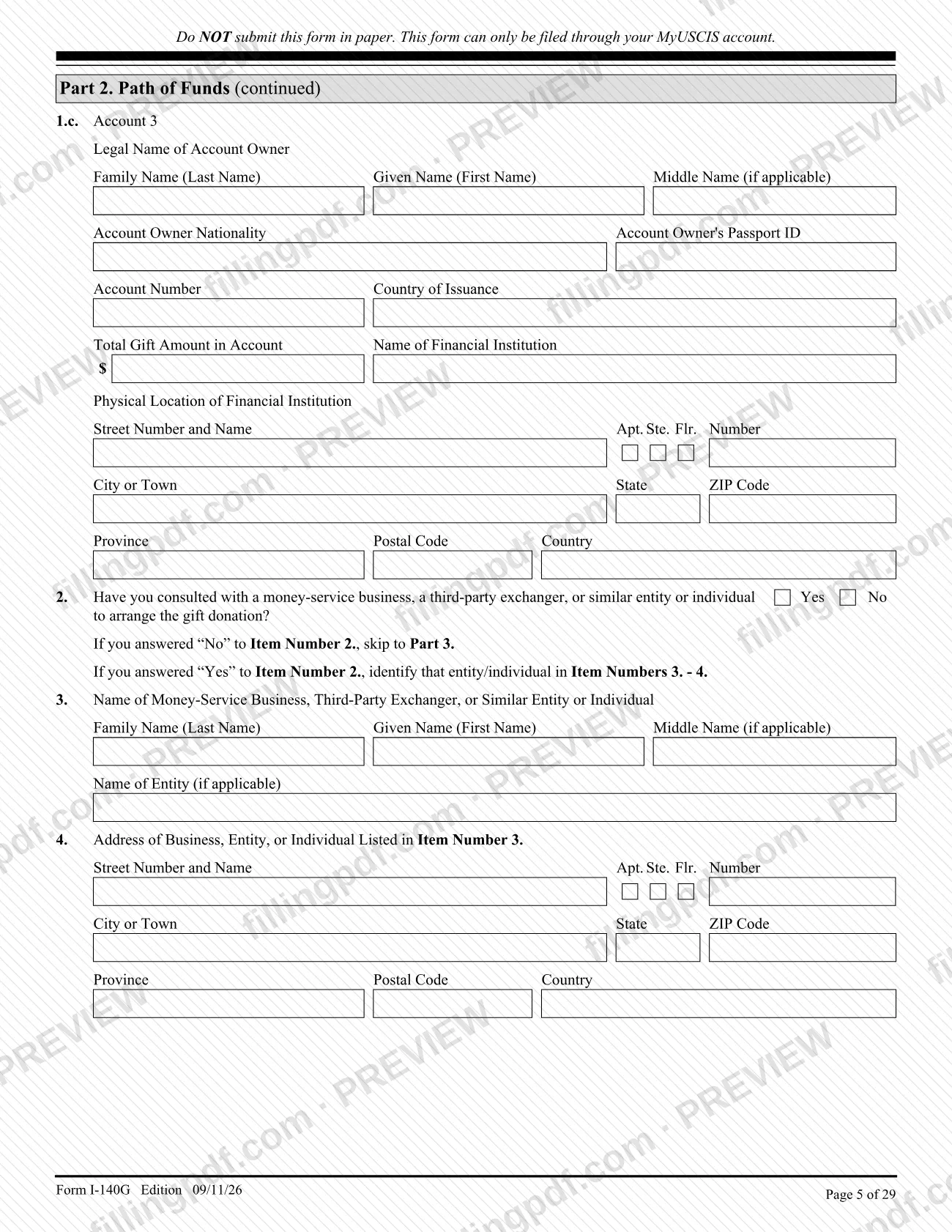
In Part 2, list each account that will fund the gift (Accounts 1-3), with owner, passport details, institution and amount. Answer Item 2 on any money-service business or exchanger, and complete Items 3-4 if Yes.
Explain the source of funds
In Part 3, answer Item 1 on relying on a prior gift, enter net worth or owner's equity (Item 3), mark every funding source (Item 4) and give donor or lender details in Item 6 if funds include a gift or loan. Corporate petitioners check the evidence types in Item 7.
Enter principal beneficiary details
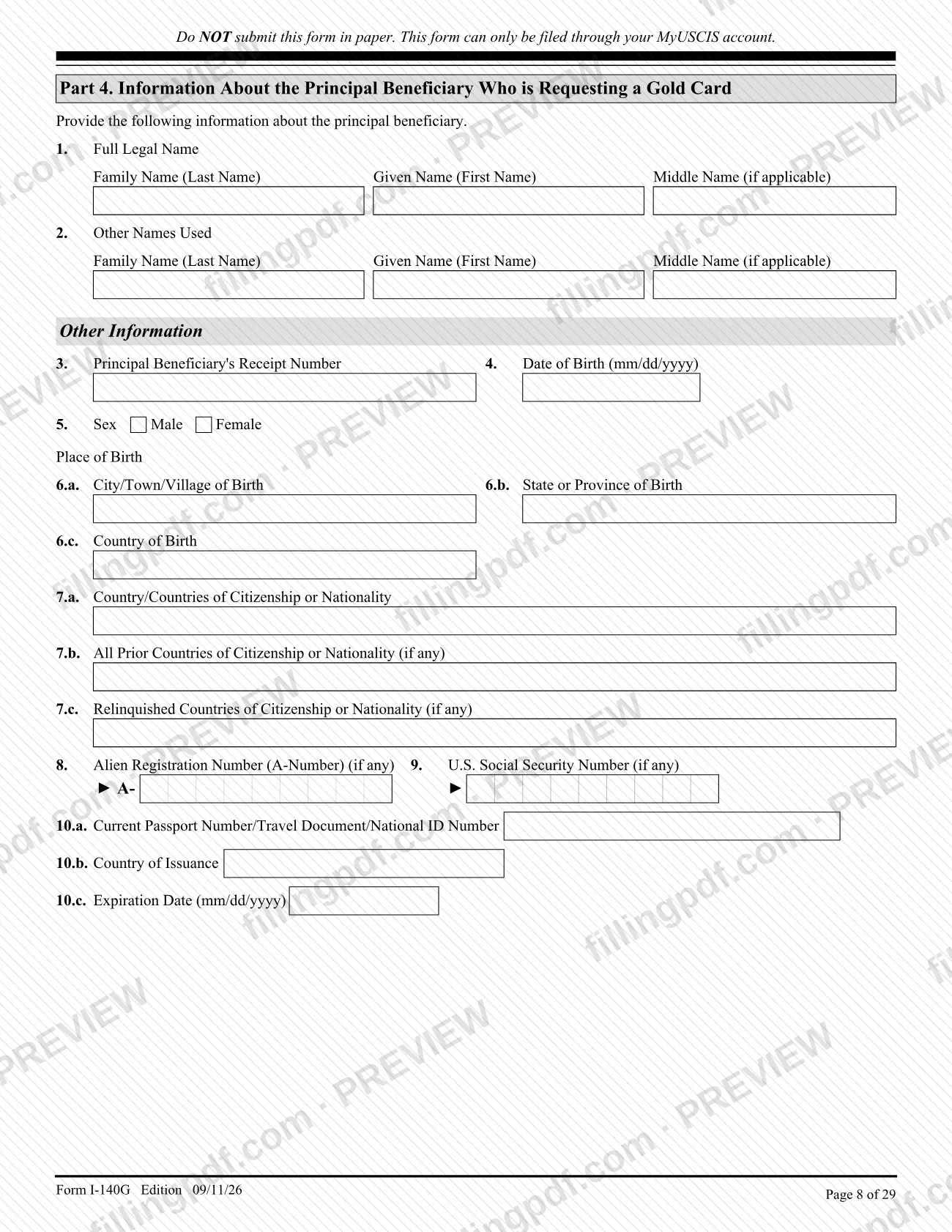
Part 4, Items 1-18, covers name, birth, citizenship, A-Number, passport, U.S. mailing and physical address, last arrival and I-94 data, and the requested consulate or Department of State facility. Use MM/DD/YYYY for dates.
Add employment and education history
Items 19-26: give the last 20 years of employment, present job first, plus any government or military positions at any time. List education after high school, most recent first, and use Part 12 if you need more space.
Provide marital history and other children
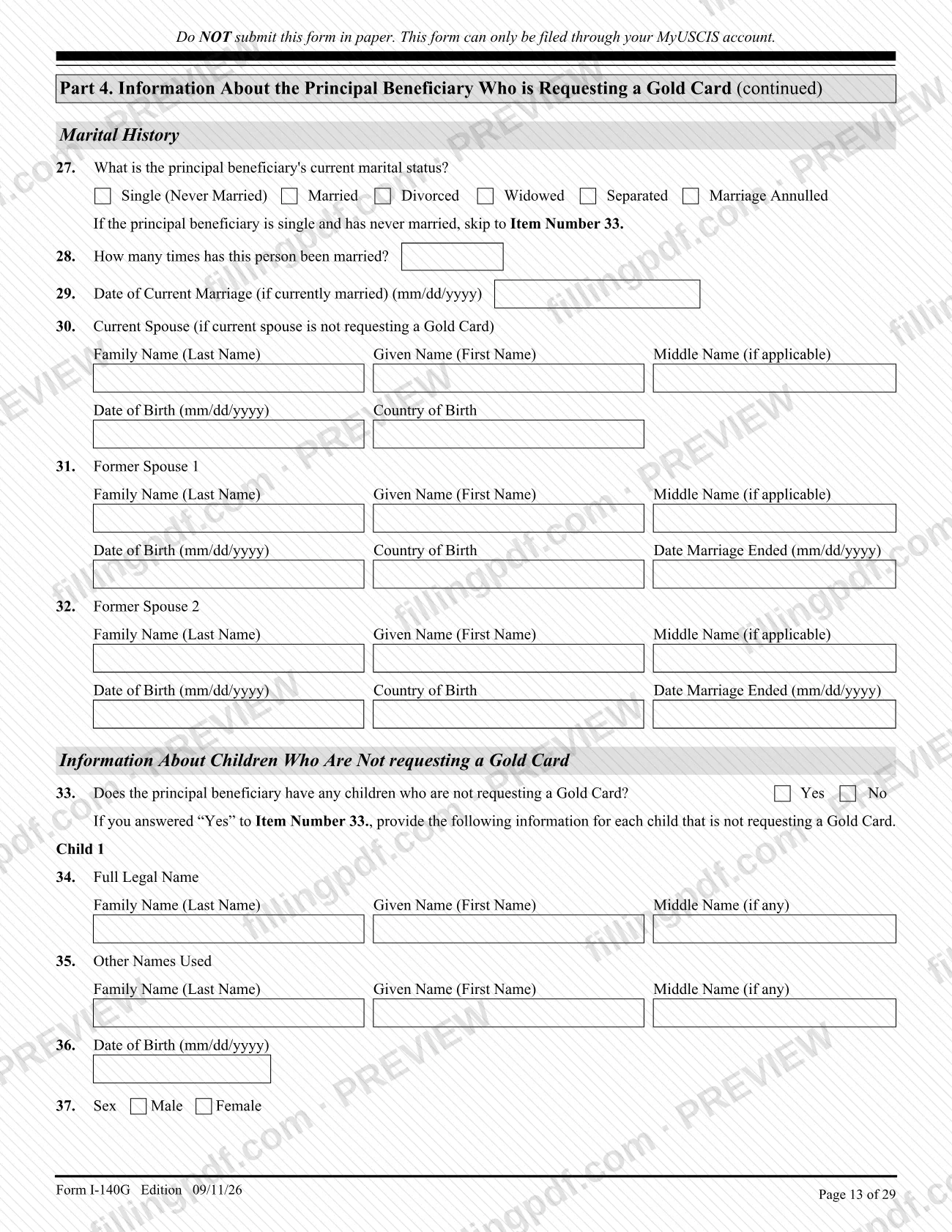
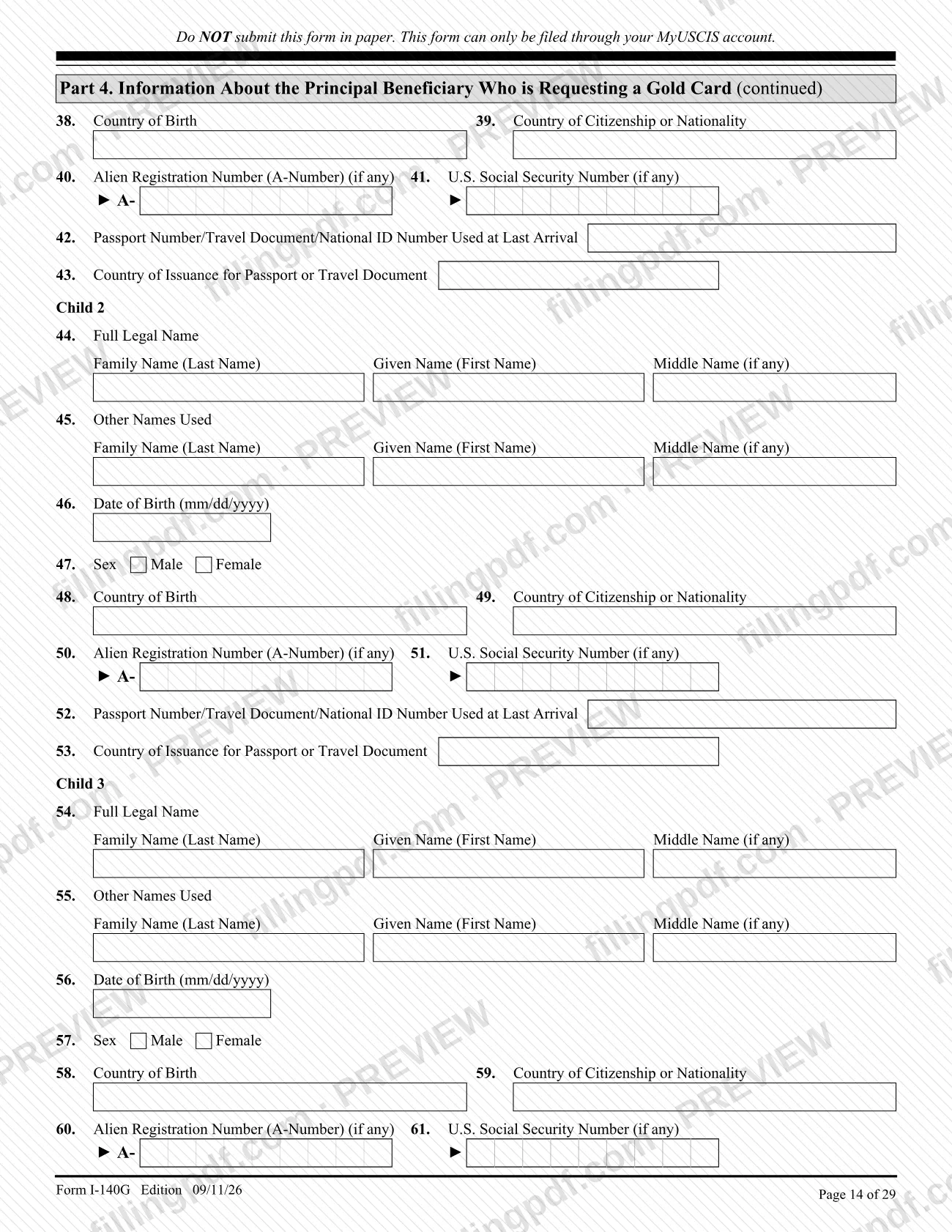
Items 27-32 cover marital status, number of marriages, current spouse not requesting a Gold Card and former spouses. Items 33-63 list children who are not requesting a Gold Card; single, never-married beneficiaries skip to Item 33.
Complete spouse and children sections
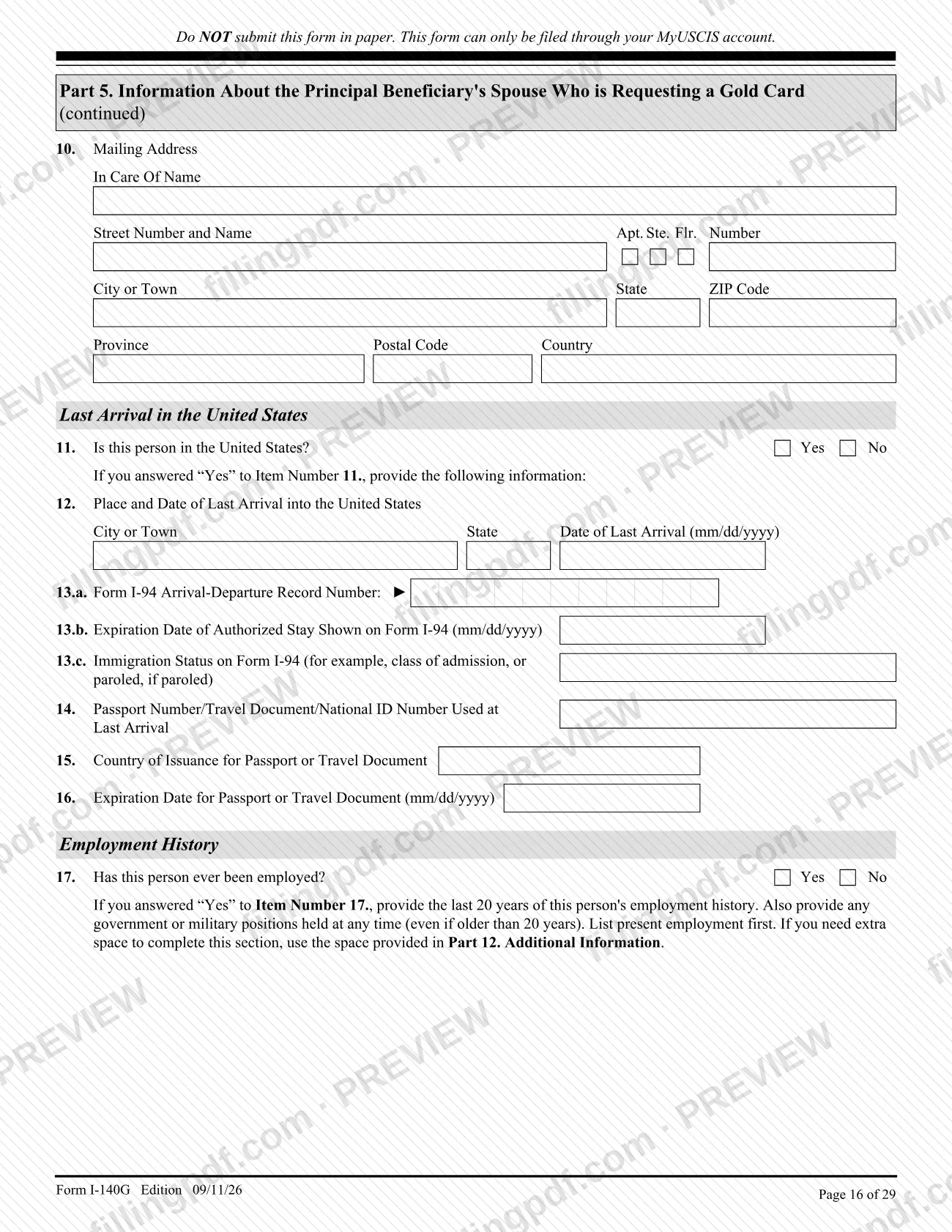
Fill out Part 5 for a spouse and Part 6 for each child who is also requesting a Gold Card. Both sections repeat identity, arrival, employment, education and marital history items.
Answer the attestation questions
Self-petitioners complete Part 7 and a corporate petitioner's authorized official completes Part 8, Items 1-14. Answer Yes to anything that applies, even if records were sealed, and explain each Yes in Part 12.
Add contact details and signature
In Part 9, enter the signer's name, title, telephone numbers and email, then sign and date (MM/DD/YYYY). An interpreter completes Part 10 and a preparer other than the petitioner completes Part 11.
Use Part 12 for extra information
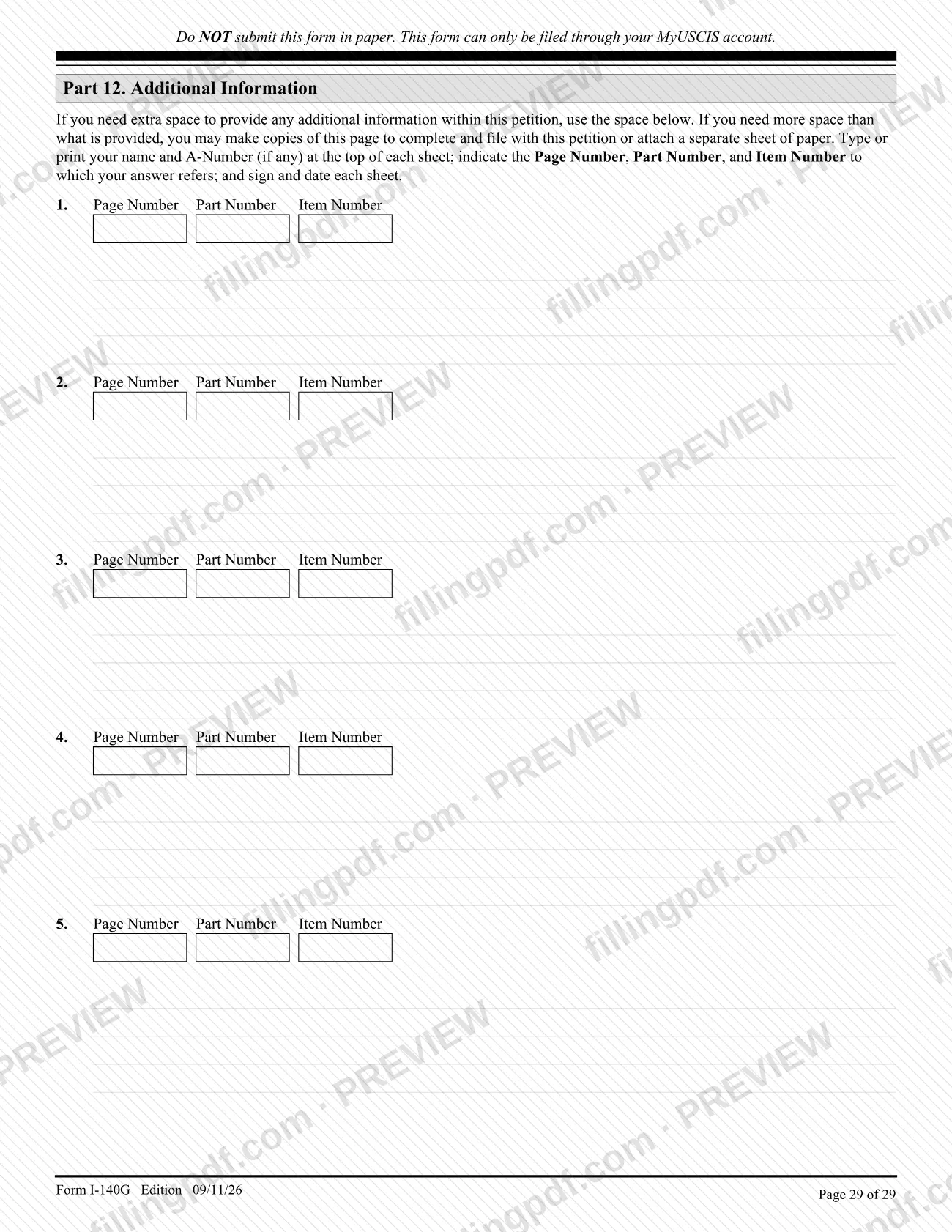
For any extra explanation, give the page, part and item number, type your name and A-Number (if any) at the top of each sheet, and sign and date it.
Review and download the completed PDF
Check that every item is answered or marked as not applicable and that the evidence list matches. Download or print the completed PDF from FillingPDF as a reference, then file through your MyUSCIS account as described under How to submit.
How to submit Form I-140G
Form I-140G can be filed only through your USCIS online account; it cannot be filed by mail, and each page of the form repeats "Do NOT submit this form in paper."
- USCIS online account: Sign in at https://myaccount.uscis.gov/sign-in once USCIS contacts you after your trumpcard.gov registration is confirmed. Sign the petition electronically and submit the supporting evidence with it.
- Fee: A fee applies for each person included in the petition, and the form states it is paid to the Department of Commerce separately from the gift amount. The fee is not refunded whatever the outcome. Check https://www.uscis.gov/i-140g for the current amount.
- Help: Send a secure message through your USCIS online account.
- Where not to send it: The Paperwork Reduction Act address in the instructions is for comments only; do not mail a completed form there.
FillingPDF lets you fill out and download the PDF; submission follows the USCIS channel above.
Common mistakes to avoid
- Printing the form and mailing it. Every page says it must not be submitted in paper and can be filed only through a MyUSCIS account.
- Trying to file before registering on trumpcard.gov and receiving confirmation that your submission was accepted.
- Selecting more than one box in Part 1, Items 1 and 2; the form allows only one petitioner type.
- Signing a corporate petition without being an officer or employee who knows the facts and has authority to sign; a stamped or typewritten name in place of a signature is not acceptable.
- Answering "No" in Part 7 or Part 8 because records were sealed or cleared; the form says to answer "Yes" anyway, including for events outside the United States.
- Choosing a funding source in Part 3, Item 4 without evidence that it was legally acquired, or leaving out the evidence list with page or exhibit numbers in Part 12.
- Submitting foreign-language documents without a full English translation and the translator's signed certification.
- Sending original documents when they are not required or requested; USCIS may destroy them.
- Giving less than 20 years of employment history, or leaving out government or military positions held at any time (Part 4, Items 19-22).
- Skipping the biometrics appointment if USCIS schedules one; the instructions say USCIS may deny the petition.
Frequently asked questions
What is Form I-140G used for?
Form I-140G is the USCIS petition for an employment-based immigrant visa under the Gold Card program created by Executive Order 14351. It is the first step: after approval and when a visa number is available, the beneficiary completes consular processing with the Department of State.
Can I file Form I-140G by mail?
No. The form says on every page not to submit it in paper, and USCIS states you may file it only through your USCIS online account. USCIS will notify you when you can log in to file after your trumpcard.gov registration is confirmed.
Who can file Form I-140G?
An individual filing for himself or herself, or a corporation or similar entity filing on behalf of an individual. The petition must be for an alien of extraordinary ability (INA 203(b)(1)(A)) or an alien of exceptional ability seeking a National Interest Waiver (INA 203(b)(2)(B)).
Do I have to register on trumpcard.gov before filing Form I-140G?
Yes. USCIS says you may file Form I-140G only after you register on trumpcard.gov and receive confirmation that your submission was accepted. USCIS then contacts you when it is time to create or log in to your online account.
Is there a fee for Form I-140G?
Yes. A fee applies per person included in the petition, including a spouse and children. The form says it is paid to the Department of Commerce separately from the gift, and USCIS says it is not refunded. See uscis.gov/i-140g for the amount.
What evidence do I need to send with Form I-140G?
You must show each funding source was legally acquired and list the evidence with page or exhibit numbers in Part 12. Corporate petitioners add 3 years of tax returns, annual reports or audited financial statements, and NIW requests need an uncertified Form ETA-9089.
Who signs Form I-140G for a corporation?
Only an officer or employee of the entity who knows the facts in the petition and has authority to sign for it. The signature must be a valid electronic signature; the instructions say a stamped or typewritten name is not acceptable.
Do my spouse and children need their own petitions?
No. A spouse and children who also request a Gold Card are listed on the principal beneficiary's petition in Parts 5 and 6. Children who are not requesting a Gold Card are listed separately in Part 4, Items 33-63.
Can I fill out Form I-140G online on FillingPDF?
You can fill out the I-140G PDF online on FillingPDF and download or print it. FillingPDF is an independent service and does not file the petition; USCIS accepts it only through your MyUSCIS account.
Ready to fill out Form I-140G?
Fill out Form I-140G now