
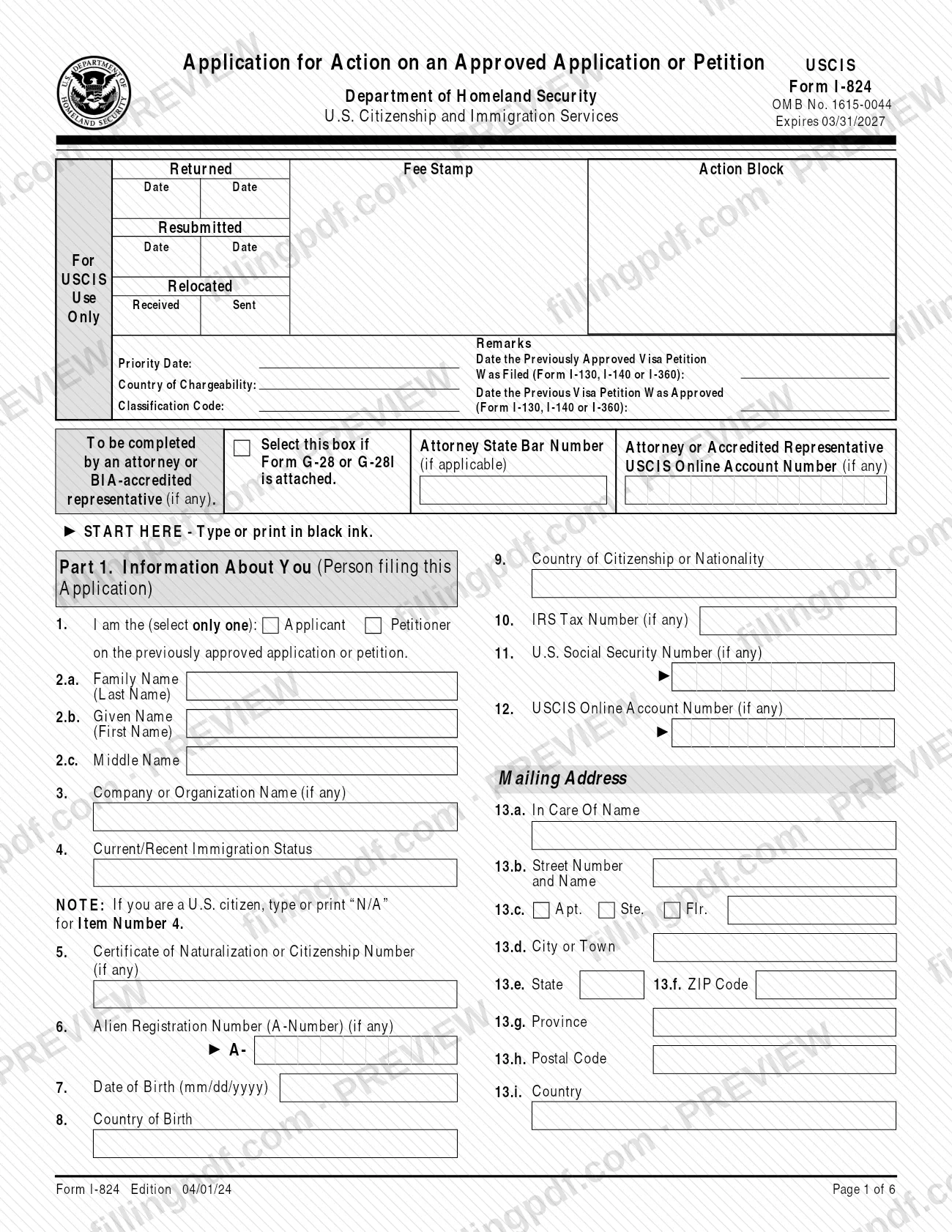
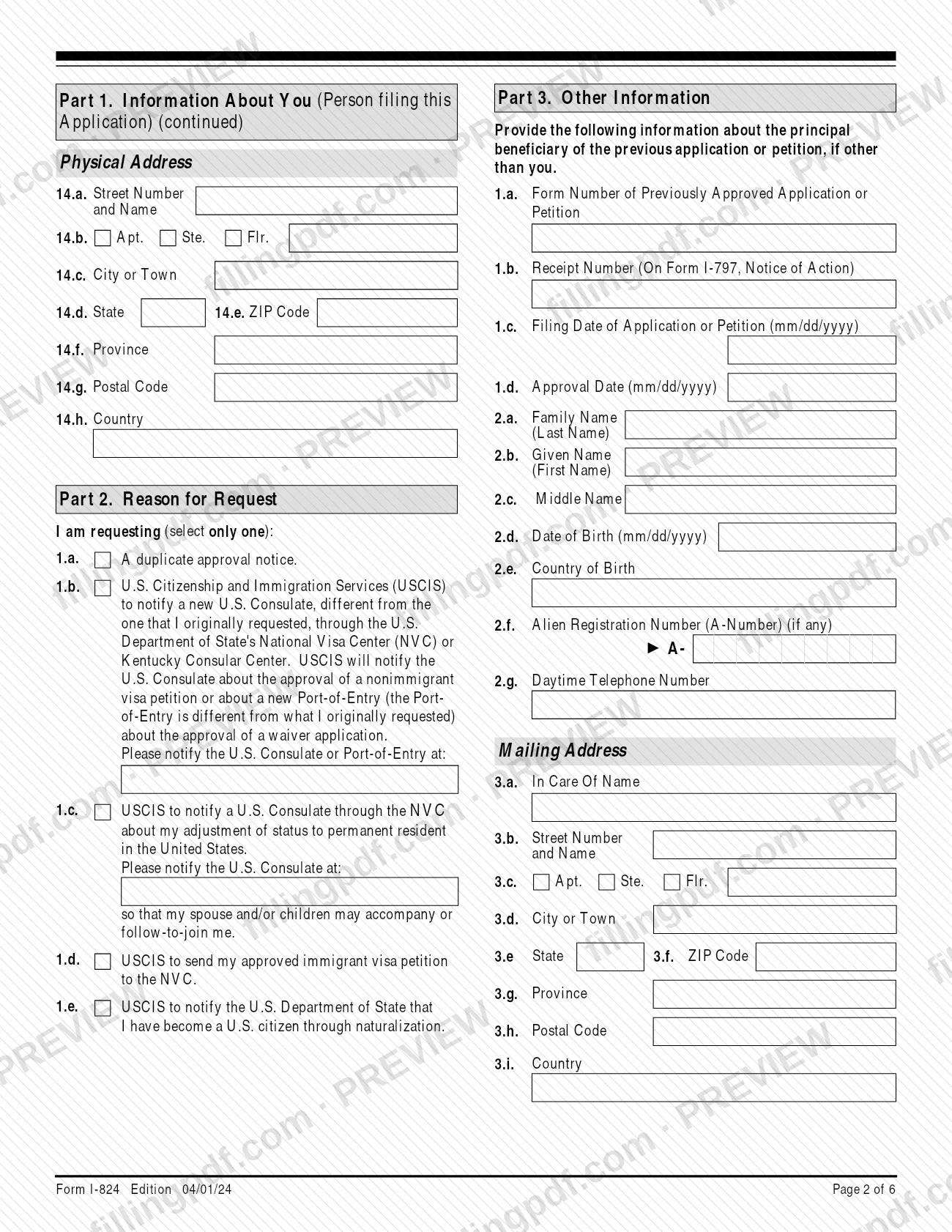
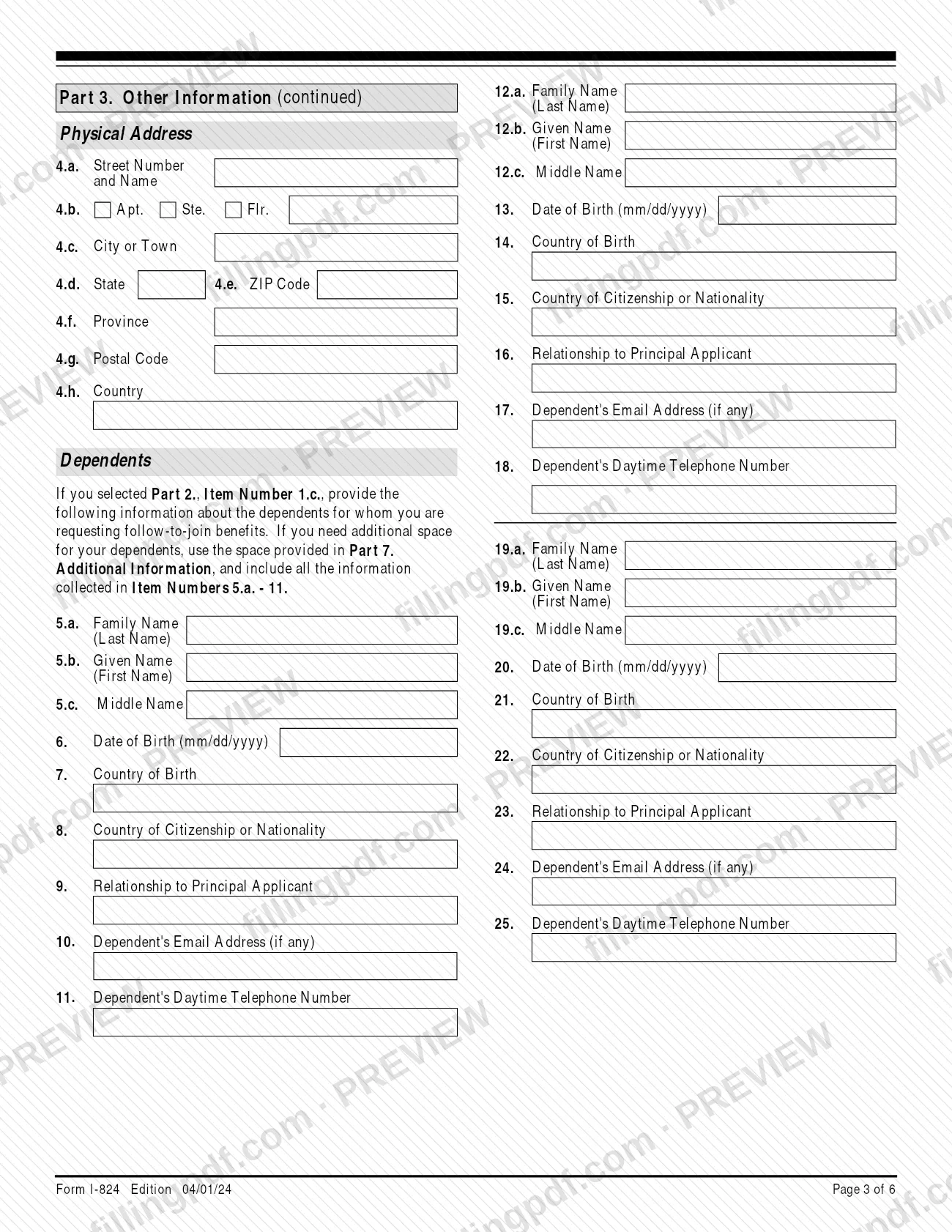
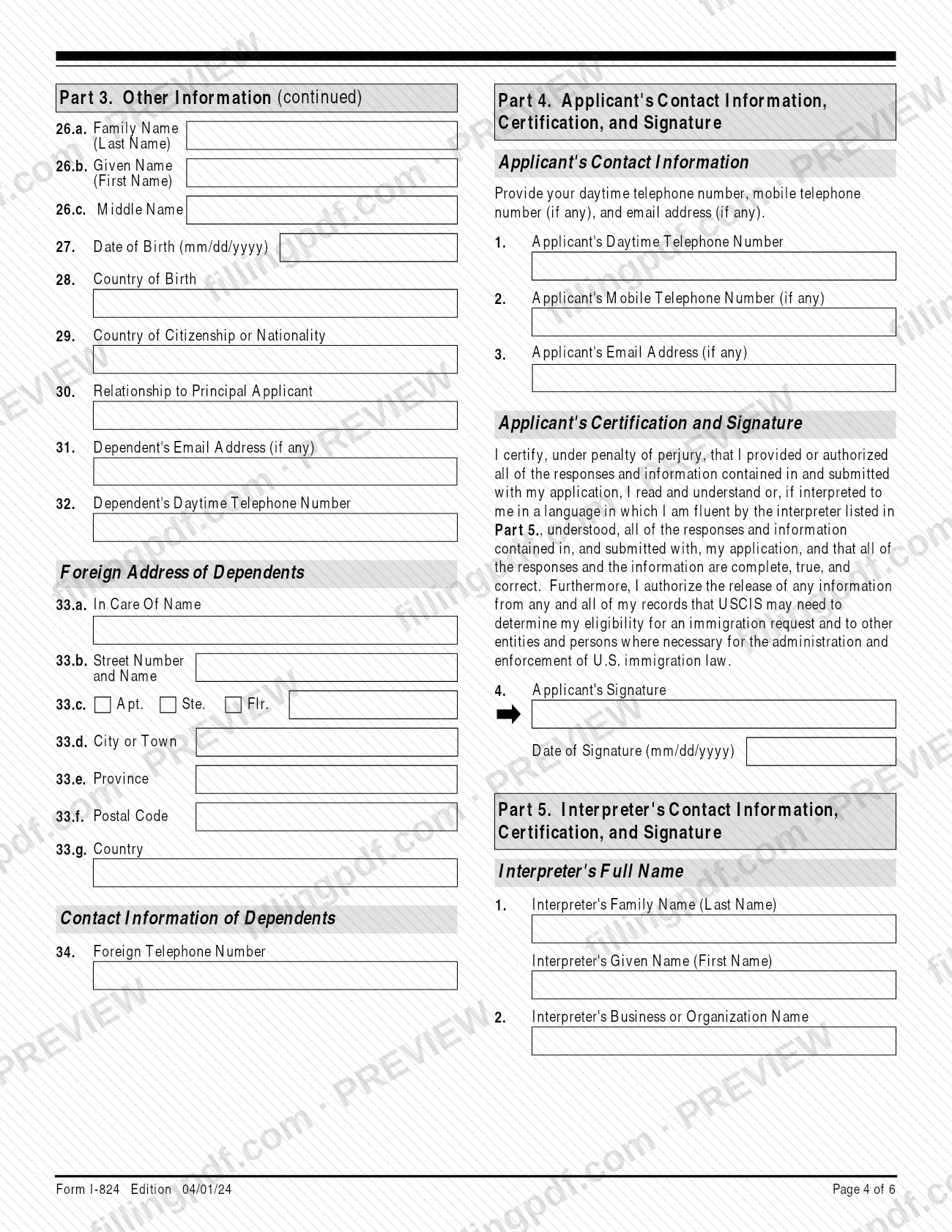
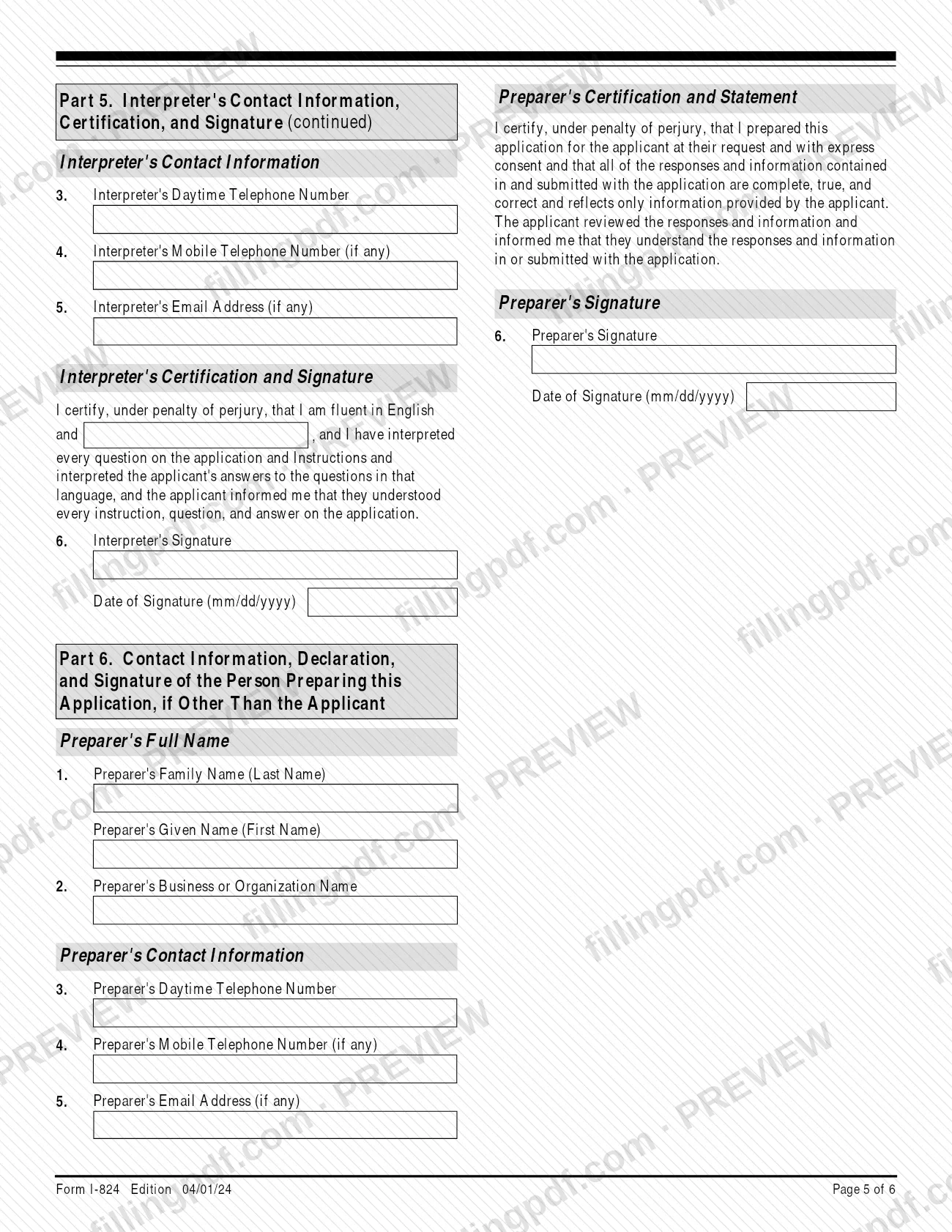
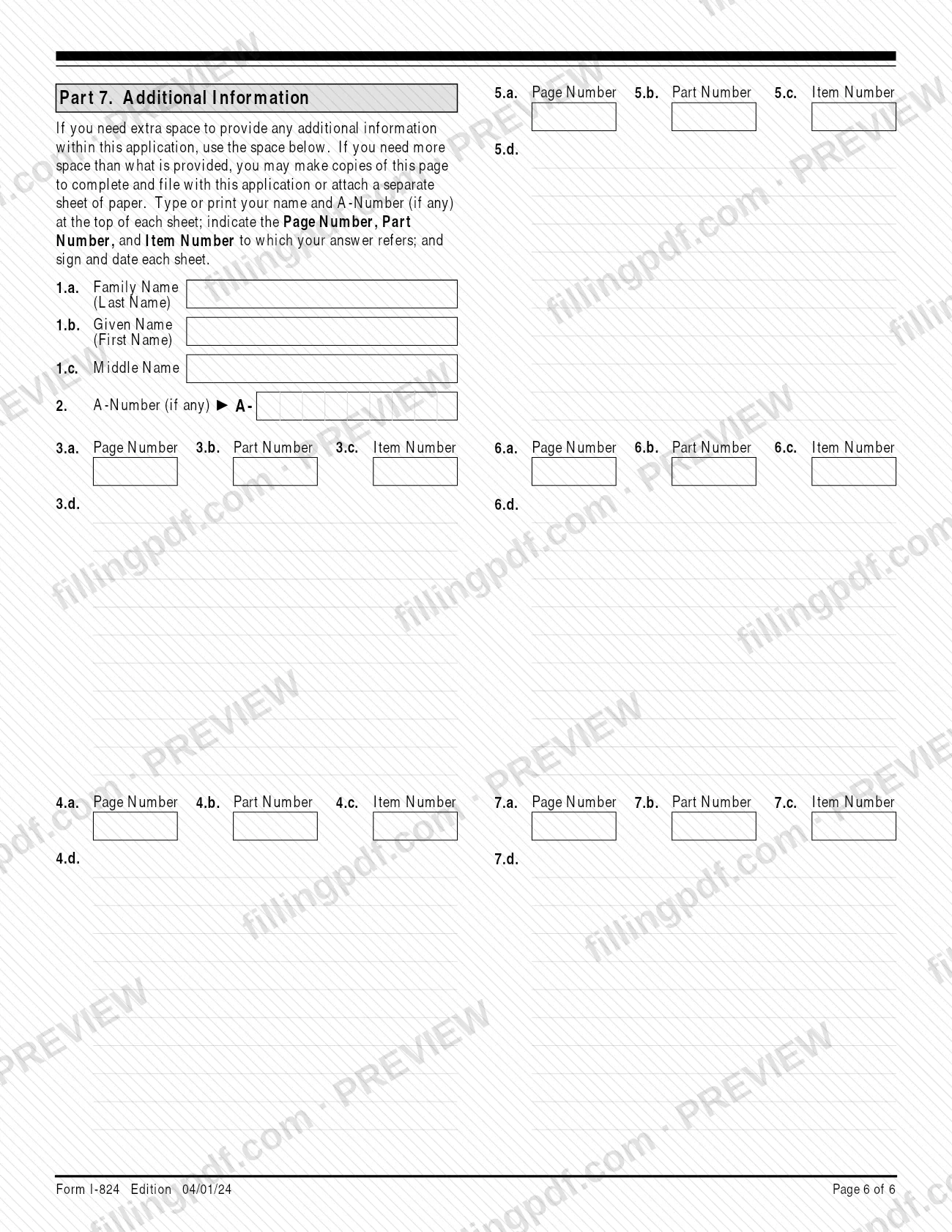
Form I-824, Application for Action on an Approved Application or Petition, is the form U.S. Citizenship and Immigration Services (USCIS) uses for requests that follow an approval: a duplicate approval notice, a notice to a different U.S. Consulate or Port-of-Entry, or a follow-to-join notification for a spouse and children. It is also the form used with U.S. Customs and Border Protection (CBP) to get a duplicate of certain approval notices. On this page you can fill out the form online on FillingPDF and download or print the completed PDF; the official PDF and instructions are published by USCIS.
Last updated
What is I-824?
Form I-824, Application for Action on an Approved Application or Petition, is the USCIS form used to request further action on a previously approved application or petition, such as a duplicate approval notice or notification to the Department of State.
The form is issued by U.S. Citizenship and Immigration Services (USCIS), part of the Department of Homeland Security, under OMB No. 1615-0044. Part 2 asks you to select only one reason for the request:
- 1.a: a duplicate approval notice.
- 1.b: USCIS to notify a new U.S. Consulate, through the National Visa Center (NVC) or Kentucky Consular Center (KCC), about an approved nonimmigrant visa petition, or a new Port-of-Entry about an approved waiver application.
- 1.c: USCIS to notify a U.S. Consulate through the NVC of your adjustment of status to permanent resident, so your spouse and/or children may accompany or follow-to-join you.
- 1.d: USCIS to send your approved immigrant visa petition to the NVC.
- 1.e: USCIS to notify the Department of State (DOS) that you became a U.S. citizen through naturalization.
A separate Form I-824 must be filed for each action requested. The form is not a status check for a pending case, and it does not correct errors or replace cards such as an EAD, Form I-94 or Permanent Resident Card; the instructions name other forms for those requests.
Who needs to file I-824?
The people who file depend on the reason selected in Part 2:
- The applicant or petitioner on the previously approved application or petition, for Item 1.a (duplicate approval notice) or Item 1.b (new Consulate or Port-of-Entry).
- The principal applicant who filed Form I-485, for Item 1.c (follow-to-join notification for a spouse and/or children).
- Only the petitioner of the previously approved immigrant visa petition, for Item 1.d or Item 1.e.
If the petitioner is a company or organization, the entity's information goes in Part 1. A parent or legal guardian may sign for someone under 14, and a legal guardian may sign for a mentally incompetent person.
Do not file with USCIS for follow-to-join benefits if you were issued an immigrant visa through consular processing and admitted as a lawful permanent resident, were granted refugee status after admission, were granted asylee status, or gained LPR status through a T or U visa. Do not file for an application or petition that was denied, revoked, terminated or withdrawn, to correct an error, or to get a copy of an approved Form I-485 or N-400. USCIS or CBP will not approve Form I-824 if the previous approval has expired or was revoked. Do not file with CBP for an action on an approval that was filed with USCIS.
When to file I-824
File Form I-824 when you need further action on an application or petition that has already been approved. The USCIS instructions say you may file at any time while the previously approved application or petition is valid or pending, and that this application may be filed together with the original application or petition under 8 CFR 103.9. The USCIS I-824 page adds that USCIS will not process the form if the petition or application is still pending or has been denied, so check that page before you file. USCIS or CBP will not approve the request if the previous approval is expired or was revoked. The instructions set no separate due date. USCIS may require an interview or a biometric services appointment before deciding, and it notifies you of its decision in writing. File a separate Form I-824 for each action you request.
Documents you need
- Copy of Form I-797 for the previously approved application or petition, front and back: required if you select Part 2, Item 1.a, 1.b, 1.c or 1.d.
- Copy of Form N-550, Certificate of Naturalization, front and back: required if you select Part 2, Item 1.e.
- Full English translation of any document in a foreign language, with the translator's signed certification that it is complete and accurate and that they are competent to translate, plus printed name, date and contact information.
- Form G-28 or G-28I, if an attorney or accredited representative acts for you; the form has a box to mark when it is attached.
- Form G-1145, E-Notification of Application/Petition Acceptance, clipped to the first page, only if you want an email or text message when a USCIS lockbox accepts the form.
How to fill out I-824
Say who is filing
In Part 1, Item 1, select Applicant or Petitioner on the previously approved application or petition. If the petitioner is a company or organization, enter its complete name in Item 3 and leave Items 2.a. to 2.c. blank.
Enter your name and status
Give your full legal family, given and middle names in Items 2.a. to 2.c., including both last names if you have two. In Item 4 enter your current or most recent immigration status, or "N/A" if you are a U.S. citizen.
Provide identification numbers and birth details
Complete Items 5 to 12: Certificate of Naturalization or Citizenship Number, A-Number, date of birth (mm/dd/yyyy), country of birth, citizenship, IRS Tax Number (business filers), Social Security Number and USCIS Online Account Number. Enter "N/A" where an item does not apply.
Enter your mailing and physical addresses
Items 13.a. to 13.i. are your mailing address, if different from your physical address. Items 14.a. to 14.h. are your physical street address, which cannot be a P.O. Box.
Select the reason for your request
In Part 2, select only one box, Item 1.a. to 1.e. For Items 1.b. and 1.c., enter the U.S. Consulate or Port-of-Entry to be notified in the space provided.
Describe the previously approved case
In Part 3, Items 1.a. to 1.d., enter the form number, the receipt number from Form I-797, the filing date and the approval date (mm/dd/yyyy). The receipt number in Item 1.b. is required.
Add beneficiary information
For Part 2 Items 1.a., 1.b., 1.d. or 1.e., complete Part 3, Items 2.a. to 4.h. about the principal beneficiary of the previous case, if other than you: name, date and country of birth, A-Number, telephone, and mailing and physical addresses.
List dependents for follow-to-join
Only if you selected Part 2, Item 1.c., complete Part 3, Items 5.a. to 34. for each spouse or child, including relationship, citizenship, contact details and foreign address. Use Part 7 if you need more space.
Complete your contact information and sign
In Part 4, enter your daytime and mobile telephone numbers and email address if any, then sign and date Item 4 by hand in ink after printing. A parent or legal guardian signs where permitted.
Complete interpreter and preparer parts
If an interpreter read the form to you, Part 5 must be filled in and signed. If someone other than you prepared it, Part 6 must be completed and signed; one person acting in both roles completes both parts.
Use Part 7 for extra space
Use Part 7 for additional answers, citing the Page Number, Part Number and Item Number. Put your name and A-Number (if any) at the top of each extra sheet, and sign and date each one.
Review, sign and download the PDF
Check that each item is answered or marked "N/A" and that the receipt number is entered. Download or print the completed PDF from FillingPDF, sign it, add the required copies and submit through the channels under How to submit.
How to submit I-824
Form I-824 is filed with USCIS at the direct filing address for the form, or with CBP when the approval was issued by CBP.
- USCIS: Check www.uscis.gov/I-824 and the Direct Filing Addresses page for Form I-824, or call the USCIS Contact Center at 1-800-375-5283 (TTY 1-800-767-1833). Applications not sent to the correct direct filing address may be delayed.
- CBP: File at the CBP-designated Port-of-Entry listed on www.cbp.gov, or mail the application to U.S. Customs and Border Protection, Admissibility Review Office, at the address on www.cbp.gov.
A filing fee applies; see Form G-1055 and the USCIS Fee Schedule page for the current amount. Sign the form by hand: a photocopy, fax or scan of the original with a handwritten ink signature is accepted for filing, but a stamped or typewritten name is not. If you print the form, make sure the edition date and page numbers show at the bottom of every page and that all pages come from the same edition, or USCIS may reject it. To get an email or text message when a USCIS lockbox accepts the form, complete Form G-1145 and clip it to the first page. Do not mail the form to the Paperwork Reduction Act address in the instructions. FillingPDF lets you fill out and download the PDF; submission follows the channels above.
Common mistakes to avoid
- Leaving the Receipt Number (on Form I-797, Notice of Action) blank in Part 3, Item 1.b; USCIS says it will reject the form without it.
- Submitting the form unsigned, or with a stamped or typewritten name instead of a handwritten signature.
- Selecting more than one reason in Part 2; the form allows only one, and a separate Form I-824 is needed for each action.
- Entering a P.O. Box as your physical address in Part 1, Items 14.a. to 14.h.; it must be a street address or rural route.
- Filing for a denied, revoked, terminated or withdrawn application, or when the previous approval has expired.
- Using Form I-824 to correct an error or to replace an EAD, Form I-94, Permanent Resident Card or travel document, which need other forms.
- Requesting follow-to-join benefits through USCIS as an immigrant visa holder admitted as an LPR, a refugee, an asylee, or a T or U visa LPR.
- Omitting the front and back copy of Form I-797 (or Form N-550 for Item 1.e), or sending a foreign-language document without a certified English translation.
- Mailing a printed form with missing pages or pages from different editions; USCIS may reject it.
Frequently asked questions
What is Form I-824 used for?
Form I-824 requests further action on a previously approved application or petition. The reasons are a duplicate approval notice, notice to a new U.S. Consulate or Port-of-Entry, follow-to-join notification through the NVC, sending an approved immigrant visa petition to the NVC, or notifying the Department of State of naturalization.
Can I use Form I-824 to replace my green card or EAD?
No. The instructions say to use Form I-90 for a Permanent Resident Card, Form I-765 for an EAD, Form I-102 for a Form I-94 and Form I-131 for a travel document. A duplicate approval notice under Form I-824 does not come with a replacement card.
Is there a filing fee for Form I-824?
Yes, a filing fee applies. The USCIS instructions point to Form G-1055 and the USCIS Fee Schedule page for the amount that applies to this form. Check those pages for the current fee before you file.
Where do I file Form I-824?
With USCIS, use the direct filing address listed on the USCIS I-824 page or ask the Contact Center at 1-800-375-5283. If the approval came from CBP, file at the CBP-designated Port-of-Entry or mail it to the CBP Admissibility Review Office at the address on www.cbp.gov.
What documents do I attach to Form I-824?
Attach a copy of Form I-797 (front and back) for the approved case if you select Item 1.a., 1.b., 1.c. or 1.d. For Item 1.e., attach a copy of Form N-550, Certificate of Naturalization. Add certified English translations for any foreign-language documents.
Who can request follow-to-join benefits with Form I-824?
The principal applicant who filed Form I-485 can, using Part 2, Item 1.c. It is not available to people admitted as LPRs on an immigrant visa, refugees, asylees, or T or U visa LPRs; refugees and asylees are directed to Form I-730.
Does a duplicate approval notice include a copy of my application?
No. The duplicate approval notice contains only the approval information from the original Form I-797, Notice of Action. It does not include a copy of the approved application or petition, and no replacement card comes with it.
Can I fill out Form I-824 online on FillingPDF?
Yes. You can fill out the PDF online on FillingPDF and download or print it. FillingPDF is independent and not affiliated with USCIS or CBP, and it does not file the form; you submit it through the agency's channels.
Ready to fill out I-824?
Fill out I-824 now