
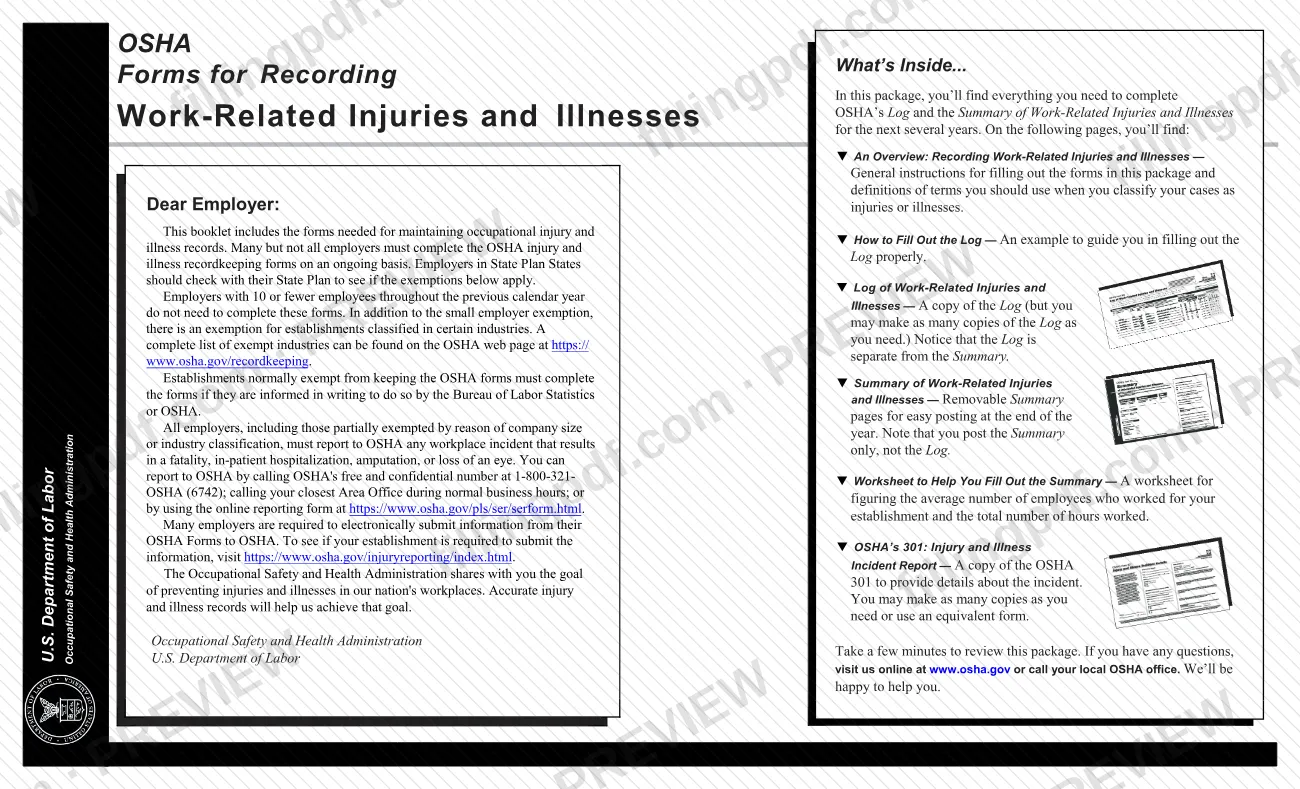
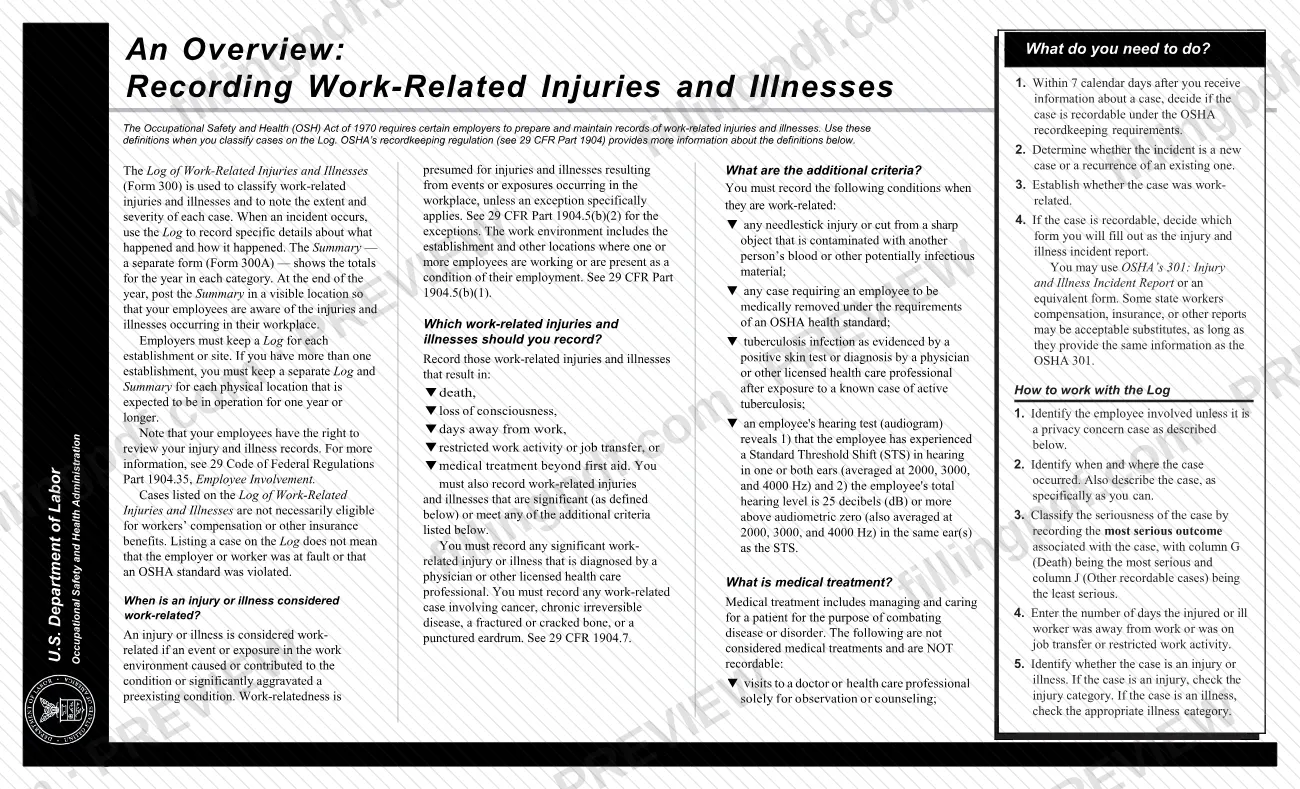
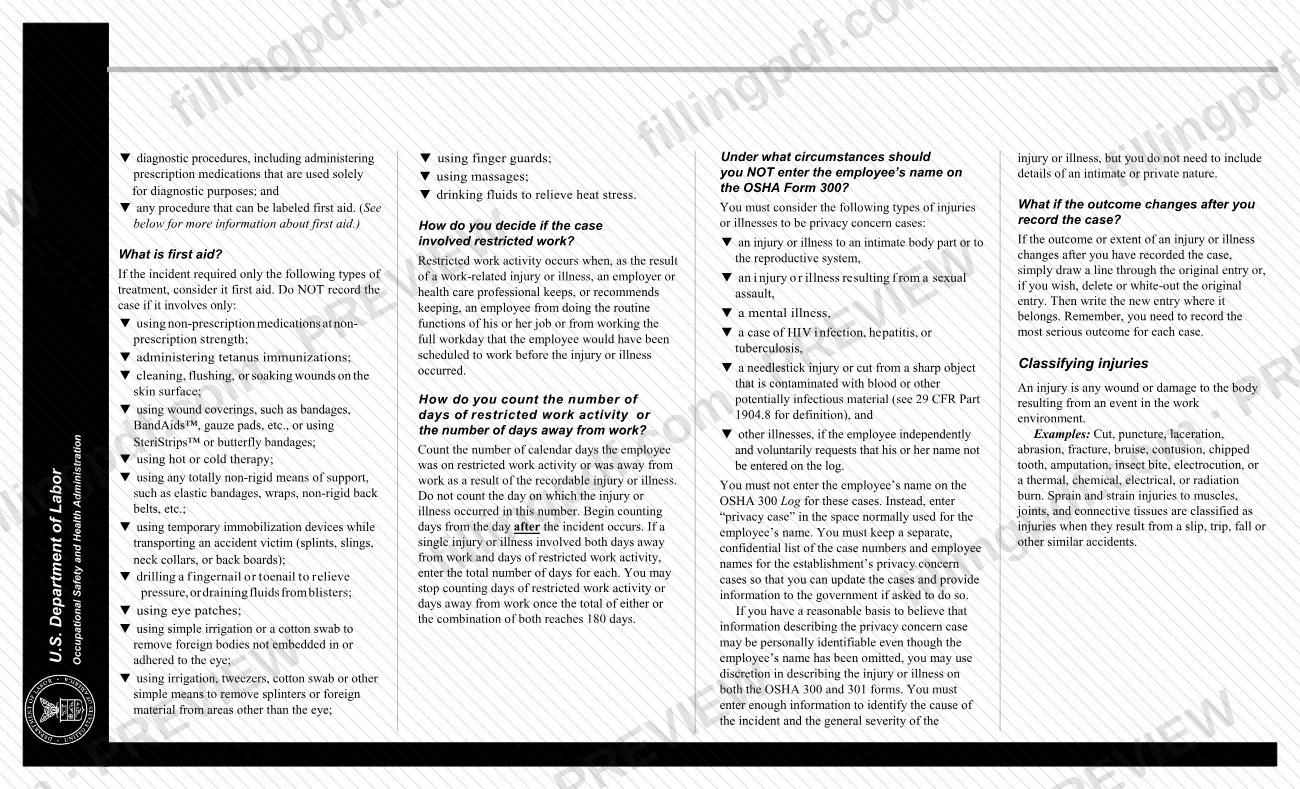

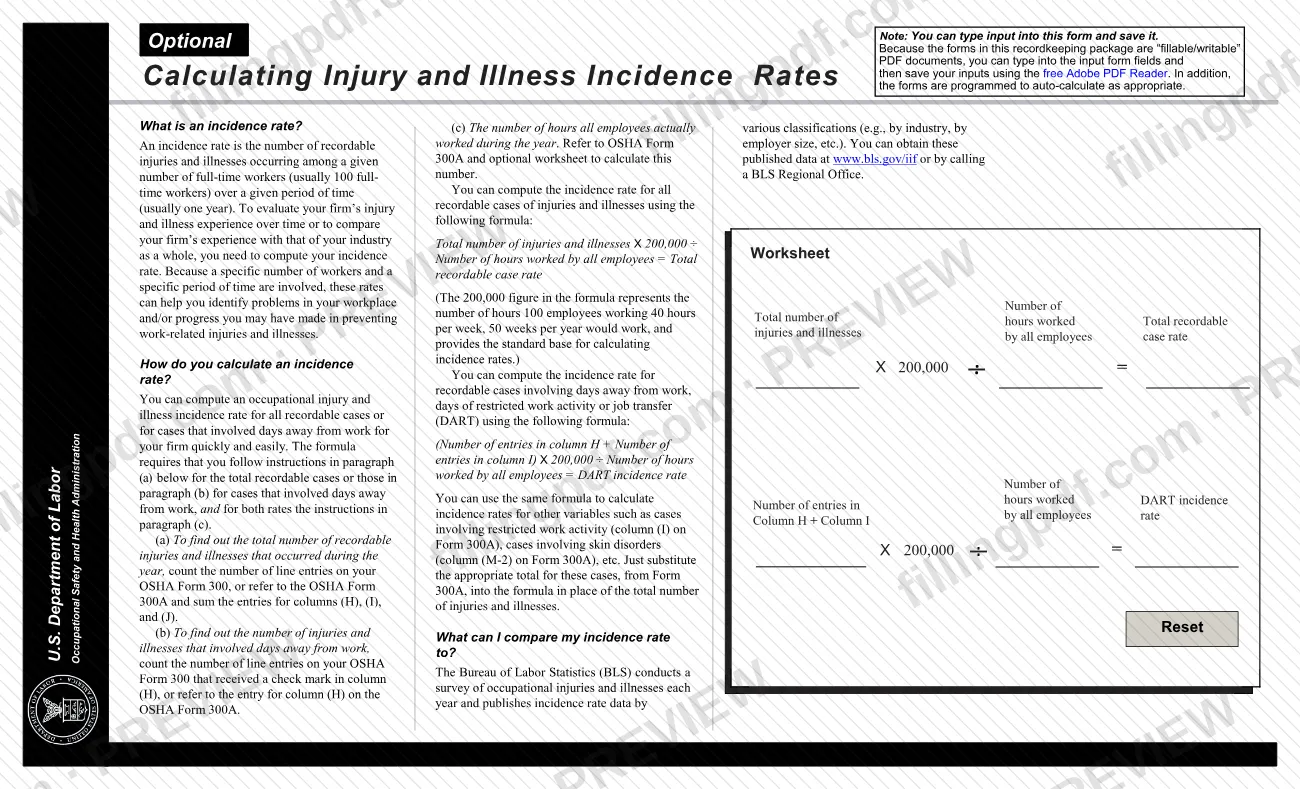
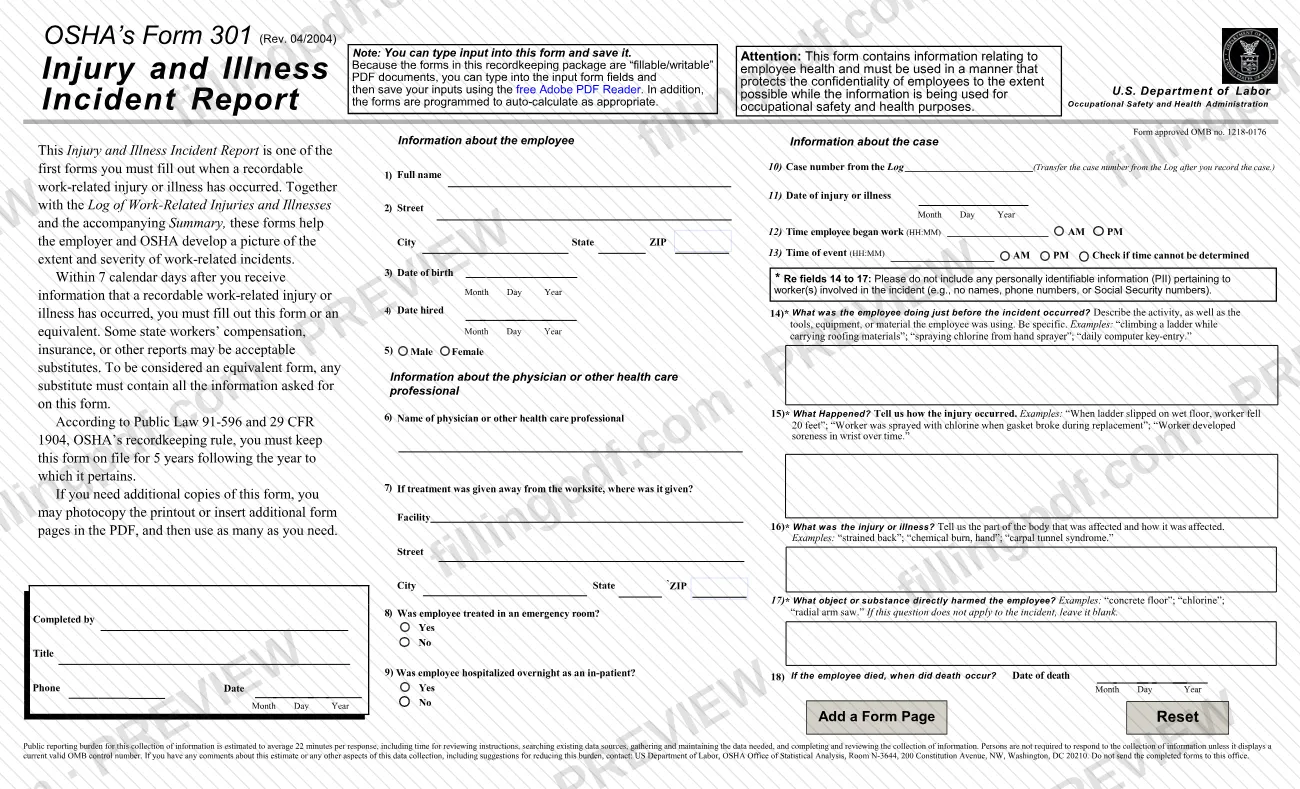

OSHA 301 is the Injury and Illness Incident Report that employers complete for each work-related injury or illness recorded on the OSHA Form 300 Log, as set out by the Occupational Safety and Health Administration (OSHA). It asks about the employee, the physician or health care professional, and what happened. On this page you can fill out the form online on FillingPDF and download or print the completed PDF. OSHA publishes the original in its Forms for Recording Work-Related Injuries and Illnesses package, with the Log and the Summary.
Last updated
What is OSHA 301?
Form OSHA 301, Injury and Illness Incident Report, is the OSHA form an employer completes to give details about a single recordable work-related injury or illness, alongside the Log of Work-Related Injuries and Illnesses (Form 300) and the Summary (Form 300A).
OSHA describes it as one of the first forms you fill out when a recordable work-related injury or illness has occurred. Together with the Log and the Summary, it helps the employer and OSHA build a picture of the extent and severity of work-related incidents. The form is approved under OMB no. 1218-0176 and the revision printed on it is Rev. 04/2004.
The form has three blocks of questions: information about the employee (items 1 to 5), information about the physician or other health care professional (items 6 to 9), and information about the case (items 10 to 18), ending with who completed it. Items 14 to 17 ask the employee's activity before the incident, what happened, the injury or illness and the object or substance involved.
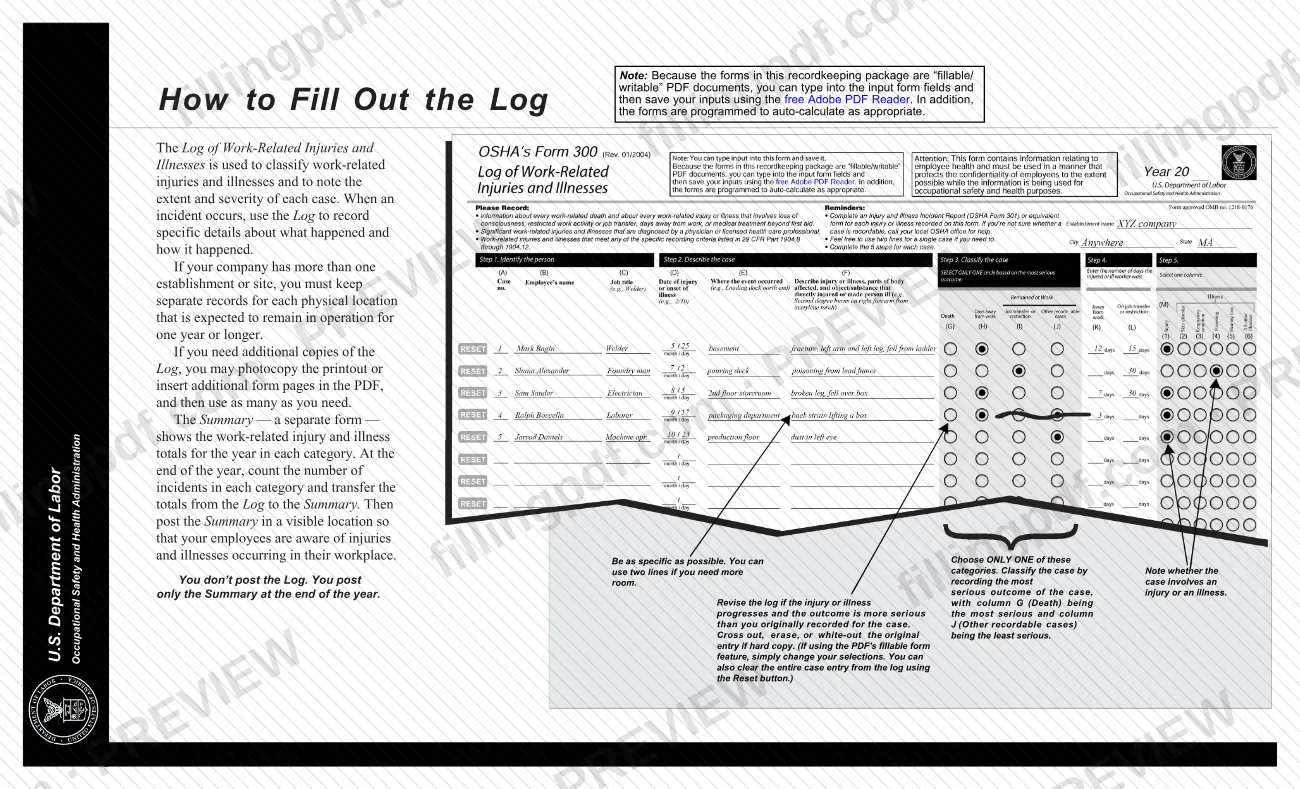
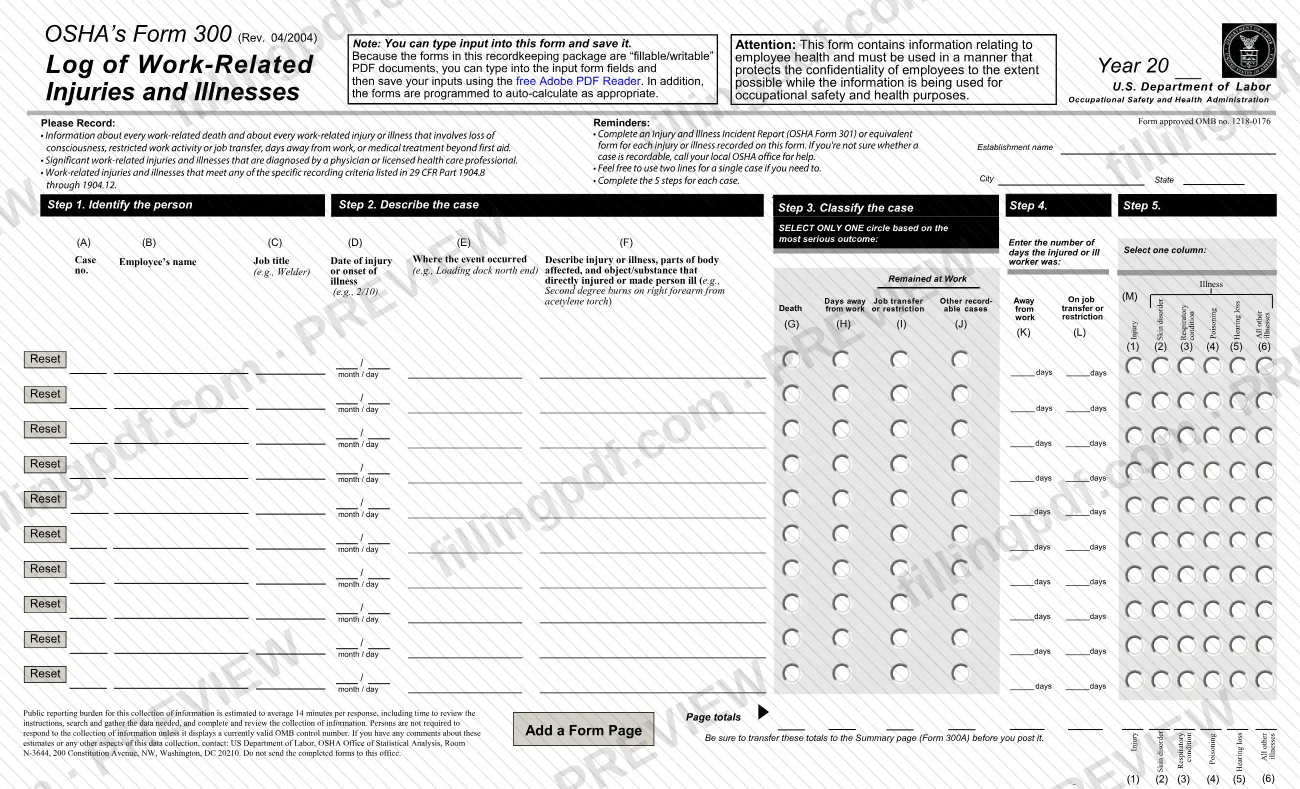
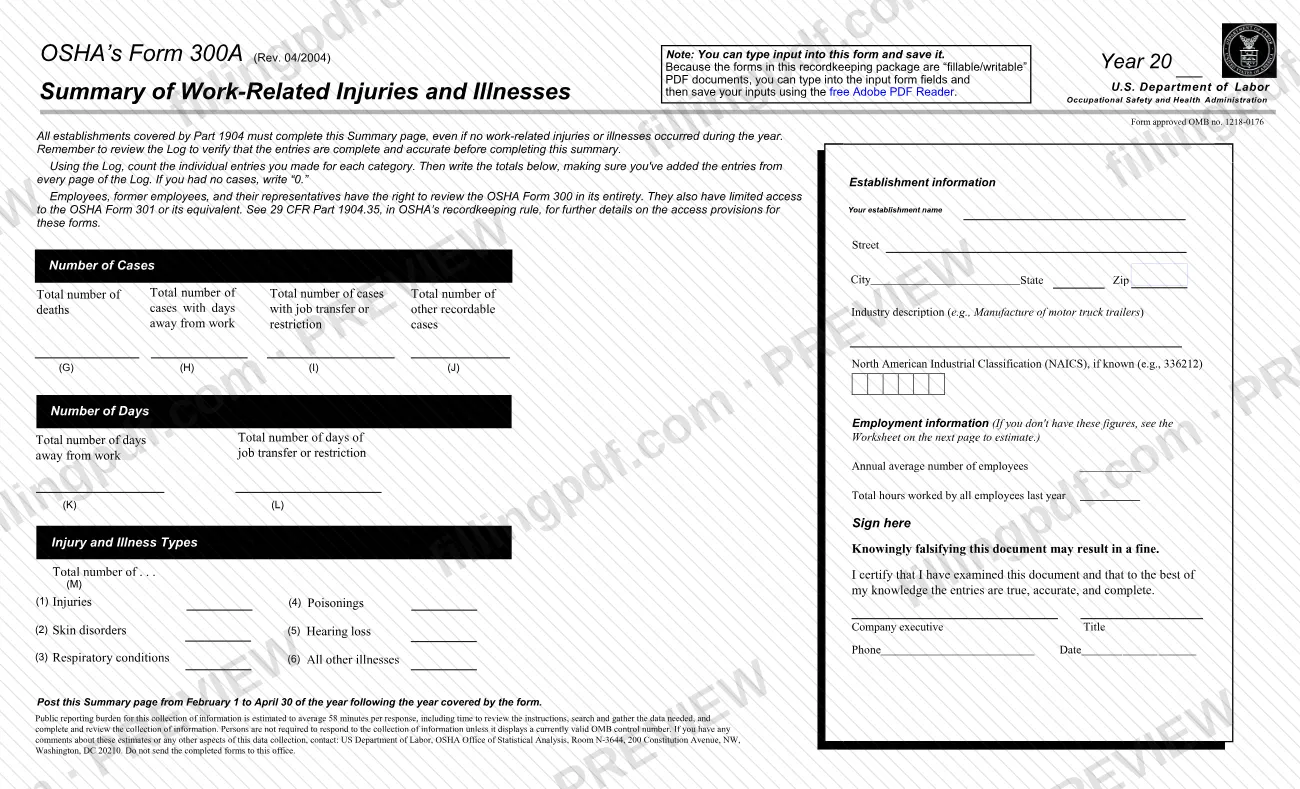
The three forms differ in job. The Log (Form 300) classifies each case and notes its severity, the Summary (Form 300A) shows the year's totals and is the only one of the three that is posted, and Form 301 gives the narrative details of one incident. An equivalent form may be used instead of the OSHA 301 if it contains all the information the form asks for. OSHA states that listing a case on the Log does not mean the employer or worker was at fault or that an OSHA standard was violated.
Who needs to file OSHA 301?
Employers who must keep OSHA injury and illness records complete a Form 301, or an equivalent form, for each injury or illness they record on the OSHA Form 300 Log.
Not every employer has to keep these records. OSHA's package says:
- Employers with 10 or fewer employees throughout the previous calendar year do not need to complete the forms.
- Establishments in certain industries are also exempt; the list is on OSHA's recordkeeping page at https://www.osha.gov/recordkeeping.
- Employers in State Plan States should check with their State Plan to see whether the exemptions apply.
- An exempt establishment must still complete the forms if the Bureau of Labor Statistics or OSHA informs it in writing to do so.
Even a partially exempt employer must report to OSHA any incident that results in a fatality, in-patient hospitalization, amputation or loss of an eye; that report is separate from Form 301.
Some state workers' compensation, insurance or other reports may replace the form, as long as they give the same information. Employees, former employees and their representatives have limited access to the OSHA 301 or its equivalent under 29 CFR Part 1904.35.
When to file OSHA 301
Complete Form 301 within 7 calendar days after you receive information that a recordable work-related injury or illness has occurred. The same period applies to deciding whether the case is recordable under OSHA's definitions.
The form is tied to the Log: item 10 asks for the case number from the Log, which you transfer after you record the case. A Form 301 is therefore completed for each case that is entered on the Log.
Keep each completed form on file for 5 years following the year to which it pertains. The form sets no other deadline, and it is not mailed to OSHA on a due date; annual electronic data submission, where it applies, is described under How to submit.
How to fill out OSHA 301
Record the case first
Decide whether the case is recordable and enter it on the OSHA Form 300 Log, since item 10 on this form asks for the case number from the Log.
Enter the employee's details
Complete items 1 to 5: full name, street, city, state and ZIP, date of birth, date hired (Month, Day, Year) and Male or Female.
Identify the health care professional
In item 6, enter the name of the physician or other health care professional. If treatment was given away from the worksite, give the facility, street, city, state and ZIP in item 7.
Answer the treatment questions
Item 8: choose Yes or No for whether the employee was treated in an emergency room. Item 9: choose Yes or No for whether the employee was hospitalized overnight as an in-patient.
Enter the case number and dates
Item 10: the case number from the Log. Item 11: the date of injury or illness as Month, Day, Year.
Enter the times
Item 12: the time the employee began work (HH:MM, AM or PM). Item 13: the time of the event (HH:MM, AM or PM), or check the box if the time cannot be determined.
Describe the incident without PII
Items 14 to 17 ask what the employee was doing just before the incident, what happened, what the injury or illness was and the part of body affected, and the object or substance that directly harmed the employee. Do not include names, phone numbers or Social Security numbers; leave item 17 blank if it does not apply.
Add the date of death if applicable
Item 18: if the employee died, enter the date of death as Month, Day, Year.
Add who completed the form
Enter the name of the person who completed it, their title, phone number and the date.
Review and download the completed PDF
Check every item against your Log entry, then download or print the completed PDF from FillingPDF and keep it on file as described under How to submit.
How to submit OSHA 301
Form 301 is kept on file at the establishment; OSHA does not accept completed paper forms by mail or electronic forms by email.
- Keep it on file: retain the completed form, or your equivalent, for 5 years following the year to which it pertains. Employees, former employees and their representatives have limited access to it.
- Injury Tracking Application (ITA): covered establishments must submit their annual 300A, 300 and 301 data to OSHA's Injury Tracking Application. To see whether your establishment must submit, visit https://www.osha.gov/injuryreporting/index.html.
- Do not send it to the Office of Statistical Analysis: the address printed on the form, US Department of Labor, OSHA Office of Statistical Analysis, Room N-3644, 200 Constitution Avenue, NW, Washington, DC 20210, is for comments about the paperwork burden. The form says not to send completed forms there.
A fatality, in-patient hospitalization, amputation or loss of an eye is reported separately: call 1-800-321-OSHA (6742), call your closest Area Office during normal business hours, or use the online form at https://www.osha.gov/pls/ser/serform.html.
FillingPDF lets you fill out and download the PDF; submission follows the channels above.
Common mistakes to avoid
- Entering personally identifiable information in items 14 to 17, such as names, phone numbers or Social Security numbers; the form asks you not to include any.
- Completing the form later than 7 calendar days after you receive information that a recordable work-related injury or illness has occurred.
- Mailing the completed form to OSHA or emailing it; OSHA does not accept paper forms by mail or electronic forms by email.
- Sending the completed form to the OSHA Office of Statistical Analysis in Washington, DC; that address is only for comments on the paperwork burden.
- Using a substitute report that omits information the OSHA 301 asks for; an equivalent form must contain all of it.
- Discarding the form before 5 years have passed after the year it pertains to.
- Leaving item 10 empty instead of transferring the case number from the Log after you record the case.
- Editing or printing the fillable PDF inside a browser plug-in viewer; OSHA says to save the file to your computer first and open it in Acrobat.
Frequently asked questions
What is OSHA 301 and what is it used for?
OSHA 301 is the Injury and Illness Incident Report. An employer completes it to give details about one recordable work-related injury or illness, in addition to the entry for that case on the OSHA Form 300 Log. An equivalent form may be used instead.
How long do I have to fill out Form 301?
Within 7 calendar days after you receive information that a recordable work-related injury or illness has occurred. You must also decide within the same 7 days whether the case is recordable under OSHA's definitions.
How long do I have to keep an OSHA 301?
Keep it on file for 5 years following the year to which it pertains. The same 5-year period applies to the Log and the Summary.
Do I send OSHA Form 301 to OSHA?
Not by mail or email: OSHA does not accept completed paper forms by mail or electronic forms by email. Covered establishments submit annual 300A, 300 and 301 data through OSHA's Injury Tracking Application. Check https://www.osha.gov/injuryreporting/index.html to see if you must.
Can I use my own form or a workers' compensation report instead of OSHA 301?
Yes, if it contains all the information the OSHA 301 asks for. OSHA says some state workers' compensation, insurance or other reports may be acceptable substitutes. Equivalent forms may be kept in any file format if the requirements in 1904.29(b)(4) and 1904.32(b)(2)(iii) are met.
Who is exempt from keeping OSHA 301 records?
Employers with 10 or fewer employees throughout the previous calendar year, and establishments in certain exempt industries. State Plan States may differ, and an exempt establishment must keep the forms if OSHA or the Bureau of Labor Statistics tells it in writing to do so.
Is Form 301 how I report a death or hospitalization to OSHA?
No. A fatality, in-patient hospitalization, amputation or loss of an eye is reported to OSHA separately, by calling 1-800-321-OSHA (6742), calling your closest Area Office, or using the online reporting form. Form 301 is the record you keep.
Can I fill out OSHA 301 online on FillingPDF?
You can fill out the fillable PDF online on FillingPDF and download or print it. FillingPDF is independent of OSHA and does not file or submit anything for you; the completed form is kept on file and any electronic data goes through OSHA's channels.
Ready to fill out OSHA 301?
Fill out OSHA 301 now