
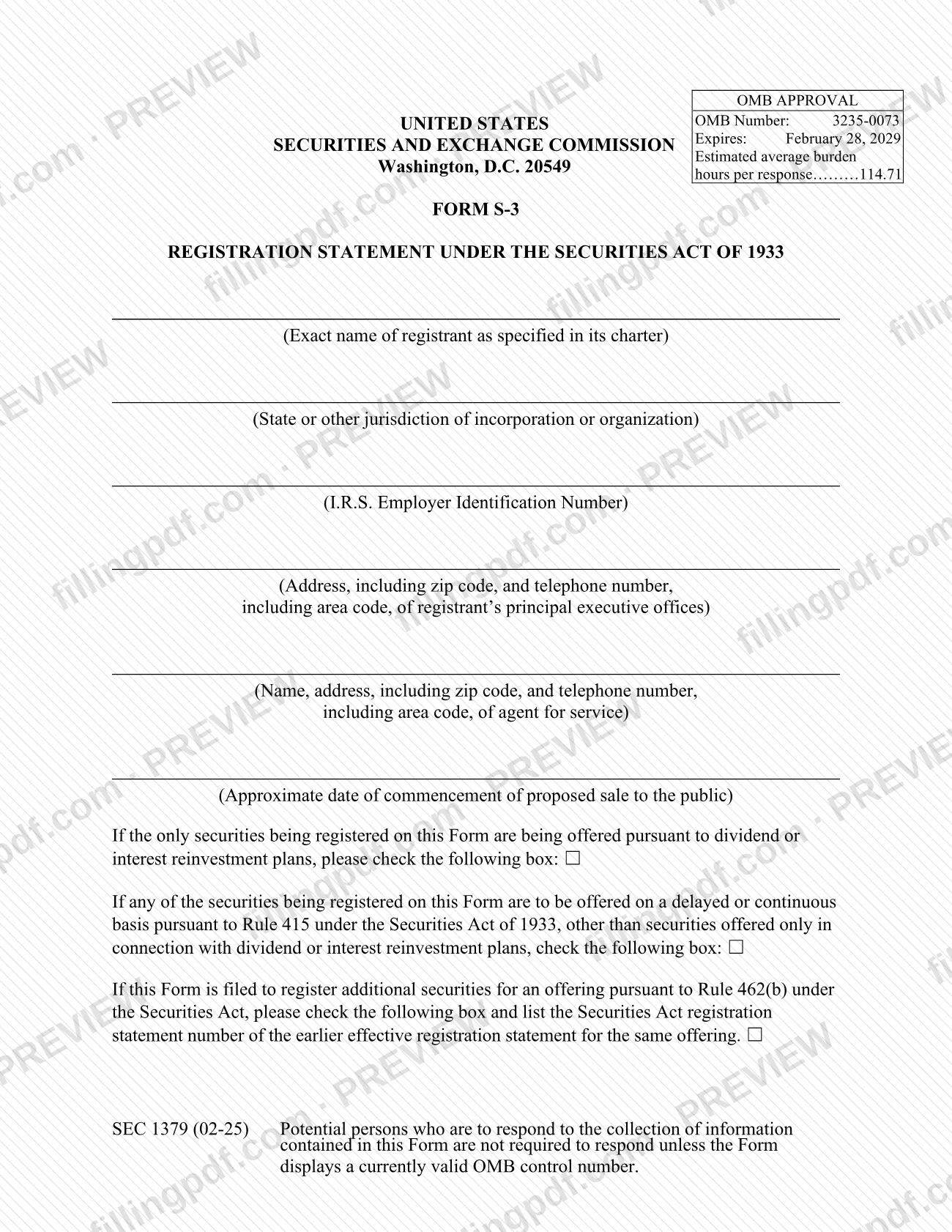
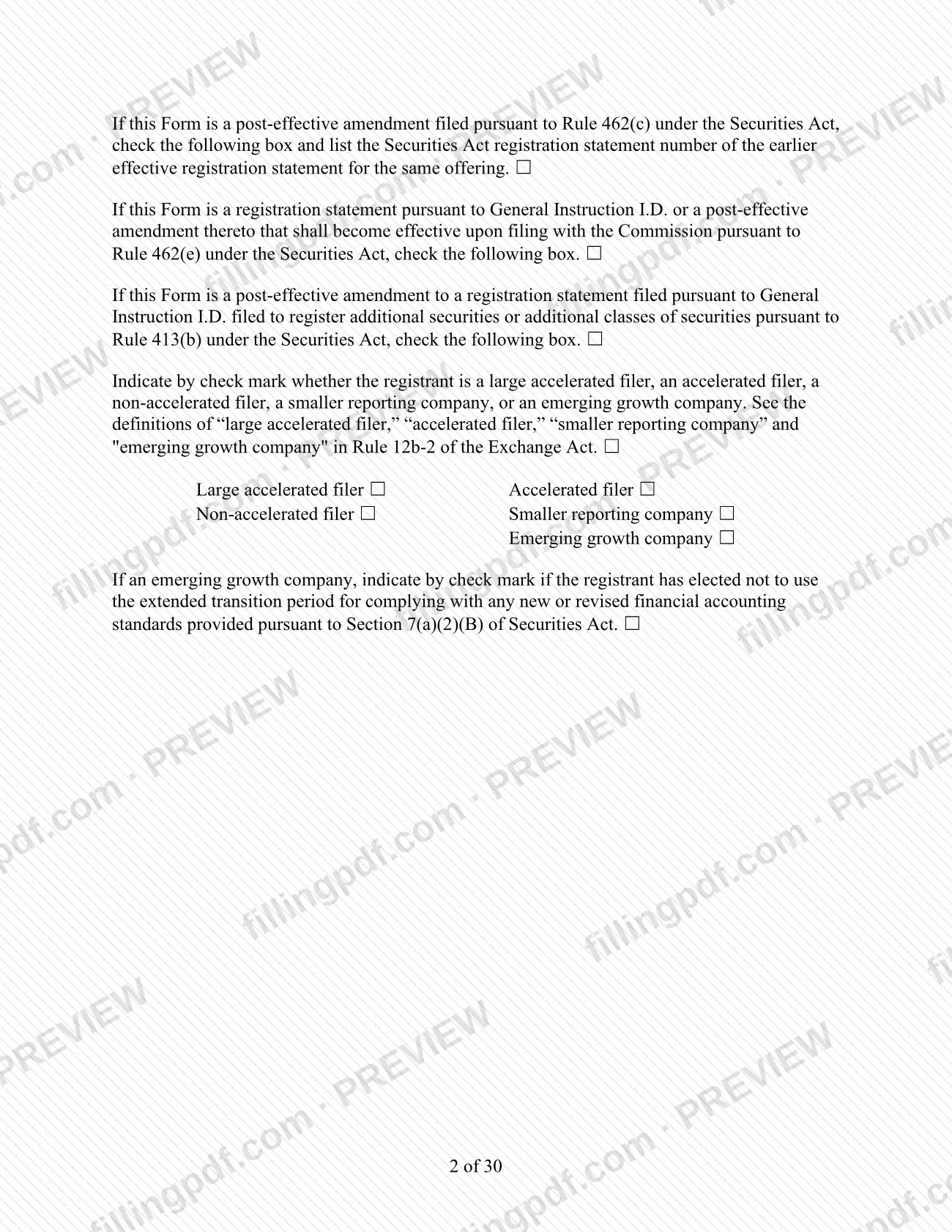
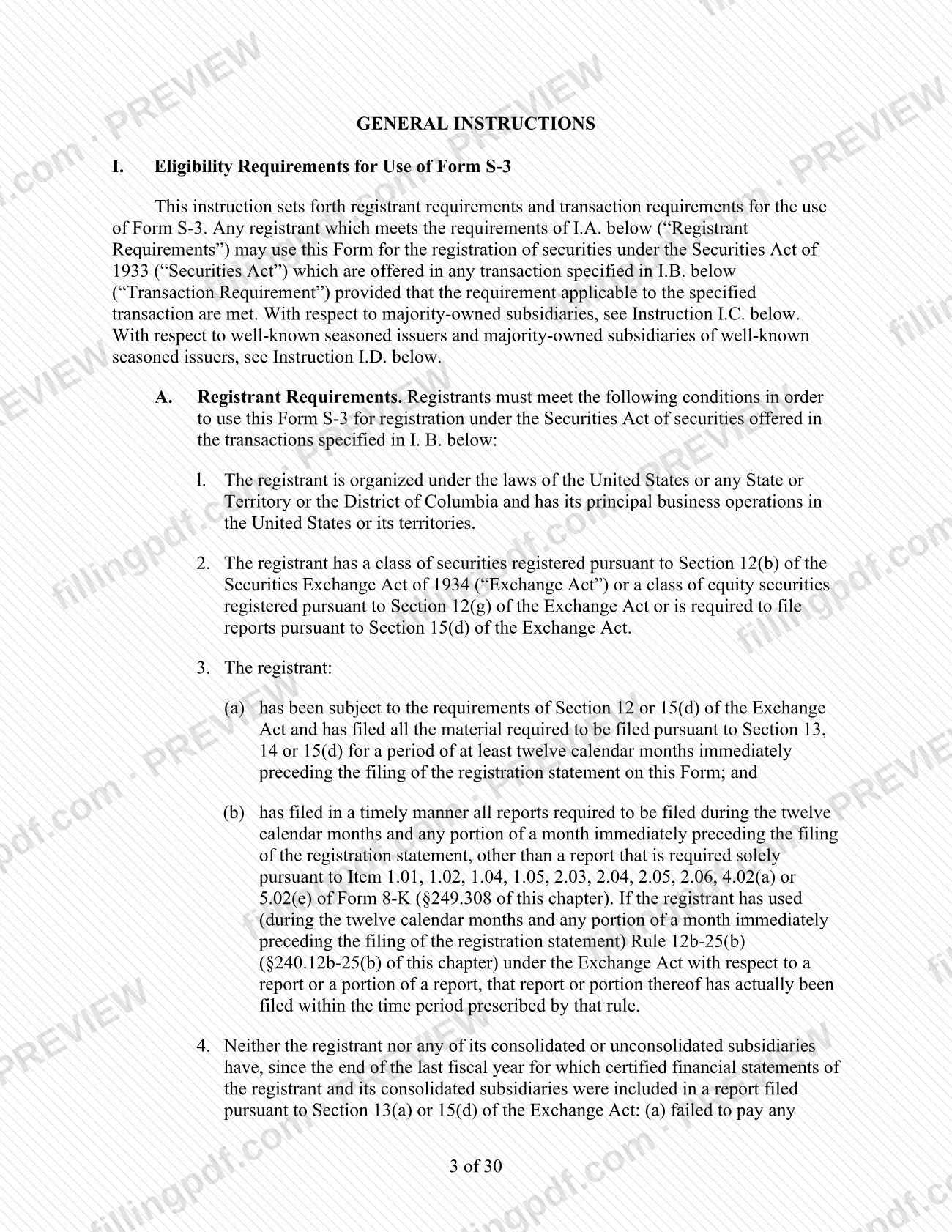
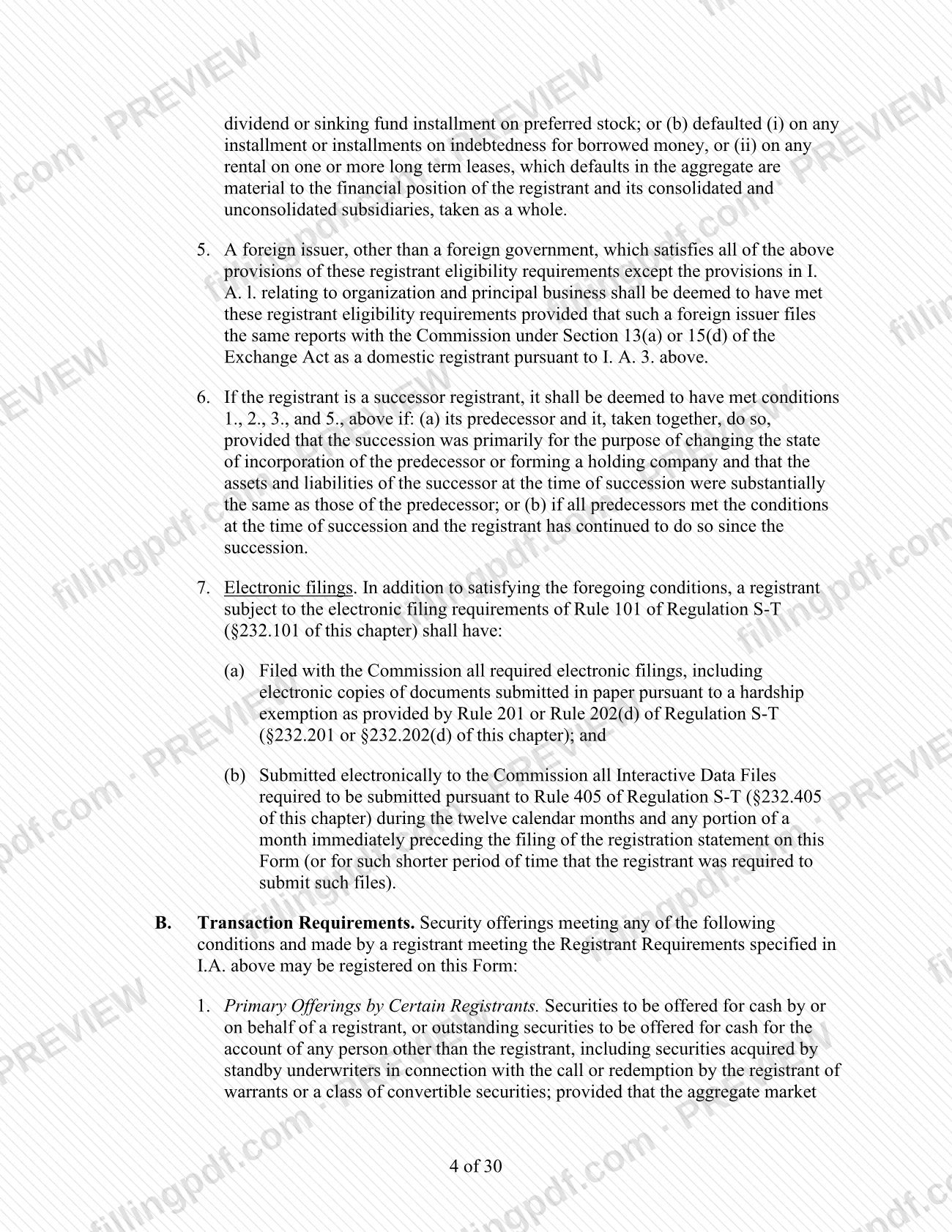
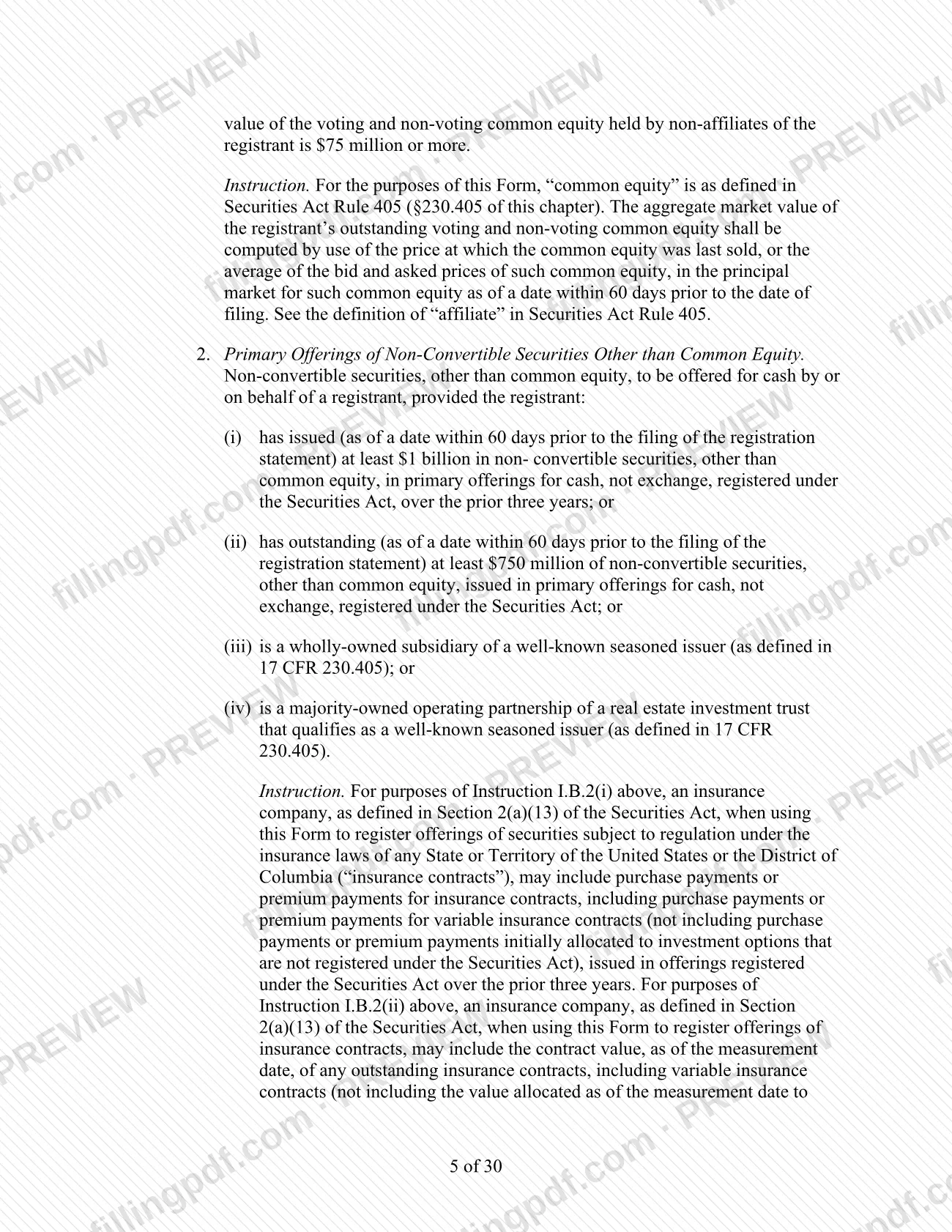
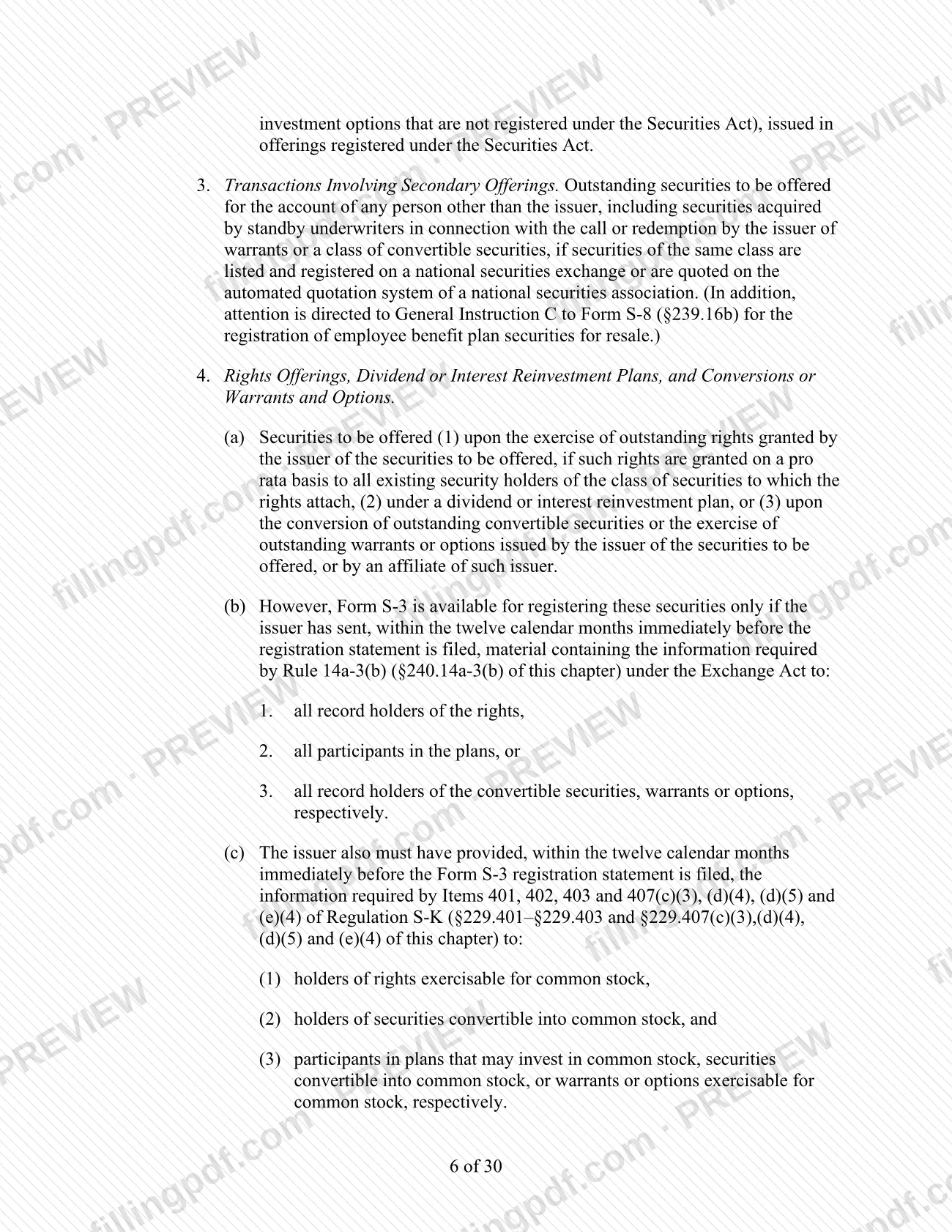
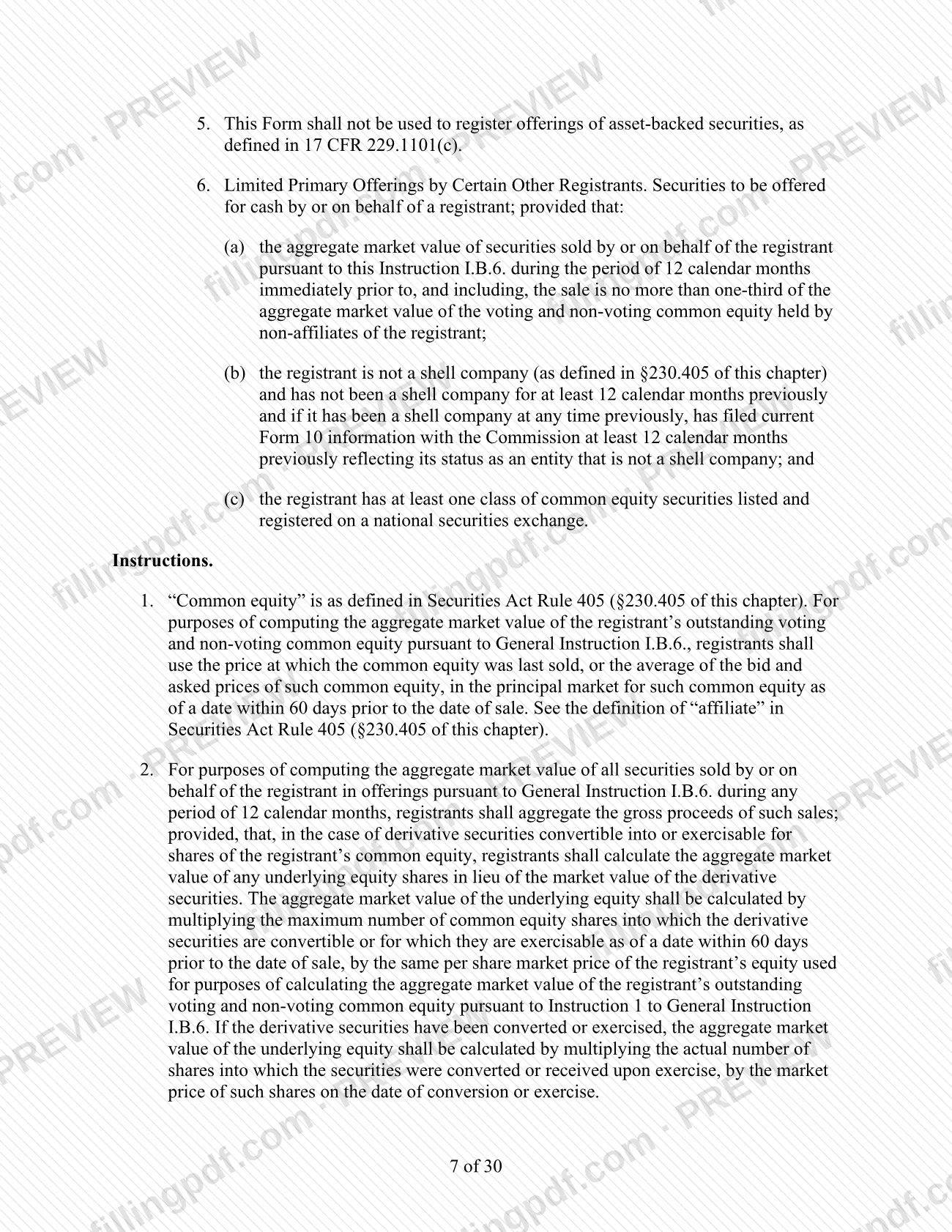
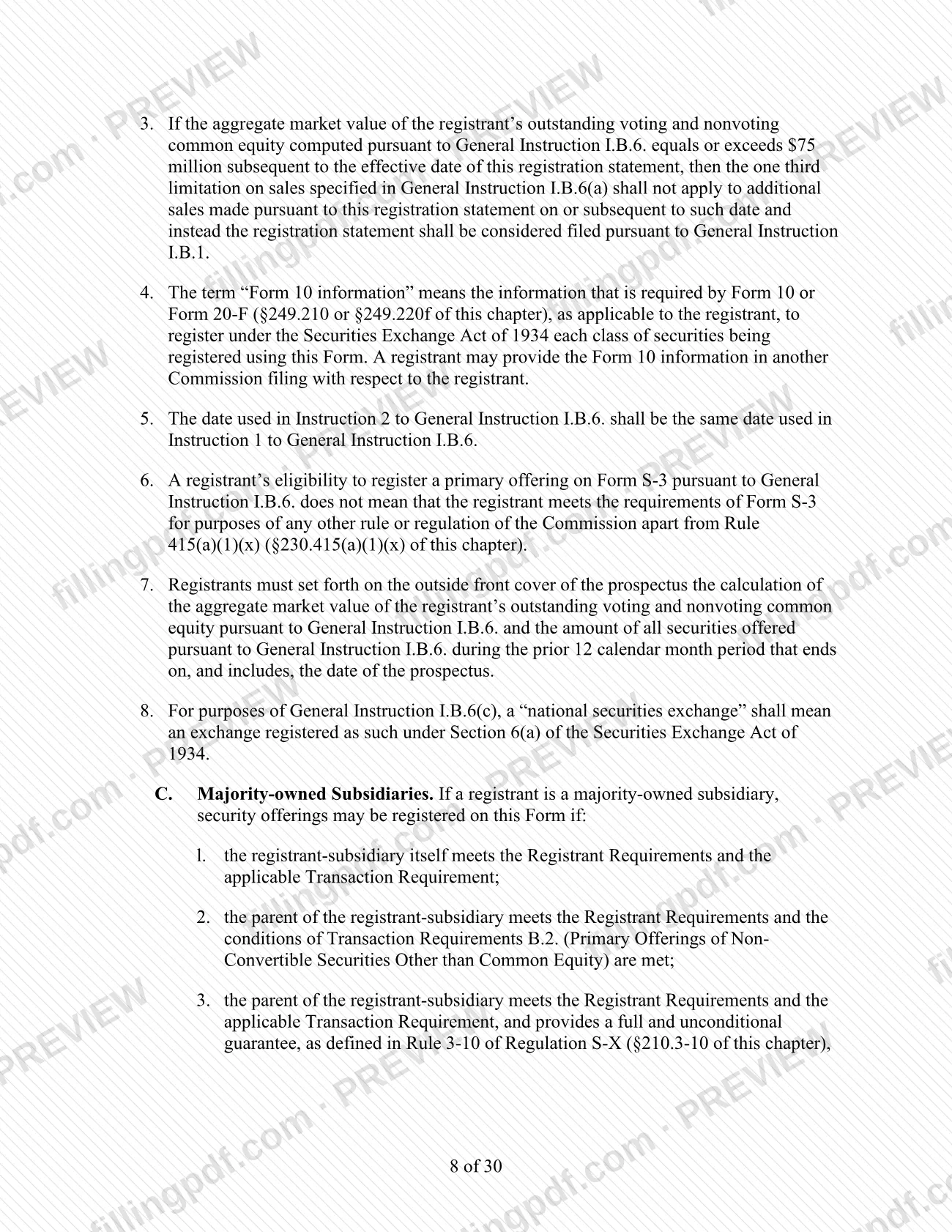
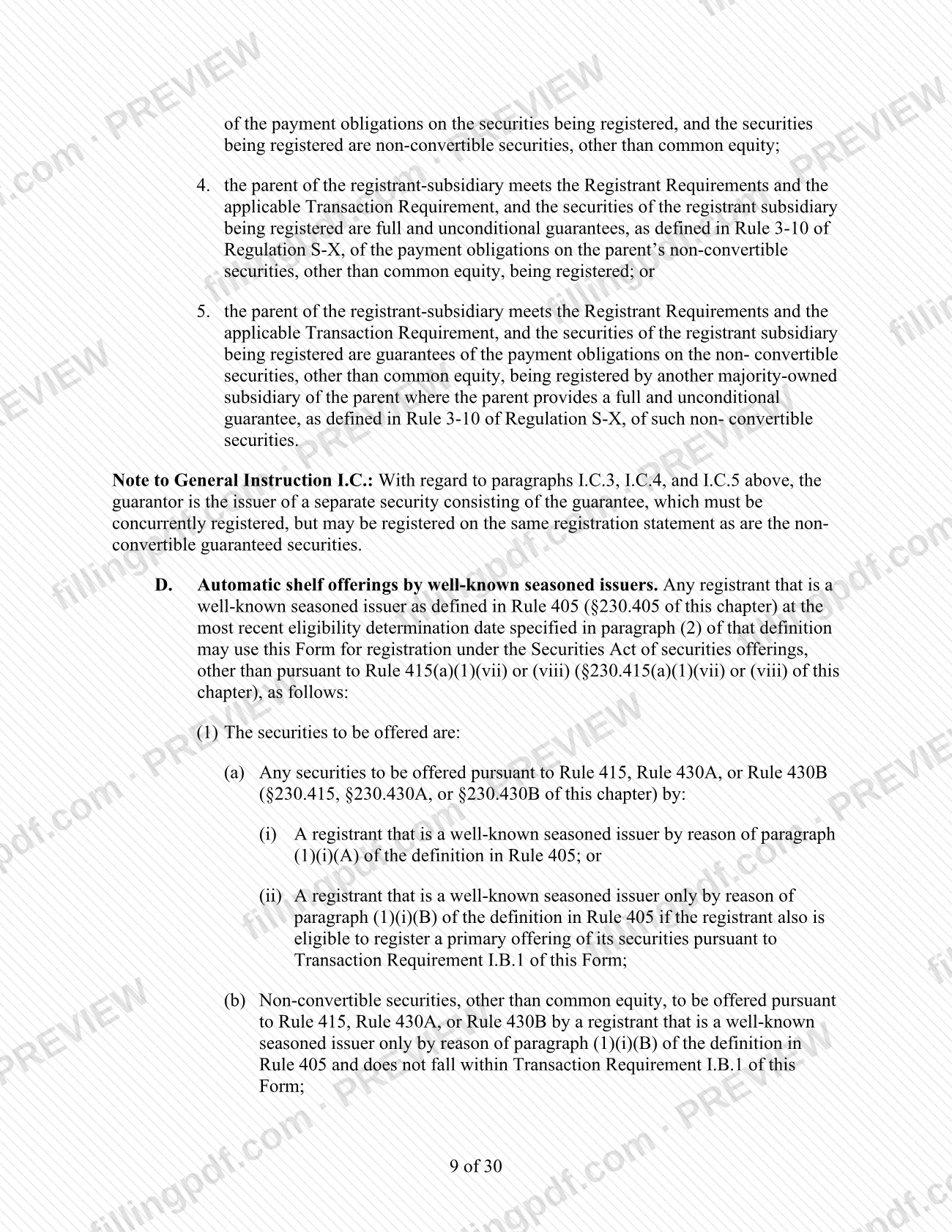
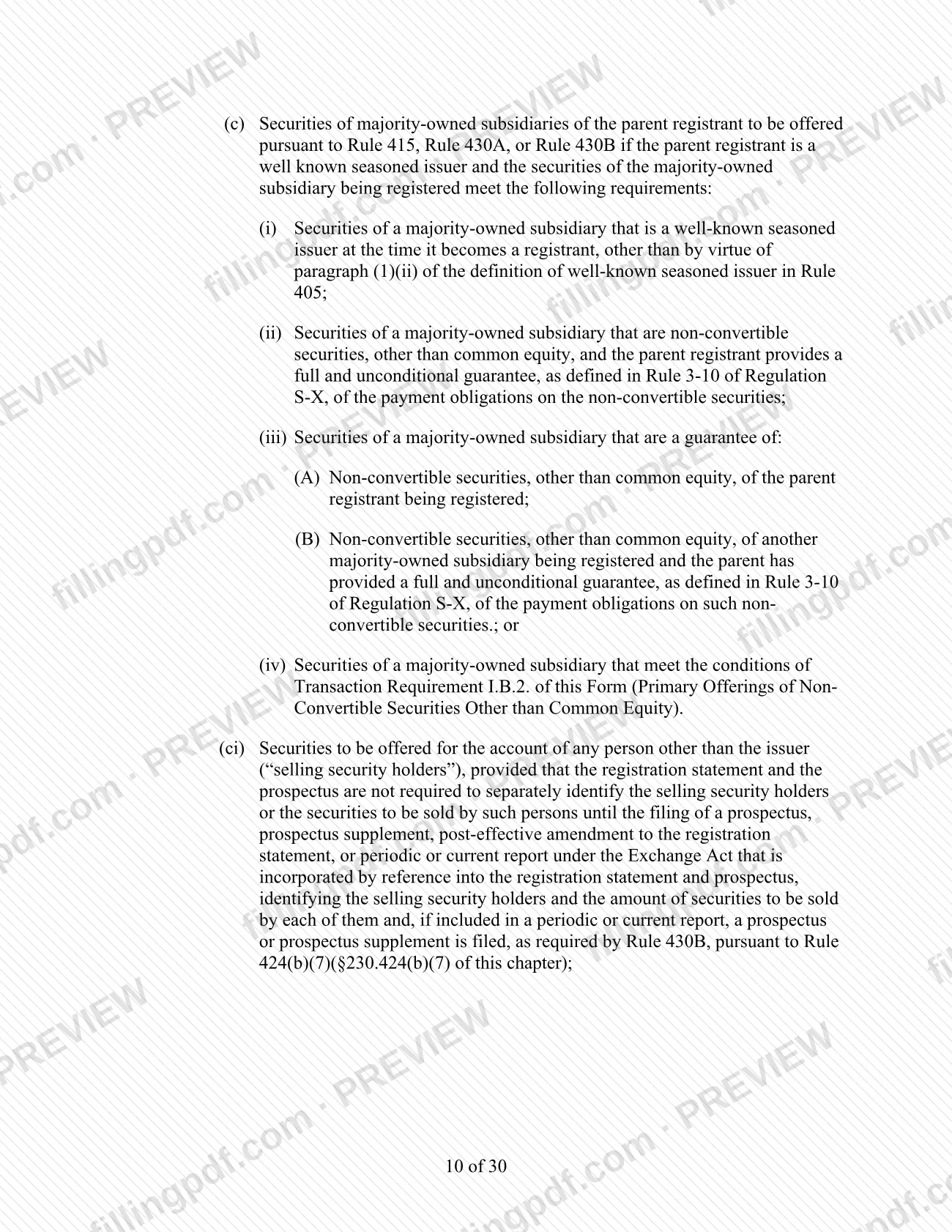
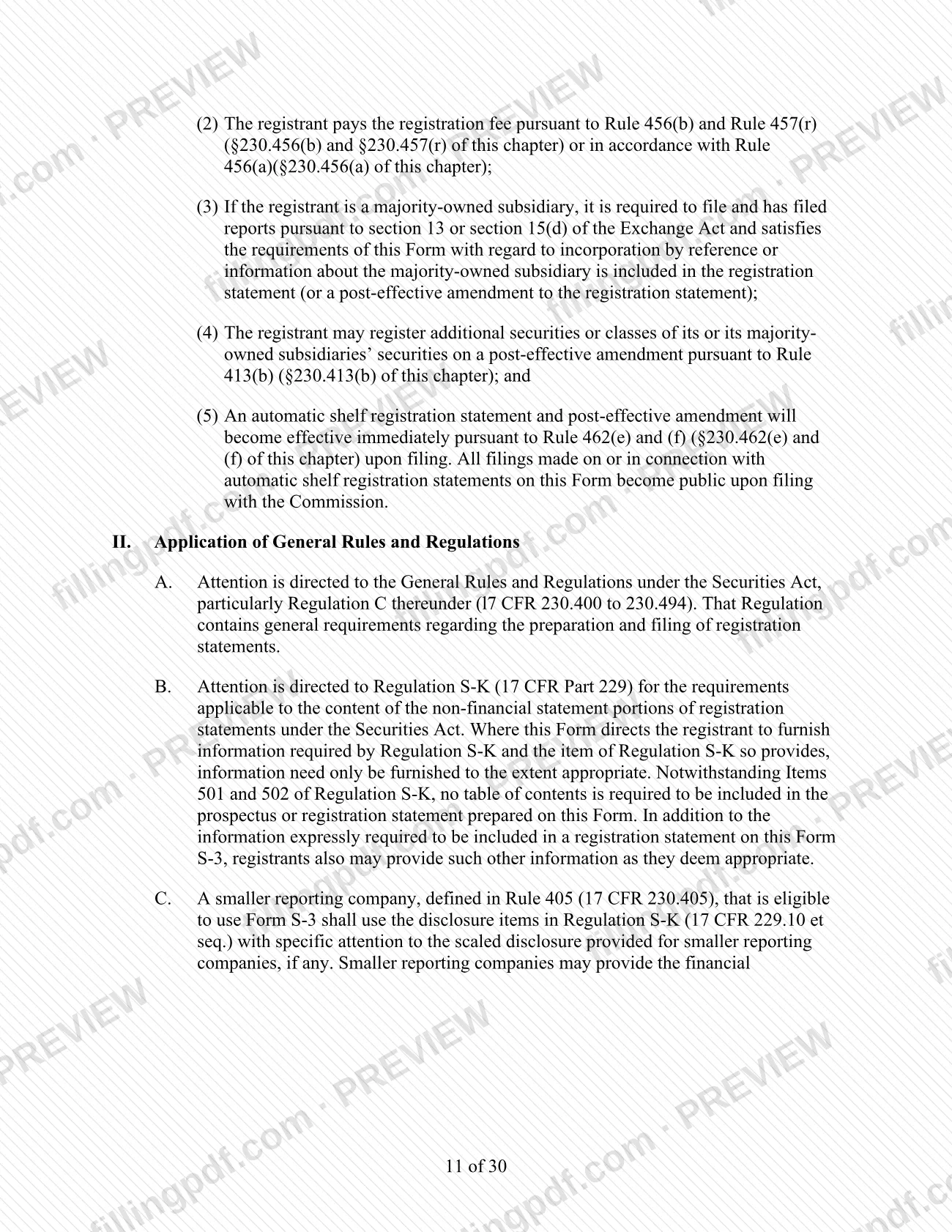
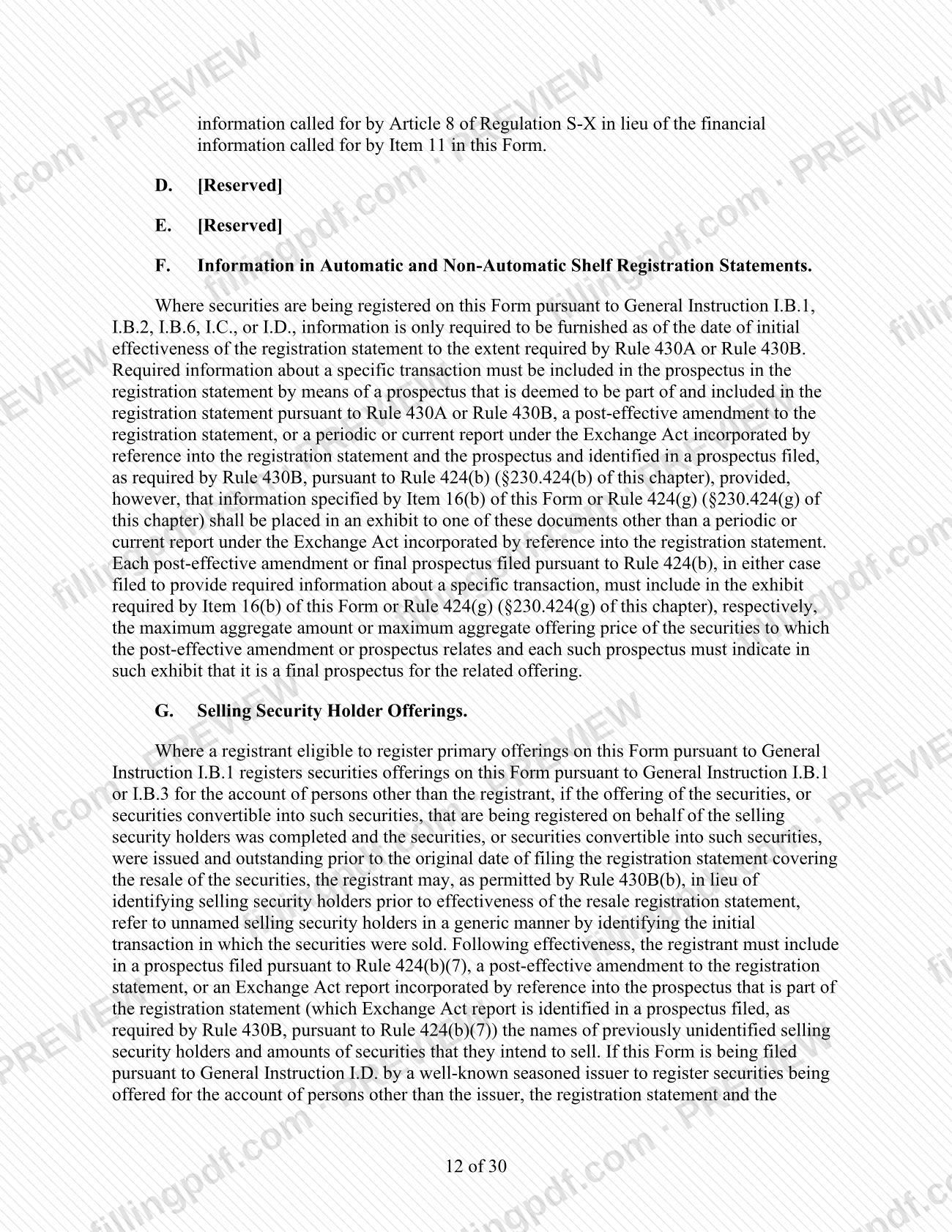
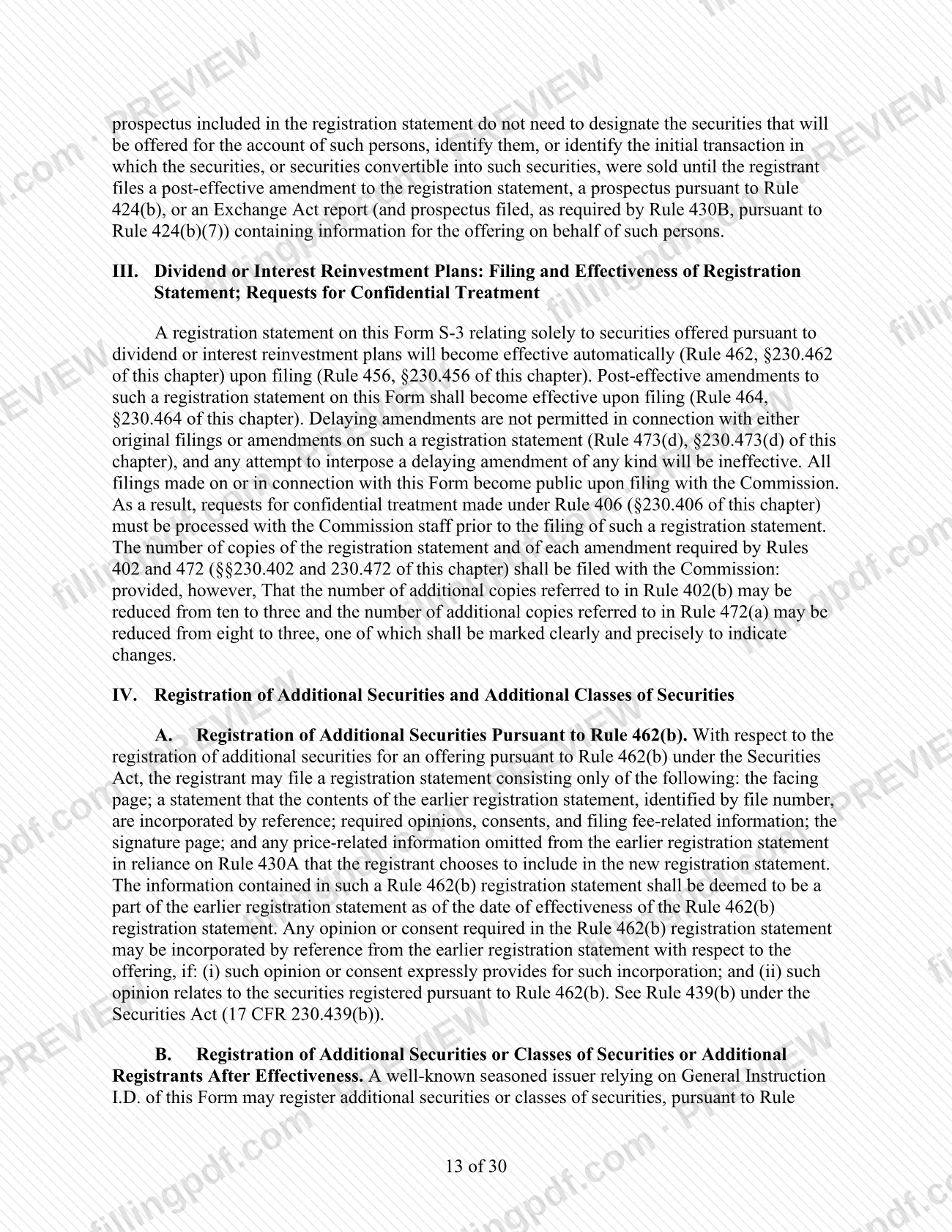
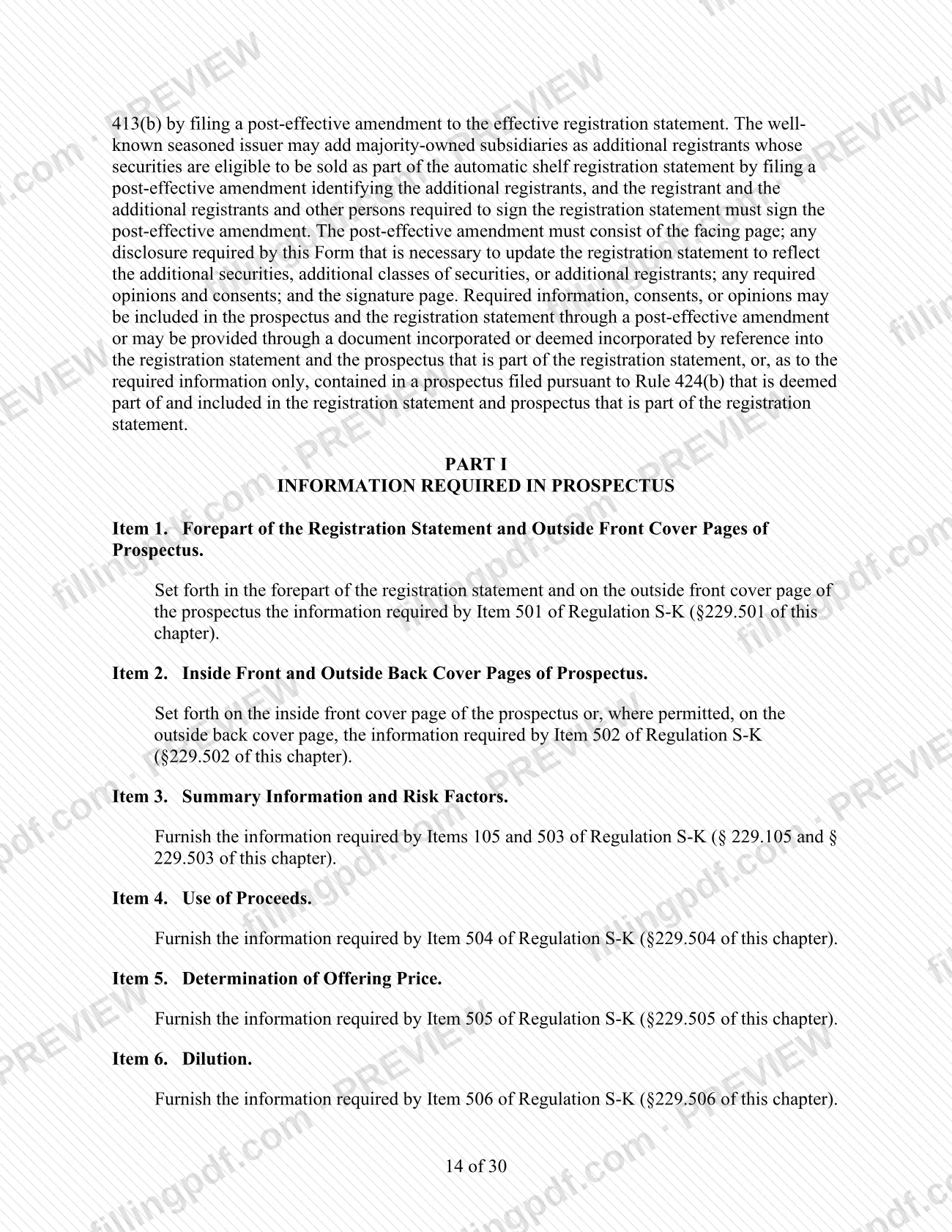
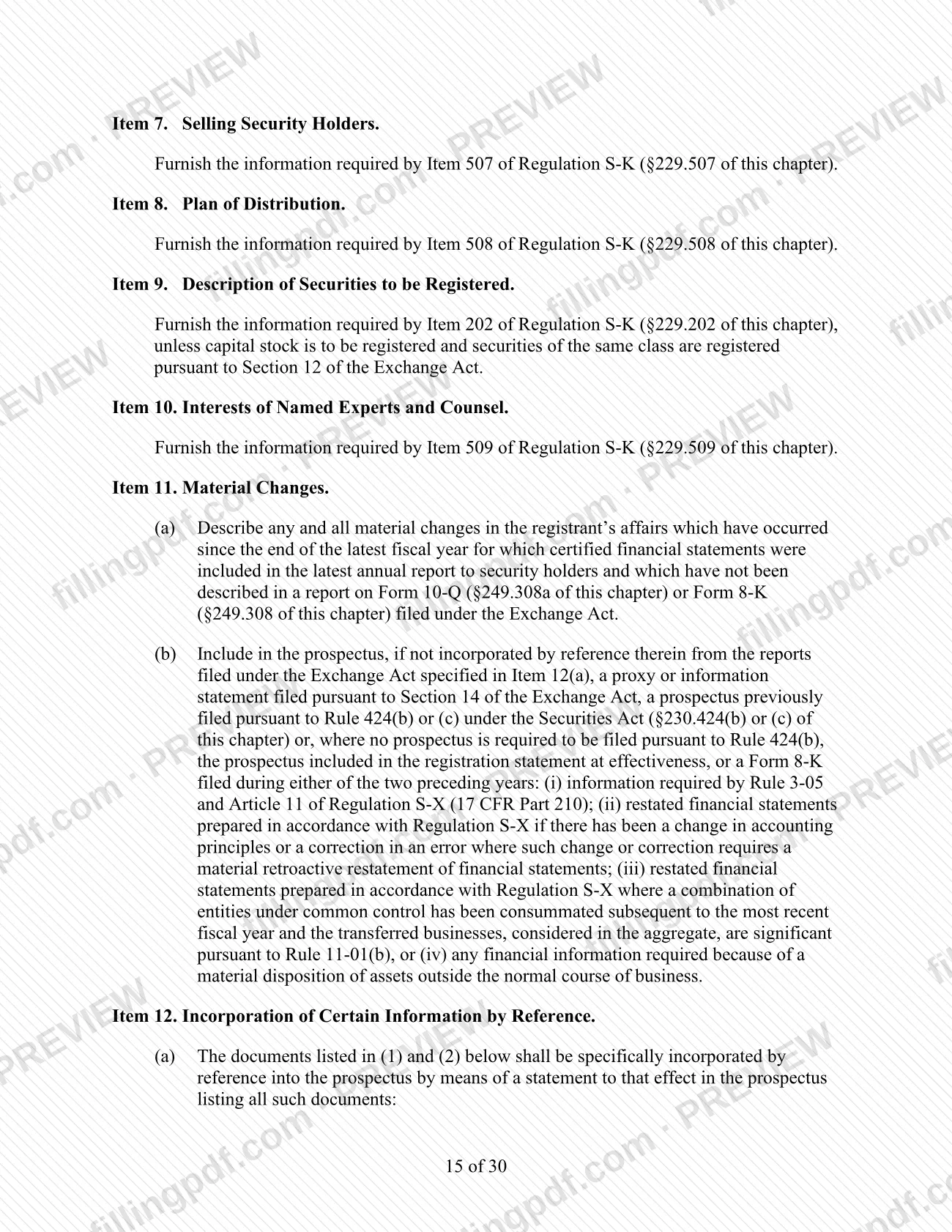
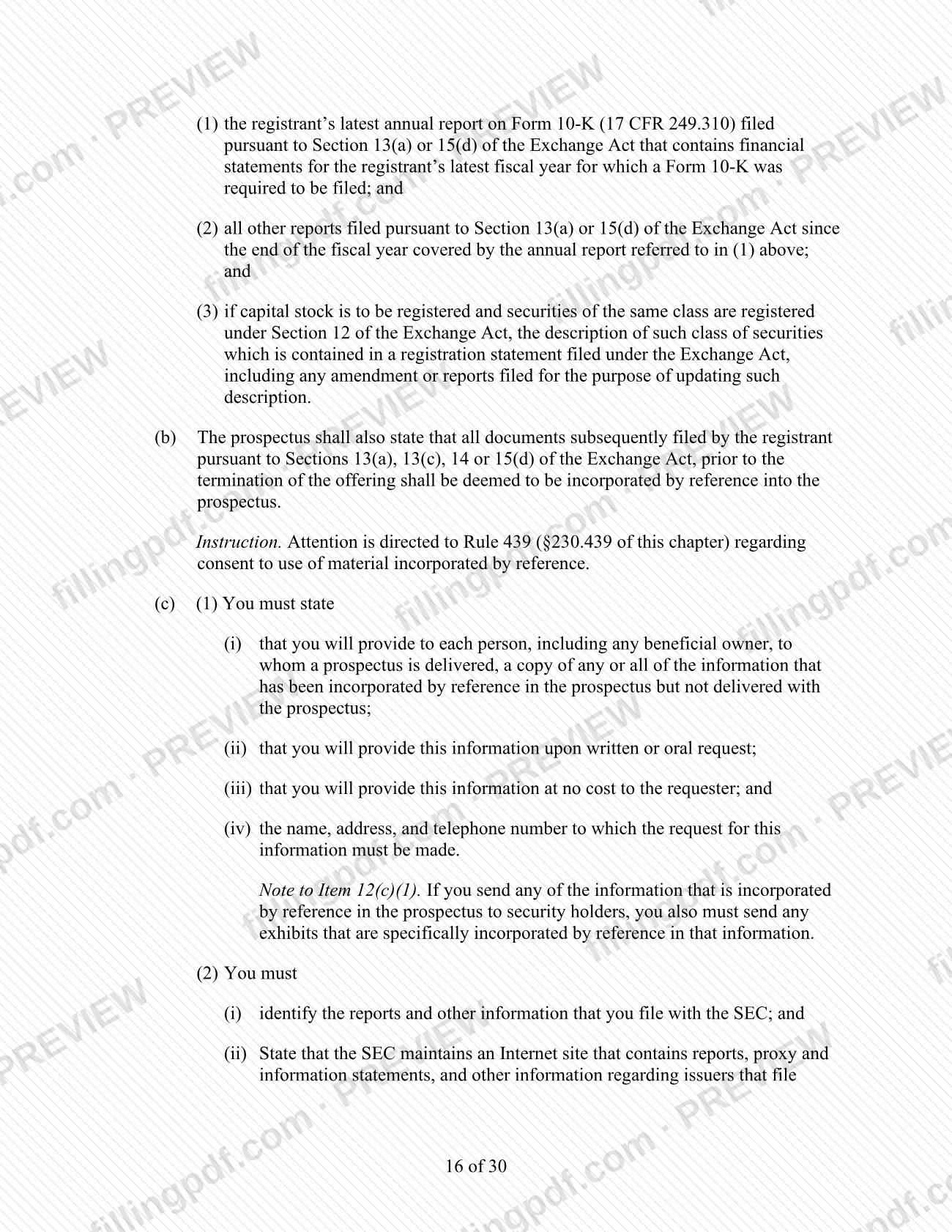
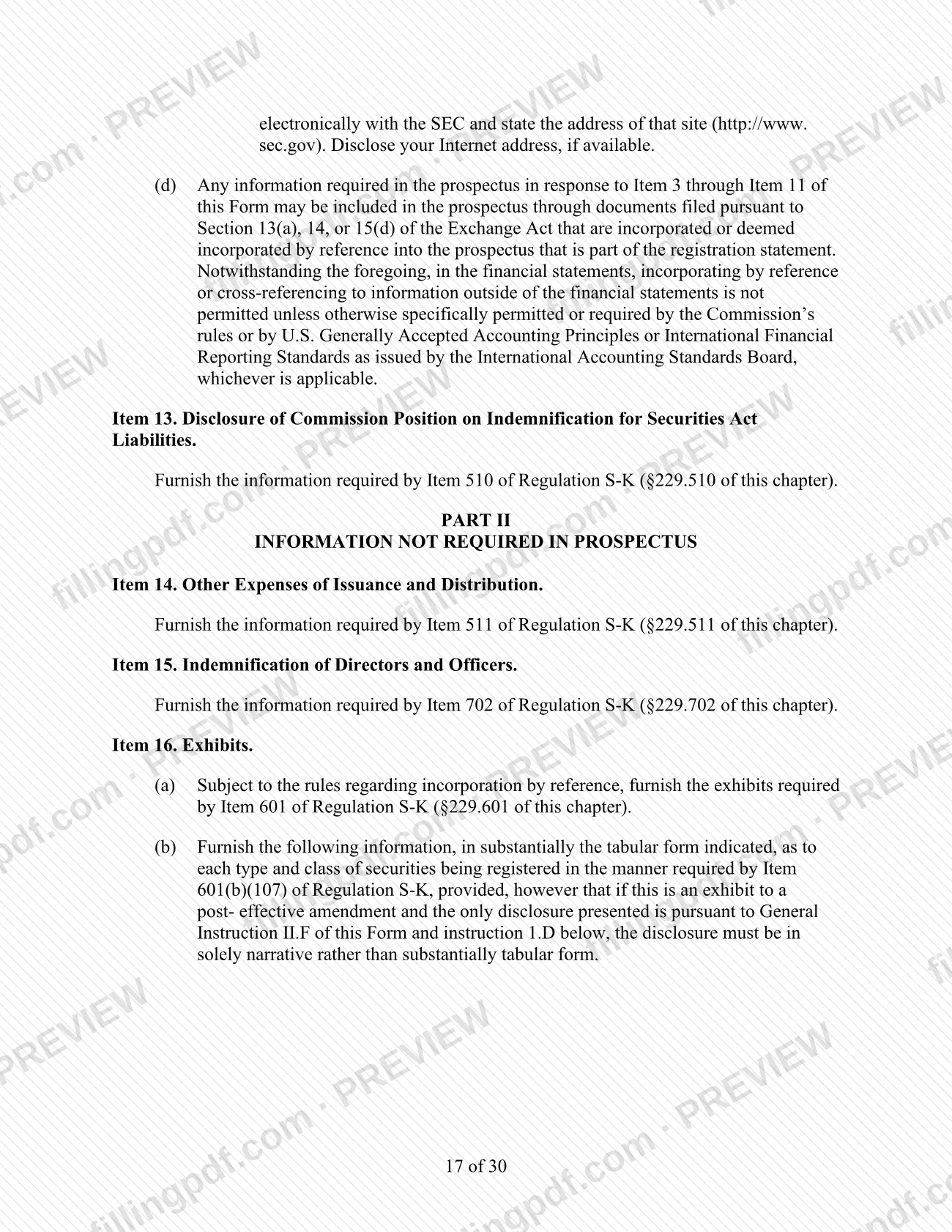
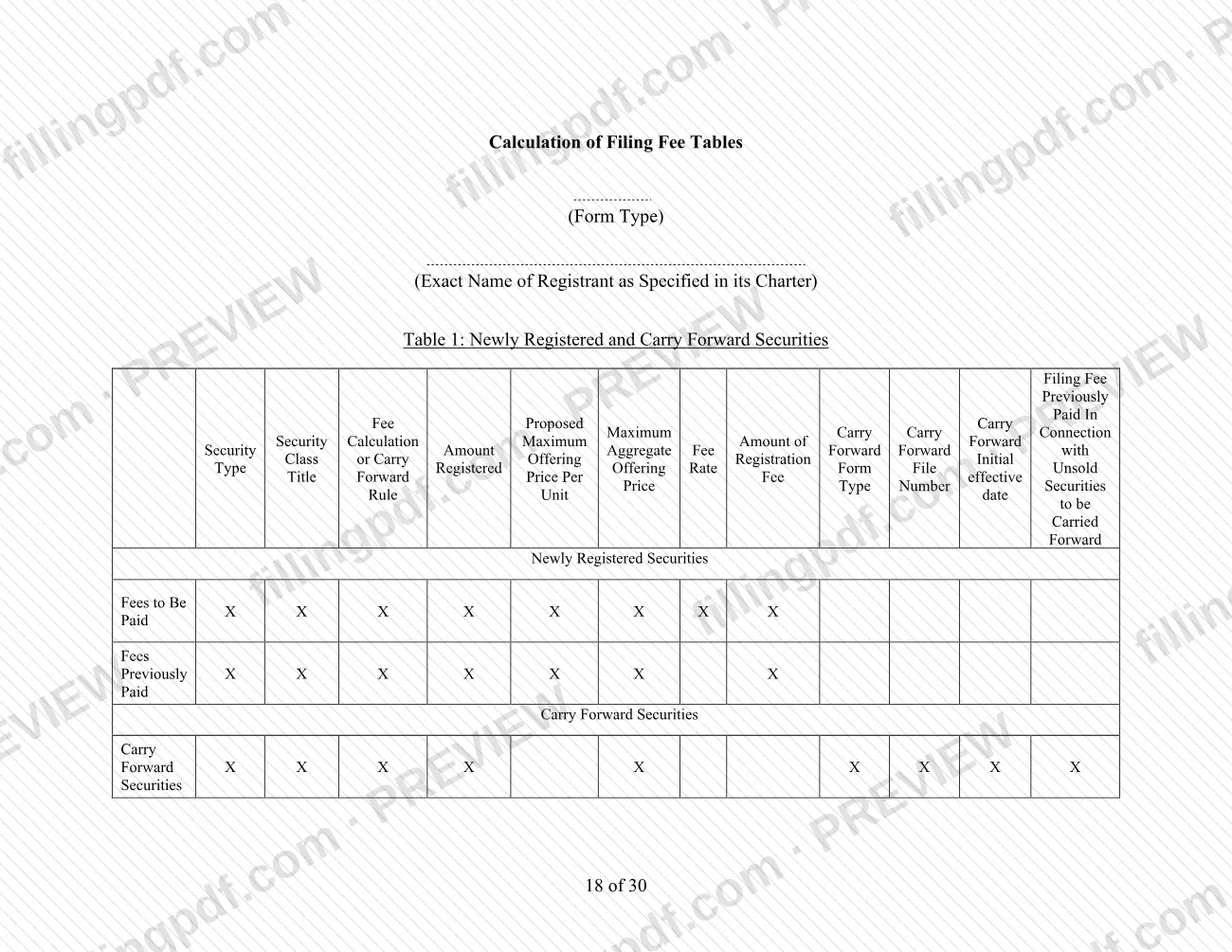
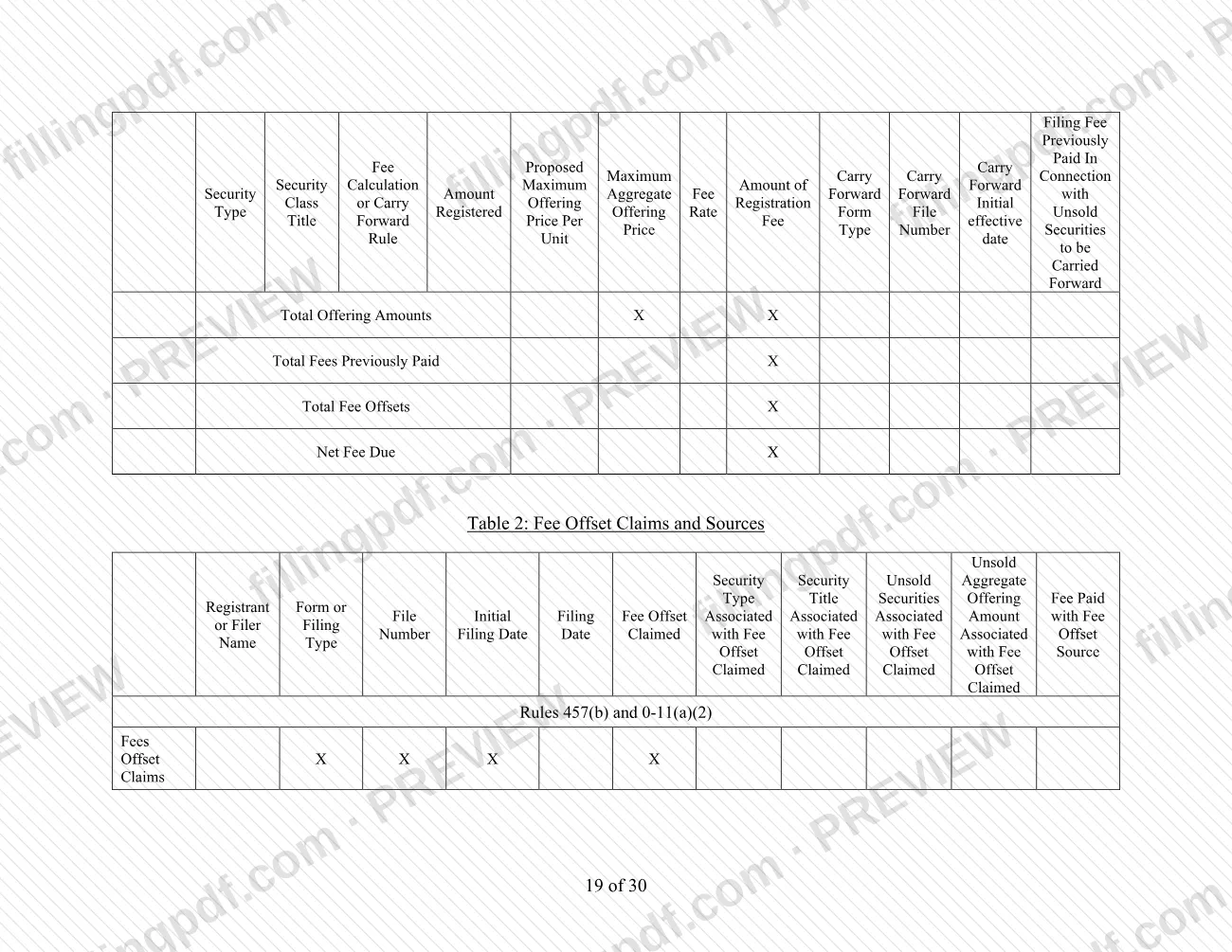
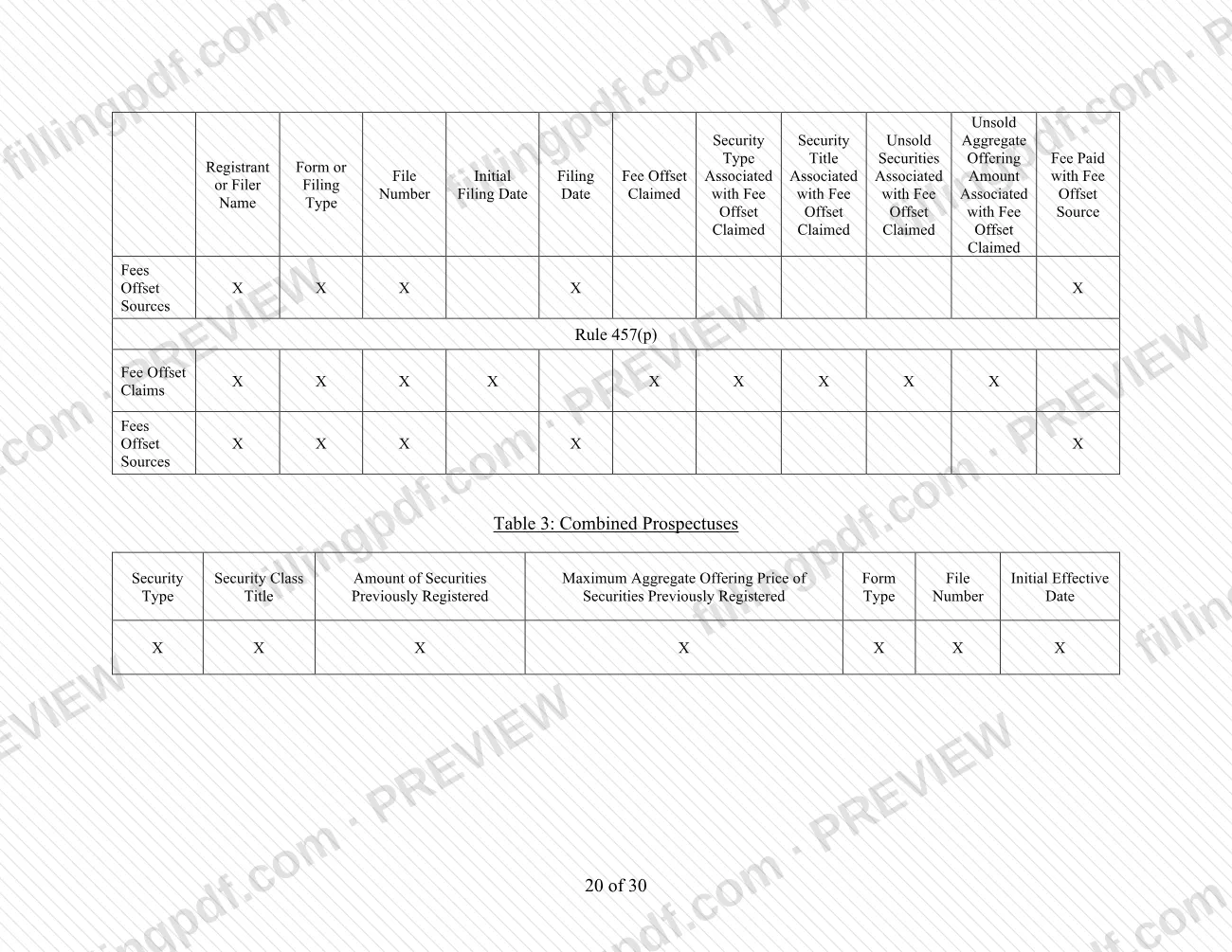
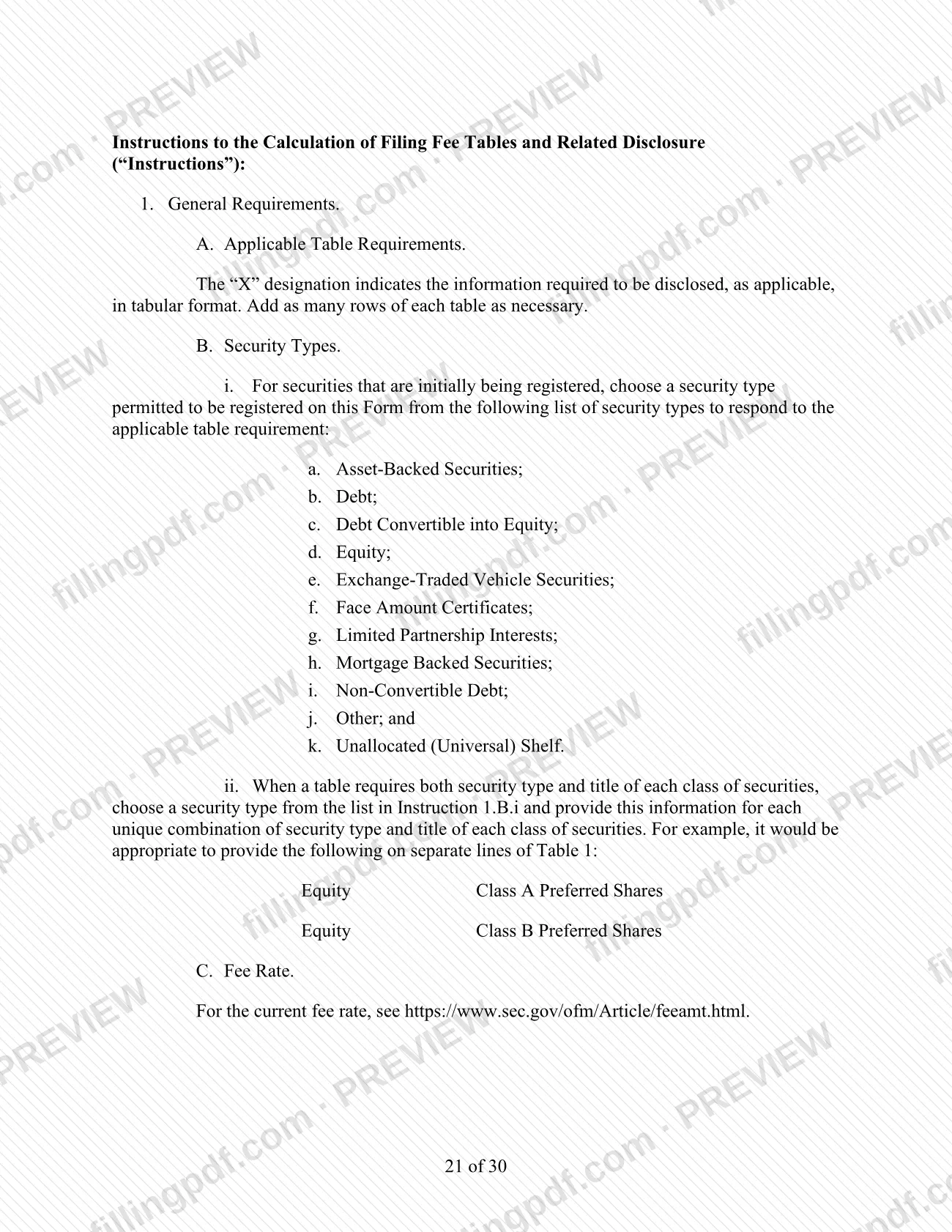
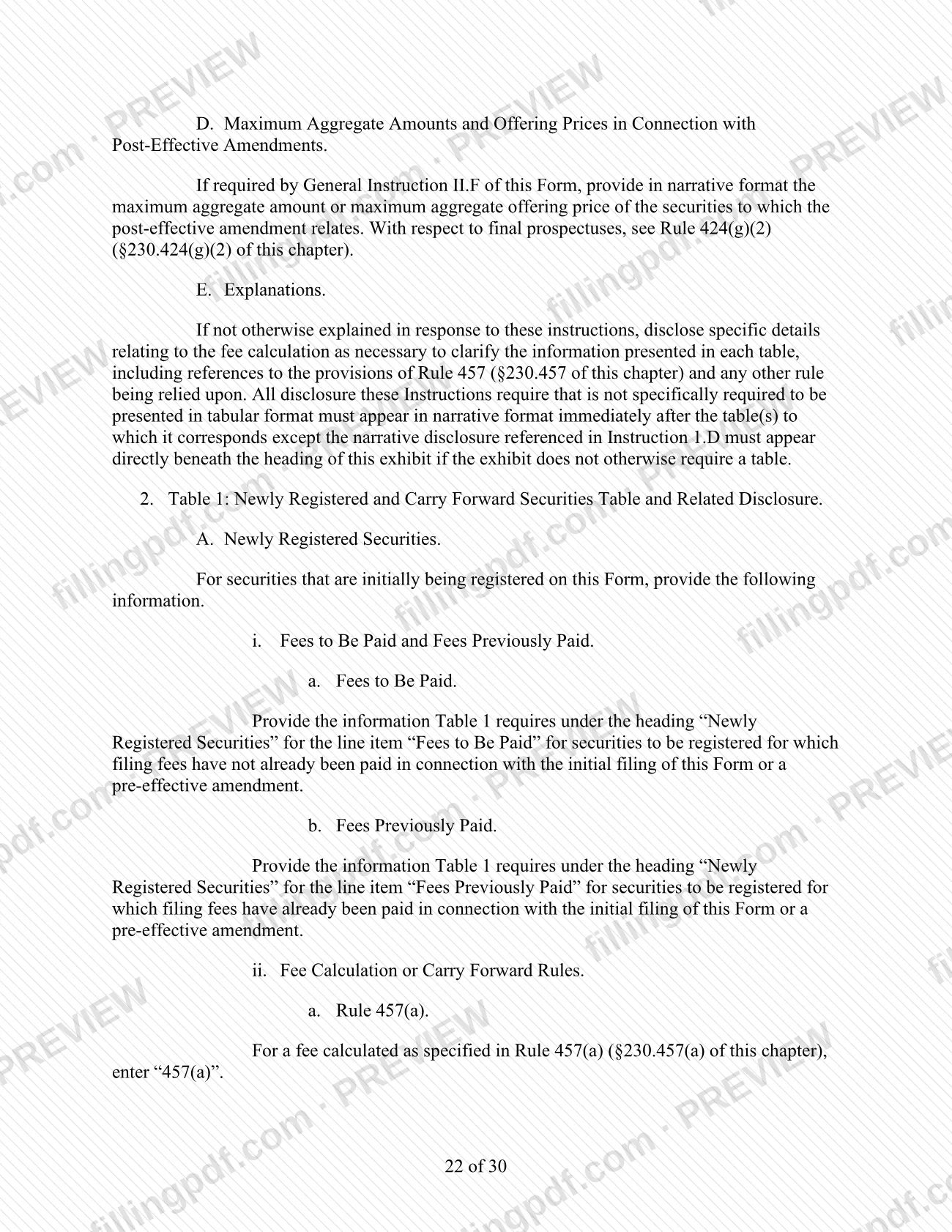
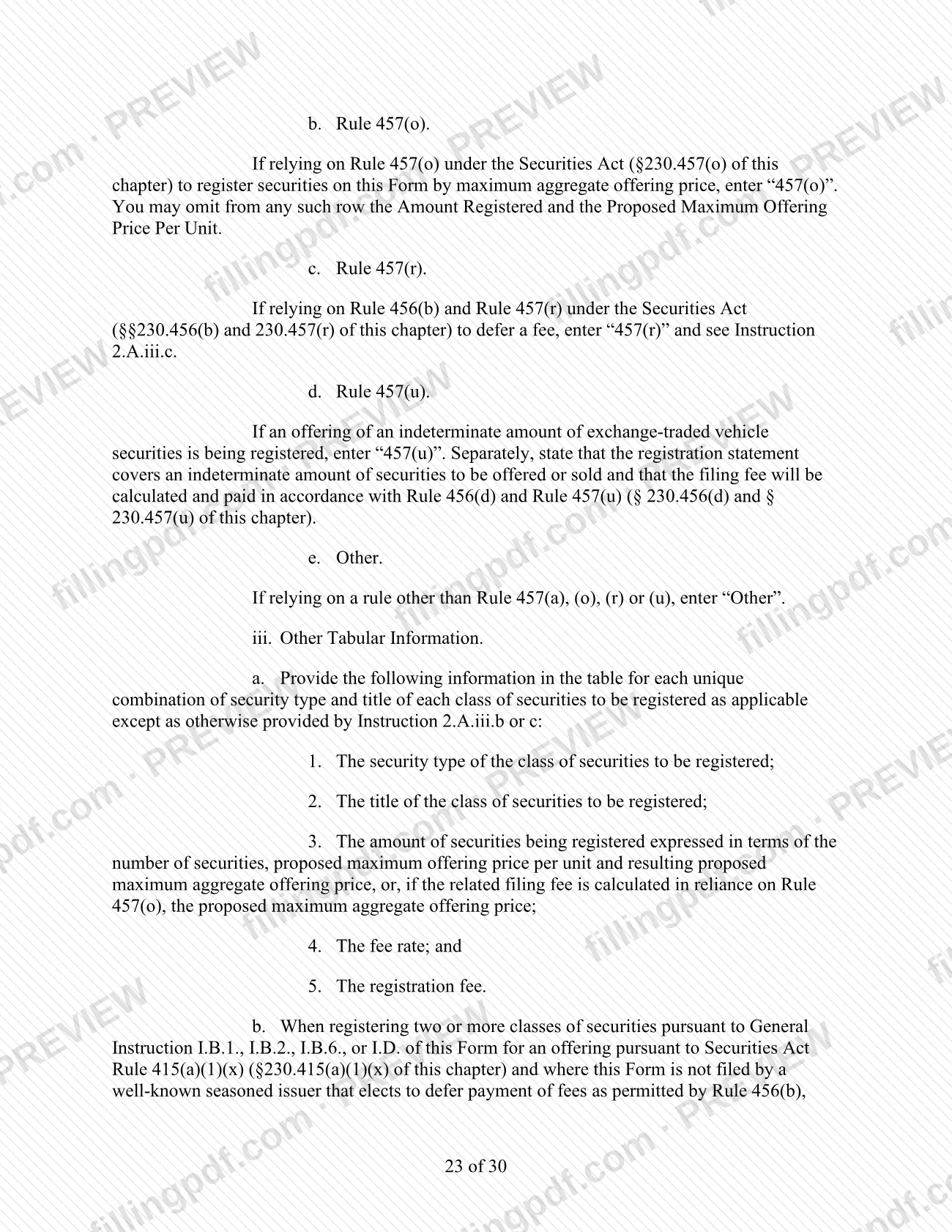
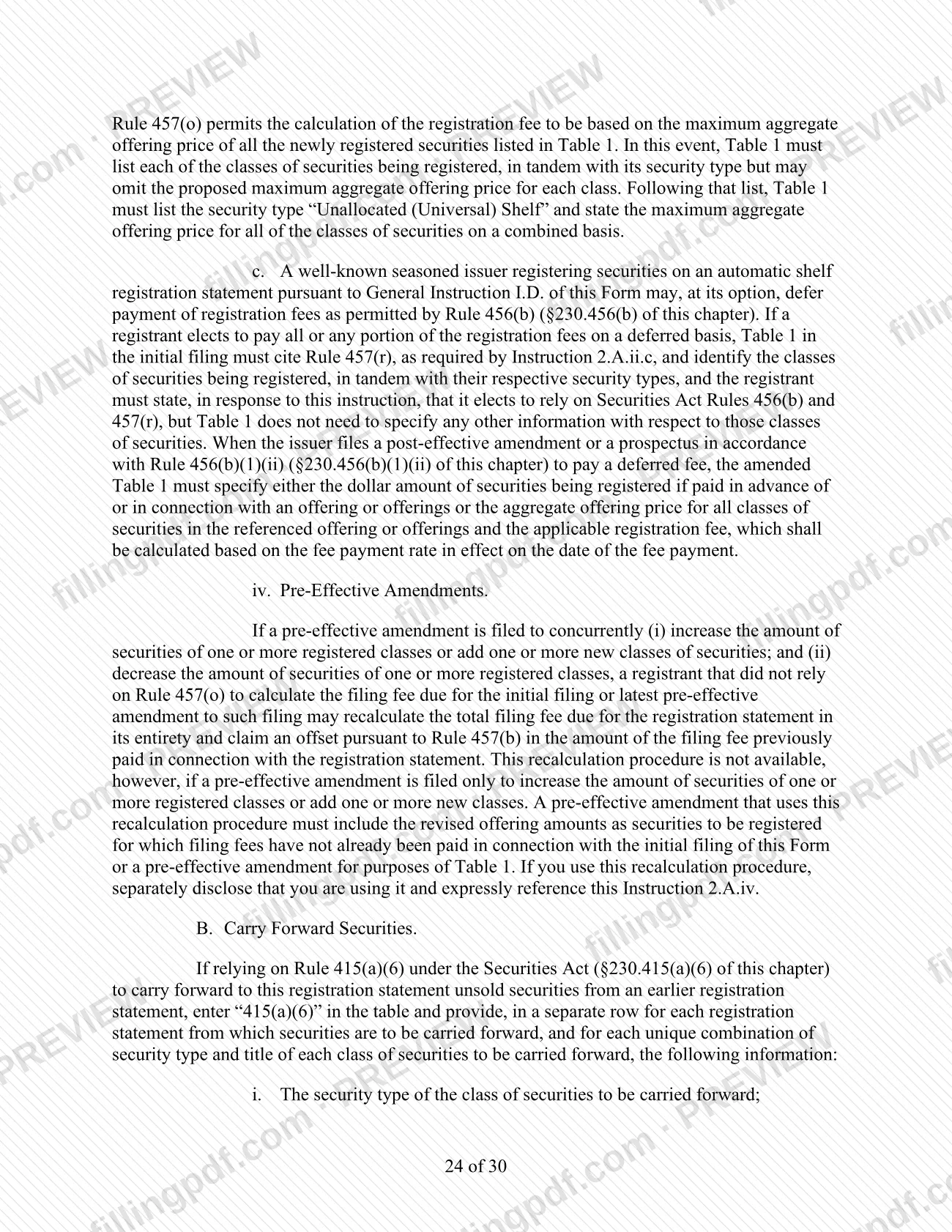
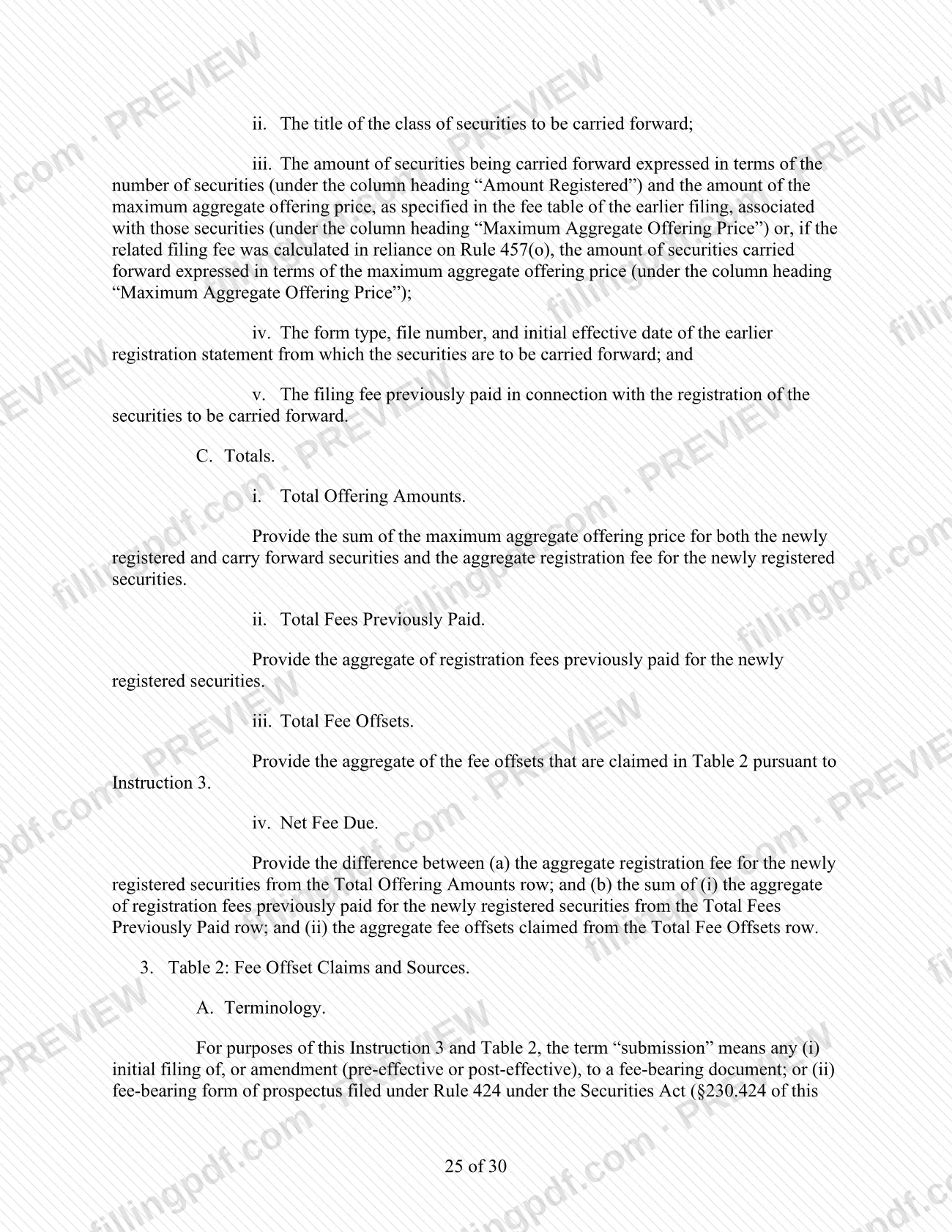
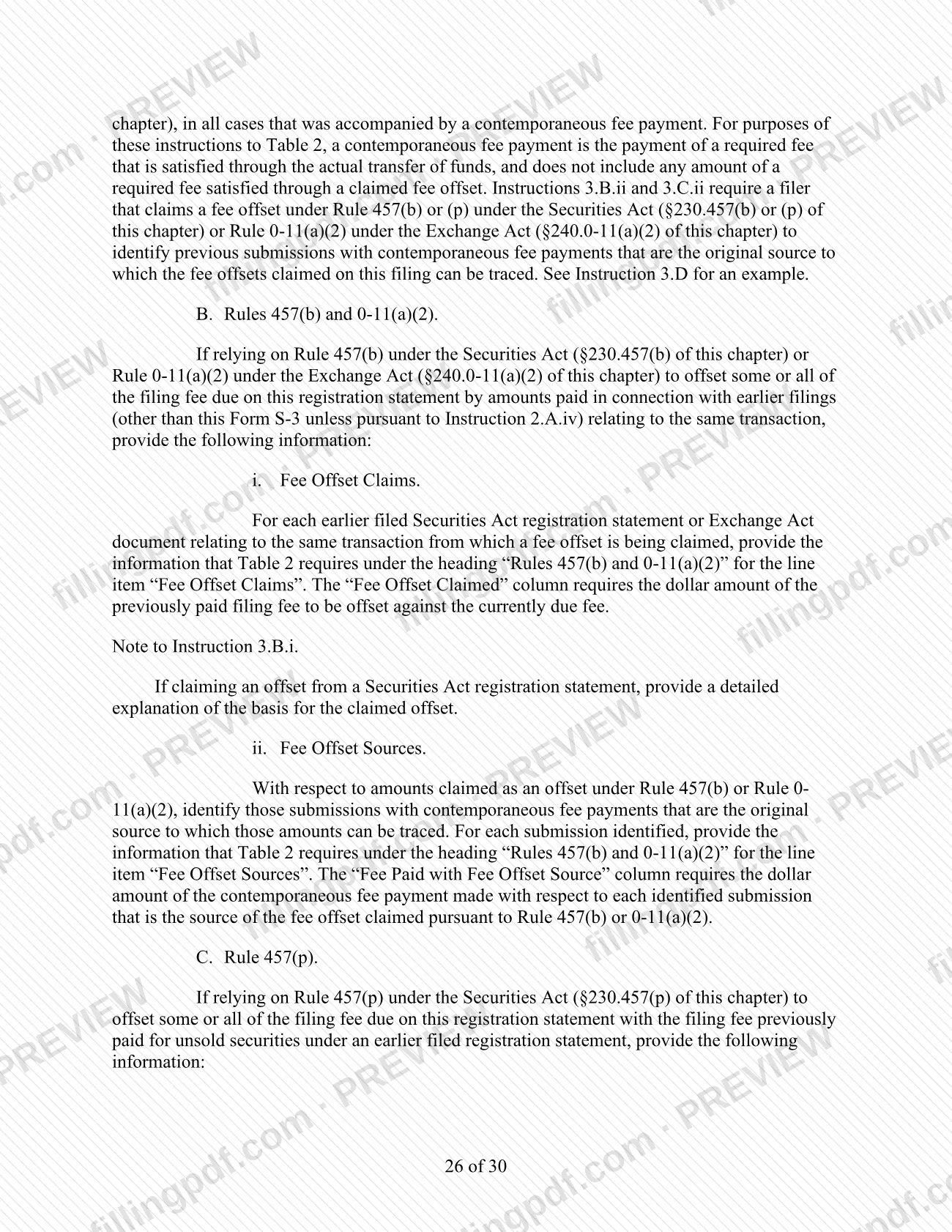
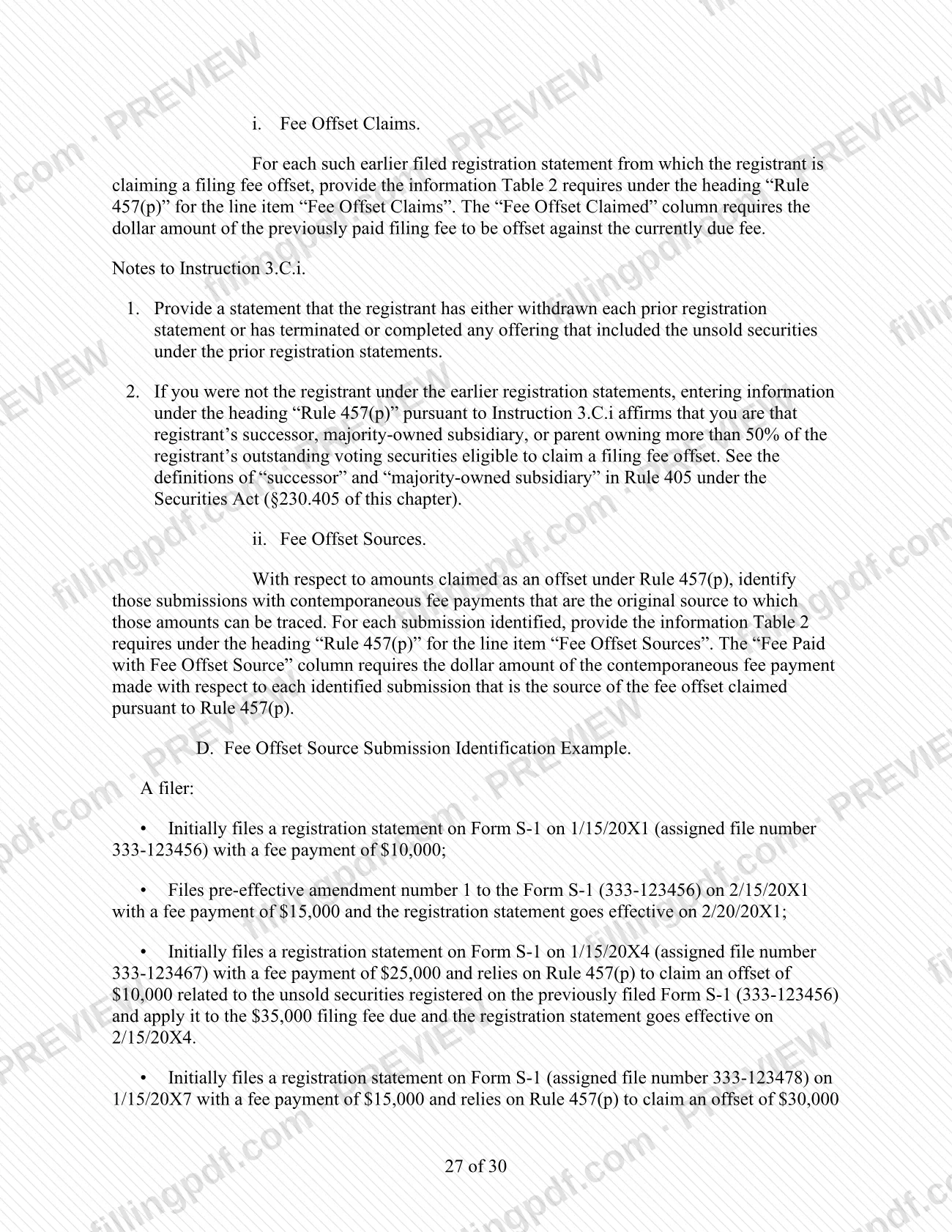
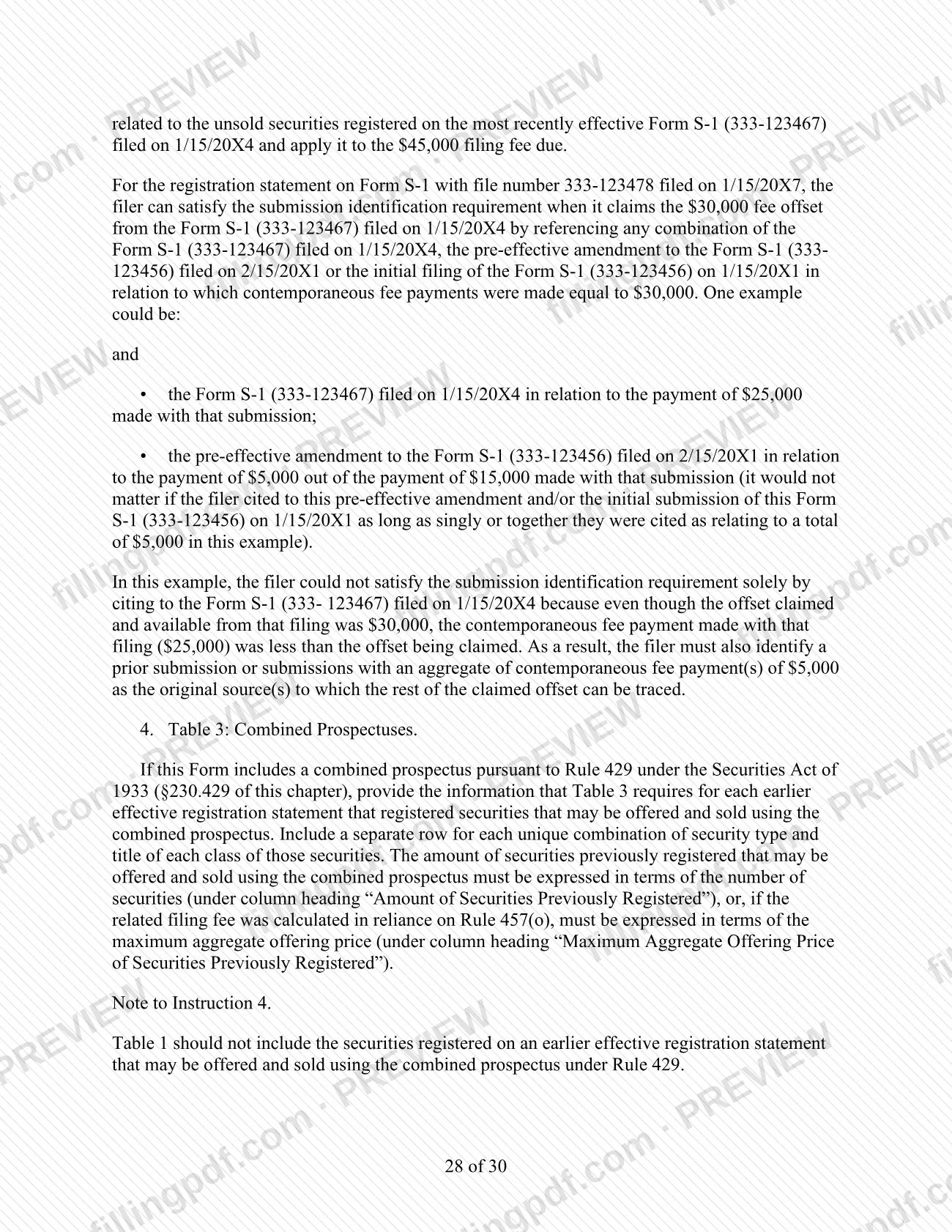
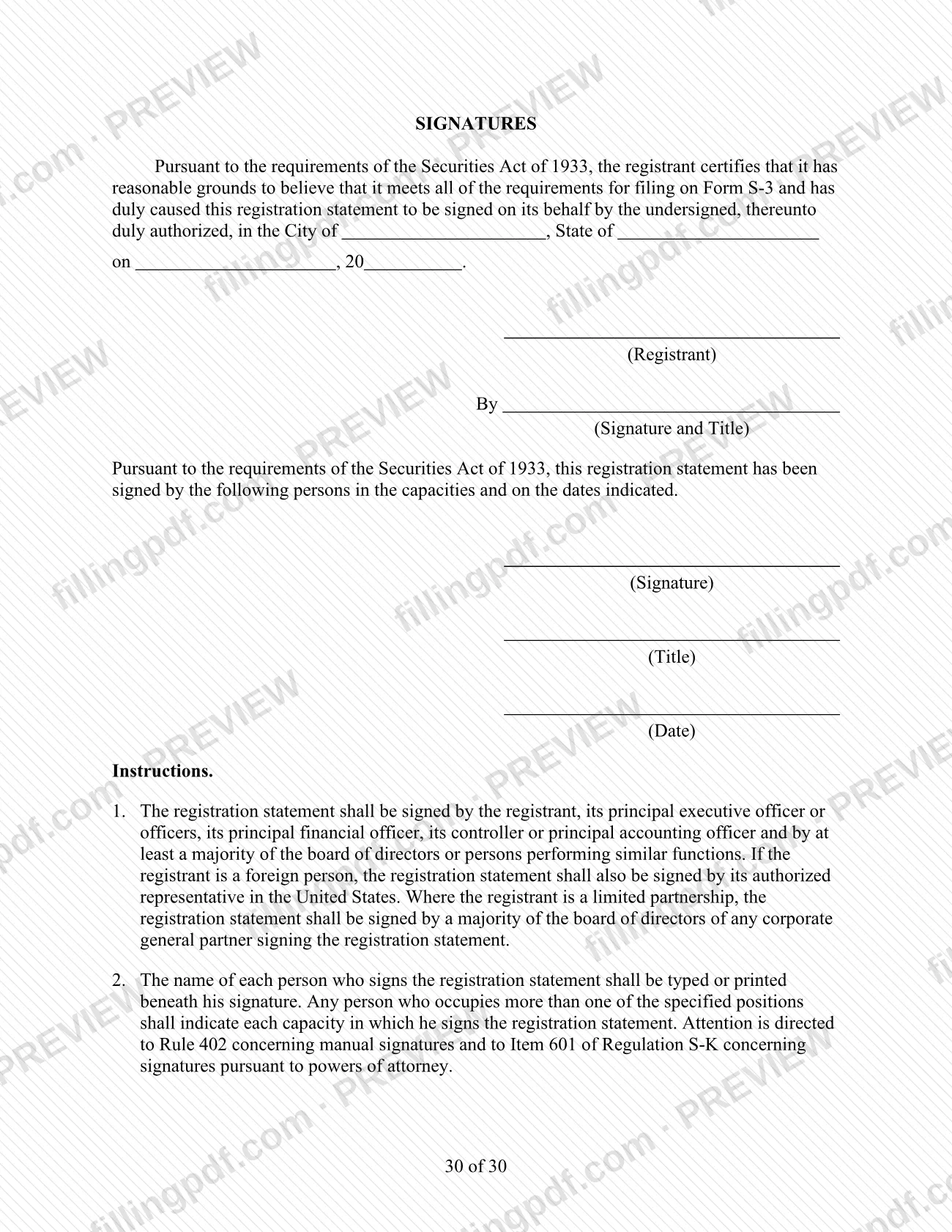
Form S-3 is the short-form registration statement under the Securities Act of 1933 published by the U.S. Securities and Exchange Commission (SEC). It is one of the Securities Act forms the SEC lists on its forms index, alongside forms such as Form 1-A and Form 144. On this page you can fill out the form online on FillingPDF and download or print the completed PDF. The original PDF is published by the SEC at sec.gov, and the SEC's own form text governs what the filing requires.
Last updated
What is S-3?
Form S-3, Registration statement under Securities Act of 1933 (short form), is the U.S. Securities and Exchange Commission (SEC) form used as a short-form registration statement under the Securities Act of 1933.
The SEC is the federal agency that publishes the form, and the PDF is available at https://www.sec.gov/files/forms-3.pdf. The SEC also keeps a forms index at https://www.sec.gov/submit-filings/forms-index, where its forms are listed by number and name.
The index helps separate Form S-3 from its neighbors. Form 1-A, the Regulation A Offering Statement, is also a Securities Act of 1933 document, listed for small businesses. Form 144 is a notice of proposed sale of securities under Rule 144, not a registration statement. Form 10, the general form for registration of securities under Section 12(b) or (g), and Form 10-K, the annual report under Section 13 or 15(d), belong to the Securities Exchange Act of 1934.
Form S-3 carries the label "short form" in its official name, and it is registered under the 1933 Act rather than the 1934 Act.
How to fill out S-3
Open the fillable Form S-3 PDF
Start from the PDF on this page. The SEC's original is published at https://www.sec.gov/files/forms-3.pdf if you want to compare.
Review the SEC's form text
Read the form's own wording and any SEC instructions for it on sec.gov before entering data, since they govern what each item requires.
Complete the form's items in order
Work through the items the form presents from the first page onward, entering each answer in the format the form asks for.
Check consistency across the document
Compare names, dates and figures that appear in more than one place so that they match.
Complete any signature and date items
Fill in any signature or date blocks the form shows, following the form's own instructions on who may sign.
Review and download the completed PDF
Read the full form once more, then download or print the completed PDF from FillingPDF and deliver it through the channels described under How to submit.
How to submit S-3
Form S-3 is an SEC document, so the agency decides how it is received. The SEC publishes the form at https://www.sec.gov/files/forms-3.pdf and lists its forms at https://www.sec.gov/submit-filings/forms-index. Check those pages, and the form's own instructions, for the filing channel, addresses and any requirements that apply to your filing before you send it. FillingPDF lets you fill out and download the PDF; submission follows the agency's channels.
Common mistakes to avoid
- Confusing Form S-3 with Form 10, which the SEC lists as the general form for registration of securities under Section 12(b) or (g) of the Securities Exchange Act of 1934.
- Using Form 1-A, the Regulation A Offering Statement, when your filing is the short-form registration statement under the Securities Act of 1933, or the reverse.
- Mistaking Form 144, a notice of proposed sale of securities under Rule 144, for a registration statement.
- Relying on a copy of the form that is not the one published by the SEC at https://www.sec.gov/files/forms-3.pdf.
- Assuming that a completed PDF is already filed; the SEC receives the form only through the channels the agency sets.
Frequently asked questions
What is Form S-3?
Form S-3 is the SEC's short-form registration statement under the Securities Act of 1933. It is a Securities Act document, separate from Exchange Act forms the SEC lists elsewhere, such as Form 10 and Form 10-K. The content and eligibility rules are in the form text published on sec.gov.
Where can I get the official Form S-3 PDF?
The SEC publishes the PDF at https://www.sec.gov/files/forms-3.pdf and lists its forms by number on the forms index at https://www.sec.gov/submit-filings/forms-index. Use those pages for the current version and for any instructions, because this page does not replace them.
Can I fill out Form S-3 online?
Yes. You can fill out the PDF online on FillingPDF and download or print it. FillingPDF is an independent service not affiliated with the SEC: it does not file, submit or transmit the form, so the SEC receives it only through the channels the agency sets.
Is Form S-3 the same as Form 10?
No. The SEC lists Form 10 as the general form for registration of securities under Section 12(b) or (g), a Securities Exchange Act of 1934 form. Form S-3 is a short-form registration statement under the Securities Act of 1933. Check which statute your filing falls under before choosing a form.
How is Form S-3 different from Form 1-A?
Form 1-A is the Regulation A Offering Statement, which the SEC's forms index lists under the Securities Act of 1933 and small businesses. Form S-3 is also a Securities Act of 1933 registration statement, but a separate short form with its own number. Read each form's instructions to see which applies.
Ready to fill out S-3?
Fill out S-3 now