
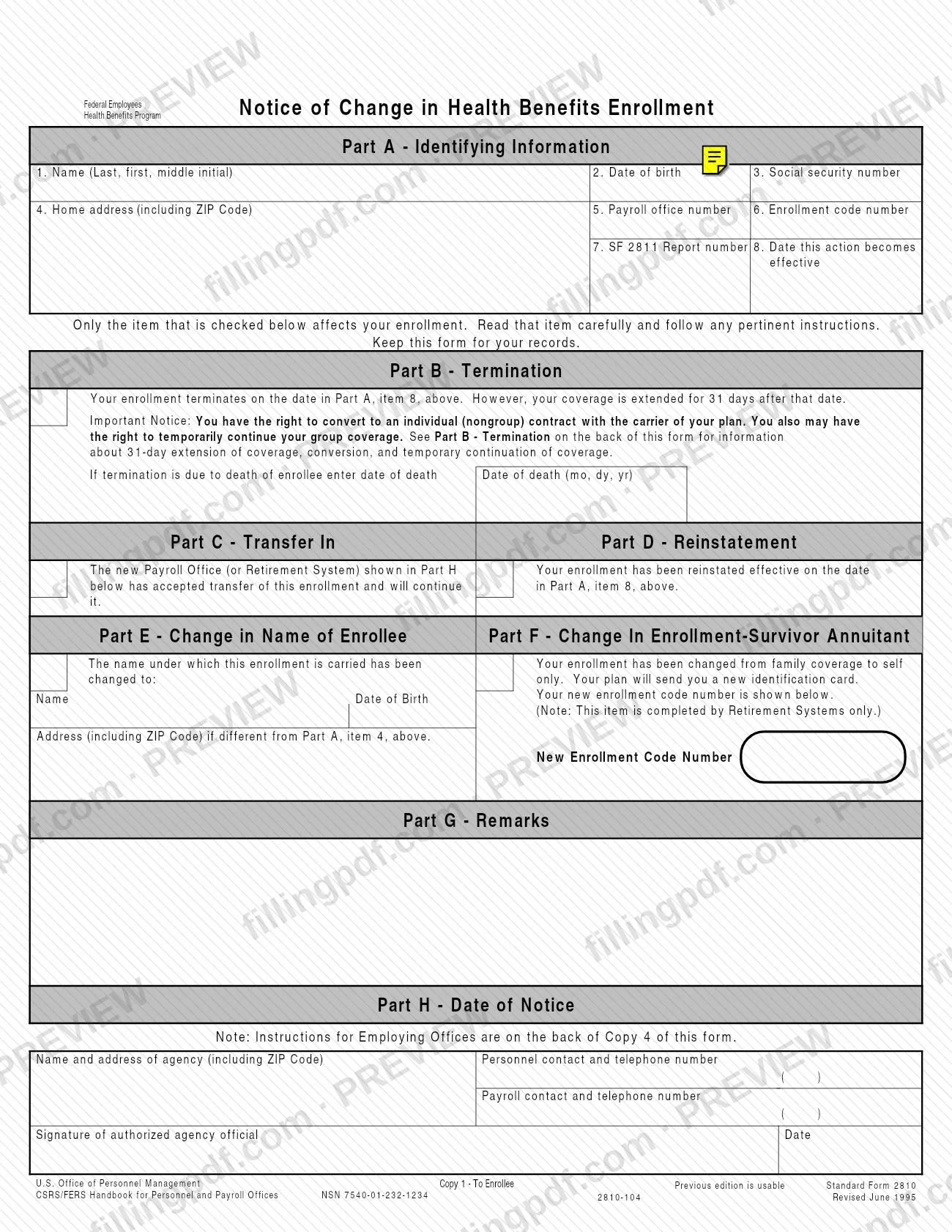
SF2810, the Notice of Change in Health Benefits Enrollment, is the Standard Form that employing offices and retirement systems use to report a change in a person's coverage under the Federal Employees Health Benefits Program, as published by the Office of Personnel Management (OPM). It covers terminations, transfers, reinstatements, name changes and the change from family to self only for a survivor annuitant. On this page you can fill out SF 2810 online on FillingPDF and download or print the completed PDF; the official form is published by OPM.
Last updated
What is SF 2810?
Notice of Change in Health Benefits Enrollment (Standard Form 2810) is the Office of Personnel Management (OPM) form that tells an enrollee, the insurance carrier and the payroll office that an enrollment in the Federal Employees Health Benefits Program has been terminated, transferred, reinstated or otherwise changed.
The form is prepared by the employing office, not by the enrollee. It covers health benefits actions other than new enrollments, changes from one plan to another, changes of coverage within a plan and cancellations; those are processed on the Health Benefits Registration Form (Standard Form 2809).
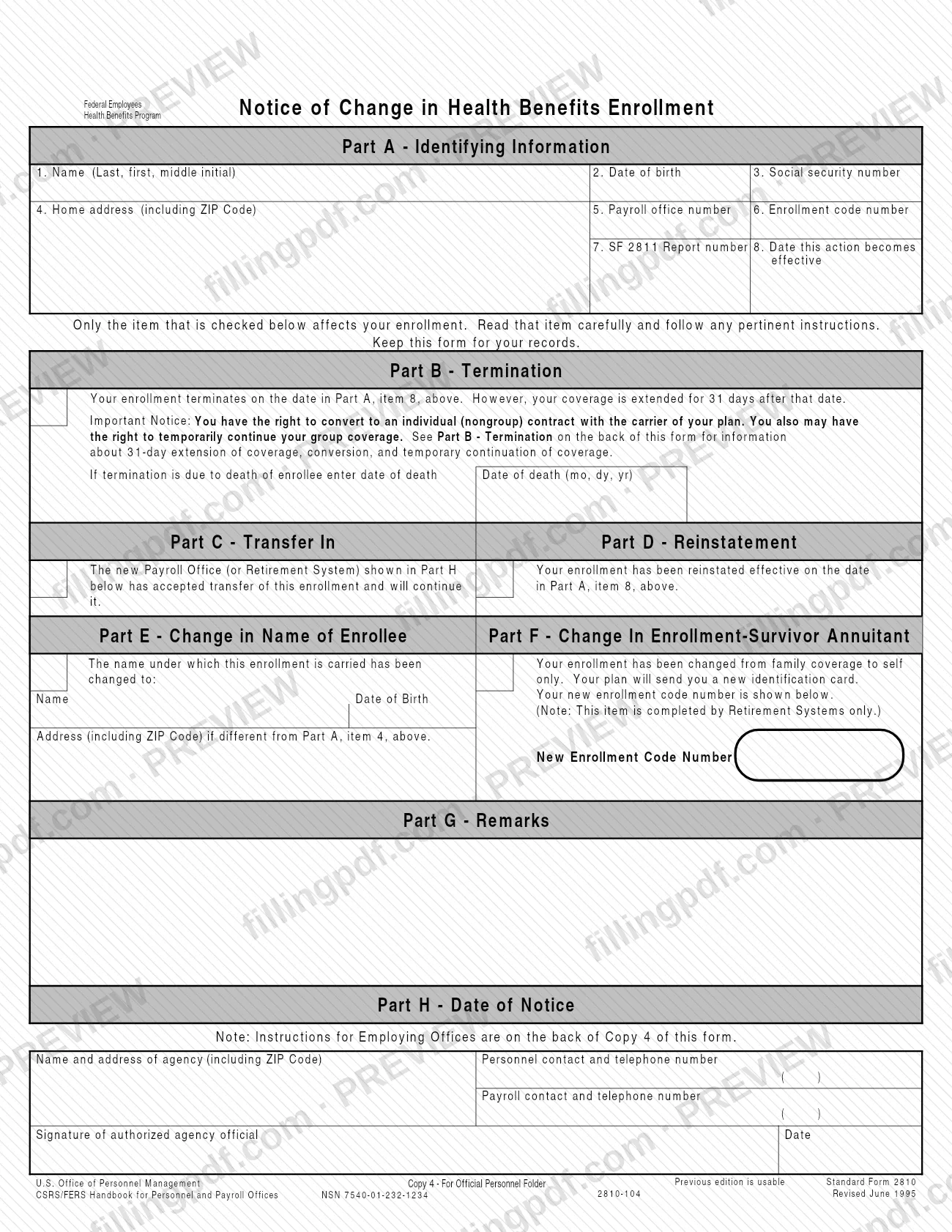
Part A identifies the enrollee and gives the date the action takes effect. Only one of the following items is checked, and only that item affects the enrollment:
- Part B – Termination
- Part C – Transfer In
- Part D – Reinstatement
- Part E – Change in Name of Enrollee
- Part F – Change In Enrollment-Survivor Annuitant
Part G is for remarks and Part H records the date of the notice and the authorized agency official's signature.
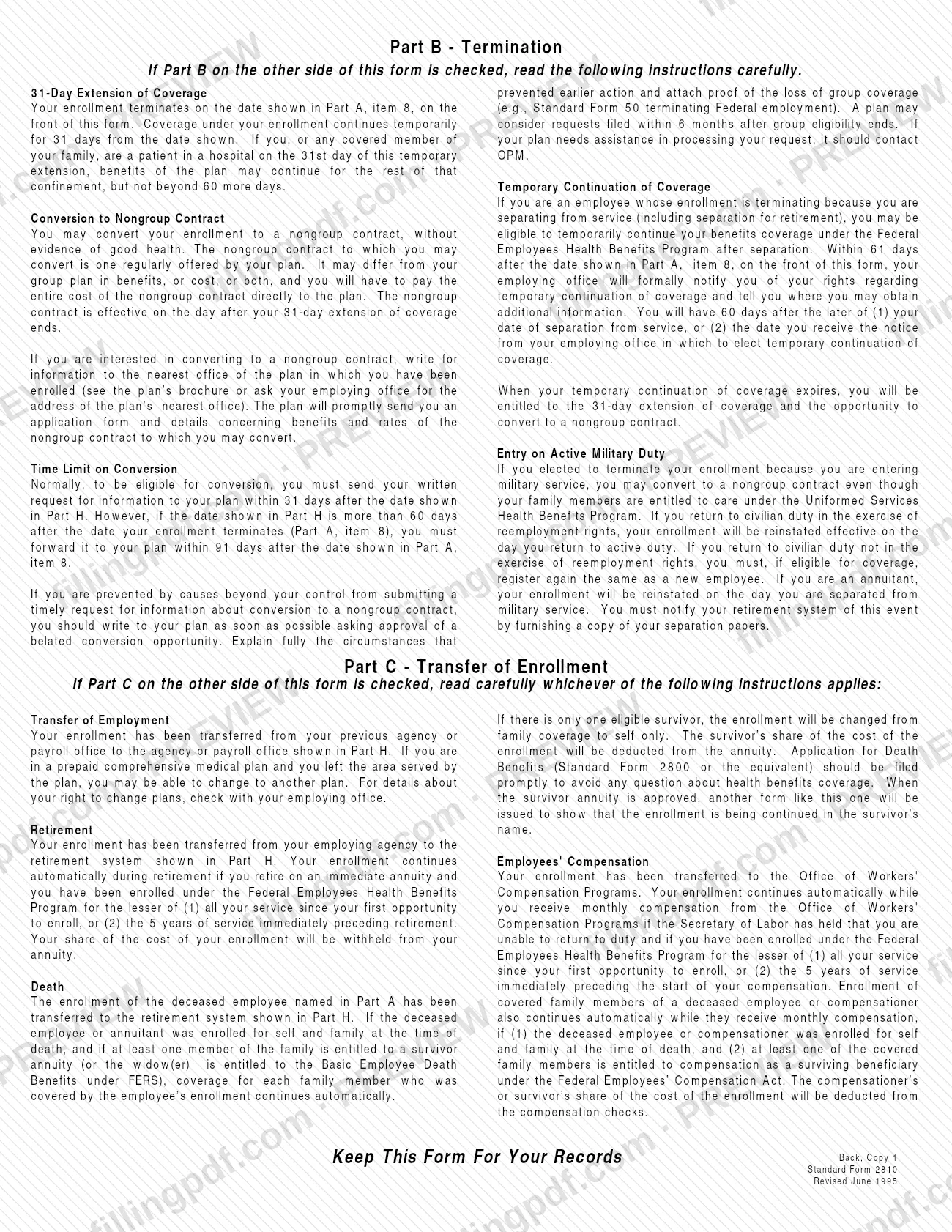
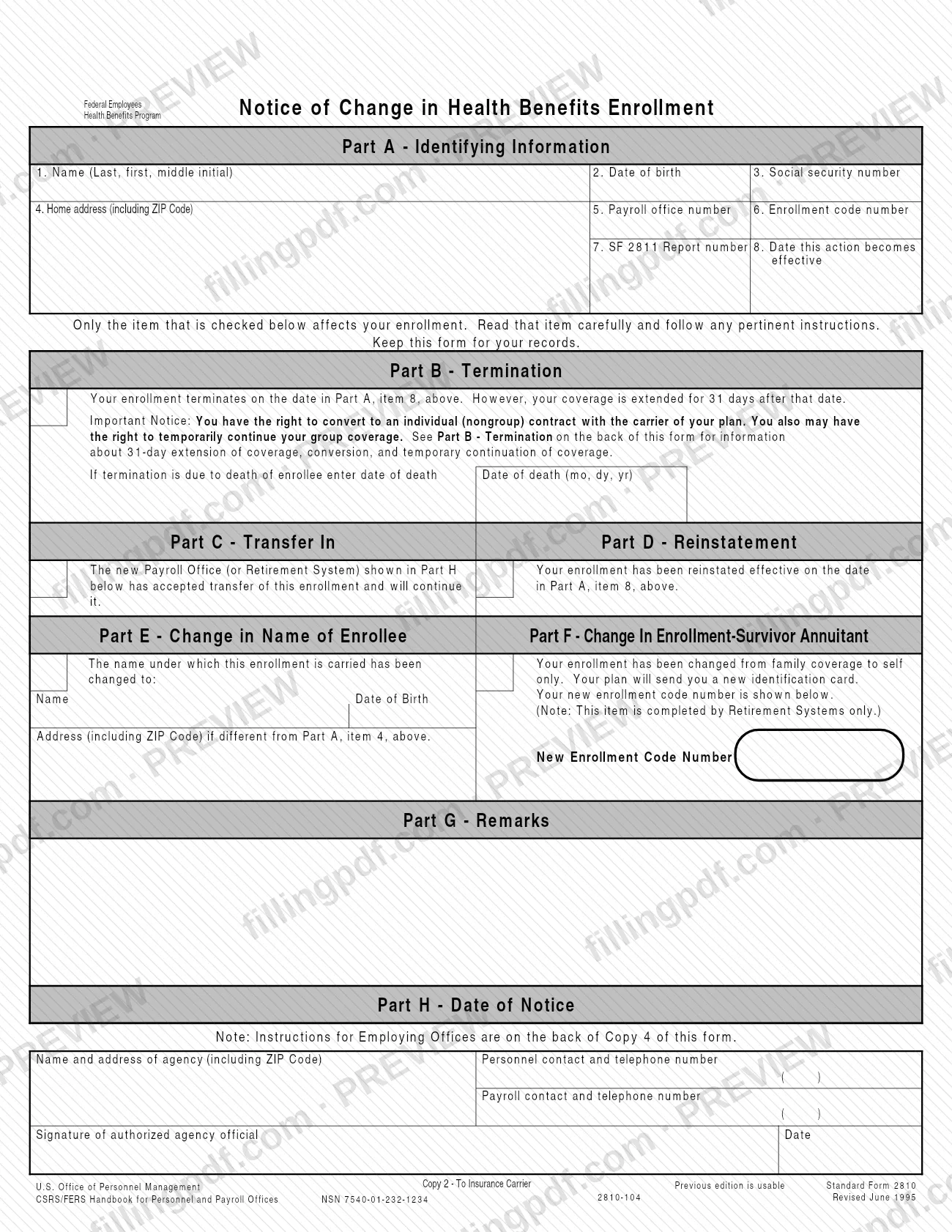
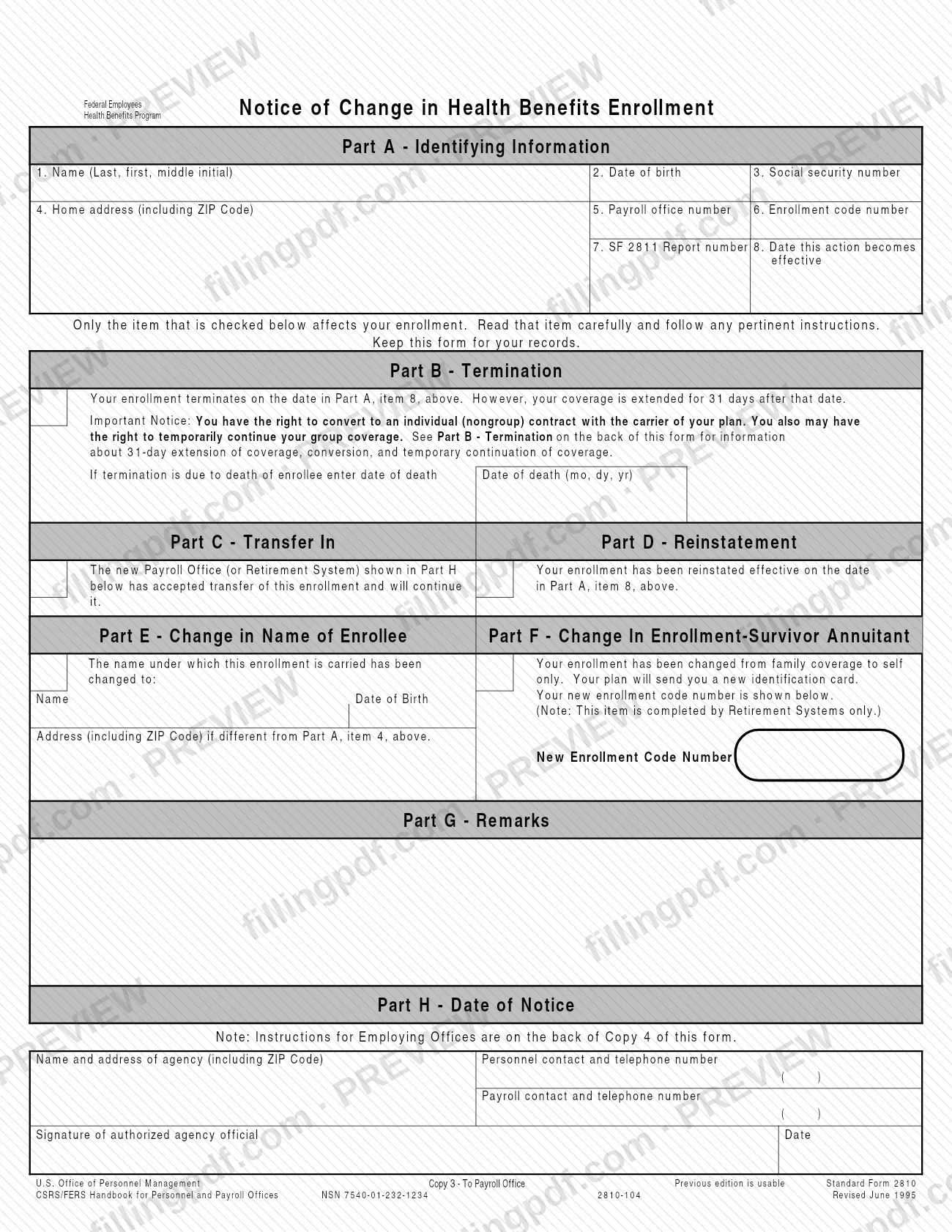
The form is issued in four copies: Copy 1 to the enrollee, Copy 2 to the insurance carrier, Copy 3 to the payroll office and Copy 4 for the Official Personnel Folder. The back of Copy 1 explains the 31-day extension of coverage, conversion to a nongroup contract and temporary continuation of coverage. The printed edition is Standard Form 2810, revised June 1995, and the form notes that the previous edition is usable.
Who needs to file SF 2810?
The main users are employing offices, payroll offices and retirement systems, which prepare SF 2810 whenever an action requires a change in a person's health benefits enrollment. Retirement systems, including the Office of Workers' Compensation Programs, use it to accept a transfer in; only agencies that administer retirement systems complete Part F for a sole survivor annuitant.
Enrollees, annuitants and survivors receive it. Copy 1 goes to the employee, annuitant or survivor, who should keep it for their records and read the checked item carefully, because only that item affects the enrollment.
The actions it reports include separation, retirement, death, transfer to another payroll office or retirement system, reinstatement, a change of name and a survivor annuitant's change from family coverage to self only.
Do not use SF 2810 for enrollments, changes from one plan to another, changes of coverage within a plan or cancellations. The form states that those are processed on Standard Form 2809.
When to file SF 2810
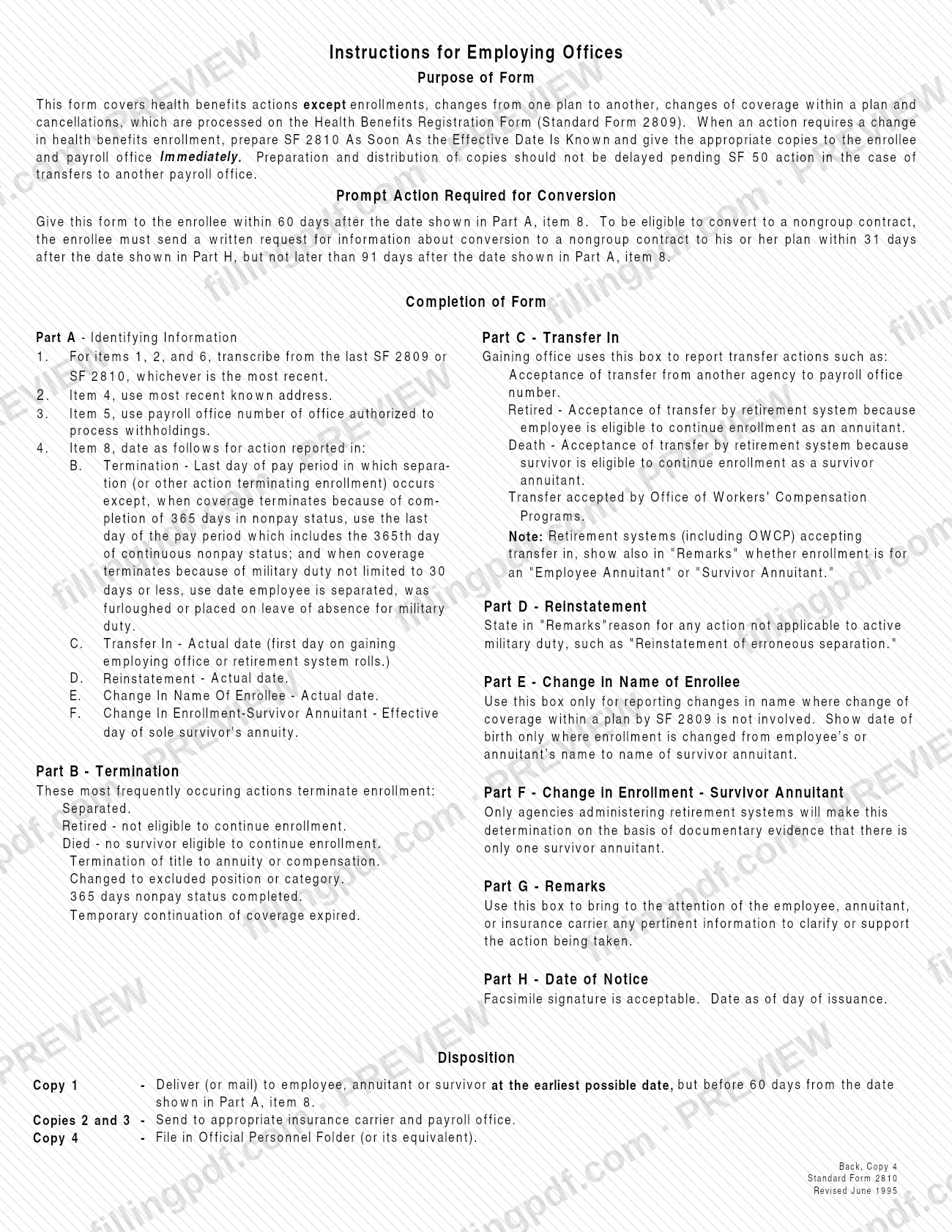
Prepare SF 2810 as soon as the effective date of the action is known, and give the appropriate copies to the enrollee and the payroll office immediately. For transfers to another payroll office, preparation and distribution should not wait for the SF 50 action.
Copy 1 must reach the enrollee at the earliest possible date, and before 60 days from the date in Part A, item 8. Copy 2 goes to the carrier at the earliest possible date; SF 2810s should never be accumulated for longer than a week, and should not be held back to match payroll deductions.
The enrollee's clock runs from the notice. To be eligible to convert to a nongroup contract, the enrollee must send a written request for information to the plan within 31 days after the Part H date, but no later than 91 days after the Part A, item 8 date. After separation, the employing office formally notifies the employee of temporary continuation rights within 61 days after the item 8 date, and the employee then has 60 days after the later of separation or receipt of that notice to elect it.
Documents you need
- Copy of each Health Benefits Registration Form (SF 2809) accepted from the employee, with any attached Medical Certificates: sent with Copy 4 to OPM in cases of death or retirement under CSRS or FERS.
- Individual Retirement Record, SF 2806 for CSRS or SF 3100 for FERS: sent with Copy 4 to OPM in cases of death or retirement under those systems.
- Any other applicable documents: sent with Copy 4 to OPM in those death or retirement cases; other retirement systems send these documents or the equivalent to the office administering the system.
- Transmittal Report to Carrier (SF 2811): Copy 2 is attached to it when sent to the insurance carrier.
- Proof of the loss of group coverage, such as a Standard Form 50 terminating Federal employment: attach it to a belated conversion request when causes beyond your control prevented a timely one.
- Copy of separation papers: an annuitant whose enrollment ended for military service gives them to the retirement system to have the enrollment reinstated.
How to fill out SF 2810
Identify the enrollee in Part A
Enter the enrollee's name (last, first, middle initial) in item 1, date of birth in item 2 and social security number in item 3. For items 1, 2 and 6, transcribe from the most recent SF 2809 or SF 2810.
Enter address and payroll office
Item 4: the most recent known home address, including ZIP Code. Item 5: the payroll office number of the office authorized to process withholdings.
Enter enrollment code and report number
Item 6: the enrollment code number, transcribed from the latest SF 2809 or SF 2810. Item 7: the SF 2811 report number.
Set the effective date in item 8
For Part B, use the last day of the pay period in which separation occurs, with the exceptions for 365 days in nonpay status and for military duty. For Parts C, D and E, use the actual date; for Part F, the effective day of the sole survivor's annuity.
Check the one applicable part
Check only the item that describes the action, from Part B through Part F. Only the checked item affects the enrollment.
Complete Part B for a termination
If the termination is due to the death of the enrollee, enter the date of death (mo, dy, yr). The 31-day extension, conversion and temporary continuation information is printed on the back of Copy 1.
Complete Parts C and D
For Part C, the gaining office reports the transfer accepted; retirement systems also show in Part G whether the enrollment is for an Employee Annuitant or Survivor Annuitant. For Part D, enter the actual reinstatement date and state in Part G the reason when it is not tied to active military duty.
Complete Parts E and F
Part E: enter the new name, and date of birth only where the enrollment moves to a survivor annuitant's name, plus a different address if any. Part F, completed by retirement systems only: enter the new enrollment code number.
Add remarks in Part G
Use Part G to clarify or support the action for the employee, annuitant or carrier, such as the reason for a reinstatement or whether a transfer is for an Employee or Survivor Annuitant.
Complete Part H, the date of notice
Enter the agency name and address (including ZIP Code), the personnel contact and telephone number and the payroll contact and telephone number. The authorized agency official signs and dates it as of the day of issuance; a facsimile signature is acceptable.
Review, download and distribute copies
Check that the effective date and the checked part match the action. Download or print the completed PDF from FillingPDF and distribute Copies 1 to 4 as described under How to submit.
How to submit SF 2810
SF 2810 is not filed by the enrollee. The employing office distributes the four copies, and each copy has its own destination.
- Copy 1: deliver or mail it to the employee, annuitant or survivor before 60 days from the Part A, item 8 date.
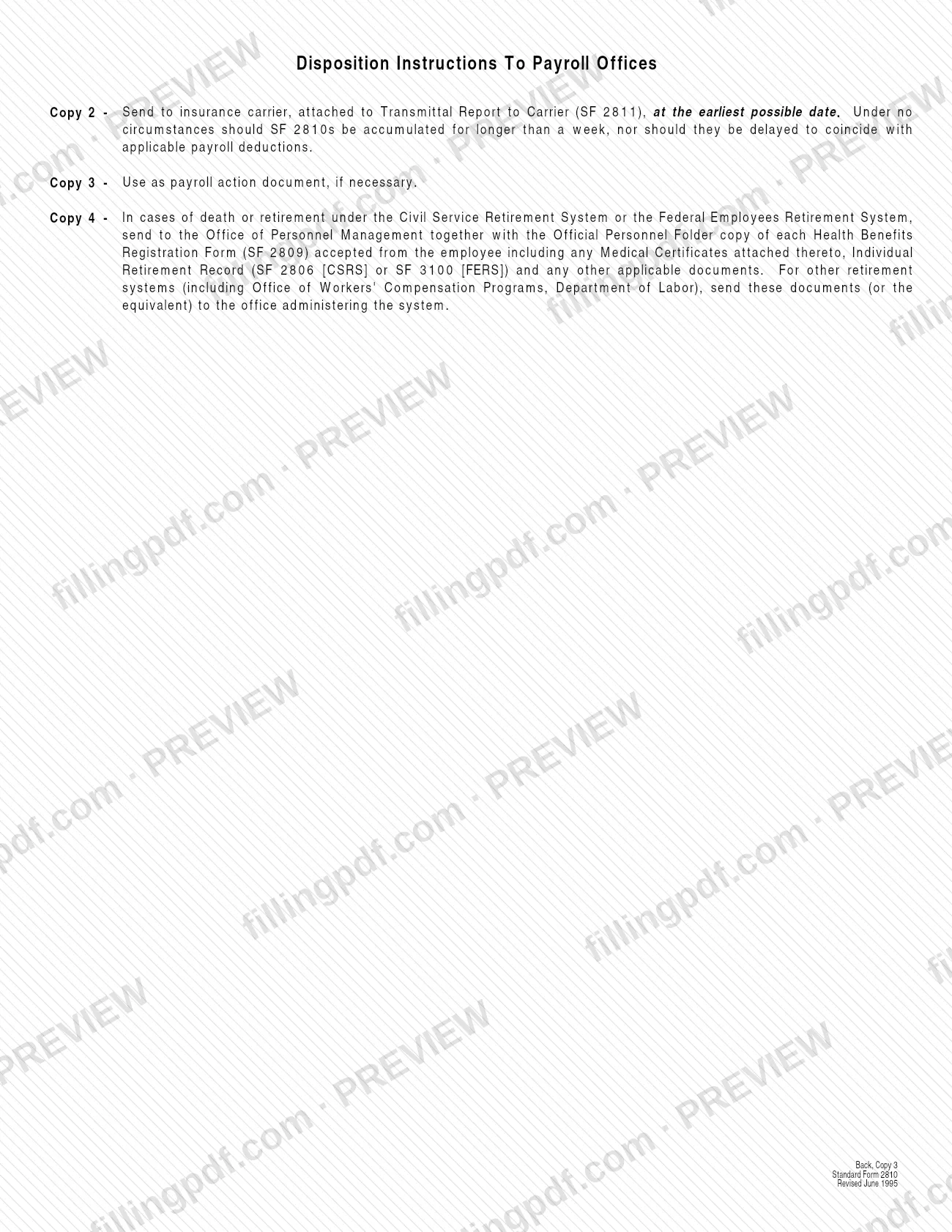
- Copy 2: send it to the insurance carrier, attached to the Transmittal Report to Carrier (SF 2811), at the earliest possible date.
- Copy 3: send it to the payroll office; it may be used as the payroll action document if necessary.
- Copy 4: file it in the Official Personnel Folder or its equivalent. In cases of death or retirement under the Civil Service Retirement System or the Federal Employees Retirement System, send Copy 4 to OPM together with the documents listed under Required documents. For other retirement systems, including the Office of Workers' Compensation Programs, Department of Labor, send these documents or their equivalent to the office administering the system.
A facsimile signature is acceptable in Part H. FillingPDF lets you fill out and download the PDF; submission follows the channels above. The form names no fee or online portal.
Common mistakes to avoid
- Using SF 2810 for an enrollment, plan change, change of coverage within a plan or cancellation; those are processed on SF 2809.
- Holding SF 2810s for more than a week before sending Copy 2 to the carrier, or delaying it to coincide with payroll deductions.
- Delaying preparation and distribution of a transfer to another payroll office until the SF 50 action is done.
- Giving Copy 1 to the enrollee more than 60 days after the Part A, item 8 date, which can cut into the enrollee's conversion window.
- Entering the wrong effective date in item 8: terminations use the last day of the pay period in which separation occurs, while transfers in, reinstatements and name changes use the actual date.
- Checking more than one of Parts B through F, when only the checked item affects the enrollment.
- Completing Part F when you are not a retirement system; only agencies administering retirement systems make that determination.
- Leaving Part G blank for a reinstatement not tied to active military duty, or when a retirement system accepts a transfer in; the form asks for a reason or for Employee Annuitant or Survivor Annuitant.
- Using Part E when a change of coverage within a plan by SF 2809 is involved.
Frequently asked questions
What is the SF2810 form?
SF2810 is Standard Form 2810, the Notice of Change in Health Benefits Enrollment issued by OPM. An employing office or retirement system prepares it to tell the enrollee, the carrier and the payroll office about a termination, transfer, reinstatement, name change or survivor annuitant change.
Does the employee fill out SF 2810?
No. The employing office prepares it, and Copy 1 goes to the employee, annuitant or survivor to keep for their records. The enrollee only needs to read the checked item and act on any instructions, such as the conversion deadline.
What is the difference between SF 2810 and SF 2809?
SF 2810 reports changes such as terminations, transfers, reinstatements and name changes. Enrollments, changes from one plan to another, changes of coverage within a plan and cancellations are processed on the Health Benefits Registration Form, Standard Form 2809.
How long does coverage continue after a termination?
Coverage is extended for 31 days after the Part A, item 8 date. If you or a covered family member is in a hospital on the 31st day, plan benefits may continue for the rest of that stay, but not beyond 60 more days.
How long do I have to ask about converting to a nongroup contract?
Normally, send your written request for information to your plan within 31 days after the Part H date, and no later than 91 days after the Part A, item 8 date. If causes beyond your control prevented that, write to the plan promptly and explain.
Who gets each copy of SF 2810?
Copy 1 goes to the enrollee, Copy 2 to the insurance carrier with the SF 2811 Transmittal Report, Copy 3 to the payroll office and Copy 4 to the Official Personnel Folder or, in CSRS or FERS death and retirement cases, to OPM with the listed documents.
Can I fill out SF 2810 online?
Yes, you can fill out the PDF online on FillingPDF and download or print it. FillingPDF is an independent service and does not send the form to anyone; the employing office distributes the copies as the form directs.
Ready to fill out SF 2810?
Fill out SF 2810 now