
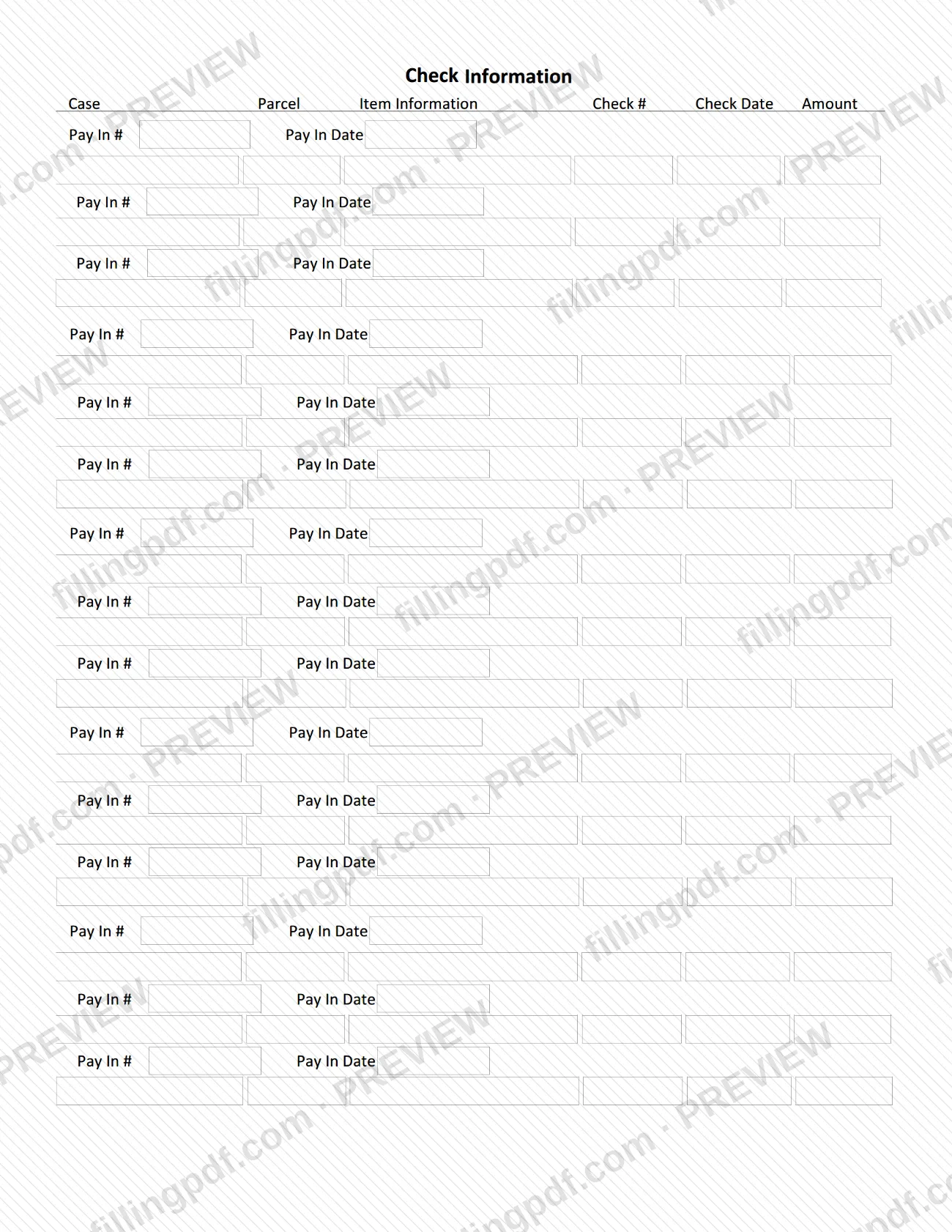
The Unclaimed Funds Additional Items Form is an extension sheet from the Summit County Fiscal Office for claimants who have more than three unclaimed items. It appears on the Fiscal Office forms page next to the other Summit County property tax forms, but it records unclaimed funds items: case, parcel, item information, check details and pay-in details. On this page you can fill out the form online on FillingPDF and download or print the completed PDF; the original PDF is published by the Fiscal Office at the link below.
Last updated
What is Unclaimed Funds Additional Items Form – Summit County, OH?
The Unclaimed Funds Additional Items Form is the Summit County Fiscal Office sheet that a claimant uses to list unclaimed items beyond the first three. The Fiscal Office forms page describes it as the additional form for claimants that have more than three unclaimed items, and lists it as "Unclaimed Funds Additional Information".
The form is a simple table. Under the heading Check Information, each row has columns for Case, Parcel, Item Information, Check #, Check Date and Amount. Below that, a series of lines each ask for a Pay In # and a Pay In Date.
The Summit County Fiscal Office serves as trustee of the county's unclaimed funds. According to its forms page, it processes valid claims upon receipt of a notarized claim form, and it makes a list of unclaimed funds available to the public on its website. Items of less than $10 are not posted on that list.
This sheet is not the claim itself. The Fiscal Office publishes a separate Unclaimed Funds Application, which the agency says a claimant may file without the assistance of a paid professional finder. The Fiscal Office also lists Unclaimed Funds List and Summit County Fiscal Office Held Unclaimed Funds among its forms.
Who needs to file Unclaimed Funds Additional Items Form – Summit County, OH?
Claimants who have more than three unclaimed items use this form. The Summit County Fiscal Office states on its forms page that it is the additional form for claimants with more than THREE unclaimed items, so the items beyond the first three are listed here.
- Claimants with more than three items: list the extra items, with their case, parcel, check and pay-in details, on this sheet.
- Claimants with three or fewer items: the agency's description ties this form to claims with more than three items, so it is not needed for a shorter claim.
- Claimants working without a finder: the Fiscal Office says a claimant may file a claim without the assistance of a paid professional finder; the form itself asks for no finder information.
The form does not say who may sign or complete it for someone else. For questions about representatives, notarization or eligibility, contact the Summit County Fiscal Office or refer to the Unclaimed Funds Application it publishes.
When to file Unclaimed Funds Additional Items Form – Summit County, OH
Use this form when your unclaimed funds claim covers more than three items. It supplements the claim, so it is prepared at the same time as the Unclaimed Funds Application rather than on its own schedule. No separate due date is printed on the form. The Summit County Fiscal Office says it processes valid claims upon receipt of a notarized claim form, and the unclaimed funds list on its website is the place to identify your items before you fill in the rows.
How to fill out Unclaimed Funds Additional Items Form – Summit County, OH
Confirm you have more than three items
Use this sheet only for the unclaimed items beyond the first three on your claim, as the Summit County Fiscal Office describes it.
Enter the case and parcel
Under Check Information, fill in the Case and Parcel columns for the first item you are adding.
Describe the item
In the Item Information column, enter the details that identify the unclaimed item, matching what appears on the Fiscal Office's unclaimed funds list.
Enter the check number and date
Fill in Check # and Check Date for that item, then the Amount in the last column.
Add the pay-in number and date
On the Pay In # and Pay In Date lines, enter the pay-in number and its date for the item.
Repeat for every additional item
Continue row by row until every item beyond the first three is listed.
Review and download the completed PDF
Check every row against your records, then download or print the completed PDF from FillingPDF and keep it with the rest of your claim paperwork.
How to submit Unclaimed Funds Additional Items Form – Summit County, OH
The form prints no mailing address, portal or appointment rule of its own, so it travels with the rest of your unclaimed funds claim to the Summit County Fiscal Office.
- Where the form comes from: the Fiscal Office publishes it on its forms page at https://fiscaloffice.summitoh.net/forms, listed beside the Unclaimed Funds Application and the Unclaimed Funds List.
- How the claim is processed: the Fiscal Office says it processes valid claims upon receipt of a notarized claim form.
- Delivery details: check the Unclaimed Funds Application and the Fiscal Office for the current instructions on where and how to deliver the claim.
FillingPDF lets you fill out and download the PDF; submission follows the channels the Summit County Fiscal Office provides.
Common mistakes to avoid
- Using this sheet for a claim with three or fewer items; the Fiscal Office describes it as the additional form for claimants with more than three unclaimed items.
- Treating the form as the claim itself; the Fiscal Office publishes a separate Unclaimed Funds Application, and it processes valid claims upon receipt of a notarized claim form.
- Looking for items under $10 on the unclaimed funds list; the Fiscal Office does not post items of less than $10.
- Assuming a paid professional finder is required; the Fiscal Office says a claimant may file a claim without one.
- Entering check details in the Pay In rows, or the reverse; the form has separate columns for Check #, Check Date and Amount and separate lines for Pay In # and Pay In Date.
Frequently asked questions
What is the Unclaimed Funds Additional Items Form?
It is a Summit County Fiscal Office form for listing extra unclaimed items on a claim. The Fiscal Office describes it as the additional form for claimants that have more than three unclaimed items. It has columns for case, parcel, item information, check number, check date and amount, plus pay-in lines.
Who needs to use the additional items form?
Claimants with more than three unclaimed items. The Summit County Fiscal Office says to use this additional form in that situation. If your claim covers three or fewer items, the agency's description does not call for it.
Is this a Summit County property tax form?
It is listed on the Summit County Fiscal Office forms page with the county's property tax forms, but it records unclaimed funds items, not property taxes. It has a Parcel column alongside case, check and pay-in details.
Can I fill out this form online?
Yes. You can fill out the PDF online on FillingPDF and download or print it. FillingPDF is an independent service and does not file the form with the Summit County Fiscal Office; delivery follows the Fiscal Office's own channels.
Do I need a paid finder to file an unclaimed funds claim in Summit County?
No. The Summit County Fiscal Office states that a claimant may file a claim without the assistance of a paid professional finder. This additional items form has no finder section.
Why can't I find my item on the Summit County unclaimed funds list?
The Fiscal Office posts its list on its website but does not post items of less than $10. If an item is missing, contact the Summit County Fiscal Office to ask about it.
Does a claim need to be notarized?
The Fiscal Office says it processes valid claims upon receipt of a notarized claim form. That statement is about the claim form; this additional sheet prints no notary block, so ask the Fiscal Office how it should accompany your claim.
Ready to fill out Unclaimed Funds Additional Items Form – Summit County, OH?
Fill out Unclaimed Funds Additional Items Form – Summit County, OH now