
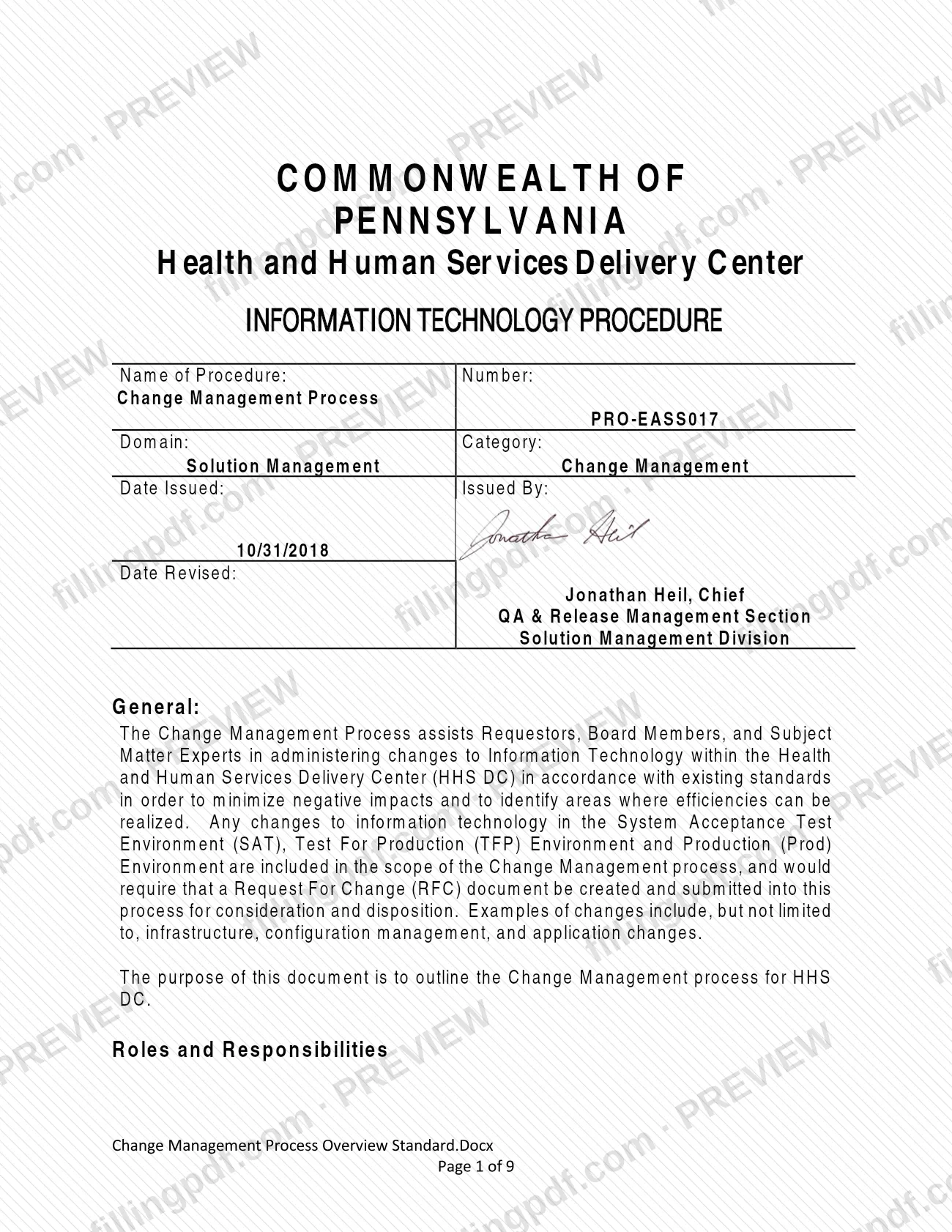
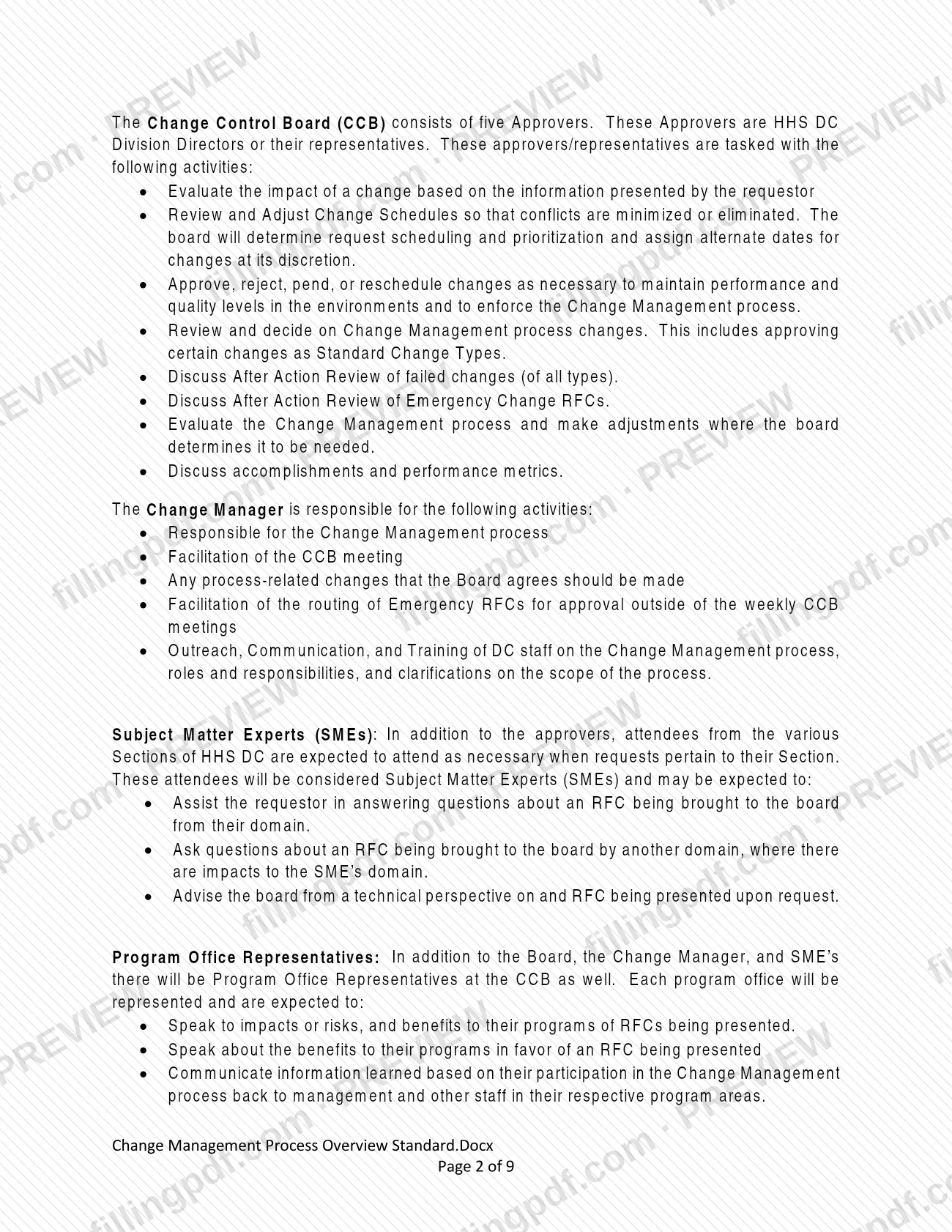
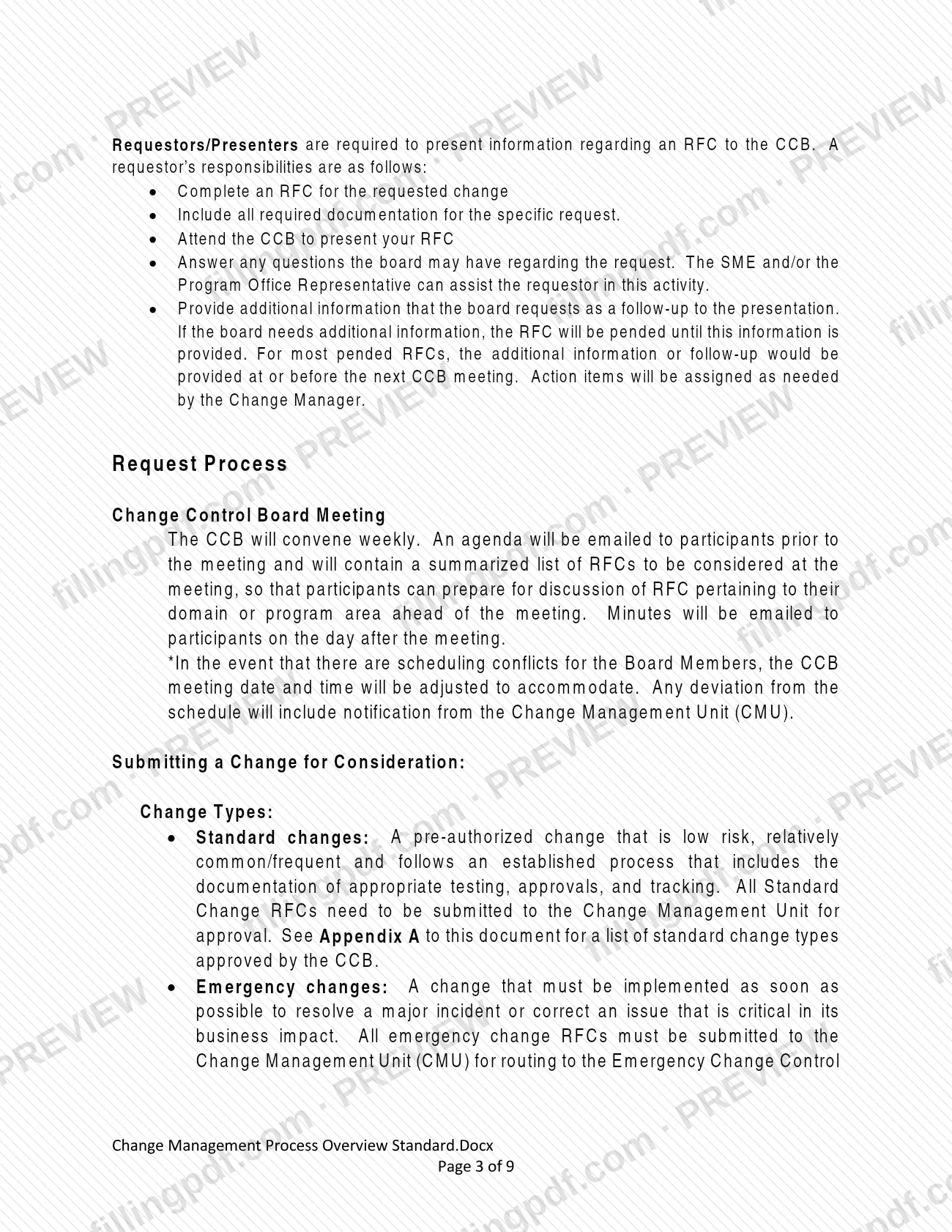
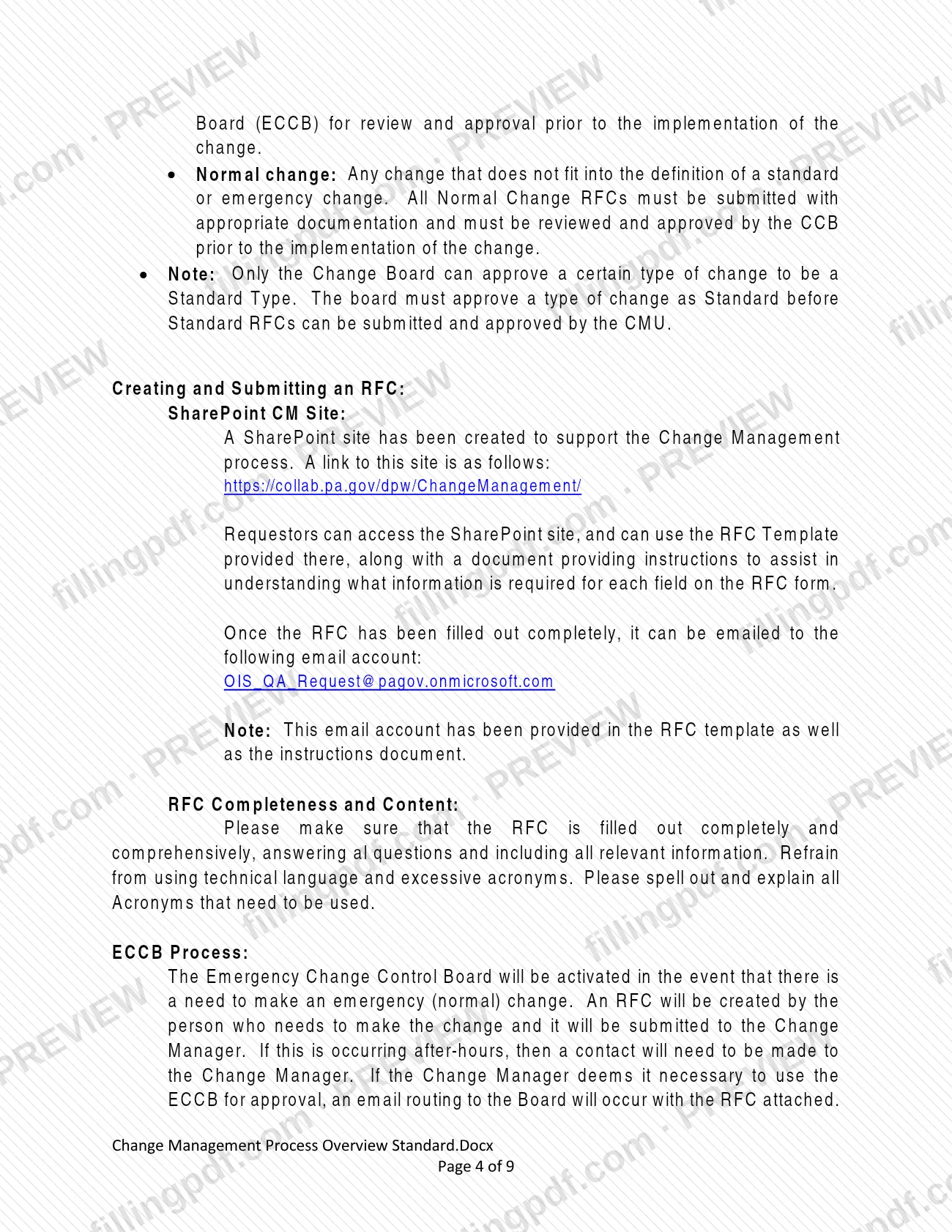

The Change Management Process (PRO-EASS017) is the Information Technology procedure of the Pennsylvania Department of Human Services' Health and Human Services Delivery Center (HHS DC). It explains how a change to IT in the SAT, TFP and Production environments is requested through a Request For Change (RFC) and decided by the Change Control Board (CCB). Requestors, board members and subject matter experts use it to see which change type applies and when an RFC is due. On this page you can fill out the form online on FillingPDF and download or print the completed PDF; the original document is published by the agency at the link below.
Last updated
What is PRO-EASS017?
Change Management Process (PRO-EASS017) is the Commonwealth of Pennsylvania Information Technology procedure that governs how changes to IT within the Health and Human Services Delivery Center (HHS DC) are requested, reviewed, approved and scheduled through a Request For Change (RFC) document.
The procedure belongs to the Solution Management domain and the Change Management category, and it was issued on 10/31/2018 by the QA & Release Management Section of the Solution Management Division. Its stated aim is to minimize negative impacts of changes and to identify areas where efficiencies can be realized.
Any change to information technology in the System Acceptance Test Environment (SAT), the Test For Production (TFP) Environment or the Production (Prod) Environment is in scope. Infrastructure, configuration management and application changes are examples.
The procedure defines three change types:
- Standard: a pre-authorized, low-risk, relatively common change that follows an established process.
- Emergency: a change that must be made as soon as possible to resolve a major incident or correct a critical issue.
- Normal: any change that is neither standard nor emergency.
It also describes the roles of the Change Control Board (CCB), the Change Manager, subject matter experts and program office representatives, and defines the RFC outcomes Approved, Rejected, Pended and Not Applicable. The RFC itself is a separate template, not part of this PDF.
Who needs to file PRO-EASS017?
Requestors who want to change IT in the SAT, TFP or Production environments of the HHS DC use this procedure. They must complete an RFC, include all required documentation for the specific request, attend the CCB to present it, answer the board's questions and provide any follow-up information the board asks for.
Other groups work with the procedure in defined roles:
- CCB approvers: the five Approvers are HHS DC Division Directors or their representatives. They evaluate impact, adjust schedules, and approve, reject, pend or reschedule changes.
- Change Manager: runs the process, facilitates the CCB meeting and routes Emergency RFCs outside the weekly meetings.
- Subject matter experts (SMEs): attendees from HHS DC Sections who attend when a request concerns their Section and can assist or advise the board.
- Program office representatives: each program office is represented at the CCB and speaks to the impacts, risks and benefits of an RFC for its programs.
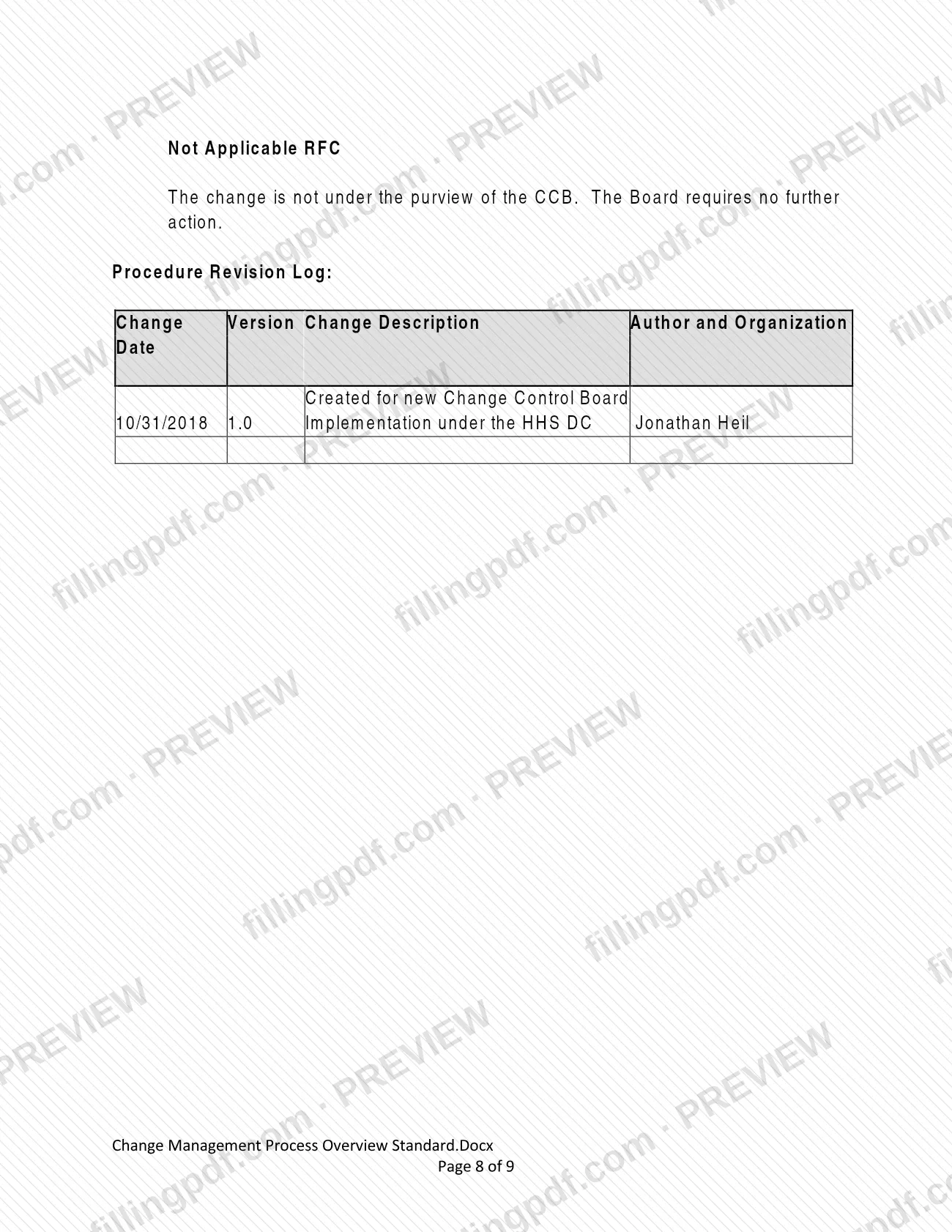
A change that is not under the purview of the CCB is handled as a Not Applicable RFC, and the board requires no further action.
When to file PRO-EASS017
Create and submit an RFC whenever you plan a change to IT in the SAT, TFP or Production environment; the deadline depends on the change type.
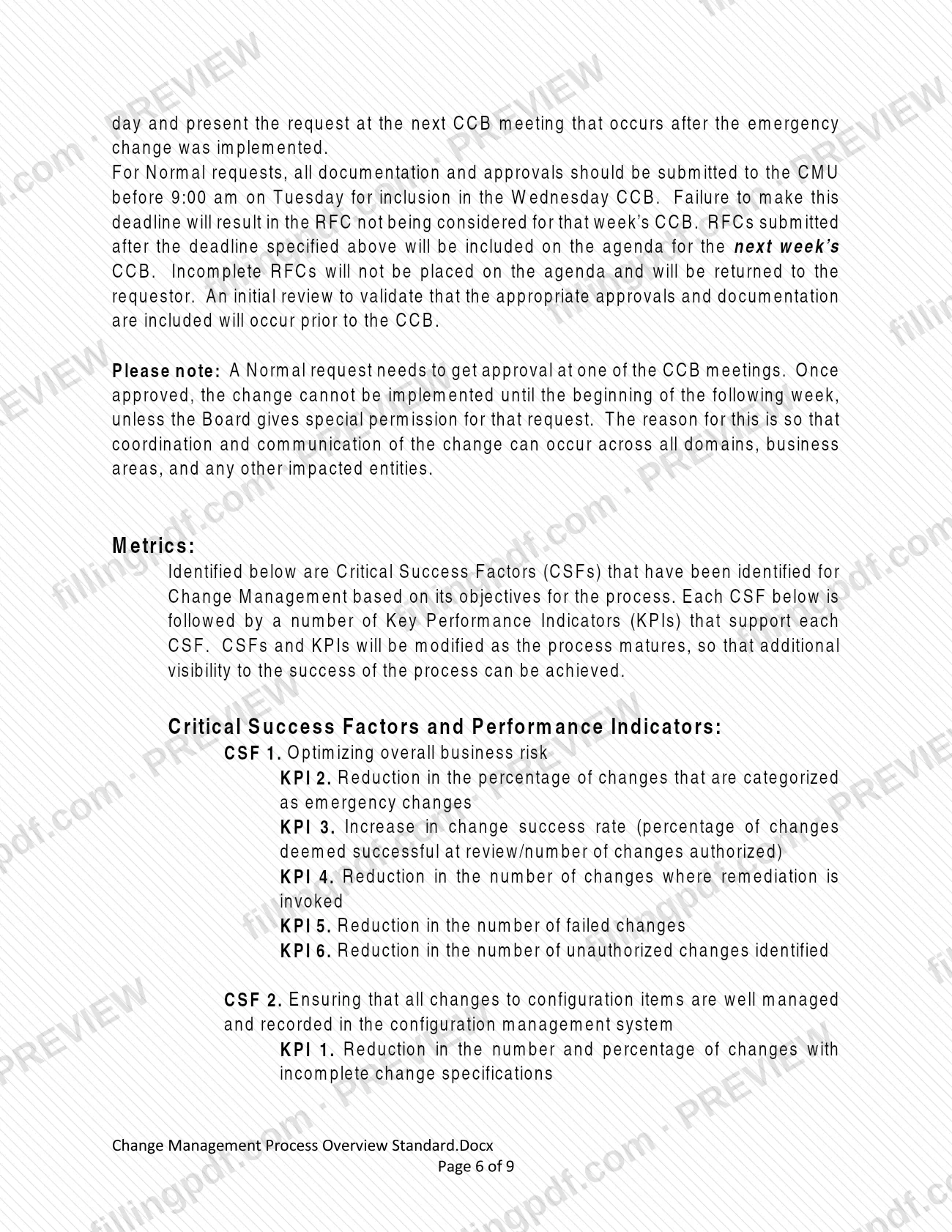
- Normal: submit all documentation and approvals to the Change Management Unit (CMU) before 9:00 am on Tuesday to be included in the Wednesday CCB. A later RFC goes on the agenda for the following week's CCB. Incomplete RFCs are not placed on the agenda and are returned to the requestor.
- Standard: submit to the CMU for approval; every attempt is made to address these within 1 business day.
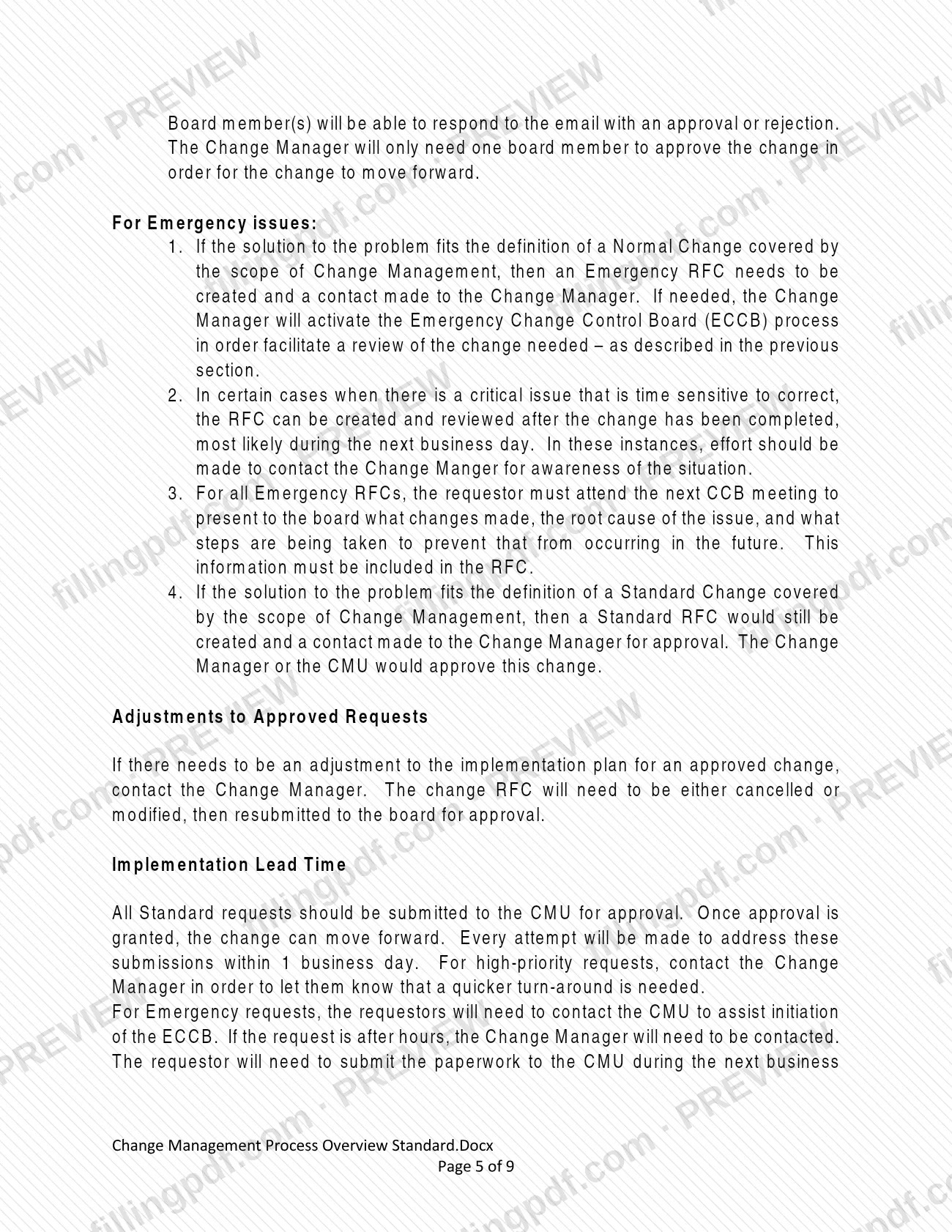
- Emergency: contact the CMU (or the Change Manager if after hours) to start the Emergency Change Control Board process. In certain critical, time-sensitive cases the RFC can be created and reviewed after the change, most likely on the next business day.
An approved Normal change cannot be implemented until the beginning of the following week unless the Board gives special permission. The CCB meets weekly.
Documents you need
- A completed Request For Change (RFC), using the RFC Template on the Change Management SharePoint site, for every change in scope.
- All required documentation for the specific request; the procedure says to include it with the RFC.
- For Normal changes: all documentation and approvals, submitted to the CMU before 9:00 am on Tuesday for the Wednesday CCB.
- For Standard changes: an RFC that documents appropriate testing, approvals and tracking, submitted to the CMU; the change type must already be on the CCB-approved list.
- For Emergency RFCs: the changes made, the root cause of the issue and the steps being taken to prevent a recurrence, included in the RFC.
How to fill out PRO-EASS017
Confirm the change is in scope
Check that the change affects IT in the SAT, TFP or Production environment, such as infrastructure, configuration management or application changes. If it is not under the CCB's purview, it is treated as Not Applicable.
Identify the change type
Decide whether the change is Standard, Emergency or Normal. Appendix A lists the standard change types approved by the CCB; anything that is neither Standard nor Emergency is Normal.
Get the RFC template and instructions
Open the Change Management SharePoint site at https://collab.pa.gov/dpw/ChangeManagement/ and download the RFC Template and the document that explains each field.
Complete every RFC question
Answer all questions and include all relevant information. Avoid technical language, and spell out and explain every acronym you must use.
Add the documentation for your request
Attach all required documentation for the specific request. A Standard RFC documents testing, approvals and tracking; a Normal RFC needs its approvals included.
Add emergency details if applicable
For an Emergency RFC, state what changes were made, the root cause of the issue and the steps being taken to prevent it from recurring.
Meet the submission deadline
For a Normal change, send the RFC to the CMU before 9:00 am on Tuesday for the Wednesday CCB. Standard RFCs go to the CMU for approval, and Emergency RFCs follow the ECCB route.
Prepare to present at the CCB
Attend the CCB to present the RFC and answer questions; an SME or Program Office Representative can help. If the board pends the RFC, provide the requested information at or before the next meeting.
Review and download the completed PDF
Check that every question is answered and the acronyms are explained. Download or print the completed PDF from FillingPDF and send it through the channels described under How to submit.
How to submit PRO-EASS017
RFCs reach the Change Management Unit (CMU) and the Change Manager by email, with the RFC template and instructions provided on a SharePoint site.
- RFC template and instructions: the Change Management SharePoint site at https://collab.pa.gov/dpw/ChangeManagement/ provides the RFC Template and a document explaining what each RFC field requires.
- Email: once the RFC is completely filled out, email it to [email protected]. The same address is printed in the RFC template and its instructions.
- Emergency changes: contact the CMU to start the Emergency Change Control Board (ECCB) process; after hours, contact the Change Manager. If the Change Manager decides the ECCB is needed, the RFC is emailed to the board, and one board member's approval is enough for the change to move forward.
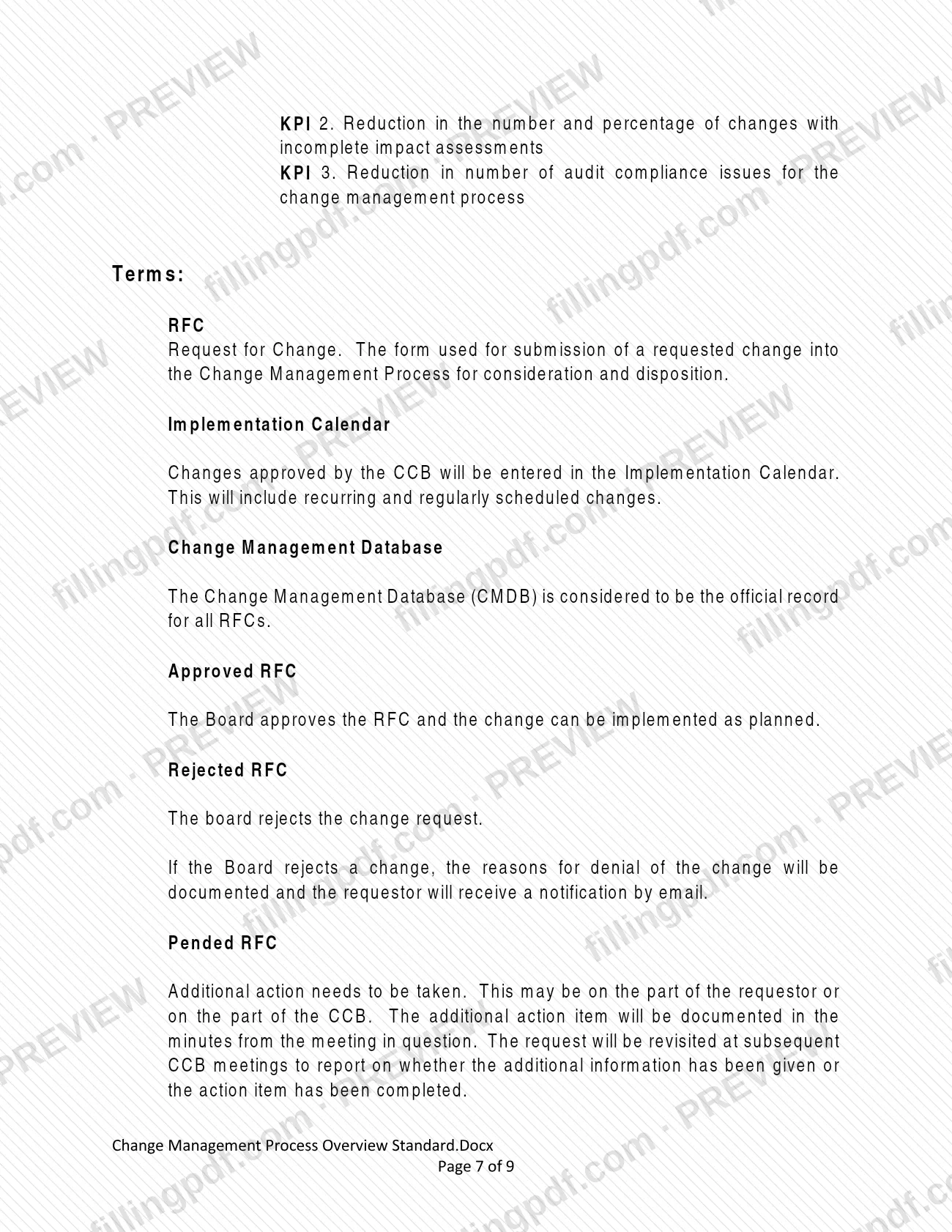
- Rejections: if the board rejects an RFC, the reasons are documented and the requestor is notified by email.
The procedure names no mailing address or other channel. FillingPDF lets you fill out and download the PDF; submission follows the agency channels above.
Common mistakes to avoid
- Submitting a Normal RFC after 9:00 am on Tuesday and expecting it on that week's Wednesday CCB; it moves to the following week's agenda.
- Sending an incomplete RFC; incomplete RFCs are not placed on the agenda and are returned to the requestor.
- Implementing an approved Normal change right after approval; it cannot start until the beginning of the following week unless the Board grants special permission.
- Submitting a Standard RFC for a change type the CCB has not approved as Standard; only the board can make a type Standard.
- Not attending the next CCB meeting after an Emergency change to explain what changed, the root cause and the prevention steps.
- Writing the RFC in technical language with unexplained acronyms instead of spelling out and explaining each acronym.
- Changing the implementation plan of an approved change without contacting the Change Manager; the RFC must be cancelled or modified and resubmitted to the board.
- Not contacting the Change Manager after hours when an emergency change is needed.
Frequently asked questions
What is the change management process PRO-EASS017?
It is the Pennsylvania HHS Delivery Center's IT procedure for requesting, reviewing and approving changes through a Request For Change (RFC). It covers changes in the SAT, TFP and Production environments and defines Standard, Emergency and Normal change types.
Who has to submit an RFC under the change management process?
Any requestor planning a change to IT in the SAT, TFP or Production environment of the HHS DC. Requestors complete the RFC, include the required documentation and present it to the Change Control Board, unless the change is a Standard or Emergency type with its own route.
What is the deadline for a Normal RFC?
Submit all documentation and approvals to the CMU before 9:00 am on Tuesday to be included in the Wednesday CCB. Later submissions go on the next week's agenda, and incomplete RFCs are returned to the requestor.
Where do I send a completed RFC?
Email it to [email protected]. The RFC template and its instructions are on the Change Management SharePoint site at https://collab.pa.gov/dpw/ChangeManagement/, and the same address is printed in them.
What counts as an emergency change?
A change that must be implemented as soon as possible to resolve a major incident or correct an issue critical in its business impact. Its RFC goes to the CMU for routing to the Emergency Change Control Board, and the requestor presents it at the next CCB.
What is a Standard change and how fast is it approved?
A Standard change is pre-authorized, low risk and relatively frequent, and its type must be on the CCB's approved list in Appendix A. The CMU approves the RFC, and every attempt is made to address it within 1 business day.
What happens if the CCB pends or rejects my RFC?
A pended RFC needs additional action, recorded in the meeting minutes and revisited at later CCB meetings. A rejected RFC gets its reasons documented, and you are notified by email.
Can I fill out the change management process PDF online?
You can fill out the PDF online on FillingPDF and download or print it. FillingPDF is independent, does not submit anything to the agency, and the RFC reaches the CMU only through the email and SharePoint channels the procedure describes.
Can I change an approved request's implementation plan?
Contact the Change Manager. The RFC must be either cancelled or modified and then resubmitted to the board for approval.
Ready to fill out PRO-EASS017?
Fill out PRO-EASS017 now