
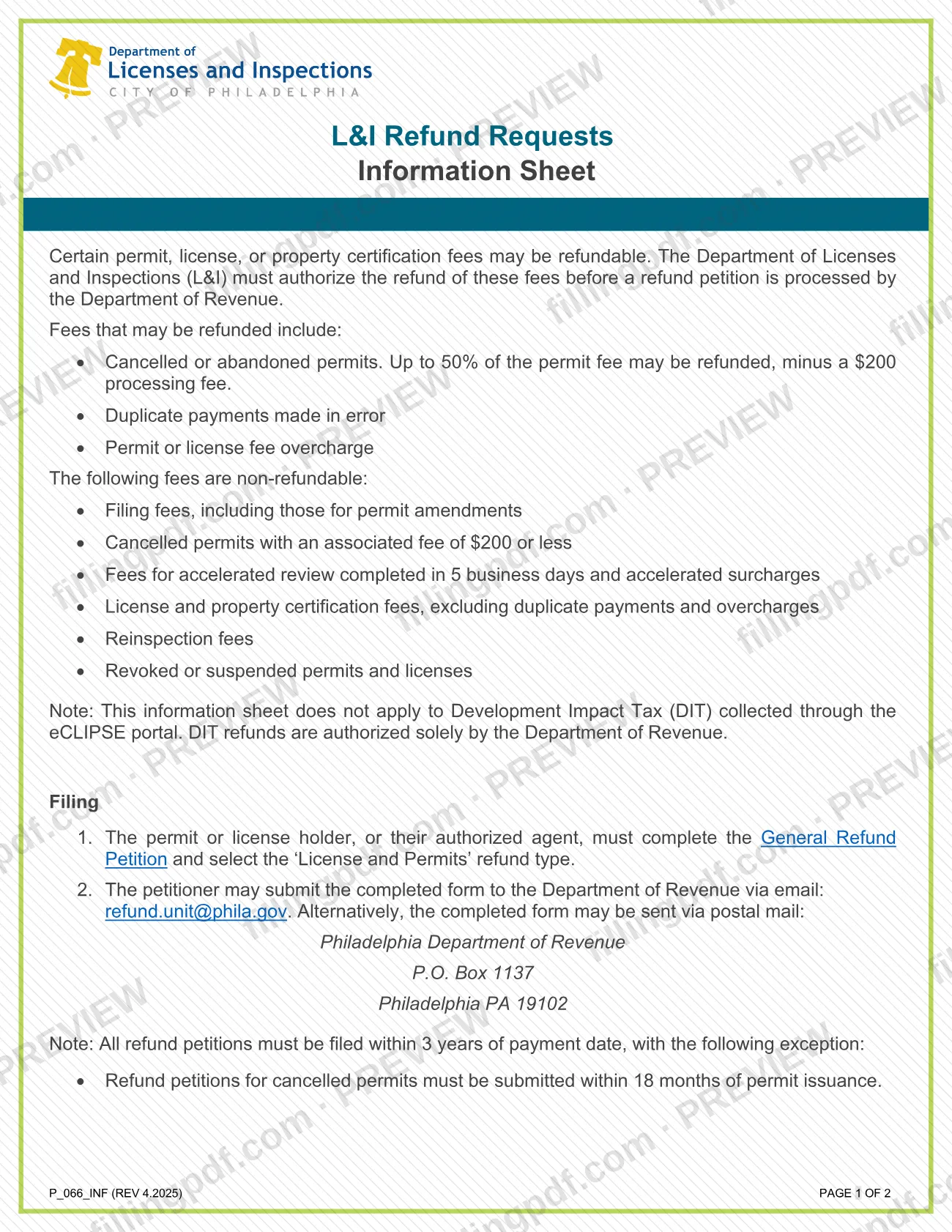
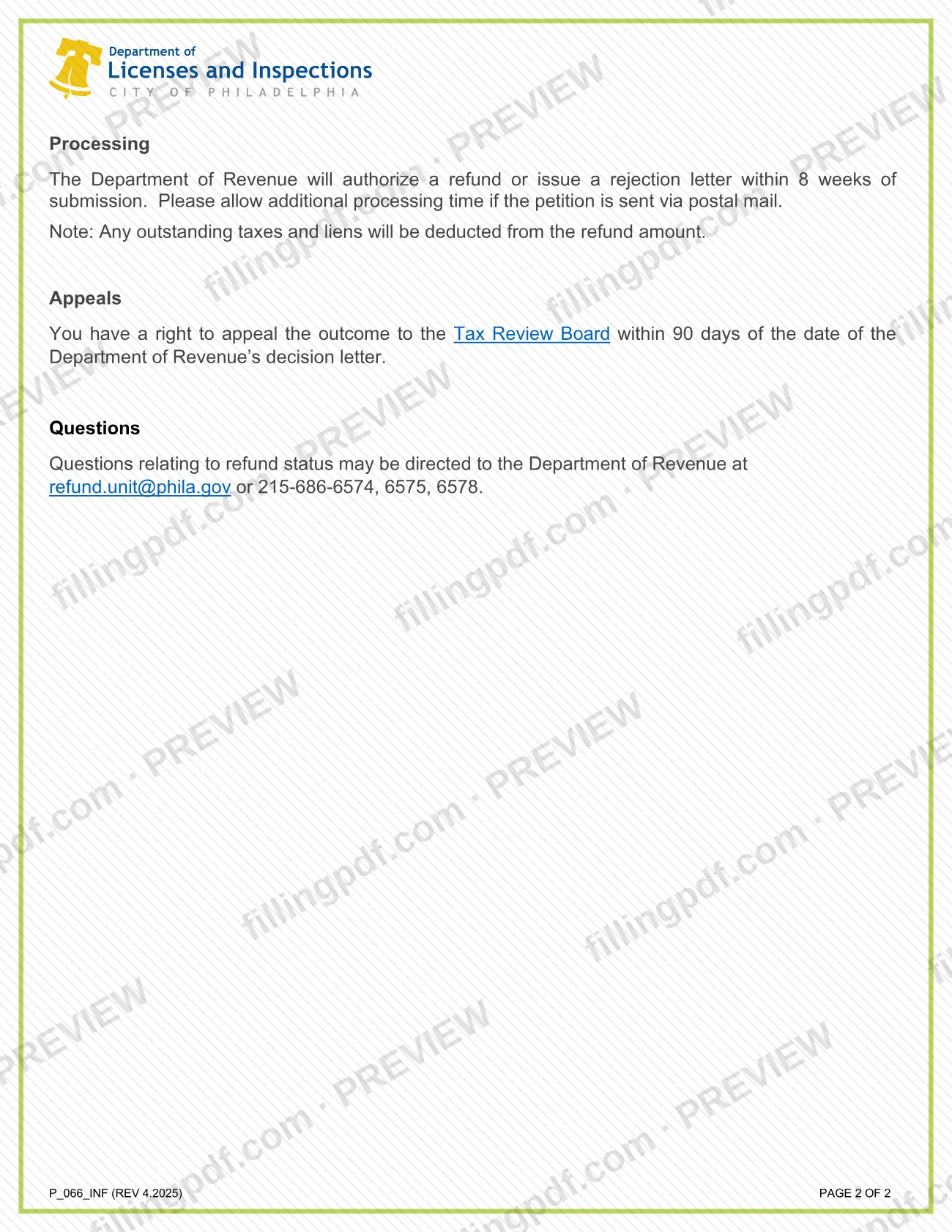
The L&I refund request information sheet (P_066_INF, REV 4.2025) is the City of Philadelphia Department of Licenses and Inspections (L&I) guide to refunds of permit, license and property certification fees. It lists which fees may be refunded, which are not, and how to file the refund petition with the Department of Revenue. It is not a tax bill or a property tax form. On this page you can fill out the form online on FillingPDF and download or print the completed PDF; the official sheet is published by the City of Philadelphia at phila.gov.
Last updated
What is P_066_INF?
The L&I refund request information sheet is a two-page City of Philadelphia Department of Licenses and Inspections (L&I) document that explains which permit, license and property certification fees may be refunded and how to request the refund through the Department of Revenue.
The sheet works in two stages. L&I must first authorize the refund of a fee. Only then does the Department of Revenue process the refund petition. The petition itself is a separate form, the General Refund Petition, which you file with the 'License and Permits' refund type selected.
According to the sheet, fees that may be refunded include:
- cancelled or abandoned permits, where only part of the permit fee may be refunded and a processing fee is subtracted;
- duplicate payments made in error;
- permit or license fee overcharges.
The sheet also lists fees that are not refundable, such as filing fees, reinspection fees and fees for revoked or suspended permits and licenses. It does not apply to Development Impact Tax (DIT) collected through the eCLIPSE portal, because DIT refunds are authorized solely by the Department of Revenue. The sheet covers L&I fees only and says nothing about real estate or property tax bills.
Who needs to file P_066_INF?
The permit or license holder, or their authorized agent, files the refund petition that this sheet describes. Use it if you paid an L&I fee and think part of it should come back, for example because a permit was cancelled or abandoned, you paid the same fee twice by mistake, or you were overcharged for a permit or license.
Check the exclusions before you file. The sheet says these fees are non-refundable:
- filing fees, including those for permit amendments;
- cancelled permits whose associated fee is at or below the threshold printed on the sheet;
- fees for accelerated review completed in 5 business days, and accelerated surcharges;
- license and property certification fees, except duplicate payments and overcharges;
- reinspection fees;
- revoked or suspended permits and licenses.
Do not use this sheet for Development Impact Tax (DIT) collected through the eCLIPSE portal. Those refunds are authorized solely by the Department of Revenue.
When to file P_066_INF
All refund petitions must be filed within 3 years of the payment date. The exception is a cancelled permit: the petition for it must be submitted within 18 months of permit issuance.
After you submit, the Department of Revenue will authorize a refund or issue a rejection letter within 8 weeks of submission. The sheet says to allow additional time if the petition goes by postal mail. Any outstanding taxes and liens are deducted from the refund amount.
If the outcome is not in your favor, you have the right to appeal to the Tax Review Board within 90 days of the date of the Department of Revenue's decision letter.
Documents you need
- Completed General Refund Petition with the 'License and Permits' refund type selected, filed by the permit or license holder or their authorized agent.
How to fill out P_066_INF
Check that the fee is refundable
Compare your payment with the refundable list: cancelled or abandoned permits, duplicate payments made in error, and permit or license fee overcharges.
Rule out non-refundable fees
Confirm your fee is not a filing fee, reinspection fee, accelerated review fee or surcharge, a revoked or suspended permit or license, or a license or property certification fee that is not a duplicate or overcharge.
Confirm the sheet applies to you
It does not apply to Development Impact Tax (DIT) collected through the eCLIPSE portal. The filer must be the permit or license holder or their authorized agent.
Complete the General Refund Petition
Fill out the General Refund Petition and select the 'License and Permits' refund type. L&I must authorize the refund before the Department of Revenue processes it.
Check your filing deadline
File within 3 years of the payment date, or within 18 months of permit issuance if the permit was cancelled.
Review, download and send
Review the information, then download or print the completed PDF from FillingPDF and submit the petition through the channels described under How to submit.
How to submit P_066_INF
You submit the refund petition, not the information sheet, to the Philadelphia Department of Revenue by email or by postal mail.
- Email: send the completed General Refund Petition, with the 'License and Permits' refund type selected, to [email protected].
- Postal mail: Philadelphia Department of Revenue, P.O. Box 1137, Philadelphia PA 19102. Allow additional processing time for mailed petitions.
L&I must authorize the refund before the Department of Revenue processes the petition. For questions about refund status, contact the Department of Revenue at [email protected] or 215-686-6574, 6575, 6578. The sheet names no other channel. FillingPDF lets you fill out and download the PDF; submission follows the channels above.
Common mistakes to avoid
- Filing a refund petition more than 3 years after the payment date.
- Filing a petition for a cancelled permit more than 18 months after the permit was issued.
- Selecting a refund type other than 'License and Permits' on the General Refund Petition.
- Requesting a refund of a fee the sheet lists as non-refundable, such as a filing fee, reinspection fee or accelerated review fee.
- Using this process for a Development Impact Tax (DIT) collected through the eCLIPSE portal; those refunds are authorized solely by the Department of Revenue.
- Expecting a license or property certification fee back when it was neither a duplicate payment nor an overcharge.
- Expecting the full refund amount when taxes or liens are outstanding; the Department of Revenue deducts them.
- Missing the 90-day window to appeal to the Tax Review Board after the Department of Revenue's decision letter.
Frequently asked questions
What is the L&I refund request information sheet?
It is a two-page City of Philadelphia Department of Licenses and Inspections sheet (P_066_INF, REV 4.2025) explaining which permit, license and property certification fees may be refunded and how to file the refund petition with the Department of Revenue.
Is this sheet about Philadelphia property tax refunds?
No. It covers refunds of L&I permit, license and property certification fees only. It does not address real estate tax bills, and it does not apply to Development Impact Tax collected through the eCLIPSE portal.
Which L&I fees can be refunded in Philadelphia?
Cancelled or abandoned permits, where only part of the permit fee may be refunded minus a processing fee; duplicate payments made in error; and permit or license fee overcharges. L&I must authorize the refund first.
Where do I send an L&I refund petition?
Email the completed General Refund Petition to [email protected], or mail it to Philadelphia Department of Revenue, P.O. Box 1137, Philadelphia PA 19102. Select the 'License and Permits' refund type on the petition.
What is the deadline to request an L&I refund?
Within 3 years of the payment date. For a cancelled permit, the petition must be submitted within 18 months of permit issuance.
How long does an L&I refund take?
The Department of Revenue will authorize a refund or issue a rejection letter within 8 weeks of submission. Allow additional time if you send the petition by postal mail. Outstanding taxes and liens are deducted from the refund.
Can I appeal if my refund is rejected?
Yes. You may appeal the outcome to the Tax Review Board within 90 days of the date of the Department of Revenue's decision letter.
Can I fill out this sheet online on FillingPDF?
You can fill out the PDF online on FillingPDF and download or print it. FillingPDF is an independent service and does not file refund petitions; you submit the petition to the Department of Revenue by email or mail.
Ready to fill out P_066_INF?
Fill out P_066_INF now