
SBA Form 1919 is the Borrower Information Form that the U.S. Small Business Administration (SBA) requires from a small business applying for an SBA 7(a) loan. It collects details about the applicant business and its owners, the loan request, existing indebtedness and government financing, and the applicant's certifications. On this page you can fill out SBA Form 1919 online on FillingPDF and download or print the completed PDF; the form is handed to your SBA Participating Lender, and the original PDF is published by the SBA.
Last updated
What is SBA Form 1919?
SBA Form 1919, Borrower Information Form (printed on the form as the SBA 7(a) Borrower Information Form) is the SBA form used with all SBA 7(a) loan programs to collect information about the small business applicant, its owners and its loan request, so that the SBA or the lender can decide eligibility.
The form is issued by the Office of Financial Assistance of the U.S. Small Business Administration under OMB Control No. 3245-0348. The SBA lists March 19, 2025 as the effective date of the current version, and the printed expiration date is 6/30/2027.
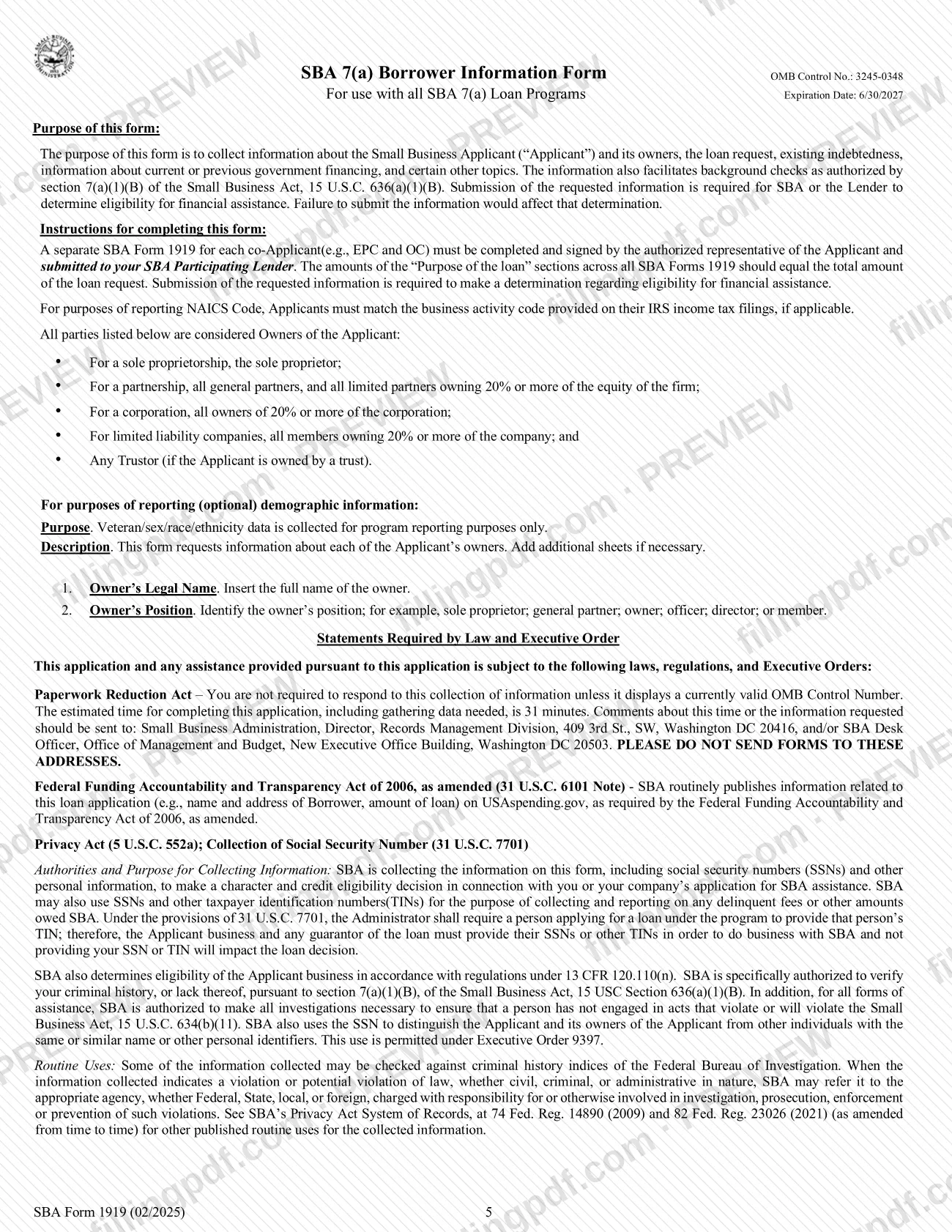
According to its instructions, the form gathers information about the applicant and its owners, the loan request, existing indebtedness, current or previous government financing and certain other topics. It also supports background checks authorized by section 7(a)(1)(B) of the Small Business Act, 15 U.S.C. 636(a)(1)(B).
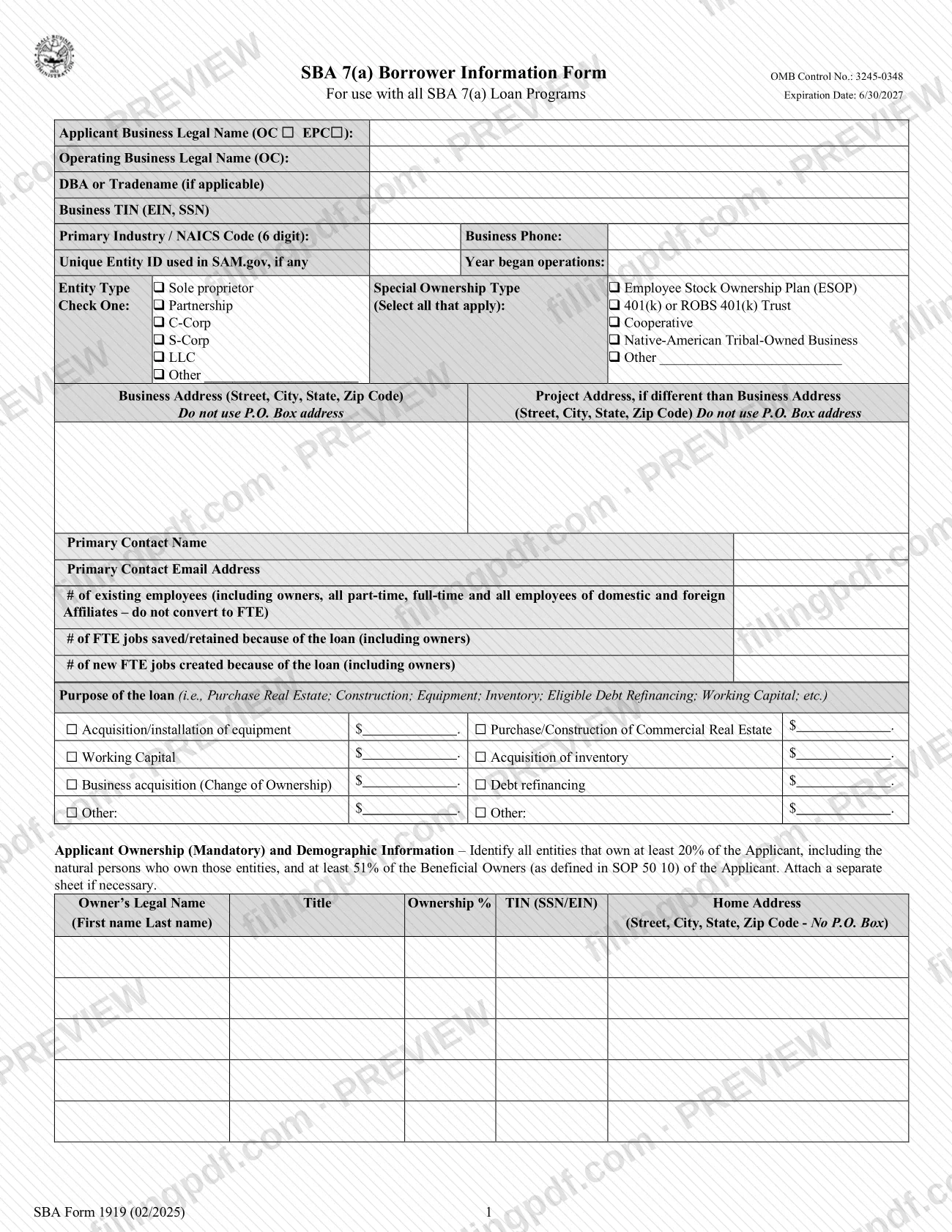
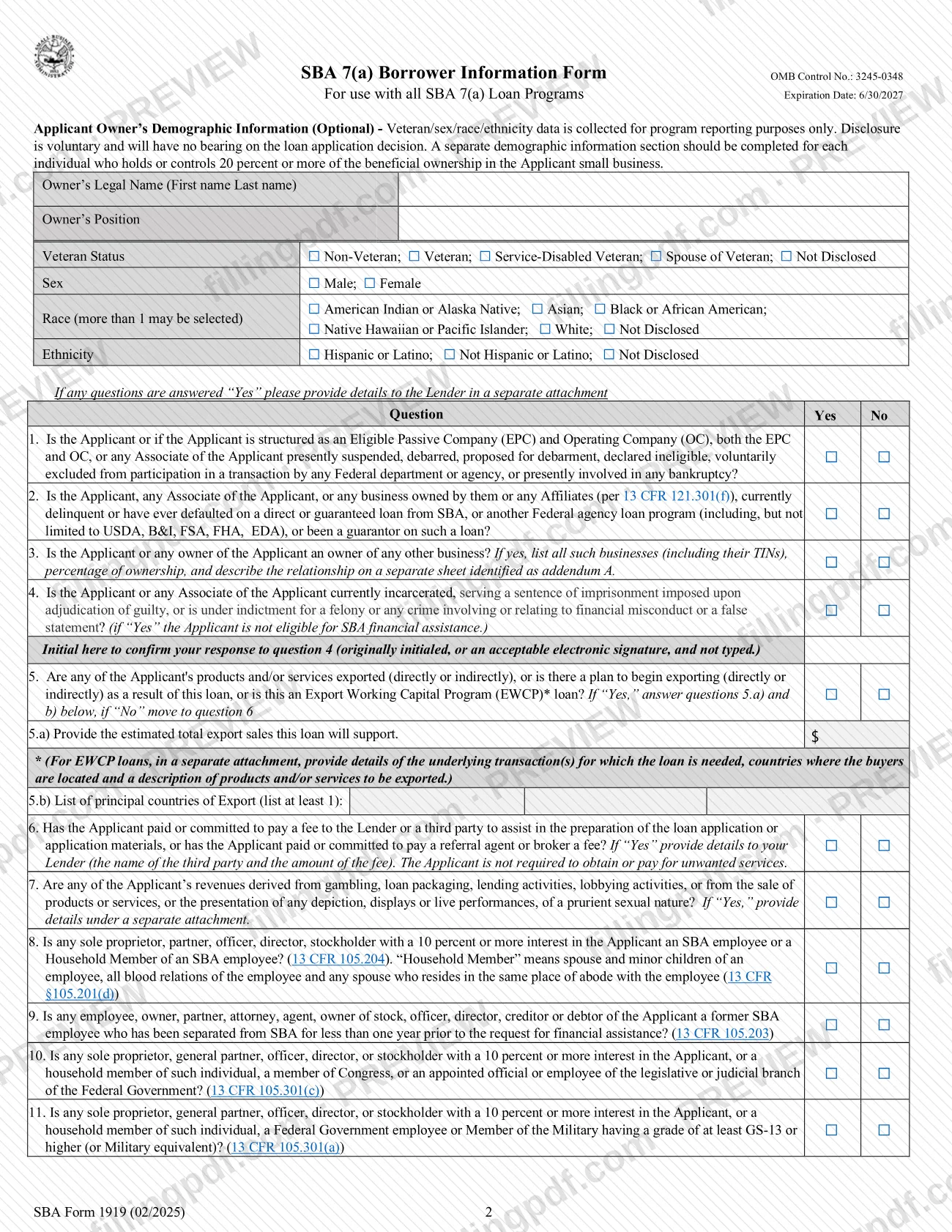
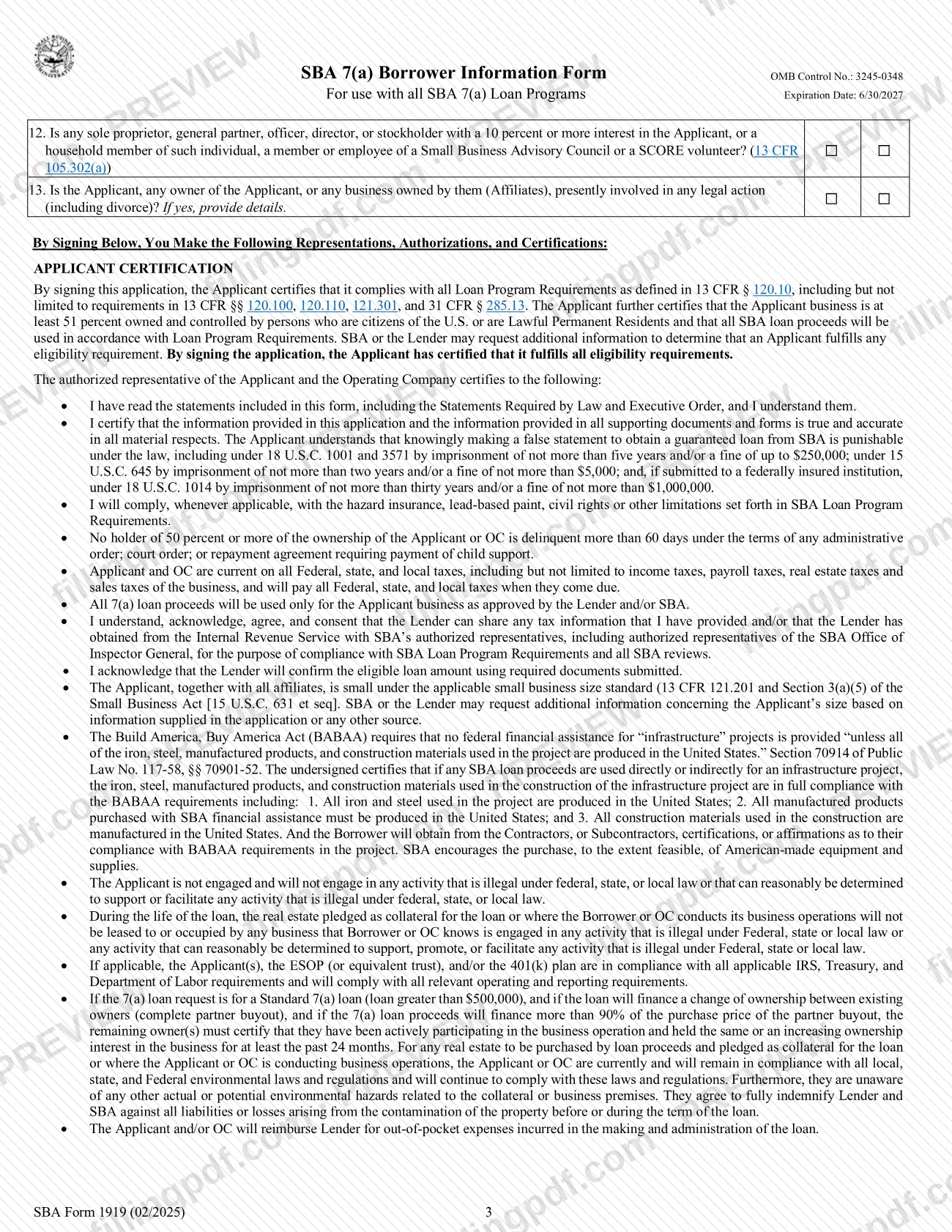
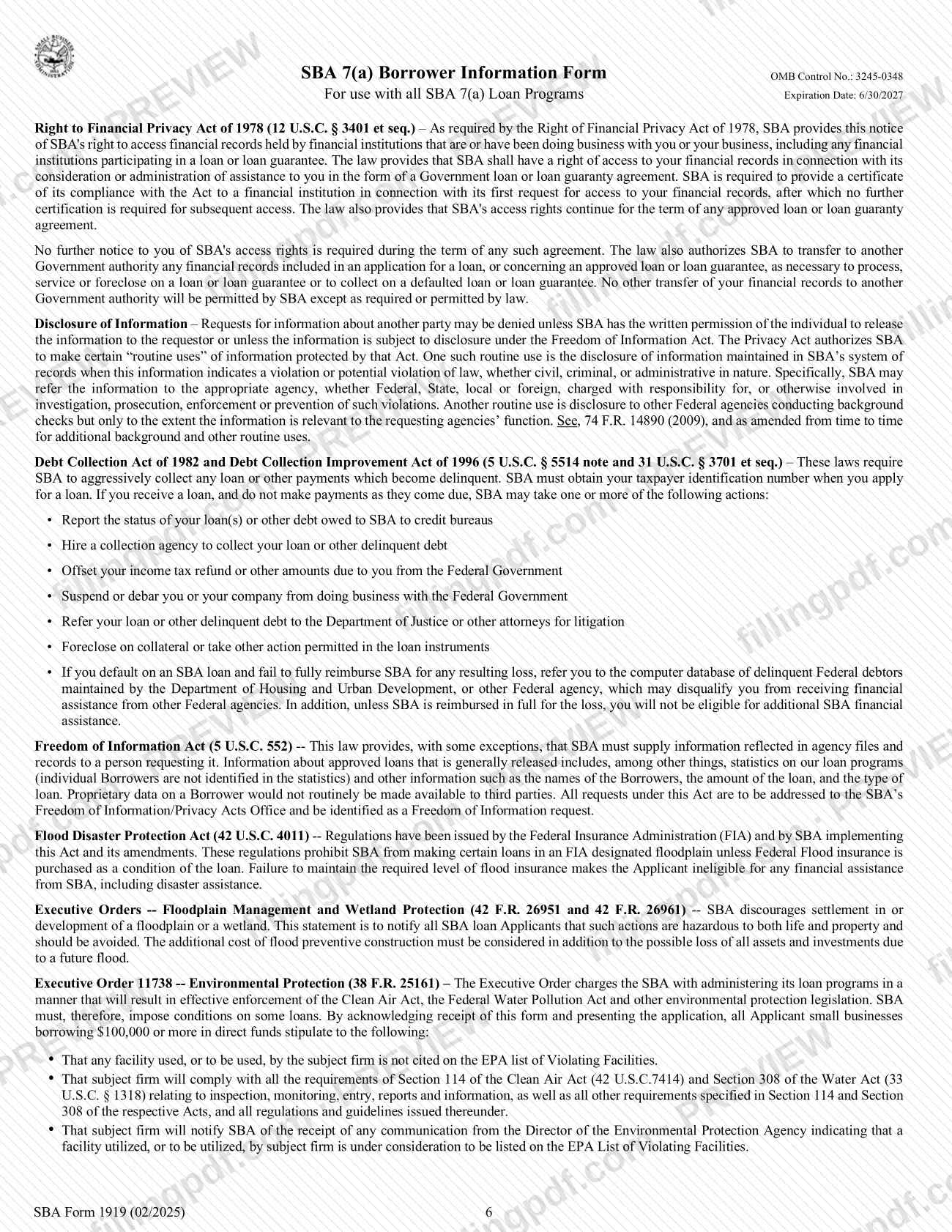
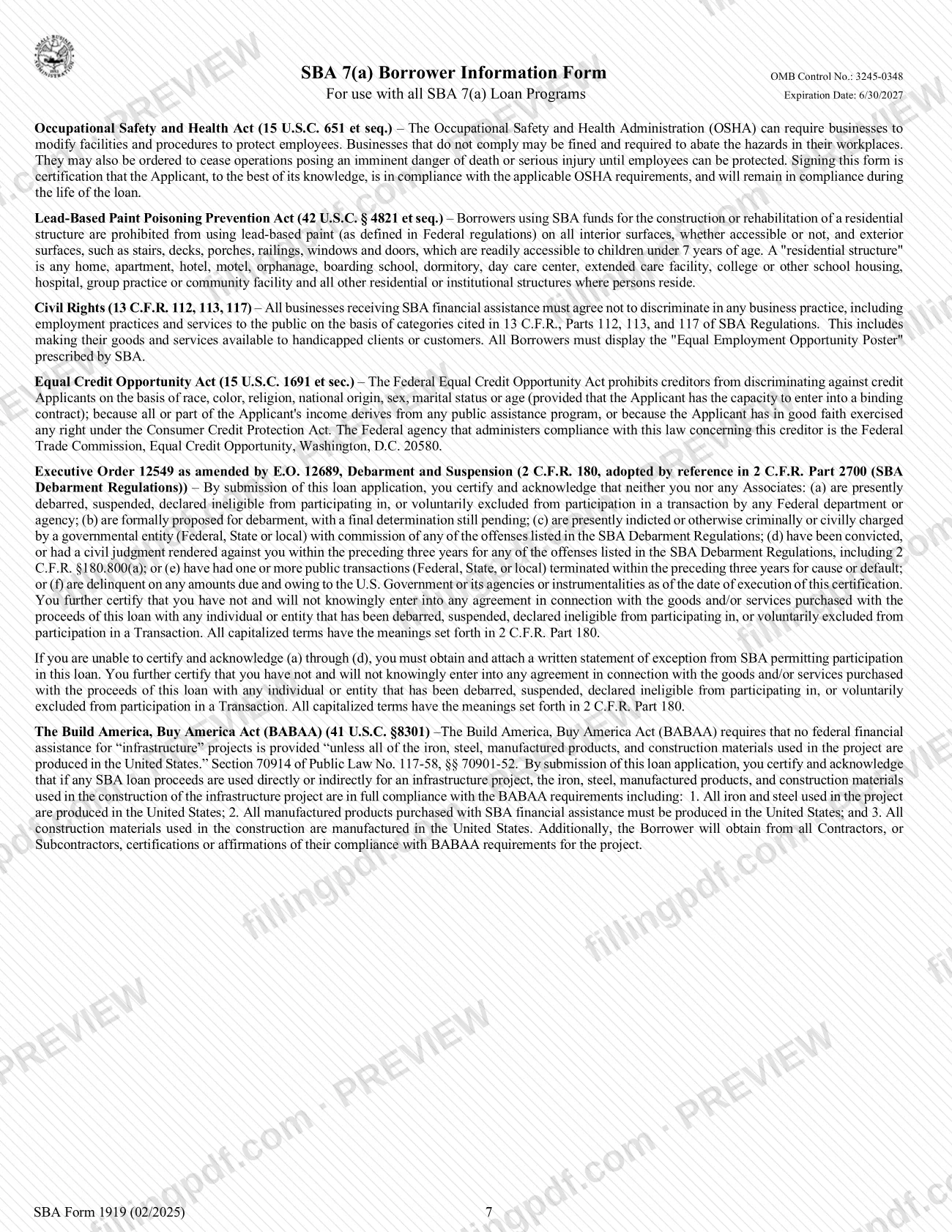
It has several parts: business identification and entity type, jobs and loan purpose, mandatory ownership information, optional owner demographic information, thirteen yes/no eligibility questions, and the applicant certification with the signature block. Pages 5 to 7 hold the instructions and the Statements Required by Law and Executive Order.
Failure to submit the requested information affects the SBA's or the lender's eligibility determination.
Who needs to file SBA Form 1919?
The small business applying for an SBA 7(a) loan completes SBA Form 1919. An authorized representative of the applicant signs it, and it goes to the SBA Participating Lender handling the loan.
- Co-applicants. The instructions require a separate Form 1919 for each co-applicant, such as an Eligible Passive Company (EPC) and its Operating Company (OC), each signed by its authorized representative.
- Owners. The ownership section lists all entities that own at least 20% of the applicant, the natural persons who own those entities, and at least 51% of the beneficial owners. The instructions define owners by structure: the sole proprietor; all general partners and limited partners with 20% or more; owners of 20% or more of a corporation; LLC members with 20% or more; and any trustor if a trust owns the applicant.
- Demographic section. Optional. A separate section is completed for each individual who holds or controls 20 percent or more of the beneficial ownership.
The form is stated to be for use with all SBA 7(a) loan programs. It is not presented as a form for other SBA programs.
When to file SBA Form 1919
Complete SBA Form 1919 when you apply for an SBA 7(a) loan, because the form is submitted to your SBA Participating Lender as part of that application. The form prints no separate due date.
If the request involves co-applicants, such as an EPC and an OC, prepare a separate signed form for each at the same time. The amounts in the "Purpose of the loan" sections across all Forms 1919 must equal the total loan request, so settle the amounts before you finalize the forms.
The form is dated 02/2025 and the SBA lists March 19, 2025 as the effective date of this version. Earlier versions are listed on the SBA page, so confirm with your lender which version it expects.
Documents you need
- A separate sheet for ownership information, if the ownership table does not have enough room for all owners.
- Addendum A, a separate sheet listing every other business the applicant or any owner owns, with TINs, ownership percentages and the relationship, if question 3 is answered Yes.
- A separate attachment with details for any other question answered Yes; for question 6, give the name of the third party and the amount of the fee to the lender.
- For an Export Working Capital Program (EWCP) loan, a separate attachment describing the underlying transaction(s), the buyers' countries and the products or services to be exported.
- A written statement of exception from SBA permitting participation, if you cannot make the debarment certifications (a) through (d) in the Statements Required by Law and Executive Order.
- A separate Form 1919 for each co-applicant (for example, the EPC and the OC), each signed by its authorized representative.
How to fill out SBA Form 1919
Identify the applicant business
Enter the Applicant Business Legal Name and check OC or EPC where applicable, the Operating Business Legal Name (OC), any DBA or tradename, and the Business TIN (EIN, SSN). Add the six-digit NAICS code, business phone, Unique Entity ID used in SAM.gov if any, and year began operations.
Select entity and ownership type
Check one Entity Type: sole proprietor, partnership, C-Corp, S-Corp, LLC or Other. Under Special Ownership Type, select all that apply, such as ESOP, 401(k) or ROBS 401(k) Trust, Cooperative, Native-American Tribal-Owned Business or Other.
Enter addresses and primary contact
Give the Business Address and, if different, the Project Address, both without a P.O. box. Then add the Primary Contact Name and Email Address.
Report employees and jobs
Enter the number of existing employees, including owners and all part-time, full-time and affiliate employees, without converting to FTE. Then enter FTE jobs saved or retained because of the loan and new FTE jobs created because of it, both including owners.
Describe the purpose of the loan
Write a short purpose and enter a dollar amount next to each box that applies: equipment, commercial real estate, working capital, inventory, business acquisition, debt refinancing or Other. The amounts across all Forms 1919 must equal the total loan request.
List owners in the ownership section
For each owner enter legal name, title, ownership %, TIN (SSN/EIN) and home address with no P.O. box. Include all entities owning at least 20% and the natural persons behind them, and attach a separate sheet if necessary.
Complete optional demographic information
If you choose, enter each 20-percent owner's name and position, then veteran status, sex, race (more than one may be selected) and ethnicity. Disclosure is voluntary and has no bearing on the loan decision.
Answer questions 1 to 13
Check Yes or No for each question. Provide details in a separate attachment for any Yes answer, and list other businesses on Addendum A if question 3 is Yes.
Initial question 4 and answer export questions
Initial to confirm your answer to question 4 with an original or acceptable electronic signature, not typed. If question 5 is Yes, enter estimated export sales in 5.a and at least one principal export country in 5.b.
Read the certifications and sign
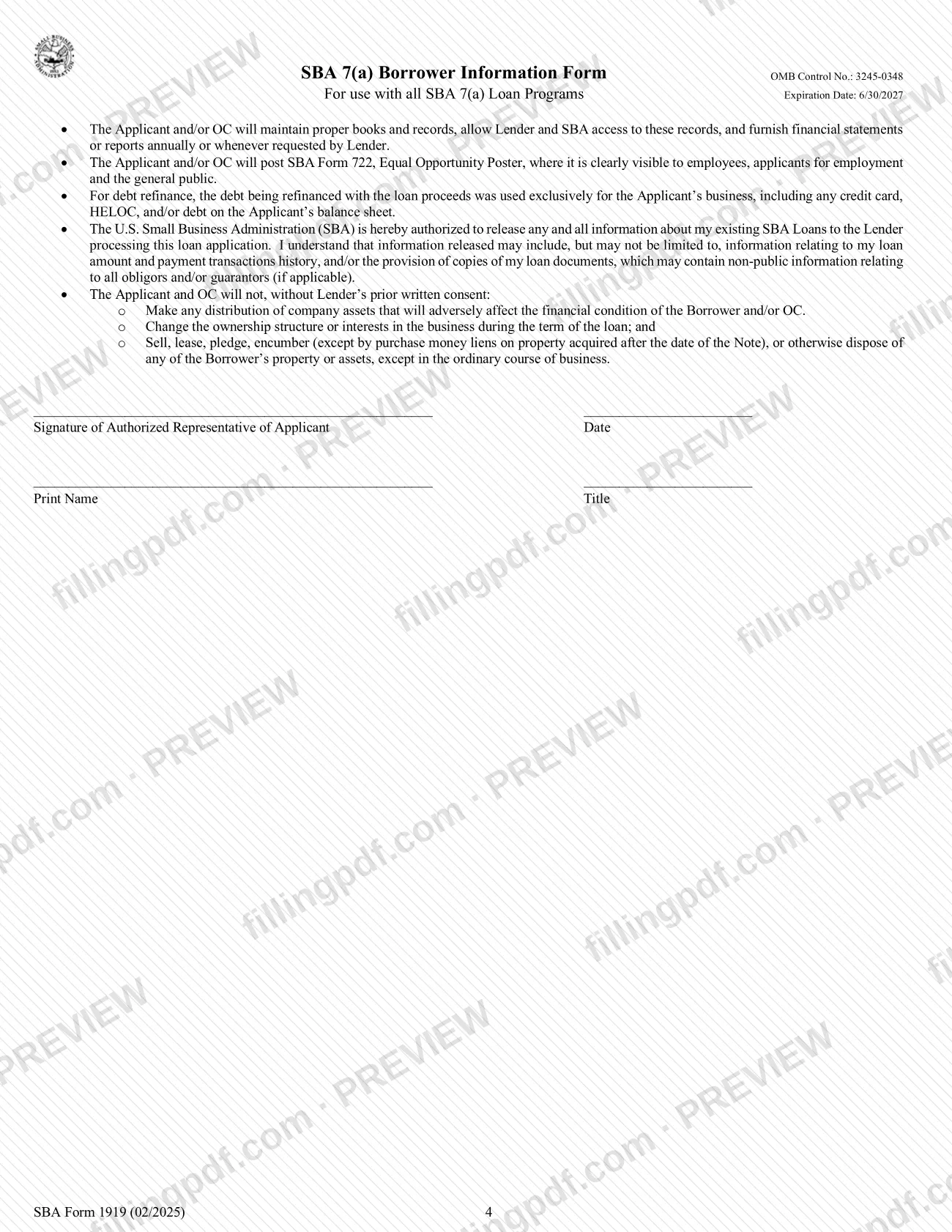
Review the Applicant Certification and the statements required by law. The authorized representative signs, dates, and prints name and title at the bottom of page 4.
Review, download and give to your lender
Check that amounts, TINs and addresses are consistent and that attachments are ready. Download or print the completed PDF from FillingPDF and assemble the package for your SBA Participating Lender as described under How to submit.
How to submit SBA Form 1919
SBA Form 1919 is submitted to your SBA Participating Lender; the form prints no mailing address, portal or appointment rule of its own, and the SBA page says it goes to the participating lender.
- Lender submission. Give the completed, signed form to the lender processing your 7(a) application. Ask the lender how it accepts the package, since the form sets no channel.
- Co-applicants. Submit one signed form for each co-applicant (for example, the EPC and the OC).
- Attachments. Include any separate sheets the form calls for: ownership continuation, Addendum A and detail attachments for "Yes" answers.
- Signature. The authorized representative signs and dates the form. Question 4 requires initials that are original or an acceptable electronic signature, not typed.
Do not send the form to the Records Management Division or Office of Management and Budget addresses printed in the Paperwork Reduction Act notice; the form says not to send forms to them. FillingPDF lets you fill out and download the PDF; submission follows the lender channels above.
Common mistakes to avoid
- Using one Form 1919 for both an EPC and an OC; the instructions require a separate signed form for each co-applicant.
- Letting the "Purpose of the loan" amounts across all Forms 1919 differ from the total loan request, which the instructions say they must equal.
- Entering a P.O. box for the business, project or owner home address; the form says not to use one.
- Converting employee counts to FTE on the existing-employees line; the form says to count all part-time, full-time and affiliate employees without converting.
- Reporting a NAICS code that does not match the business activity code on the applicant's IRS income tax filings, if applicable.
- Typing the initials for question 4; they must be originally initialed or an acceptable electronic signature.
- Answering Yes to a question without providing details in a separate attachment, or answering Yes to question 3 without Addendum A.
- Listing only some owners; the ownership section must identify all entities owning at least 20% and the natural persons behind them.
- Sending the form to the SBA Records Management or OMB addresses in the Paperwork Reduction Act notice, which the form says not to do.
Frequently asked questions
What is SBA Form 1919?
SBA Form 1919 is the Borrower Information Form for SBA 7(a) loans. The applicant small business completes it to give the SBA and its lender information about the business, its owners, the loan request, existing debt and government financing, plus its certifications.
Where do I submit SBA Form 1919?
Submit it to your SBA Participating Lender. The form and the SBA page say it is completed by the applying small business and given to the lender; no SBA address is printed for it, and the form says not to send forms to the addresses in its Paperwork Reduction Act notice.
Do I need a separate SBA Form 1919 for each co-applicant?
Yes. The instructions require a separate Form 1919 for each co-applicant, such as an Eligible Passive Company and an Operating Company, each signed by the authorized representative of that applicant. The loan purpose amounts across all forms must equal the total loan request.
Who has to be listed as an owner on Form 1919?
Owners include the sole proprietor, all general partners and limited partners holding 20% or more, owners of 20% or more of a corporation, LLC members holding 20% or more, and any trustor if a trust owns the applicant. Attach a separate sheet if you need more space.
Is the demographic information on SBA Form 1919 required?
No. The veteran, sex, race and ethnicity section is optional, collected for program reporting only, and the form says disclosure is voluntary and has no bearing on the loan application decision. The ownership section, by contrast, is marked mandatory.
What happens if I answer Yes to one of the questions?
Provide details to your lender in a separate attachment; question 3 specifically uses a sheet labeled Addendum A. Answering Yes to question 4 means the applicant is not eligible for SBA financial assistance, according to the form.
Can I fill out SBA Form 1919 online?
Yes. You can fill out the PDF online on FillingPDF and download or print it. FillingPDF is an independent service and does not submit the form; you give it to your SBA Participating Lender through the lender's channels.
Which version of SBA Form 1919 is current?
The form on this page is the 02/2025 version, which the SBA lists as effective March 19, 2025 with an expiration date of 6/30/2027. The SBA page also lists earlier versions from May 30, 2024, September 20, 2023 and November 30, 2020.
Ready to fill out SBA Form 1919?
Fill out SBA Form 1919 now