
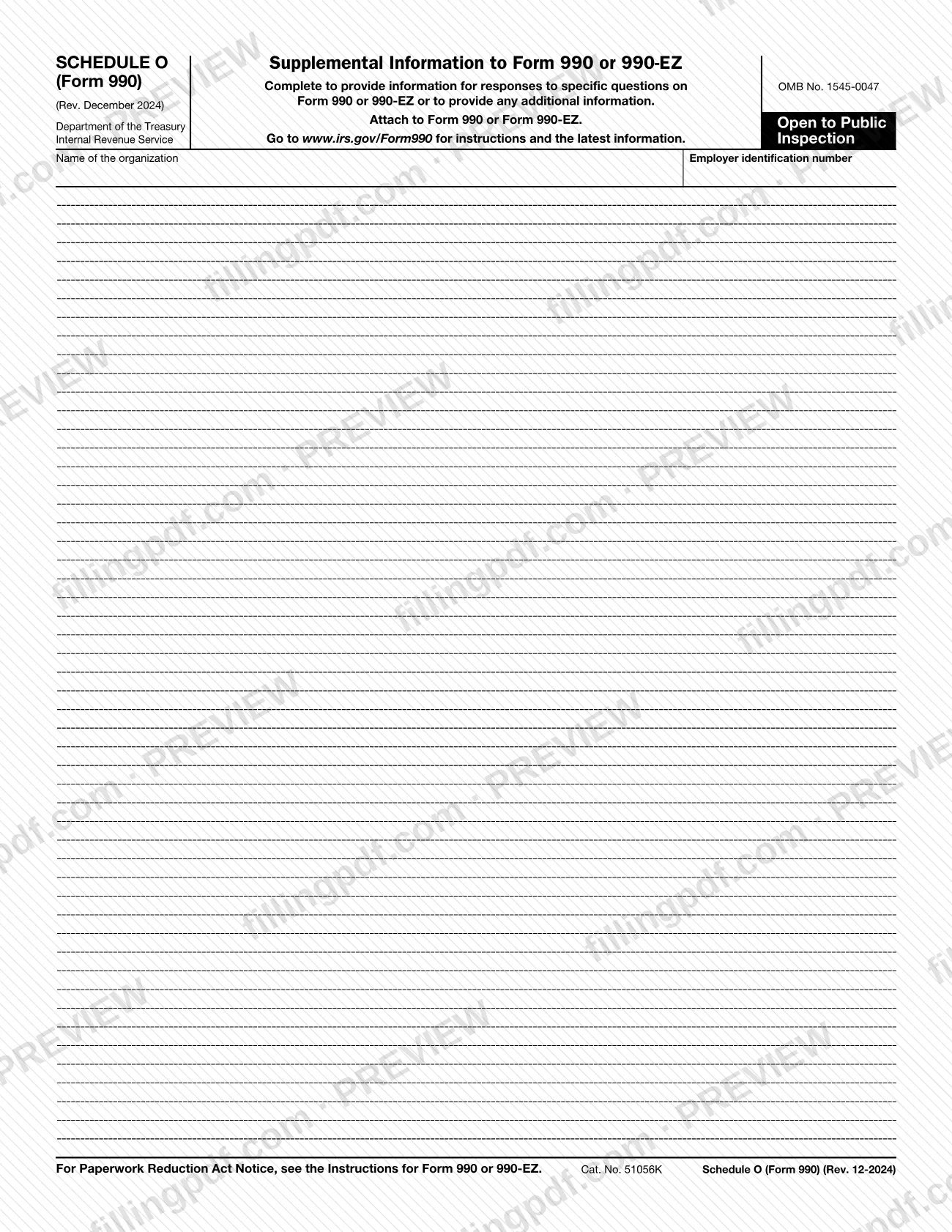
Schedule O (Form 990), Supplemental Information to Form 990 or 990-EZ, is the Internal Revenue Service (IRS) schedule where an organization gives the narrative information that specific questions on Form 990 or 990-EZ require, and explains its operations or responses. All organizations that file Form 990 must file it, and certain organizations that file Form 990-EZ must as well. On this page you can fill out the form online on FillingPDF and download or print the completed PDF; the form and its instructions are published by the IRS at www.irs.gov/Form990.
Last updated
What is Form 990 (Schedule O)?
Schedule O (Form 990), Supplemental Information to Form 990 or 990-EZ, is the Internal Revenue Service (IRS) schedule an organization attaches to its annual return to provide narrative answers required by specific questions and to explain its operations or responses.
The IRS instructions say an organization should use Schedule O, rather than separate attachments, for this narrative information. It is printed under OMB No. 1545-0047, is marked Open to Public Inspection, and begins with the organization's name and employer identification number (EIN). The revision is Rev. December 2024, and the instructions note that the schedule and its instructions are now continuous use: they apply to tax year 2024 and later years until a superseding revision is issued.
The instructions list the Form 990 and Form 990-EZ questions that call for narrative text. Examples include Form 990, Part III (program service accomplishments), Part VI (governance, including the process for reviewing Form 990 and public disclosure of documents), Part VII (compensation explanations), Part IX, lines 11g and 24e, Part XI, line 9, and Part XII. For Form 990-EZ they cover Parts I, II, III and V.
Schedule O is not a place for answers to questions in the other schedules of Form 990 or 990-EZ. Each of those schedules has its own part for supplemental information. It is also not used for the late-filing statement or the list of affiliates in a group return.
Who needs to file Form 990 (Schedule O)?
All organizations that file Form 990 must file Schedule O (Form 990). Certain organizations that file Form 990-EZ must file it too, when a Form 990-EZ question requires narrative information. At a minimum, the schedule must be used to answer Form 990, Part VI, lines 11b and 19.
An organization that is not required to file Form 990 or 990-EZ but chooses to do so must file a complete return and provide all of the information requested, including the required schedules.
Use the schedule in these situations, as the instructions describe:
- To give narrative answers to the Form 990 and 990-EZ questions listed in the instructions.
- On an amended return, to list each part or schedule and line item that was amended, when the Amended return box in the Heading, item B, is checked.
- To explain other operations or responses, tying each explanation to a particular line and response.
Do not use Schedule O for these:
- Responses to questions in other schedules of Form 990 or 990-EZ, which have their own supplemental parts.
- The statement giving reasons for a late return.
- The names, addresses and EINs of affiliated organizations in a group return when line H(a) is "Yes" and line H(b) is "No"; the instructions call for a separate attachment.
When to file Form 990 (Schedule O)
Schedule O (Form 990) is filed whenever Form 990 or 990-EZ is filed, because the form says to attach it to that return. No separate due date is printed on it, so it follows the due date of the return, including any extension granted.
Complete the required information on the appropriate line of Form 990 or 990-EZ before you use Schedule O. On an amended return, use it to list each amended part, schedule and line item.
If the return is not filed by its due date (including any extension), the instructions require a separate statement giving the reasons for filing late. Do not use Schedule O for that statement.
The schedule and instructions are continuous use. The instructions apply to tax year 2024 and later years until the IRS issues a superseding revision.
How to fill out Form 990 (Schedule O)
Enter the organization's name and EIN
At the top of the schedule, enter the name of the organization and its employer identification number (EIN), matching Form 990 or 990-EZ.
Complete the return lines first
Fill in the required information on the appropriate line of Form 990 or 990-EZ before you use Schedule O. The schedule only supplements what the return already reports.
Find the questions that need narrative
Check the Instructions for Schedule O for the Form 990 parts (III, V, VI, VII, IX, XI, XII) or the Form 990-EZ parts (I, II, III, V) whose answers call for explanation.
Identify each part and line
Begin each response by naming the specific part and line of Form 990 or 990-EZ it relates to. Follow the part and line sequence of the return.
Write the required explanations
Give the narrative the question requires. For Part IX, line 11g or 24e over 10% of line 25, state the type and amount of each expense included.
Add amended-return details if needed
If you checked the Amended return box in the Heading, item B, list each part or schedule and line item that was amended.
Use continuation sheets as needed
If one page is not enough, use as many continuation sheets of Schedule O (Form 990) as you need.
Keep Social Security numbers out
Remove any Social Security numbers, because the schedule is made available for public inspection.
Review and download the completed PDF
Check that each response names its part and line and that the name and EIN are correct. Download or print the completed PDF from FillingPDF and attach it to Form 990 or 990-EZ.
How to submit Form 990 (Schedule O)
Schedule O (Form 990) is submitted as an attachment to Form 990 or Form 990-EZ; it has no separate filing channel, address or portal printed on it.
- With the return: attach the completed schedule, and any continuation sheets you need, to Form 990 or 990-EZ and send them as the return is filed.
- Where to look for filing details: the form directs you to www.irs.gov/Form990 for instructions and the latest information. The Instructions for Form 990 or 990-EZ govern how the whole return is filed.
- Public inspection: the schedule is made available for public inspection, so do not include any Social Security numbers in it.
FillingPDF lets you fill out and download the PDF; submission follows the IRS channels that apply to Form 990 or 990-EZ.
Common mistakes to avoid
- Using Schedule O (Form 990) to answer questions in other schedules of Form 990 or 990-EZ; each of those schedules has its own part for supplemental information.
- Putting the late-filing statement on Schedule O; the instructions require a separate statement giving the reasons the return was not filed by its due date.
- Listing the affiliated organizations of a group return on Schedule O when line H(a) is "Yes" and line H(b) is "No"; use a separate attachment for each one's name, address and EIN.
- Including Social Security numbers, even though the schedule is made available for public inspection.
- Writing narrative text without identifying the specific part and line of Form 990 or 990-EZ it answers, or not following the part and line sequence of the return.
- Using Schedule O before completing the required information on the appropriate line of Form 990 or 990-EZ.
- Filing Form 990 without using the schedule for Part VI, lines 11b and 19, which it must answer at a minimum.
- Listing the type and amount of each expense on line 11g or 24e only partly, when the amount on Part IX, line 11g or 24e exceeds 10% of the amount on line 25.
- Giving an amended return with no list of the parts, schedules and line items that changed, after checking the Amended return box.
Frequently asked questions
What is Schedule O (Form 990)?
Schedule O (Form 990) is the IRS schedule titled Supplemental Information to Form 990 or 990-EZ. Organizations use it to give narrative information required by specific Form 990 or 990-EZ questions and to explain their operations or responses, instead of sending separate attachments.
Who has to file Schedule O (Form 990)?
All organizations that file Form 990 must file it, and certain organizations that file Form 990-EZ must too. At a minimum it must answer Form 990, Part VI, lines 11b and 19. An organization that files voluntarily must file a complete return with all required schedules.
Can I use Schedule O to explain answers on other schedules?
No. The instructions say not to use Schedule O (Form 990) for responses to questions in other schedules of Form 990 or 990-EZ. Each of those schedules includes a separate part for its own supplemental information.
Where do I send Schedule O (Form 990)?
You attach it to Form 990 or Form 990-EZ and submit it with that return. The schedule prints no separate address or portal. Instructions and the latest information are at www.irs.gov/Form990.
Do I put the late-filing explanation on Schedule O?
No. If the return is not filed by the due date, including any extension, attach a separate statement giving the reasons. The Instructions for Schedule O say not to use the schedule for the late-filing statement.
Can I list group return affiliates on Schedule O?
No. If Form 990 line H(a) is "Yes" but line H(b) is "No," use a separate attachment listing the name, address and EIN of each affiliated organization in the group return. The Form 990 instructions cover group returns.
What if I need more room on Schedule O?
Use as many continuation sheets of Schedule O (Form 990) as you need. On each, identify the part and line of Form 990 or 990-EZ the response relates to, and follow the part and line sequence of the return.
Can I put Social Security numbers on Schedule O?
No. The instructions warn not to include any Social Security numbers, because the schedule is made available for public inspection.
Can I fill out Schedule O (Form 990) online?
Yes. You can fill out the PDF online on FillingPDF and download or print it. FillingPDF is an independent service and does not file it with the IRS; you submit it with Form 990 or 990-EZ through the IRS channels.
Ready to fill out Form 990 (Schedule O)?
Fill out Form 990 (Schedule O) now