
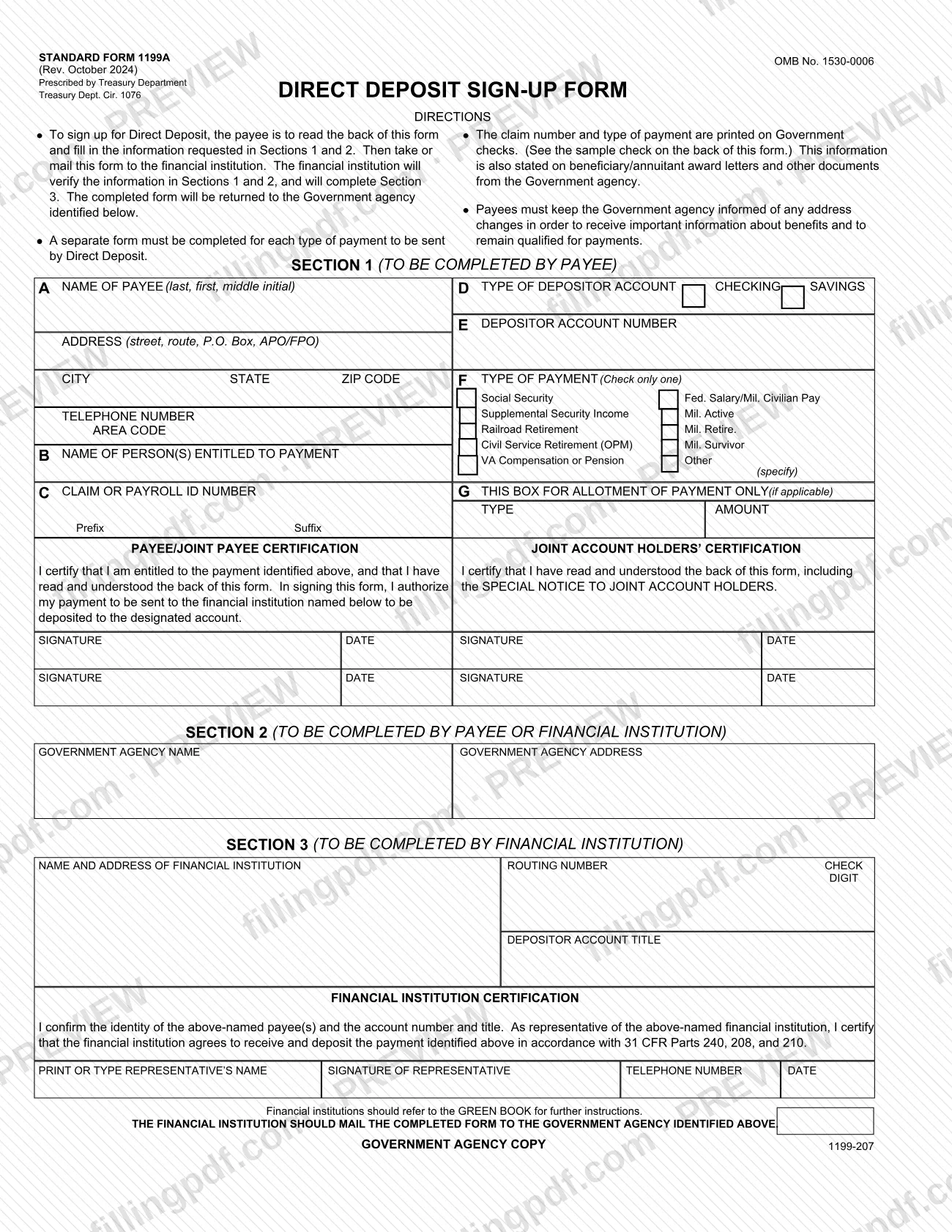
SF 1199A is the Standard Form 1199A, Direct Deposit Sign-Up Form, prescribed by the Treasury Department (Treasury Dept. Cir. 1076) for people who want a federal payment deposited straight into a checking or savings account. The payee completes Sections 1 and 2, the financial institution verifies them and completes Section 3, and the institution returns the form to the Government agency named on it. On FillingPDF you can fill out the form online and download or print the completed PDF; the official PDF is published at gsa.gov.
Last updated
What is SF 1199A?
Standard Form 1199A, the Direct Deposit Sign-Up Form, is the form a payee uses to have federal payments such as Social Security, Supplemental Security Income, or VA compensation deposited electronically into a checking or savings account at a financial institution.
The form is prescribed by the Treasury Department (Treasury Dept. Cir. 1076) and carries OMB No. 1530-0006. Signing it authorizes the payment identified on the form to be sent to the named financial institution and deposited to the designated account. The information on it is used to process payment data from the federal agency to the financial institution and to prove entitlement to payments.
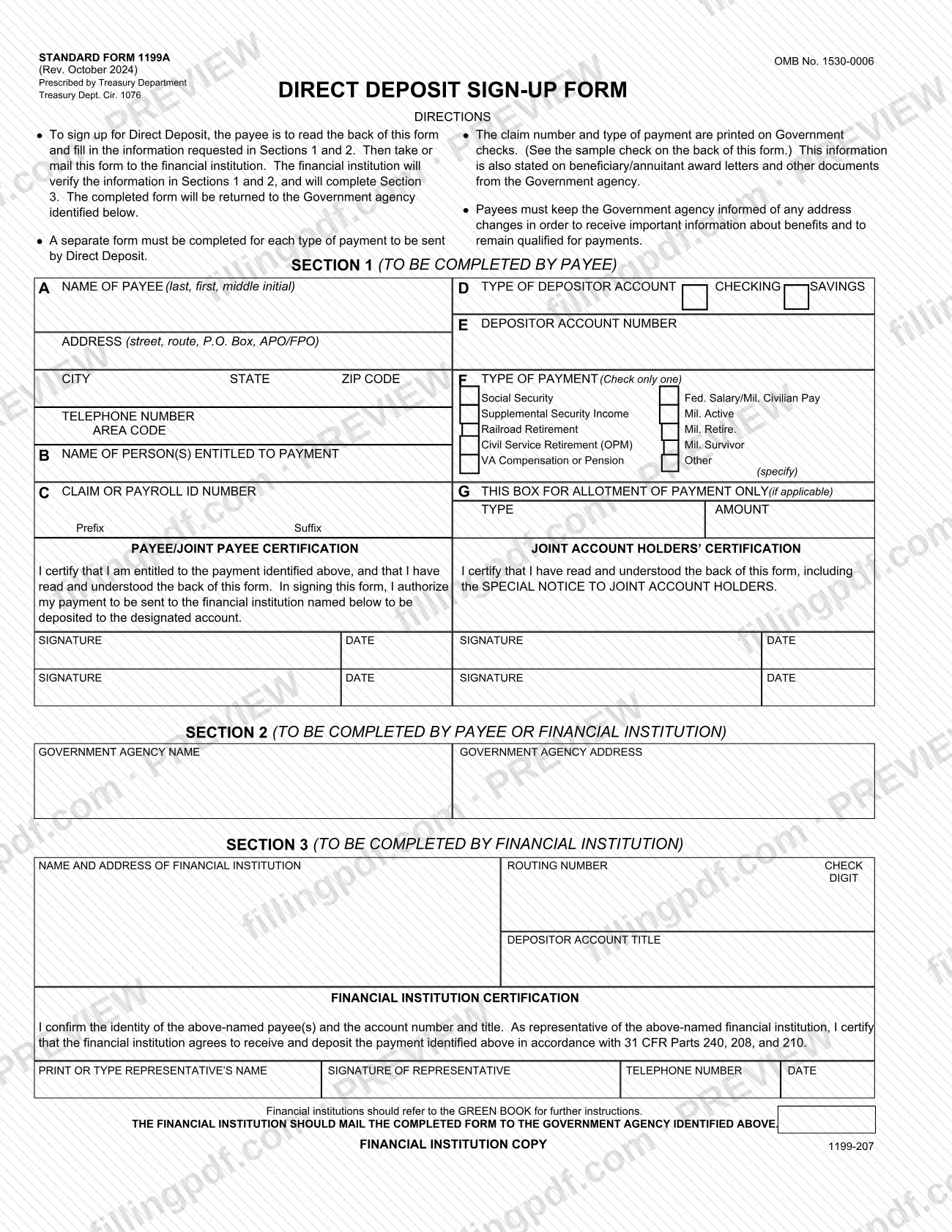
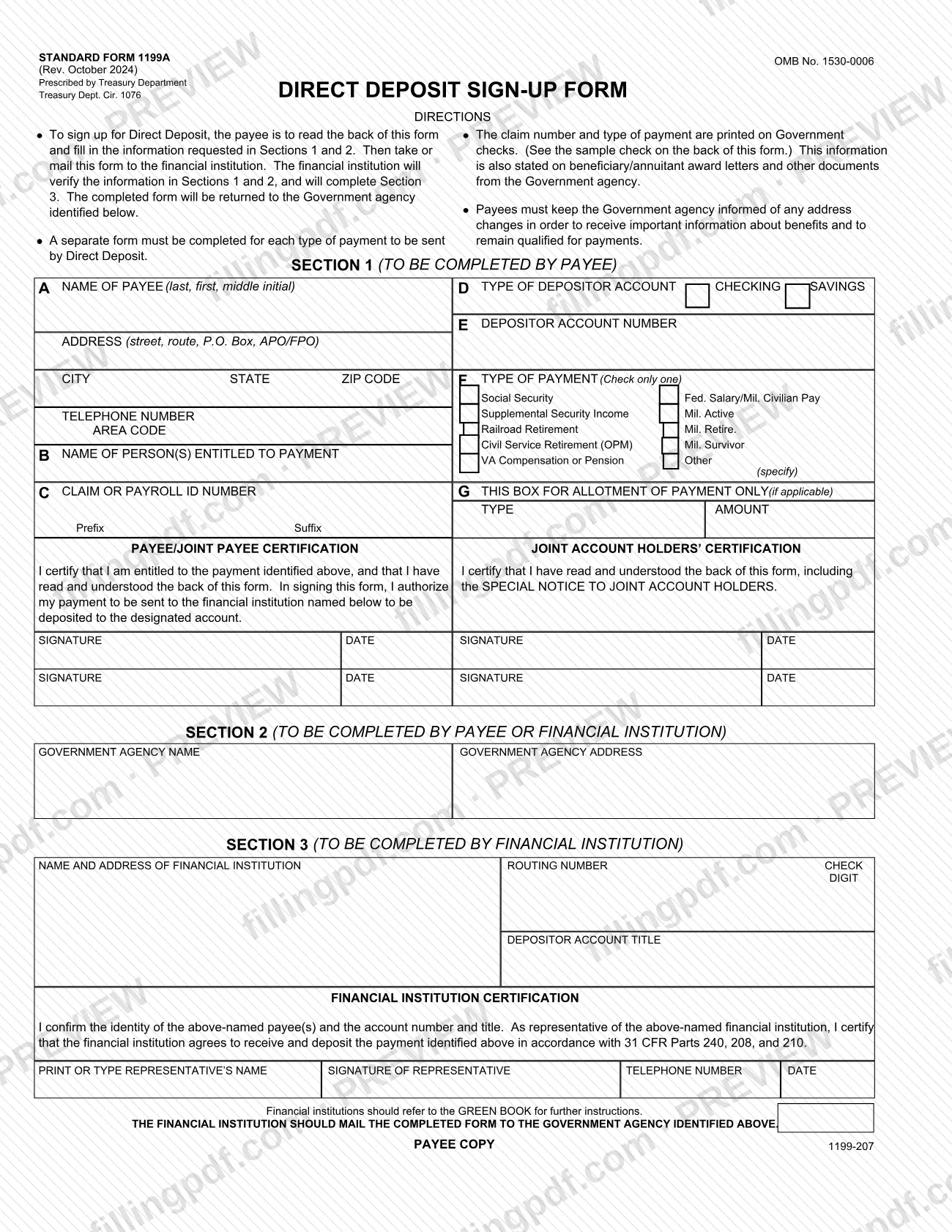
The PDF holds three copies of the same form: a Government Agency Copy, a Financial Institution Copy and a Payee Copy. The form has three sections:
- Section 1, completed by the payee: payee details, claim or payroll ID number, account type and number, type of payment and the signatures.
- Section 2, completed by the payee or the financial institution: the name and address of the Government agency.
- Section 3, completed by the financial institution: its name and address, routing number, check digit, account title and a representative's certification.
A separate form must be completed for each type of payment sent by Direct Deposit. The back of the form also explains cancellation, changing financial institutions and a special notice to joint account holders.
Who needs to file SF 1199A?
The payee uses SF 1199A: the person who is entitled to a federal payment and wants it sent by Direct Deposit instead of by paper check. Section 1 asks for the type of payment, and the options printed on the form are:
- Social Security;
- Supplemental Security Income;
- Railroad Retirement;
- Civil Service Retirement (OPM);
- VA Compensation or Pension;
- Federal salary or military pay (Fed. Salary/Mil. Civilian Pay, Mil. Active, Mil. Retire., Mil. Survivor);
- Other, which you specify.
Check only one type of payment per form. If you receive more than one type of payment and want each sent by Direct Deposit, complete a separate form for each.
If the account has more than one owner, the joint account holders also sign the Joint Account Holders' Certification, confirming they have read the back of the form, including the Special Notice to Joint Account Holders. A payee's financial institution is not a user of Section 1: it verifies the payee's information and completes Section 3. The form does not say who may sign on behalf of a payee, so ask the paying agency if someone else will act for you.
When to file SF 1199A
Complete SF 1199A when you want to start receiving a federal payment by Direct Deposit. No deadline is printed on the form, and the form does not say when the first deposit will begin; the paying agency can answer that. The form estimates an average burden of 10 minutes per respondent.
Later events also involve the paying agency. The authorization stays in effect until the recipient cancels it by notice to the Federal agency, or until the recipient's death or legal incapacity. To change financial institutions, contact the paying agency with the updated financial information; the back of the form recommends keeping accounts at both institutions until the new one has received your Direct Deposit payment. You must also keep the Government agency informed of any address change to remain qualified for payments.
How to fill out SF 1199A
Read the directions and the back
Read the DIRECTIONS at the top and the back of the form before writing anything; your signature certifies that you have read and understood the back. Remember that the PDF has Government Agency, Financial Institution and Payee copies.
Enter payee name and address
In item A, write the payee's name (last, first, middle initial) exactly as it appears on the government check, then the address (street, route, P.O. Box, APO/FPO), city, state, ZIP code and telephone number with area code.
Name the person entitled to payment
In item B, enter the name of the person or persons entitled to the payment.
Enter the claim or payroll ID
In item C, enter the claim or payroll ID number, with the prefix and suffix if one applies. This information is printed on government checks and on award letters and other agency documents.
Give account type and number
In item D, mark CHECKING or SAVINGS. In item E, enter the depositor account number.
Select one type of payment
In item F, check only one: Social Security, Supplemental Security Income, Railroad Retirement, Civil Service Retirement (OPM), VA Compensation or Pension, Fed. Salary/Mil. Civilian Pay, Mil. Active, Mil. Retire., Mil. Survivor or Other (specify).
Complete the allotment box if needed
Use box G, with its TYPE and AMOUNT entries, only if an allotment of payment applies. Otherwise leave it blank.
Sign the payee certification
Under the Payee/Joint Payee Certification, sign and date to certify that you are entitled to the payment and to authorize it to be deposited to the designated account. A joint payee signs on the second line.
Collect joint account holder signatures
If the account is joint, each joint account holder signs and dates the Joint Account Holders' Certification, which confirms they read the Special Notice to Joint Account Holders on the back.
Fill in Section 2 agency details
Enter the Government agency name and the Government agency address. The payee or the financial institution may complete this section.
Leave Section 3 for the institution
Do not complete Section 3. The financial institution enters its name and address, routing number, check digit, depositor account title and representative certification.
Review, download and hand it in
Check every entry in Sections 1 and 2 against your check or award letter, then download or print the completed PDF from FillingPDF. Take or mail it to your financial institution as described under How to submit.
How to submit SF 1199A
The payee does not send SF 1199A to the Government agency directly: you take or mail the form to your financial institution, and the institution returns it to the agency.
- Payee to financial institution: after completing Sections 1 and 2, take or mail the form to the financial institution. It verifies the information in Sections 1 and 2 and completes Section 3.
- Financial institution to agency: the financial institution mails the completed form to the Government agency identified in Section 2. The form tells financial institutions to refer to the GREEN BOOK for further instructions.
The form lists no fee and no online submission portal. The Government agency name and address in Section 2 come from your award letter or other agency documents, as the form says the claim number and payment type appear there. Comments on the form's burden estimate go to the Bureau of the Fiscal Service, Forms Management Officer, Parkersburg, WV 26106-1328. FillingPDF lets you fill out and download the PDF; submission follows the channels above.
Common mistakes to avoid
- Checking more than one box in Section 1, item F; the form says to check only one type of payment.
- Using one form for several types of payment; a separate form must be completed for each type of payment sent by Direct Deposit.
- Writing the payee name differently from how it appears on the government check; the back of the form says the name must match exactly.
- Mailing the form to the Government agency yourself; the directions have you give it to the financial institution, which returns it to the agency.
- Completing Section 3 yourself; it belongs to the financial institution, which verifies Sections 1 and 2 first.
- Leaving out the Joint Account Holders' Certification signatures when the account has joint owners.
- Guessing the claim number, prefix or suffix in item C instead of copying it from a government check or an award letter.
- Filling in box G when no allotment of payment applies; it is for allotment of payment only, if applicable.
- Not telling the Government agency about an address change, which the form says is needed to remain qualified for payments.
- Closing the old account before the new financial institution receives your first Direct Deposit payment, which the form advises against.
Frequently asked questions
What is SF 1199A used for?
SF 1199A, the Direct Deposit Sign-Up Form, is used to have a federal payment such as Social Security, SSI, Railroad Retirement, VA compensation or federal pay deposited directly into a checking or savings account. The payee fills in Sections 1 and 2 and the financial institution completes Section 3.
Who completes which section of SF 1199A?
The payee completes Section 1. The payee or the financial institution completes Section 2, the Government agency name and address. The financial institution alone completes Section 3, after verifying the information in Sections 1 and 2.
Where do I send SF 1199A after I fill it out?
Take or mail it to your financial institution. The institution verifies Sections 1 and 2, completes Section 3 and mails the form to the Government agency identified in Section 2. The directions do not tell the payee to send it to the agency.
Can I fill out SF 1199A online?
You can fill out the PDF online on FillingPDF and download or print it. FillingPDF is an independent service and does not submit the form; you give it to your financial institution, which returns it to the Government agency.
Do I need a separate SF 1199A for each type of payment?
Yes. The form states that a separate form must be completed for each type of payment to be sent by Direct Deposit, and item F allows only one type of payment to be checked on each form.
How do I cancel Direct Deposit or change my bank?
To cancel, notify the Federal agency, and tell the receiving financial institution you are doing so. To change institutions, contact the paying agency with the updated financial information. The form recommends keeping both accounts until the new institution receives your payment.
What happens to Direct Deposit when a joint account holder or beneficiary dies?
Joint account holders should immediately tell both the Government agency and the financial institution of a beneficiary's death. Funds deposited after the date of death or ineligibility, except salary payments, are returned to the agency, which then decides on survivor rights.
Where do I find my claim number for item C?
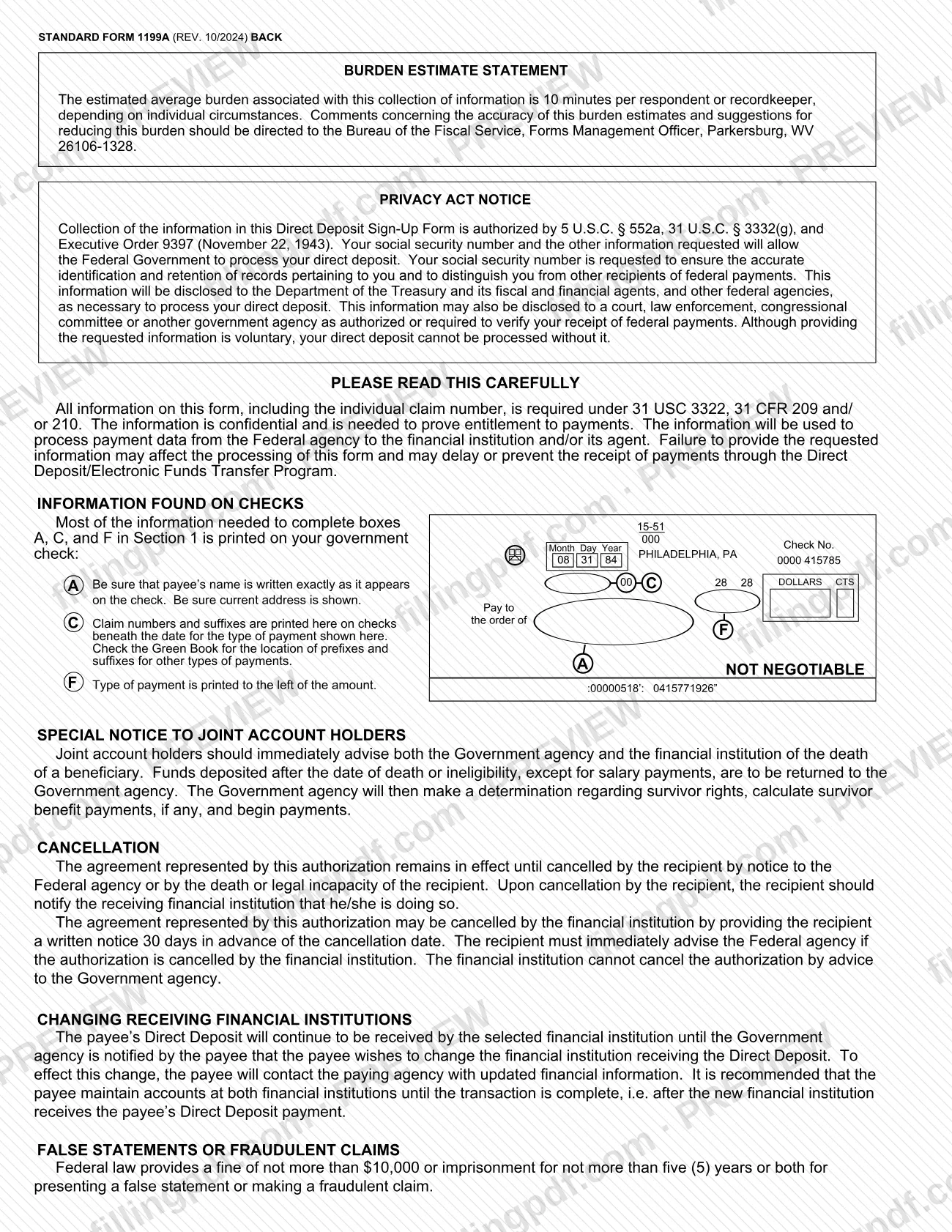
The claim number and type of payment are printed on government checks, and they are also stated on beneficiary or annuitant award letters and other documents from the Government agency. The back of the form includes a sample check showing where they appear.
Can my financial institution cancel my Direct Deposit?
Yes, but only by giving you written notice 30 days before the cancellation date. You must then immediately tell the Federal agency, because the financial institution cannot cancel the authorization by advising the Government agency.
Ready to fill out SF 1199A?
Fill out SF 1199A now