
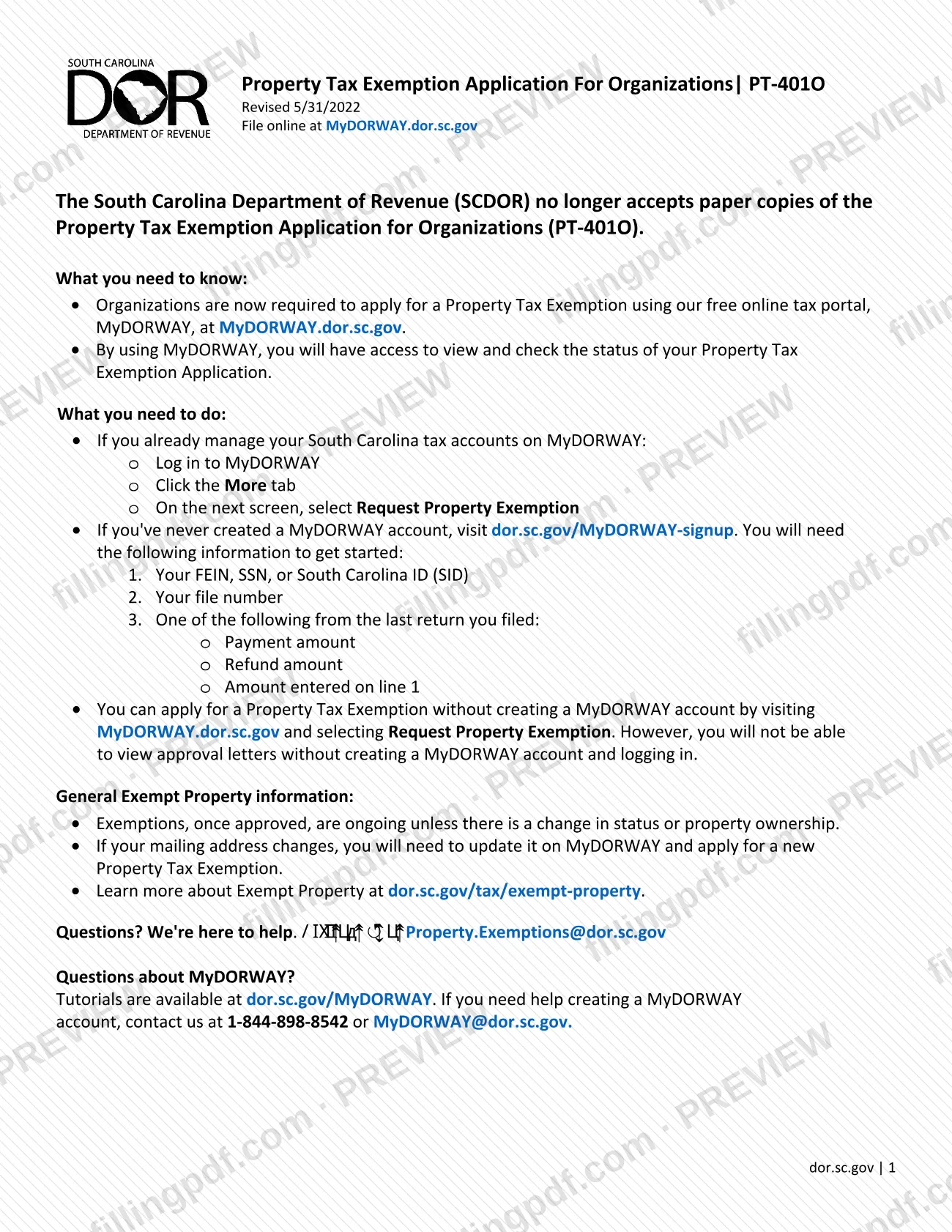
Form PT-401O, Property Tax Exemption Application for Organizations, is the South Carolina Department of Revenue (SCDOR) application an organization uses to request a property tax exemption, and its PDF is posted by the Anderson County Auditor among the Anderson County property tax resources. The PDF is a notice: SCDOR no longer accepts paper copies, and organizations must apply through its online portal, MyDORWAY. This page explains who applies, what you need before you start and the steps in MyDORWAY, and it links to the PDF at andersoncountysc.org. FillingPDF is independent of SCDOR and Anderson County and does not file the application.
Last updated
What is PT-401O?
Form PT-401O, Property Tax Exemption Application for Organizations, is the South Carolina Department of Revenue (SCDOR) application through which an organization requests a property tax exemption; the version revised 5/31/2022 directs filing to the MyDORWAY portal instead of paper.
The PDF's own text states that SCDOR no longer accepts paper copies of the application. Organizations are required to apply with SCDOR's free online tax portal, MyDORWAY, at MyDORWAY.dor.sc.gov. With a MyDORWAY account you can view and check the status of your application and view approval letters.
The notice also describes how approved exemptions behave. Once approved, an exemption is ongoing unless there is a change in status or property ownership. If your mailing address changes, you update it on MyDORWAY and apply for a new Property Tax Exemption.
The Anderson County Auditor's page, where the PDF is posted, lists the Homestead and Veterans' Exemptions among the exemptions the Auditor's Office administers, and states that applications for SC DOR exemptions must be sent to the Department of Revenue. Form PT-401O belongs to the second group: it is an SCDOR application for organizations, not a county-administered exemption. SCDOR explains exempt property in general at dor.sc.gov/tax/exempt-property.
Who needs to file PT-401O?
Organizations that want a property tax exemption in South Carolina use this application. The PDF states that organizations are now required to apply through the MyDORWAY online tax portal; paper copies are no longer accepted by SCDOR.
How the notice treats different applicants:
- Organizations that already manage South Carolina tax accounts on MyDORWAY: log in and request the exemption from the account.
- Organizations that have never created a MyDORWAY account: you can sign up at dor.sc.gov/MyDORWAY-signup, or apply without an account by selecting Request Property Exemption at MyDORWAY.dor.sc.gov. Without an account you cannot view approval letters.
- Organizations with an approved exemption: you do not apply again unless there is a change in status or property ownership, or your mailing address changes.
Individuals seeking exemptions such as the Homestead Exemption should note that the Anderson County Auditor's page describes those as separate programs applied for at the County Auditor's Office; Form PT-401O is for organizations.
When to file PT-401O
Apply when your organization needs a property tax exemption, or when an existing exemption has to be replaced. The PDF prints no filing deadline or due date. It does state that an approved exemption is ongoing unless there is a change in status or property ownership. If your mailing address changes, update it on MyDORWAY and apply for a new Property Tax Exemption. The notice gives no processing time; you can check the status of your application in MyDORWAY.
Documents you need
- For a new MyDORWAY account: your FEIN, SSN, or South Carolina ID (SID), used to create the account.
- For a new MyDORWAY account: your file number.
- For a new MyDORWAY account: one item from the last return you filed, either the payment amount, the refund amount or the amount entered on line 1.
How to fill out PT-401O
Read the notice on the PDF
Open the PDF, revised 5/31/2022. It states that SCDOR no longer accepts paper copies and that organizations apply on MyDORWAY.
Gather your account details
Have your FEIN, SSN or South Carolina ID (SID), your file number, and one item from your last return: payment amount, refund amount or the amount entered on line 1.
Log in or create an account
If you already manage South Carolina tax accounts on MyDORWAY, log in at MyDORWAY.dor.sc.gov. Otherwise sign up at dor.sc.gov/MyDORWAY-signup.
Open Request Property Exemption
After logging in, click the More tab and, on the next screen, select Request Property Exemption.
Apply without an account if needed
You can instead visit MyDORWAY.dor.sc.gov and select Request Property Exemption without an account. You will not be able to view approval letters that way.
Check status and keep your letter
With an account, use MyDORWAY to view the status of your application and your approval letter. Contact [email protected] with questions.
Update after a change
If your mailing address changes, update it on MyDORWAY and apply for a new Property Tax Exemption. A change in status or property ownership also ends the ongoing exemption.
How to submit PT-401O
The only channel the PDF gives is the SCDOR online portal, MyDORWAY. Paper copies are no longer accepted by SCDOR.
- Online with an existing account: log in at MyDORWAY.dor.sc.gov, click the More tab, then select Request Property Exemption.
- Online with a new account: sign up at dor.sc.gov/MyDORWAY-signup. You need your FEIN, SSN, or South Carolina ID (SID), your file number, and one item from your last return: the payment amount, the refund amount or the amount entered on line 1.
- Online without an account: go to MyDORWAY.dor.sc.gov and select Request Property Exemption. You will not be able to view approval letters without creating an account and logging in.
For questions about the exemption, email [email protected]. For help creating a MyDORWAY account, call 1-844-898-8542 or email [email protected]; tutorials are at dor.sc.gov/MyDORWAY. FillingPDF does not file or transmit this application; submission follows the MyDORWAY channel above.
Common mistakes to avoid
- Mailing or hand-delivering a paper Form PT-401O; SCDOR no longer accepts paper copies and requires the online application.
- Sending the application to the Anderson County Auditor's Office; the Auditor's page says applications for SC DOR exemptions must be sent to the Department of Revenue.
- Applying without a MyDORWAY account and then expecting to see the approval letter; letters can be viewed only after creating an account and logging in.
- Looking for the request under the wrong menu; logged-in users click the More tab and then select Request Property Exemption.
- Changing your mailing address without updating it on MyDORWAY and applying for a new Property Tax Exemption.
- Starting account sign-up without your FEIN, SSN or SID, your file number and an amount from your last return.
- Reapplying every year; an approved exemption is ongoing unless there is a change in status or property ownership.
Frequently asked questions
What is Form PT-401O?
Form PT-401O is the South Carolina Department of Revenue's Property Tax Exemption Application for Organizations. The PDF, revised 5/31/2022, tells organizations to apply online through MyDORWAY because SCDOR no longer accepts paper copies.
Can I mail Form PT-401O on paper?
No. The PDF states that SCDOR no longer accepts paper copies of the application. Organizations are required to apply through the free MyDORWAY online tax portal at MyDORWAY.dor.sc.gov.
Where do I apply for an organization's Anderson County property tax exemption?
You apply to SCDOR, not to the county, through MyDORWAY.dor.sc.gov. The Anderson County Auditor's page says applications for SC DOR exemptions must be sent to the Department of Revenue, and the posted PDF directs you to the portal.
Do I need a MyDORWAY account to apply?
No, but it helps. You can select Request Property Exemption at MyDORWAY.dor.sc.gov without an account. Without one, you cannot view approval letters; an account also lets you view and check your application's status.
What do I need to create a MyDORWAY account?
You need your FEIN, SSN, or South Carolina ID (SID), your file number, and one item from your last return: the payment amount, the refund amount or the amount entered on line 1. Sign up at dor.sc.gov/MyDORWAY-signup.
Do I have to renew an approved exemption every year?
No. The notice says approved exemptions are ongoing unless there is a change in status or property ownership. If your mailing address changes, update it on MyDORWAY and apply for a new Property Tax Exemption.
Who do I contact with questions about the application?
Email [email protected] for exemption questions. For help creating a MyDORWAY account, call 1-844-898-8542 or email [email protected]; tutorials are at dor.sc.gov/MyDORWAY.
Does FillingPDF file the PT-401O for me?
No. FillingPDF is an independent service, not connected to SCDOR or Anderson County, and it does not file or submit this application. You complete the process on MyDORWAY; FillingPDF only explains it and links to the PDF.
Ready to fill out PT-401O?
Fill out PT-401O now