
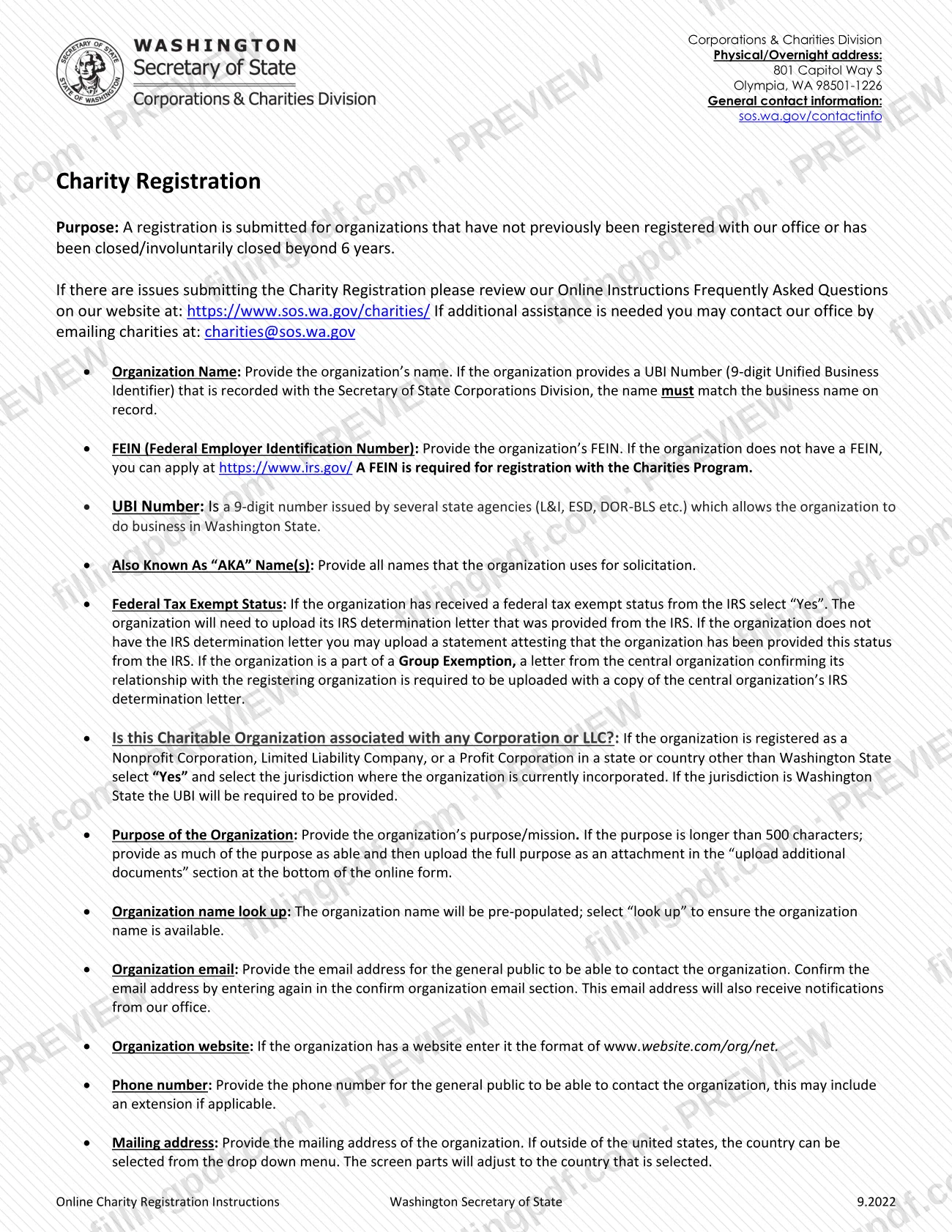
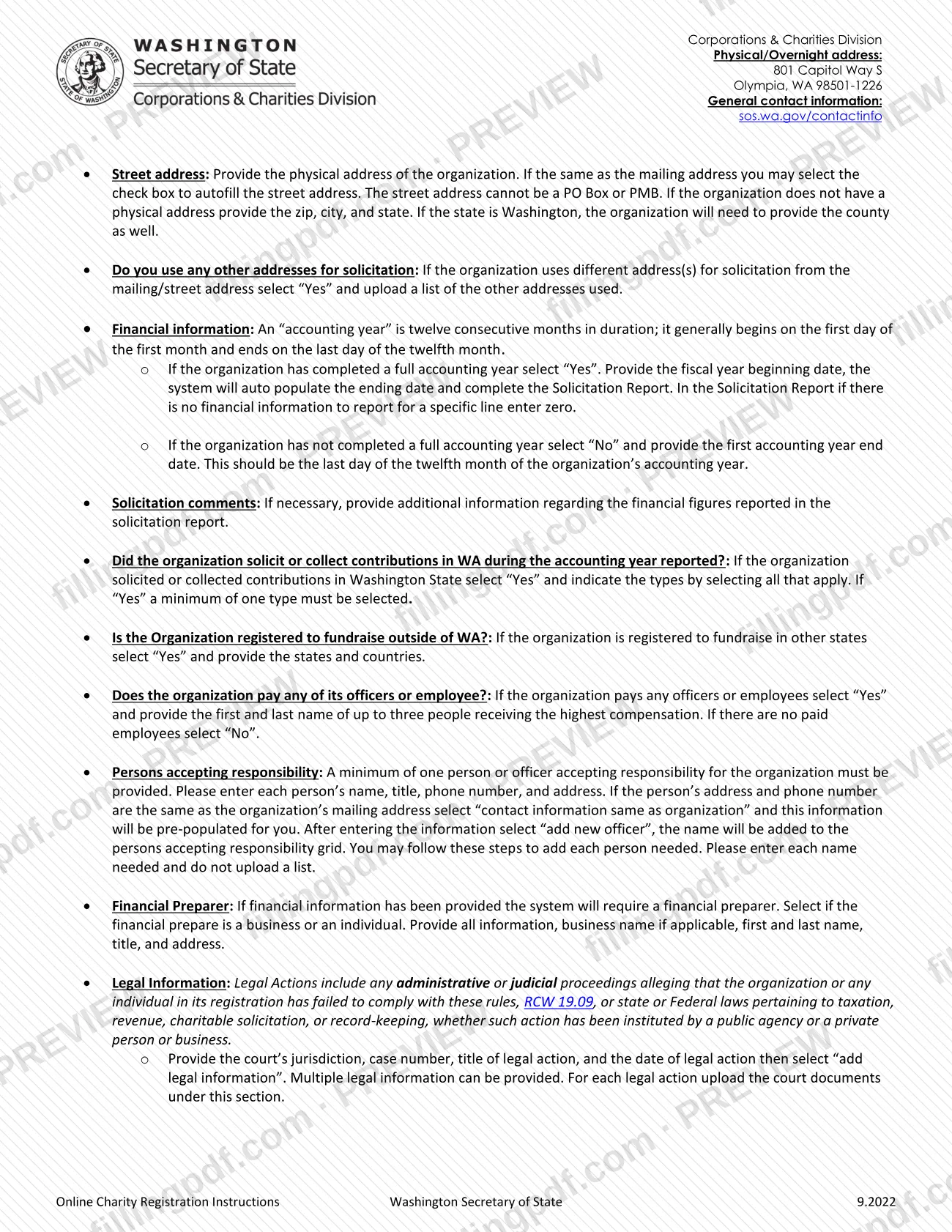
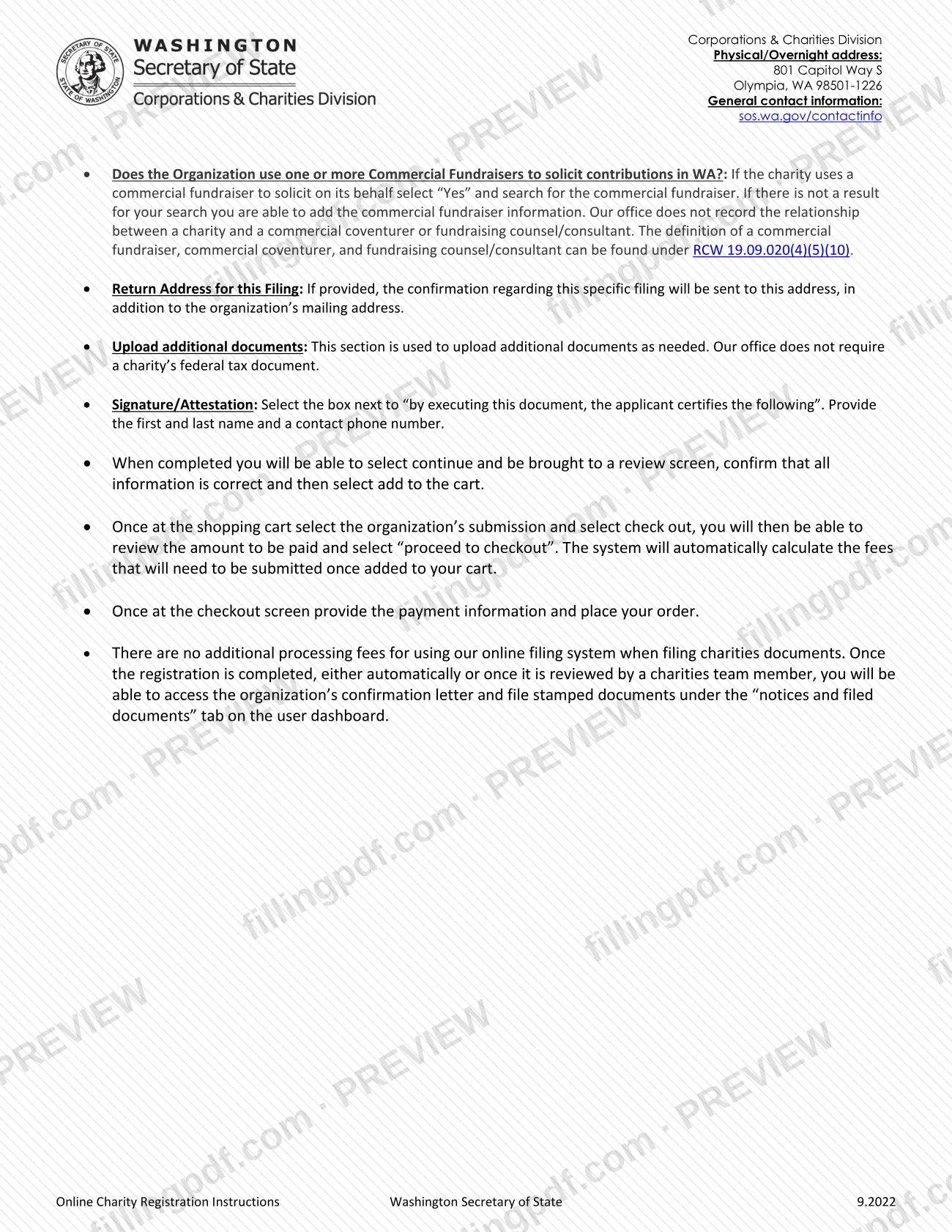
Charity Registration is the filing the Washington Secretary of State's Corporations & Charities Division uses to register an organization with its Charities Program when the organization has not been registered before, or was closed or involuntarily closed beyond 6 years ago. It covers the organization's name, FEIN, addresses, financial information, the persons accepting responsibility and a signed attestation. On this page you can fill out the charity registration online on FillingPDF and download or print the completed PDF; the agency requires the registration itself to be filed through its online filing system.
Last updated
What is Charity Registration – Washington?
Charity Registration is the Washington Secretary of State filing, handled by the Corporations & Charities Division, that registers an organization with the Charities Program when it has not previously been registered with the office or has been closed or involuntarily closed beyond 6 years.
The PDF is titled "Online Charity Registration Instructions" and walks through the screens of the online registration: organization name, FEIN (Federal Employer Identification Number), UBI Number (the 9-digit Unified Business Identifier), AKA names, federal tax exempt status, corporate affiliations, purpose, contact details, addresses, financial information and the Solicitation Report, fundraising in other states, paid officers or employees, persons accepting responsibility, financial preparer, legal actions, commercial fundraisers, uploads and the signature/attestation.
It is one of several services in the agency's Corporations & Charities Filing System. A Charity Registration is not the same as a Charity Renewal (submitted annually), a Charity Re-Registration (for an organization that has become involuntarily closed or voluntarily closed), a Charity Amendment (changes to recorded information or fiscal year) or a Charity Closure. Charitable trusts and commercial fundraisers have their own registration services, and the agency says it does not record commercial coventurers or fundraising counsel/consultants.
Who needs to file Charity Registration – Washington?
An organization that has not previously been registered with the Washington Secretary of State's Charities Program, or whose registration was closed or involuntarily closed beyond 6 years, submits a Charity Registration. A person or officer accepting responsibility for the organization must be named in it, and the organization must have a FEIN, which the instructions say is required for registration with the Charities Program.
The agency cannot tell you whether your organization must register. It points to its self-assessment guide for charitable organizations under RCW 19.09.020 (2), and recommends consulting an attorney, accountant or other professional.
Do not use this registration in these cases:
- The organization was registered before and became closed or involuntarily closed: the agency lists Charity Re-Registration as a separate service.
- The organization is already registered and has changes to report or an annual filing due: those are the Charity Amendment and Charity Renewal services.
- The organization is a charitable trust or a commercial fundraiser: each has its own registration service under RCW 11.110.051 and RCW 19.09.020 (5).
When to file Charity Registration – Washington
Submit the Charity Registration when the organization has not previously been registered with the Washington Secretary of State, or when its registration has been closed or involuntarily closed beyond 6 years. The instructions set no calendar deadline for this filing itself.
Once registered, other filings follow their own timing. According to the agency's forms page, a Charity Renewal is submitted annually and is due by the end of the 11th month after the end of the fiscal year, and changes to recorded information are to be reported within 30 days under WAC 434-120-045.
Each organization's financial section depends on its accounting year, which is twelve consecutive months. If the organization has completed a full accounting year, you enter its fiscal year beginning date; if not, you enter the first accounting year end date, the last day of the twelfth month. For faster handling, the agency offers same-day service for in-person transactions, for an additional fee on top of the filing fee. Contact the agency for the current amount.
Documents you need
- IRS determination letter, uploaded if the organization selects Yes for Federal Tax Exempt Status.
- A statement attesting that the IRS provided the federal tax exempt status, uploaded instead of the determination letter if the organization does not have the letter.
- For an organization in a Group Exemption: a letter from the central organization confirming its relationship with the registering organization, plus a copy of the central organization's IRS determination letter.
- A list of the other addresses used for solicitation, uploaded if the organization answers Yes to using other addresses for solicitation.
- The full statement of purpose as an attachment under "upload additional documents", if the organization's purpose is longer than 500 characters.
- Court documents for each legal action reported in the Legal Information section.
How to fill out Charity Registration – Washington
Enter organization name and FEIN
Provide the organization's name, matching the business name on record if you give a UBI Number, and the FEIN. Use the organization name look up to check that the name is available.
Add UBI Number and AKA names
Enter the 9-digit UBI Number if the organization has one. List every Also Known As (AKA) name the organization uses for solicitation.
Answer tax exempt and affiliation questions
Select Yes for Federal Tax Exempt Status if the IRS granted it, and upload the determination letter or the attestation statement. If the organization is registered as a corporation or LLC outside Washington, select Yes and the jurisdiction; for Washington, provide the UBI.
State the purpose of the organization
Provide the purpose or mission. If it exceeds 500 characters, enter as much as you can and upload the full purpose in the additional documents section.
Enter contact details
Give the organization email twice to confirm it, the website in the format www.website.com/org/net if there is one, and a phone number that the public can use, with an extension if applicable.
Enter mailing and street addresses
Provide the mailing address, then the physical street address (not a P.O. box or PMB); check the box to autofill if they match. Provide the county if the state is Washington, and upload a list of any other solicitation addresses.
Report financial information
Select Yes if a full accounting year is complete and enter the fiscal year beginning date, then complete the Solicitation Report with zero where nothing applies. Select No and enter the first accounting year end date if not.
Answer solicitation and compensation questions
State whether the organization solicited or collected contributions in WA and select all types that apply, whether it is registered to fundraise outside WA, and whether it pays officers or employees (name up to three highest compensated).
Add persons accepting responsibility
Enter at least one person or officer with name, title, phone number and address, then select add new officer. Repeat for each person; do not upload a list.
Complete preparer, legal and fundraiser sections
Enter the financial preparer as a business or an individual. Report any legal actions with jurisdiction, case number, title and date, and answer the Commercial Fundraisers question.
Add return address and uploads
Optionally enter a return address for the confirmation of this filing, and upload any additional documents required.
Sign, review and download the PDF
Select the attestation box, enter your first and last name and a contact phone number, and review every entry. Download or print the completed PDF from FillingPDF for your records, then file through the online system described under How to submit.
How to submit Charity Registration – Washington
Charity Registration is filed online through the Washington Secretary of State's Corporations & Charities Filing System. The agency states that online filing for the Charities Program is mandatory under WAC 434-120-035, and that documents with or without payment received by mail on or after 1/1/2023 are returned, except for the forms on its "Mail-in only forms" list, which does not include Charity Registration.
- Online: complete the registration screens, select continue to reach the review screen, confirm that all information is correct and select add to the cart. In the cart, select the organization's submission and check out, review the amount to be paid, select proceed to checkout, enter the payment information and place the order.
- Fees: a filing fee applies and the system calculates it automatically. The agency states there are no additional processing fees for using the online filing system for charities documents.
- After filing: once the registration is completed, automatically or after review by a charities team member, the confirmation letter and file-stamped documents are available under the "notices and filed documents" tab on the user dashboard.
- Help: see the Online Instructions Frequently Asked Questions at https://www.sos.wa.gov/charities/ or email [email protected]. The Division's physical/overnight address is 801 Capitol Way S, Olympia, WA 98501-1226.
FillingPDF lets you fill out and download the PDF; submission follows the agency's channels above.
Common mistakes to avoid
- Mailing the registration to the Division: since 1/1/2023 mail received with or without payment is returned unless the form is on the agency's mail-in only list.
- Entering an organization name that does not match the business name on record when a UBI Number recorded with the Secretary of State is provided.
- Registering without a FEIN; the instructions say a FEIN is required for registration with the Charities Program.
- Using a P.O. box or PMB as the street address; the street address cannot be one.
- Leaving a Solicitation Report line blank instead of entering zero when there is no financial information for that line.
- Answering Yes to soliciting contributions in WA without selecting at least one type of solicitation.
- Uploading a list of persons accepting responsibility instead of entering each name, title, phone number and address and selecting add new officer.
- Omitting the financial preparer when financial information has been provided; the system requires one.
- Entering a purpose longer than 500 characters without uploading the full purpose as an attachment.
Frequently asked questions
What is a charity registration in Washington?
It is the filing with the Washington Secretary of State's Corporations & Charities Division that registers an organization with the Charities Program. It is for organizations not previously registered, or closed or involuntarily closed beyond 6 years.
Who has to complete a charity registration in Washington?
Organizations that have not previously been registered with the Charities Program, or were closed beyond 6 years. The agency cannot decide whether you must register; use its self-assessment guide under RCW 19.09.020 (2) or consult a professional.
Can I mail the Charity Registration to the Secretary of State?
No. Online filing is mandatory under WAC 434-120-035, and mail received on or after 1/1/2023, with or without payment, is returned unless it is a form on the agency's mail-in only list. Charity Registration is not on that list.
Is there a fee to register a charity in Washington?
Yes, a filing fee applies and the online system calculates it at checkout. There are no additional processing fees for using the online system for charities documents. Ask the Charities Program for the current amount.
What documents do I upload with a charity registration?
If the organization is federally tax exempt, upload the IRS determination letter or an attestation statement. Group Exemption members need the central organization's letter and determination letter. Other uploads depend on your answers: other solicitation addresses, a long purpose, court documents.
What is the difference between registration and re-registration?
Registration is for organizations never registered or closed beyond 6 years. Re-Registration is a separate service for an organization that has become involuntarily closed or voluntarily closed. Renewal is annual, and amendments report changes.
How do I get my confirmation after filing?
After the registration is completed, automatically or after review by a charities team member, the confirmation letter and file-stamped documents appear under the "notices and filed documents" tab on your user dashboard.
Can I fill out the Charity Registration PDF on FillingPDF?
You can fill out the PDF online on FillingPDF and download or print it. FillingPDF is independent, is not affiliated with the Secretary of State and does not file registrations; you file through the agency's online system.
Ready to fill out Charity Registration – Washington?
Fill out Charity Registration – Washington now